
Running a business involves navigating a minefield of legal paperwork. From hiring contractors and forming partnerships to protecting proprietary information, the right agreements are crucial for security and growth. However, engaging legal counsel for every document can be prohibitively expensive, especially for startups and small to medium-sized enterprises. This financial barrier often leaves businesses vulnerable, operating without the formal protections that prevent disputes and clarify responsibilities.
That's where high-quality business agreement templates free of charge can provide a critical advantage. This guide cuts through the noise of unreliable, poorly drafted online documents. We have curated a definitive list of the top 12 resources for dependable, customizable, and often attorney-reviewed templates that can establish a solid legal foundation for your operations without the hefty price tag.
This comprehensive resource is designed to be your go-to reference. For each platform listed, you will find a detailed analysis that includes:
- Source Credibility: Who created the templates and what is their legal standing?
- Key Clauses to Check: What specific language should you look for in each type of agreement?
- Common Customization Needs: How can you tailor the document to your unique situation?
- Red Flags: What potential pitfalls and outdated terms should you avoid?
We provide direct links and screenshots for each resource, making it easy to find precisely what you need. Whether you're looking for an NDA, a service contract, or a partnership agreement, this listicle will equip you with the tools and knowledge to select and adapt the right template, ensuring your business is protected and poised for success.
1. PandaDoc
PandaDoc stands out not just as a repository for business agreement templates free of charge, but as an end-to-end document workflow platform. Its extensive library of over 1,000 templates covers nearly every conceivable business need, from standard Non-Disclosure Agreements and Service Agreements to more niche contracts like SOWs and LLC Operating Agreements tailored for specific states.
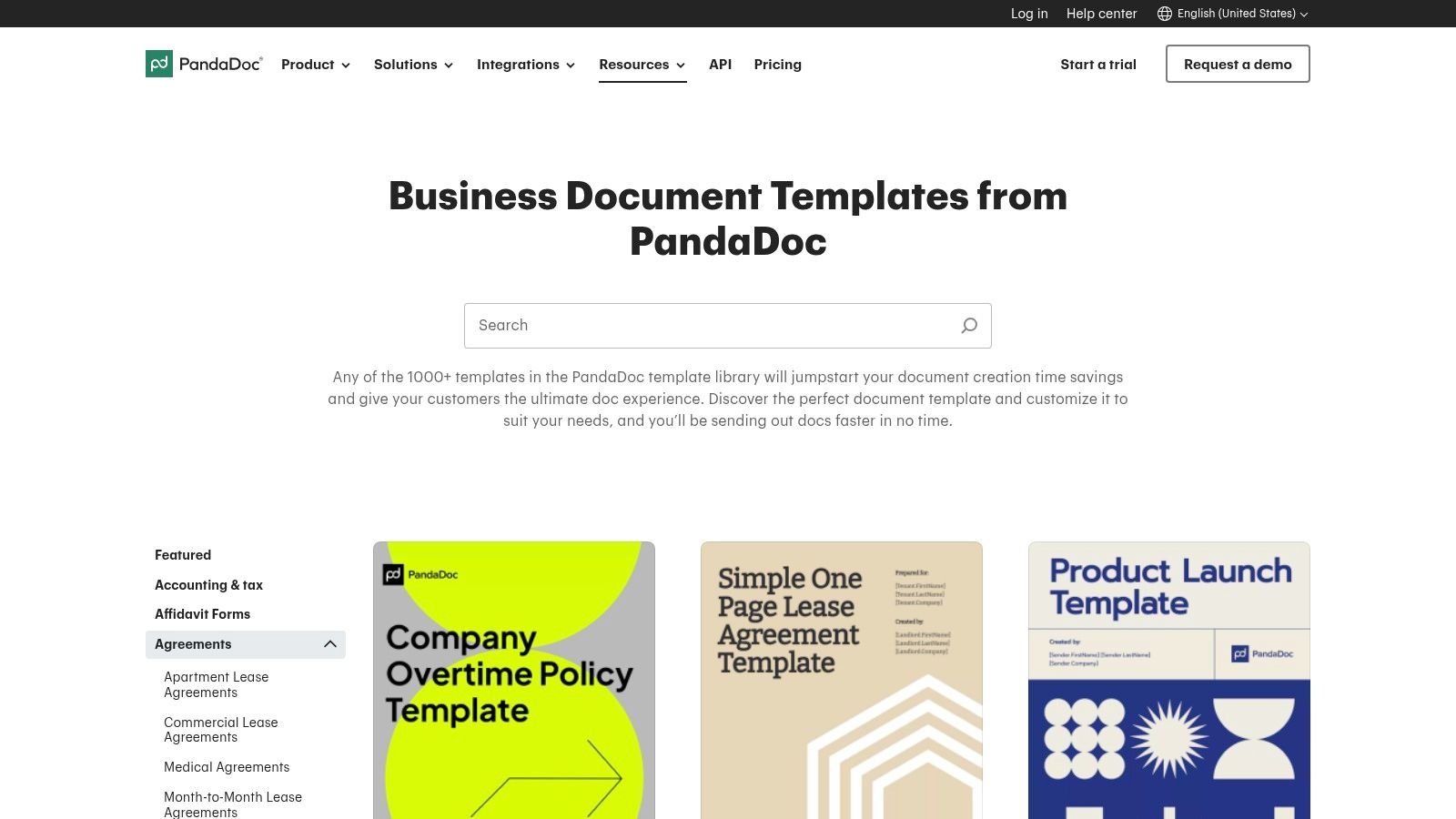
The platform’s major advantage is its integrated ecosystem. You can select a template, customize it directly in the browser-based editor using variables and content blocks, and then seamlessly send it for electronic signature. This integration streamlines the entire contracting process, eliminating the need to download a Word doc, edit it, and then upload it to a separate e-signature service.
Practical Insights & Usage Tips
PandaDoc offers a free plan that provides access to many of its templates and includes unlimited e-signatures, making it highly valuable for startups and solo entrepreneurs. However, advanced features like approval workflows, content locking, and performance analytics are gated behind paid subscriptions. For those managing a high volume of contracts, it can function as a lightweight contract management system. You can explore more options in our guide to contract management software for small businesses.
- Best For: Businesses wanting an all-in-one solution for creating, sending, and tracking agreements.
- Key Feature: The built-in editor with token fields (e.g.,
[Client.Name]) auto-populates information, saving time and reducing errors. - Limitation: While many templates are free to access and download, they are optimized for use within the PandaDoc platform, which can make them slightly less portable if you prefer offline editing.
Website: https://www.pandadoc.com/templates
2. DocuSign
DocuSign is a household name in e-signatures, but it also offers a valuable gallery of over 40 business agreement templates free to preview and use. While not as extensive as some dedicated template libraries, its collection focuses on legally-oriented, high-stakes documents like NDAs, service contracts, operating agreements, and commercial leases. The templates are designed for immediate deployment within its trusted ecosystem.
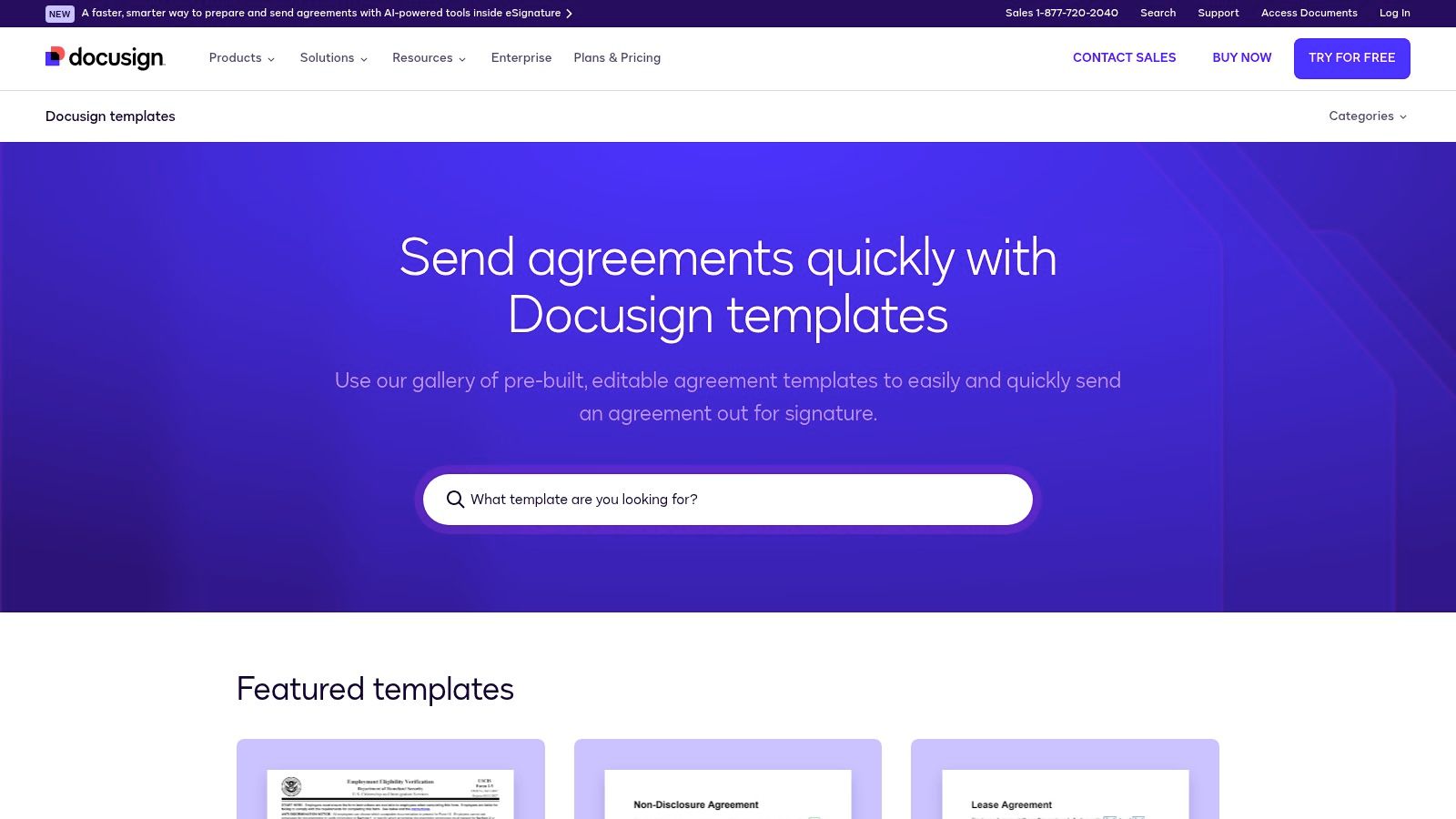
The primary advantage of using DocuSign's templates is their seamless integration with its market-leading eSignature platform. Users can quickly select a template, populate the required fields, and send it for signature, all while benefiting from DocuSign’s robust security, compliance features, and detailed audit trails. This makes it an excellent choice for businesses that prioritize speed and legal defensibility in their contracting process.
Practical Insights & Usage Tips
DocuSign allows anyone to preview its templates directly from its website gallery. To customize and send them, you'll need an account, which you can access via a free trial. This setup is ideal for quickly executing standard agreements without extensive customization. However, if your budget is a primary concern, you may want to explore your options. If you're exploring options, you might be interested in finding the best free alternative to DocuSign for your business needs.
- Best For: Businesses prioritizing e-signature security and audit trails alongside template convenience.
- Key Feature: The integration of templates with a trusted, legally-recognized e-signature workflow and document tracking.
- Limitation: The template selection is smaller compared to competitors, and the best user experience is intrinsically tied to using a DocuSign account or trial.
Website: https://www.docusign.com/templates
3. Rocket Lawyer
Rocket Lawyer differentiates itself by combining a large library of business agreement templates free to build with an interactive, guided creation process. Rather than just providing a static file, the platform walks users through a step-by-step questionnaire. Your answers dynamically generate a customized document tailored to your needs, covering everything from Service Agreements to NDAs and operating agreements.
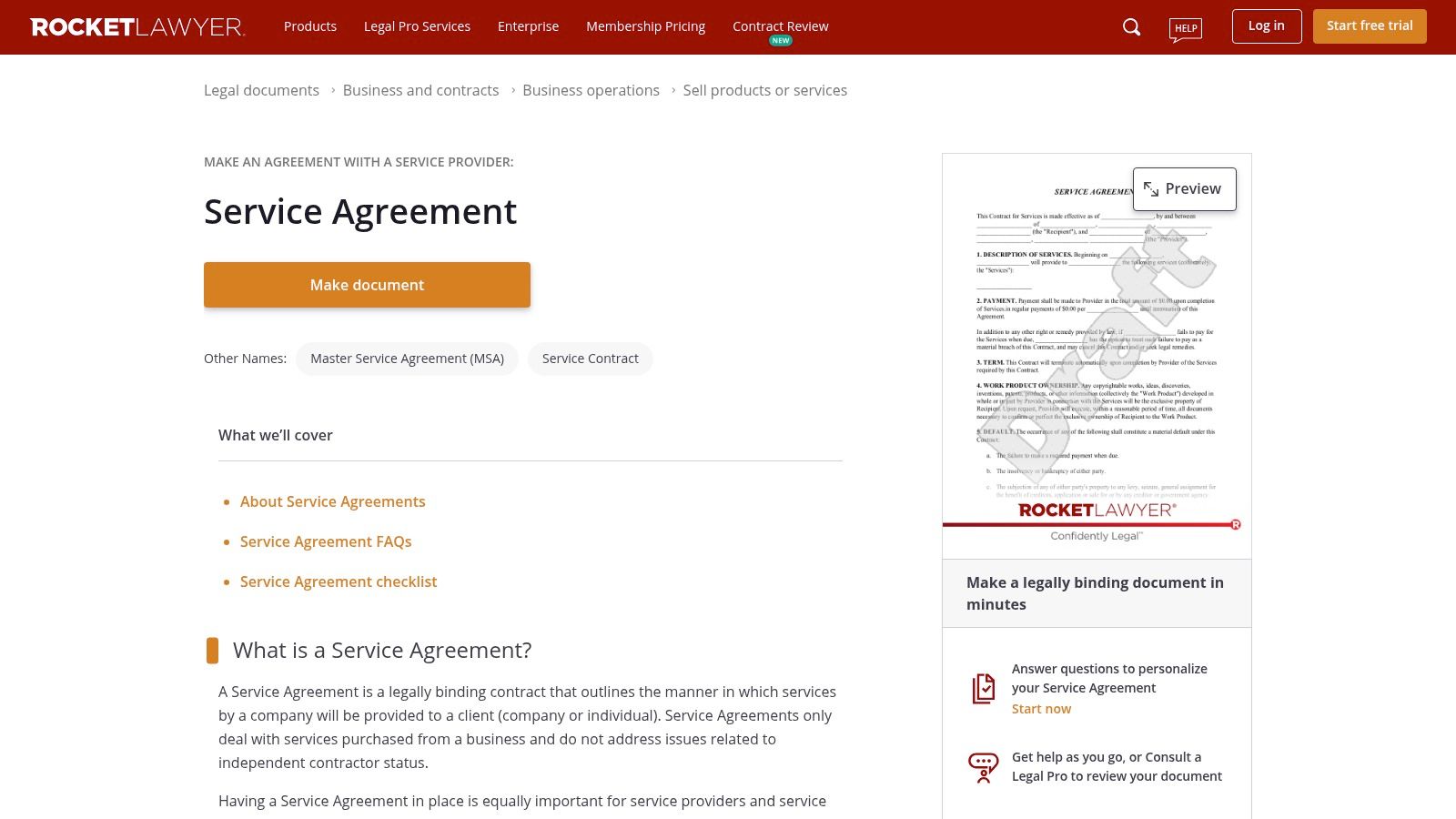
The primary advantage is its user-friendly interface that makes legal document creation accessible to non-lawyers. The platform’s documents are attorney-reviewed, and its system can generate state-specific clauses, adding a layer of compliance. Once your document is created, you can send it for e-signature directly through their integrated RocketSign feature.
Practical Insights & Usage Tips
Rocket Lawyer offers a 7-day free trial that provides unlimited access to its document library, e-signatures, and even attorney Q&A. This makes it an excellent resource for a one-off project or for testing the service. After the trial, a paid membership is required to download, print, or sign most documents. For those who anticipate ongoing legal needs, the membership can provide significant value. For foundational knowledge on what constitutes a solid agreement, you can explore this guide on the essential elements of a business contract.
- Best For: Entrepreneurs and small business owners who prefer a guided, interview-style approach to creating customized legal documents.
- Key Feature: The interactive document builder asks simple questions to populate the agreement, effectively translating business needs into legal language.
- Limitation: The free access is time-limited. Full functionality and document access beyond the trial period require a monthly subscription.
4. LawDepot
LawDepot specializes in generating customized legal documents through a guided, step-by-step questionnaire. Instead of offering a static template, it walks users through a series of questions about their business, location, and specific needs, automatically inserting state-specific clauses to create a more tailored document. This approach is particularly useful for forming partnership agreements, LLC operating agreements, or service contracts that require jurisdictional compliance.
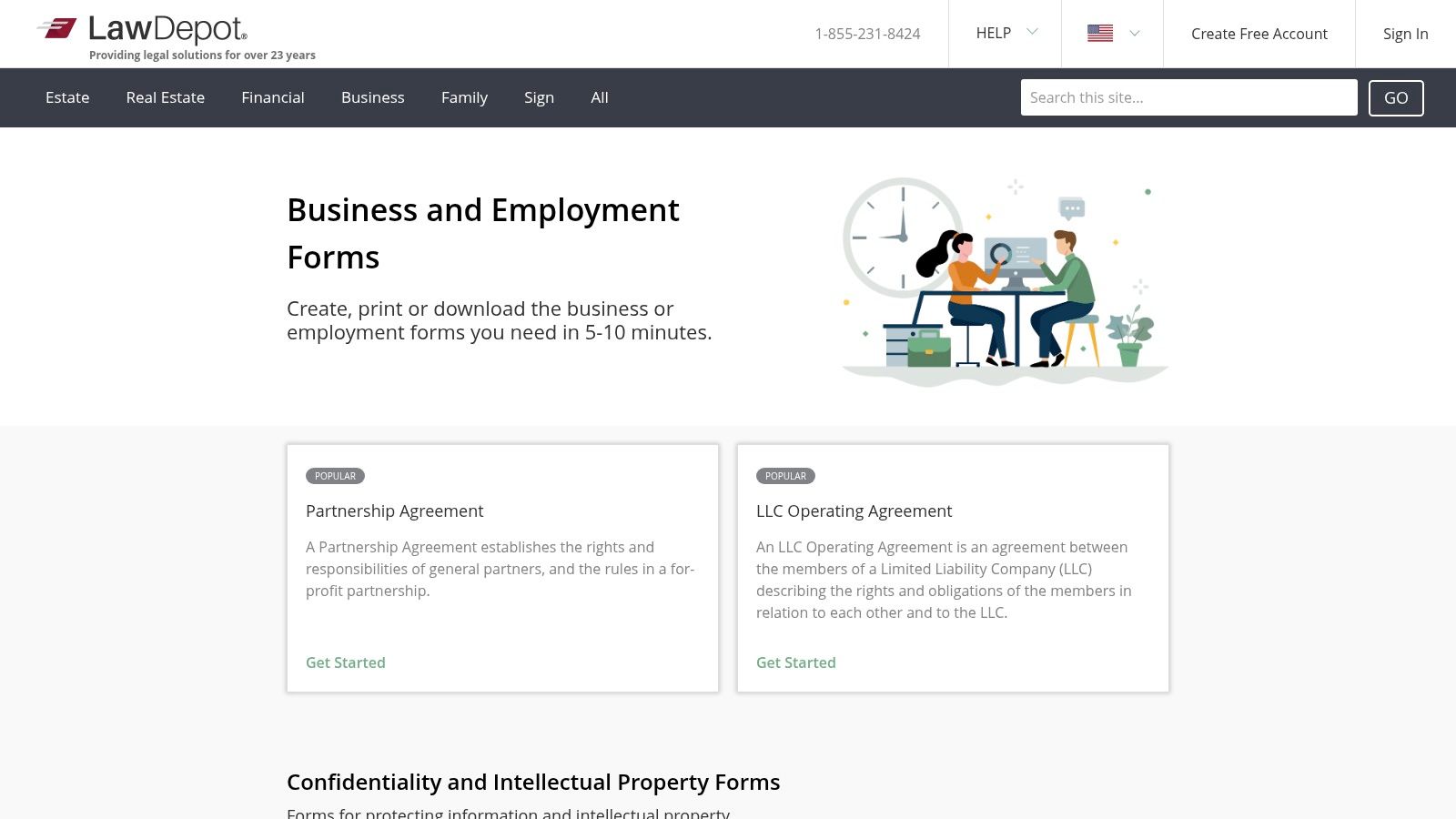
The platform's strength lies in its ability to produce a near-complete draft without requiring the user to have deep legal knowledge. By answering simple questions, you effectively build a custom agreement. While LawDepot operates primarily on a subscription or per-document purchase model, it offers a 7-day free trial that provides full access to its library, making it a valuable resource for one-off needs or for exploring different business agreement templates free of initial cost.
Practical Insights & Usage Tips
The free trial is the key to accessing LawDepot's resources without a fee. You can create, download, and print as many documents as you need during this period, but be sure to cancel before the trial ends to avoid charges. The documents can be exported in common formats like Word and PDF, which is a significant advantage over platforms that lock you into their ecosystem. The state-specific customization is a standout feature, but always have a legal professional review any document created, especially complex ones like operating or partnership agreements.
- Best For: Individuals and small businesses needing jurisdiction-specific documents without wanting to draft them from scratch.
- Key Feature: The interactive questionnaire that builds a customized, state-compliant document based on user inputs.
- Limitation: Full access is temporary. Outside of the 7-day free trial, you must pay for a subscription or purchase documents individually, which can be costly.
Website: https://www.lawdepot.com/us/business/
5. LegalTemplates.com
LegalTemplates.com positions itself as a more guided experience for finding business agreement templates free during its trial period. Its core strength lies in its attorney-crafted documents and a step-by-step document builder that customizes contracts based on user inputs, including state-specific clauses for agreements like LLC Operating Agreements or lease contracts.
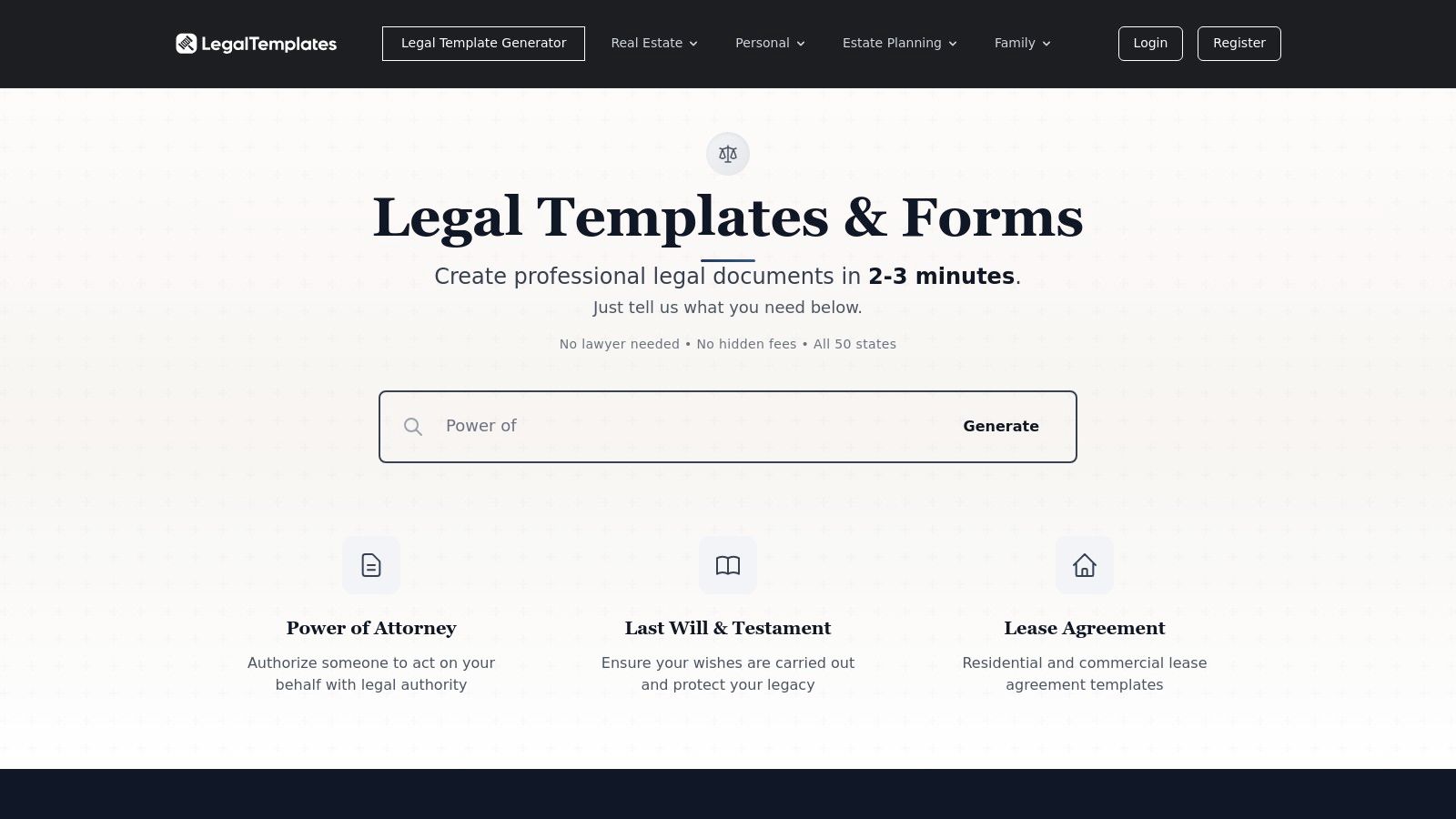
The platform functions more like an interactive tool than a static library. You select a document, answer a series of questions, and the system assembles a customized agreement for you. This approach simplifies the creation process, especially for users who are less familiar with legal terminology, and ensures key details aren't overlooked. Completed documents can be managed in a dashboard and exported to both Word and PDF formats for offline use.
Practical Insights & Usage Tips
LegalTemplates.com offers a 7-day free trial that provides access to its library, making it a great option for one-off needs. However, continuous access requires a monthly or annual subscription. The platform is most cost-effective for businesses that anticipate needing several legal documents throughout the year. For a deep dive into specific clauses you might encounter, such as in confidentiality agreements, you can get more details on our Non-Disclosure Agreement template page.
- Best For: Individuals and small businesses needing state-specific documents with a guided creation process.
- Key Feature: The question-and-answer document builder simplifies customization and helps ensure compliance with local laws.
- Limitation: Single document purchases can be expensive compared to the subscription cost, and continued access to your document dashboard requires an active subscription after the trial.
Website: https://legaltemplates.com/
6. US Legal Forms
US Legal Forms distinguishes itself with a vast and highly specific library of over 85,000 legal documents. While not a source for entirely free templates, its strength lies in providing attorney-reviewed, state-specific forms that cater to nuanced compliance needs across the United States. This makes it a go-to resource for businesses requiring documents like NDAs, employment contracts, and corporate forms that are precisely tailored to a particular jurisdiction.
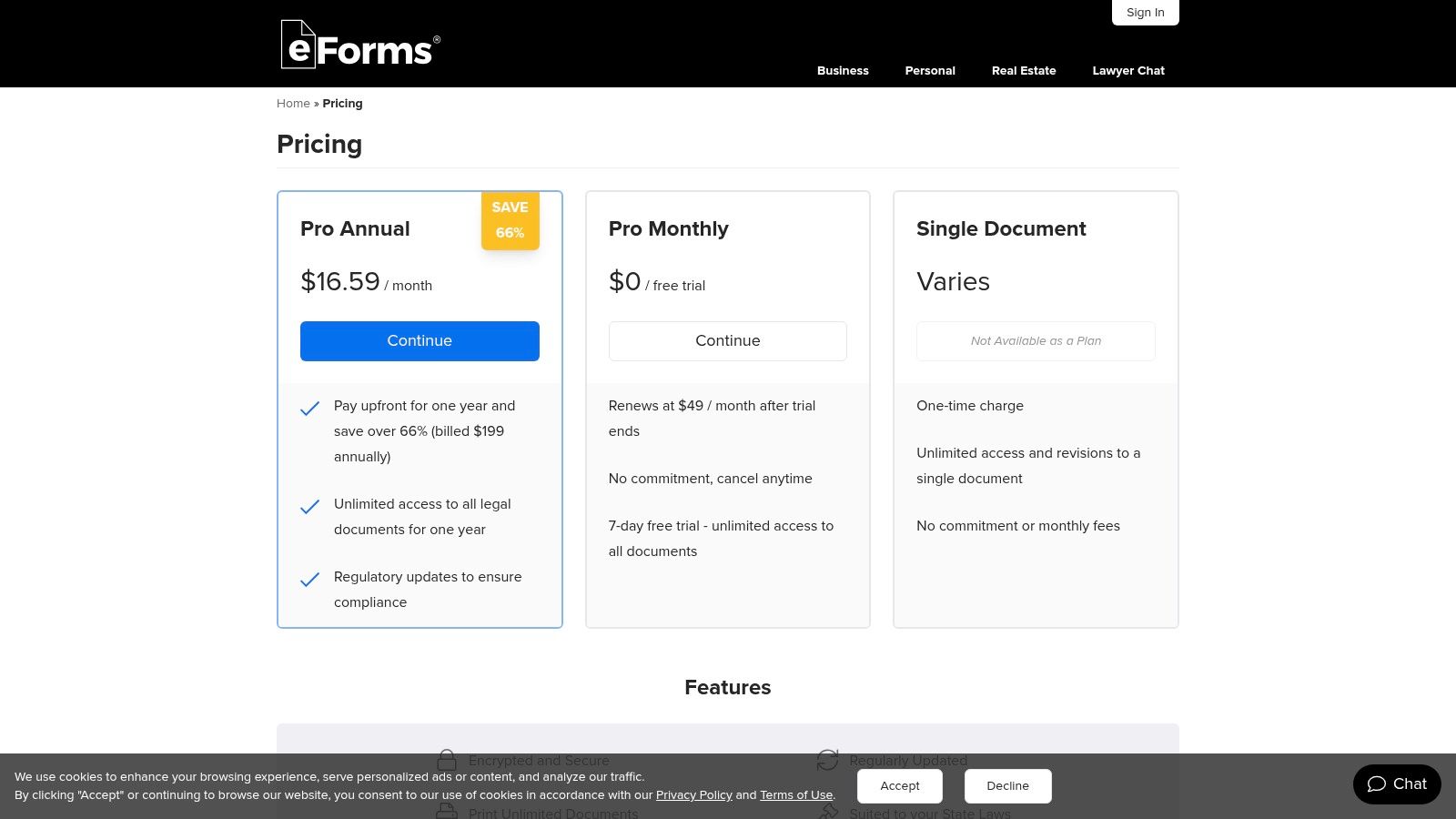
The platform operates on a subscription model, offering plans that provide download access to its extensive catalog. Higher-tier Premium plans integrate powerful tools like pdfFiller for in-browser editing and signNow for electronic signatures. This bundled approach creates a streamlined workflow, allowing users to find, customize, and execute a state-compliant agreement within a single ecosystem, which is a significant step up from downloading a generic template and seeking separate tools.
Practical Insights & Usage Tips
The primary value of US Legal Forms is its depth and specificity; you are more likely to find a form that closely matches your state's legal requirements here than on more generalized template sites. The interface is functional and geared toward efficiency rather than modern aesthetics, which may appeal to compliance professionals but feel less intuitive to first-time business owners. Its subscription cost is a key consideration, but for those who frequently need state-specific legal documents, the investment can be justified by the time saved and the reduction in compliance risk.
- Best For: Businesses operating in multiple states or those needing highly specific, jurisdiction-compliant legal forms.
- Key Feature: The comprehensive, state-specific filtering system ensures you can find documents that align with local laws.
- Limitation: The platform is subscription-based, so it does not offer business agreement templates free of charge, and its utilitarian design can be less welcoming for new users.
Website: https://www.uslegalforms.com/pricing/
7. eForms
eForms positions itself as a comprehensive online library for do-it-yourself legal and business documents, offering a wide array of state-specific forms. While not exclusively focused on contracts, its collection of business agreement templates free to access during its trial period covers critical areas like service, sales, employment, and LLC operating agreements, making it a practical resource for common business needs.
The platform's main value proposition is its straightforward, form-based approach. Users are guided through a step-by-step process to fill in the necessary details, and the final document can be downloaded in multiple formats, including PDF, Word, and ODT. This flexibility allows for easy offline editing and storage, which is a significant advantage for users who prefer to manage their documents outside a closed ecosystem.
Practical Insights & Usage Tips
eForms offers a 7-day free trial that provides unlimited access to its entire library of documents, which is an excellent way to source multiple templates quickly. However, continued access requires a subscription. The state-specific nature of many of its templates is a key benefit, as it helps ensure compliance with local laws. Even with this feature, it's crucial to have complex or high-stakes agreements reviewed by a legal professional.
- Best For: Individuals and small businesses needing quick, state-aligned templates for standard agreements without the complexity of an integrated platform.
- Key Feature: The ability to download documents in universally compatible formats (PDF, Word, ODT) provides maximum portability and editing flexibility.
- Limitation: The model is trial-based; ongoing access to create and download new documents requires a paid subscription, making it less of a "free" resource in the long term.
Website: https://eforms.com/pricing/
8. Jotform
Jotform offers a unique, form-based approach to generating business agreement templates free of charge. Instead of providing traditional document files, it allows users to create interactive web forms that, once completed and submitted, automatically generate a polished and legally binding PDF agreement. Its library includes hundreds of templates for service agreements, independent contractor agreements, and consent forms.
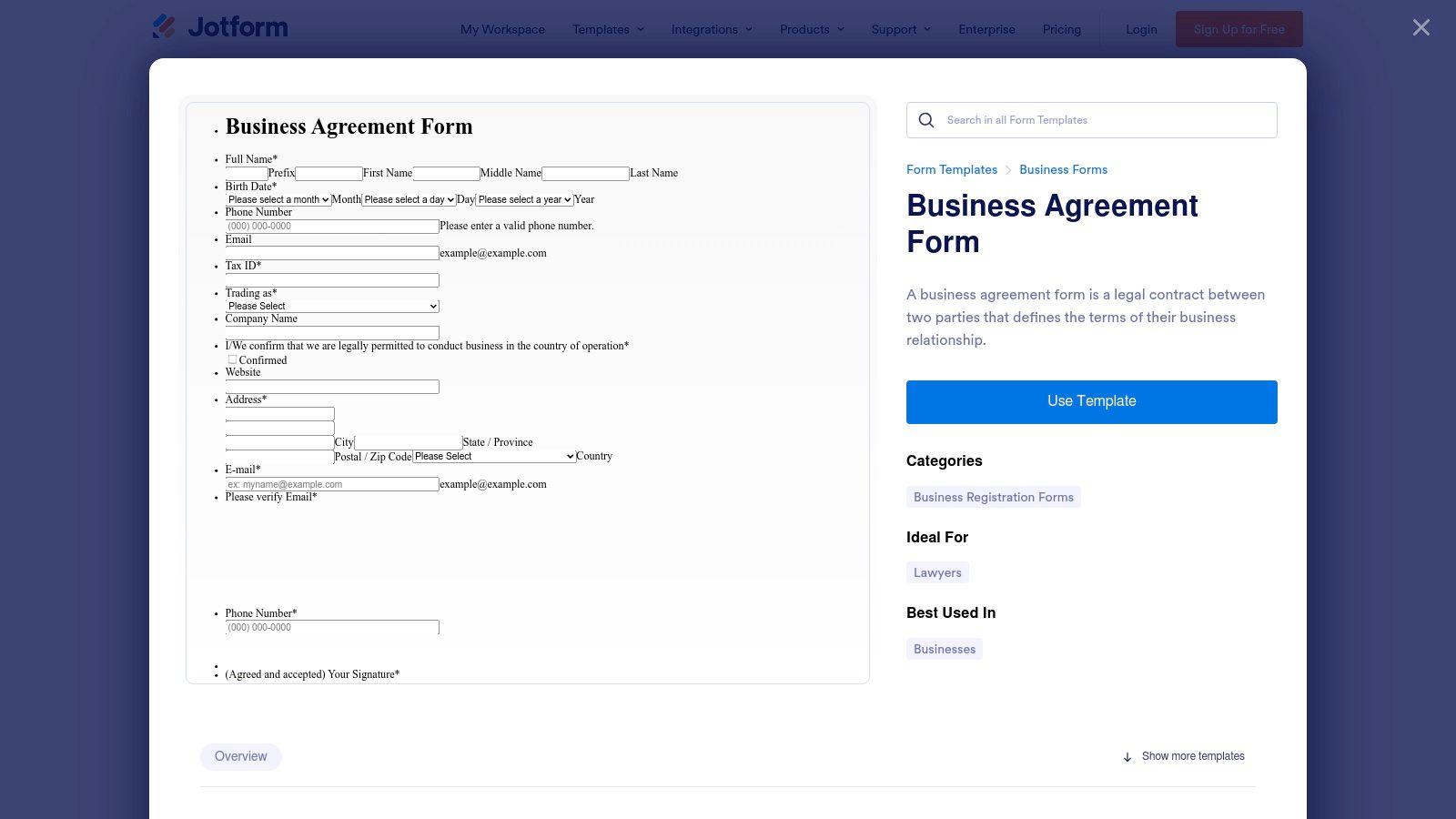
The platform’s strength lies in its ability to streamline intake and signing processes. You can embed a form on your website, send a direct link to a client, and have them fill in their details. Upon submission, a finalized contract with their e-signature is instantly created and can be automatically emailed to all parties, creating a seamless workflow from data collection to execution.
Practical Insights & Usage Tips
Jotform’s generous free plan is a major draw, allowing for up to five forms, 100 monthly submissions, and 10 monthly signed documents, making it perfect for businesses with low-volume, repeatable agreement needs. The drag-and-drop form builder is intuitive, letting you add custom fields, conditional logic, and branding. While the free tier is robust, higher submission volumes, more storage, and HIPAA compliance features require a paid subscription.
- Best For: Service-based businesses that need to automate the collection of client information and signatures for standardized agreements.
- Key Feature: The platform’s ability to convert form submissions directly into secure, signed PDF documents simplifies record-keeping and workflow automation.
- Limitation: The form-centric model is less suited for heavily negotiated or highly customized contracts that require extensive redlining and back-and-forth edits like a traditional Word document.
Website: https://www.jotform.com/form-templates/business-agreement-form
9. SignWell
SignWell offers a streamlined approach, focusing on a curated library of high-quality business agreement templates free for download and use. Rather than overwhelming users with thousands of options, SignWell provides essential, plain-language contracts for common freelance and small business needs, such as Service Agreements, Web Design Contracts, and Marketing Agreements. The focus is on clarity and ease of use, making them accessible even for those without a legal background.
The platform’s core strength lies in its simplicity and direct integration with its e-signature tool. You can download a template and edit it offline or use it directly within the SignWell workflow to customize and send for signatures. This model provides flexibility for users who may want to review and modify a document heavily before initiating the signing process. Each template also comes with a brief guide explaining its purpose and key sections.
Practical Insights & Usage Tips
SignWell’s free plan is generous, allowing users to send up to one document for e-signature per month and providing access to their templates. The documents are designed to be straightforward and easily adaptable. This makes them a great starting point for standard engagements where a complex, multi-page agreement is unnecessary. For businesses that need to send more documents, paid plans offer higher limits and advanced features like document tracking and team collaboration.
- Best For: Freelancers, consultants, and small agencies needing clear, professional, and easy-to-use agreements for client work.
- Key Feature: The templates are written in simple, accessible language, reducing the risk of misunderstandings between parties.
- Limitation: The library is significantly smaller and less diverse than those of larger platforms, focusing primarily on service-based business needs.
Website: https://www.signwell.com/contracts/
10. Dropbox Sign (HelloSign)
Dropbox Sign, widely known by its former name HelloSign, is primarily an e-signature platform that excels at streamlining document workflows through its template system. While not a massive library of pre-made business agreement templates free for download, its strength lies in allowing users to create, save, and reuse their own custom templates. This makes it ideal for businesses that repeatedly use the same types of agreements, such as client onboarding forms, NDAs, or sales contracts.
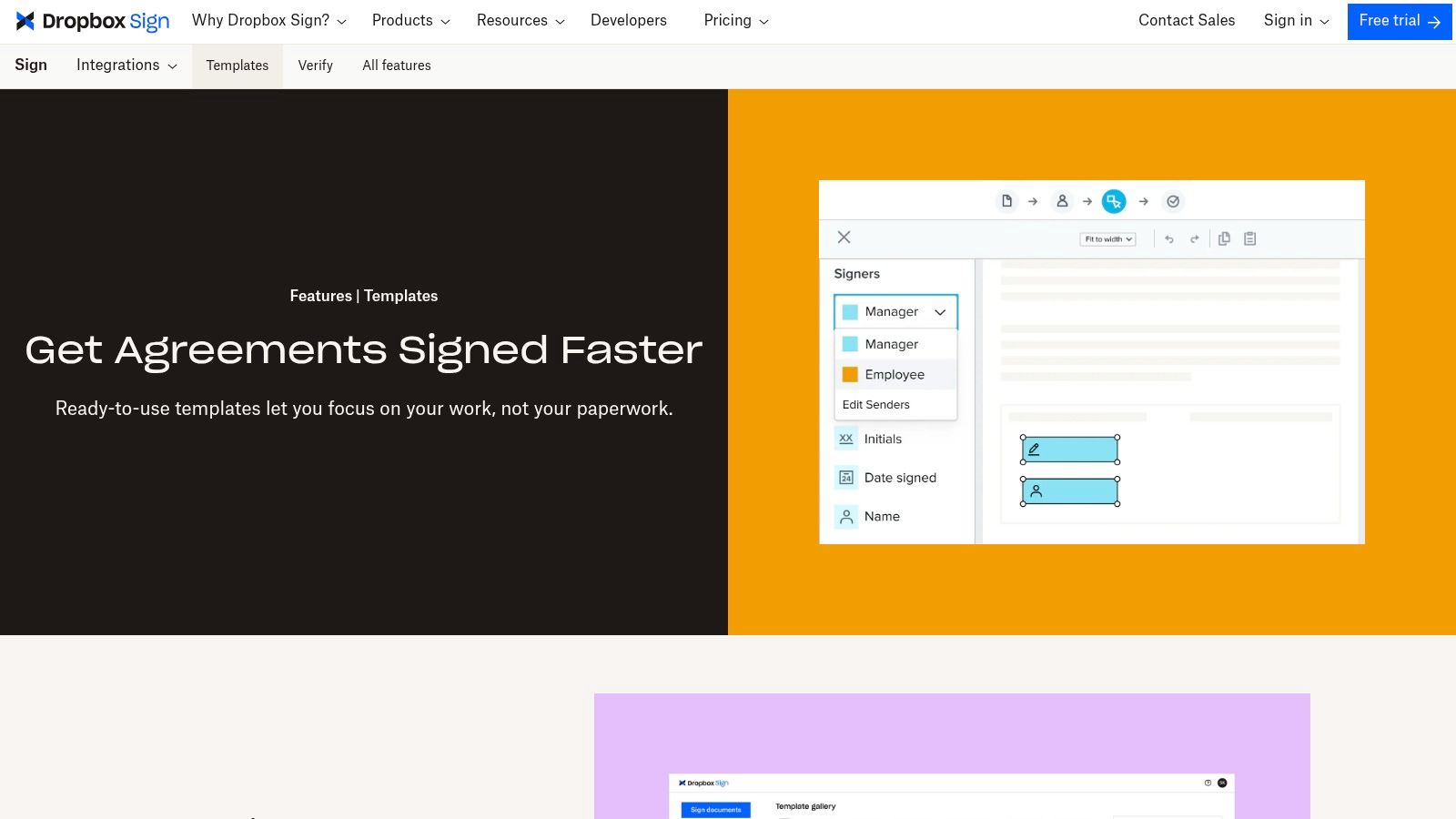
The platform focuses on operational efficiency. Once you upload an agreement and designate signature and text fields, you can save it as a reusable template. This template can then be shared via a direct link or sent to new signatories with just a few clicks. Its seamless integrations with cloud storage like Dropbox and Google Drive, along with CRMs like Salesforce, further embed it into existing business processes.
Practical Insights & Usage Tips
The free plan for Dropbox Sign is limited but allows you to get a feel for the workflow, offering three signature requests per month. To unlock the core templating features, a paid subscription is necessary. The true value is realized when a team standardizes its agreements, using features like role-based fields (e.g., "Client," "Contractor") that automatically assign signature blocks to the correct parties, ensuring consistency and compliance across the organization.
- Best For: Teams that need to standardize and rapidly deploy recurring agreements with a focus on e-signature collection.
- Key Feature: The ability to create reusable template links, perfect for one-to-many signing scenarios like event waivers or standard terms of service.
- Limitation: The platform is a template system rather than a template library. You must bring your own documents to turn into templates; it doesn't offer a vast, pre-written collection.
Website: https://www.dropboxsign.com/features/templates
11. Nolo
Nolo has been a trusted legal publisher for decades, and its website reflects this heritage by prioritizing educational value alongside its templates. While not as extensive as a dedicated software platform, Nolo provides a curated library of business agreement templates free for download, accompanied by detailed, plain-English explanations. This approach helps users understand the purpose and implications of the documents they are creating, which is a significant advantage for those without a legal background.
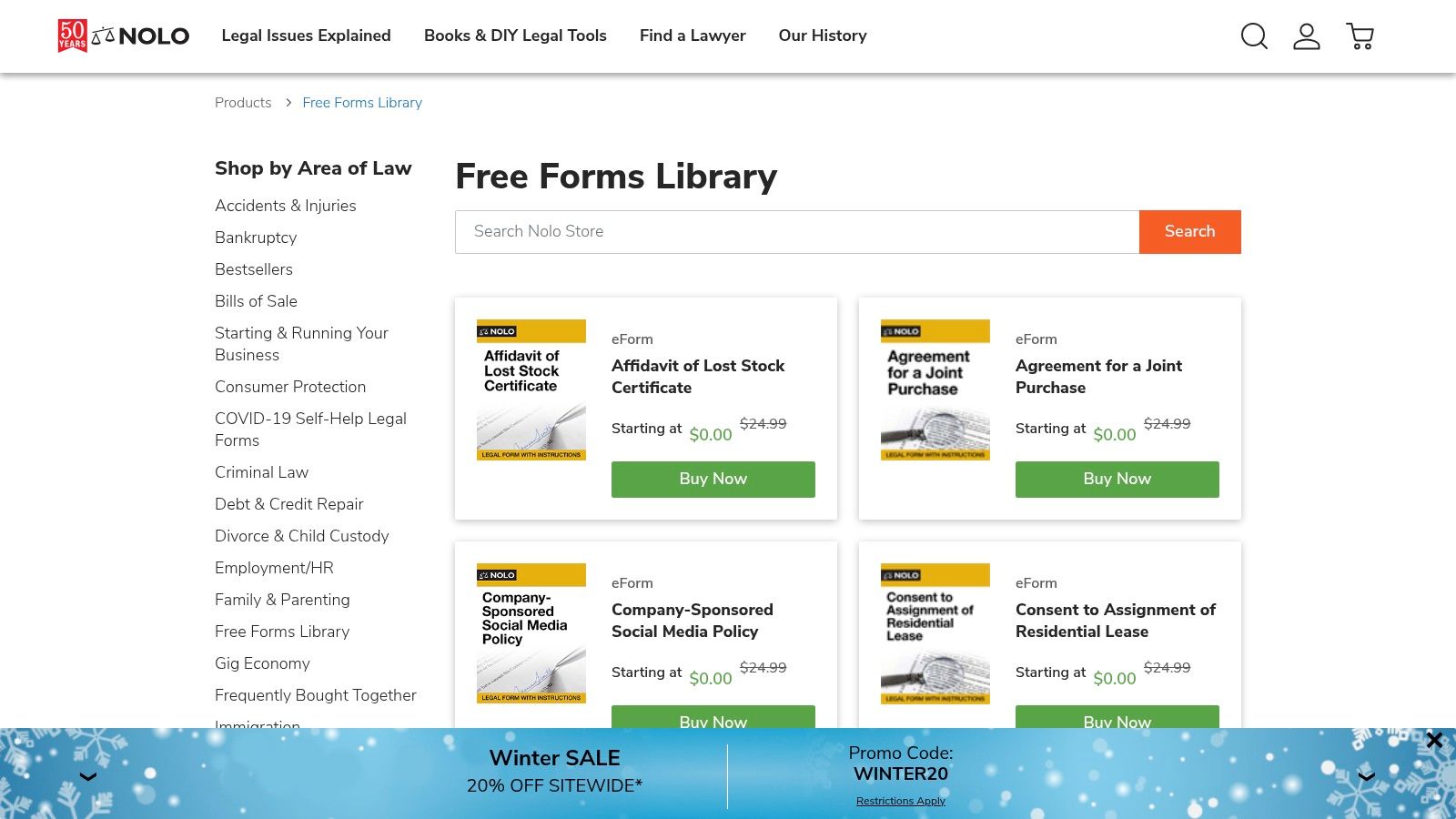
The platform’s strength lies in its guidance. Each form is typically part of a larger article that breaks down complex legal concepts, provides context, and walks the user through the customization process step-by-step. While its free offerings are more selective, Nolo also provides comprehensive paid options, like its Business Forms Bundle, for those who need a wider range of documents. This makes it an excellent starting point for basic needs and a reliable resource for more complex requirements.
Practical Insights & Usage Tips
Nolo’s templates are best viewed as educational tools combined with functional documents. They are generally provided as simple RTF or Word files, making them easy to download and edit offline. The true value comes from reading the associated articles to ensure you grasp the legal context before filling in the blanks. The free library is limited, so users often find themselves needing to purchase a specific form or book, but the quality and authority behind the documents often justify the cost for critical agreements.
- Best For: Small business owners and entrepreneurs who value clear, step-by-step guidance and legal context.
- Key Feature: The combination of downloadable forms with authoritative, plain-English articles explaining how to use them correctly.
- Limitation: The free library is not comprehensive; many essential business agreements are only available through paid products.
Website: https://store.nolo.com/products/free-forms-library
12. Law Insider
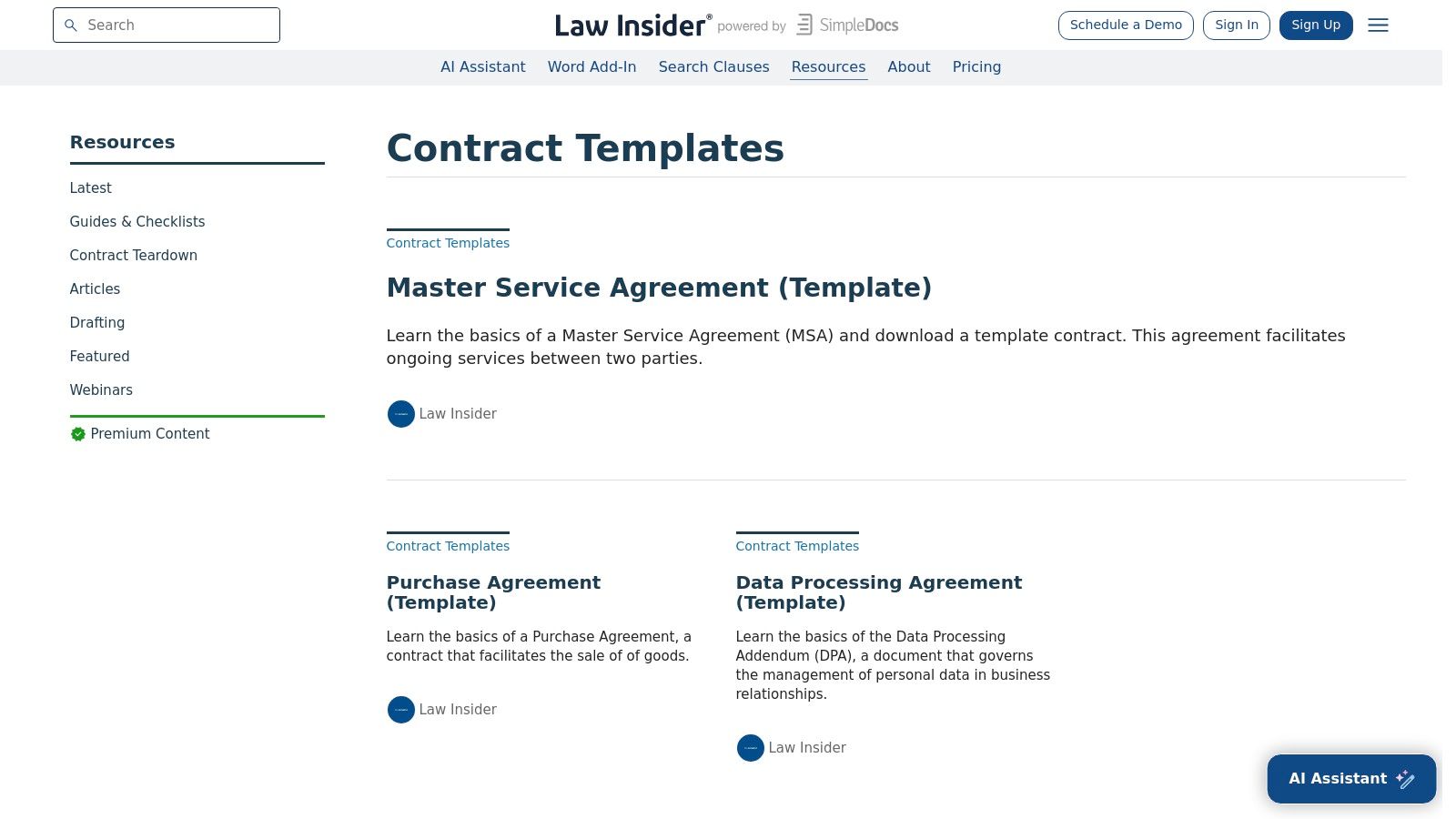
Law Insider offers a unique, educational approach to business agreement templates free of charge. Instead of being a simple template generator, it functions as a vast legal research tool, providing context, clause-level explanations, and real-world examples drawn from millions of publicly filed contracts. This makes it an invaluable resource for understanding the "why" behind the language in an agreement, not just the "what."
The platform is less about direct document creation and more about providing the building blocks and intelligence to draft or customize your own contracts confidently. For each agreement type, such as an MSA or Purchase Agreement, it breaks down the key clauses and provides links to numerous variations used by actual companies. This allows users to compare different phrasing and find language that best suits their specific needs.
Practical Insights & Usage Tips
Law Insider is best used as a research companion alongside a primary template source or document editor. Its strength lies in helping you vet and improve an existing template rather than providing a one-click solution. While many resources and sample clauses are free, full access to its extensive contract database requires a paid subscription. The platform’s guides are excellent starting points for learning about complex agreements before you commit to a specific template.
- Best For: Entrepreneurs, paralegals, and lawyers who want to understand the nuances and variations of specific contract clauses.
- Key Feature: The ability to see real-world examples of clauses from a massive database, offering unparalleled context.
- Limitation: It is not an end-to-end document creation or e-signature platform; it’s a research and drafting-support tool.
Website: https://www.lawinsider.com/resources/contract-templates
Free Business Agreement Templates — Top 12 Comparison
| Product | Core features | UX / Quality (★) | Value / Pricing (💰) | Target audience (👥) | Unique selling points (✨ / 🏆) |
|---|---|---|---|---|---|
| PandaDoc | 1,000+ templates, in-browser editor, e‑sign, workflows | ★★★★☆ | 💰 Paid tiers for teams; many free templates | 👥 SMBs, sales & legal ops | ✨ End‑to‑end doc→sign flow, analytics |
| DocuSign | Template gallery, eSignature, audit trails, compliance | ★★★★☆ | 💰 Free preview/trial; paid accounts for full use | 👥 Enterprises, legal teams | 🏆 Trusted brand; strong compliance |
| Rocket Lawyer | Attorney‑reviewed templates, guided questionnaire, RocketSign, legal Q&A | ★★★★☆ | 💰 7‑day trial; membership for downloads/support | 👥 Small businesses, DIYers needing counsel | ✨ Attorney access + drafting wizard |
| LawDepot | Guided questionnaires, state clauses, single or subscription buys | ★★★★ | 💰 Pay‑per‑document or subscription options | 👥 Entrepreneurs, SMBs | ✨ Flexible purchase model; deep catalog |
| LegalTemplates.com | Attorney‑crafted templates, builder, Word/PDF export, subscriptions | ★★★★ | 💰 Competitive annual plans; trial available | 👥 Frequent users, SMBs | ✨ Fast builder + competitive pricing |
| US Legal Forms | 85,000+ state‑specific forms, download plans, Premium editing/sign | ★★★★ | 💰 Download plans; Premium adds editing/e‑sign | 👥 Compliance admins, lawyers | 🏆 Extremely deep, state‑filtered library |
| eForms | State‑aligned templates, PDF/Word/ODT export, regular updates | ★★★★ | 💰 7‑day trial; subscription afterwards | 👥 DIY small businesses | ✨ Multiple export formats; satisfaction guarantee |
| Jotform | Drag‑drop form builder, e‑sign fields, PDF generation, automations | ★★★★☆ | 💰 Generous free tier; paid for advanced automations | 👥 Teams needing intake + signing | ✨ Forms + automation for workflows |
| SignWell | Curated plain‑language templates, free downloads, e‑sign integration | ★★★☆ | 💰 Free downloads; paid for advanced e‑sign features | 👥 Freelancers, small businesses | ✨ Clear, user‑friendly templates |
| Dropbox Sign (HelloSign) | Reusable templates/links, team sharing, integrations (Drive/CRM) | ★★★★ | 💰 Paid tiers; template limits by plan | 👥 Teams standardizing recurring agreements | ✨ Reusable links + strong integrations |
| Nolo | Select free forms, paid Business Forms Bundle, plain‑English guidance | ★★★☆ | 💰 Some free content; bundles via NoloCloud | 👥 Small businesses, DIYers | ✨ Authoritative publisher + step‑by‑step guidance |
| Law Insider | Clause‑level examples, downloadable samples, contract context | ★★★★ | 💰 Research-focused; some paid content/subscriptions | 👥 Contract drafters, lawyers | 🏆 Clause insights & real‑world examples |
From Template to Transaction: Making Your Agreements Work for You
Navigating the landscape of business agreement templates free of charge can feel like a significant victory for any entrepreneur, small business owner, or legal professional. As we've explored throughout this guide, resources from PandaDoc, Rocket Lawyer, LawDepot, and others provide an invaluable launchpad, offering structured, professionally formatted documents that cover a vast array of transactional needs. These platforms demystify the initial drafting process, transforming a once-intimidating task into a manageable one.
The core takeaway, however, is that a template is a foundation, not a finished structure. Its true power is only unlocked through meticulous customization, thoughtful review, and strategic implementation. Simply finding a free service agreement or partnership template is not the end of the journey; it is the critical first step. The real work lies in adapting that boilerplate language to reflect the unique nuances of your specific deal, jurisdiction, and risk tolerance. And before you lock in a binding contract, it often helps to record the broad strokes of a partnership first with a memorandum of understanding form.
Key Takeaways for Effective Agreement Management
Reflecting on the dozen resources covered, several core principles emerge as essential for turning a generic template into a powerful business asset:
- Source Credibility is Paramount: Not all free templates are created equal. Prioritize resources like Rocket Lawyer, LawDepot, or Nolo that have legal professionals vetting their documents over more generic repositories. Credibility minimizes the risk of starting with a fundamentally flawed or outdated foundation.
- Customization is Non-Negotiable: A template is, by definition, generic. Your most critical task is to tailor it. This involves filling in the blanks and also critically assessing every clause. Does the scope of work accurately reflect the project? Are the payment terms precise? Is the liability cap reasonable for your business?
- Jurisdiction Matters Deeply: A contract that is enforceable in California may have unenforceable clauses in New York. Always verify that your chosen template aligns with your state and local laws, particularly for employment agreements, non-competes, and real estate transactions.
- The Review Process is Your Safety Net: Never skip the review stage. Whether you conduct it yourself, have a colleague provide a second opinion, or leverage an AI legal assistant, a thorough review is your best defense against ambiguity, loopholes, and future disputes. This is where you catch inconsistencies and ensure the final document truly serves its intended purpose.
Your Action Plan: From Download to Deal
So, where do you go from here? The path from template to a signed, effective agreement involves a clear, repeatable process.
- Select the Right Starting Point: Based on our review, choose a provider that best matches your needs. For user-friendly, e-signature-integrated options, consider PandaDoc or SignWell. For a more comprehensive library with legal guidance, Rocket Lawyer or LawDepot are excellent choices.
- Adapt and Tailor: Scrutinize key sections like indemnification, termination, confidentiality, and dispute resolution. Use the "red flags" and "common customization" tips provided for each tool to guide your edits.
- Validate and Verify: This is the ideal stage to introduce an AI-powered tool. Upload your customized draft to an AI legal assistant to quickly summarize terms, flag potentially risky language, and ensure internal consistency before it ever reaches the other party.
- Organize and Archive: Once signed, your agreement becomes a critical business record. Establishing a clear document management workflow is essential for keeping track of versions, renewal dates, and compliance obligations. An organized system prevents frantic searches and ensures you can access vital information when you need it most.
Ultimately, leveraging free business agreement templates is a smart, cost-effective strategy. It empowers you to move faster and operate with a greater degree of professionalism and protection. By combining these powerful starting points with a diligent process of customization and intelligent review, you can build a solid contractual foundation that supports your business's growth, minimizes risk, and fosters clear, successful relationships with every partner, client, and employee.
Ready to elevate your contract review process from manual and time-consuming to fast and intelligent? LegesGPT uses advanced AI to analyze your customized agreements, identify risks, and provide actionable insights in seconds. Stop guessing and start validating with confidence by visiting LegesGPT to see how our AI legal assistant can become your essential second set of eyes.