
Legal research is the backbone of every case, brief, and legal opinion, yet it remains one of the most time-consuming tasks in legal practice. Between searching case law, verifying citations, analyzing statutes, and synthesizing findings, lawyers can spend 20-35% of their billable time on research alone. The difference between a good research tool and a great one is not just convenience; it is the difference between catching a critical precedent and missing it.
This guide cuts through the marketing hype to give you an honest, detailed comparison of the best legal research tools available in 2026: the platforms lawyers use to find case law, search statutes and regulations, and confirm an authority is still good law. It is not a roundup of general-purpose AI drafting assistants; every tool here earns its place on research coverage, search quality, and citation verification. We go beyond feature lists to show which tools actually deliver value for your specific practice, whether you are a solo practitioner watching every dollar or a large firm needing comprehensive coverage.
In this guide, you will find:
- Detailed breakdowns of 10 leading legal research tools, from AI-powered platforms to traditional databases
- Honest pros and cons for each, based on real-world practice scenarios
- Clear, source-verified pricing to help you find a fit for your firm's budget
- Direct links so you can evaluate each tool yourself
- Recommendations by practice size: solo, small firm, mid-size, or enterprise
- Best practices for maximizing your research efficiency in 2026
Our goal is to help you choose a platform that finds the cases you need, verifies your citations, and gives you back hours each week. Let's find the research tool that works as hard as you do.
Why legal research tools matter in 2026
Legal research has transformed over the past decade. What once required hours in a law library now happens in minutes, if you have the right tools. And 2026 marks an inflection point: research is shifting from keyword search to "agentic" AI that runs multi-step research, drafts the analysis, and verifies the citations in one pass.
According to the ABA 2024 Legal Technology Survey Report, 67% of attorneys rely on fee-based online legal research services, while 55% use free platforms like government websites. Yet many firms still struggle with inefficient research that eats into productivity and profitability.
The stakes are high:
- AI is now routine, not experimental. The Thomson Reuters 2026 Future of Professionals Report found that 74% of professionals use AI tools several times a week and 44% rely on them multiple times a day, yet only 35% say their organization's AI strategy actually affects their daily work.
- Missed precedents can lead to malpractice claims. Research errors remain a leading contributor to legal malpractice suits.
- 79% of legal professionals now use AI in some capacity, according to the 2025 Clio Legal Trends Report, up from 19% in 2023, with legal research a top use case.
- Cost savings are substantial when switching from legacy platforms to efficient AI-powered research tools. If AI-first platforms are your priority, see our separate ranking of the best AI for legal research.
The legal research software market was valued at roughly $2.3 billion in 2023 and is projected to reach about $5.7 billion by 2030 (around 16% CAGR), with some 2025 forecasts pushing toward $9 billion by 2033. New AI-powered entrants are challenging the Westlaw-LexisNexis duopoly that dominated for decades.
What to look for in legal research tools
Before the specific tools, here is what separates great legal research platforms from mediocre ones:
Coverage and database size
- Federal and state case law (how far back?)
- Statutes and regulations
- Secondary sources (treatises, law reviews, practice guides)
- International law, if relevant to your practice
Search capabilities
- Natural language search vs. Boolean operators
- AI-powered semantic and agentic search
- Filters by jurisdiction, date, and court level
- Citation analysis (Shepardizing / KeyCiting)
AI features (increasingly essential)
- Case summarization and multi-step research
- Brief analysis and argument generation
- Citation verification to catch hallucinations
Usability and integration
- Learning curve for associates
- Mobile access
- Integration with practice management software
- Export for briefs and memos
Pricing structure
- Per-user vs. per-search pricing
- Flat rate vs. transactional
- Contract requirements and flexibility
10 best legal research tools for lawyers
Here is a quick comparison before the detailed reviews:
| Tool | Best for | Price | Key strength |
|---|---|---|---|
| LegesGPT ⭐ | All lawyers, solo to large firms | From $19.99/mo (3-day $1 trial) | AI answers with verified citations |
| Westlaw Advantage | Large firms, comprehensive research | ~$130-250+/user/mo (est.) | Deepest case law database + CoCounsel AI |
| Lexis+ with Protégé | Enterprise firms, analytics | ~$175-350+/user/mo (est.) | Practical Guidance + agentic AI |
| CoCounsel (Casetext) | Mid-size firms, AI-first research | ~$225/user/mo (est.) | Agentic research, Claude-powered |
| vLex Fastcase | Solo/small firms, budget-conscious | Free via bar | Bar association access |
| vLex Vincent AI | International research, academic | Quote-based (part of Clio) | Global legal coverage |
| Google Scholar | Quick case lookup, budget research | Free | No cost, broad access |
| Clio Manage AI | Practice management + research | Quote-based add-on (~$39-59/user/mo est.) | All-in-one platform |
| PACER / CourtListener | Federal court filings, litigation | $0.10/page | Official federal records |
| Bloomberg Law | Transactional, corporate law | Quote-based (~$450+/user/mo est.) | Business intelligence |
1. LegesGPT
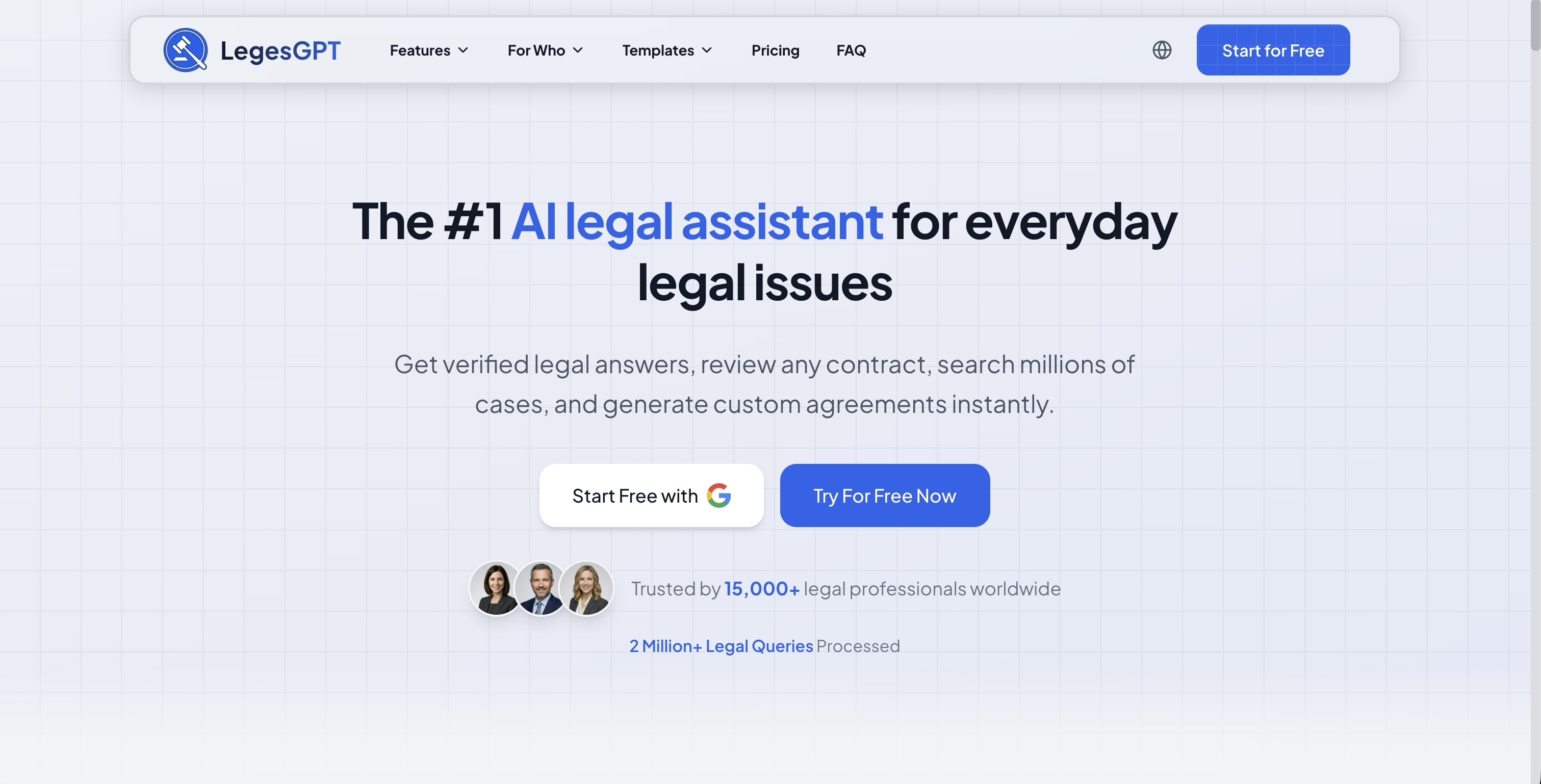
What it does: LegesGPT is an AI legal assistant built around what lawyers actually do. Ask a legal question in plain English and it answers with verified citations and direct source links you can check. Hand it a contract and it reviews the document, flags risks, and proposes changes. It also searches case law and statutes, drafts documents and contracts with AI, and lets you e-sign and send them, so research, drafting, and review live in one place instead of three separate tools.
Key features:
- Answers legal questions with verified citations and direct source links
- Case law research and statute search in natural language, no Boolean operators required
- Document review that identifies risks, flags problematic clauses, and proposes changes
- AI drafting of legal documents and contracts, plus e-signature to sign and send
- Real-time citation verification to prevent hallucinations
- Free legal tools: contract generator, deadline calculator, citation generator
Pricing: 3-day trial for $1; plans from $19.99/month (Basic $19.99, Plus $49.99, Premium $99.99)
Best for: Solo practitioners, small to mid-size firms, in-house counsel, and any lawyer who wants AI-assisted research with verified accuracy
Pros:
- Covers the full workflow (answers, research, drafting, review, signing) in one subscription
- No learning curve: ask questions in plain English
- Citations are verified against actual case law and link to the source
- Self-serve signup with a $1 trial, no sales calls
Cons:
- Newer platform with a smaller brand footprint than established databases
- Web-only: no native mobile app, public API, or Word add-in
- May need supplementation for highly specialized or deep historical research
Our verdict: LegesGPT is the most practical pick for most lawyers. It understands your question, finds relevant precedent, verifies the citations, and explains the law in plain language, all at a price solo and small firms can actually afford. For everyday research, drafting, and contract review in one place, nothing else on this list matches the value.
2. Westlaw Advantage
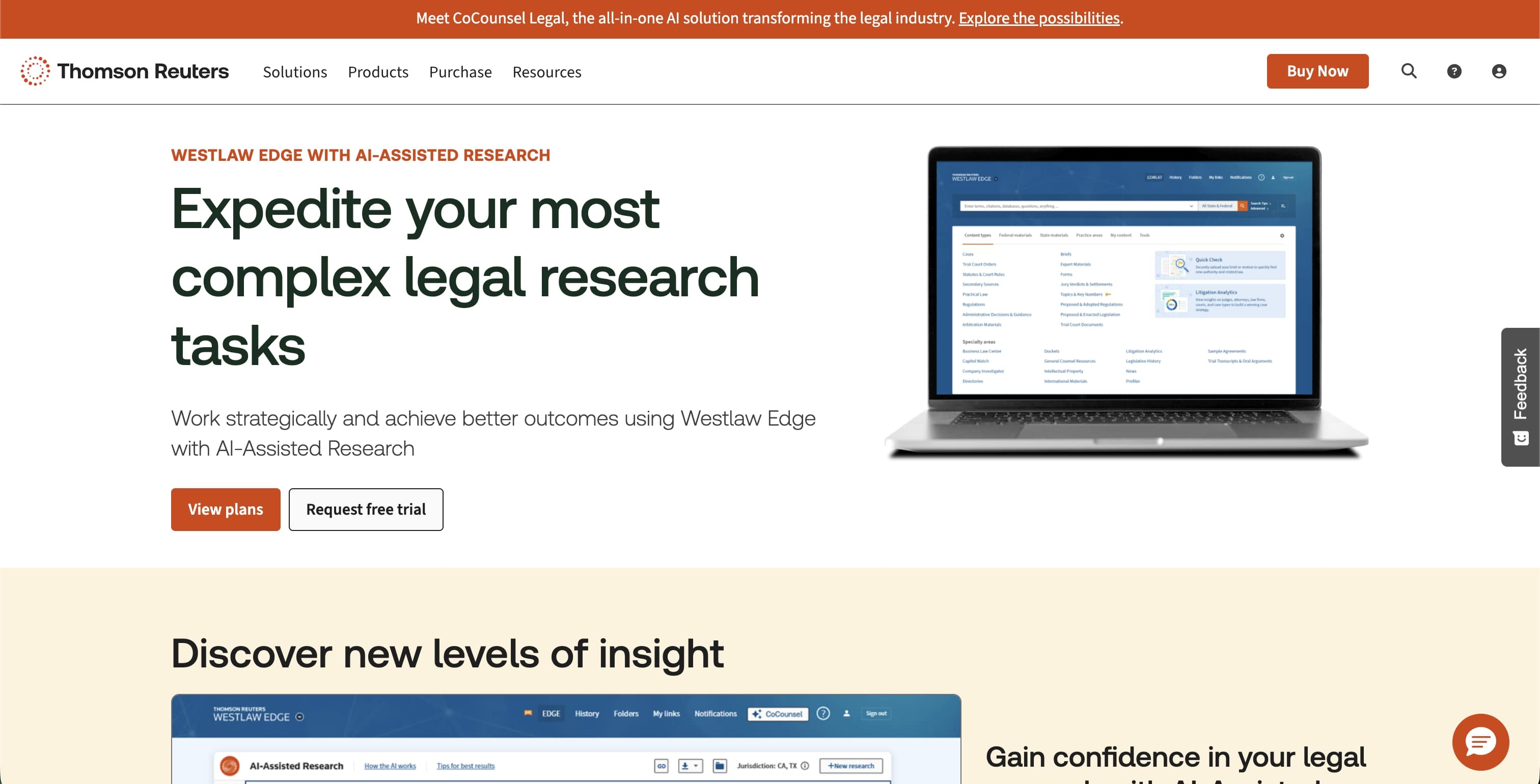
What it does: Westlaw is the gold standard for traditional legal research, with the deepest case law database and the most trusted citation analysis through KeyCite. In 2025 Thomson Reuters launched Westlaw Advantage (the successor to Westlaw Edge and Westlaw Precision), which embeds CoCounsel's agentic AI directly into the platform for multi-step research.
Key features:
- West Key Number System for topic-based research
- KeyCite citation verification and analysis
- Embedded CoCounsel agentic AI for natural-language, multi-step research
- Litigation Analytics for judge and attorney patterns
- Quick Check for brief analysis
- Comprehensive secondary sources (Am Jur, ALR)
Pricing: Roughly $130-250+/user/month depending on package, jurisdiction, and firm size (Thomson Reuters does not publish standard rates); annual contracts are typical and the AI tier is quote-only
Best for: Large firms, litigation-heavy practices, and firms requiring the most comprehensive database coverage
Pros:
- Unmatched depth of case law and secondary sources
- Gold-standard KeyCite citation verification
- Litigation analytics provide strategic insight
- Agentic AI now built directly into the platform
Cons:
- Expensive, often prohibitive for solo and small firms
- Steep learning curve for full utilization
- Long-term contracts limit flexibility
- Premium AI tier is quote-only and adds cost
Key stat: Westlaw spans more than 40,000 databases of case law, statutes, and secondary sources, making it one of the largest U.S. legal research platforms by volume.
3. Lexis+ with Protégé
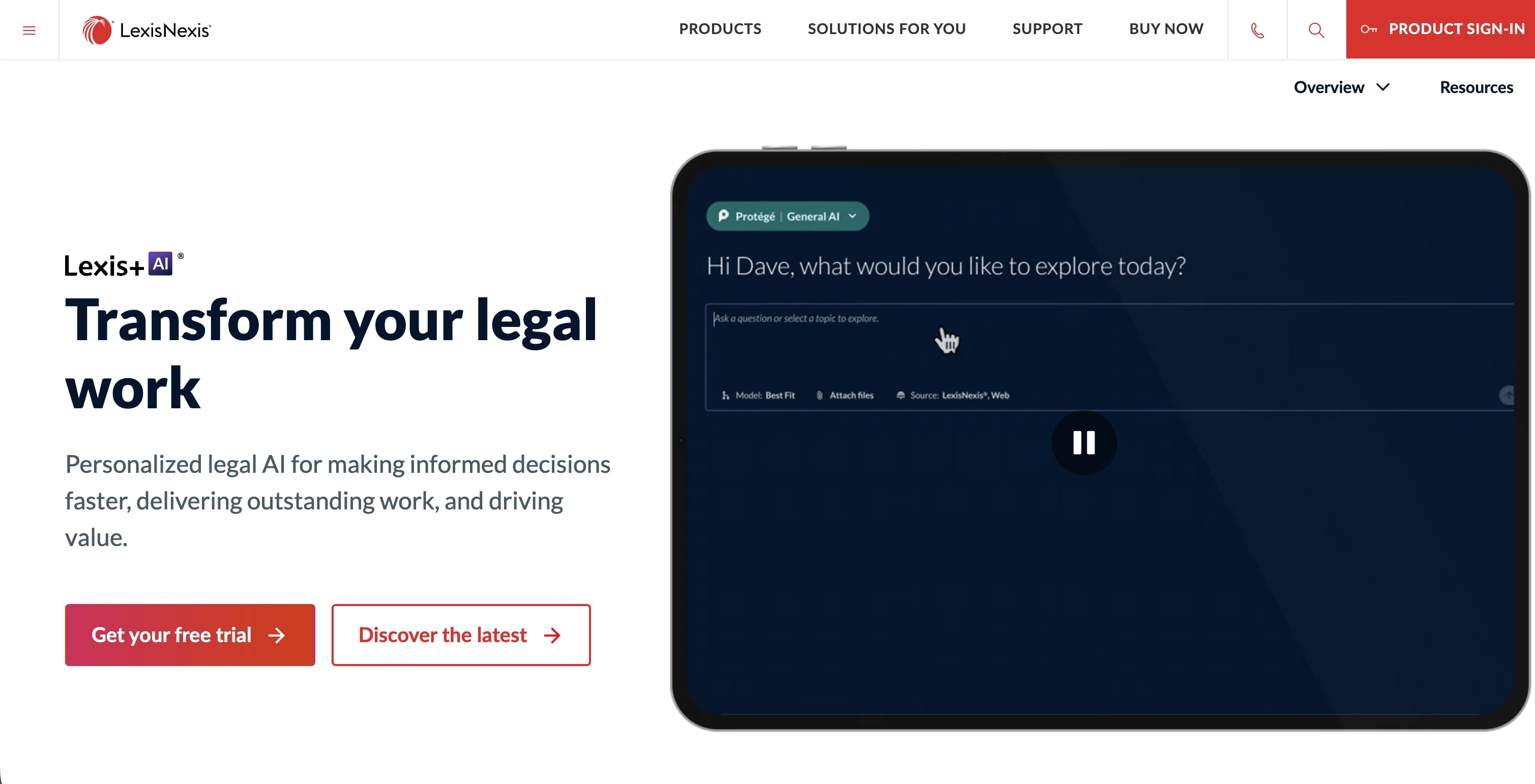
What it does: Lexis+ with Protégé is the successor to Lexis+ AI, pairing LexisNexis's comprehensive database with an agentic AI assistant that reached general availability in February 2026 and added agentic skills and collaboration Workrooms in May 2026. It offers conversational research, agentic drafting, and Practical Guidance content for transactional matters.
Key features:
- Protégé agentic assistant with legal-specific guardrails and model selection
- Shepard's Citations and Shepard's Verify for citation validation
- Practical Guidance (transactional how-to content)
- Lex Machina litigation analytics (ML-powered)
- Agentic drafting and a Vault for large document sets
- Microsoft 365 integration
Pricing: Roughly $175-350+/user/month; enterprise pricing negotiable and not publicly listed
Best for: Large firms, in-house legal departments, and transactional practices
Pros:
- Strong AI implementation with legal guardrails
- Practical Guidance is excellent for junior associates
- Best-in-class analytics through Lex Machina
- Modern, agentic interface
Cons:
- Similar pricing challenges to Westlaw
- Strongest only when paired with a full Lexis subscription
- Long contracts with complex, opaque pricing tiers
Key stat: LexisNexis maintains one of the largest legal content collections in the world, with tens of billions of documents across its databases.
4. CoCounsel (Casetext)
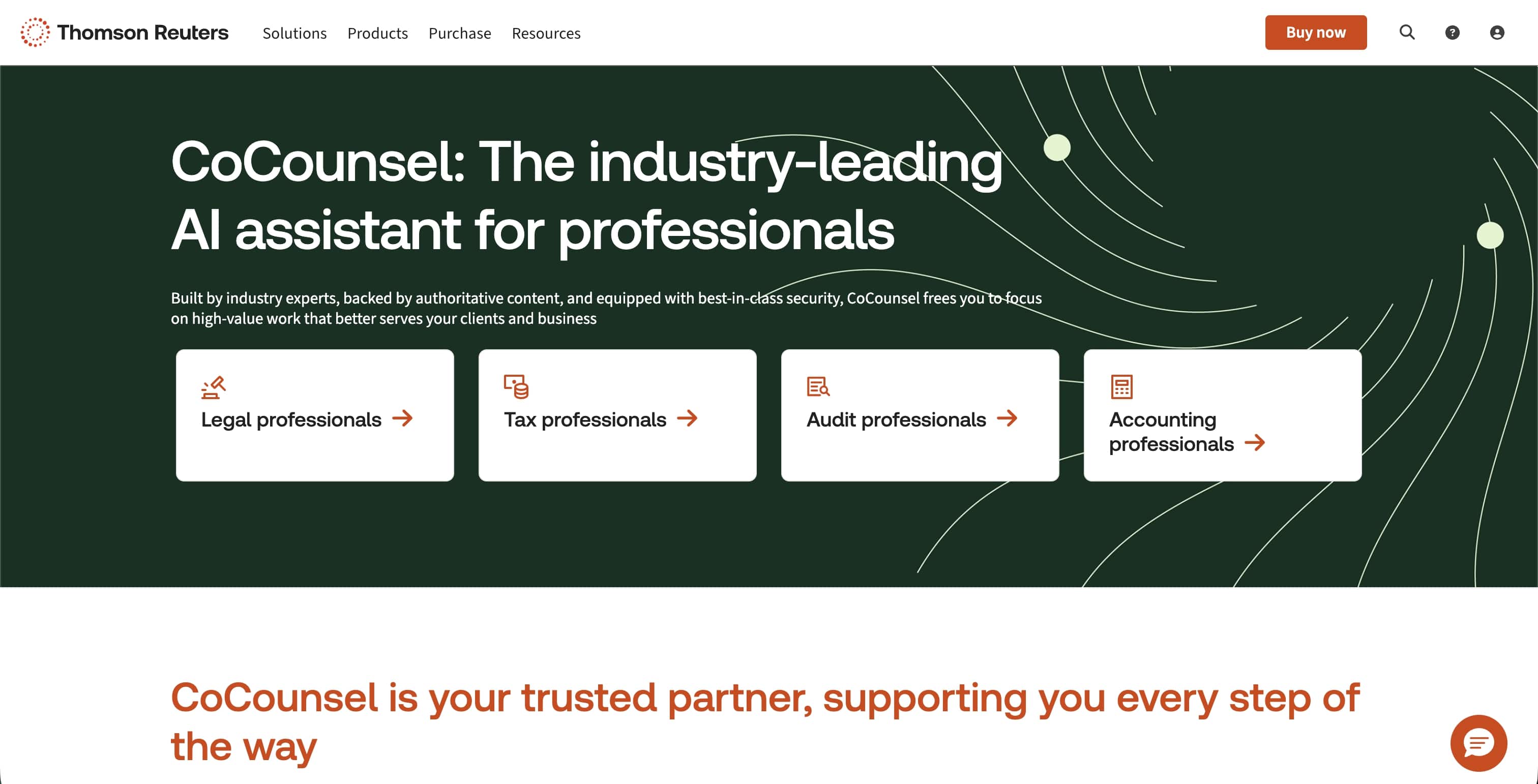
What it does: CoCounsel, formerly Casetext and now owned by Thomson Reuters, pioneered AI legal research and is now an agentic assistant (CoCounsel Legal) built on Westlaw and Practical Law. It excels at multi-step research, document review, deposition prep, and contract analysis. In August 2026 Thomson Reuters launched the next generation of CoCounsel Legal, rebuilt on Anthropic's Claude Agent SDK, grounded in 1.9 billion Westlaw and Practical Law documents, and adding a Westlaw Brief Builder that moves from research to a first-draft brief in one workflow.
Key features:
- CoCounsel Legal agentic assistant with Deep Research for multi-step queries
- Document review and bulk analysis across large document sets
- Deposition preparation tools
- Contract analysis capabilities
- Citations grounded in Westlaw with click-through sources
Pricing: CoCounsel Core is commonly cited around $225/user/month; CoCounsel Legal is quote-only. Thomson Reuters does not publish standalone pricing
Best for: Mid-size firms wanting AI-first research, litigation teams, and firms transitioning from traditional databases
Pros:
- Best-in-class agentic AI implementation
- Grounded in one of the most comprehensive legal databases
- Strong document analysis and deposition prep
- Rebuilt on Claude in 2026 for stronger reasoning
Cons:
- Pricing is opaque and adds up per seat
- Best value requires a Westlaw relationship
- Full agentic features sit in the higher tier
Key stat: Casetext's CoCounsel was the first GPT-4-powered legal AI assistant; Thomson Reuters acquired the company for $650 million in 2023, and CoCounsel now serves more than 20,000 firms and legal departments.
5. vLex Fastcase
What it does: vLex Fastcase (formerly Fastcase) provides free legal research to members of state and local bar associations across all 50 states and DC. Following the 2023 merger with vLex, and Clio's 2025 acquisition of vLex, the platform now includes enhanced AI through Vincent AI and global content.
Key features:
- Free access through bar membership (partnerships in all 50 states and DC)
- Federal and state case law
- AI-powered search with Vincent AI
- Authority Check citation analysis
- Interactive timeline visualization
- Mobile apps for iOS and Android
Pricing: Free with bar membership; premium features available through a vLex subscription
Best for: Solo practitioners, small firms, and lawyers minimizing research costs
Pros:
- Free for most bar association members
- Solid coverage of primary law
- Enhanced AI features post-vLex merger
- No contract required for bar access
Cons:
- Limited secondary sources compared to Westlaw/Lexis
- Citation analysis less comprehensive than KeyCite/Shepard's
- Premium features require a paid upgrade
Key stat: Over 1.1 million lawyers have access to vLex Fastcase through bar associations, a member benefit valued at roughly $995+ annually.
6. vLex Vincent AI
What it does: vLex offers the most comprehensive international legal research platform, covering 100+ jurisdictions with its Vincent AI assistant. In November 2025, Clio completed a $1 billion acquisition of vLex, so Vincent AI can now be subscribed to directly inside Clio. It combines global reach with strong U.S. coverage and litigation intelligence.
Key features:
- Coverage of 100+ jurisdictions
- Vincent AI for agentic, multi-step research
- Over 1 billion editorially enriched legal documents
- Judge and lawyer profiling (litigation intelligence)
- Vincent Studio for building no-code AI workflows
- Cross-jurisdictional analysis, EU law, and international treaties
Pricing: Quote-based as of 2026 (now sold or bundled through Clio); a free trial is available
Best for: International practices, immigration lawyers, academic researchers, and firms with cross-border matters
Pros:
- Unmatched international coverage
- Strong in Latin America and Europe
- Modern, agentic AI interface
- Tight integration with Clio for firms that use it
Cons:
- U.S. case law depth still trails Westlaw/Lexis for specialized historical research
- Pricing is no longer transparent; a quote is required
- Breadth of features carries a learning curve
Key stat: The vLex-Fastcase combination created one of the world's largest legal libraries, with over 1 billion documents, now part of Clio following its $1 billion acquisition.
7. Google Scholar
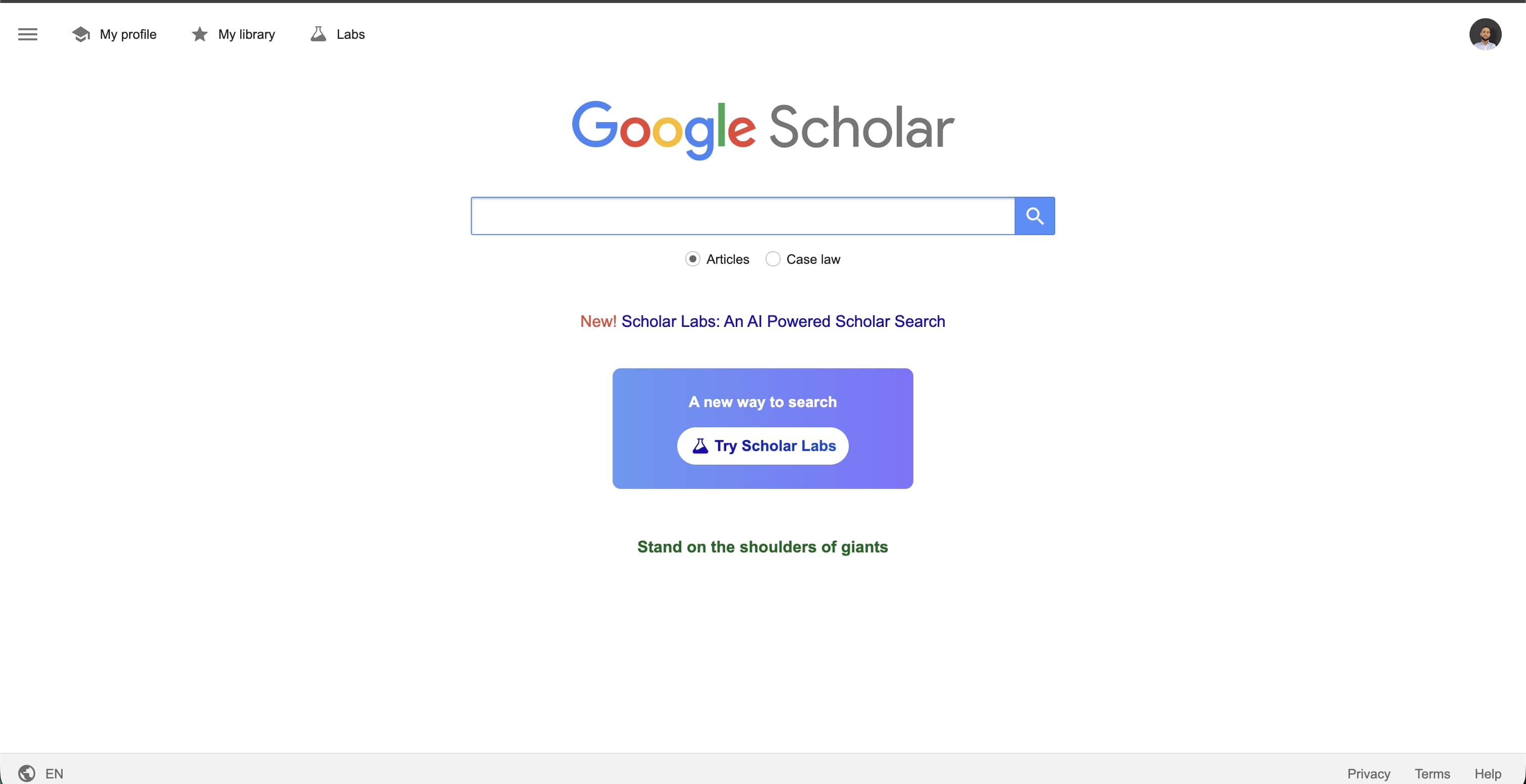
What it does: Google Scholar provides free access to case law, law reviews, and academic legal articles. It is not a complete research solution, but it is an excellent starting point for quick case lookups.
Key features:
- Free access to case law (federal and state)
- "Cited by" feature for citation tracking
- Law review and journal articles
- No account required
- Simple, Google-style interface
Pricing: Free
Best for: Quick case lookups, preliminary research, budget-conscious researchers, and law students
Pros:
- Completely free
- Easy to use
- Good for finding law review articles
- Basic citation tracking included
Cons:
- No Shepardizing/KeyCiting equivalent
- Coverage gaps and date limitations
- Cannot confirm whether a case is still good law
- No AI assistance or advanced features
Important note: Google Scholar should never be your only research tool. Without citation verification, you risk citing overruled cases. Use it as a starting point, then verify with a proper legal database.
8. Clio Manage AI (formerly Clio Duo)
What it does: Clio is primarily practice management software, and Clio Manage AI (the 2026 successor to Clio Duo) is its built-in AI assistant. Combined with Clio's 2025 acquisition of vLex, Clio now pairs practice-management AI with Vincent AI legal research, making it a solid option for firms that want everything in one platform.
Key features:
- Manage AI assistant (formerly Clio Duo) for drafting, summaries, and task management
- Access to vLex Vincent AI research following the acquisition
- Practice management (billing, calendaring, client portal)
- Document management
- Time tracking with AI suggestions
- Client intake automation
Pricing: Manage AI is a quote-based add-on (third-party reports put it around $39-59/user/month) on top of a Clio Manage subscription; the EasyStart base plan is $49/user/month, while the Essentials, Advanced, and Expand tiers (roughly $89-149/user/month on annual billing) are now priced through sales
Best for: Solo practitioners and small firms wanting integrated practice management with research
Pros:
- All-in-one platform reduces software sprawl
- Research now integrated through Vincent AI
- Excellent client and matter management
- Manage AI improves day-to-day productivity
Cons:
- Standalone research depth depends on the vLex tier you buy
- Requires a base Clio subscription, adding to total cost
- Full features require higher tiers
Key stat: Clio publishes the annual Legal Trends Report, one of the most comprehensive studies on law firm technology adoption, and acquired vLex for $1 billion in 2025 at a $5 billion company valuation.
9. PACER and CourtListener
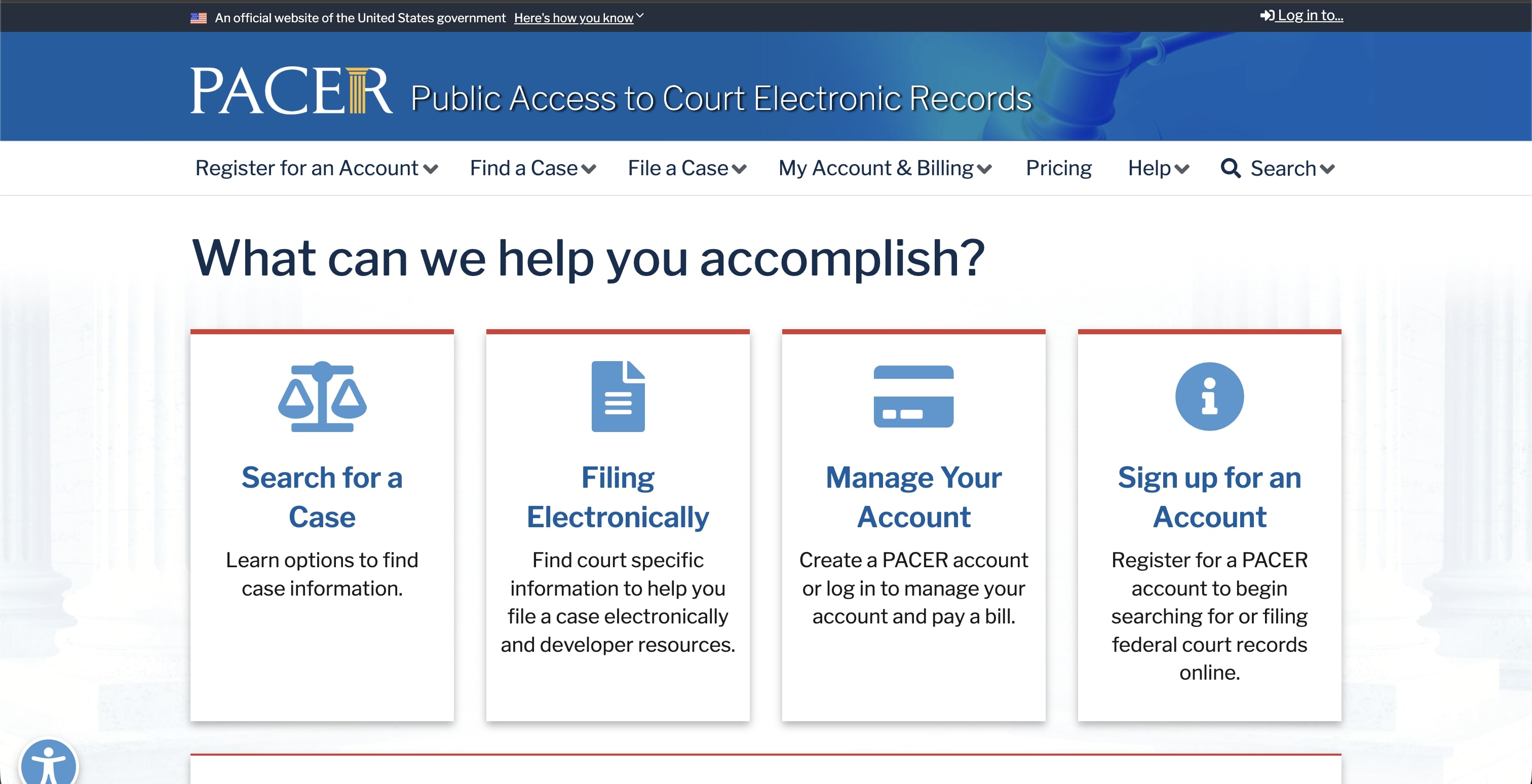
What it does: PACER (Public Access to Court Electronic Records) provides official federal court documents, while CourtListener (operated by the Free Law Project) offers free access to millions of court opinions and PACER filings.
Key features:
- Official federal court filings (PACER)
- Free opinions through CourtListener
- Docket tracking
- Case documents and party information
- RECAP browser extension for free PACER access
Pricing: PACER charges $0.10/page (capped at $3.00 per document); quarterly charges of $30 or less are waived. Effective January 1, 2027, the per-page fee rises to $0.12 and the quarterly waiver threshold to $40. CourtListener is free
Best for: Litigators, researchers needing primary source documents, and firms monitoring federal cases
Pros:
- Official source for federal filings
- CourtListener is a free alternative that expands access
- Essential for litigation practice
- RECAP extension saves money
Cons:
- PACER's interface is outdated
- Per-page fees add up
- State courts not included
- No analysis or AI features
Key stat: PACER contains over 1 billion documents from federal courts dating back to the 1990s.
10. Bloomberg Law
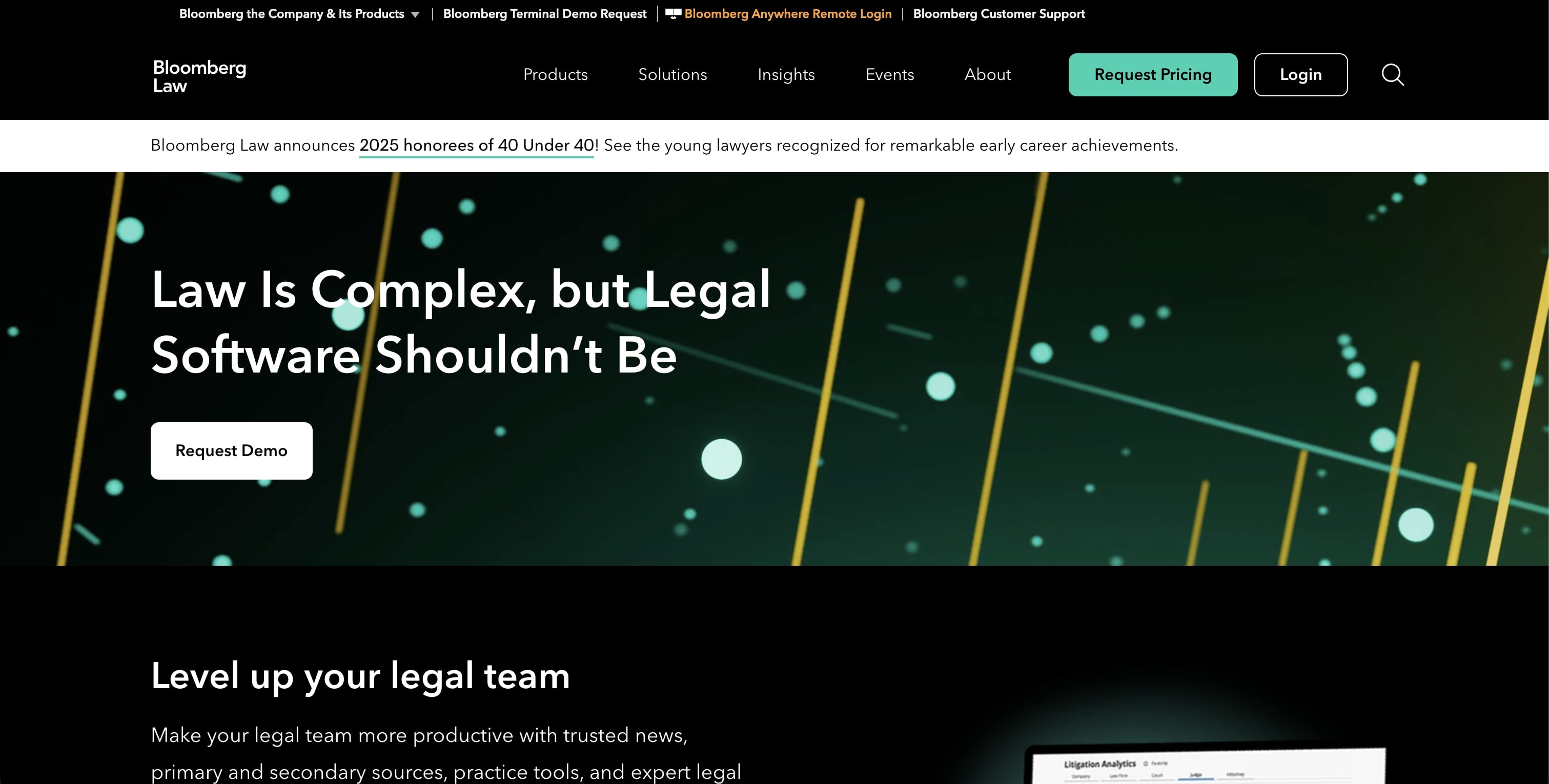
What it does: Bloomberg Law combines legal research with Bloomberg's business intelligence, making it ideal for transactional lawyers, corporate counsel, and M&A practices that need financial data alongside legal analysis.
Key features:
- Integrated Bloomberg financial and company data
- Docket analytics
- Practical Guidance for transactions
- Bloomberg Law AI Assistant for research, summarization, and inline-cited answers
- SEC filings and deal analytics
- News monitoring and alerts
Pricing: Quote-based, all-inclusive (the AI Assistant is included at no extra charge); third-party reviews historically cite roughly $450+/user/month, but Bloomberg Law does not publish per-seat rates
Best for: Corporate lawyers, M&A practices, securities attorneys, and in-house teams at financial institutions
Pros:
- Unmatched business and legal integration
- Excellent for deal due diligence
- AI Assistant included at no extra cost
- Real-time news and market data
Cons:
- Expensive and quote-only
- Case law database smaller than Westlaw/Lexis
- Overkill for litigation-focused practices
- Steep learning curve for full utilization
Key stat: Bloomberg Law bundles its AI Assistant, dockets, BCite citation analysis, and integrated company and financial data into a single all-inclusive subscription, a combination built for corporate due diligence that goes beyond pure legal research.
How to choose the right legal research tool
For solo practitioners
Top pick: LegesGPT
- Affordable pricing that scales with your practice
- No steep learning curve
- AI assistance with verified citations to prevent errors
- Research, drafting, and review in one subscription
Alternative: vLex Fastcase (free through bar membership) plus Google Scholar for supplementation
For small to mid-size firms (2-20 attorneys)
Top pick: LegesGPT plus CoCounsel
- LegesGPT for daily research, drafting, and quick questions
- CoCounsel for complex litigation and document review
- Combined cost still less than one premium Westlaw license
For large firms (20+ attorneys)
Top pick: Westlaw Advantage or Lexis+ with Protégé, plus LegesGPT
- Traditional databases for comprehensive coverage
- LegesGPT for quick research and associate training
- Agentic AI tools for efficiency gains
For international practices
Top pick: vLex Vincent AI plus LegesGPT
- vLex for the broadest global jurisdiction coverage
- LegesGPT for multi-jurisdiction analysis at an accessible price
Legal research best practices for 2026
1. Start with AI, verify with databases
Use AI tools to quickly map the legal landscape, then verify key cases with KeyCite or Shepard's for critical matters.
2. Never rely on a single source
The best researchers cross-reference multiple databases. A case that appears on Google Scholar should be verified for current validity.
3. Document your research process
Malpractice claims often hinge on the adequacy of research. Maintain research logs showing databases searched, queries used, and results reviewed.
4. Update research before filing
Laws change and cases get overruled. Run final citation checks within 24-48 hours of filing any important document.
5. Verify every AI citation
Several attorneys have faced sanctions for filing AI-generated briefs with fabricated citations. Always confirm that each cited case exists and says what the AI claims.
The bottom line
Legal research in 2026 is more accessible and efficient than ever. While Westlaw and LexisNexis remain comprehensive, AI-powered alternatives offer comparable accuracy at a fraction of the cost, and agentic AI is now standard across the category.
Our verdict: for most lawyers, LegesGPT provides the best balance of AI-powered research, verified citations, and affordability. It finds what you need, explains it in plain language, verifies your citations, and handles drafting and review too, starting with a 3-day trial for $1.
Large firms with bigger budgets will continue using Westlaw Advantage or Lexis+ with Protégé for their comprehensive databases. But for everyone else, from solo practitioners to growing mid-size firms, the new generation of AI legal research tools delivers professional-grade research without the professional-grade price tag.
The market is evolving fast. Tools that were cutting-edge last year are being surpassed by newer AI capabilities. Stay current with your toolset, and don't let sunk costs in expensive contracts keep you from exploring more efficient alternatives.
Sources
- ABA 2024 Legal Technology Survey Report
- Clio 2025 Legal Trends Report
- Thomson Reuters 2026 Future of Professionals Report
- Legal Research Software Market Report (Verified Market Reports)
- Thomson Reuters launches CoCounsel Legal and Westlaw Advantage (LawNext, August 2025)
- Thomson Reuters launches next generation of CoCounsel Legal on Claude Agent SDK (Thomson Reuters press release, August 2026)
- PACER temporary fee increase effective Jan. 1, 2027 (pacer.uscourts.gov, June 2026)
- Clio completes $1B vLex acquisition (Clio press release, 2025)
- Casetext CoCounsel GPT-4 announcement (PR Newswire, 2023)
- vLex Fastcase bar association partnerships
- PACER Electronic Public Access Fee Schedule (U.S. Courts)
- CourtListener (Free Law Project)
Frequently Asked Questions
What is the best legal research tool for solo practitioners?
LegesGPT is the best choice for solo practitioners. It offers AI-powered research with verified citations starting at just $1, eliminating the need for expensive Westlaw or LexisNexis subscriptions. Solo attorneys also get free access to vLex Fastcase through most bar associations, making it an excellent supplementary tool.
What is the difference between legal research and legal analytics?
Legal research finds relevant cases, statutes, and secondary sources to answer legal questions. Legal analytics analyzes patterns in legal data—judge ruling tendencies, litigation outcomes, attorney performance, and case duration predictions. Many modern platforms now offer analytics alongside traditional research capabilities.
How accurate is AI legal research?
Modern AI legal research achieves 90-95% accuracy on standard queries. A 2025 benchmark study found top AI tools correctly identified relevant case law in 92% of test scenarios. However, AI can still hallucinate citations or miss nuances, which is why verified citations are essential. Always verify critical research with established citation services.
How do traditional legal databases compare to each other?
The two major players have distinct strengths. Westlaw's Key Number System and KeyCite are preferred by many litigators for case law research. LexisNexis offers stronger Practical Guidance content for transactional work and has a more modern interface. Most large firms subscribe to both, while cost-conscious firms increasingly turn to AI-powered alternatives.
Can AI tools replace traditional legal databases?
For many use cases, yes. Modern AI legal research tools now achieve 90%+ accuracy on standard legal research tasks. They excel at understanding natural language queries and explaining complex legal concepts. However, for highly specialized research requiring comprehensive secondary sources or the deepest historical case law, traditional databases remain unmatched.