
Every business transaction, from hiring a freelancer to sealing a major sales deal, hinges on a clear, legally sound contract. But drafting one from scratch is daunting, and hiring a lawyer for every agreement can be prohibitively expensive. If you do want to build an agreement from the ground up, our step-by-step guide to drafting a contract walks through the essential clauses and structure. This is where a reliable business contract template free to use becomes an invaluable asset. It provides a structured, professional starting point to protect your interests, define expectations, and prevent costly disputes down the line. When dealing with sensitive information, for example, readily available NDA agreement templates can be a crucial first step for your business.
However, not all free templates are created equal. Many are too generic, outdated, or lack critical clauses for your specific situation. Navigating the web for a trustworthy document can be a significant challenge, wasting time and introducing unnecessary risk. A poorly constructed contract can be worse than no contract at all, creating ambiguity and potential legal loopholes.
This guide cuts through the noise. We've meticulously reviewed and curated a definitive list of the 12 best platforms for high-quality, free business contract templates. For each resource, you'll find a direct download link, a breakdown of its strengths and weaknesses, and practical advice on which template to use for specific scenarios. We'll also provide guidance on customization, helping you adapt these documents to fit your unique needs and jurisdiction. This article is your direct path to finding the right legal foundation for your next business move, quickly and confidently.
1. LegesGPT
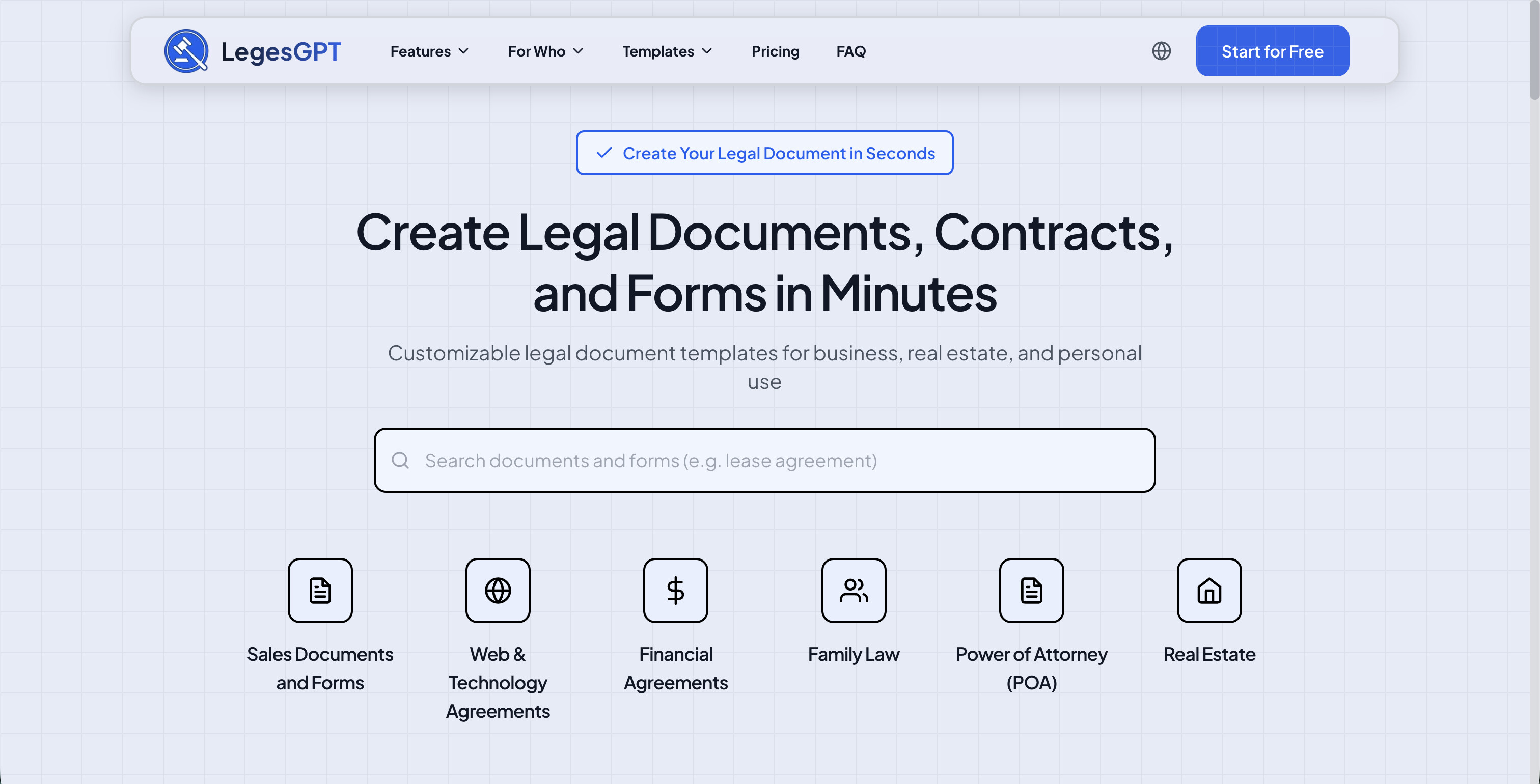
LegesGPT provides a comprehensive library of over 100 free business contract templates, covering everything from NDAs and service agreements to employment contracts and B2B legal documents. The platform stands out by offering templates in five languages—English, Spanish, French, Portuguese, and German—making it particularly useful for businesses operating internationally or working with multilingual teams.
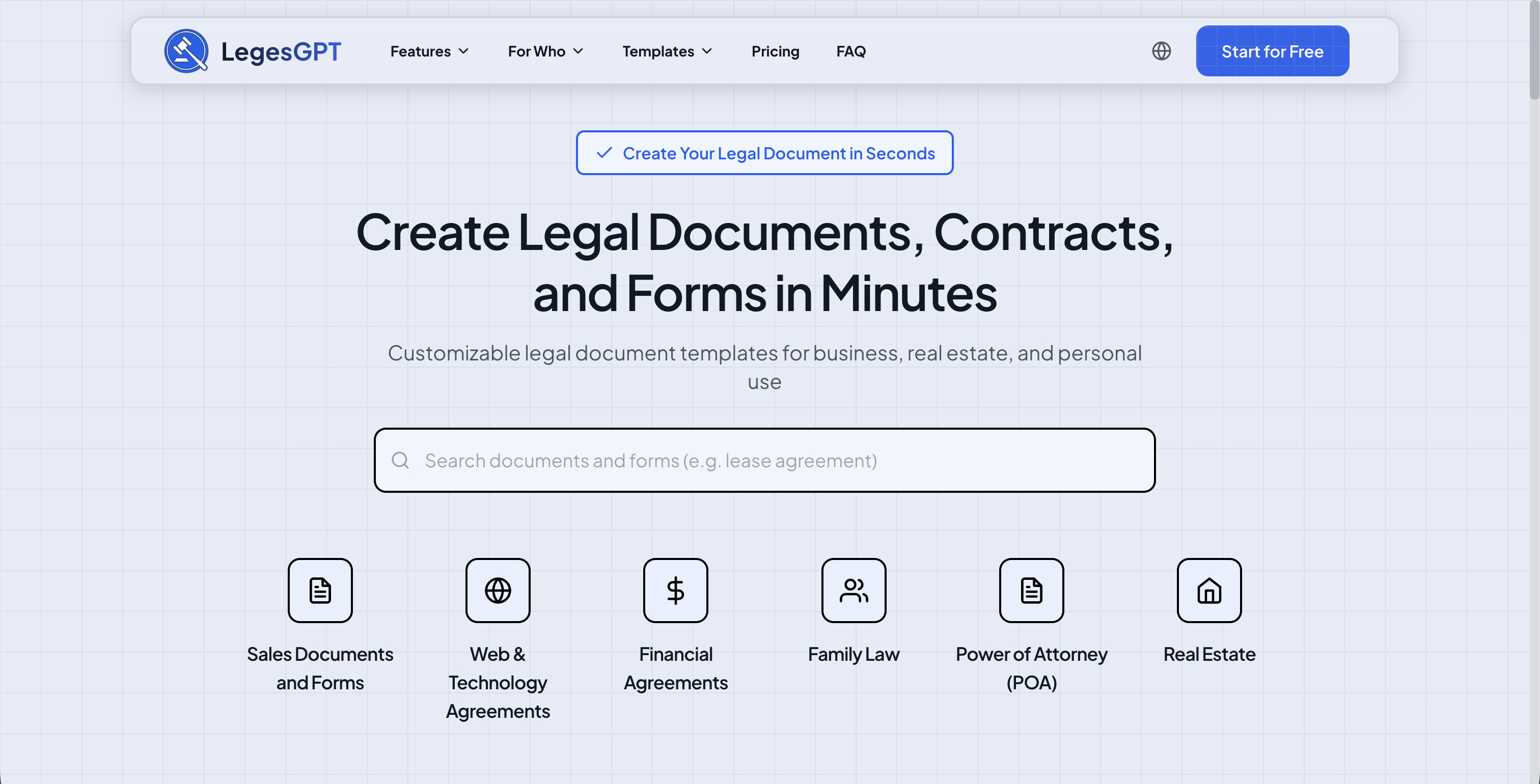
The platform organizes its templates into clearly defined categories, including sales documents, NDA agreements, employment templates, and B2B legal documents. Each template is drafted by legal professionals and can be downloaded in both Word and PDF formats, giving users flexibility for further customization. The site also includes an AI-powered document review tool that can analyze contracts for potential risks and improvements.
Key Features and Usage Tips
- Extensive Template Library: With 100+ templates across more than a dozen categories, the platform covers a wide range of business needs from power of attorney documents to real estate agreements.
- Multilingual Support: Templates are available in five languages, a significant advantage for international business operations and cross-border agreements.
- AI Document Review: Beyond templates, the platform offers an AI-powered contract review tool that can flag risks and suggest improvements.
- Practical Tip: Browse the template categories to find the most specific document for your needs. Using a targeted template like a mutual NDA rather than a generic confidentiality agreement will save customization time.
Platform Breakdown
| Feature | Assessment |
|---|---|
| Template Quality | High. Templates are professionally drafted and cover diverse business scenarios. |
| Ease of Use | Very intuitive. Templates are well-organized by category and easy to locate. |
| Cost | Completely free. All templates can be filled out and downloaded at no cost. |
| Customization | Good. Documents are provided in editable Word and PDF formats. |
| Primary Limitation | Template selection, while extensive, is smaller than some enterprise-focused platforms. |
Website: https://www.legesgpt.com/template
2. PandaDoc
PandaDoc offers one of the most extensive free business contract template libraries available, making it a powerful starting point for nearly any legal document need. The platform excels by providing a seamless workflow that takes you from selecting a template to getting it legally signed, all within one ecosystem. You can browse and download many templates as a PDF for free without creating an account, which is a significant advantage for quick access.
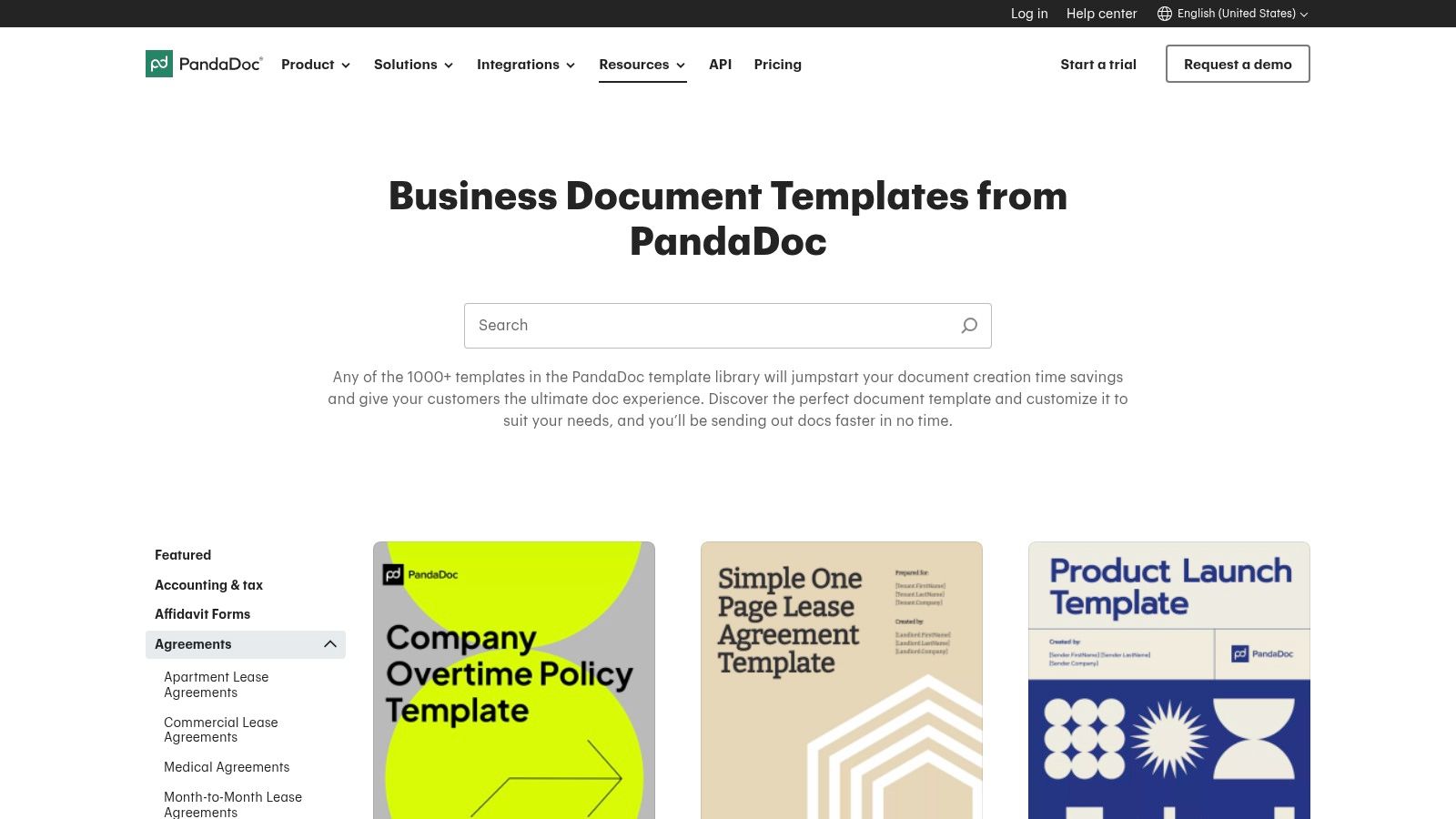
The real strength of PandaDoc lies in its in-app editor. Once you sign up for a free account, you can customize templates with variables, edit clauses, and then send the document for a legally binding e-signature. This integrated process eliminates the need to download a file, edit it in another program, and then upload it to a separate e-signature service. It streamlines the entire contracting cycle efficiently.
Key Features and Usage Tips
- Vast Template Selection: With over 1,000 templates, you can find everything from a standard Non-Disclosure Agreement (NDA) to more complex documents like Master Service Agreements and Operating Agreements.
- State-Specific Filters: Many U.S.-based templates are categorized by state, helping you find a document with more relevant jurisdictional language from the start.
- Integrated E-Signature: The platform's built-in signature tool is a major differentiator. The free eSign plan lets you send and sign up to 60 documents per year with legally binding signatures.
- Practical Tip: Use the in-app editor to make initial changes. Even if you plan to finalize the document elsewhere, making edits within PandaDoc first is the only way to export it as an editable DOCX file.
Platform Breakdown
| Feature | Assessment |
|---|---|
| Template Quality | High-quality, professionally drafted templates suitable for many common uses. |
| Ease of Use | The website is highly intuitive, and the in-app editor is user-friendly. |
| Cost | Many templates are free to download as PDFs. A free plan offers e-signatures. |
| Customization | Good. The browser editor allows for significant customization before sending. |
| Primary Limitation | Advanced features like document analytics and complex approval workflows are locked behind paid tiers. |
Once you've selected and customized your PandaDoc template, it's wise to have it reviewed to ensure it fully protects your interests. For a detailed analysis of your customized agreement, you can get your PandaDoc contract reviewed by LegesGPT.
Website: https://www.pandadoc.com/templates/
3. Rocket Lawyer
Rocket Lawyer stands out by offering a guided, interview-style approach to creating legal documents, making it ideal for users who are less confident in drafting contracts from scratch. Instead of just providing a static business contract template free for download, the platform asks a series of questions about your specific needs and generates a customized document based on your answers. This process helps ensure the final contract is tailored to your situation.
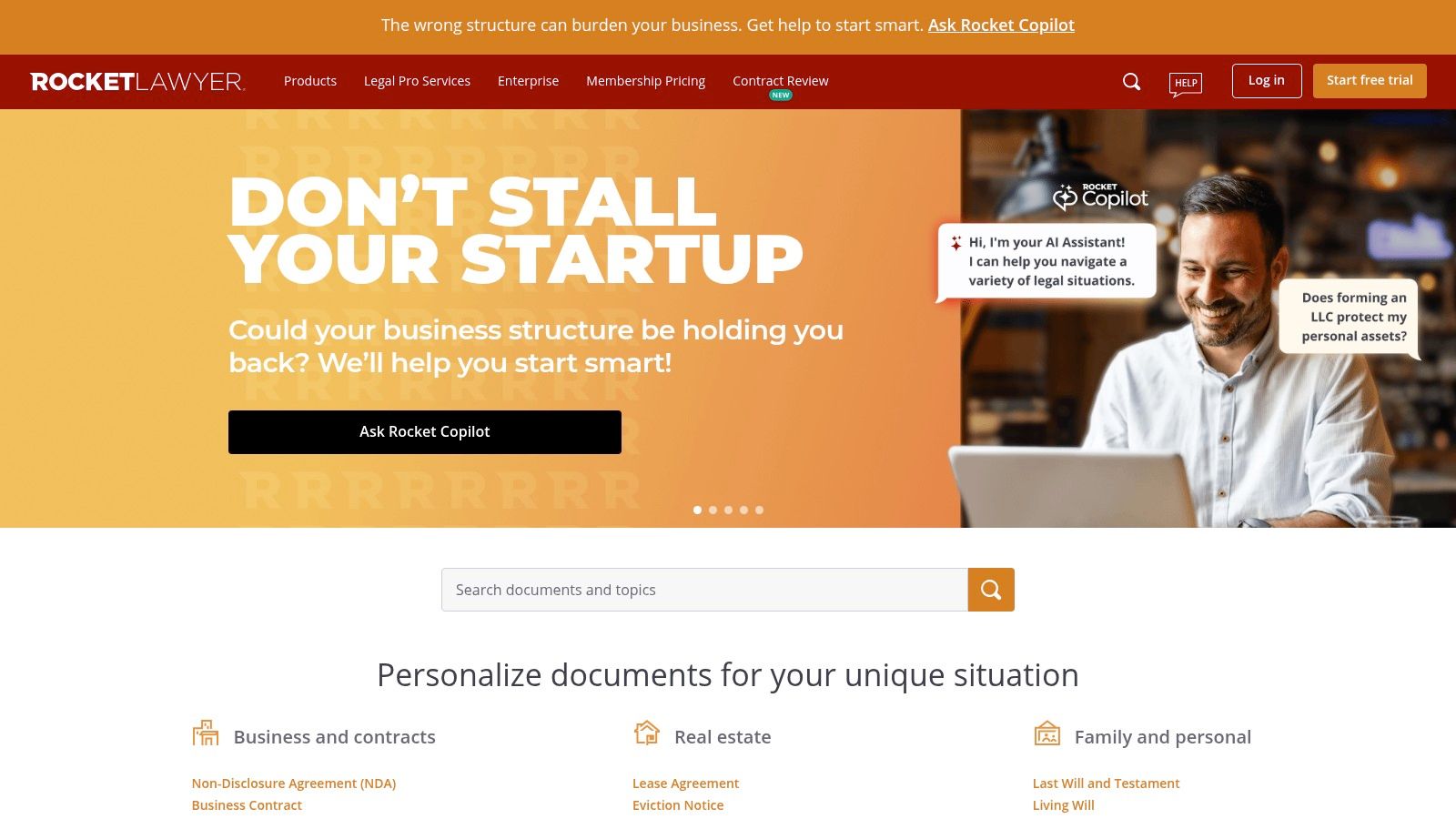
The platform integrates document creation with legal support, offering access to lawyers for questions and document reviews as part of its membership. While many documents are available to start for free, unlocking their full potential, including unlimited edits, downloads, and signatures via RocketSign, typically requires a premium membership or a free trial. This model is best suited for those who anticipate needing ongoing legal help beyond a single template.
Key Features and Usage Tips
- Guided Document Builder: The step-by-step interview format simplifies the process of creating complex documents like Operating Agreements or Service Contracts, reducing the risk of overlooking critical clauses.
- Attorney Access: Membership includes the ability to ask attorneys legal questions and have them review your documents, a unique feature among template providers.
- Integrated E-Signature: The proprietary RocketSign tool allows you to send and sign documents electronically within the platform.
- Practical Tip: Maximize the 7-day free trial to create and download all the initial documents you need. Be sure to cancel before the trial ends if you don't wish to continue with a paid membership.
Platform Breakdown
| Feature | Assessment |
|---|---|
| Template Quality | High. Documents are generated with state-specific compliance in mind. |
| Ease of Use | Very user-friendly, especially for non-lawyers, thanks to the Q&A-style builder. |
| Cost | A free trial offers significant access, but ongoing use requires a paid membership. |
| Customization | Good. The interview process provides customization, but free-form editing is more limited. |
| Primary Limitation | The most valuable features, like unlimited document access and attorney services, are locked behind a subscription paywall. |
For entrepreneurs looking to understand the full legal landscape, Rocket Lawyer offers a strong foundation. You can explore more essential legal tools and resources for your company with our comprehensive guide for business owners.
Website: https://www.rocketlawyer.com/
4. LawDepot
LawDepot takes a unique, questionnaire-based approach to creating legal documents, guiding users through an interview-style process to generate a customized contract. Instead of providing a static template, the platform asks a series of questions about your specific situation and builds the document clause by clause. This method is particularly helpful for those who are less familiar with legal terminology, as it simplifies the creation of a tailored business contract template free of common errors.
The platform's key advantage is its state-specific adaptability. As you answer questions, LawDepot incorporates relevant jurisdictional language, which is a significant step up from generic, one-size-fits-all templates. Once the questionnaire is complete, you can download the final document in multiple formats, including Word for further editing or PDF for immediate use. While many documents are available through a free trial, continued access typically requires a subscription.
Key Features and Usage Tips
- Guided Questionnaires: The step-by-step interview format makes it easy to create documents like Service Agreements, Partnership Agreements, and Independent Contractor Agreements without needing prior legal knowledge.
- State-Specific Customization: The system automatically adjusts clauses based on the state you select, helping ensure compliance with local laws.
- Multiple Download Formats: You can export your finished contract as a PDF or an editable Word (DOCX) file, providing flexibility for final reviews and offline adjustments.
- Practical Tip: Complete the questionnaire carefully and review the generated document thoroughly. The free trial period is the best time to create and download the specific contracts you need before committing to a paid plan.
Platform Breakdown
| Feature | Assessment |
|---|---|
| Template Quality | Good. The guided process produces well-structured, compliant documents. |
| Ease of Use | Excellent for beginners. The interview format is intuitive and user-friendly. |
| Cost | Documents can be created with a free trial; otherwise, requires a subscription. |
| Customization | Good, but limited to the options provided within the questionnaire. |
| Primary Limitation | The free access model is trial-based, and ongoing use requires a paid subscription. |
After generating your document with LawDepot's questionnaire, it's essential to ensure the final output aligns perfectly with your business goals. For an expert review of your customized agreement, you can get your LawDepot contract analyzed by LegesGPT.
Website: https://www.lawdepot.com/
5. Legal Templates (LegalTemplates.net)
Legal Templates offers a large catalog of attorney-crafted U.S. business contract templates, with a standout feature being its state-specific customization. The platform guides you through a step-by-step builder, asking relevant questions to tailor clauses for your jurisdiction, which is particularly helpful for documents like operating agreements or leases. While a free trial is often available, most templates require a subscription to download the final document.
The platform's strength is its questionnaire-style customization process, which simplifies the creation of a semi-customized business contract template free of initial legal jargon. After completing the builder, you can download the document in various formats, including PDF and DOCX. For users needing ongoing legal documents, the subscription model provides access to their entire library, document storage, and updates.
Key Features and Usage Tips
- Attorney-Crafted Forms: The site features over 500 templates drafted by legal professionals, covering a wide array of business needs.
- State Customization: The guided builder helps generate documents with clauses specific to the laws of your state, a crucial feature for compliance.
- Multiple Formats: Users can quickly download their finalized documents in PDF or Word formats, allowing for further offline edits.
- Practical Tip: Use the free trial or initial builder to understand what clauses and information are necessary for your specific agreement. This can serve as a valuable checklist even if you decide not to subscribe.
Platform Breakdown
| Feature | Assessment |
|---|---|
| Template Quality | Good. The forms are professionally drafted with a strong focus on U.S. state law variations. |
| Ease of Use | The guided questionnaire format is very user-friendly for those unfamiliar with legal docs. |
| Cost | A paid subscription is required for most downloads after the initial free trial period. |
| Customization | Excellent for state-specific needs, but limited to the options provided in the builder. |
| Primary Limitation | The free offering is restrictive, and accessing your final document typically requires payment. |
To ensure your agreement is robust and tailored to your unique business relationship, explore our extensive library of B2B legal documents.
Website: https://legaltemplates.net/
6. Jotform
Jotform is widely known for its powerful online form builder, but it also offers an impressive collection of over 300 free contract templates. The platform uniquely converts its form-building expertise into contract generation, allowing you to create interactive, mobile-friendly documents that are easy for clients to fill out and sign. This approach is particularly effective for high-volume, standardized agreements like service contracts or influencer agreements.
The core strength of Jotform is its drag-and-drop editor, which makes customization incredibly simple even for users with no technical skills. You can add form fields, update text, and incorporate your branding before sending the document for signature using the integrated Jotform Sign. This all-in-one system creates a seamless workflow from creation to execution, making it a great choice for businesses that need to deploy contracts quickly and efficiently.
Key Features and Usage Tips
- Drag-and-Drop Editor: Easily modify any business contract template free of charge by dragging and dropping fields, text boxes, and signature elements without needing any code.
- Integrated E-Signature: Jotform Sign is built directly into the platform, allowing you to collect legally binding electronic signatures as part of a single, streamlined process.
- Mobile-Friendly Forms: Contracts created through Jotform are inherently responsive, ensuring a smooth signing experience for clients on any device.
- Practical Tip: Use Jotform’s conditional logic feature to create dynamic contracts. You can show or hide certain clauses based on how the recipient fills out initial form fields, tailoring the agreement automatically.
Platform Breakdown
| Feature | Assessment |
|---|---|
| Template Quality | Good. Templates are functional and cover many common business scenarios. |
| Ease of Use | Excellent. The drag-and-drop builder is among the most intuitive available. |
| Cost | A generous free plan includes many templates and e-signature capabilities. |
| Customization | Very high. The form-based editor offers extensive control over layout and fields. |
| Primary Limitation | The free plan has limits on form submissions and signatures, and includes Jotform branding, which requires a paid plan to remove. |
Before finalizing a contract created on Jotform, it's a good practice to ensure the customized clauses align with legal standards. You can have your Jotform contract reviewed by LegesGPT for a comprehensive legal analysis.
Website: https://www.jotform.com/pdf-templates/contract
7. DocuSign
DocuSign is primarily known as the industry leader in e-signatures, but it also offers a valuable gallery of free business contract templates designed to integrate directly into its platform. While its library is more focused than some competitors, it provides essential, professionally vetted documents like NDAs, SOWs, and service contracts that are ready for immediate use. The key benefit is the seamless transition from template selection to secure, legally recognized execution.
The platform’s strength is its end-to-end efficiency. Instead of downloading a file, you open the template directly within the DocuSign eSignature environment. This allows you to customize fields, add signer information, and send the document out for signature in a single, secure workflow. This process leverages DocuSign's robust security standards and provides a comprehensive audit trail for every agreement.
Key Features and Usage Tips
- Core Business Templates: The collection includes over 40 essential U.S. business agreements, covering sales, human resources, and corporate operations.
- Direct E-Signature Integration: Templates are designed to be used with DocuSign eSignature, making it one of the fastest ways to get a standard agreement signed.
- Trusted Security: Every document processed through the platform benefits from DocuSign's high standards of security, compliance, and enforceability.
- Practical Tip: To use the templates for an actual signing, you will need a DocuSign account. You can often start with a free trial to access the full editing and sending capabilities before committing to a paid plan.
Platform Breakdown
| Feature | Assessment |
|---|---|
| Template Quality | High. Templates are professionally drafted for common business scenarios. |
| Ease of Use | Excellent. The workflow from template to signature is incredibly streamlined and intuitive. |
| Cost | Templates are free to access, but sending for signature requires a trial or paid account. |
| Customization | Good. The in-platform editor allows for necessary field and text modifications. |
| Primary Limitation | The template selection is smaller than dedicated legal template libraries. |
Website: https://www.docusign.com/templates
8. SignWell
SignWell provides a focused library of free business contract templates that excel in clarity and simplicity, making them ideal for freelancers, consultants, and small service-based businesses. The platform strips away dense legalese in favor of plain-English documents that are easy for all parties to understand. This approach is particularly helpful for agreements in creative and marketing fields, such as web design, consulting, and marketing services.
The platform's primary advantage is its seamless integration with a free, user-friendly e-signature tool. After selecting a template, you can directly edit it in their online editor and send it for signing without ever leaving the site. The free plan is generous enough for low-volume users, offering a practical, all-in-one solution for those who need to create and execute contracts without complexity or cost.
Key Features and Usage Tips
- Plain-English Templates: The contracts are intentionally written to be straightforward, reducing the potential for confusion between clients and service providers.
- Focus on Service Businesses: You will find highly relevant templates for marketing agreements, consulting contracts, and freelance work.
- Free E-Signature Tool: SignWell’s free plan allows you to send up to three documents for signature per month, which is perfect for many small business owners.
- Practical Tip: Use the provided practical tips and best-practice guides alongside each template. They offer valuable context on when to use specific clauses and how to negotiate terms.
Platform Breakdown
| Feature | Assessment |
|---|---|
| Template Quality | Good quality, especially for standard freelance and small business engagements. |
| Ease of Use | Excellent. The clean interface and simple workflow make it extremely user-friendly. |
| Cost | Templates are free to access. A generous free plan includes e-signing. |
| Customization | Good. The online editor allows for easy text changes before sending for a signature. |
| Primary Limitation | The template selection is much smaller and less diverse than larger platforms. |
After customizing a SignWell template to fit your specific service, ensure its terms provide adequate protection. For a comprehensive review of your edited document, you can have your SignWell agreement analyzed by LegesGPT.
Website: https://www.signwell.com/contracts/
9. Law Insider
Law Insider offers a unique approach that deviates from traditional template libraries. Instead of providing fill-in-the-blank documents, it functions as a massive, searchable database of millions of real-world contracts and clauses sourced from public SEC filings. This makes it an unparalleled resource for legal professionals and experienced business owners who want to find vetted language or build a custom business contract template free from scratch using clauses from actual agreements.
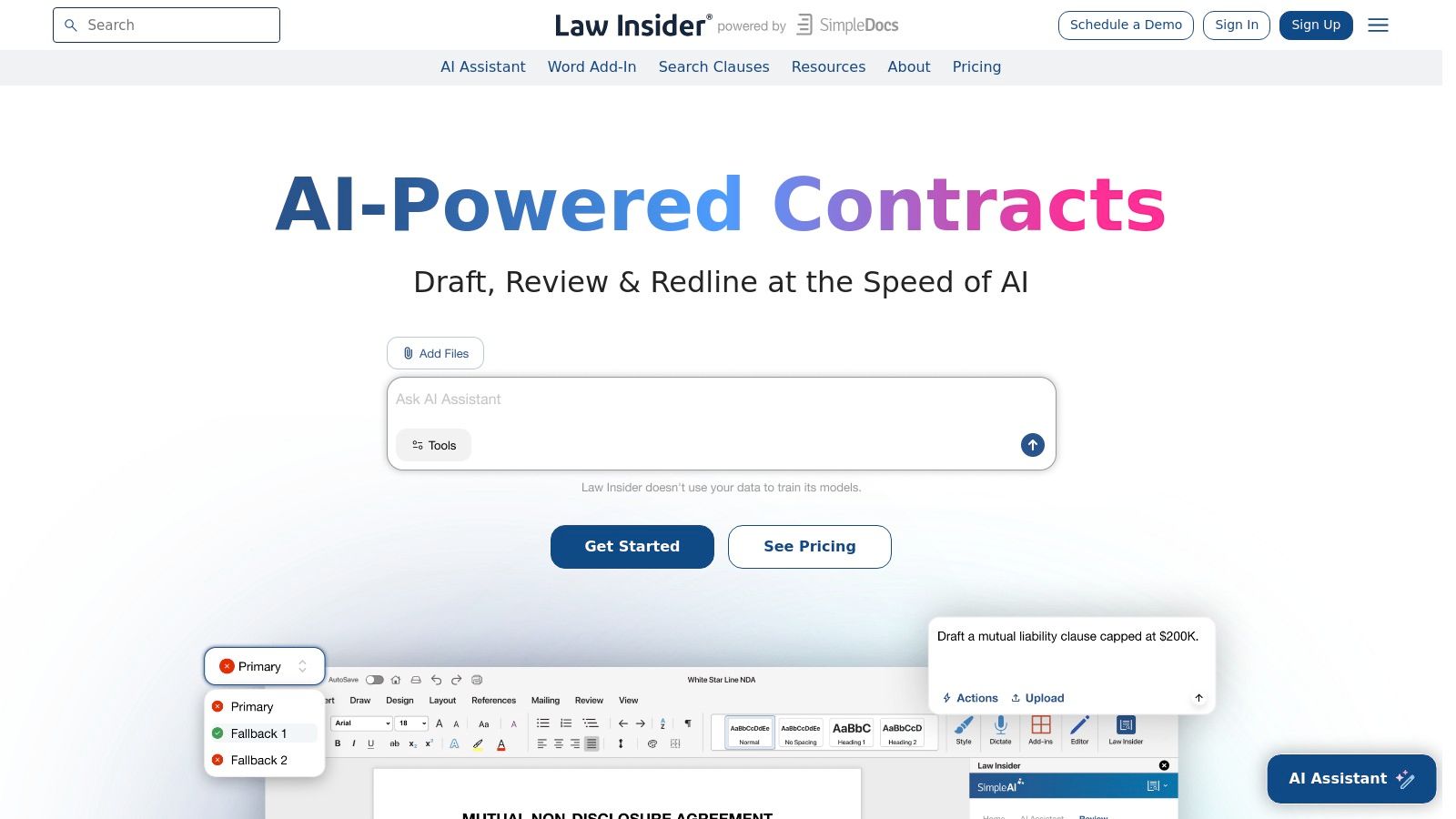
The platform is less for beginners seeking a simple template and more for users comfortable with legal terminology. Its power lies in its AI-powered search and drafting tools, which allow you to find specific clauses, compare variations, and construct a highly tailored document. While primarily a paid service, the free trial offers a glimpse into its capabilities, making it an excellent tool for research and sourcing specific, hard-to-find legal language.
Key Features and Usage Tips
- Real Contract Database: Access millions of actual contracts to see how major companies structure their agreements and clauses.
- Clause-Level Search: Instead of searching for a full template, you can search for specific clauses like "Limitation of Liability" or "Indemnification" to find and compare examples.
- AI Drafting Tools: The platform includes AI assistants and a Word add-in to help you draft and redline clauses based on the database.
- Practical Tip: Use Law Insider to strengthen an existing template. If you have a basic agreement, you can search for specific clauses on the platform to find more robust or specific language to add.
Platform Breakdown
| Feature | Assessment |
|---|---|
| Template Quality | Very high. Language is sourced from real, publicly filed corporate contracts. |
| Ease of Use | Moderate. Best suited for legal professionals or those familiar with contracts. |
| Cost | Primarily a paid service, though limited trial access is often available. |
| Customization | Excellent. It's built for creating highly customized documents clause by clause. |
| Primary Limitation | It's not a simple template repository; it requires users to actively build and assemble their own documents. |
Website: https://www.lawinsider.com/
10. Template.net
Template.net functions like a massive digital library, offering a wide array of business contract templates alongside other business documents. Its primary strength is the sheer volume and variety of templates available and the flexibility of download formats, including Microsoft Word and Google Docs. This makes it a great resource for users who prefer to edit their legal documents in familiar, offline software.
Unlike platforms focused on an integrated workflow, Template.net is more of a straightforward download repository. You find a template, download it in your preferred format, and handle the rest of the customization and signing process on your own. While many templates are free, the site operates on a freemium model, with premium, often more detailed templates locked behind a subscription. The quality can vary, so careful review is essential.
Key Features and Usage Tips
- Multiple Formats: The ability to download a business contract template free as a DOCX or Google Doc file is a major advantage for easy offline editing.
- Broad Categories: The library is well-organized, covering everything from service agreements and sales contracts to rental agreements and employment contracts.
- Freemium Model: Access a good selection of free templates, but be aware that many of the more polished or complex documents require a paid subscription.
- Practical Tip: Use the search bar with specific keywords like "independent contractor agreement" or "simple non-disclosure" to quickly navigate the extensive collection and find relevant free options.
Platform Breakdown
| Feature | Assessment |
|---|---|
| Template Quality | Varies. Many are solid starting points, but some may lack legal depth. |
| Ease of Use | The website is simple to navigate for finding and downloading templates. |
| Cost | A mix of free downloads (sometimes requiring an account) and paid subscription options. |
| Customization | Excellent, as files are provided in standard editable formats like DOCX and Google Docs. |
| Primary Limitation | The quality of free templates is inconsistent, and there is no integrated e-signature tool. |
Website: https://www.template.net/contracts
11. PrintableContracts.com
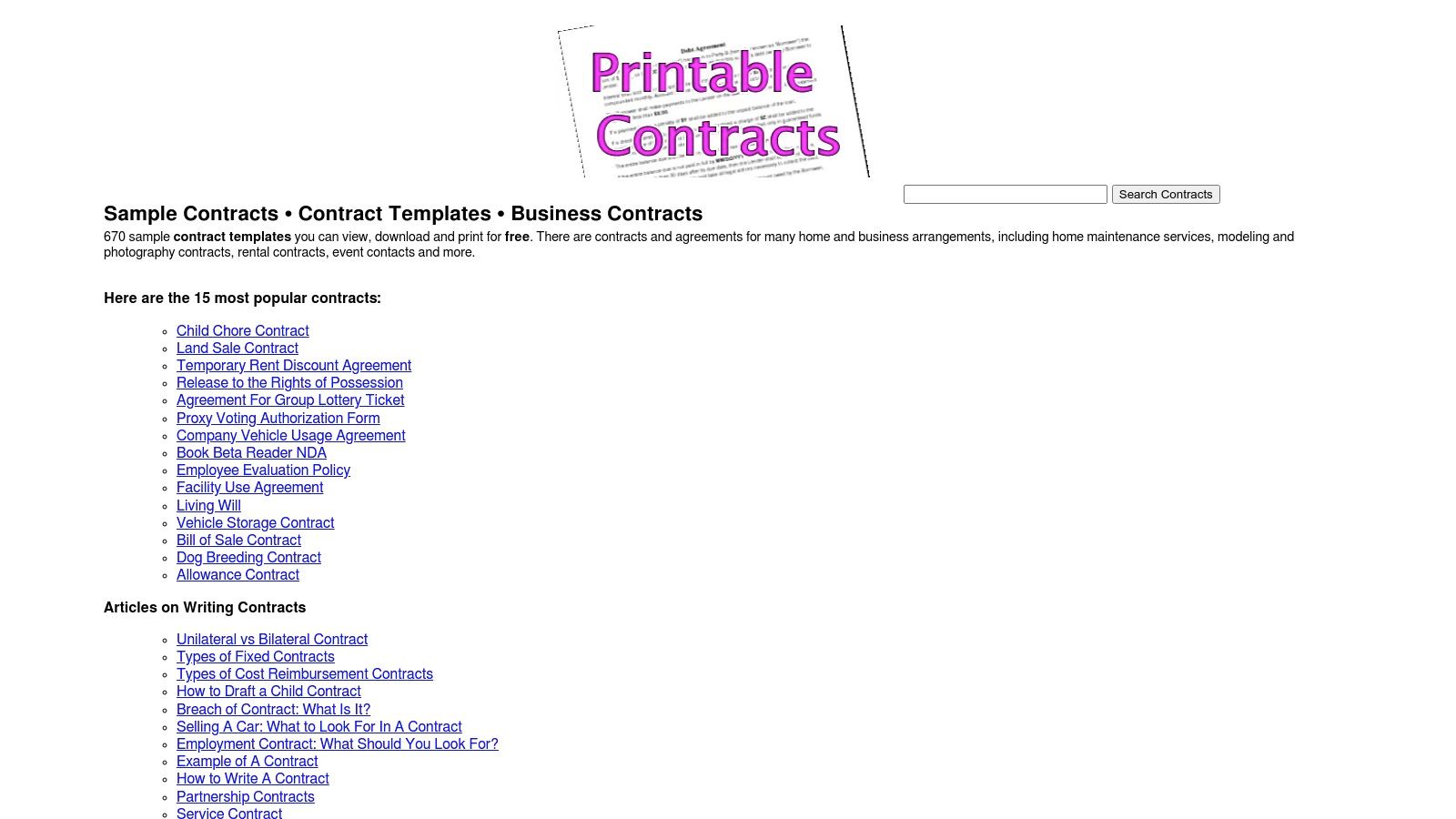
PrintableContracts.com lives up to its name by offering a straightforward, no-frills source for over 600 sample contract templates. The platform is designed for users who need a basic business contract template free of charge, without the complexity of signing up for an account or using an online editor. Its core strength is providing simple, plain-language documents that are ready to download, print, and fill out by hand for immediate use.
This website is best suited for low-risk, simple agreements where a formal, state-specific document is not required. The templates, covering areas like consulting, sales, and services, are presented as general samples. Since there are no integrated tools for customization or e-signatures, users must download the files and edit them in their own word processing software, making it a functional but entirely manual process. It’s a fast resource when you need a basic framework to start from.
Key Features and Usage Tips
- Completely Free Access: All 600+ templates are available to download instantly without cost or registration.
- Print-Ready Formats: The primary focus is on providing documents that can be quickly printed and filled in.
- Broad Categories: You can find templates for a wide range of personal and business situations, from simple bills of sale to basic service agreements.
- Practical Tip: Always download the DOC file instead of the PDF. This ensures you can easily edit the language in Microsoft Word or Google Docs before printing it for signature.
Platform Breakdown
| Feature | Assessment |
|---|---|
| Template Quality | Basic and generic. Suitable for very simple transactions but lacks legal depth. |
| Ease of Use | Extremely simple. Just find your template and click the download link. |
| Cost | 100% free. No accounts, subscriptions, or hidden fees. |
| Customization | None on the platform. All edits must be done offline in separate software. |
| Primary Limitation | Templates are not state-specific and lack the legal robustness for high-stakes agreements. |
Because these templates are generic, they often require significant customization to meet specific business needs. To ensure your agreement is legally sound and protective, consider having it professionally reviewed. You can get your PrintableContracts.com document reviewed by LegesGPT for a comprehensive analysis.
Website: https://www.printablecontracts.com/
12. Microsoft Create / Office Templates
Microsoft Create provides a vast library of free templates directly within the Office ecosystem, making it an incredibly convenient source for basic business document formatting. While not a specialized legal template provider, it offers foundational documents like proposals, statements of work, and basic service agreements. The primary benefit is the seamless integration with Microsoft Word, allowing users to start with a professional layout without needing any external software.
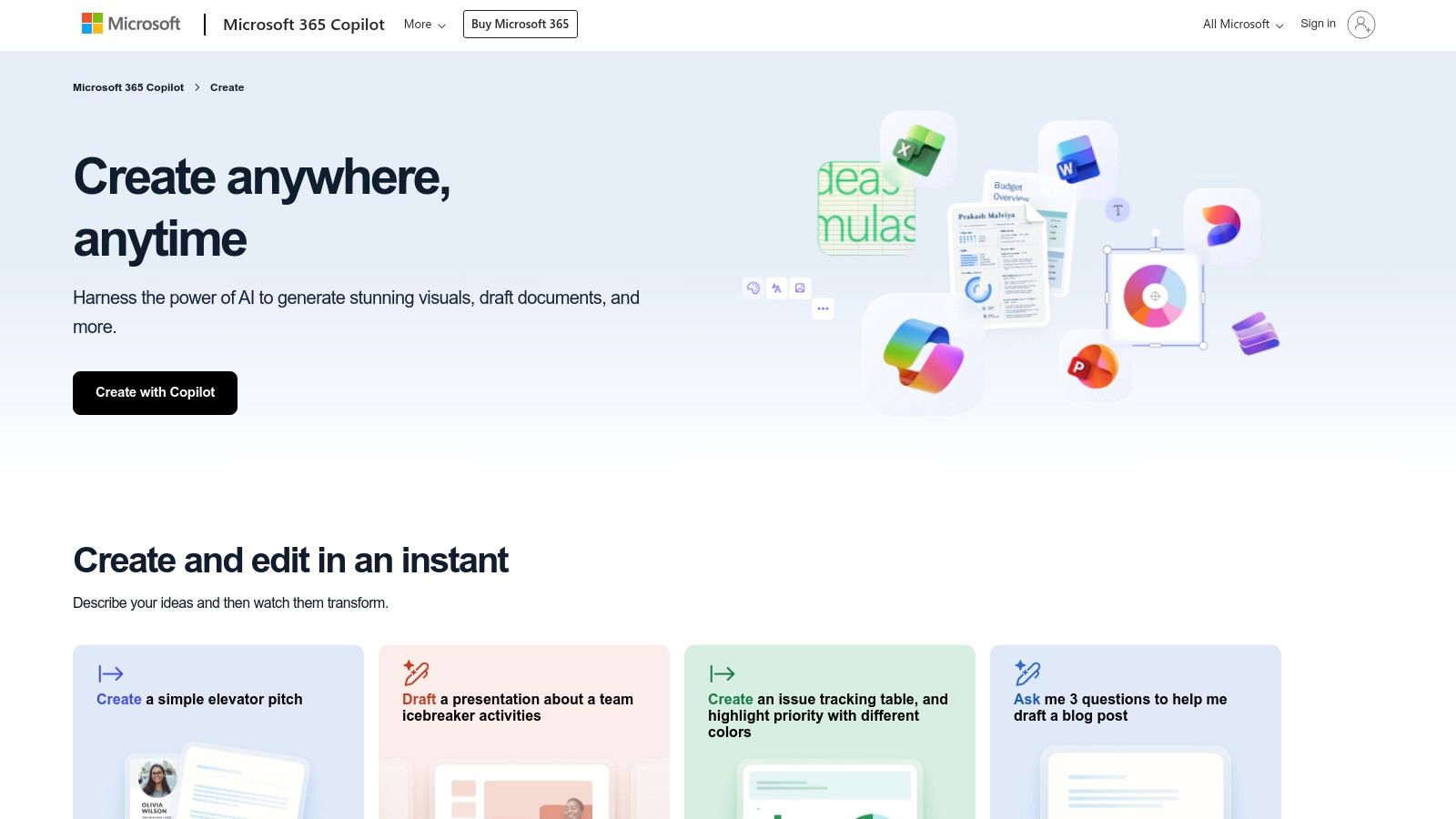
The platform’s key advantage is its universal familiarity. Nearly every business professional knows how to use Microsoft Word, eliminating the learning curve associated with new platforms. You can find a template directly in Word (via File > New) or on the Microsoft Create website, download it, and begin customizing immediately. This makes it a great starting point for drafting a business contract template free of complex legal jargon, which you can then build upon.
Key Features and Usage Tips
- Native Word Integration: Templates are designed for Microsoft Word, ensuring perfect compatibility and an easy editing experience without format conversion issues.
- Broad Business Categories: Beyond contracts, you can find templates for invoices, business plans, meeting agendas, and presentations, making it a versatile resource hub.
- Completely Free: All templates available through Microsoft Create and the Office application are free to download and use with a valid Microsoft 365 subscription or the free web apps.
- Practical Tip: Use these templates as a structural shell. Because they often lack specific legal clauses, start with a Microsoft template for formatting and then add the necessary legal language from a more specialized source or legal counsel.
Platform Breakdown
| Feature | Assessment |
|---|---|
| Template Quality | High-quality in terms of design and formatting, but legally sparse. |
| Ease of Use | Excellent. The process is intuitive for anyone familiar with Microsoft Office. |
| Cost | Completely free to access and use with Microsoft software. |
| Customization | Unlimited. As standard DOCX files, they are fully editable in Word or other processors. |
| Primary Limitation | Templates are not legally robust and lack essential protective clauses and e-signature tools. |
After using a Microsoft template as your base, it's critical to enhance it with proper legal protections. You can upload your customized Word document for a thorough review and strengthening at LegesGPT's document analysis tool.
Website: https://create.microsoft.com/en-us/templates/
Top 12 Free Business Contract Templates Compared
| Product | Core features (✨) | UX / Quality (★) | Value / Price (💰) | Target audience (👥) | Standout (🏆) |
|---|---|---|---|---|---|
| LegesGPT | 100+ templates; 5 languages; AI contract review ✨ | ★★★★ — well‑organized categories | 💰 100% free templates | 👥 International businesses & multilingual teams | 🏆 Multilingual templates + AI review |
| PandaDoc | 1,000+ templates; in‑browser editor & e‑sign ✨ | ★★★★ — smooth template→execution | 💰 Free templates; paid for analytics/workflows | 👥 SMBs, sales & ops | 🏆 Integrated template → sign workflow |
| Rocket Lawyer | Guided interviews; RocketSign; attorney Q&A ✨ | ★★★★ — novice‑friendly guidance | 💰 Trial → membership for full features | 👥 Non‑lawyers & small businesses | 🏆 On‑demand attorney access & review |
| LawDepot | State‑aware questionnaires; Word/PDF outputs ✨ | ★★★★ — simple interview flow | 💰 Subscription or per‑doc pricing | 👥 Small businesses & DIY users | 🏆 Easy editable downloads |
| Legal Templates | 500+ attorney forms; storage & branding ✨ | ★★★ — quick customization | 💰 Paid plans; annual discounts | 👥 Small businesses & solopreneurs | 🏆 Attorney‑crafted forms & updates |
| Jotform | Drag‑drop editor; Jotform Sign; mobile forms ✨ | ★★★★ — fast customization | 💰 Free templates; paid for high volume | 👥 Marketers, freelancers | 🏆 Rapid mobile‑friendly e‑sign workflows |
| DocuSign | 40+ templates; eSignature; compliance/audit ✨ | ★★★★★ — trusted & secure | 💰 Trial → paid account for live signing | 👥 Enterprises & compliance teams | 🏆 Security, audit trails & market trust |
| SignWell | Plain‑English templates; free online signing ✨ | ★★★ — simple & clear | 💰 Free/basic; paid tiers remove branding | 👥 Freelancers & small service providers | 🏆 Clean, easy templates for quick use |
| Law Insider | Millions of contracts; clause search; AI tools ✨ | ★★★★ — precedent‑driven drafting | 💰 Paid service; trial options | 👥 Legal teams & contract drafters | 🏆 Real‑world clause sourcing & playbooks |
| Template.net | Large gallery; DOCX/Google formats ✨ | ★★★ — broad selection; variable quality | 💰 Mix of free/premium; affordable annual | 👥 Businesses needing varied formats | 🏆 Wide selection + format flexibility |
| PrintableContracts.com | 600+ free printable templates; plain language ✨ | ★★★ — quick downloads, simple forms | 💰 100% free | 👥 Individuals & low‑risk agreements | 🏆 Completely free, printable forms |
| Microsoft Create / Office Templates | Word templates in Office; familiar formats ✨ | ★★★ — familiar Word editing | 💰 Free via Office / Microsoft Create | 👥 Word users & internal teams | 🏆 Familiar editing environment (Word) |
Finalizing Your Contract: The Smart Way to Sign with Confidence
Navigating the landscape of free business contract templates can be a powerful cost-saving measure for any entrepreneur, freelancer, or established company. Throughout this guide, we've explored a dozen robust platforms, from the multilingual template library of LegesGPT to the comprehensive collections of PandaDoc and LawDepot, and the specialized legal clause databases of Law Insider. Each offers a unique starting point for crafting the legal frameworks that protect your ventures.
The central takeaway is clear: a business contract template free of charge is not a finished product, but a foundational blueprint. Its true value is only realized through diligent customization, jurisdictional awareness, and a keen eye for potential risks. Relying on a generic template without this critical tailoring is like using a map from the wrong city; it might look right, but it won't get you to your destination safely.
From Template to Airtight Agreement: Key Action Steps
As you move forward, the goal is to transform your chosen template into an enforceable, precise, and protective legal document. Remember these crucial steps:
- Select Based on Need: Don't just grab the first template you find. Are you a freelancer needing a simple independent contractor agreement? Rocket Lawyer or Jotform might be ideal. Working with international clients or need documents in multiple languages? LegesGPT's multilingual templates could be a good fit. Do you need a highly specific sales contract with complex clauses? Exploring Law Insider or Legal Templates first could save significant time.
- Scrutinize Every Clause: Pay close attention to key sections like Scope of Work, Payment Terms, Confidentiality, Termination, and Limitation of Liability. These are the areas where disputes most often arise. Ensure the language is unambiguous and directly reflects the terms you have negotiated.
- Verify Jurisdictional Compliance: A contract that is valid in California may not be fully enforceable in New York. Always cross-reference your template's provisions with state and local laws, especially concerning employment, real estate, and consumer protection.
The Critical Final Review: Bridging the Gap
Once you have meticulously customized your document, the final review process begins. This is where many well-intentioned business owners falter, either by skipping the step entirely or assuming the template's boilerplate language is sufficient. This is a significant and avoidable risk. Before any signatures are exchanged, it is imperative to conduct a thorough analysis to catch ambiguities, identify missing protections, and flag potentially one-sided terms.
For businesses operating internationally, this final step has an added layer of complexity. Ensuring your finalized contract is legally sound and accurately understood across different languages is crucial. When expanding your operations or hiring international talent, you may need to consider utilizing professional legal document translation services to maintain accuracy and compliance in foreign jurisdictions.
Ultimately, leveraging a business contract template free of charge is a strategic first step. It empowers you to take control of your legal needs efficiently. But the final, most critical step is to validate your work. By combining a high-quality template from our list with a powerful AI-driven review, you gain the confidence that your agreement isn't just a document; it's a shield that protects your hard work and paves the way for secure, prosperous business relationships.
Ready to turn your customized template into a rock-solid contract? Don't leave its enforceability to chance. Upload your draft to LegesGPT for an instant, AI-powered analysis that flags risks and suggests improvements, giving you peace of mind before you sign. Try LegesGPT today and finalize your agreements with confidence.
Frequently Asked Questions
Where can I find a free business contract template?
Several platforms offer them, including LegesGPT, PandaDoc, DocuSign, Rocket Lawyer and LawDepot. They differ in library size, whether the document is a static file or built through a guided questionnaire, and whether editing, downloading and e-signing are included at no cost.
Are free contract templates safe to use?
For routine, low-value agreements a professionally drafted template is a reasonable starting point. The risk is not the template itself but leaving it generic: unchanged placeholders, a scope that does not match your deal, or a governing law clause pointing at the wrong state cause more problems than the template solves.
What is usually free and what costs money?
The preview is almost always free. Customising, downloading, e-signing and storing the finished document are where platforms differ, and several require an account, a time-limited trial or a paid plan for those steps. Check the export path before you invest time building a document.
How many templates do I actually need?
Most businesses run on a small set: a non-disclosure agreement, a services or contractor agreement, an employment or offer letter, a founders or operating agreement, and customer terms. Building those five well covers the majority of everyday paperwork.
Can I edit a template to fit my deal?
You should. At minimum update the parties, scope of work, payment terms, term and termination, confidentiality, and governing law. A template is a structure for an agreement, not the agreement itself, and the clauses you skip are usually the ones that matter in a dispute.
Do free templates work outside the United States?
Not automatically. Most free libraries are drafted against US law, and terms around notice, termination, consumer protection and enforceability differ considerably elsewhere. LegesGPT offers templates in five languages and covers 38+ jurisdictions, which helps if your counterparty is not US-based.
Is a template better than generating a contract with AI?
They solve different problems. A template is fastest when your situation matches a standard pattern. AI drafting is better when the deal has terms a standard form does not anticipate, because it produces a clause-by-clause draft from your description and you can then review and adjust it.