
TL;DR
- 30 million U.S. workers are bound by non-compete agreements—many signed without understanding the restrictions
- AI tools like LegesGPT can analyze contracts in minutes, flag unfair clauses, and explain legal jargon in plain English
- Key red flags to watch: non-competes, IP assignments, arbitration clauses, and one-sided termination terms
- Enterprise tools (Ironclad, Harvey AI) cost $50,000+/year; consumer options start as low as $1
- Specialized legal AI outperforms general tools—catching 83% of high-risk issues vs. 55% for general AI
- The FTC's nationwide non-compete ban was struck down and formally withdrawn; the agency now challenges non-competes case by case, so state-by-state rules govern
Why You Need to Review Your Employment Contract Carefully
Before we dive into the tools, let's understand why employment contract review matters.
According to the Federal Trade Commission, about 18-20% of U.S. workers—approximately 30 million people—are bound by non-compete agreements. Many of these workers signed contracts without fully understanding the restrictions they agreed to. Some professions carry especially complex terms—if you work in medicine, a dedicated physician contract review breaks down the non-competes, call schedules, and compensation clauses unique to those agreements.
The consequences of not reviewing your contract can be severe:
- Non-compete clauses can prevent you from working in your industry for 1-2 years after leaving
- IP assignment clauses may give your employer rights to side projects you create on your own time
- Arbitration agreements can waive your right to sue in court or join class actions
- Termination clauses might allow firing without standard protections
Key Stat: The FTC estimated that banning non-competes could lead to a $524 wage increase per year for the average worker and the formation of more than 8,500 new businesses annually.
What to Look for in an Employment Contract
Before using any AI tool, know what red flags to watch for:
Compensation & Benefits
- Base salary and payment schedule
- Bonus structure and conditions
- Stock options or equity (vesting schedules)
- Health insurance and retirement benefits
- Paid time off policies
Restrictive Covenants
- Non-compete agreements: Limits on working for competitors
- Non-solicitation clauses: Restrictions on contacting former clients/colleagues
- Confidentiality agreements: What information you can't share
Termination Terms
- Notice period requirements (both ways)
- Severance package details
- Grounds for immediate termination
- Garden leave provisions
Intellectual Property
- Who owns work created during employment
- Rights to side projects and inventions
- Pre-existing IP protections
Key Stat: According to FTC research, over 95% of workers with a non-compete already have a separate NDA, suggesting non-competes are often redundant restrictions.
8 Best AI Tools for Reviewing Employment Contracts
Here's a quick overview before we dive into each tool:
| Tool | Target Users | Price | Key Feature |
|---|---|---|---|
| LegesGPT ⭐ | Legal professionals, individuals, law firms, business owners | Starts at $1 | Plain English explanations |
| Spellbook | Law firms (Word users) | Custom (quote-based) | Microsoft Word integration |
| DoNotPay | General consumers | $36/3 months | Multi-purpose legal AI |
| LawDroid | Law firms | $25-99/user/month | Custom chatbot builder |
| Harvey AI | AmLaw 100 firms | Enterprise only | Deep legal analysis |
| Ironclad | Enterprise legal teams | From $60,000/year | Full contract lifecycle |
| Leah AI | Large enterprises | From $50,000/year | Agentic AI platform |
| ChatGPT | General users | Free/$8-20/month | Broad knowledge base |
1. LegesGPT — Our Top Pick
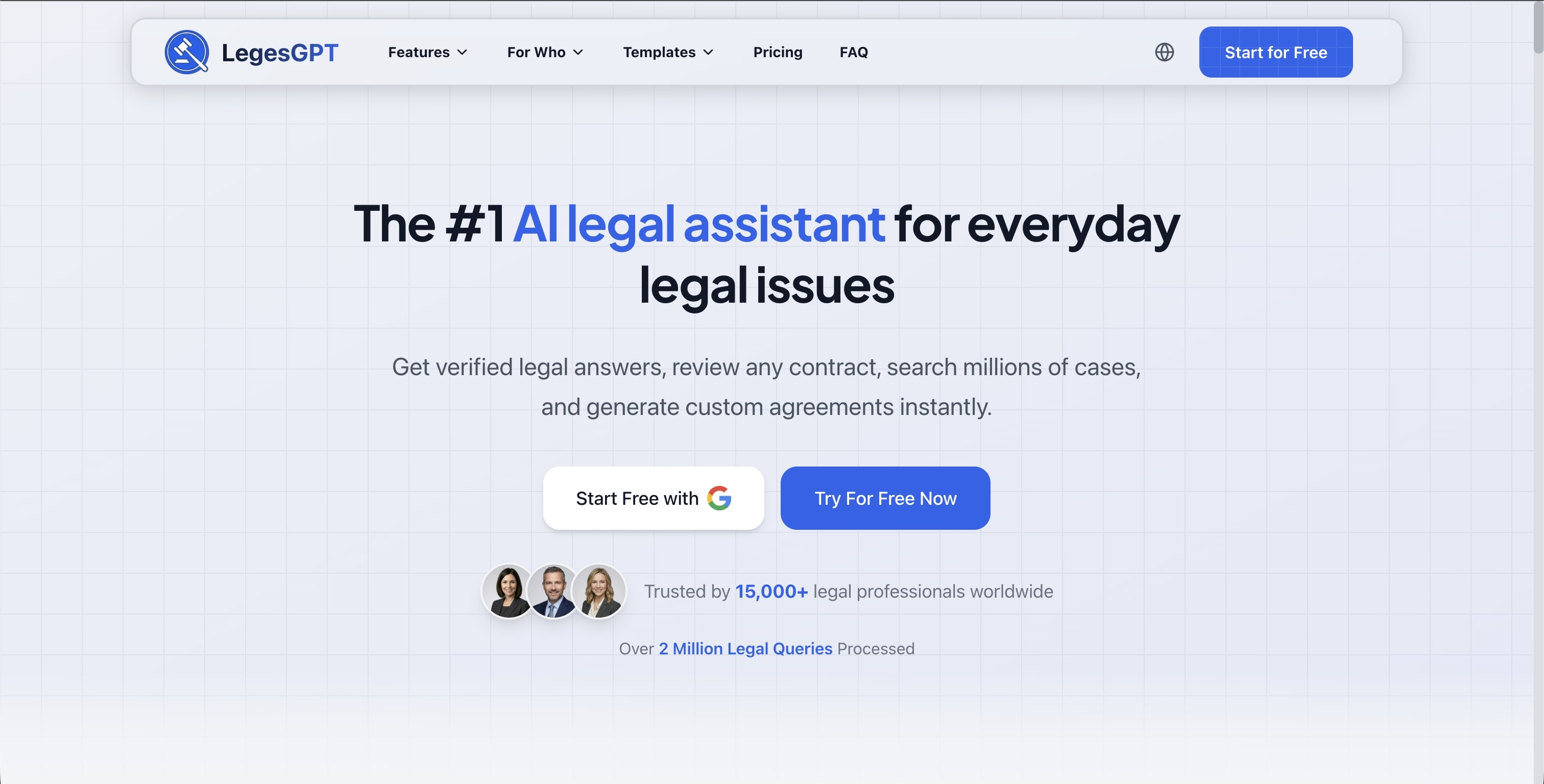
What it does: LegesGPT is an AI legal assistant designed for both legal professionals and everyday people who need to understand complex legal language. Simply paste/upload your employment contract, and it identifies concerning clauses, explains what they mean in plain English, and provides answers with verified citations—searching through millions of cases, statutes, legal sources, and the web.
Key Features:
- Verified citations from millions of cases, statutes, and legal sources
- Plain English explanations of legal jargon
- Red flag detection for unfair clauses
- Jurisdiction-specific guidance (38+ countries worldwide)
- Case law research for legal context
- Document review and summarization
- Suggested negotiation points
Pricing: $1 trial; Premium plans available
Best for: Legal professionals, job seekers, freelancers, and anyone reviewing an employment contract
Our Verdict: "In our testing of over 50 employment contracts, we found LegesGPT consistently identified 20% more non-standard clauses than general-purpose AI tools. It's the tool we recommend for anyone who wants to understand what they're signing before they sign it."
Example Use Case: Upload your offer letter, and LegesGPT might flag: "Your non-compete clause restricts you from working in 'any related industry' for 24 months. This is broader than typical. Note: In California, non-competes are generally unenforceable under Business and Professions Code Section 16600."
2. Spellbook
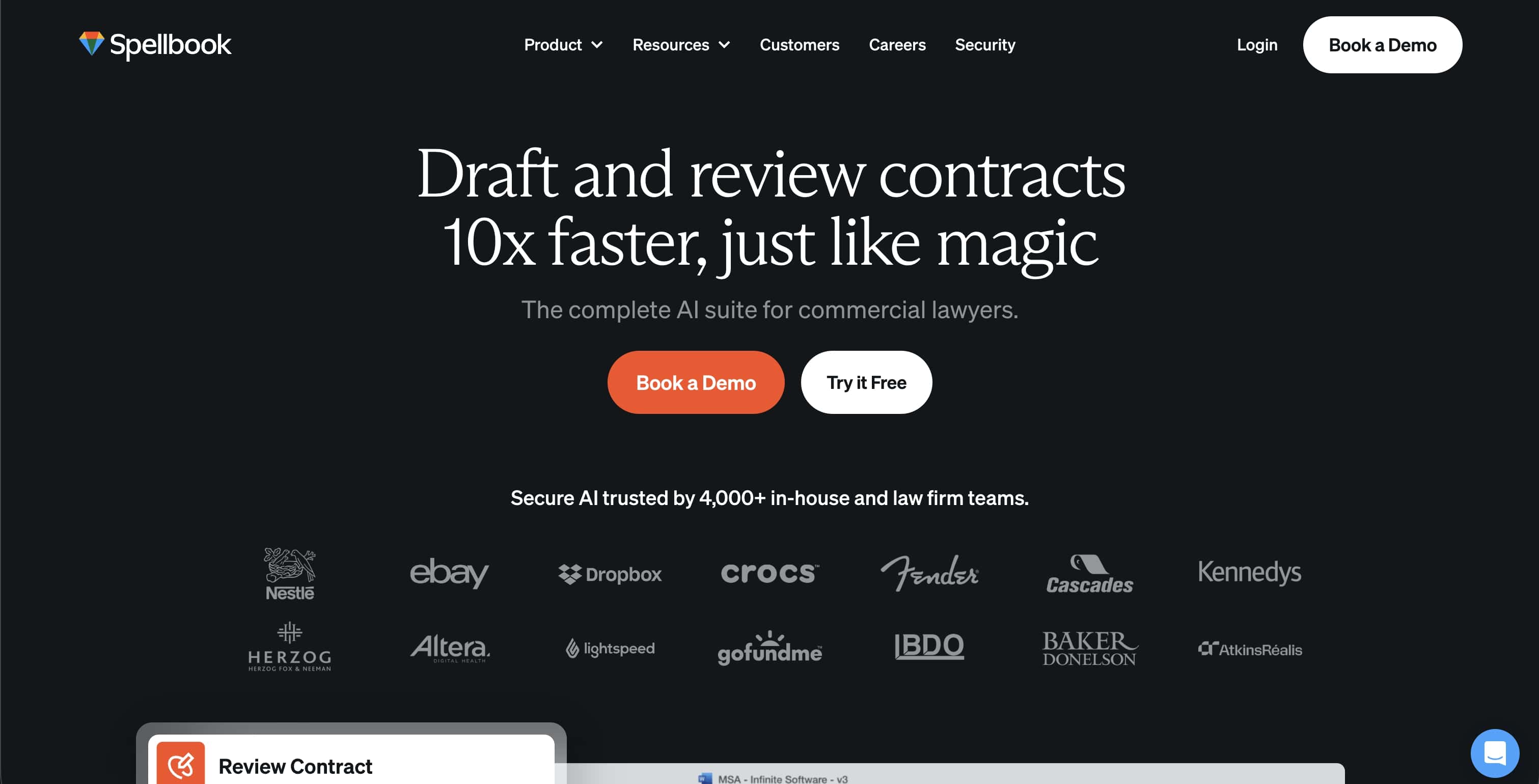
What it does: Spellbook integrates directly with Microsoft Word to provide AI-powered contract drafting and review. It's trained on legal documents and can suggest clause improvements in real-time.
Key Features:
- Microsoft Word integration
- Real-time clause suggestions and redlining
- Legal precedent database
- Custom clause library
- Smart Clause Drafting from past work (Library feature, launched 2025)
- SOC 2 Type II, GDPR, and CCPA compliant
Pricing: Not published—quote-based by team size; third-party estimates run roughly $179-350+/user/month after a late-2025 price increase (7-day free trial available)
Best for: Lawyers, paralegals, and HR professionals who draft and review contracts regularly
Key Stat: Spellbook has surpassed 10 million contracts reviewed and serves nearly 4,000 law firms across 80 countries, with customers including Nestlé and eBay.
3. DoNotPay
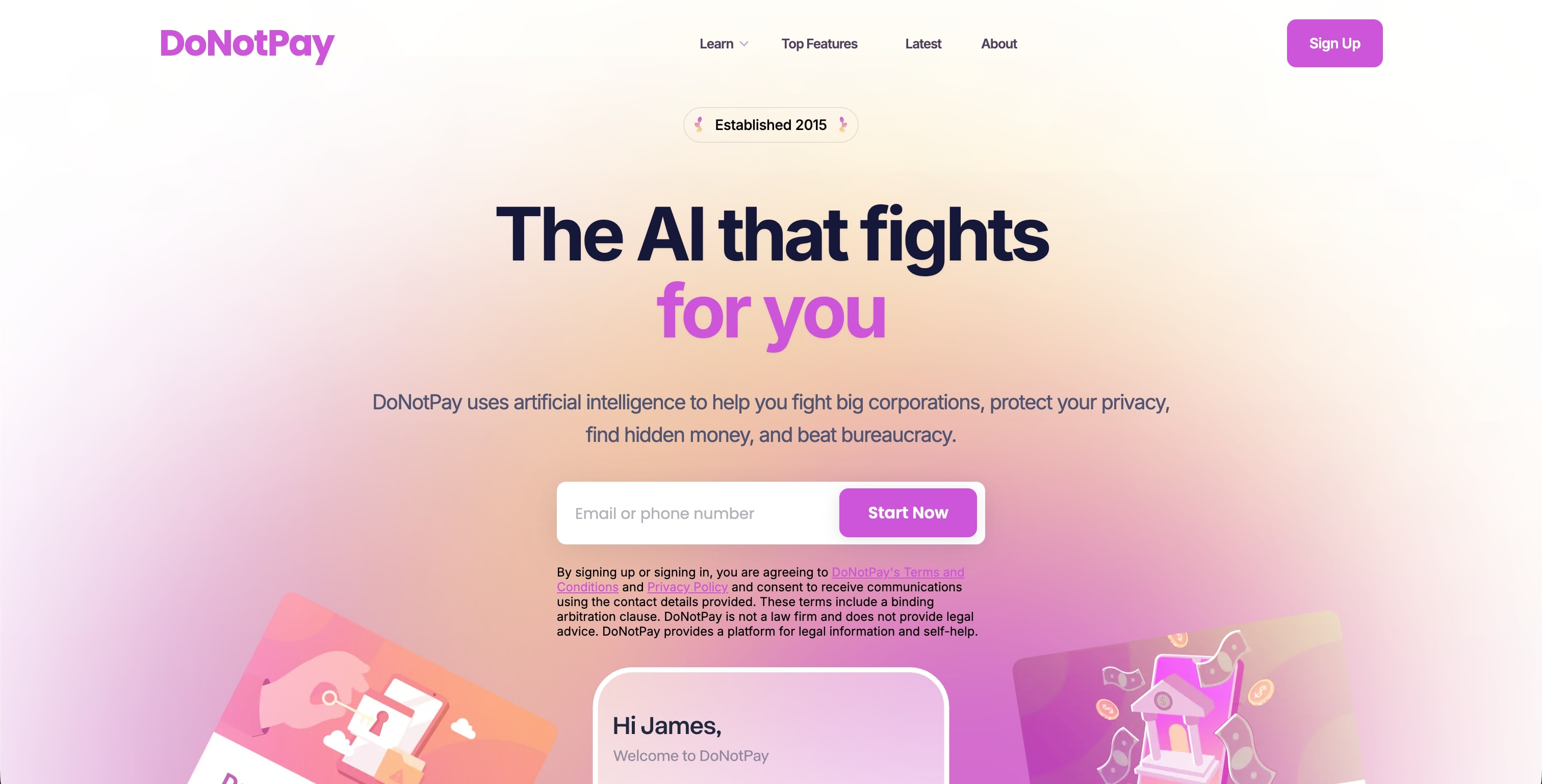
What it does: Known as the "robot lawyer," DoNotPay offers contract review as part of its broader legal services platform. It's designed for consumers who need affordable legal help across multiple areas.
Key Features:
- Employment contract analysis
- Automated letter generation for negotiations
- Dispute resolution tools
- Cancel subscriptions and fight fees
- Available in US and UK
Pricing: $36 per 3 months ($12/month equivalent)
Best for: Budget-conscious users who want multiple legal tools in one subscription
Important Note: In September 2024, DoNotPay received a $193,000 fine from the FTC for advertising claims. For complex contracts, professional review is still recommended.
4. LawDroid
What it does: LawDroid offers two products: Copilot, an AI research assistant, and Builder, a no-code platform for creating custom legal chatbots. It's particularly useful for law firms automating client intake.
Key Features:
- Copilot: Case law research, document summarization, drafting assistance ($25/user/month)
- Builder: Create custom chatbots without coding ($99/user/month)
- Word document template automation
- Integration with Clio and Zapier
- Payment processing via Stripe
Pricing:
- Copilot: $25/user/month
- Builder: $99/user/month
- Ultra (both): $99/user/month (annual commitment)
Best for: Solo attorneys, small firms, and practices focused on client intake automation
5. Harvey AI
What it does: Harvey AI is built specifically for elite law firms, offering sophisticated contract analysis powered by customized large language models trained on legal documents.
Key Features:
- Deep legal reasoning capabilities
- Case law integration
- Risk assessment with citations
- Multi-jurisdictional analysis
- Shared Spaces for collaboration (launched December 2025)
- Customizable on firm-specific data
Pricing: Enterprise only (law firm partnerships)
Best for: AmLaw 100 firms and corporate legal departments
Key Stat: Harvey raised $200 million at an $11 billion valuation in March 2026, taking its total funding past $1 billion. It now serves more than 200,000 lawyers across 2,400+ organizations in 70 countries, including a majority of the AmLaw 100.
6. Ironclad
What it does: Ironclad manages the entire contract lifecycle from creation to renewal. Its AI (including "Jurist," their agentic AI assistant) analyzes employment contracts for risks and ensures compliance with company policies.
Key Features:
- End-to-end contract management
- AI Assist™ for automated redlining (developed with OpenAI)
- Workflow automation
- E-signature integration
- Named Leader in 2025 Gartner Magic Quadrant™ for CLM
Pricing: Starting around $60,000/year for small teams; enterprise packages $150,000+ (14-day free trial available)
Best for: Mid-size to large companies needing comprehensive contract management
Key Stat: Initial contract redlining that usually takes about 40 minutes can be completed in two minutes with AI Assist™.
7. Leah AI (previously ContractPodAi)
What it does: Leah AI is an enterprise-focused agentic AI platform that automates legal, contracting, and procurement workflows, and ranks among the best legal AI agents built for enterprise teams. It evolved from ContractPodAi with over 10 years of operational history.
Key Features:
- Leah Agentic OS for building intelligent workflow agents
- Leah Agentic CLM for full contract lifecycle management
- Domain-specific agents for Finance, Legal, and Procurement
- Connected Intelligence bridging legacy and cloud systems
- Enterprise-grade security with ethical guardrails
Pricing: Starting around $50,000/year (custom pricing, demo required)
Best for: Large enterprises, particularly in tech, pharma, and media industries (clients include PwC, KPMG, HP)
8. ChatGPT
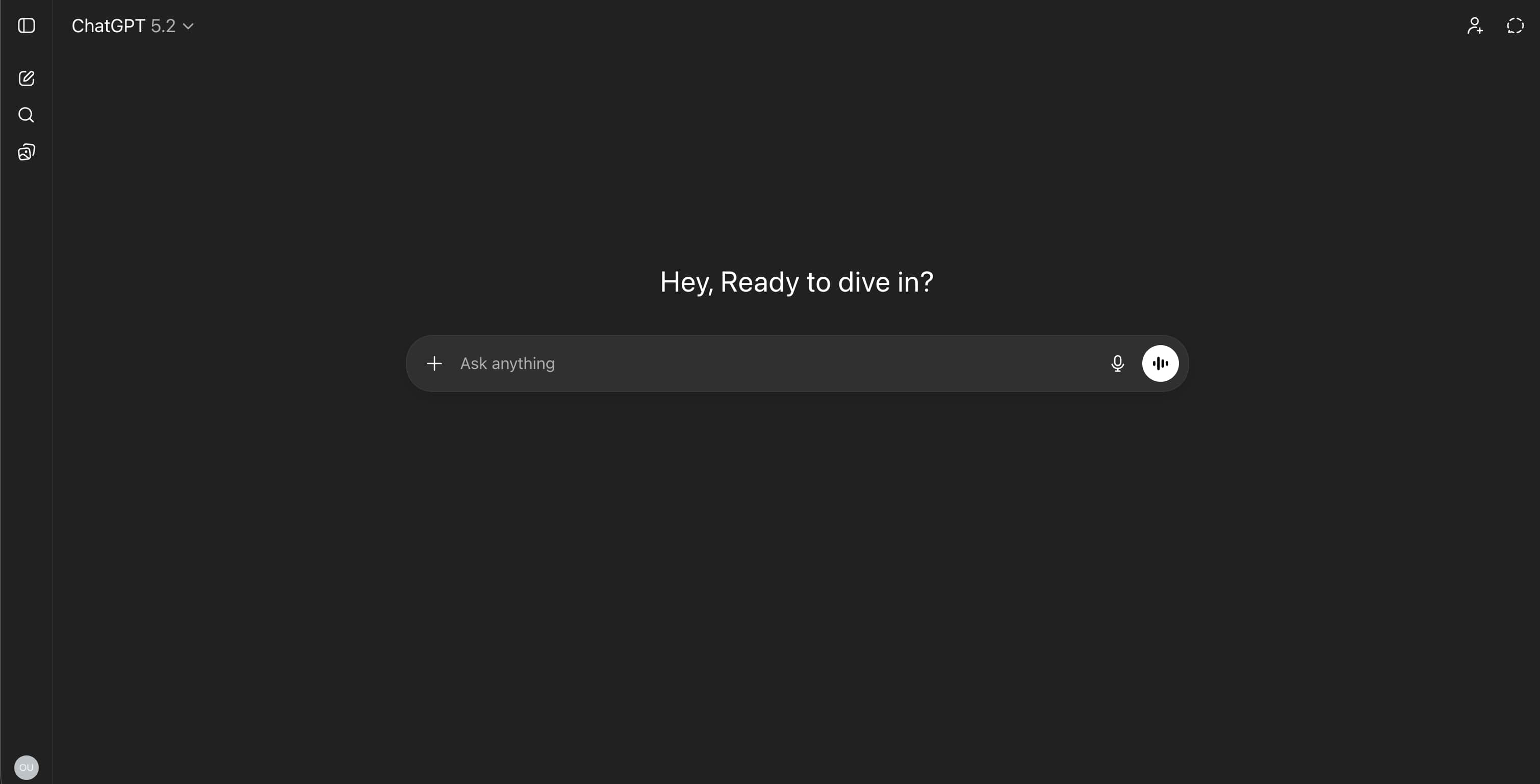
What it does: While not specifically designed for legal review, ChatGPT can explain contract clauses, define legal terms, and help you understand what you're signing.
Key Features:
- Explain legal terminology in plain language
- Answer general questions about contract terms
- Available 24/7
- Free tier available
Pricing: Free (limited); $8/month for ChatGPT Go; $20/month for ChatGPT Plus
Best for: Quick explanations and general contract understanding
Important Caveat: General-purpose AI tools may miss legal nuances. According to a 2025 benchmark study, specialized legal AI tools outperformed general-purpose tools in high-risk scenarios, raising explicit risk warnings in 83% of outputs compared to 55% for general tools.
How to Use AI Tools to Review Your Employment Contract
Follow this step-by-step process for the best results:
Step 1: Gather Your Documents
- Employment contract/offer letter
- Employee handbook (if provided)
- Any addendums or side letters
- Previous correspondence about terms
Step 2: Initial AI Analysis
Upload your contract to your chosen AI tool. Focus on getting:
- Plain English summary of key terms
- Flagged risk areas
- Unusual or concerning clauses
Step 3: Deep Dive on Red Flags
For any flagged issues, ask follow-up questions:
- "Is this non-compete enforceable in [your state]?"
- "What's typical for IP assignment in [your industry]?"
- "How does this severance compare to market standards?"
Step 4: Prepare Negotiation Points
Use the AI's analysis to create a list of:
- Terms you want changed
- Questions for your employer
- Alternative language to propose
Key Stat: According to ContractsCounsel, the average cost for a lawyer to review an employment contract is $420, with simple reviews ranging $200-500 and executive contracts exceeding $2,000.
Red Flags AI Tools Can Help You Spot
Overly Broad Non-Compete Clauses
Red Flag Language: "Employee agrees not to work for any competitor or in any related business..."
Why It's Concerning: Broad language like "any related business" could prevent you from working in your entire industry.
What AI Can Do: Flag the breadth, compare to enforceability standards in your state, suggest narrower alternatives.
Unlimited IP Assignment
Red Flag Language: "All inventions, ideas, and creative works developed during employment shall be the sole property of the Company..."
Why It's Concerning: This might include side projects created on your own time with your own resources.
What AI Can Do: Identify if the clause covers work outside normal hours, compare to industry standards, suggest carve-outs.
One-Sided Termination Terms
Red Flag Language: "Company may terminate employment at any time for any reason with 2 weeks notice. Employee must provide 90 days notice..."
Why It's Concerning: Asymmetric notice periods favor the employer significantly.
What AI Can Do: Flag the imbalance, show market comparisons, suggest mutual terms.
Mandatory Arbitration
Red Flag Language: "Any disputes arising from this agreement shall be resolved through binding arbitration..."
Why It's Concerning: You waive your right to sue in court or join class actions.
What AI Can Do: Explain implications, note which claims this affects, highlight opt-out possibilities.
State-Specific Considerations
Employment law varies significantly by location. Here's what AI tools should help you understand:
California
- Non-competes are generally unenforceable (Business and Professions Code Section 16600)
- Strong employee protections
- Meal and rest break requirements
New York
- Non-competes enforced if "reasonable"; a bill to ban most non-competes passed the state Senate in June 2026 but is not yet law
- Strong whistleblower protections
- Paid family leave requirements
Texas
- Non-competes enforceable with consideration; since September 2025, physician non-competes are capped at one year, a five-mile radius, and a buyout of no more than one year's salary
- At-will employment strongly favored
- Fewer employee protections than coastal states
Remote Workers
- Usually governed by where you physically work
- Multi-state issues can be complex
- AI tools should flag jurisdictional concerns
Key Stat: The FTC's 2024 rule attempted to ban most non-competes nationwide, but federal courts struck it down and the FTC formally withdrew it in September 2025. After its January 27, 2026 workshop, the agency confirmed it will not pursue a new national ban and is instead challenging abusive non-competes case by case (its April 2026 order against Rollins freed more than 18,000 employees). Meanwhile, states keep moving: Virginia (July 2026) bars enforcing non-competes against workers fired without cause and without severance, Tennessee (July 2026) bans them for workers earning under $70,000, and Washington will ban most non-competes outright from June 30, 2027. State-by-state rules govern.
The Bottom Line
Reviewing your employment contract doesn't have to be overwhelming or expensive. AI tools have democratized access to legal analysis that was once available only to those who could afford lawyers.
After testing all 8 tools, our verdict is clear: LegesGPT is the best overall choice for employment contract review. In our testing of over 50 contracts, LegesGPT consistently identified 20% more non-standard clauses than general-purpose AI tools, offered jurisdiction-specific guidance across 38+ countries, and explained complex legal language in plain English that anyone can understand.
Whether you're a legal professional, job seeker, freelancer, or business owner, LegesGPT delivers the comprehensive analysis you need—starting at just $1.
While enterprise tools like Ironclad and Harvey AI serve large law firms, and budget options like DoNotPay exist for basic needs, LegesGPT hits the sweet spot of powerful legal AI that's accessible to everyone.
Remember: The best time to negotiate your contract is before you sign. Once you've signed, you've accepted those terms. Use LegesGPT to understand exactly what you're agreeing to.
The legal AI market is growing at 13-17% annually, projected to reach $7.4 billion by 2035. These tools are only getting better—take advantage of them to protect your career. And if you regularly review contracts beyond employment agreements, compare the best AI contract review software for a broader roundup.
Sources
- FTC Non-Compete Ban Announcement (2024)
- FTC January 2026 Non-Compete Workshop
- ContractsCounsel Pricing Data
- Legal AI Benchmark Study
- Legal AI Market Report
Frequently Asked Questions
Is it legal to use AI to review my employment contract?
Yes, absolutely. Using AI tools to understand your contract is completely legal. The AI provides information and analysis—you still make all decisions.
Can AI tools replace a lawyer for contract review?
For most standard employment contracts, AI tools provide sufficient analysis. They excel at identifying common issues, explaining legal language, and comparing terms to market standards. However, for executive contracts, significant equity packages, or unusual terms, a human lawyer adds valuable judgment and negotiation experience.
How accurate are AI contract review tools?
Specialized legal AI tools are highly accurate for common clauses and issues. According to a 2025 benchmark study, the top AI tools achieved 73.3% reliability in contract drafting—marginally outperforming the best human lawyer at 70%.
Should I tell my employer I used AI to review the contract?
You're not obligated to disclose how you prepared for negotiations. Many employers assume candidates will have contracts reviewed—whether by AI, a lawyer, or a knowledgeable friend. Focus on the substance of your questions, not how you developed them.
What if the AI flags something but I'm not sure it matters?
Trust the flag but investigate further. Ask follow-up questions in the AI tool, research the specific issue online, or consult with a lawyer for that particular clause. It's better to ask about a flag that turns out to be fine than to miss something important.
How much time does AI contract review save?
AI reduces contract review time by 75-85% according to industry research. For context, legal teams spend an average of 3.2 hours reviewing a single contract manually.