

Most "legal AI" tools you have tried are chatbots: you ask a question, you get an answer, and every next step is back on you. A legal AI agent works differently. It handles multi-step legal work on its own, planning a research path, pulling authority, analyzing what it finds, then drafting or reviewing a document, with you supervising rather than driving each click.
That distinction matters because the slow part of legal work is rarely the single question. It is the chain: research the issue, read the cases, compare them to your facts, draft the memo or clause, and check it. An agent compresses that chain. A plain AI legal assistant answers one prompt at a time; an agent carries the task through several steps.
This guide ranks the 9 best legal AI agents in 2026 for lawyers, law firms, and in-house counsel, judged on how much of a workflow each one executes on its own rather than how well it chats. For each tool you get what it automates, current pricing, where it fits, and where it falls short, so you can match the right agent to the work you do most.
Find on-point cases in plain English
Describe your issue and LegesGPT surfaces relevant case law and statutes, with direct links to the source so you can verify every result.
Search case lawBest legal AI agents: a brief overview
Here is a quick snapshot of the 9 best legal AI agents and what each one does best:
- LegesGPT: Best overall agentic legal assistant: runs multi-step legal questions with Deep Research, then carries the work through review, drafting, and e-signature.
- CoCounsel: Best for enterprise and BigLaw agentic work: end-to-end agentic workflows built on Westlaw and Practical Law content.
- Harvey: Best for BigLaw and enterprise agentic legal work: practice-specific agents for research, document review, and end-to-end matter workflows.
- Paxton: Best for autonomous research and drafting at solos and small firms: 50-state and federal coverage with AI drafting and file analysis.
- ChatGPT: Best general-purpose AI agent: Agent Mode and custom GPTs run multi-step tasks across research, drafting, and analysis.
- Claude: Best general-purpose agent for legal reasoning: strong on long documents and multi-step analysis with its Research feature.
- Google Gemini: Best general agent inside Google and Workspace: Deep Research plus agentic features across Gmail, Docs, and Drive.
- Microsoft Copilot: Best agentic AI inside Microsoft 365: builds and runs agents through Copilot Studio across Word, Outlook, and Teams.
- Perplexity: Best for autonomous research with cited sources: Deep Research analyzes hundreds of sources into reports with citation-first answers.
| Tool | Best for | Starting price | Free trial | Platform |
|---|---|---|---|---|
| LegesGPT | All-in-one agentic legal work | $19.99/mo | 3-day trial for $1 | Browser app |
| CoCounsel | Enterprise and BigLaw legal AI | Quote-based (bundled with Westlaw) | Demo only | Web, integrations |
| Harvey | BigLaw and enterprise legal AI | Quote-based (no public price) | Demo only | Web, integrations |
| Paxton | Autonomous research and drafting for solos | $499/user/mo | 7-day trial | Web app |
| ChatGPT | General-purpose AI agent | $20/mo (Plus) | Free plan | Web, desktop, mobile |
| Claude | General legal reasoning and long docs | $20/mo (Pro) | Free plan | Web, desktop, mobile |
| Google Gemini | General agent in Google Workspace | $19.99/mo (AI Pro) | Free plan | Web, Workspace |
| Microsoft Copilot | Agentic AI in Microsoft 365 | $18/user/mo (add-on) | Copilot Chat (free tier) | Microsoft 365 |
| Perplexity | Autonomous research with cited sources | $20/mo (Pro) | Free plan | Web, desktop, mobile |
1. LegesGPT, best overall agentic legal assistant
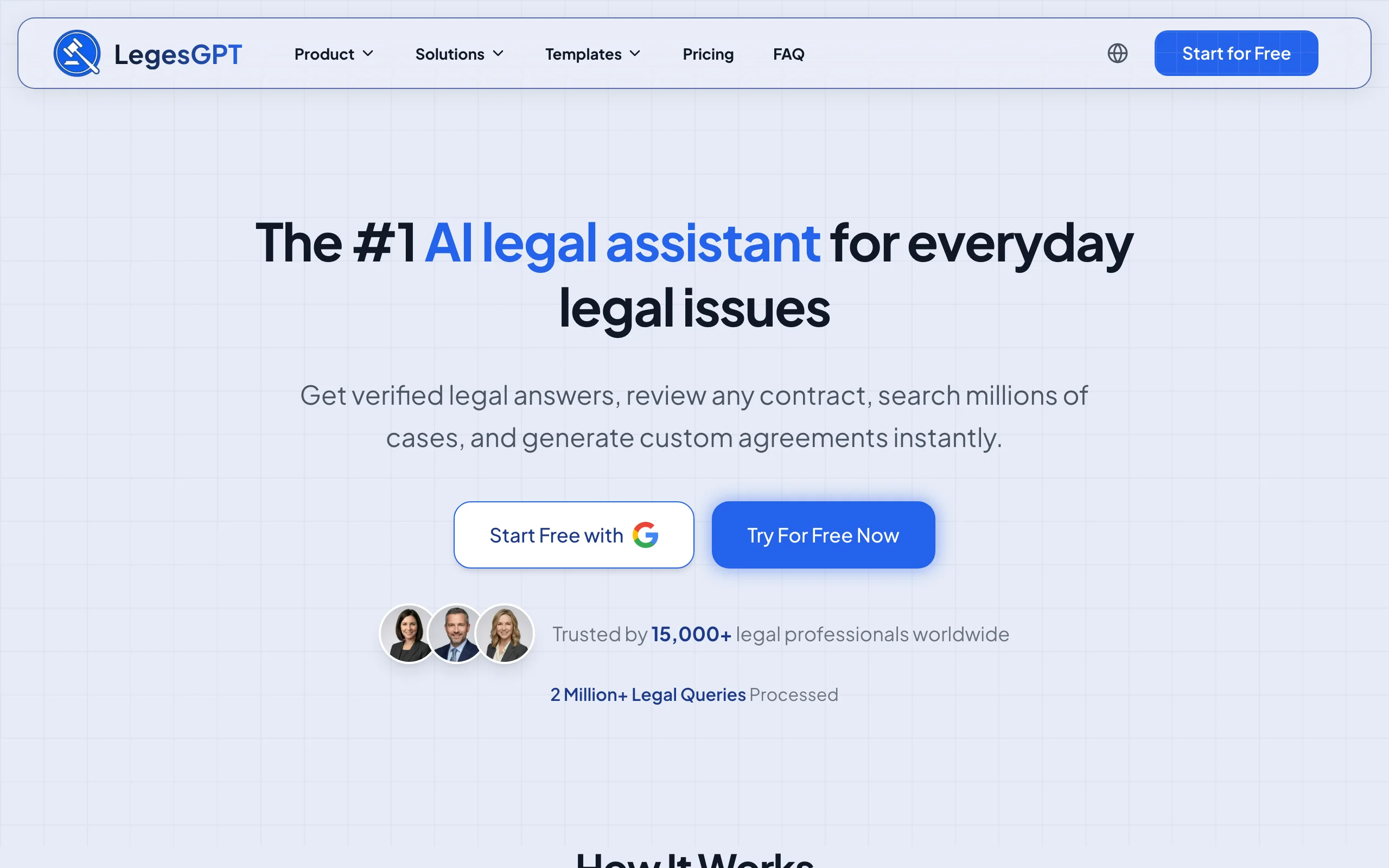
LegesGPT is a legal AI agent that takes a question and runs the whole task, not just the first reply. Its Deep Research mode breaks a complex, multi-step legal question into a plan, searches case law and statutes, and returns an answer with verified citations and direct source links. From there the same platform moves into AI document review that flags risks in your PDFs and contracts, drafting of legal documents, and e-signature, so research, analysis, and output live in one workflow instead of three separate tools.
What makes it the top pick is agentic depth plus zero friction. There is no sales cycle, no seat minimum, and no add-in to install: it runs in the browser. A solo attorney, a paralegal, or in-house counsel can start a Deep Research run, review a contract, draft from a template, and send for signature in one session, all on a self-serve plan.
Key features
- Deep Research mode that plans and runs multi-step legal questions end to end
- Answers with verified citations and direct source links to cases and statutes
- Case law and statute search across multiple jurisdictions
- AI document review for PDF, DOCX, and images that flags risks and proposes changes
- AI drafting of contracts and legal documents, plus 100+ attorney-drafted templates
- Built-in e-signature and free tools (contract generator, calculators, citation generator)
Best for
- Solo and small firm lawyers who want research, review, and drafting in one agent
- In-house counsel and paralegals handling mixed legal work without enterprise tooling
- Anyone who wants agentic output without a sales call or software install
Pricing
- 3-day trial for $1 on all plans (not a free plan)
- Basic $19.99/month, Plus $49.99/month (document upload and reviews), Premium $99.99/month (unlimited reviews, Deep Research, web search)
- Roughly 30% off with annual billing
Pros
- True agentic chain: research, then review, then draft, then sign, in one place
- Verified citations and source links make outputs easy to check
- Self-serve and browser-based, with no seat minimum or onboarding cycle
- Costs a fraction of enterprise legal agents like CoCounsel or Paxton
Cons
- Web-only: no native mobile app, public API, or Word add-in
2. CoCounsel, best for enterprise and BigLaw agentic work
CoCounsel Legal is Thomson Reuters' legal AI platform, and since its next-generation release in August 2026 it is fully agentic: it plans, selects tools, retrieves Westlaw and Practical Law authority, and executes multi-step workflows from a single natural-language request rather than answering one-off prompts. Its Deep Research uses custom-trained agentic AI to reason through a legal question and deliver cited results grounded in Westlaw and Practical Law content. Around that sit document analysis, clause drafting, contract playbooks, and error checking, all tied to Thomson Reuters' authoritative sources.
For large firms and corporate legal departments already on Westlaw, CoCounsel is the most institutional option here: authoritative content, agentic workflows, and AI positioned for high-stakes matters. The trade-off is access. CoCounsel is bundled with Westlaw rather than sold standalone, so the entry point is an enterprise commitment, not a quick signup.

Key features
- Deep Research: agentic AI that plans research and returns cited reports on Westlaw content
- End-to-end agentic workflows built on Anthropic's Claude Agent SDK, including Westlaw Brief Builder, a Drafting Agent in Word, and Tabular Analysis across up to 10,000 documents
- Litigation document analyzer and document error checking
- Draft and modify clauses with contract playbooks for transactional work
- Grounded in Westlaw and Practical Law, with citations for AI answers
Best for
- AmLaw firms and large legal departments already on Westlaw
- Litigation and transactional teams that need authoritative, cited research
- Firms with budget for enterprise legal AI and a procurement process
Pricing
- Quote-based; CoCounsel is bundled with Westlaw, not sold standalone
- A self-serve configurator covers firms up to 10 attorneys; larger firms are quoted by sales
- Reported bundles such as Westlaw Advantage with CoCounsel Essentials run several hundred dollars per user per month
Pros
- Agentic Deep Research grounded in authoritative Westlaw and Practical Law content
- Built for high-volume litigation and transactional work at scale
- Citations on AI answers support verification
Cons
- Sold bundled with Westlaw, so the real cost is high and quote-based
- Enterprise procurement and onboarding, with no quick self-serve start
- Overkill for solos and small firms that do not need full Westlaw access
3. Harvey, best for BigLaw and enterprise agentic legal work
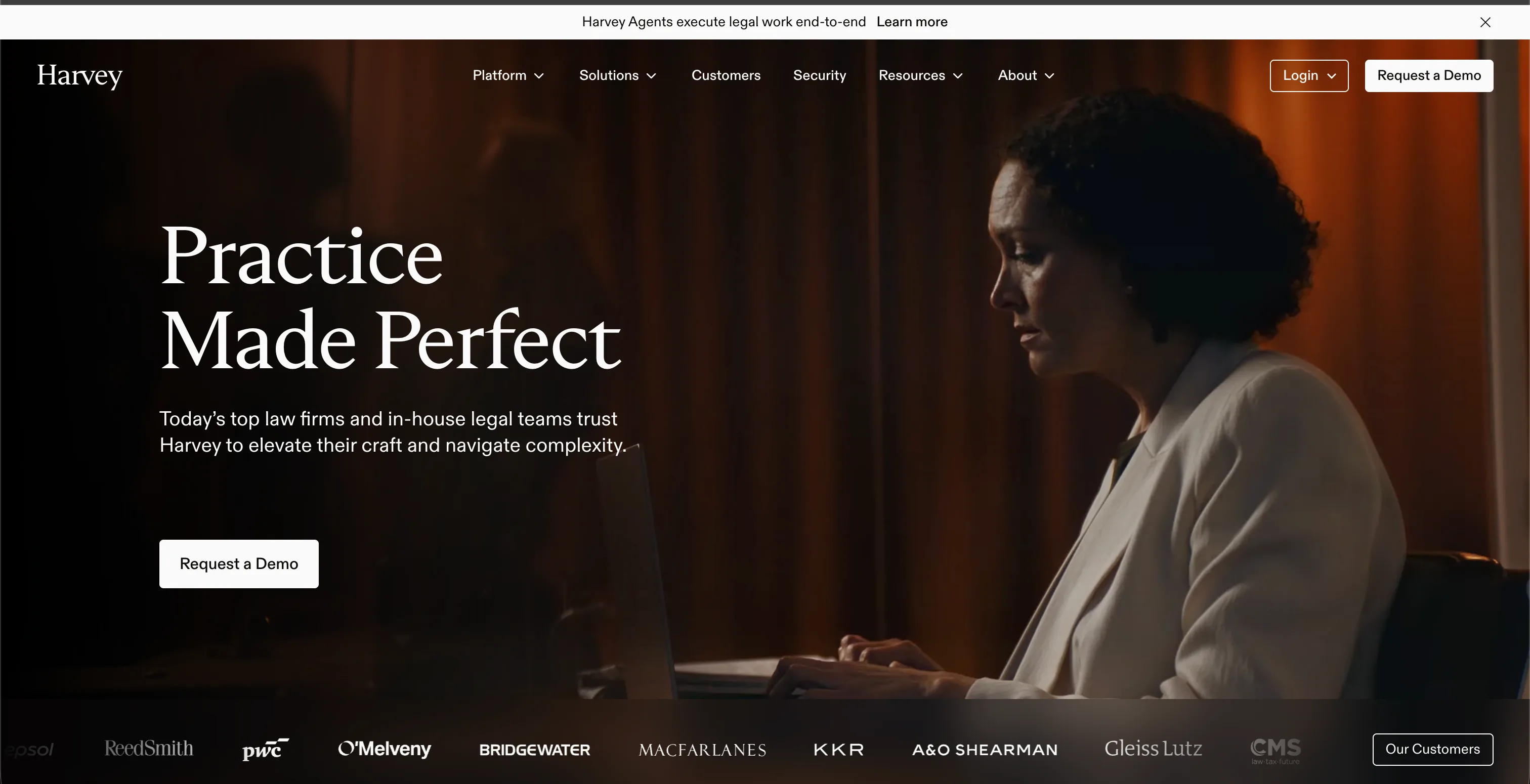
Harvey is an enterprise legal AI platform built for large law firms and corporate legal departments, used by 2,400+ legal organizations and 200,000+ professionals. It combines Assistant for legal research and drafting, Vault for document review at scale, Knowledge for cited research, and Workflow Agents for automation, with 500+ pre-built, practice-specific agents that run matters end to end and an Agent Builder for creating custom agents without code. Its agents cover work like M&A due diligence, disclosure schedule review, and immigration petition drafting, trained on domain-specific data and formatted for each practice.
Harvey is positioned squarely at BigLaw, not at solos or small firms. It is sold through enterprise sales with seat minimums and annual commitments, and there is no public price. For firms with the budget and procurement process, it offers deep agentic coverage and custom agents built per account, but the entry point is a sales cycle, not a self-serve signup.
Key features
- Assistant for legal research and drafting across practice areas
- Vault for large-scale document review and due diligence
- Workflow Agents: 500+ pre-built, practice-specific agents that run matters end to end
- Agents for M&A diligence, disclosure review, and immigration petitions
- Agent Builder (early access) for no-code custom agents, plus agents built per account by Harvey legal engineers
Best for
- BigLaw firms and large corporate legal departments
- Litigation and transactional teams that need practice-specific agents
- Firms with enterprise budget and a procurement process
Pricing
- Quote-based with no public price; sold through enterprise sales
- Reported seat minimums and annual commitments; figures vary by firm size
- Demo and sales contact required to get a quote
Pros
- Deep agentic coverage across research, review, and matter workflows
- Practice-specific agents trained for areas like M&A and immigration
- Custom agents built per account for firm-specific work
Cons
- No public pricing; high cost behind an enterprise sales cycle
- Seat minimums and annual commitments rule out solos and small firms
- Not legal-research-database neutral; built around enterprise procurement
4. Paxton, best for autonomous research and drafting for solos
Paxton is an all-in-one AI legal assistant aimed at solo practitioners and small firms that want autonomous research and drafting without a BigLaw contract. It draws on a knowledge base of US federal regulations, state laws, and case law across all 50 states, and pairs that with AI drafting for documents, clauses, contracts, and emails, plus file analysis that summarizes and surfaces recommendations.
Paxton leans into agentic output: rather than just answering, it produces drafts and analyses you can act on, including medical chronologies and billing summaries for litigation-heavy practices. It is a focused legal tool with SOC 2, ISO 27001, and HIPAA compliance, which matters for sensitive client data. The main consideration is price: at the individual level it sits well above general-purpose agents.

Key features
- Knowledge base covering US federal regulations, state laws, and 50-state case law
- AI drafting for legal documents, clauses, contracts, and emails
- AI file analysis with summarization and actionable recommendations
- Medical chronologies and billing summaries for litigation practices
- SOC 2, ISO 27001, and HIPAA compliance
Best for
- Solo and small firm lawyers wanting autonomous research and drafting
- Litigation practices that need medical chronologies and case file analysis
- Firms that want a dedicated legal tool over a general-purpose chatbot
Pricing
- Individual: $499/user/month, or $2,999/user/year
- Enterprise: custom, volume-based pricing
- 7-day free trial available
Pros
- Purpose-built for legal work with broad 50-state coverage
- Strong drafting and file-analysis output for litigation practices
- Compliance certifications suited to sensitive client data
Cons
- Individual pricing is high relative to all-in-one and general agents
- Narrower workflow than platforms that add e-signature and templates
- Less useful outside core US legal research and drafting
5. ChatGPT, best general-purpose AI agent
ChatGPT, by OpenAI, is the general-purpose AI agent most lawyers already know, and in 2026 it moved well past single-prompt chat. Its Agent Mode runs multi-step tasks on its own, planning a path and working through it, while custom GPTs let you build reusable assistants around a recurring task such as clause review or intake summaries. It handles reasoning, drafting, and analysis over documents, and runs on web, desktop, and mobile.
Like other general agents, ChatGPT is not legal-specific: it has no case law database and no citation validation, so it can produce confident but unverified statements that need checking before client use. With that caveat, it is a strong, widely available agent for first drafts, summaries, and multi-step reasoning, with a free tier and an affordable Plus plan.

Key features
- Agent Mode that plans and runs multi-step tasks autonomously
- Custom GPTs to build reusable assistants for recurring legal tasks
- GPT-5.6 models (Sol, Terra, and Luna) for reasoning, drafting, and document analysis
- Deep Research for multi-step queries across web sources
- Web, desktop, and mobile access with memory across chats
Best for
- Lawyers who want a familiar general agent for drafting and analysis
- Building custom GPTs for repeatable intake, review, or summary tasks
- Teams comfortable verifying AI output against primary sources
Pricing
- Free plan with limited messages and model access
- Go $8/month; Plus $20/month with Agent Mode and Deep Research
- Pro from $100/month; Business $25/seat/month (annual $20); Enterprise custom
Pros
- Agent Mode and custom GPTs support genuine multi-step work
- Free tier and low Plus price make it easy to start
- Broad availability across web, desktop, and mobile
Cons
- No legal case law database or citation validation
- Can state confident but unverified claims, so outputs need review
- Not tuned for legal-specific workflows like e-signature or templates
6. Claude, best general-purpose agent for legal reasoning
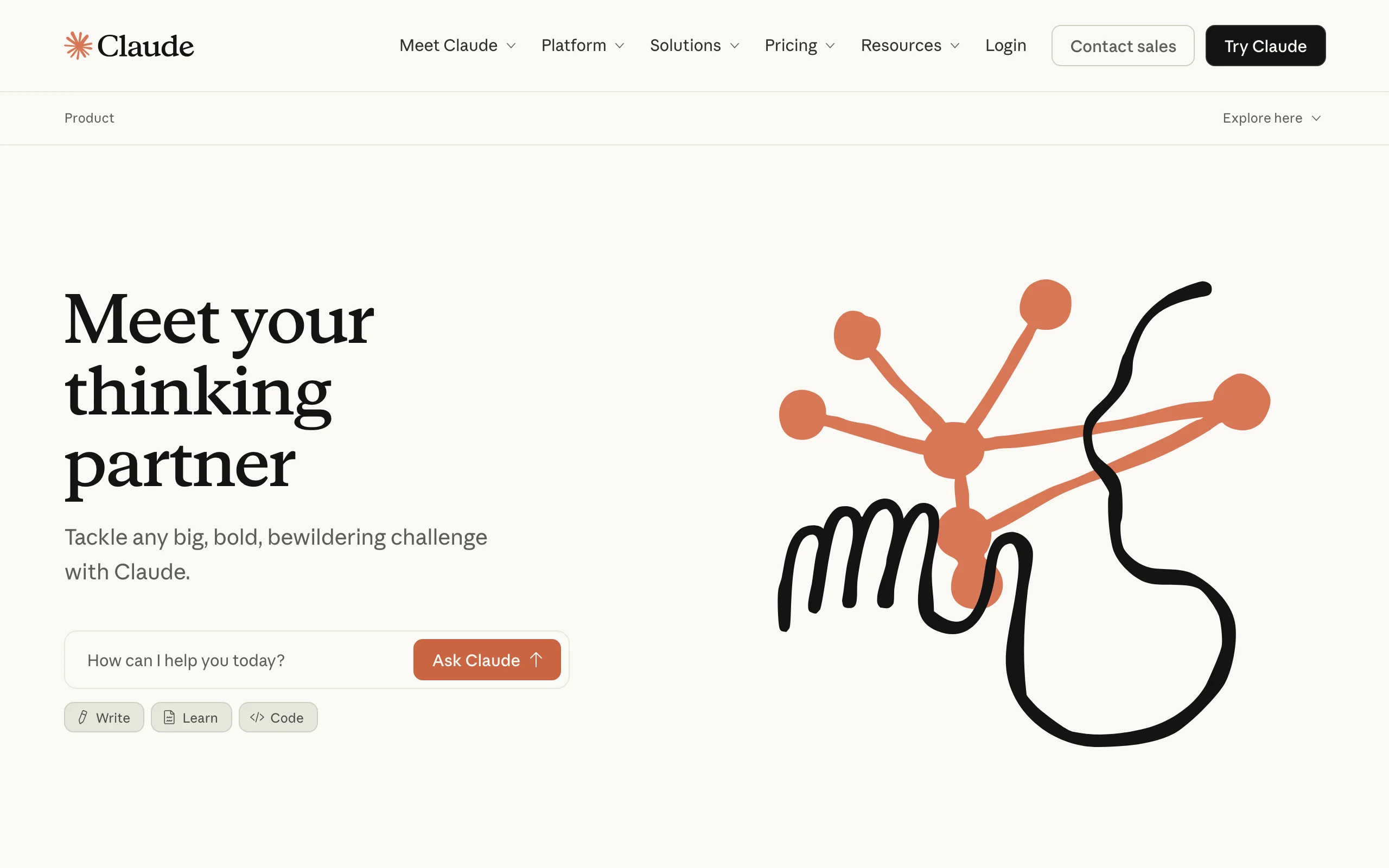
Claude, by Anthropic, is a general-purpose AI agent that lawyers reach for when the task is reasoning over long, dense documents. It handles large context well, so you can drop in a lengthy contract, brief, or record and ask it to analyze, summarize, or compare. Its Research feature runs multi-step queries across sources, and Projects let you organize chats and documents around a matter.
Claude is not a legal-specific tool, so it has no built-in case law database and no citation validation against legal authority. That means it can produce confident but unverified statements, and outputs need checking before they touch client work. With that caveat, it is one of the strongest general agents for legal reasoning, first-draft writing, and complex documents, at a price any lawyer can justify.
Key features
- Strong reasoning over long documents and large context windows
- Research feature for multi-step queries across web sources
- Projects to organize documents and chats around a matter
- Web, desktop, and mobile access with memory across conversations
- Multiple model options for speed or depth
Best for
- Lawyers who want a general agent for analysis and first-draft writing
- Reviewing and summarizing long contracts, briefs, and records
- Teams already comfortable verifying AI output against primary sources
Pricing
- Free plan available
- Pro $20/month (or $17/month billed annually)
- Max from $100/month; Team $25/seat/month; Enterprise custom
Pros
- Excellent at long-document reasoning and structured analysis
- Affordable, with a usable free tier and a low Pro price
- Research and Projects support genuine multi-step work
Cons
- No legal case law database or built-in citation validation
- Can state confident but unverified claims, so outputs need review
- Not tuned for legal-specific workflows like e-signature or templates
7. Google Gemini, best general AI agent integrated with Google and Workspace
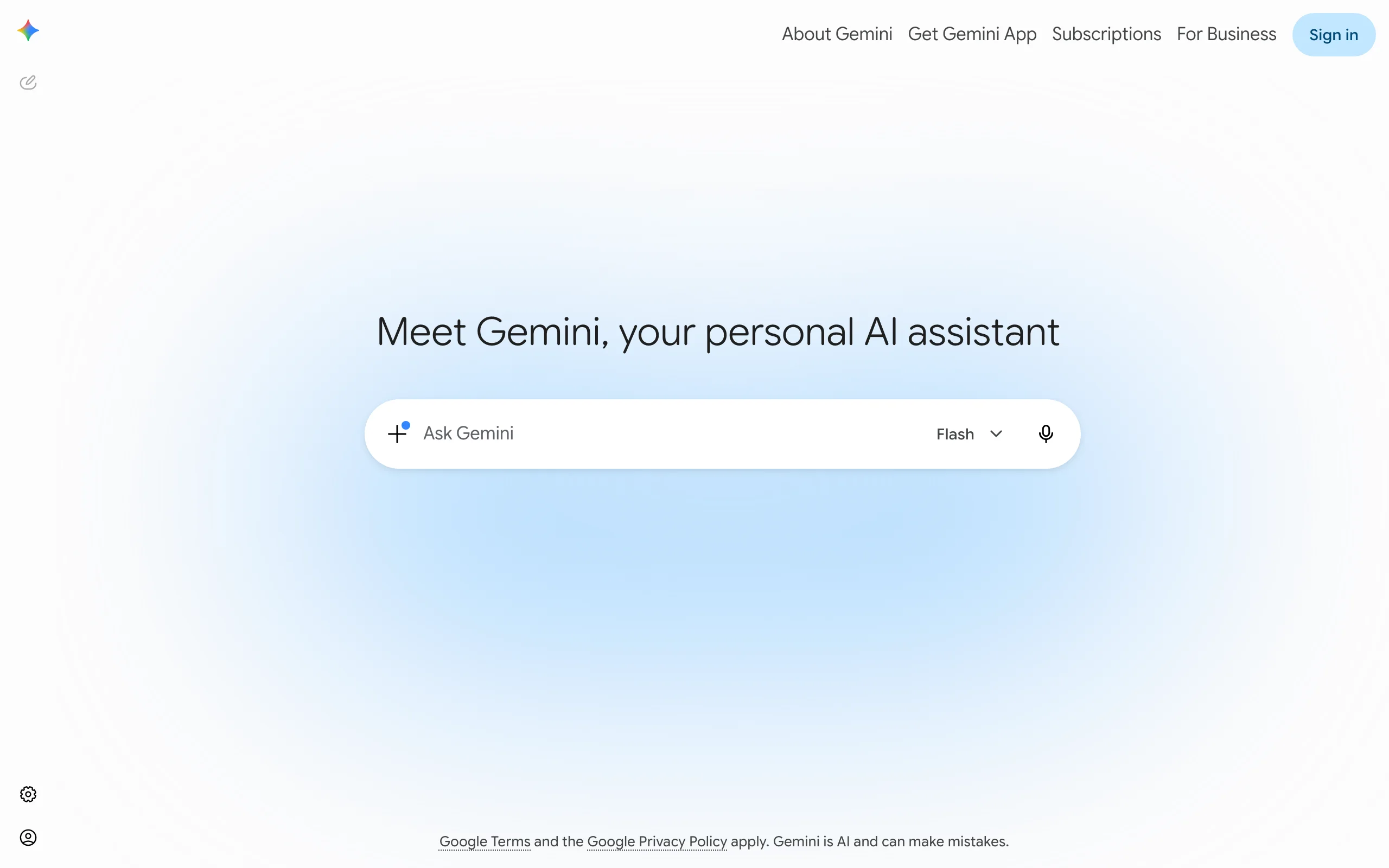
Google Gemini is the strongest general agent for lawyers who live inside Gmail, Docs, and Drive. It brings Deep Research, which analyzes many sources to build a report, into the Google apps you already use, and its agentic features extend across Workspace so you can summarize email threads, draft in Docs, and pull from Drive without leaving your environment.
For a team standardized on Google Workspace, Gemini removes the friction of a separate tool. Like Claude, it is general-purpose rather than legal-specific: no legal authority database and no citation validation, so it is best for drafting, summarizing, and first-pass research rather than authoritative case law work. The convenience of having it inside Workspace is its real draw.
Key features
- Deep Research that analyzes many sources into a structured report
- Agentic features across Gmail, Google Docs, Vids, and Drive
- Large context window for long documents
- Tiered usage limits with higher allowances on paid plans
- Available free and through Google Workspace business tiers
Best for
- Lawyers and teams standardized on Google Workspace
- Drafting and summarizing inside Gmail and Docs
- First-pass research where output will be verified
Pricing
- Free plan with Deep Research and core features
- Google AI Plus $4.99/month; Google AI Pro $19.99/month
- Google AI Ultra from $99.99/month; Gemini is also bundled in Workspace business tiers
Pros
- Deep Research and agentic features built into Google apps
- Affordable consumer plans and a capable free tier
- Seamless for teams already on Workspace
Cons
- No legal database or citation validation for authoritative work
- General-purpose, so legal accuracy depends on careful prompting and review
- Best value depends on already using Google Workspace
8. Microsoft Copilot, best agentic AI inside Microsoft 365
Microsoft 365 Copilot is the agent for legal teams that run on Word, Outlook, Teams, and Excel. Beyond in-app chat, its Business plan lets you build and run agents through Copilot Studio, plus use pre-built agents like Researcher and Analyst, so routine multi-step tasks can be automated where the work already happens. For documents, that means drafting and revising in Word and summarizing long email threads in Outlook without switching tools.
Copilot is a horizontal productivity agent, not a legal product, so it brings no case law database or legal citation checking. Its value for legal teams is workflow: if your matters live in Microsoft 365, Copilot's agents act on those files directly. It is sold as an add-on to an eligible Microsoft 365 plan, so the real cost stacks on top of your base licenses.
Key features
- Copilot across Word, Outlook, PowerPoint, Excel, and Teams
- Create and run agents with Copilot Studio
- Pre-built agents such as Researcher and Analyst
- Work IQ grounding in your Microsoft 365 content
- Free Copilot Chat tier with metered agent access
Best for
- Legal teams standardized on Microsoft 365
- Drafting in Word and summarizing Outlook threads in place
- Firms that want to automate routine document and email tasks
Pricing
- Copilot Chat included with eligible Microsoft 365 subscriptions (metered agents)
- Microsoft 365 Copilot Business: $18/user/month (annual) on a promotional rate through September 30, 2026, then a $21 list price, added to a qualifying plan
- Enterprise add-on around $30/user/month; base Microsoft 365 license required
Pros
- Agents act directly on the Office files and email teams already use
- Copilot Studio lets non-developers build custom agents
- A free Copilot Chat tier lowers the barrier to start
Cons
- No legal database or citation validation for legal accuracy
- Add-on pricing stacks on top of required Microsoft 365 licenses
- Agent capabilities can need Azure setup and admin configuration
9. Perplexity, best for autonomous research with cited sources
Perplexity is the general agent to reach for when the job is research you can trace back to sources. Its Deep Research mode runs autonomously across hundreds of sources, reasons through a complex question, and returns a multi-page report, and its answers stay citation-first so every claim links to where it came from. Its Comet browser extends this with an assistant that handles in-page research and multi-step tasks where you work.
Perplexity is general-purpose, so it has no legal authority database and no citation validation against case law: it cites the web sources it used, which is not the same as verified legal authority. For first-pass research, source gathering, and summaries that you will check, it is one of the strongest cited-research agents, with a usable free tier and an affordable Pro plan.
Key features
- Deep Research that analyzes hundreds of sources into a cited report
- Citation-first answers that link each claim to its source
- Comet browser with an assistant for in-page research and multi-step tasks
- Access to multiple advanced models on paid plans
- Web, desktop, and mobile access
Best for
- Lawyers who want fast, cited first-pass research
- Gathering and summarizing sources before authoritative checking
- Teams comfortable verifying web citations against primary law
Pricing
- Free plan with limited daily Pro Searches
- Pro $20/month (or about $16.67/month billed annually) with unlimited Pro Search and Deep Research
- Max $200/month; Enterprise plans from $40/seat/month
Pros
- Strong autonomous research with citation-first answers
- Affordable Pro plan and a usable free tier
- Comet brings research and multi-step tasks into the browser
Cons
- Cites web sources, not verified legal authority or case law
- No citation validation against statutes or case law
- Not tuned for legal-specific workflows like e-signature or templates
How to choose the best legal AI agent for your practice
The right agent depends on how legal-specific your work is, what software your team runs, and your budget. Use these criteria to narrow it down.
All of LegesGPT for $1
Verified-citation answers, case law search, document review, AI drafting, and e-signature in one subscription. 3-day trial for $1, cancel anytime.
Start the $1 trialDo you need legal-specific accuracy or general reasoning?
If your work hinges on case law and statutes with citations you can verify, choose a legal-specific agent: LegesGPT for an all-in-one agent with verified citations, or CoCounsel, Harvey, and Paxton for litigation-grade research. Other enterprise agentic platforms worth a look if you are already in procurement are Lexis+ with Protégé (which replaced Lexis+ AI in early 2026 as LexisNexis' research-to-drafting agent platform), Spellbook Associate (a multi-document transactional agent), and Legora (a collaborative legal agent platform expanding quickly in the US); all three are quote-based. If you mainly need drafting, summarizing, and reasoning over long documents and will verify outputs yourself, a general agent like ChatGPT, Claude, Google Gemini, or Perplexity is enough. This is the same line that separates dedicated AI for lawyers from horizontal chatbots.
- If you need verified case law and citations: LegesGPT, CoCounsel, Harvey, or Paxton
- If you need general reasoning and drafting: ChatGPT, Claude, or Google Gemini
- If you need fast cited first-pass research: Perplexity or LegesGPT
What software does your team already live in?
Match the agent to your environment. If you run on Microsoft 365, Copilot acts on your Word and Outlook files directly. If you run on Google Workspace, Gemini does the same across Gmail and Docs. If you want a general agent that is not tied to either suite, ChatGPT and Perplexity run anywhere. If you want a legal-first agent in any browser with research, review, and drafting in one place, LegesGPT fits.
- Microsoft 365 shops: Microsoft Copilot
- Google Workspace shops: Google Gemini
- Suite-independent general agent: ChatGPT or Perplexity
- Suite-independent, legal-first: LegesGPT
What is your budget and firm size?
Pricing ranges from $18 to $20 a month for general and add-on agents up to several hundred dollars per user, or quote-based enterprise contracts, for enterprise legal platforms. Solos and small firms get the most agentic legal value per dollar from LegesGPT (from $19.99/month) or a general agent. CoCounsel, Harvey, and Paxton are built for firms with enterprise budgets and procurement, with Harvey and CoCounsel quote-based and aimed at BigLaw.
- Tight budget, legal-first agent: LegesGPT
- General agent on a budget: ChatGPT, Claude, Google Gemini, or Perplexity
- Enterprise budget: CoCounsel, Harvey, or Paxton
Do you want the whole workflow in one tool?
Some agents stop at research or drafting; others carry the task further. If you want research, document review, drafting, and e-signature without stitching tools together, LegesGPT covers the full chain. If you only need one stage, such as drafting in Word or research on Westlaw, a focused tool may fit better, and dedicated Westlaw alternatives can cover the research side for less. For a wider survey of options, see our roundup of AI for legal research.
- Full chain in one agent: LegesGPT
- Single stage only: Microsoft Copilot (drafting), CoCounsel or Harvey (research), Perplexity (cited research)
Frequently Asked Questions
What is a legal AI agent?
A legal AI agent is software that autonomously handles multi-step legal work rather than answering one question at a time. It can plan a research path, pull authority, analyze it, and then draft or review a document, with a lawyer supervising. The difference from a basic chatbot is that the agent carries a task through several steps instead of stopping after the first reply.
How is a legal AI agent different from a legal AI chatbot?
A legal AI chatbot responds to a single prompt and then waits for your next instruction. An agent breaks a goal into steps and works through them, for example researching an issue, reading the relevant cases, and producing a drafted memo. In practice, agents reduce the number of manual handoffs between research, analysis, and drafting.
What is the best legal AI agent overall?
LegesGPT is the best overall agentic legal assistant for most lawyers because it runs multi-step questions with Deep Research and then carries the work through document review, drafting, and e-signature in one platform, with verified citations. CoCounsel is stronger for enterprise firms already on Westlaw, and Paxton suits litigation-heavy solos. The best choice depends on your budget, environment, and how legal-specific your work is.
Are general AI agents like Claude and Gemini safe for legal work?
They are useful for reasoning, summarizing, and first drafts, but they are not legal-specific, so they have no case law database or citation validation. They can produce confident but unverified statements, including fabricated citations. Always verify their output against primary sources before using it in client work, and follow your jurisdiction's rules on AI use.
How much do legal AI agents cost?
Pricing varies widely. LegesGPT starts at $19.99/month with a 3-day trial for $1. General agents like Claude Pro and Google AI Pro run about $20/month, and Microsoft 365 Copilot Business is $18/user/month as an add-on. Dedicated legal platforms cost more: Paxton is $499/user/month, and CoCounsel is quote-based and bundled with Westlaw.
Can a legal AI agent replace a lawyer?
No. A legal AI agent automates research, analysis, and drafting steps, but it does not replace legal judgment, client relationships, or responsibility for the work. Every agent on this list is built to assist a lawyer, not stand in for one. A qualified professional must review every output before it is filed or sent to a client.
Which legal AI agent works inside Microsoft 365 or Google Workspace?
Microsoft 365 Copilot works inside Word, Outlook, Teams, and Excel and can build agents through Copilot Studio. Google Gemini works across Gmail, Docs, and Drive with Deep Research and agentic features. If you are not tied to either suite, LegesGPT runs in the browser independently of your office software.
Where should I start if I want one agent for the whole legal workflow?
Start with LegesGPT. You can run a multi-step legal question with Deep Research, review a contract, draft from a template, and send it for e-signature in a single session, on a self-serve plan with a 3-day trial for $1. It covers the research, analysis, drafting, and signing chain in one browser app, which is exactly what a legal AI agent is meant to do.