

Modern lawyers and law firms run on software. The right legal tech stack cuts the time you spend on research, document review, billing, and client intake, so you can focus on practicing law instead of chasing administrative work. The wrong stack drains budget and creates more friction than it removes. If you want to zero in on the AI layer specifically, our roundup of the best legal AI tools for lawyers breaks down the top options.
In this guide, we compare the best legal tech tools for lawyers and law firms in 2026. We cover what each platform does best, how much it costs, and which type of practice it fits. Whether you run a solo shop or manage a growing firm, this breakdown will help you build a lean, effective tech stack.
Best legal tech tools: a brief overview
Here's a quick snapshot of the 7 best legal tech tools and what they're best at:
- LegesGPT: Best overall AI legal platform: research, document review, and templates in one affordable workspace.
- Clio: Best for practice management: end-to-end case, billing, and client management for small and mid-size firms.
- Harvey AI: Best for BigLaw and large legal departments: deep legal reasoning built for complex enterprise matters.
- Spellbook: Best for contract drafting: AI drafting assistant that works directly inside Microsoft Word.
- DocuSign: Best for e-signature: industry-standard electronic signature and agreement management.
- MyCase: Best for solo and small firm billing: client intake, invoicing, and case management built for lean teams.
- Everlaw: Best for litigation and eDiscovery: cloud platform with predictive coding and large-scale document review.
| Tool name | Key strength | Pricing | Best for |
|---|---|---|---|
| LegesGPT | All-in-one AI research, document review, and templates across 38+ countries | From $19.99/mo; 3-day free trial | Solo and small firms |
| Clio | Full practice management with billing, calendaring, and client portal | From $39/user/mo; 7-day free trial | Small to mid-size firms |
| Harvey AI | Enterprise-grade legal reasoning for complex matters | Custom enterprise pricing | BigLaw and legal departments |
| Spellbook | Native Microsoft Word AI drafting and contract review | From $89/user/mo; free trial | Transactional lawyers |
| DocuSign | Reliable, court-accepted e-signature with audit trails | From $15/user/mo; free trial | Any firm signing client agreements |
| MyCase | Affordable practice management with built-in payments | From $39/user/mo; free trial | Solo practitioners |
| Everlaw | Cloud eDiscovery with predictive coding and review at scale | Custom pricing | Litigation teams |
1. LegesGPT, best overall AI legal tech platform
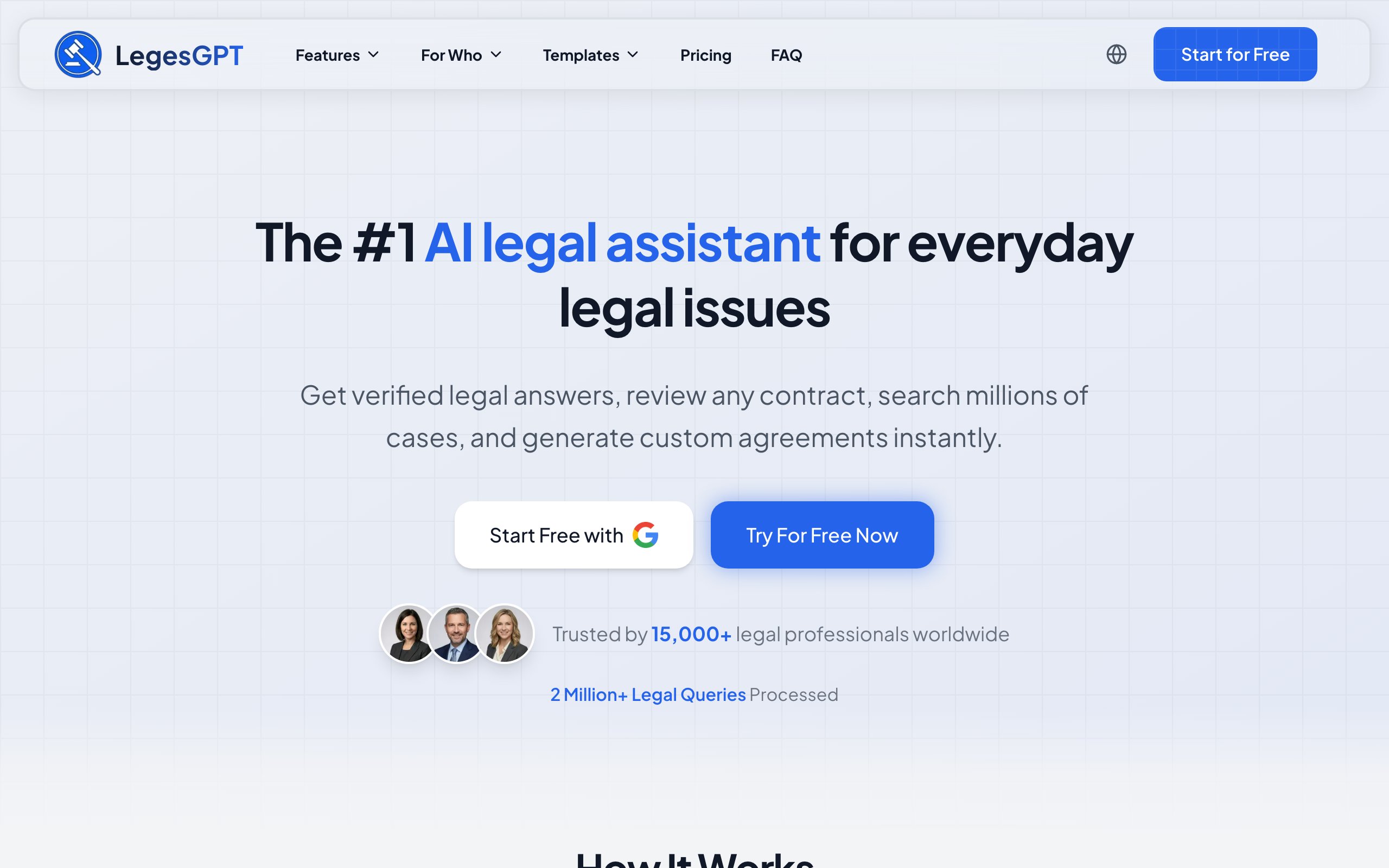
LegesGPT is an all-in-one AI legal platform that combines case law research, document review, and legal document templates in a single workspace. It draws from a database of 500K+ analyzed court cases, 100K+ statutes, and 250K+ legal articles, with coverage spanning 38+ countries.
What sets LegesGPT apart from most legal tech on this list is accessibility. There is no enterprise sales cycle, no annual contract, and no per-seat minimum. You sign up, start a 3-day free trial, and begin researching, reviewing documents, or drafting within minutes. For firms that want a broad, affordable AI layer in their stack, LegesGPT covers the most ground at the lowest entry cost.
Key features
- Case law research with verifiable citations and direct source links
- Document review with automated risk identification and plain-language summaries
- Deep Research mode for complex multi-step legal scenarios
- 20+ categories of legal document templates
- Web search integration for recent legal developments
- Free legal tools including a contract generator and citation generator
Best for
- Solo practitioners and small firms looking for an affordable, full-featured AI legal assistant
- Lawyers handling diverse practice areas and multi-jurisdictional matters
- Firms that want research, review, and drafting in one platform
Pricing
- 3-day free trial on all plans
- Basic at $19.99/month, Plus at $49.99/month, Premium at $99.99/month
- No annual contracts or per-seat minimums
Pros
- 500K+ court cases and 100K+ statutes in a single searchable database with cited sources
- All-in-one platform replaces several point tools at a fraction of the cost
- International coverage across 38+ jurisdictions
- Self-serve signup with no sales calls
Cons
- Newer brand compared to legacy providers like Lexis or Westlaw
2. Clio, best for practice management
Clio is the most widely adopted cloud practice management platform for small and mid-size law firms. It handles case management, time tracking, billing, calendaring, document storage, and client communication in one connected system. Clio also offers a large integration marketplace, so it plays well with most legal tech tools you already use.
For firms that need to run the business of law efficiently (intake to invoice), Clio is the operational backbone most often recommended.

Key features
- Matter and case management with custom fields
- Time tracking, billing, and trust accounting
- Client intake forms and a secure client portal
- Calendaring with court rules integration
- 250+ integrations across the legal tech ecosystem
Best for
- Small and mid-size firms that need a single source of truth for matters and billing
- Firms managing trust accounts and complex billing arrangements
- Teams that want a large integration ecosystem
Pricing
- 7-day free trial
- Plans start at $39/user/month for EasyStart and scale to $139/user/month for Complete
Pros
- Mature, stable platform with strong support and training resources
- Deep billing and trust accounting features built for legal compliance
- Largest legal tech integration marketplace
Cons
- Per-seat pricing adds up quickly as the firm grows
- More features than a true solo practitioner may need
3. Harvey AI, best for BigLaw and large legal departments
Harvey AI is a generative AI platform built specifically for large law firms and corporate legal departments. It's designed for sophisticated workflows like complex contract analysis, due diligence, and multi-jurisdictional research. Harvey is used by several Am Law 100 firms and Magic Circle firms.
Harvey is powerful, but it's an enterprise product. There is no self-serve signup, no public pricing, and contracts typically run into six figures annually. If you don't fit the enterprise profile, LegesGPT is a more practical alternative.

Key features
- Custom-trained models for complex legal reasoning
- Document analysis at enterprise scale
- Workflow automation for due diligence and contract review
- Secure deployment with enterprise compliance controls
- Multi-jurisdiction legal research
Best for
- BigLaw firms and Am Law 200 practices
- Corporate legal departments at large enterprises
- Teams handling complex M&A and cross-border matters
Pricing
- Custom enterprise pricing only
- No public pricing or self-serve trial
Pros
- Trusted by leading global law firms
- Deep capabilities for complex, high-stakes legal work
- Enterprise-grade security and compliance
Cons
- Pricing puts it out of reach for solo, small, and most mid-size firms
- Long sales cycle with no self-serve option
4. Spellbook, best for contract drafting in Word
Spellbook is an AI drafting and review assistant that lives directly inside Microsoft Word. Instead of switching to a separate platform, transactional lawyers get clause suggestions, redlines, risk flags, and benchmark comparisons in the editor they already use. It's a focused tool that does one thing extremely well.
For firms whose work is mostly contracts (corporate, commercial, real estate), Spellbook reduces drafting and review time without forcing a workflow change.
Key features
- AI clause suggestions and auto-drafting inside Microsoft Word
- Automated contract review with risk flagging
- Benchmark comparisons against market standards
- Playbook support for firm-specific drafting standards
Best for
- Transactional and corporate lawyers
- Firms with high contract drafting and review volume
- Teams committed to a Microsoft Word workflow
Pricing
- Free trial available
- Plans start around $89/user/month
Pros
- Native Word integration removes context switching
- Strong contract-specific AI capabilities
- Quick to deploy across a small team
Cons
- Narrowly focused on contracts; not a research or practice management tool
- Per-seat pricing adds up for larger firms
5. DocuSign, best for e-signature
DocuSign is the legal industry's default e-signature platform. It's used by firms of every size to send, sign, and track engagement letters, settlement agreements, NDAs, and client contracts. Signatures are court-accepted in nearly every jurisdiction, and the audit trail meets the standards required for most legal use cases.
It's not glamorous, but a reliable e-signature workflow is one of the highest-ROI tools in any legal tech stack.
Key features
- Legally binding electronic signatures with audit trails
- Templates and reusable signing workflows
- Bulk send for multi-party agreements
- Integrations with Clio, Salesforce, and most CRMs
Best for
- Any firm that sends client agreements or engagement letters
- Teams that need a court-accepted signature trail
- Firms wanting integrations with their existing case management tool
Pricing
- Free trial available
- Plans start at $15/user/month for Personal, scaling to Business Pro at $65/user/month
Pros
- Widely recognized and trusted by clients
- Strong audit and compliance features
- Integrates with most legal practice management systems
Cons
- Pricing tiers can feel limiting for high-volume users
- Some advanced features locked behind higher-tier plans
6. MyCase, best for solo and small firm billing
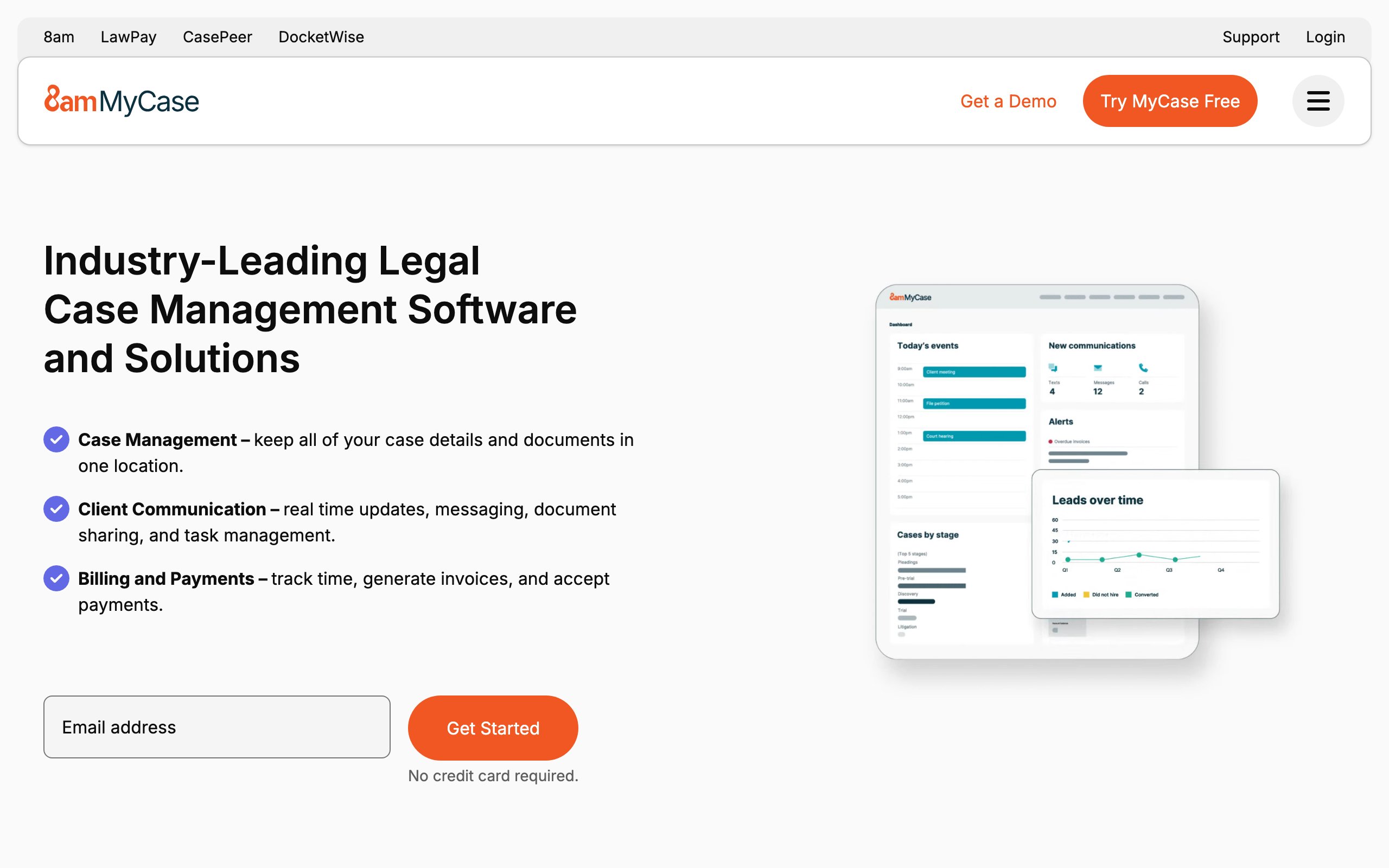
MyCase is a practice management platform built specifically for solo practitioners and small firms. It bundles case management, time tracking, invoicing, online payments, and client communication into one straightforward system. Compared to Clio, MyCase is lighter on features but easier to set up and often more affordable for very small teams.
If you're a solo lawyer who wants one tool to manage everything from intake to payment, MyCase is one of the easiest to adopt.
Key features
- Case and matter management
- Built-in client intake and lead management
- Time tracking, billing, and online payments
- Secure client communication portal
- Document management and templates
Best for
- Solo practitioners and very small firms
- Lawyers who want intake, billing, and payments in one tool
- Firms looking to minimize software setup time
Pricing
- Free trial available
- Plans start at $39/user/month
Pros
- Easy to learn and set up
- Built-in payments processor
- Affordable for solos and 1-3 lawyer firms
Cons
- Fewer advanced features than Clio for growing firms
- Smaller integration ecosystem
7. Everlaw, best for litigation and eDiscovery
Everlaw is a cloud-based eDiscovery and litigation platform built for handling massive document review projects. It supports predictive coding, advanced search, deposition prep, and trial presentation. Litigation teams use it to process millions of documents while keeping review costs under control.
If your firm handles complex litigation, eDiscovery is one of the highest-cost line items, and a tool like Everlaw can make a meaningful dent in those costs.
Key features
- Cloud-based eDiscovery with predictive coding
- Advanced search across millions of documents
- Deposition preparation and witness management
- Storyboards for trial preparation
- Collaboration tools for distributed review teams
Best for
- Litigation teams and firms with complex discovery needs
- Government agencies and corporate legal departments
- Firms needing distributed, cloud-based review workflows
Pricing
- Custom pricing based on data volume and users
- No public pricing
Pros
- Powerful predictive coding and analytics
- Cloud-native with strong collaboration features
- Trusted by AmLaw firms and government agencies
Cons
- Enterprise pricing not suitable for small firms
- Steeper learning curve than general practice tools
How to choose the best legal tech tools for your firm
1) Decide what your stack needs to do
Most firms need three layers: a practice management system, an AI research and drafting layer, and an e-signature tool. Map your daily workflows before evaluating any product.
- If you need an operational backbone (intake, billing, calendaring): start with Clio or MyCase
- If you need AI research, document review, and templates: start with LegesGPT
- If you need contract drafting inside Word: add Spellbook
2) Match the tool to your firm size
Enterprise tools like Harvey AI and Everlaw are powerful but priced for BigLaw and corporate departments. Solo and small firms get more value from accessible, self-serve tools.
- Solo or 1-3 lawyers: MyCase or Clio EasyStart, plus LegesGPT for AI research
- 4-20 lawyers: Clio plus LegesGPT plus Spellbook (if contract-heavy)
- Mid-size to large firms: Clio Suite or Harvey AI, plus Everlaw for litigation
3) Run the cost math before committing
Per-seat pricing adds up fast. A 5-lawyer firm using Clio ($89/user) plus Spellbook ($89/user) is already paying over $10,000/year before adding research tools. Compare that to LegesGPT at $19.99 to $99.99/month flat, and the savings can fund other parts of the stack. Always run the annual math, not the monthly headline.
4) Test before you commit
Most credible legal tech tools offer a free trial. Use it. Run 3-5 real matters through the tool before signing an annual contract. Pay particular attention to integration friction with the systems you already use.
Frequently Asked Questions
What is legal tech?
Legal tech refers to software and platforms that help law firms and legal teams work more efficiently. It includes practice management systems, AI research tools, document automation, e-signature, eDiscovery, and billing software. The right stack varies by firm size and practice area.
What are the must-have legal tech tools for a small law firm?
Most small firms need three core tools: a practice management system (like Clio or MyCase), an AI legal assistant for research and drafting (like LegesGPT), and an e-signature tool (like DocuSign). Specialized tools can be added based on practice area.
Is there an affordable alternative to enterprise legal tech?
Yes. Tools like LegesGPT offer AI legal research, document review, and templates starting at $19.99/month, compared to enterprise platforms that cost hundreds or thousands per user per month. Self-serve tools usually deliver 80% of the value at a fraction of the cost.
What is the difference between practice management and AI legal tools?
Practice management software handles the business of running a firm: cases, billing, calendaring, and client communication. AI legal tools handle the substantive legal work: research, document review, and drafting. Most firms need both layers in their stack.
Are AI legal tech tools accurate enough for real legal work?
Modern AI legal tools that ground answers in primary law (like LegesGPT, Lexis+ AI, or Casetext CoCounsel) are accurate enough for production use, but every output should still be reviewed by a licensed attorney. Look for tools that provide verifiable citations.
Is legal tech secure?
Reputable legal tech vendors use enterprise-grade encryption, SOC 2 compliance, and access controls. Always review the vendor's security documentation and confirm it meets your jurisdiction's confidentiality requirements before uploading client data.
Which legal tech tool should I start with if I run a solo practice?
If you run a solo or very small practice and want the highest impact for the lowest cost, start with LegesGPT for research, document review, and templates. Add an e-signature tool and a lightweight practice management system as your matter volume grows.