
When you run a practice alone, you are the researcher, the drafter, the reviewer, the receptionist, and the billing department. That is exactly why AI for solo practitioners pays off faster than it does at a big firm: every hour the software takes back is an hour you personally get to bill, spend with a client, or keep for yourself.
The catch is budget. Most of the legal AI you read about is priced for Am Law firms, with annual contracts, seat minimums, and a sales call before you ever see the product. A solo or two-lawyer shop needs tools that are self-serve, priced per month, and useful from day one.
This guide compares the 9 best AI tools for solo lawyers and small firms in 2026. For each one you get what it actually does, who it fits, real published pricing, honest pros and cons, and a framework for building a lean AI stack without paying for overlap.
Best AI tools for solo lawyers: a brief overview
Legal work (research, drafting, review)
- LegesGPT: Best overall for solo practitioners. One monthly subscription covers cited legal research, document drafting, document review, and e-signature, starting at $19.99/month.
- Paxton: Best for solo litigators who want case files and research in one workspace, with medical chronologies for injury work.
- Spellbook: Best for transactional solos who draft and redline contracts all day inside Microsoft Word.
- Gavel: Best for turning repeat documents (wills, leases, engagement letters) into no-code intake-to-document workflows.
Running the practice
- Clio (Manage + Work): Best for solos who want AI built into their practice management, billing, and matter records.
- MyCase (8am): Best practice management pick with AI built into its Pro and Advanced plans and fully published pricing.
- Smith.ai: Best for answering calls and qualifying new leads when you are in court or with a client.
General-purpose AI
- ChatGPT: Best general assistant for marketing copy, emails, and brainstorming on non-confidential tasks.
- Claude: Best general assistant for long-document reading and careful, polished writing.
| Tool | Best for | Starting price | Free trial | Platforms |
|---|---|---|---|---|
| LegesGPT | All-in-one legal AI for solos | $19.99/mo | 3-day, $1 | Web |
| Clio (Manage + Work) | AI inside practice management | $49/user/mo (Manage) | Free trial | Web, iOS, Android |
| MyCase (8am) | Transparent practice management with built-in AI | $60/user/mo | 10-day, no card | Web, iOS, Android |
| ChatGPT | General drafting and brainstorming | Free; Plus $20/mo | Free tier | Web, desktop, mobile |
| Claude | Long documents and careful writing | Free; Pro $20/mo | Free tier | Web, desktop, mobile |
| Smith.ai | Call answering and intake | Free AI plan; Pro $150/mo | Free AI plan | Phone, web dashboard |
| Gavel | No-code document automation | $99/mo (Lite) | 7-day | Web, Word |
| Spellbook | Contract drafting in Word | Custom quote | 7-day | Word add-in |
| Paxton | Litigation research and case files | $2,999/user/yr | 7-day | Web |
Your research, drafting, and review desk in one tab
Ask legal questions with verified citations, draft and review documents, and send them for signature. Built for lawyers who work without a support team.
Try AI for lawyers1. LegesGPT, best overall AI for solo practitioners
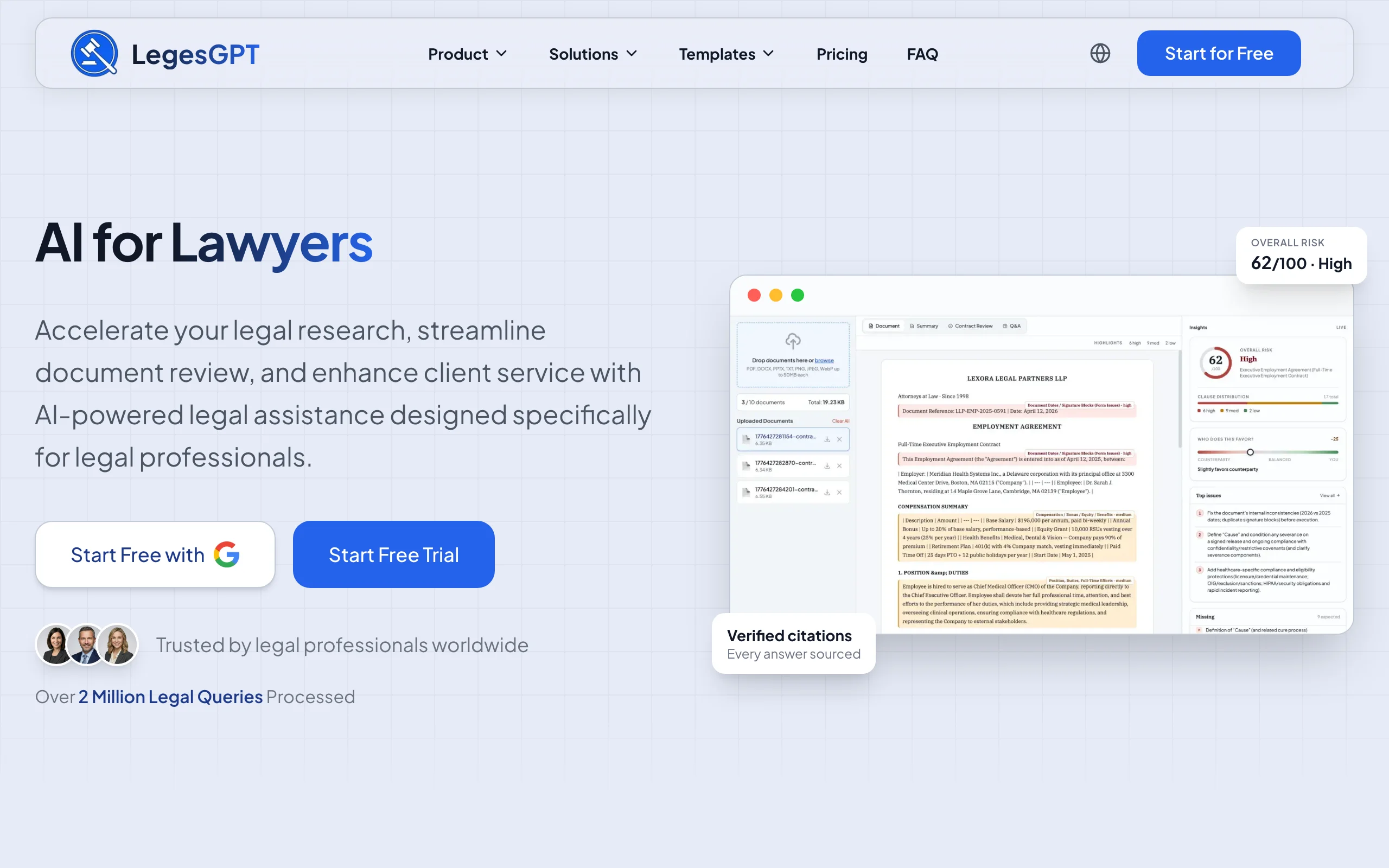
LegesGPT is built for the lawyer who does not have an associate down the hall. Instead of paying for a research database, a drafting tool, a review tool, and an e-signature service separately, you get all four jobs in one browser tab for less than most firms spend on coffee.
Start with a question in plain English ("What is the notice period to terminate a month-to-month tenancy in Florida?") and LegesGPT answers with verified citations that link straight to the cases and statutes, so you can check the authority before it goes into a letter or brief. Its AI legal research covers case law and statute search for the moments you need to go deeper. When a client emails a 30-page agreement, upload it and the AI document review tool flags risky clauses and proposes changes. When you need new paper, the legal document generator drafts it, and built-in e-signature lets you send it out for signing without another subscription.
Key features
- Plain-language legal answers with verified citations and direct source links
- Case law and statute search for building and checking arguments
- Document review that identifies risks and proposes specific changes (PDF, DOCX, images)
- AI drafting of contracts, letters, and legal documents, plus 100+ legal document templates
- E-signature to sign and send documents from the same workspace
- Deep Research mode with web search for multi-step questions (Premium)
Best for
- Solo practitioners who want research, drafting, review, and signing under one monthly bill
- General practice lawyers who switch between family, landlord-tenant, business, and estate matters in a single day
- Two to ten lawyer firms that want the same tool on every desk without a sales contract (LegesGPT for law firms)
Pricing
- Basic: $19.99/month for unlimited cited legal questions and research
- Plus: $49.99/month adds document upload, 50 document reviews per month, and document generation
- Premium: $99.99/month adds unlimited document review, web search, and Deep Research mode
- 3-day trial for $1 on every plan; annual billing saves 30%
Pros
- Replaces three or four separate subscriptions for most solo workflows
- Verified citations with source links make it faster to check an answer than with a general chatbot
- Self-serve signup and monthly billing: no seat minimums, no annual lock-in, no demo call
Cons
- Web-only: no native mobile app, public API, or Microsoft Word add-in
- Not a practice management system, so you still need something like Clio or MyCase for billing, trust accounting, and calendaring
2. Clio (Manage + Work), best for AI inside practice management
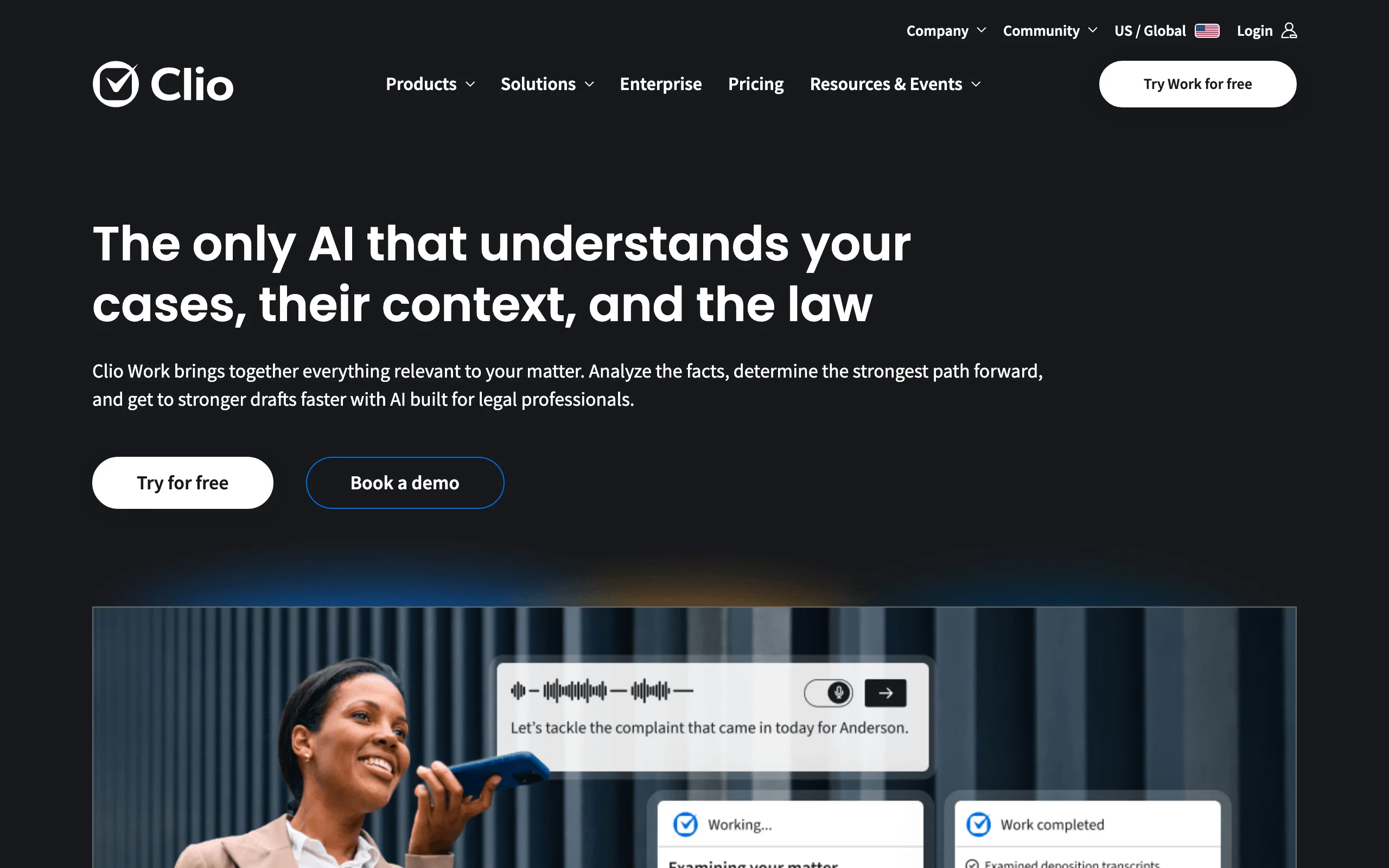
Clio is the practice management platform many solos already run on, and it has been layering AI into it. Clio Manage handles matters, contacts, documents, time tracking, billing, and trust accounting. On the Core tier and above, AI drafts bills on a schedule, turns documents into calendar events and tasks, and writes client updates from real matter activity.
The newer Clio Work product adds legal AI on top: it analyzes documents, transcripts, and recordings, drafts summaries, timelines, and arguments from matter details, and runs research over Clio Library with a citator Clio calls Cert. The appeal for a solo is that the AI already knows your matters, so there is no copying files between systems.
Key features
- Matter, contact, calendar, and document management with built-in trust accounting
- AI-drafted bills, document-to-calendar extraction, and automated client updates (Core and up)
- Clio Work: document and recording analysis, first drafts, and cited research
- Client portal for messaging and online payments
- Mobile apps for iOS and Android
Best for
- Solos who want billing, trust accounting, and AI in a single system
- Firms already on Clio that want AI grounded in their own matter data
Pricing
- Clio Manage starts at $49 per user per month (Starter); higher tiers require a quote
- Clio Work pricing is not published; a free trial and demo are available
Pros
- AI works on your actual matters, contacts, and billing data
- Strong trust accounting and client payments for a solo who handles retainers
- Large integration ecosystem
Cons
- The AI-heavy features sit on the higher tiers and in Clio Work, whose pricing is quote-based
- Adding Work, Grow, and add-ons can push a solo's monthly cost well past the starting price
3. MyCase (8am), best practice management with transparent pricing
MyCase, now part of the 8am family alongside LawPay, is the most transparent practice management option for small firms. Its AI layer, 8am IQ, is built into the Pro and Advanced plans rather than sold as a separate add-on, and every price is on the website.
On Pro, the Writing Assistant helps draft client emails and messages and the Document Assistant summarizes and works with case files. Advanced adds a Case Assistant and a Discovery Assistant with OCR for reviewing productions. For a solo who wants to know exactly what next month's bill will be, that clarity matters.
Key features
- Case, calendar, document, and client-communication management
- 8am IQ Writing Assistant and Document Assistant on Pro and Advanced
- Case Assistant on Advanced
- Discovery Assistant with OCR (5,000 pages per user per month) on Advanced
- Native LawPay payments
Best for
- Solos and small firms that want predictable, published pricing
- Litigators on the Advanced plan who need help working through discovery
Pricing
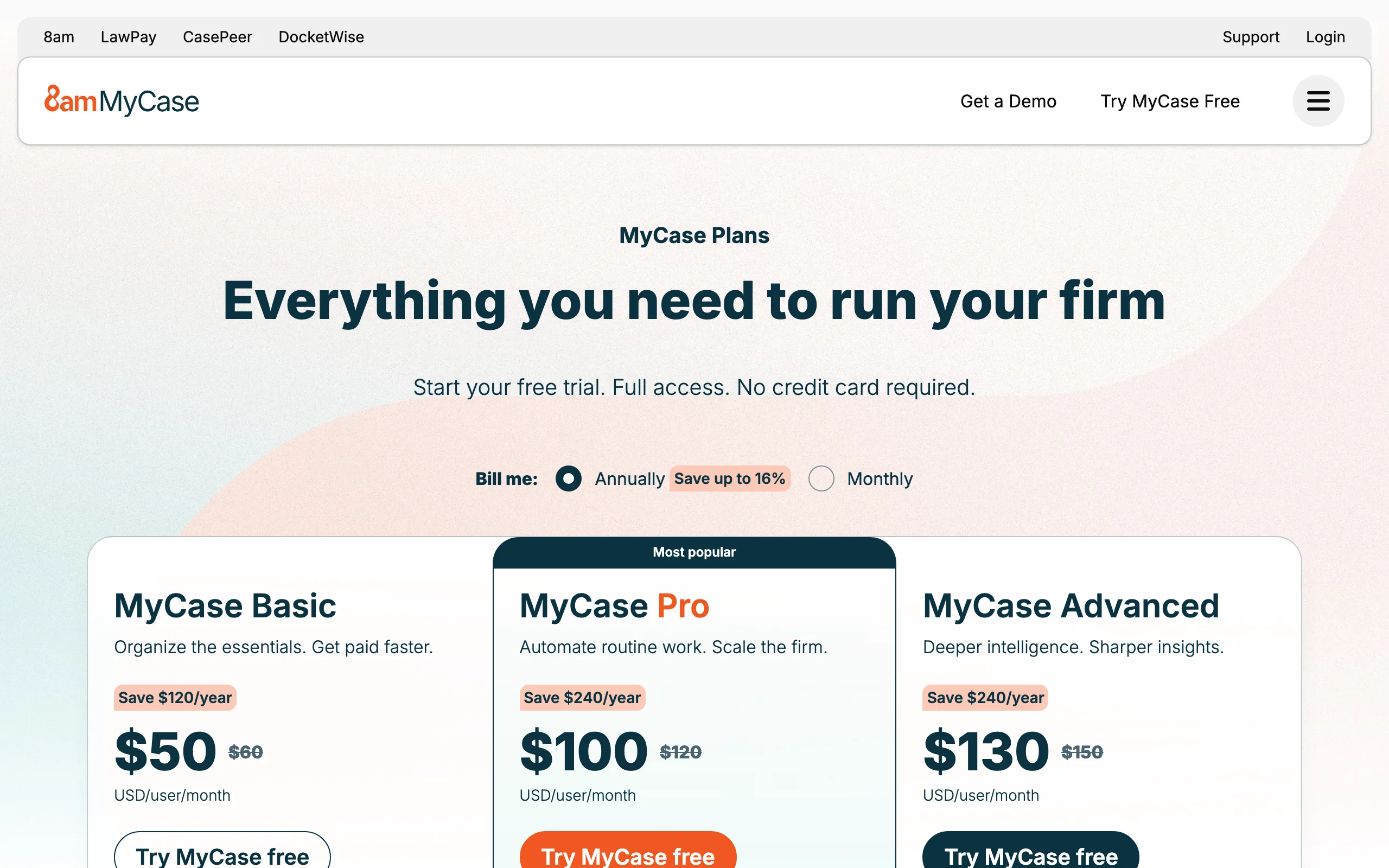
- Basic: $60/user/month ($50 billed annually)
- Pro: $120/user/month ($100 billed annually)
- Advanced: $150/user/month ($130 billed annually)
- 10-day free trial, no credit card required
Pros
- AI included in the Pro and Advanced plan prices rather than sold as an add-on
- Fully published pricing on every tier
- Payments and practice management from the same company
Cons
- The Basic plan has no 8am IQ features, so AI starts at $120/user/month
- AI is focused on your own case files, not independent legal research
4. ChatGPT, best general assistant for non-confidential work
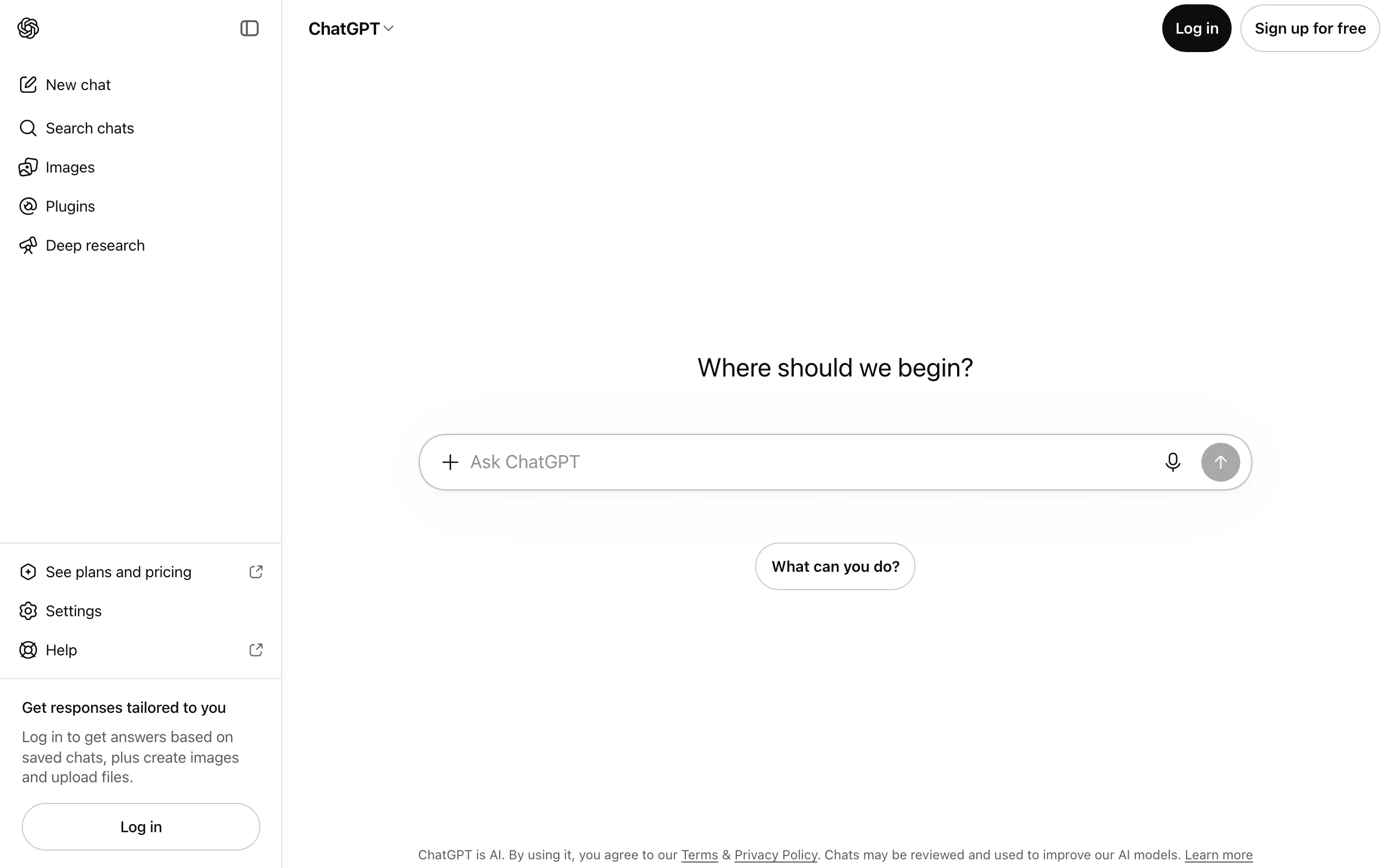
ChatGPT is the tool most solos try first, and it earns a place in the stack for the work that is not legal analysis: website copy, newsletter drafts, intake questionnaires, social posts, plain-English explanations for clients, and brainstorming a negotiation approach.
Where it falls short is legal research. General chatbots can invent cases and misstate holdings, and there is no built-in citation check against primary law. Use it for writing and thinking, and verify anything legal in a tool built for it. For a head-to-head against its closest rival, see our Claude vs ChatGPT for lawyers comparison.
Key features
- Fast drafting of emails, marketing copy, and client-facing explanations
- File uploads for summarizing non-confidential documents
- Deep Research and web search for background reading
- Custom GPTs and projects to save reusable instructions
Best for
- Solos who handle their own marketing and client communication
- Brainstorming, outlining, and rewriting for tone
Pricing
- Free tier available
- Plus: $20/month for individuals
- Business: per-user pricing, available from 2 users, with admin controls
Pros
- Excellent writing speed and flexibility
- Free tier lets you test it before paying anything
- Huge library of tutorials and prompts
Cons
- No verified legal citations, so every legal statement needs independent checking
- Consumer plans are not the place for confidential client data; review the data settings before uploading anything
5. Claude, best for long documents and careful writing
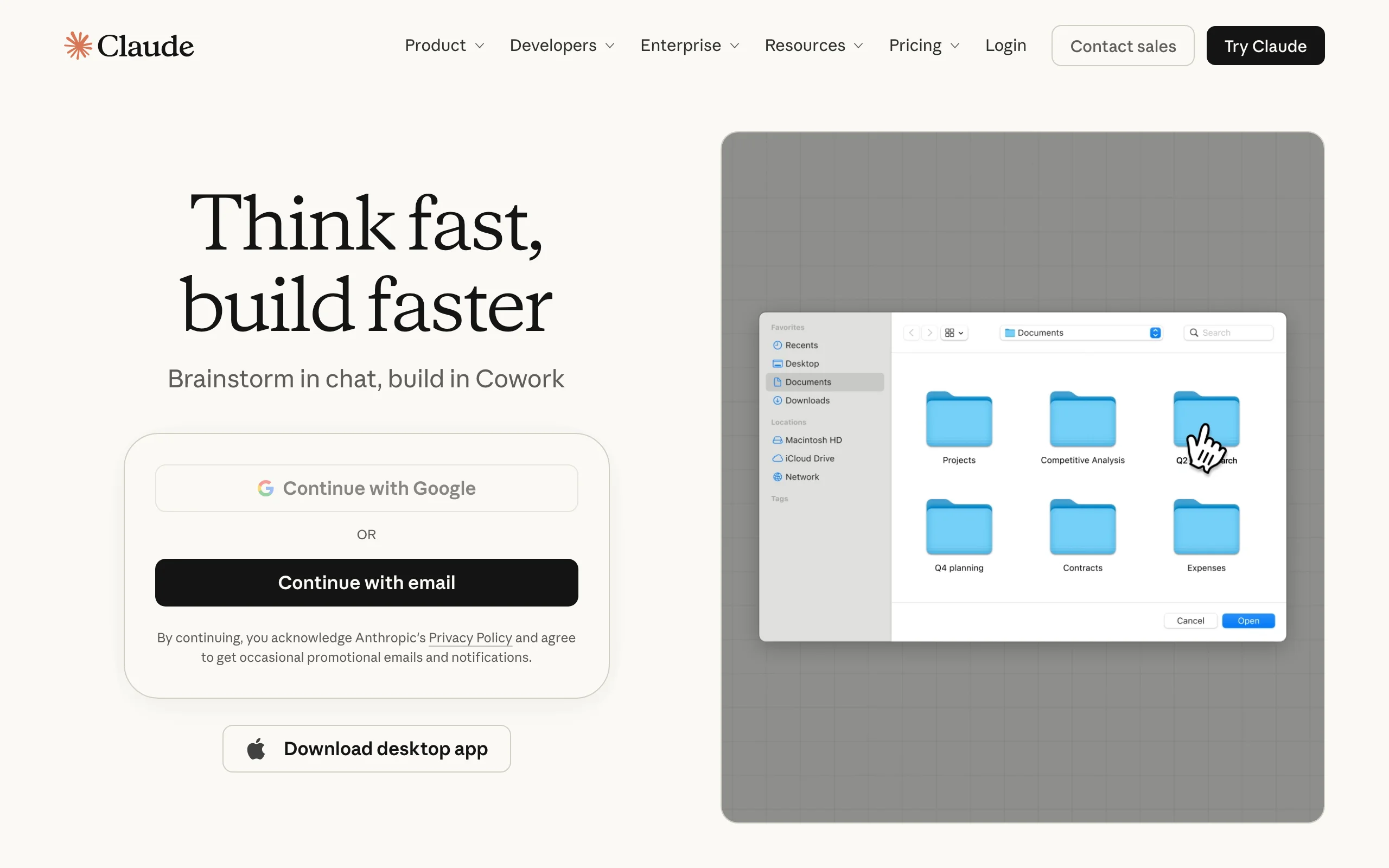
Claude, from Anthropic, is the general-purpose assistant many lawyers prefer for reading long material and producing measured, well-structured prose. It handles lengthy uploads well, which makes it useful for summarizing a long deposition transcript you are allowed to share, tightening a brief's argument structure, or rewriting a dense clause into plain English for a client.
Like ChatGPT, it is not a legal research product and does not verify citations against primary law, so treat its legal statements as a starting point.
Key features
- Strong long-document reading and summarization
- Projects for keeping instructions and reference files together
- Web search, file creation, and artifacts on every plan
- Microsoft 365 integration on paid plans
Best for
- Solos who write a lot and want a careful editing partner
- Summarizing long, non-privileged documents and research material
Pricing
- Free tier available
- Pro: $20/month ($17/month billed annually)
- Team: $25 per standard seat per month ($20 billed annually), for teams of 2 to 150
Pros
- Polished, measured writing that needs less cleanup
- Handles long uploads comfortably
- Affordable Team plan for a two or three lawyer firm
Cons
- No legal citation verification
- Paid plans have rolling usage limits that heavy users can hit
6. Smith.ai, best for answering calls and client intake
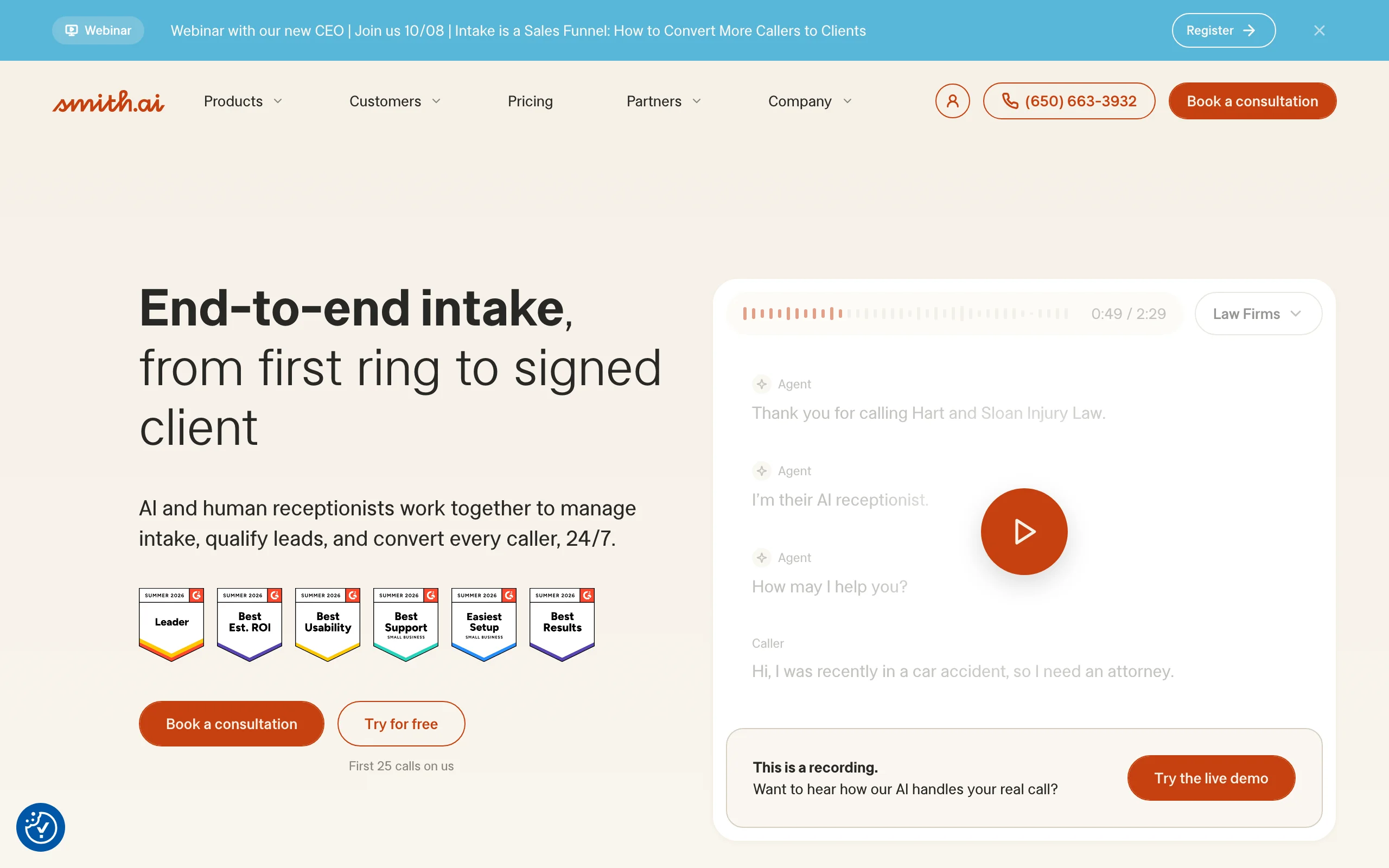
A solo in court cannot answer the phone, and a missed call is often a missed client. Smith.ai answers for you with AI receptionists, human receptionists, or a mix, then qualifies leads, runs intake questions, books consultations, and logs everything.
For a solo, the AI Receptionist is the interesting entry point: it answers 24/7, handles scheduling and lead qualification, and includes a free plan so you can test it on real calls. Human-staffed plans cost more but suit practices where callers are often distressed and need a person.
Key features
- 24/7 AI call answering with recording and transcription
- Lead qualification, intake questions, and appointment scheduling
- Human receptionists available for higher-touch calls
- Spam filtering, so junk calls do not eat your plan
- Integrations and analytics dashboard
Best for
- Solos who spend much of the day in court, at closings, or in meetings
- Practice areas with high inbound call volume, such as family, criminal defense, or immigration
Pricing
- AI Receptionist: free plan with 25 calls/month; Pro from $150/month
- Human-staffed receptionist plans start at $300/month for 30 calls
- Month-to-month; human plans carry a 30-day money-back guarantee
Pros
- Captures leads you would otherwise lose to voicemail
- Free AI tier makes it cheap to test
- Per-call pricing that scales with your actual volume
Cons
- Human-staffed plans get expensive at higher call volumes
- Needs careful setup of your intake script to screen conflicts and bad-fit calls
7. Gavel, best for no-code document automation
Gavel turns the documents you produce over and over into guided workflows. You build a questionnaire once, clients or staff fill it in, and Gavel generates the finished Word or PDF document. Estate planning, real estate, and small-business solos use it to productize services, sometimes selling flat-fee documents directly to clients.
Gavel also sells Gavel Exec, an AI contract review and drafting tool that works in Word and online. In June 2026 Gavel was acquired by Relativity, the e-discovery company, which says it will maintain Gavel's regular operations; for now it still sells under the Gavel name.
Key features
- No-code builder for Word and fillable PDF automation
- Client-facing intake forms that generate documents automatically
- Clio integration on every plan
- Payments (Stripe) and DocuSign on the Pro plan
- Gavel Exec for AI contract review and redlining
Best for
- Estate planning, real estate, and business solos with repeatable document sets
- Lawyers who want to sell flat-fee documents online
Pricing
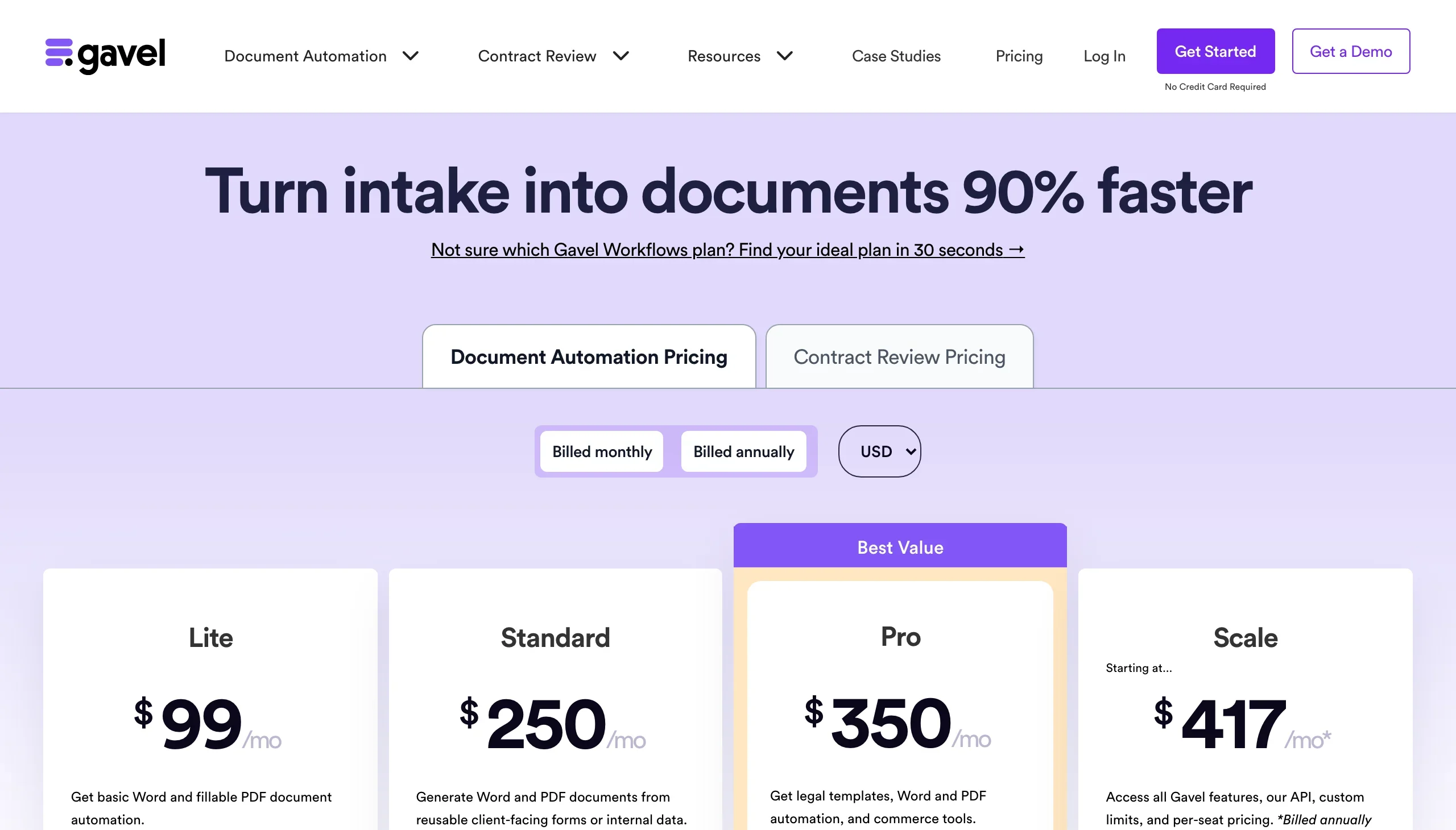
- Workflows Lite: $99/month ($83/month billed annually)
- Standard: $250/month; Pro: $350/month (billed monthly)
- 7-day free trial, no credit card required; Gavel Exec is priced separately
Pros
- Turns hours of template editing into a form a client can complete
- Opens a new revenue stream for productized legal services
- Transparent pricing for the automation product
Cons
- You invest time up front building each workflow
- Automation shines on repeat documents, less so on bespoke drafting
8. Spellbook, best for contract drafting inside Word
Spellbook lives inside Microsoft Word, which is where most transactional lawyers already spend their day. It drafts clauses, suggests redlines, flags missing or unusual terms, and compares language against market standards, all without leaving the document. Its Associate agent works through multi-document matters, handling drafting and review tasks across several related documents.
For a solo whose practice is mostly contracts (commercial agreements, NDAs, SaaS terms, employment contracts), that Word-native workflow is the draw.
Key features
- Word add-in for drafting and redlining in place
- Clause suggestions and missing-term detection
- Associate agent for multi-document contract matters
- Group training and online support on the law firm plan
Best for
- Transactional solos who live in Word
- Contract-heavy small firms negotiating commercial agreements
Pricing
- Pricing is not published; it depends on the number of users on the license
- 7-day free trial
Pros
- No context switching: AI works directly in the document
- Focused, deep contract drafting and review
Cons
- Quote-based pricing makes budgeting harder for a solo
- Contract-only scope: no general legal research, litigation, or e-signature
9. Paxton, best for solo litigators
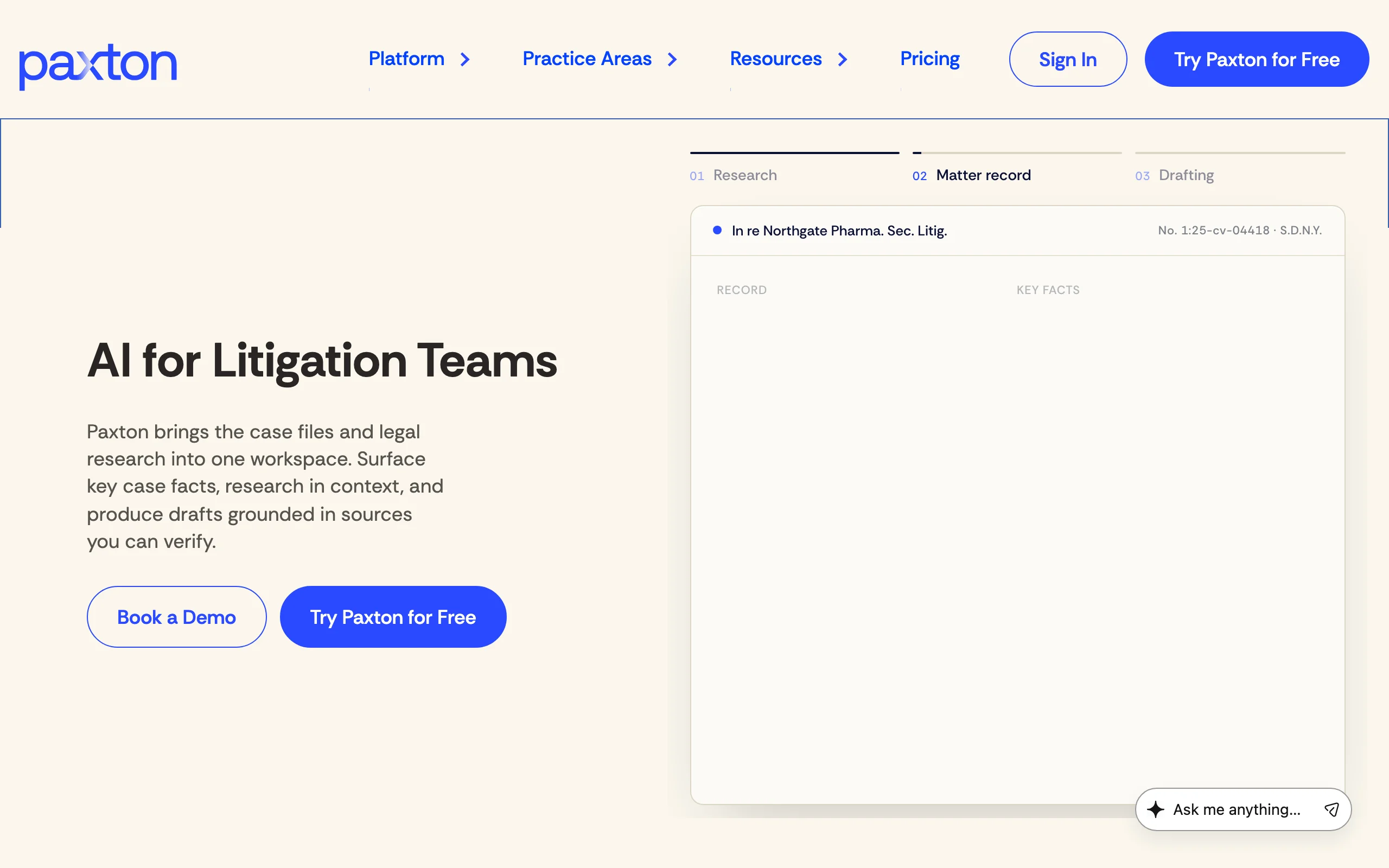
Paxton has repositioned as AI for litigation teams. It puts case files and legal research into one workspace: surface key facts from the record, research questions in context across federal and all 50 states' law, and draft from both with citations you can check. It also produces medical chronologies and billing summaries, which is useful for injury work (see our roundup of the best AI tools for personal injury lawyers for more options there).
Paxton advertises SOC 2, ISO 27001, and HIPAA compliance, which helps if you handle medical records.
Key features
- Combined matter record and legal research workspace
- Research across US federal and state law
- Drafting grounded in the record and cited research
- Medical chronologies and billing summaries
- File analysis with summaries and recommendations
Best for
- Solo litigators handling document-heavy cases
- Personal injury and medical-record-heavy practices
Pricing
- Individual: $2,999 per user per year billed annually (monthly billing costs about twice as much over a year)
- Enterprise: custom pricing
- 7-day free trial
Pros
- Research and case facts in one place for litigation
- Compliance certifications suited to medical data
Cons
- Much higher entry price than general-purpose or all-in-one tools
- US-focused and litigation-centric; less useful for transactional work
How to choose the best AI tools for your solo practice
Most solos end up with two or three tools, not nine. The goal is to cover legal work, practice operations, and client intake without paying twice for the same job. If you are choosing for a larger team rather than a solo desk, our guide to the best AI tools for law firms covers firm-wide rollout.
1) Which job eats most of your unbilled time?
- If it is research and answering legal questions: start with LegesGPT (cited answers from $19.99/month) or, for litigation-only practices with a bigger budget, Paxton.
- If it is contract drafting and redlining: LegesGPT covers drafting and review for most solos; Spellbook is the pick if you refuse to leave Word.
- If it is producing the same documents again and again: Gavel's automation pays off after a handful of matters.
- If it is phone calls and intake: Smith.ai's free AI plan is the cheapest experiment you can run this week.
2) Do you need a practice management system too?
- If you already use Clio or MyCase: turn on the AI you are already paying for (Clio's Core features or 8am IQ on MyCase Pro and Advanced), then add a legal AI tool for research and drafting. The two categories complement each other rather than overlap. Our law firm management software comparison goes deeper on this choice.
- If you are still on spreadsheets: MyCase's fully published pricing makes it the easier starting point (choose Pro if you want its AI); Clio is stronger if you want the biggest integration ecosystem.
3) What is your realistic monthly budget?
- Under $50/month: LegesGPT Basic or Plus, plus the free tiers of ChatGPT or Claude for marketing copy and Smith.ai's free AI plan for calls.
- $100 to $250/month: add a practice management plan (Clio Starter or MyCase Pro, which includes 8am IQ) to LegesGPT.
- Above $250/month: consider specialist tools like Gavel Pro or Paxton if your practice area justifies them.
Do the math per billable hour. At a $250 hourly rate, a $49.99 tool pays for itself if it saves you 12 minutes a month.
4) How will you protect client confidentiality?
- Keep confidential client documents in tools designed for legal work, with clear policies on data use and training.
- Use general assistants like ChatGPT and Claude for non-confidential tasks unless you are on a business plan with appropriate data controls and have reviewed your bar's guidance.
- Always verify citations before filing or sending advice. A tool with linked, verified sources makes this a two-minute job instead of a research project.
Before committing, run each shortlisted tool on three real (non-privileged or redacted) tasks from last month: one research question, one contract, and one client email. The tool that saves you the most time on your own work is the right one. For more options focused purely on assistants, see our roundup of the best AI legal assistants.
Try the all-in-one AI for solo practitioners for $1
Cited legal research, drafting, document review, and e-signature in one subscription. Start a 3-day trial and test it on your own matters.
Start the $1 trialFrequently Asked Questions
What is the best AI tool for solo practitioners?
LegesGPT is the best overall AI tool for solo practitioners because one subscription covers cited legal research, document drafting, document review, and e-signature, starting at $19.99 per month with a 3-day trial for $1. Most solos pair it with a practice management system such as Clio or MyCase for billing and calendaring.
How much should a solo lawyer spend on AI tools?
Many solos build a useful stack for under $50 a month by combining an all-in-one legal AI subscription with the free tiers of general assistants and a free AI receptionist plan. Adding practice management typically brings the total to between $100 and $250 per month. Specialist litigation or automation tools can cost several hundred dollars more.
Can solo attorneys use ChatGPT for legal work?
Solo attorneys can use ChatGPT for non-confidential tasks like marketing copy, client emails, and brainstorming, but it does not verify legal citations and can invent cases. Keep confidential client data out of consumer plans and check every legal statement against primary sources or a legal AI tool with verified citations.
Is it ethical for a solo lawyer to use AI?
Yes, as long as you meet your duties of competence, confidentiality, and supervision. The ABA's Formal Opinion 512 and many state bars say lawyers may use generative AI if they understand its limits, protect client information, verify output, and bill fairly for the time actually spent. Check your own state bar's guidance before adopting a new tool.
What is the best AI legal assistant for small firms?
For small firms that want research, drafting, and document review without an enterprise contract, LegesGPT offers self-serve monthly plans from $19.99 per month. Firms that want AI inside their billing and matter records should look at the AI features in Clio or MyCase, and Word-centric transactional firms may add Spellbook.
Do I need practice management software if I already use an AI legal assistant?
Usually yes. An AI legal assistant handles research, drafting, and review, while practice management software handles matters, calendaring, time tracking, billing, and trust accounting. The two categories complement each other, and many solos run one of each.
How can a solo lawyer protect client confidentiality when using AI?
Use legal-specific tools with clear data-use policies for client documents, avoid pasting privileged material into free consumer chatbots, redact names when testing a new tool, and read the vendor's security and training policies. Business plans of general assistants add admin and data controls that consumer plans lack.
If I mainly need affordable research and drafting help as a solo, what should I use?
LegesGPT. It answers legal questions with verified citations, searches case law and statutes, drafts and reviews documents, and handles e-signature in one monthly subscription, with a 3-day trial for $1 and no sales call.