

Running a firm is really two jobs. The operations job covers time tracking, billing, trust accounting, calendars, and matter files. The legal work itself covers research, drafting, and document review. Law firm management software handles the first job well, but none of the leading suites do the second one, which is why so many managing partners end up paying for a practice management platform and still drafting everything by hand.
Choosing wrong is expensive either way: per-seat pricing multiplies fast across a 10-person office, and a suite your staff avoids is worse than no suite at all.
This guide compares eight tools, with verified pricing, honest pros and cons, and a decision framework. Seven are classic practice management suites. The first is the AI work layer you can pair with any of them.
Best law firm management software: a brief overview
- LegesGPT: Best AI legal work companion to pair with your practice management system: research with verified citations, document review, and AI drafting that no management suite includes, from $19.99/mo.
- Clio Manage: Best all-around practice management for growing firms: the broadest feature set and integration ecosystem in the category.
- MyCase: Best value all-in-one: intake, billing, payments, and client texting in one flat per-user price starting at $39/mo.
- Smokeball: Best for automatic time capture: it records billable activity in the background so hourly firms stop losing time entries.
- PracticePanther: Best for solo lawyers who want simple: an intuitive interface your staff can run on day one.
- CosmoLex: Best for built-in legal accounting: trust and business accounting live in the platform, so there is no QuickBooks to reconcile.
- Filevine: Best for plaintiff and litigation-heavy firms: configurable case workflows built for personal injury and mass tort volume.
- Rocket Matter: Best for billing-heavy hourly practices: batch billing, split billing, and fee allocation tuned for firms that live in invoices.
| Tool | Best for | Starting price | Free trial | Category |
|---|---|---|---|---|
| LegesGPT | AI research, review, and drafting layer | From $19.99/mo | 3-day, $1 | AI work companion |
| Clio Manage | All-around practice management | From $49/user/mo (annual) | 7-day | Practice management |
| MyCase | Value all-in-one | From $39/user/mo (annual) | 10-day | Practice management |
| Smokeball | Automatic time capture | From $49/user/mo | Boost plan only | Practice management |
| PracticePanther | Simple setup for solos | From $49/user/mo (annual) | Free trial | Practice management |
| CosmoLex | Built-in legal accounting | From $109/user/mo (annual) | 10-day | PM + accounting |
| Filevine | Plaintiff and litigation firms | Custom (quote) | Demo only | Litigation case management |
| Rocket Matter | Billing-heavy hourly practices | From $49/user/mo | Free trial | Practice management |
1. LegesGPT, best AI work companion for your practice management stack
Be clear about what LegesGPT is not: it is not a practice management suite. It will not track time, run your trust accounting, or manage your calendar. It earns the top spot because it covers the half of firm life that every suite below leaves untouched: the legal work itself. LegesGPT answers legal questions with verified citations and direct source links, runs AI document review that flags risky clauses and proposes specific replacement language, searches case law and statutes, and drafts contracts, letters, and other legal documents from plain instructions, with e-signature to send them out.

That makes it the natural second subscription next to Clio, MyCase, or whichever suite runs your operations. Your practice management system knows who the client is and what they owe; LegesGPT does the research memo, the contract markup, and the first draft. At $19.99/mo with a 3-day trial for $1, it costs less than a single hour of associate time.
Key features:
- Legal question answering with verified citations and direct links to sources
- Document review (PDF, DOCX, PPTX, TXT, images) that identifies risks and proposes concrete edits
- Case law and statute search with citation verification
- AI drafting plus 100+ attorney-drafted templates, with e-signature to sign and send
- Deep Research mode and web search for recent legal developments (Premium)
Best for:
- Solo and small-firm lawyers who have operations covered and need the research, review, and drafting layer
- Managing partners who want associates checking citations and marking up contracts faster without an enterprise AI contract
Pricing:
- Basic: $19.99/mo, unlimited AI queries, case law and statute search, citation verification
- Plus: $49.99/mo, adds document upload and 50 document reviews per month
- Premium: $99.99/mo, unlimited document review, Deep Research, web search
- 3-day trial for $1; roughly 30% off with annual billing
Pros:
- Fills the exact gap every suite on this list has: none of them do cited legal research or substantive document review
- Self-serve with no seat minimums or sales cycle; a firm can be testing real documents the same afternoon
- Flat, transparent pricing that undercuts enterprise legal AI by an order of magnitude
Cons:
- No time tracking, billing, calendaring, or case management, so it complements a practice management suite rather than replacing one
- Web-only: no mobile app, Word add-in, or API for firms that want deep integrations
Add the AI work layer your practice suite is missing
Ask any legal question and get a clear answer grounded in real sources — every citation links back to the statute or case it came from.
Ask a legal question2. Clio Manage, best all-around practice management for growing firms
Clio Manage is the default answer in legal practice management, and it earned that position with breadth. Matters, time and expense tracking, billing, trust accounting, document management, a client portal, and online payments all live in one web platform, and its integration directory connects to hundreds of other tools, so whatever your firm already uses probably plugs in. The Complete plan folds in Clio Grow for client intake and CRM.
For a firm planning to grow from 3 lawyers to 15, that ecosystem matters more than any single feature: you are unlikely to outgrow it.
Key features:
- Full matter management with time tracking, billing, and trust accounting
- Client portal and secure document sharing
- Large third-party integration ecosystem plus Clio Payments
- E-signatures (3 free per month on EasyStart, unlimited on Advanced and Complete)
- Clio Grow intake and CRM bundled in the Complete plan
Best for:
- Growing 3-25 lawyer firms that want one system they will not outgrow
- Firms that depend on integrations with accounting, e-signature, or intake tools
Pricing:
- EasyStart: $49/user/mo; Essentials: $89/user/mo; Advanced: $119/user/mo; Complete: $149/user/mo, all billed annually
- Monthly billing runs roughly $10-20/user more per tier
- 7-day free trial
Pros:
- The most complete feature set and integration catalog in the category
- Transparent per-tier pricing with no sales call required to start
Cons:
- The features most firms end up wanting (unlimited e-signatures, advanced reporting, intake) sit in the $119-$149 tiers, so real cost per user is often double the entry price
- General accounting still typically requires a QuickBooks subscription on top
3. MyCase, best value all-in-one for small firms
MyCase delivers the core of what most small firms need from law firm management software at the lowest credible entry price in the category. Billing, calendaring, matter management, unlimited document storage, a client portal, and built-in payments are standard, and the Pro tier adds the pieces that modernize client experience: two-way client texting, custom intake forms, and workflow automation. MyCase IQ brings AI document summaries and text editing to the Pro and Advanced tiers.
The 10-day free trial requires no sales conversation, which fits the self-serve buying style of small-firm administrators.
Key features:
- Matter management, calendaring, billing, and built-in payments
- Client portal with two-way texting (Pro and up)
- Custom intake forms and workflow automation (Pro and up)
- MyCase IQ AI summaries and editing (Pro and Advanced)
- Optional MyCase Accounting add-on at $39/mo
Best for:
- Budget-conscious 1-10 lawyer firms that want intake through payment in one tool
- Firms where client communication happens by text as much as email
Pricing:
- Basic: $39/user/mo; Pro: $89/user/mo; Advanced: $109/user/mo, billed annually
- Monthly billing: $49, $99, and $119 respectively
- 10-day free trial, no long-term contract
Pros:
- Strong price-to-feature ratio at the Basic and Pro tiers
- Built-in payments and texting reduce the number of separate subscriptions a small firm needs
Cons:
- The Basic tier excludes automation and AI features, so the advertised $39 price understates what most firms will pay
- Accounting is a paid add-on rather than included
4. Smokeball, best for automatic time capture
Smokeball's signature trick is AutoTime: it watches the work you do in matters, documents, and email, and records billable activity automatically, so time entries stop leaking through the cracks of a busy day. Firms switching from manual timers routinely discover hours they were simply never billing. Around that core, Smokeball is a full practice management platform with matter management, document automation across a large matter-type library, calendaring, trust accounting, and the Archie AI assistant in its upper tiers.
Key features:
- Automatic time tracking captured from actual activity in matters and email
- Document automation driven by matter data, with a large forms and templates library
- Billing, trust accounting, and online payments from the entry tier up
- Archie AI assistant and advanced automation in the Grow and Prosper+ plans
Best for:
- Hourly-billing firms that suspect they are under-recording time
- Practices with repeatable matter types, like family, conveyancing, or personal injury, that benefit from matter-driven documents
Pricing:
- Bill: $49/user/mo for invoicing, time tracking, trust accounting, and payments
- Boost: $89/user/mo adds matter management, document management, calendaring, and a client portal
- Grow and Prosper+: custom quotes; these unlock the advanced automation and AI features
- Free trial available on the Boost plan only
Pros:
- Automatic time capture has a direct, measurable revenue payoff for hourly firms
- Document generation from matter data cuts retyping and wrong-name errors
Cons:
- The headline features (advanced automation, Archie AI) live in quote-only upper tiers, so budgeting requires a sales conversation
- Heavier platform commitment than web-first rivals; migration off is a project
5. PracticePanther, best for solo lawyers who want simple
PracticePanther competes on approachability. The interface is clean, setup is fast, and the workflow basics (matters, contacts, calendaring, time and billing, ePayments, native e-signature) are arranged so a solo lawyer or small office can be functional without training days or a consultant. Custom fields and tags keep matter data flexible without forcing you into someone else's taxonomy.
It is not the deepest platform on this list, and that is the point: for a two-person office, depth you never open is just cost.
Key features:
- Matter and contact management with custom fields and tags
- Time tracking, billing, and trust accounting with ePayments
- Native e-signature on paid tiers
- Automated workflows and reminders
- Client portal for secure sharing
Best for:
- Solo practitioners and 2-5 person firms that value speed of setup over configurability
- Offices without dedicated admin staff to run the software
Pricing:
- Solo: $49/user/mo; Essential: $69/user/mo; Business: $89/user/mo, billed annually
- Monthly billing adds roughly $10/user
- Free trial available
Pros:
- Among the shortest learning curves in legal practice management
- Transparent pricing across all three tiers, no quote gate
Cons:
- Lighter reporting and customization than Clio or Filevine as firms scale past 10-15 users
- Accounting still lives outside the platform
6. CosmoLex, best for built-in legal accounting
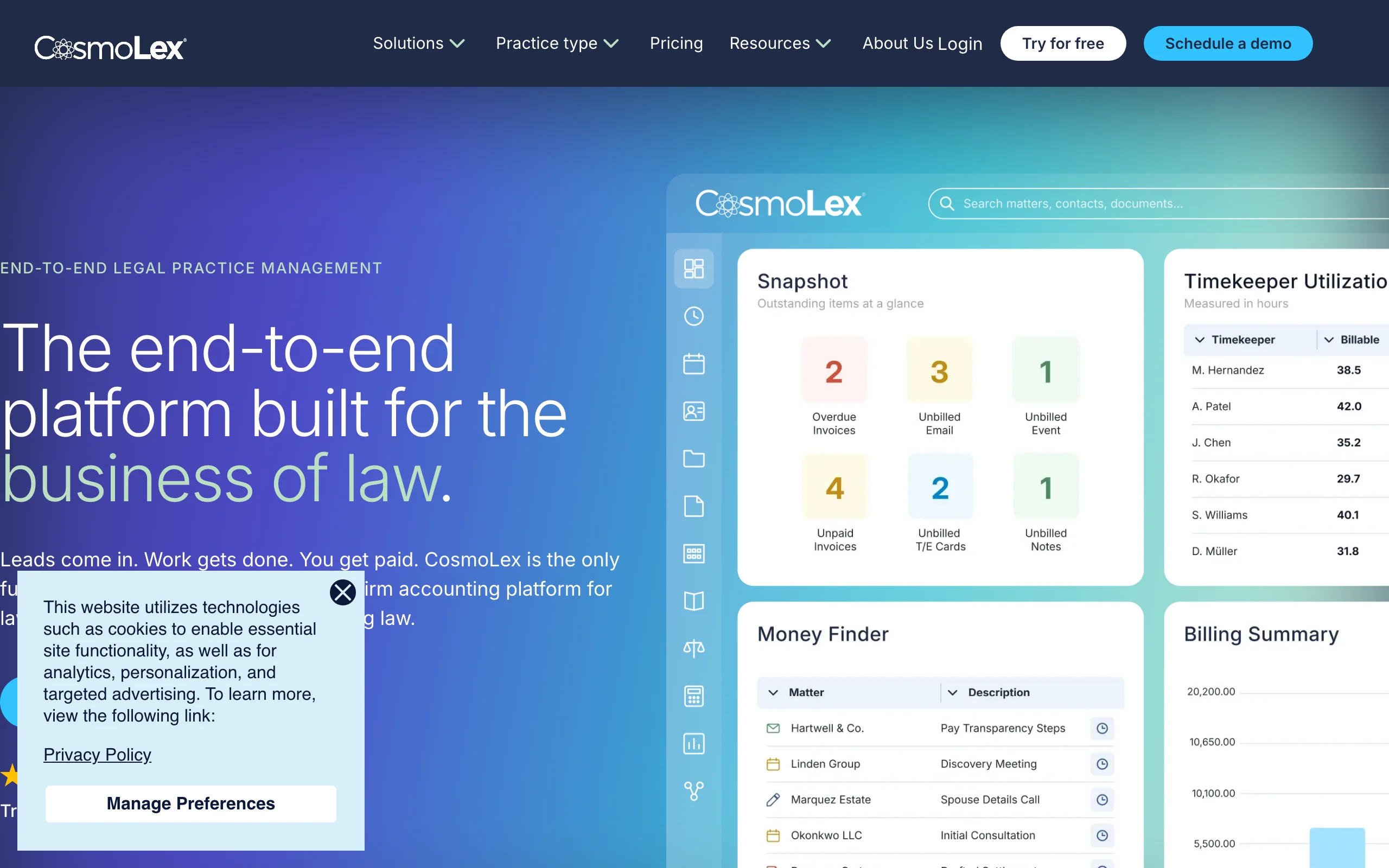
CosmoLex answers the question every other suite defers: where does the accounting live? Instead of syncing billing data to QuickBooks and reconciling the two, CosmoLex builds complete legal accounting, including trust (IOLTA) and business ledgers, directly into the practice management platform. Every time entry, invoice, and trust transaction posts to books that are compliance-aware out of the box, which is exactly the audit trail state bars want to see.
Key features:
- Full legal accounting built in: general ledger, trust accounting, three-way reconciliation
- Matter management, calendaring, and document storage
- Billing with online payments through CosmoLex Pay
- Elite tier adds workflow automation, matter budgets, and a matter status board
Best for:
- Firms that want to cancel QuickBooks and stop double-entry bookkeeping
- Practices where trust-accounting compliance is the top operational risk
Pricing:
- Standard: $109/user/mo billed annually
- Elite: $129/user/mo billed annually
- 10-day free trial, no credit card required
Pros:
- The bundled accounting often nets out cheaper than a mid-tier suite plus QuickBooks plus a bookkeeper reconciling them
- Trust compliance safeguards are native, not bolted on
Cons:
- Highest sticker price of the traditional suites here; firms that do not need accounting are paying for it anyway
- Fewer third-party integrations than Clio's ecosystem
7. Filevine, best for plaintiff and litigation-heavy firms
Filevine is case management built for volume litigation. Plaintiff, personal injury, and mass tort firms use it to run hundreds of active matters through configurable phase-based workflows, with task automation, deadline chains, document management, and team collaboration designed around getting cases from intake to resolution. Its AI features lean into the same use cases, including document review across large case files and demand letter generation, and Lead Docket handles intake as a separately priced product.
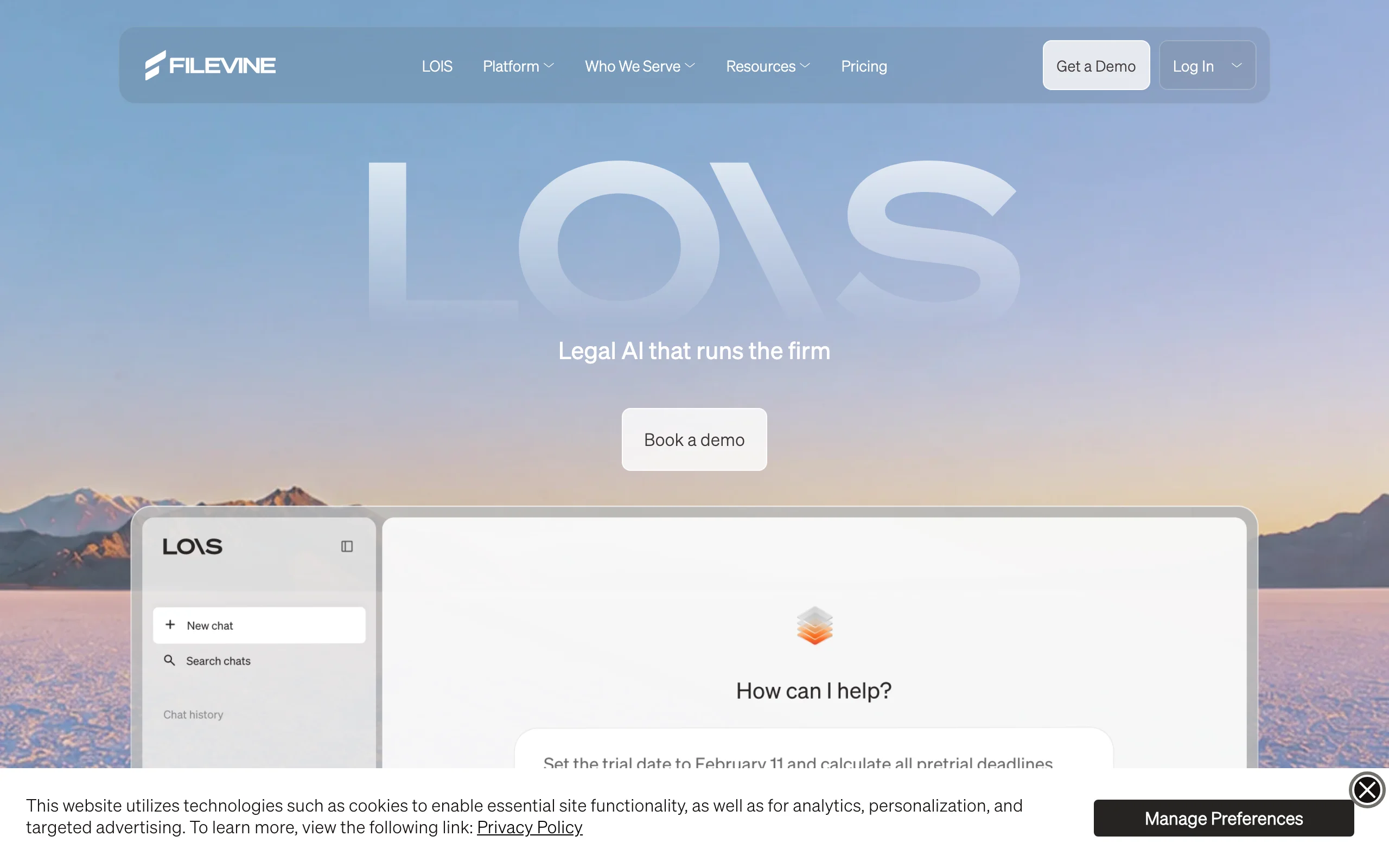
It is a heavier, more configurable platform than anything else on this list, and it is priced and sold accordingly.
Key features:
- Configurable case workflows with task and deadline automation
- Document management and collaboration at case-file scale
- AI document review and demand generation for litigation files
- Lead Docket intake and referral management (separate product)
- Reporting on caseload, deadlines, and team throughput
Best for:
- Plaintiff, PI, and mass tort firms managing high caseloads through discovery and settlement
- Mid-size litigation firms with an admin willing to configure workflows properly
Pricing:
- Custom-quoted; no published rate card
- Third-party estimates put entry pricing around $49-$87/user/mo, with all-in costs commonly $100-$150/user/mo once add-ons are included; treat those figures as indicative only
- Demo-first sales process, no self-serve trial
Pros:
- Workflow configurability that generic suites cannot match for litigation volume
- Scales to hundreds of matters per attorney without drowning staff in manual tasks
Cons:
- Opaque pricing and a sales-led process make evaluation slow
- Overkill for transactional or low-volume practices; configuration is a real project
8. Rocket Matter, best for billing-heavy hourly practices
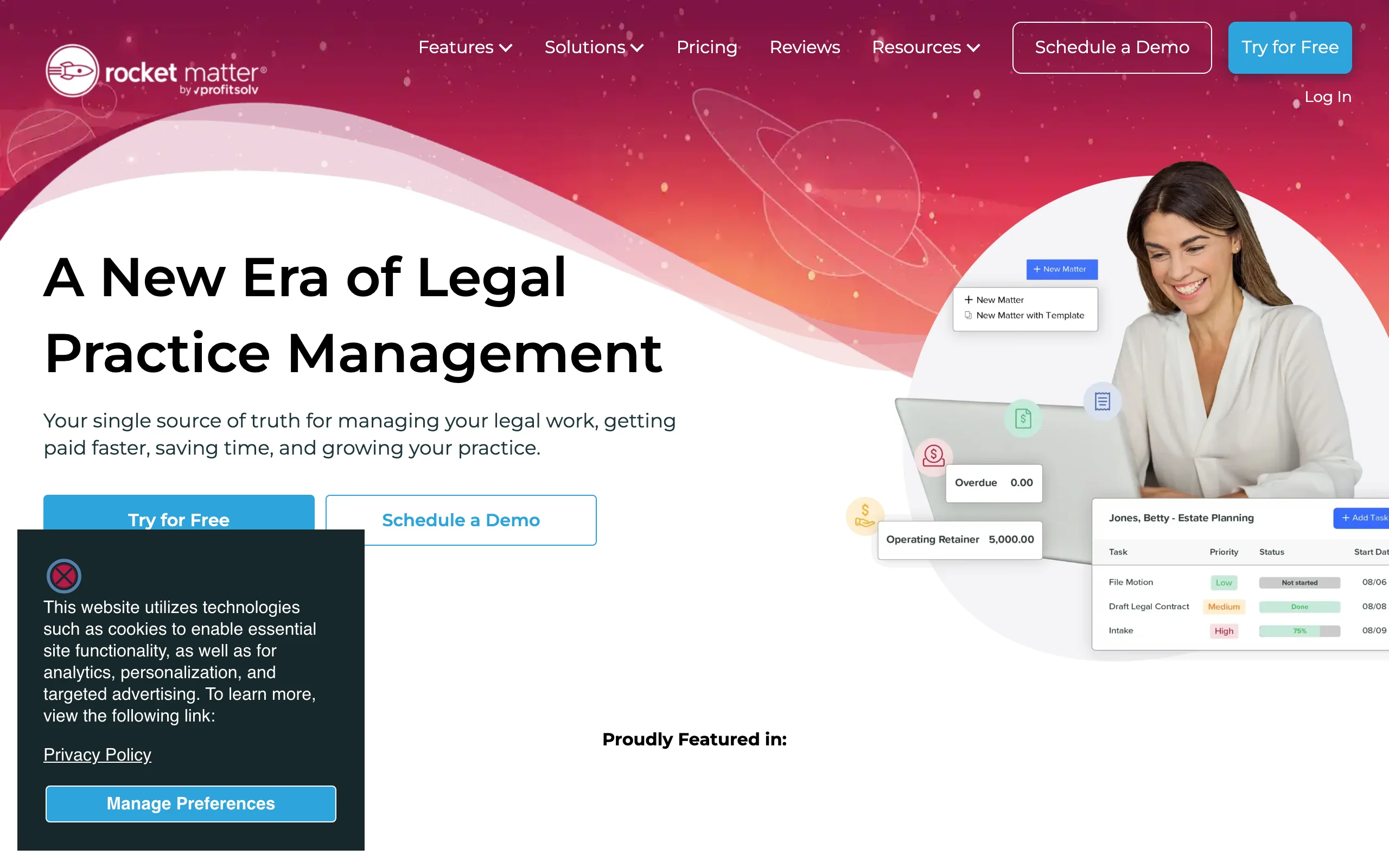
Rocket Matter has spent years sharpening one edge: getting hourly work billed accurately and out the door. Batch billing pushes a month of invoices in one pass, Premier adds split billing and fee allocation for matters with multiple payers or originating attorneys, and matter templates plus kanban boards (Pro and up) keep caseloads visible. The newer Elite tier folds full legal accounting and matter budgets into the same platform.
Key features:
- Batch billing, split billing, and fee allocation (higher tiers)
- Time tracking with multiple timers and expense capture
- Matter templates and kanban-style matter boards (Pro and up)
- Trust accounting, with full legal accounting and matter budgets on Elite
- Free data migration on all tiers
Best for:
- Hourly practices where invoice volume and billing complexity are the bottleneck
- Firms with split-fee arrangements or multiple billing attorneys per matter
Pricing:
- Essentials: $49/user/mo; Pro: $79/user/mo; Premier: $99/user/mo; Elite: $129/user/mo
- Annual billing discounts are available on lower tiers
- Free trial available
Pros:
- Billing workflow depth (batch, split, allocation) that entry-level suites lack
- Clear tier ladder lets firms start cheap and upgrade only when billing complexity demands it
Cons:
- Matter management and document features are serviceable rather than category-leading
- Full accounting requires the top tier
How to choose the best law firm management software for your firm
Four questions sort these eight tools quickly.
1) Do you need the operations layer, the work layer, or both?
- If your billing and matters are already handled and the bottleneck is research memos, contract markups, and first drafts: LegesGPT is the work layer, and you can search case law and statutes with verified citations from day one. Our guide to what an AI legal assistant can realistically take off a firm's plate goes deeper.
- If you have no system of record for matters, time, and billing: start with a suite (Clio, MyCase, or PracticePanther), then add the AI layer once operations run smoothly.
- If both: a MyCase or PracticePanther entry tier plus LegesGPT Basic still totals under $110/user/mo, less than a single Clio Complete seat.
2) How much of your revenue is hourly billing?
- If most of it, and you suspect time leaks: Smokeball's automatic capture typically pays for itself in recovered entries.
- If invoices themselves are the pain (volume, split fees, multiple payers): Rocket Matter's billing stack is the most specialized here.
- If billing is simple flat fees or contingency: Filevine (contingency litigation) or MyCase (flat-fee volume) fit better than billing-first platforms.
3) Where should your accounting live?
- If you want the books inside the platform: CosmoLex includes trust and business accounting on every tier, and Rocket Matter Elite gets you there too.
- If you are happy in QuickBooks: Clio and PracticePanther both assume that setup and sync to it.
- Whatever you pick, ask the vendor exactly what "trust accounting" includes; three-way reconciliation is the feature that matters at audit time.
4) What does the per-seat math say at your headcount?
- Price the whole stack, not the sticker. A 5-person firm on Clio Advanced pays about $595/mo before QuickBooks and any AI tools; the same firm on MyCase Pro pays about $445/mo with texting and intake included.
- Quote-only products (Filevine, Smokeball Grow and Prosper+) deserve a total-cost question up front: implementation, minimums, and add-ons like Lead Docket change the number materially.
- Layering AI is cheap by comparison: LegesGPT starts at $19.99/mo, and there is more on how firms combine it with their existing stack on our AI for lawyers page. Whatever you shortlist, run a real week of matters, invoices, and documents through the trial before you commit, and have the AI layer draft contracts with AI on your own precedents rather than demo files.
All of LegesGPT for $1
Verified-citation answers, case law search, document review, AI drafting, and e-signature in one subscription. 3-day trial for $1, cancel anytime.
Start the $1 trialFrequently Asked Questions
What is law firm management software?
It is the operations platform for a law practice: matter and case management, time tracking, billing, trust accounting, calendaring, and client communication in one system. Suites like Clio Manage, MyCase, and PracticePanther run the business side of the firm, but they do not perform the legal work itself, such as research, drafting, or document review.
How much does law firm management software cost?
Most suites charge per user per month on annual billing: MyCase starts at $39, Clio Manage, PracticePanther, Smokeball, and Rocket Matter start at $49, and CosmoLex starts at $109 with accounting included. Filevine is custom-quoted. An AI work layer like LegesGPT adds $19.99/mo on top of whichever suite you run.
What is the difference between practice management software and legal AI tools?
Practice management software tracks matters, time, invoices, and calendars, while legal AI tools do substantive work: answering legal questions with citations, reviewing documents for risks, and drafting. None of the major management suites include cited legal research or substantive document review, which is why many firms pair a suite with a tool like LegesGPT.
What is the best law firm management software for a solo practitioner?
PracticePanther and MyCase are the strongest solo picks. PracticePanther has one of the shortest learning curves in the category at $49/user/mo, and MyCase starts at $39/user/mo with billing, payments, and a client portal included. Solos who bill hourly and lose time entries should also look at Smokeball's automatic time capture.
Does law firm management software include legal research and drafting?
No. Suites like Clio, MyCase, and Rocket Matter manage documents and automate templates, but they do not answer legal questions, verify citations, or review contracts for risky language. For that layer, firms add a legal AI tool: LegesGPT covers cited research, case law search, document review, and AI drafting from $19.99/mo.
Can I use LegesGPT alongside Clio or MyCase?
Yes. LegesGPT runs in the browser as a separate, self-serve subscription, so it works next to any practice management system without integrations or IT setup. The suite remains your system of record for matters and billing while LegesGPT handles research memos, document review, and first drafts.
What should I test during a law firm software free trial?
Run a real week of work through it: enter time, generate and send an invoice, reconcile a trust transaction, and set up one matter end to end. For AI tools, upload 3 to 5 of your firm's actual documents and check the output against your own judgment. Most vendors here offer trials, from LegesGPT's 3-day $1 trial to MyCase's 10 days.
If my practice management is already handled and I mainly need AI research and drafting, what should I use?
LegesGPT is the strongest fit. It answers legal questions with verified citations, searches case law and statutes, reviews documents with proposed edits, and drafts contracts and letters, all from $19.99/mo with a 3-day trial for $1. It pairs with whatever management suite your firm already runs.