
Most lawyers experimenting with AI start with one of two tools: Claude or ChatGPT. Both are excellent general-purpose assistants. Neither was built for legal work, and the differences between them matter more in a law practice than almost anywhere else.
This guide compares Claude vs ChatGPT for lawyers across the tasks you actually bill for: legal research, contract drafting and review, legal writing, and work that touches confidential client information. Everything reflects the mid-2026 state of both products, with current models, subscription prices, and data policies checked against primary sources.
It is written for practicing lawyers, in-house counsel, and paralegals who already use one or both tools, or who are comparing AI tools for lawyers for the first time and want a straight answer instead of marketing.
Claude vs ChatGPT for lawyers: the short answer
Choose Claude when:
- Your work revolves around long documents. Claude's current models accept up to 1 million tokens of context (roughly 555,000 words), enough for a full contract stack or record on appeal in one conversation.
- Drafting quality matters most. Claude has a strong reputation among professionals for careful, structured prose that needs fewer editing passes.
- You want a simple price ladder: free, $20 Pro, or $100 to $200 Max.
Choose ChatGPT when:
- You want the biggest feature ecosystem: Deep Research reports, agent mode, custom GPTs, voice, and the largest third-party catalog.
- You need a cheap entry point. The $8 Go plan undercuts every paid Claude tier.
- Your firm already runs on OpenAI's business stack and admin tooling.
Choose neither as your only legal tool when:
- You need authorities you can file. Neither Claude nor ChatGPT verifies legal citations against a real database, and courts worldwide have now addressed AI-fabricated material in more than 1,400 decisions. Purpose-built legal AI belongs in that part of your workflow.
| Claude | ChatGPT | |
|---|---|---|
| Current models (mid-2026) | Fable 5, Opus 4.8, Sonnet 5, Haiku 4.5 | GPT-5.6 family: Sol, Terra, Luna |
| Free plan | Yes | Yes (ad-supported in the US) |
| Paid plans | Pro $20/mo; Max $100 or $200/mo | Go $8/mo; Plus $20/mo; Pro $100 or $200/mo |
| Context and file handling | Up to 1M tokens (about 555,000 words) on current models, 128K-token output | Around 1M tokens on the $200 Pro tier; much smaller on Plus; larger file-upload limits on paid plans |
| Data training default | Consumer chats used for training unless you opt out; Team and Enterprise excluded | Consumer chats used for training unless you opt out; Business and Enterprise excluded |
| Legal-specific strengths | Long-document analysis, drafting quality | Deep Research reports, agents and custom GPTs |
| Citation verification | None | None |
Claude vs ChatGPT for legal research
Neither tool connects to a maintained legal database. That single fact shapes everything else in this section.
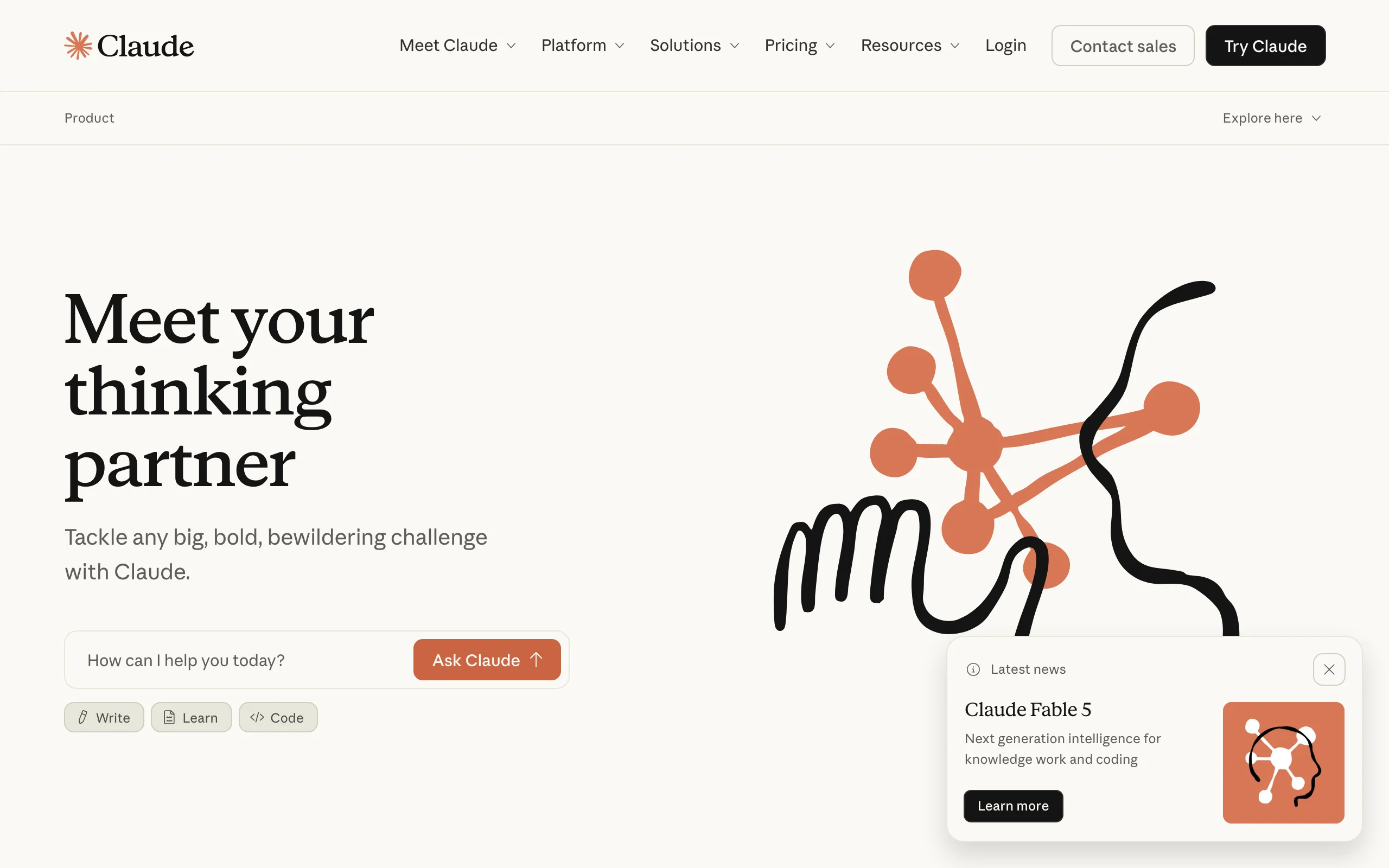
Both are genuinely useful for orientation work. Ask either to explain the elements of promissory estoppel, outline a state's non-compete framework, or issue-spot a fact pattern, and you get a solid starting point in seconds. ChatGPT's Deep Research mode goes further, producing long, sourced reports from web material (around 10 runs per month on Plus, 250 on the $200 Pro tier). Claude's Research feature on paid plans does similar multi-step web research with cited sources.
The trouble starts when you need authorities. In Stanford's "Large Legal Fictions" study, general-purpose chatbots hallucinated between 69% (GPT-3.5) and 88% (Llama 2) of the time on specific, verifiable questions about federal court cases, and at least 75% of the time on questions about a court's holding. Today's models are meaningfully better than the 2023-era models Stanford tested, but the structural problem is unchanged: both tools generate text from patterns and web snippets rather than retrieving from a verified body of law.
The practical verdict: ChatGPT's Deep Research is the more polished report writer, while Claude is stronger at digesting long authorities you supply yourself. Use either for background and issue-spotting, and treat every citation as unverified until you have pulled the authority.
Run thorough legal research, fast
Search case law and statutes, cross-reference authorities, and verify every source — LegesGPT's legal research software backs each answer with citations.
Start researchingContract drafting and review
Claude's advantage here is context. Fable 5, Opus 4.8, and Sonnet 5 all accept up to 1 million tokens of input with 128K-token outputs, so you can load an agreement stack, a due diligence extract, or a lease portfolio and interrogate it in one thread. Claude also has a well-earned reputation for careful drafting: it hedges where it should, keeps defined terms consistent, and follows detailed drafting instructions closely.
ChatGPT counters with workflow tooling. Projects keep matter documents and instructions together, custom GPTs let you encode a clause playbook once and reuse it across the team, and agent mode can execute multi-step tasks. On the $200 Pro tier the context window also reaches roughly 1 million tokens; on the $20 Plus plan you work with far less room, which matters for long agreements.
Both will produce a workable first-draft NDA, services agreement, or amendment, and both will summarize and flag issues in a contract you paste in. What neither gives you is a structured review workflow: clause-level risk flags, proposed replacement language, and a repeatable process, which is what dedicated AI contract review software is built around.
Verdict: Claude for long or numerous documents and drafting quality, ChatGPT for reusable playbooks and automation. Neither is a review system by itself.
Legal writing and summarization
Legal writing is where the gap between benchmark headlines and filed work product shows most clearly.
When OpenAI launched GPT-4 in 2023, it reported that the model passed the Uniform Bar Exam at the 90th percentile. A peer-reviewed re-evaluation by MIT researcher Eric Martínez put the figure near the 68th percentile against July test takers, about the 48th percentile against those who passed, and near the 15th percentile on essays compared with licensed attorneys. The writing component, the part closest to your daily work, was the weakest.
That is not a reason to skip these tools. Both are excellent at the middle of the writing process: turning notes into structure, tightening an argument, converting a memo into a client email, and adjusting tone or reading level. Among lawyers who use both daily, a common split is Claude for finished prose and ChatGPT for speed, brainstorming, and versatile output formats.
For summarization, both are strong, and Claude's large context makes it the safer pick for deposition transcripts and long records. Whichever you use, the output is a draft: facts, quotes, and citations all need checking before anything leaves your office.
Confidentiality and data privacy
Start with the uncomfortable fact: on default settings, both products can use your conversations to train future models.
Anthropic changed its consumer terms in September 2025. Free, Pro, and Max users now choose whether chats may be used for training through a "Help improve Claude" setting that defaults to on. If you allow it, Anthropic can retain your data for up to five years; if you turn it off, standard retention drops to 30 days. Claude Team and Enterprise accounts are excluded from training by default.
OpenAI's structure is similar. On Free, Go, Plus, and Pro personal accounts, the "Improve the model for everyone" setting is on by default, and you can disable it under Data Controls. Temporary Chats are excluded from training. ChatGPT Business, Enterprise, and Edu accounts, along with the API, are not used for training by default.
Two further points belong in any lawyer's analysis:
- Chat logs can become litigation evidence. In OpenAI's copyright litigation with news publishers, a court order forced the company to preserve consumer chats for months in 2025, and a later order required production of a large sample of user conversations. Consumer AI history is not beyond the reach of discovery.
- ABA Formal Opinion 512 (2024) tells lawyers to evaluate confidentiality risks before putting client information into generative AI tools, and to obtain informed consent in some situations. Several state bars have issued similar guidance, and attorney-client privilege arguments get harder when a third party's servers hold the communication.
The practical baseline: never put client-identifying information into a consumer AI account with training enabled. Use a business tier, turn training off, or use a legal-specific tool, and check your bar's guidance first.
The shared weakness: neither verifies legal citations
In June 2023, Judge P. Kevin Castel of the Southern District of New York fined two lawyers and their firm $5,000 in Mata v. Avianca after they filed a brief containing six nonexistent cases generated by ChatGPT, complete with invented quotes and docket numbers. It was the first famous AI-citation sanction. It is nowhere near the last.
A public database maintained by researcher Damien Charlotin had tracked more than 1,400 court decisions addressing AI-fabricated material by May 2026, growing by roughly 350 to 400 decisions per quarter. Penalties are escalating. In March 2026, the Sixth Circuit ordered $15,000 per attorney plus opposing counsel's appellate fees in Whiting v. City of Athens, a fake-citation appeal widely attributed to AI. In April 2026, the Nebraska Supreme Court indefinitely suspended an attorney whose appellate brief contained defective citations in 57 of its 63 references.
The mechanism never changes. These models generate plausible text, so a citation that looks right is a successful output whether or not the case exists. Newer models fabricate less often, and both tools can now search the web, but neither Claude nor ChatGPT checks an authority against a legal database before presenting it. The verification burden sits entirely with you and your bar card.
We covered the related question of whether ChatGPT can give legal advice separately. The short version applies here too: nothing generated by a general-purpose AI should reach a filing until a human has pulled and read every cited authority.
The third option: a legal AI built for lawyers
The gap between these two chatbots and your actual workflow is what legal-specific AI exists to fill, and it is worth naming one concrete example: LegesGPT.
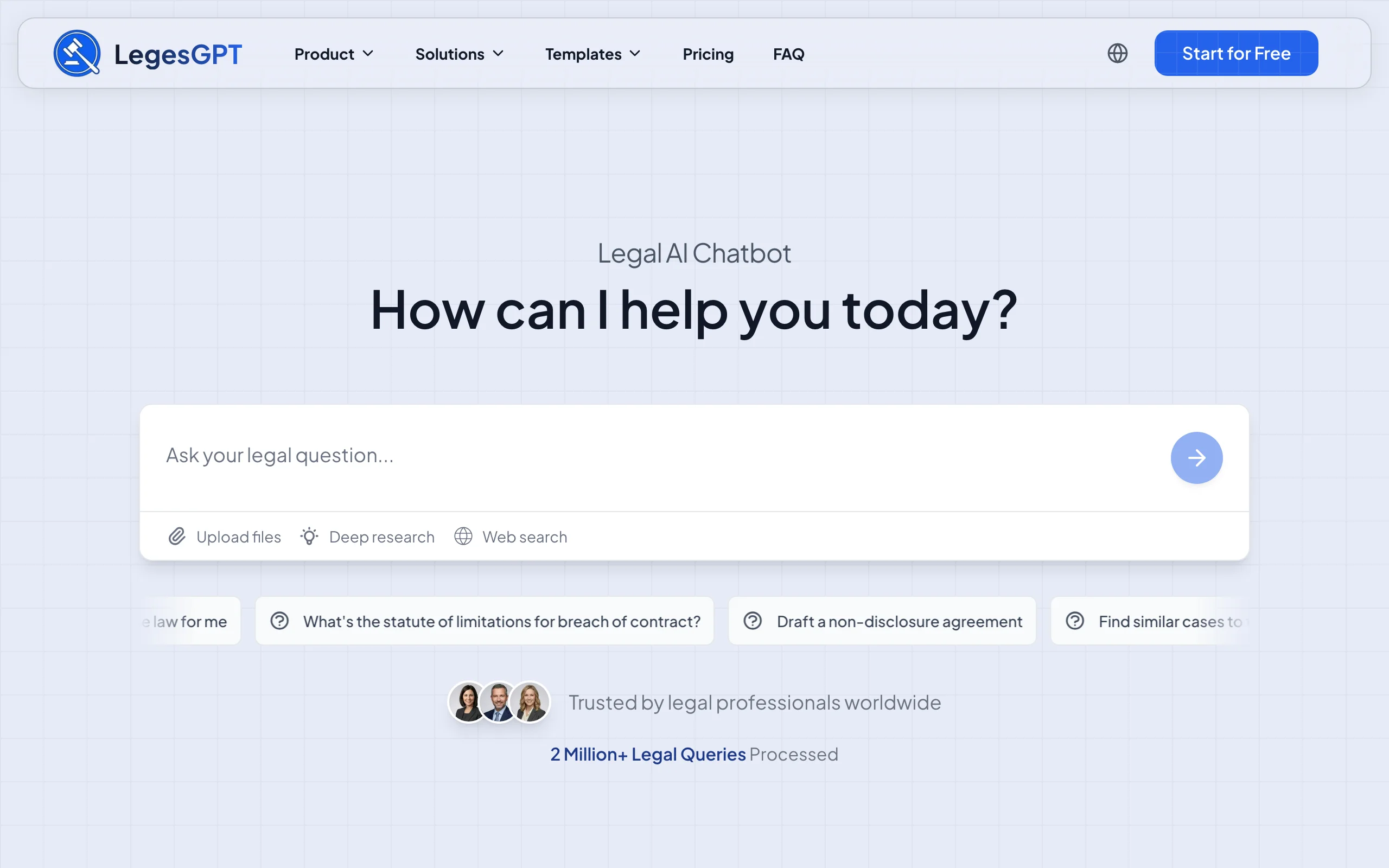
Instead of generating citations from patterns, it answers legal questions with verified citations linked to the underlying source, so you can open the authority behind every proposition. Its AI case law search covers case law and statutes, its document review flags risky clauses and proposes concrete changes rather than a loose summary, and drafting plus built-in e-signature take a document from first draft to signed in one place.
Pricing sits closer to a chatbot than to enterprise legal tech: Basic at $19.99/month for unlimited legal questions with citation verification and case law search, Plus at $49.99/month adding document upload with 50 reviews per month, and Premium at $99.99/month with unlimited review, Deep Research, and web search. A 3-day trial costs $1, and annual billing takes roughly 30% off.
Two honest limits. LegesGPT is not a general-purpose assistant, so for coding, spreadsheets, or marketing copy, Claude and ChatGPT remain the right tools. It also runs in the browser, with no native mobile app or Word add-in yet. Many lawyers land on a simple split: a general assistant for general work, and a legal AI for anything that cites, reviews, or signs.
Get legal answers with verified citations
Ask any legal question and get a clear answer grounded in real sources — every citation links back to the statute or case it came from.
Ask a legal questionHow to choose between Claude, ChatGPT, and legal AI
1) Does the work touch client-confidential information?
- If yes: use a business tier with training excluded (Claude Team, ChatGPT Business or Enterprise) or a legal-specific tool, and check your bar's AI guidance before uploading anything identifying.
- If no (public legal research, internal templates, marketing): any consumer plan works, with training turned off as a habit.
2) Which task fills most of your week?
- Mostly long documents, records, and drafting: Claude, for its context window and prose quality.
- Mostly research reports, automation, and varied non-legal tasks: ChatGPT, for Deep Research and its ecosystem.
- Mostly authorities, contracts, and client documents: a legal AI with citation verification and AI document review built in.
3) Do the price math
- $20/month buys Claude Pro or ChatGPT Plus, and $8 buys ChatGPT Go if budget is the constraint.
- The $100 to $200 power tiers buy usage headroom, not new legal capability. Buy them for volume, never for accuracy.
- Weigh subscriptions against your billing rate. One saved hour a month covers a $20 plan several times over, while an afternoon spent chasing a fabricated citation wipes the savings out.
4) Test with your real work before committing
- Run the same 3 to 5 real tasks through each candidate for two weeks: a research question you already know the answer to, a contract you have already reviewed, and a long document to summarize.
- Score citation accuracy separately from writing quality. The tool that sounds best is not always the one you can file from.
Frequently Asked Questions
Is Claude or ChatGPT better for lawyers?
Claude is better for long-document work and drafting quality, thanks to its 1-million-token context window and strong prose. ChatGPT is better for research reports, automation, and breadth of features at every price point. Neither verifies legal citations, so for work you plan to file, pair either tool with a verified legal AI or a citator.
Can I use Claude or ChatGPT for legal research?
For background research and issue-spotting, yes, both are fast and genuinely useful. Neither connects to a verified legal database, and Stanford researchers found general-purpose chatbots hallucinate on most specific case-law questions. Verify every authority in a dedicated legal research tool before relying on it.
Do Claude and ChatGPT train on my conversations?
On consumer plans, both use chats for model training by default: Claude through the "Help improve Claude" setting and ChatGPT through "Improve the model for everyone". Both let you opt out in settings, and business tiers on both sides exclude training by default. Lawyers handling client information should opt out at minimum and prefer business or legal-specific tools.
What is the best ChatGPT alternative for lawyers?
Claude is the strongest general-purpose alternative, especially for long documents and careful drafting. If you are looking beyond ChatGPT because of legal reliability, a purpose-built legal AI such as LegesGPT is the more direct answer: it verifies citations against real sources and adds document review, drafting, and e-signature in one subscription.
Can Claude or ChatGPT cite real case law?
Sometimes, especially with web search enabled, but neither guarantees it. Both can produce nonexistent cases, real cases with the wrong holding, or accurate names with fabricated quotes. Courts have addressed AI-fabricated material in more than 1,400 decisions, so treat every citation as unverified until you have read the authority yourself.
How much do Claude and ChatGPT cost in 2026?
Claude runs free, $20/month for Pro, and $100 or $200/month for Max. ChatGPT runs free, $8/month for Go, $20/month for Plus, and $100 or $200/month for Pro, with business tiers around $20 to $30 per seat on both sides. For comparison, LegesGPT starts at $19.99/month with citation verification included.
If I mainly need legal answers with citations I can trust, what should I use?
Use a tool that verifies its sources rather than one that generates them. LegesGPT answers legal questions with verified citations linked to the underlying case or statute, reviews and drafts documents, and includes e-signature, starting at $19.99/month with a 3-day $1 trial.