
An AI legal assistant is a chat-style copilot you work with all day: ask it a legal question, paste in a clause, have it draft the demand letter or take a first pass at a contract. This guide covers those day-to-day assistants, not research databases or practice-management suites. For solo practitioners and small firms operating without large support staff, the right assistant can fill the gap between what you can handle alone and what a fully staffed team would cover.
The category also changed fast in 2025 and 2026. Tools moved from answering one question at a time to running multi-step "agentic" workflows (Thomson Reuters even rebuilt CoCounsel Legal on Anthropic's Claude), Clio acquired vLex for $1 billion to fold legal research into practice management, and the general-purpose assistants (Claude, Gemini) pushed context windows to one million tokens. That makes this a good moment to reassess your stack.
In this guide, we compare 9 AI legal assistants a solo lawyer or small firm can actually use day to day, from purpose-built legal copilots to the general-purpose chat assistants many lawyers already run. We cover pricing, key features, strengths, and limitations for each tool so you can pick the one that fits your practice size, budget, and workflow.
Best AI legal assistants: a brief overview
Here is a quick snapshot of the 9 best AI legal assistants and what each does best:
- LegesGPT: Best overall AI legal assistant: answers legal questions with verified sources, drafts documents, and reviews contracts in one affordable platform.
- CoCounsel (Casetext): Best for Westlaw-integrated firms: agentic AI research and deposition prep backed by Thomson Reuters' database.
- Harvey AI: Best for BigLaw and enterprise legal departments: sophisticated legal reasoning for complex, high-stakes matters.
- Clio Manage AI (formerly Clio Duo): Best for practice management automation: AI built directly into Clio for drafting, task management, and document analysis.
- vLex Vincent AI: Best for international litigation research: AI research across 100+ jurisdictions with judge and lawyer profiling, now part of Clio.
- Lexis+ with Protégé: Best for deep US primary law research: an agentic assistant on LexisNexis' database.
- Paxton AI: Best for citation-focused research: high-accuracy research with strong citation verification for brief writing.
- Claude: Best general-purpose AI for legal drafting and analysis: strong reasoning and long context windows for nuanced legal questions.
- Gemini: Best for legal research with web access: real-time web search, a huge context window, and Google Workspace integration.
| Tool name | Key strength | Pricing | Best for |
|---|---|---|---|
| LegesGPT | Verified-source answers, drafting, and review in one platform | From $19.99/mo; 3-day trial for $1 | Solo to mid-size practices |
| CoCounsel (Casetext) | Agentic AI assistant with Westlaw integration | ~$225/user/mo (est.); Westlaw-bundled | Westlaw/Thomson Reuters users |
| Harvey AI | Enterprise-grade legal reasoning and agents | Custom enterprise (no public price) | BigLaw and corporate legal |
| Clio Manage AI (formerly Duo) | Practice management with built-in AI | Quote-based add-on (plus Clio base; est. $39-$59/user/mo) | Firms using Clio for operations |
| vLex Vincent AI | International research across 100+ jurisdictions | Quote-based (now part of Clio) | Cross-border and litigation practices |
| Lexis+ with Protégé | Largest US primary law database with agentic AI | Five figures/year (est.) | Large firms needing full Lexis access |
| Paxton AI | High citation accuracy and verification | $499/user/mo ($2,999/year) | Citation-heavy research practices |
| Claude | Strong reasoning and long-context legal analysis | From $20/mo (Pro); free tier available | Legal drafting and document analysis |
| Gemini | Real-time web search with large context window | From $19.99/mo (AI Pro); free tier available | Research with web access and Workspace users |
Pricing note: LegesGPT, Paxton, Claude, and Gemini publish standard prices. Harvey, Lexis, CoCounsel, Vincent AI, and Clio's Manage AI quote per firm, so those figures are public estimates, not list prices. Confirm before budgeting.
1. LegesGPT, best overall AI legal assistant
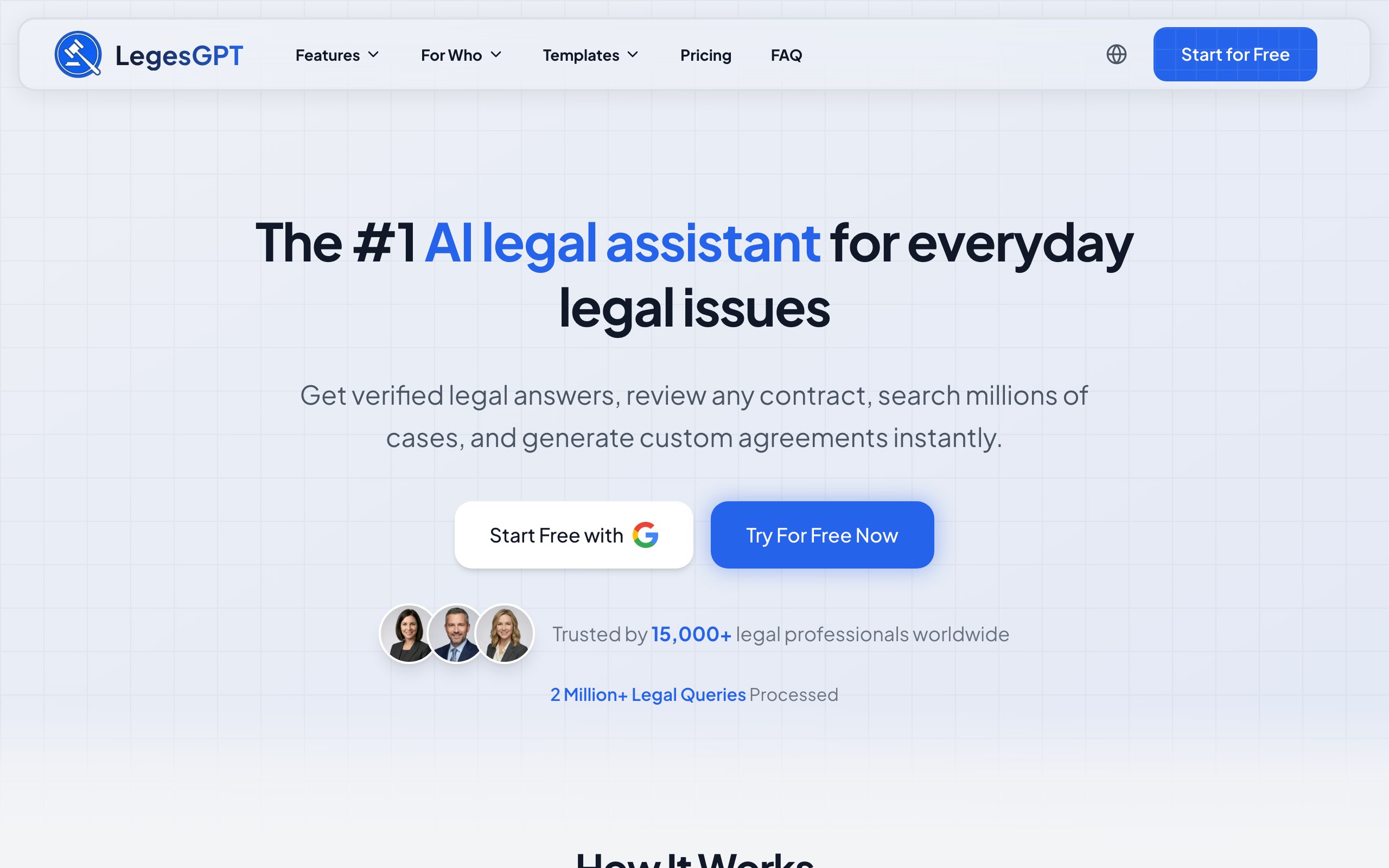
LegesGPT works the way a junior associate would if one were on call around the clock: ask it a legal question and it answers with verified sources you can click through, hand it a contract and it flags the risks and suggests fixes, or describe a document and it drafts it. It also searches case law and statutes across 38+ countries, so a solo lawyer covering several practice areas is not boxed into a single jurisdiction.
What makes it the top pick for solo lawyers and small firms is accessibility. There is no enterprise sales cycle, no annual contract, and no per-seat minimum. You sign up, start a 3-day trial for $1, and begin working within minutes. For practices that need research, review, and drafting without paying for three separate tools, LegesGPT is the most capable starting point at the lowest entry cost.
Key features
- Answers legal questions with verified sources and direct citations you can check
- AI document and contract drafting, plus 20+ legal document templates
- Document review that flags risks, surfaces problematic clauses, and proposes fixes
- Case law research and statute search across 38+ countries
- Deep Research mode for complex, multi-step legal scenarios
- Free legal tools including a contract generator, deadline calculator, and citation generator
Best for
- Solo practitioners and small law firms that want one affordable, full-featured assistant
- Lawyers handling diverse practice areas who need multi-jurisdictional coverage (38+ countries)
- Professionals who want research, review, and drafting in a single subscription
Pricing
- 3-day trial for $1 on all plans (no free usage tier)
- Basic at $19.99/month, Plus at $49.99/month (50 document reviews/month), Premium at $99.99/month (unlimited reviews and priority support)
- No annual contracts or per-seat minimums required
Pros
- Covers the full daily workflow (answers, research, drafting, review) without switching tools
- Verified sources and direct citations make outputs easy to check before you rely on them
- International coverage across 38+ jurisdictions, unlike most US-only competitors
- Self-serve signup with a $1 trial, no sales calls needed
Cons
- Newer platform with a smaller brand footprint than legacy providers like Lexis or Westlaw
- Web-only: no native mobile app, public API, or Microsoft Word add-in
- Credit-based usage on lower tiers may limit heavy research sessions
2. CoCounsel (Casetext), best for Westlaw-integrated firms
CoCounsel is Thomson Reuters' AI legal assistant, built on the Westlaw database. Formerly sold as Casetext, it was folded into Thomson Reuters after a $650 million acquisition and now carries the CoCounsel name across tiers. It handles research queries, reviews documents, and assists with deposition preparation for what Thomson Reuters says is one million professionals across 107 countries.
If your firm already pays for Westlaw, CoCounsel adds AI without switching platforms, and its 2025-2026 updates leaned hard into agentic workflows: a Deep Research agent, a custom workflow builder, and a next-generation CoCounsel Legal rebuilt on Anthropic's Claude Agent SDK, which reached general availability in the US in August 2026. For firms already in the Thomson Reuters ecosystem, it is the natural upgrade.
Key features
- Agentic legal research grounded in Westlaw's primary law database
- Deep Research mode and a custom workflow builder for multi-step tasks
- Document review and bulk analysis across large document sets
- Deposition preparation with automated question generation
- Integration across the Thomson Reuters suite of legal products
Best for
- Firms already subscribing to Westlaw or other Thomson Reuters products
- Litigation teams that need deposition prep alongside case law research
- Mid-size to large firms with existing Thomson Reuters infrastructure
Pricing
- CoCounsel Core is commonly cited around $225/user/month, but Thomson Reuters does not publish standalone pricing
- Cost varies with your existing Westlaw subscription level
- CoCounsel Legal is quote-only, with enterprise agreements for larger deployments
Pros
- Backed by Thomson Reuters' $650M acquisition, signaling long-term investment
- Deep Westlaw integration gives the AI one of the most comprehensive legal databases
- Rebuilt on Claude in 2026, with deposition prep that few competitors match
Cons
- Per-user pricing adds up quickly for firms with multiple seats
- Best value requires an existing Westlaw subscription, limiting appeal to non-TR users
- Solo practitioners may find the cost prohibitive without a firm-level Westlaw deal
3. Harvey AI, best for BigLaw and enterprise legal teams
Harvey AI is built for the largest law firms and corporate legal departments. It provides sophisticated legal reasoning across contract analysis, regulatory research, and due diligence, and in 2026 it shipped a library of pre-built agents plus an Agent Builder for firm-specific workflows. Harvey reports more than 200,000 lawyers across 2,400+ organizations in 70 countries.
Investors have backed that growth aggressively: Harvey raised a $200M round in March 2026 at an $11 billion valuation, up from $5 billion in mid-2025, and by August 2026 was reported to be in talks for a new round at a $15.5 billion valuation. The platform excels at complex, multi-step matters, but enterprise-only pricing and sales-driven onboarding put it out of reach for most solo practitioners and small firms. If that's you, our roundup of the best Harvey AI alternatives covers options built for smaller budgets.

Key features
- Advanced legal reasoning for complex contract analysis and regulatory questions
- Pre-built agents and an Agent Builder for firm-specific, multi-step workflows
- Memory personalization and a model selector spanning the latest frontier models
- Due diligence acceleration across large document sets
- Enterprise-grade security and document management integrations
Best for
- Am Law 100 firms and large corporate legal departments handling high-stakes matters
- Enterprise teams running large-scale due diligence or M&A transactions
- Firms willing to invest in custom AI deployment for firm-wide adoption
Pricing
- Enterprise and custom contracts only; Harvey does not publish public pricing
- Third-party estimates vary widely by firm size, so treat any quoted figure with caution
- No self-serve option or free trial available
Pros
- Extremely sophisticated legal reasoning, purpose-built for complex enterprise matters
- Agent Builder adapts the AI to your firm's specific practice areas and workflows
- Strong top-tier adoption and an $11B valuation validate the platform
Cons
- Enterprise-only pricing makes it inaccessible for solo and small firm lawyers
- Long sales cycle with no way to test the product before committing
- No self-serve option means solo practitioners and small teams are excluded entirely
4. Clio Manage AI (formerly Clio Duo), best for practice management automation
Clio Manage AI, launched as Clio Duo and renamed in 2026, is the AI assistant built directly into Clio's legal practice management software. Unlike standalone research tools, Manage AI works within your existing case data to draft emails, summarize matter histories, create tasks, and analyze uploaded documents.
For solo lawyers and small firms that already run their practice on Clio, Manage AI adds an AI layer without introducing another tool to learn. It pulls context from your matters, contacts, and communications to generate relevant outputs. And after Clio's $1 billion acquisition of vLex in late 2025, Clio now pairs this practice-management AI with Vincent AI's legal research (see below), positioning itself as a single "intelligent legal work" platform. The trade-off for Manage AI alone is scope: on its own it does not search external legal databases or perform case law research.
Key features
- AI document summaries and issue spotting from uploaded files
- Email and letter drafting based on matter context and case data
- Task creation and deadline extraction through natural language commands
- Matter history summarization across notes, calls, and communications
- Built directly into Clio Manage with no additional setup
Best for
- Solo practitioners and small firms already using Clio for practice management
- Lawyers who want AI help with administrative tasks (emails, task tracking, time entries)
- Firms looking to recover billable hours by automating operational work
Pricing
- Quote-based add-on to a Clio Manage subscription; the previously published $39/user/month rate is no longer listed, and third-party estimates run $39-$59/user/month
- Available on the Essentials, Advanced, and Expand tiers (not EasyStart)
- Per-user licensing, so small firms can start with one seat and expand
Pros
- Integrated into Clio Manage, with no separate tool or login needed
- Drafts communications and tasks using your actual case data for relevant context
- Now part of a broader platform that also offers Vincent AI legal research
Cons
- On its own, does not perform legal research or search external case law databases
- Only works within Clio Manage, with no standalone or cross-platform option
- Requires a base Clio subscription, adding to the total monthly cost
5. vLex Vincent AI, best for international litigation research
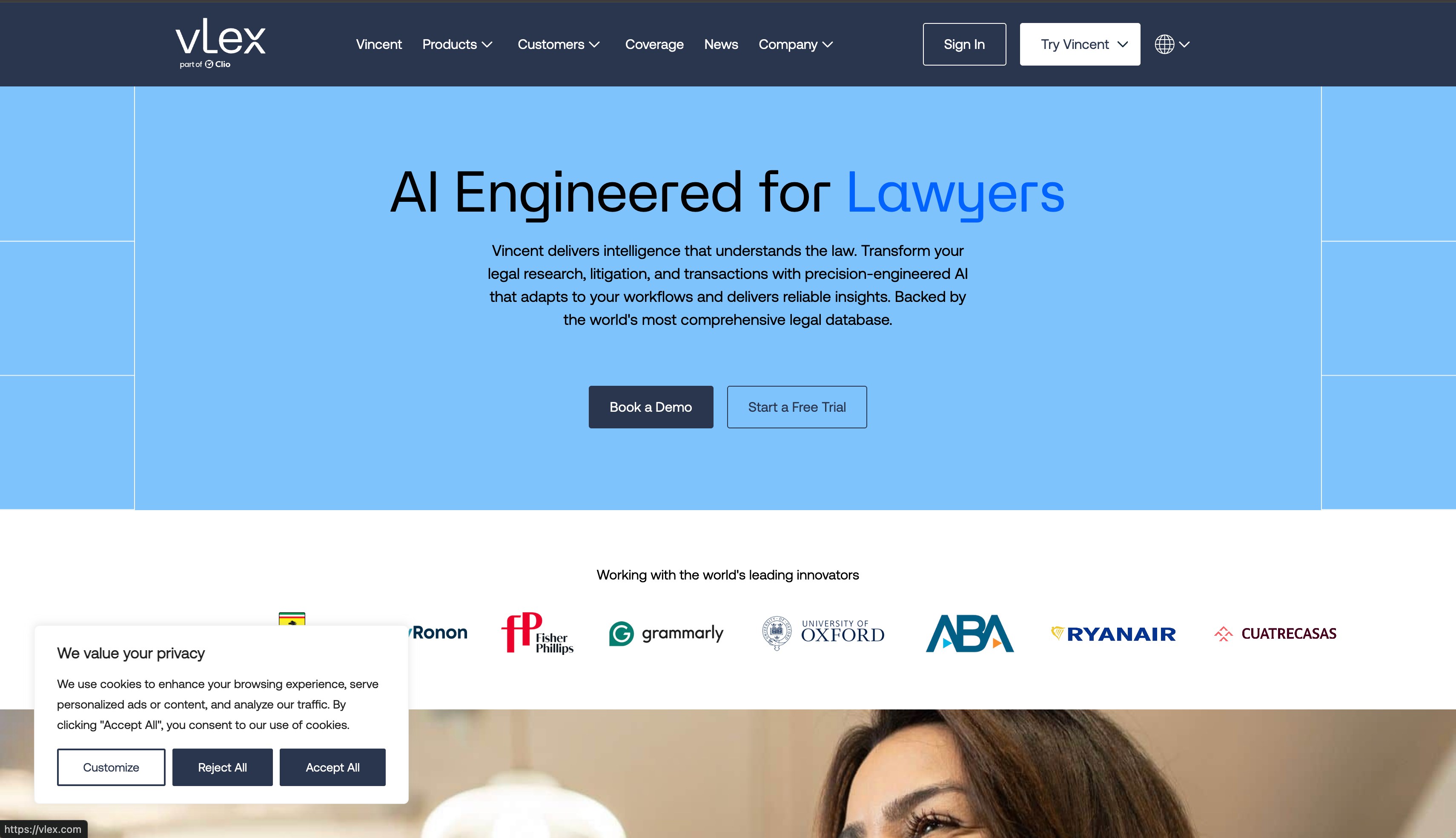
vLex Vincent AI is a legal research platform with AI capabilities spanning 100+ jurisdictions and over 1 billion editorially enriched legal documents. It goes beyond basic research with litigation-specific workflows including judge profiling, lawyer profiling, and complaint analysis, and Vincent Studio lets firms build custom AI workflows without coding. In November 2025, Clio completed its $1 billion acquisition of vLex, so Vincent AI can now be subscribed to directly inside Clio.
For lawyers handling cross-border matters or international litigation, Vincent AI offers the broadest jurisdictional coverage of any tool on this list. It is also strong for domestic litigation practices that want AI-powered insight into judicial behavior and opposing counsel strategy.
Key features
- AI legal research across 100+ jurisdictions with 1 billion+ legal documents
- Judge and lawyer profiling with ruling patterns and motion-success rates
- 50-State Survey and complaint analysis for multi-jurisdictional US work
- Contract review with legal risk flagging and redline analysis
- Vincent Studio for building custom no-code AI workflows
Best for
- Litigation practices that want AI-powered judge and opposing counsel profiling
- Firms handling international or cross-border matters across multiple jurisdictions
- Mid-size to large firms (especially Clio users) investing in a premium research platform
Pricing
- Quote-based as of 2026; vLex and Clio direct buyers to sales, with a free trial available
- Now bundled or sold through Clio following the acquisition
- The previously cited ~$399/month single-user rate is no longer the published price
Pros
- Broadest jurisdictional coverage on this list (100+ jurisdictions, 1B+ documents)
- Litigation intelligence (judge and lawyer profiling) is a genuine differentiator
- Vincent Studio lets firms build custom AI workflows without developer resources
- Tight integration with Clio for firms that already use it
Cons
- Pricing is no longer transparent; a quote is required to budget
- Optimized research workflows are deepest in a subset of jurisdictions (broad document analysis is global)
- Steeper learning curve due to the platform's breadth of features
6. Lexis+ with Protégé, best for comprehensive US primary law research
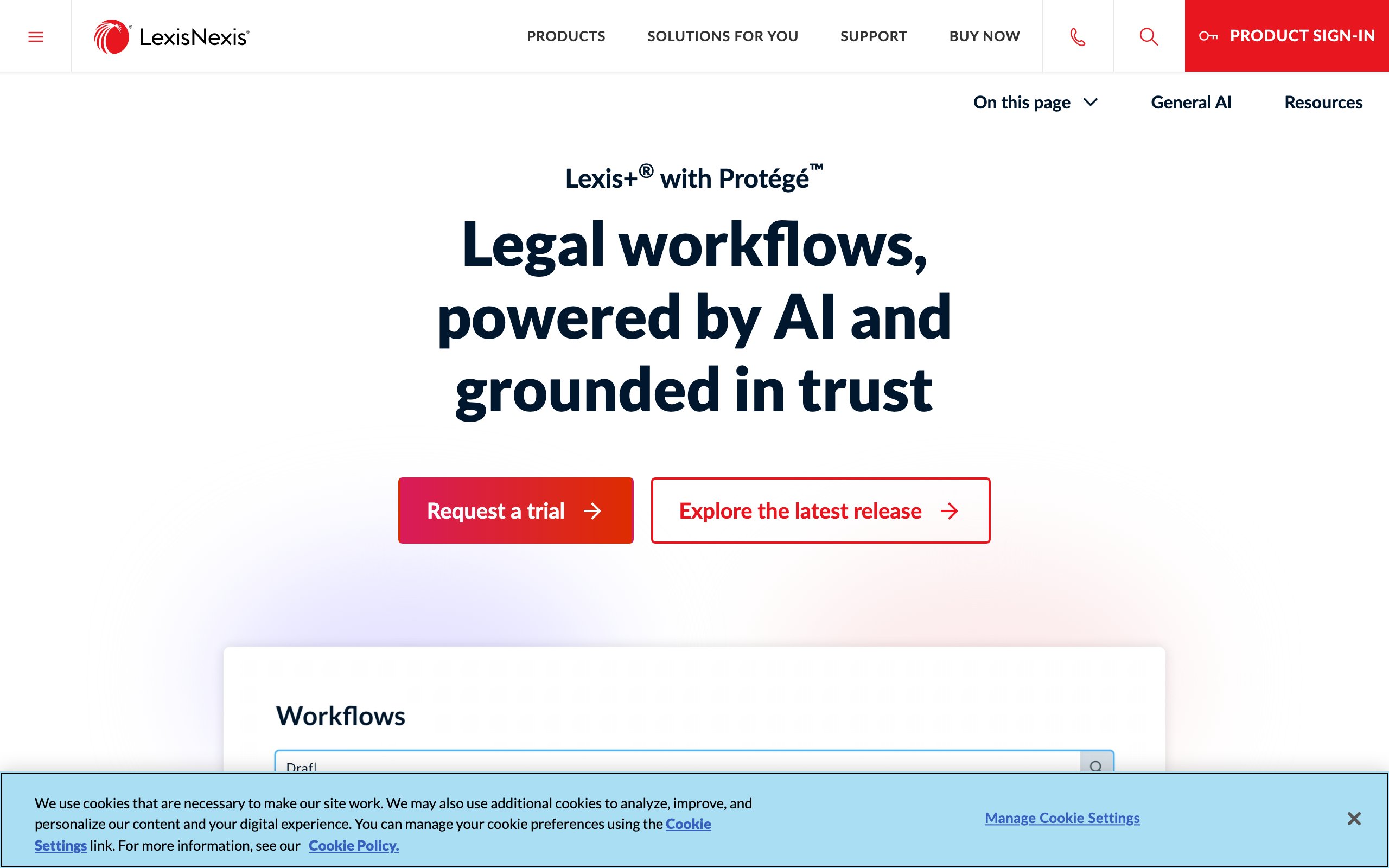
Lexis+ with Protégé is LexisNexis' agentic AI assistant, the successor to Lexis+ AI, which reached general availability in February 2026. It lets lawyers ask natural language questions and receive answers grounded in Lexis' primary law, case law, statutes, and secondary sources, then chains those answers into drafting and review. For firms that need the deepest possible US legal database, this is that database with an agent on top.
The strength here is the underlying data. LexisNexis has decades of indexed legal content that few competitors can match in depth, now paired with agentic drafting, a Vault for large document sets, and Shepard's Verify for citation validation. The trade-off is cost: it requires a Lexis subscription, and pricing runs well into five figures annually.
Key features
- Natural language search across LexisNexis' full primary law database
- Protégé agentic assistant with "Best Fit" model selection and specialized agents
- Agentic drafting and a Vault that handles large document sets
- Shepard's Citations and Shepard's Verify for case validation
- Integration with Microsoft 365 and the broader Lexis product suite
Best for
- Large firms that already subscribe to LexisNexis and want agentic AI added
- Practitioners requiring the deepest possible primary law coverage for US jurisdictions
- Research-intensive practices like appellate litigation or academic legal work
Pricing
- Roughly five figures per year, varying significantly by package and firm size
- Requires an existing LexisNexis subscription for best value
- Custom enterprise pricing; LexisNexis does not publish a standalone rate
Pros
- Access to one of the largest and most established legal databases in the industry
- Shepard's Verify provides trusted citation validation inside the AI workflow
- Agentic drafting and Microsoft 365 integration extend it beyond simple search
Cons
- Five-figure annual pricing puts it beyond the budget of most solo and small firms
- Complex, opaque pricing makes costs hard to estimate upfront
- Strongest only when paired with a full Lexis subscription
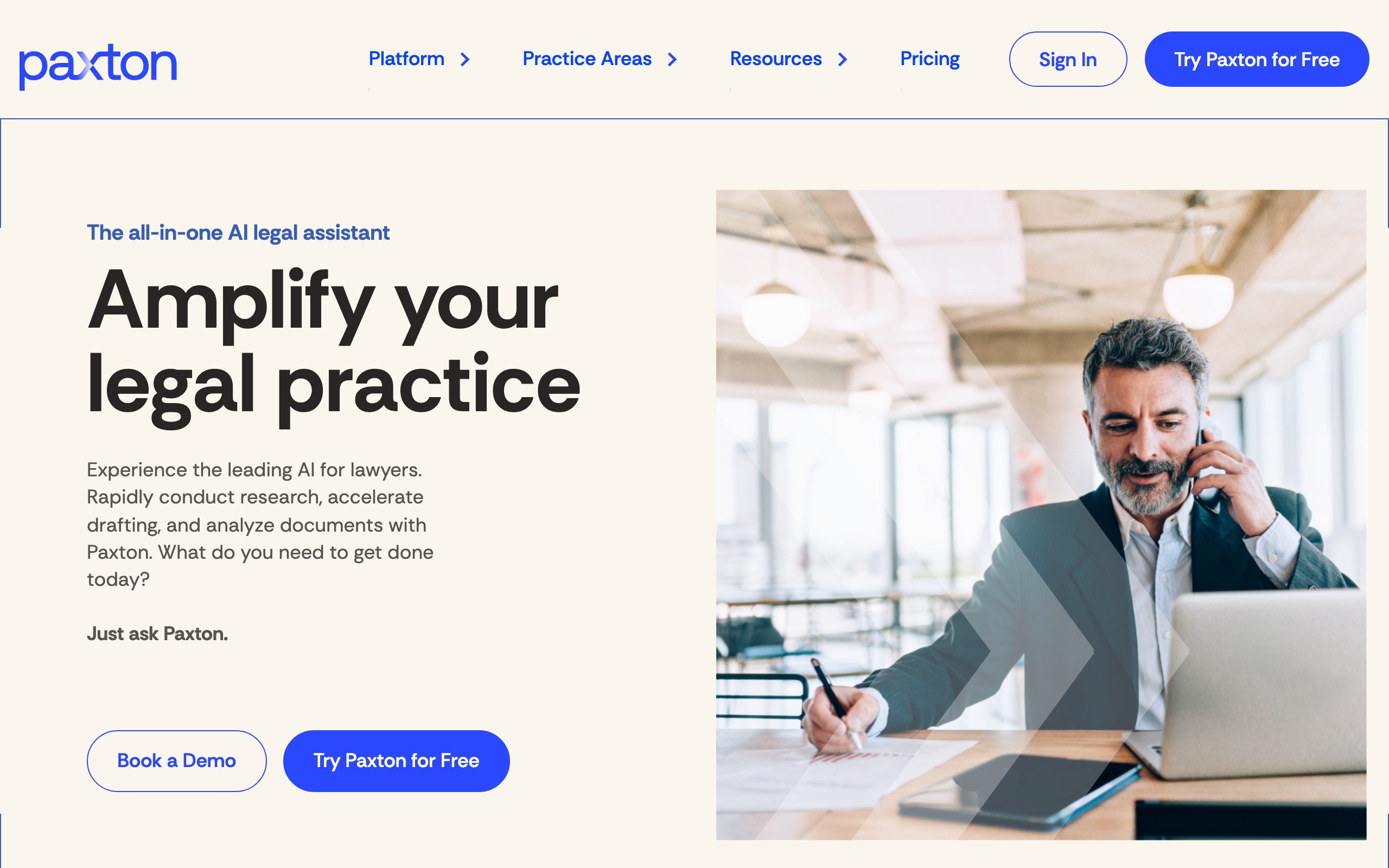
7. Paxton AI, best for citation-focused legal research
Paxton AI is a legal research platform built around citation accuracy. It focuses on well-sourced answers, with a strong emphasis on verifying that every citation is real and correctly linked. In a Stanford-built benchmark, Paxton reported 93.82% accuracy and a 94.7% non-hallucination rate, which is why it positions itself as the reliable choice for lawyers burned by AI hallucinations in other tools.
The platform covers US federal and state case law and statutes, trained on a 60M+ document corpus, with a clean interface focused on research and contract analysis. It does not try to be an all-in-one tool: its strength is doing research well and making sure the citations check out.
Key features
- AI legal research with high, benchmarked citation accuracy and source verification
- Direct links to cited cases and statutes for quick validation
- Contract analysis alongside case law and statutory research
- Clean, focused interface designed specifically for legal research queries
- Research history and saved queries for ongoing matters
Best for
- Lawyers who prioritize citation accuracy above all other features
- Appellate practitioners and brief writers who need every citation verified
- Solo and mid-size firm attorneys focused primarily on US legal research
Pricing
- Individual plan at $499/user/month, or $2,999/user/year
- 7-day free trial; enterprise pricing available on request
- Priced above mid-range research tools but below enterprise platforms
Pros
- Strong, benchmarked emphasis on citation verification reduces the risk of citing non-existent cases
- Focused research interface keeps the experience simple and fast
- Transparent public pricing, unlike most enterprise legal AI tools
Cons
- Narrower feature set than all-in-one platforms (limited drafting, no eDiscovery)
- Primarily focused on US jurisdictions, limiting use for international practitioners
- At $499/user/month, considerably more expensive than LegesGPT while covering less ground
8. Claude, best general-purpose AI for legal drafting and analysis
Claude is Anthropic's AI assistant, known for strong reasoning, careful handling of nuanced questions, and large context windows that process lengthy legal documents in a single pass. While not built exclusively for legal work, Claude has become a go-to tool for lawyers drafting memos, analyzing contracts, summarizing depositions, and working through complex legal reasoning.
What sets Claude apart from other general-purpose AI is its approach to accuracy: it is more likely to flag uncertainty than to fabricate an answer, which matters in legal work where a confident-but-wrong response can be worse than none. The trade-off is that Claude does not search verified legal databases or provide citations to case law the way purpose-built legal AI tools do.

Key features
- Large context window (up to 1 million tokens on recent models and higher tiers) for long contracts, briefs, and document sets
- Strong legal reasoning for analyzing complex, multi-issue questions
- Document upload and analysis for contracts, agreements, and filings
- Careful calibration that flags uncertainty rather than generating fabricated citations
- Available via web, mobile app, and API for custom workflows
Best for
- Lawyers who need AI help drafting memos, letters, and legal arguments
- Solo practitioners who want a flexible general-purpose assistant for varied tasks
- Professionals analyzing long documents that exceed other tools' context limits
Pricing
- Free tier available with usage limits
- Pro at $20/month; Max at $100 or $200/month for heavy usage
- Team at $25/user/month (5-seat minimum); Enterprise with custom pricing and compliance tooling
Pros
- Up to a 1M-token context window handles even the longest contracts in a single conversation
- More cautious and accurate than many general-purpose AI tools, reducing hallucination risk
- Versatile across drafting, analysis, summarization, and legal reasoning
Cons
- Not connected to any legal database, so it cannot search case law or provide verifiable citations
- Lacks legal-specific features like document review workflows or template libraries
- Outputs require independent citation verification before use in any professional context
9. Gemini, best for legal research with real-time web access
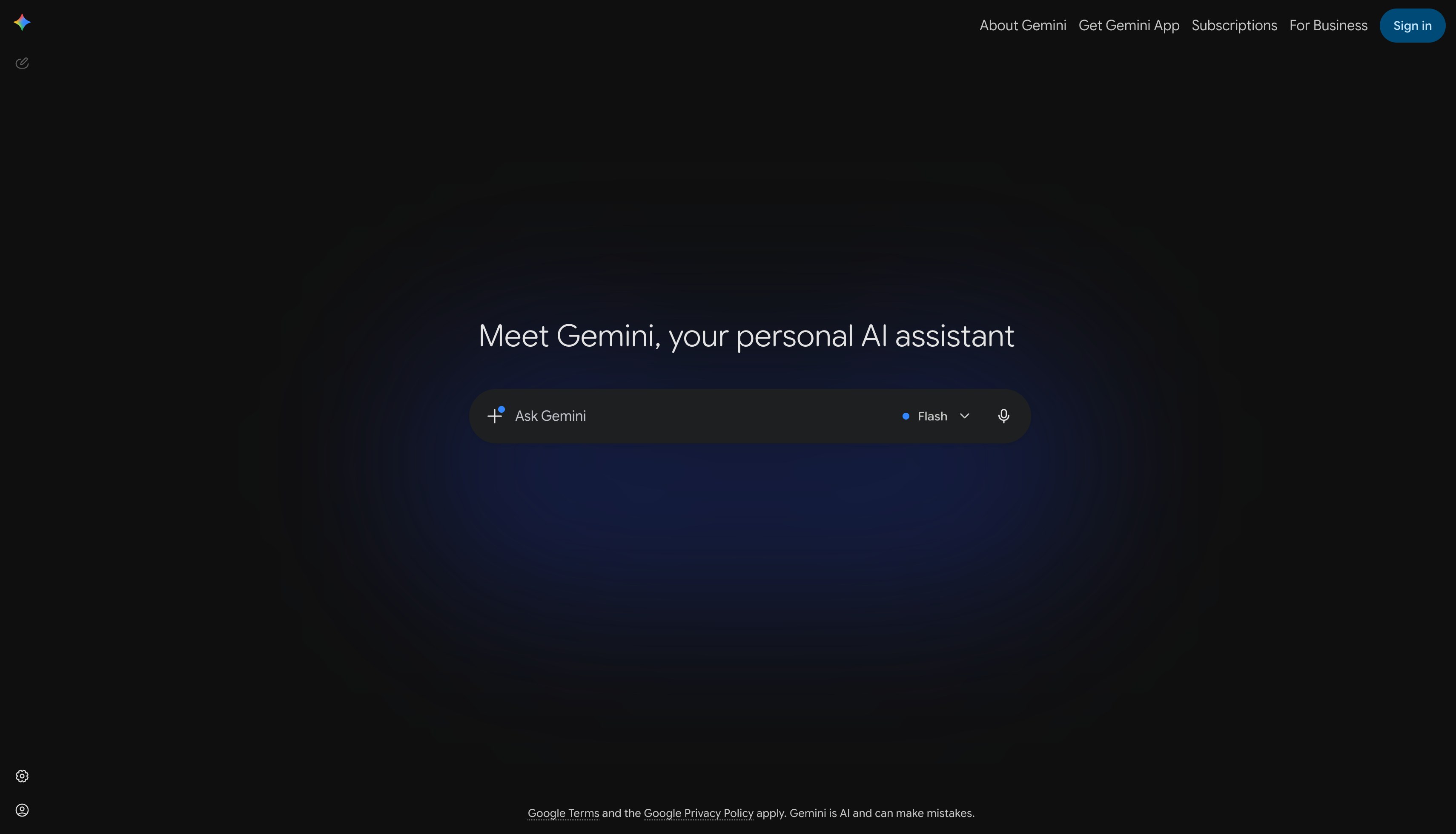
Gemini is Google's AI assistant, and its key advantage for lawyers is real-time web search. When you ask Gemini a legal question, it can search the web for current statutes, recent case developments, regulatory changes, and commentary, then synthesize the results into a coherent answer. For lawyers who need to stay current on fast-moving developments, this web-connected approach fills a gap offline AI tools cannot.
Its paid tier (now Google AI Pro) offers a one-million-token context window and deep Google Workspace integration, making it useful for lawyers who already work in Google Docs, Gmail, and Drive. The limitation is the same as Claude's: Gemini is not a legal-specific tool and does not search verified legal databases or provide authenticated case citations.
Key features
- Real-time web search for current legal developments and regulatory updates
- Up to a 1 million token context window for processing large document sets
- Google Workspace integration for drafting in Docs, analyzing email, and managing files in Drive
- Multi-modal analysis of images, charts, and scanned legal documents
- Available on web, mobile, and through Google Workspace apps
Best for
- Lawyers who need real-time access to recent legal developments
- Solo practitioners and small firms already using Google Workspace
- Professionals who want AI assistance for drafting and research across Google's ecosystem
Pricing
- Free tier available
- Google AI Plus at $4.99/month (cut from $7.99 in June 2026); Google AI Pro at $19.99/month (the former "Gemini Advanced")
- Google AI Ultra at $100 or $200/month; Workspace business and enterprise plans available
Pros
- Real-time web search surfaces current legal developments that offline tools miss
- A 1M-token context window handles massive document sets
- Workspace integration brings AI directly into Docs, Gmail, and Drive
Cons
- Not connected to verified legal databases, so citations need manual verification
- General-purpose AI without legal workflows like document review, risk flagging, or templates
- Web search results may include unreliable sources that require careful evaluation
How to choose the best AI legal assistant for your practice
1) What tasks do you need AI to handle?
AI legal assistants fall into three categories: research tools, document/practice-management tools, and all-in-one platforms. If your priority is case law research and brief prep, LegesGPT or Paxton AI focus on that. If you want AI for operational tasks like email drafting, task management, and time tracking, Clio Manage AI is built for that workflow. For general-purpose drafting and analysis, Claude and Gemini are strong. If you need research, document review, and templates in one subscription, LegesGPT covers all three.
- If you need research + review + drafting: start with LegesGPT
- If you need practice management AI: evaluate Clio Manage AI
- If you need litigation-specific intelligence: look at vLex Vincent AI
2) What is your budget?
Budget is the sharpest dividing line in this space. Enterprise tools like Harvey AI (custom, four figures per seat) and Lexis+ with Protégé (five figures per year) deliver deep capabilities but price out most solo and small firm lawyers. LegesGPT starts at $19.99/month with a 3-day trial for $1, the most accessible full-featured legal AI option. Claude ($20/month) and Gemini ($19.99/month) offer affordable general-purpose AI with free tiers to test first.
- Solo practitioners: LegesGPT ($19.99/mo), Claude ($20/mo), or Gemini ($19.99/mo)
- Small to mid-size firms: LegesGPT ($19.99-$99.99/mo) or CoCounsel (~$225/user/mo)
- Enterprise and BigLaw: Harvey AI or Lexis+ with Protégé
3) Do you need multi-jurisdictional coverage?
Most AI legal assistants focus primarily on US law. If you handle international or cross-border matters, your options narrow fast. vLex Vincent AI covers 100+ jurisdictions with 1B+ documents. LegesGPT covers 38+ countries with case law and statutes. Most other tools, including Paxton AI, CoCounsel, Claude, and Gemini, are US-centric or general-purpose without jurisdiction-specific databases.
- For US-only practice: any tool on this list works
- For cross-border or international work: vLex Vincent AI or LegesGPT
4) Test before you commit
Run your top pick through a real workflow before subscribing long-term. Draft 3-5 research queries you already know the answers to and check the AI's accuracy. Upload a real contract or brief and evaluate the analysis. LegesGPT offers a 3-day trial for $1 on all plans, Paxton offers a 7-day trial, and both Claude and Gemini have free tiers you can test immediately. Thirty minutes of hands-on testing with your actual work is worth more than any comparison article.
Frequently Asked Questions
What is an AI legal assistant?
An AI legal assistant is software that uses artificial intelligence to help lawyers with tasks like legal research, document review, contract analysis, and drafting. Unlike general-purpose AI tools like ChatGPT, purpose-built legal AI assistants search verified legal databases and provide citations to real cases and statutes. They are designed to augment your work, not replace attorney judgment.
What is the best AI legal assistant for solo lawyers in 2026?
For solo lawyers who need an affordable all-in-one solution, LegesGPT is the strongest choice. It answers legal questions with verified sources, drafts documents, and reviews contracts starting at $19.99/month with a 3-day trial for $1. For general-purpose drafting and analysis at a similar price, Claude ($20/month) and Gemini ($19.99/month) are strong, both with free tiers. For solo practitioners already on Clio, Manage AI (formerly Duo) adds AI directly into your existing workflow.
What changed in legal AI assistants in 2026?
Three big shifts: tools moved to agentic workflows that complete multi-step tasks (CoCounsel, Harvey, Lexis Protégé), Clio acquired vLex/Vincent AI for $1 billion to combine practice management with legal research, and general-purpose assistants like Claude and Gemini pushed context windows to one million tokens. Pricing also moved, with Paxton at $499/user/month and Harvey reaching an $11 billion valuation.
Can I use AI legal assistants for court filings?
AI legal assistants can help you research, draft, and review documents for court filings, but always verify AI-generated content before filing. That means checking every citation against the original source, reviewing the legal reasoning, and confirming compliance with local court rules. Several attorneys have faced sanctions for filing AI-generated briefs with fabricated citations.
Are AI legal assistants safe for handling client data?
Reputable AI legal assistants implement encryption, access controls, and data-handling policies appropriate for confidential legal information, and most do not train their models on your uploaded documents. Always review a tool's privacy policy and terms of service before uploading client-sensitive materials, and confirm your use complies with your jurisdiction's ethics rules on technology and client confidentiality.
What is the difference between AI legal assistants and traditional research platforms?
Traditional platforms like Westlaw and LexisNexis are search-based: you enter keywords or citations and browse results. AI legal assistants use natural language to understand your question, search legal databases, and generate synthesized answers with citations, saving the hours it would take to summarize case law manually. If pure research is your priority, our guide to the best legal research tools compares the traditional platforms alongside AI-native options.
Which AI legal assistant has the best international coverage?
vLex Vincent AI offers the broadest jurisdictional reach with 100+ jurisdictions and 1 billion+ legal documents. LegesGPT covers 38+ countries with court cases and statutes across multiple jurisdictions. Most other tools on this list, including Paxton AI, CoCounsel, and Clio Manage AI, focus primarily on US law.
How much do AI legal assistants cost?
Pricing ranges widely. General-purpose tools like Claude ($20/month) and Gemini ($19.99/month) offer free tiers and affordable paid plans. LegesGPT starts at $19.99/month for a full legal AI platform, and Clio Manage AI (formerly Duo) is a quote-based add-on to a Clio subscription. Paxton AI runs $499/user/month. Enterprise platforms like CoCounsel (~$225/user/month), Harvey AI (custom, four figures per seat), and Lexis+ with Protégé (five figures/year) are priced for larger firms, and Vincent AI is now quote-based through Clio.
Do I need multiple AI legal tools, or will one cover everything?
For most solo lawyers and small firms, a single all-in-one platform covers around 80% of your AI needs. LegesGPT handles research, document review, and templates in one subscription. You would only add a second tool for a specific gap: Clio Manage AI for practice management automation, vLex Vincent AI for deep litigation intelligence, or Claude/Gemini for general-purpose drafting. Start with one platform and add specialized tools only when a clear need arises.