

Law school demands hundreds of hours of case reading, legal writing, and exam preparation. AI tools built for legal work can cut your research time significantly, help you understand complex case law faster, and improve the quality of your legal writing assignments. The right tool turns a 3-hour research task into a 30-minute one.
In this guide, we compare 7 AI tools that law students can actually use. We cover what each tool does best, how much it costs (because student budgets matter), and which fits different study and research needs. Whether you are preparing for moot court, writing a law review article, or studying for the bar, this breakdown will help you pick the right platform.
Best AI tools for law students: a brief overview
Here's a quick snapshot of the 7 best AI tools for law students and what they're best at:
- LegesGPT: Best overall for law students: affordable all-in-one platform combining legal research, document review, and templates with multi-jurisdictional coverage.
- Lexis+ AI: Best for students with LexisNexis access: AI-powered search across the largest legal database, free for many law schools.
- Westlaw Edge with AI: Best for Westlaw-trained research workflows: AI features layered on the platform most law schools teach.
- Paxton AI: Best for legal writing and citation accuracy: high-accuracy research with strong citation verification for briefs and papers.
- ChatGPT: Best free option for general legal study: general-purpose AI useful for explaining concepts, outlining arguments, and exam prep.
- AI Lawyer: Best budget option for quick legal answers: simple AI assistant for basic legal questions at a low price point.
- Fastcase: Best free legal research database: free case law access through bar associations and law school programs.
| Tool name | Key strength | Pricing | Best for |
|---|---|---|---|
| LegesGPT | Research, review, and templates in one platform | From $19.99/mo; 3-day free trial | All-around law school use |
| Lexis+ AI | Largest legal database with AI search | ~$17,500/yr (free for most law students) | Students with Lexis access |
| Westlaw Edge with AI | AI on the most-taught research platform | Institutional pricing (free via law school) | Westlaw-trained workflows |
| Paxton AI | High citation accuracy and verification | From ~$159/mo | Legal writing and citations |
| ChatGPT | General-purpose AI for concept explanation | Free tier; Plus at $20/mo | General study and exam prep |
| AI Lawyer | Simple AI for quick legal questions | From $9.99/mo | Budget-conscious students |
| Fastcase | Free case law database | Free via bar/law school membership | Free legal research access |
1. LegesGPT, best overall AI tool for law students
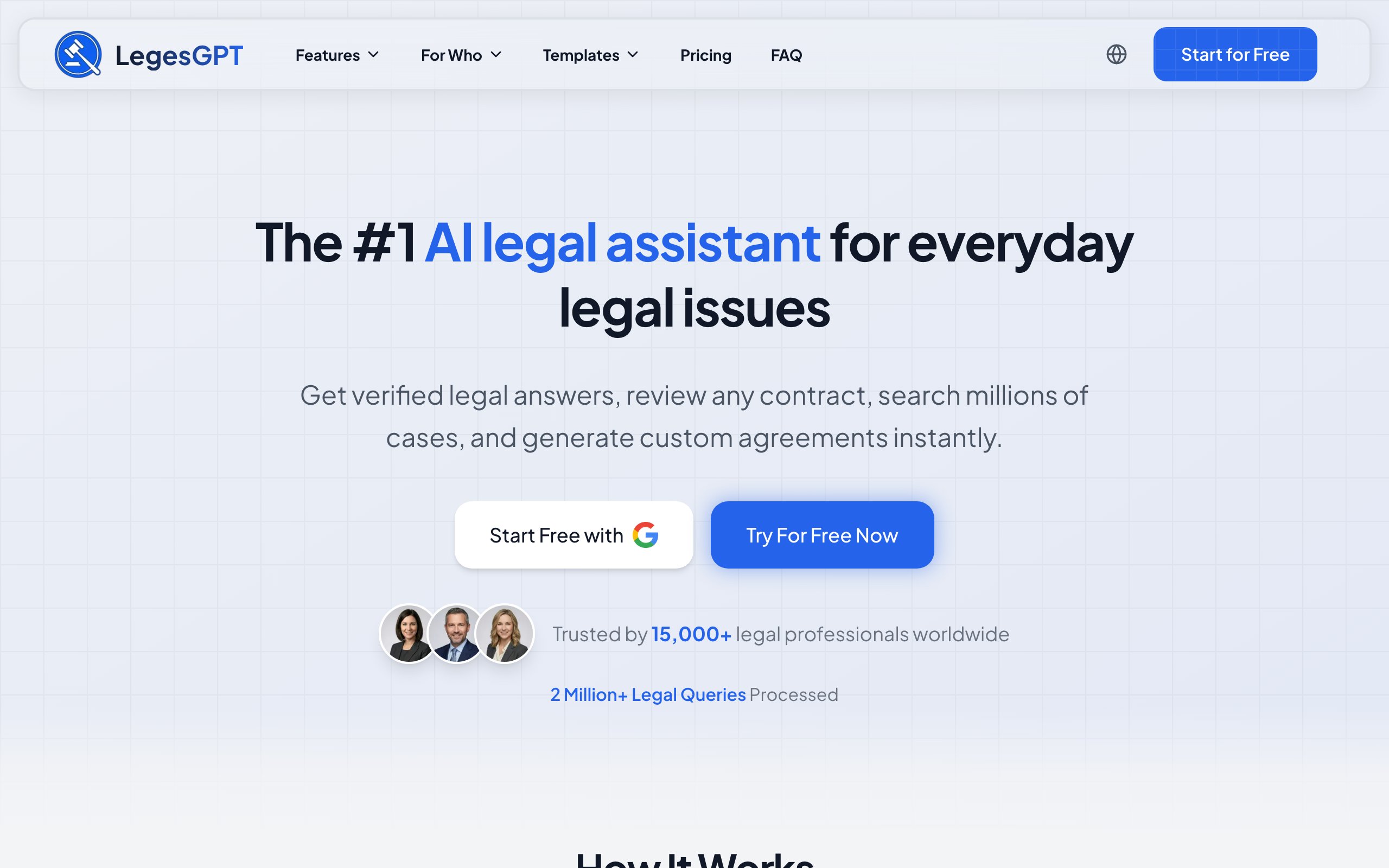
LegesGPT is an all-in-one legal AI platform that combines case law research, document review, and legal document templates in a single workspace. It draws from 500K+ court cases, 100K+ statutes, and 250K+ legal articles across 38+ countries.
For law students, the value proposition is clear: you get a professional-grade legal research tool at a fraction of what enterprise platforms charge. There is no annual contract, no per-seat minimum, and a 3-day free trial lets you test everything before paying. The platform covers the core tasks law students face daily: researching cases, reviewing documents for class, and generating properly formatted legal documents.
Key features
- Case law research across 500K+ analyzed court cases with verifiable citations and direct source links
- Document review with automated risk identification and plain-language summaries (useful for contracts and con law assignments)
- Deep Research mode for complex multi-step legal scenarios like moot court preparation
- 100+ categories of legal document templates for common filings and agreements
- Web search integration to surface recent legal developments and regulatory changes
- Free legal tools including a contract generator, deadline calculator, and citation generator
Best for
- Law students who need an affordable, full-featured AI legal research assistant for coursework and writing
- Students studying international or comparative law who need multi-jurisdictional coverage (38+ countries)
- JD and LLM candidates who want research, document review, and drafting in one platform without separate subscriptions
Pricing
- 3-day free trial on all plans
- Basic at $19.99/month, Plus at $34.99/month, Premium at $99.99/month
- No annual contracts or per-seat minimums required
Pros
- 500K+ court cases and 100K+ statutes in a single searchable database with cited sources
- Most affordable professional-grade legal AI tool on this list, starting at $19.99/month
- International coverage across 38+ jurisdictions, ideal for comparative law coursework
- Self-serve signup with a 3-day free trial, no sales calls or institutional subscriptions needed
Cons
- Newer platform with a smaller brand footprint compared to Lexis or Westlaw, which professors may reference less
- Credit-based usage on the Basic tier may limit heavy research sessions during finals
2. Lexis+ AI, best for students with LexisNexis access
Lexis+ AI adds generative AI to LexisNexis' massive legal database. It lets you ask natural language questions and receive AI-generated answers grounded in primary law, case law, statutes, and secondary sources. Most law schools provide free LexisNexis access, making this one of the most powerful tools available to students at no cost.
The strength here is the underlying data. LexisNexis has decades of indexed legal content, and Shepard's Citations integration lets you validate cases instantly. For students learning legal research methodology, Lexis+ AI combines the depth of traditional Lexis with the speed of AI-assisted search.
Key features
- Natural language search across LexisNexis' full primary law database
- AI-generated summaries and answers with citations to source material
- Shepard's Citations integration for case validation (essential for legal writing)
- Practice area-specific search filters and analytics
- Integration with Lexis' broader suite (Practical Guidance, Lex Machina)
Best for
- Students at law schools that provide free LexisNexis access
- Research-intensive coursework like appellate advocacy and legal writing seminars
- Students who want to master a platform widely used in professional legal practice
Pricing
- Free for most law students through institutional subscriptions
- Approximately $17,500/year for individual practitioners (post-graduation)
- Custom enterprise pricing for firms
Pros
- Free for most law students, making it the best-value premium tool during school
- Shepard's Citations integration teaches proper citation validation from day one
- Decades of indexed legal content provide unmatched depth for US primary law research
Cons
- Institutional access ends at graduation, and individual pricing is prohibitively expensive
- Complex interface has a steeper learning curve than simpler AI-first tools
- AI features are strongest for US jurisdictions, limiting international research capability
3. Westlaw Edge with AI, best for Westlaw-trained research workflows
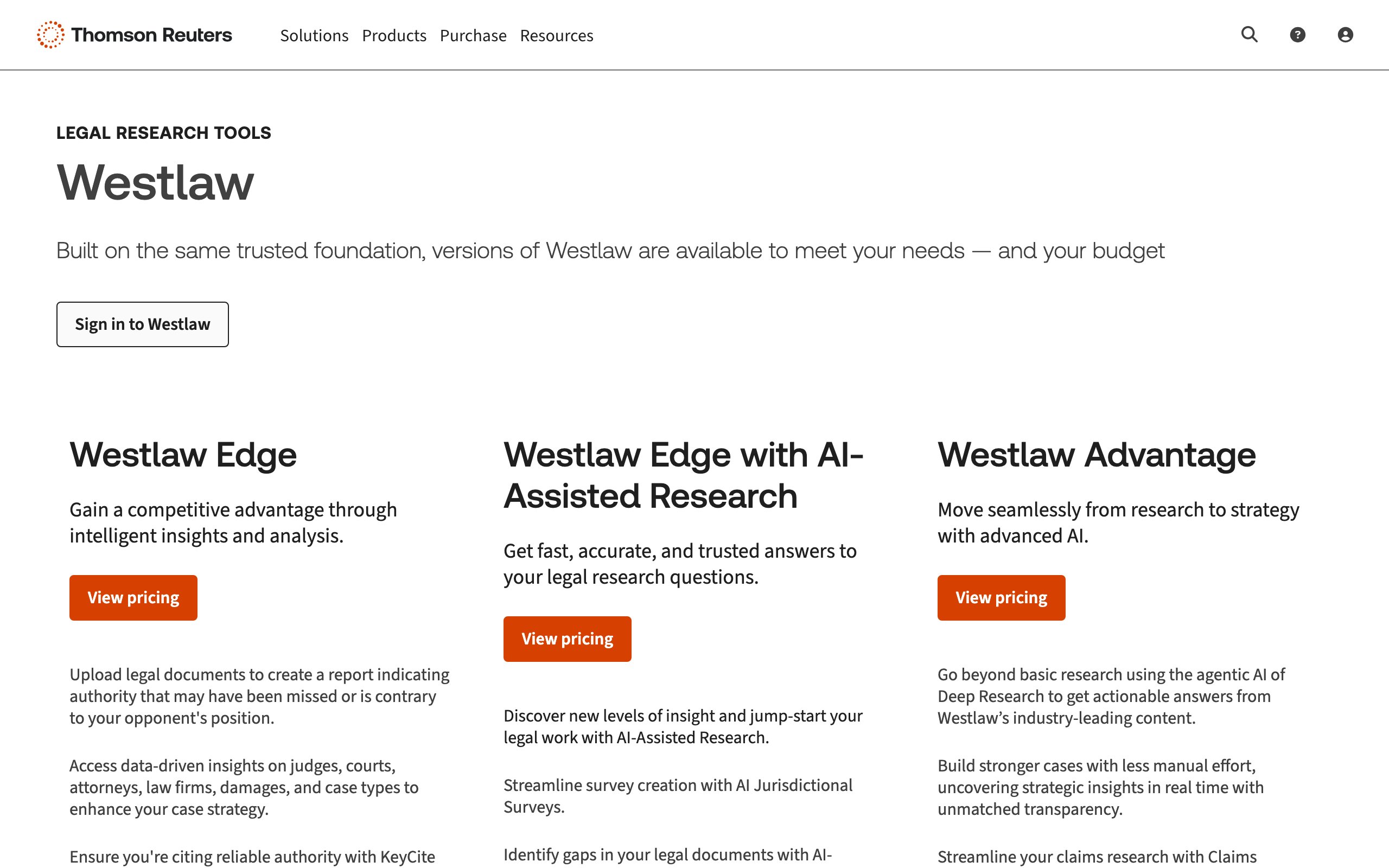
Westlaw Edge with AI-Assisted Research brings AI capabilities to the platform most law schools use to teach legal research. It provides AI-generated answers, suggested search terms, and case analysis tools layered on top of Westlaw's comprehensive legal database. If your school teaches Westlaw, the AI features make your research faster without changing your workflow.
The advantage for students is continuity: you learn one platform in school, and the AI features accelerate what you already know how to do. KeyCite integration validates your citations, and the AI suggests related cases and statutes you might miss in manual research.
Key features
- AI-Assisted Research with natural language query support
- KeyCite integration for citation validation and case history tracking
- Litigation Analytics for predicting case outcomes based on judge and jurisdiction data
- WestSearch Plus for intelligent search result ranking
- Statutes Compare for tracking legislative changes over time
Best for
- Students at schools that teach Westlaw as the primary research platform
- Students preparing for legal practice at firms that use Thomson Reuters products
- Research assignments requiring deep US case law and statutory analysis
Pricing
- Free through law school institutional subscriptions
- Institutional pricing post-graduation (varies by firm size and package)
- No individual self-serve option at competitive pricing
Pros
- Free through most law school subscriptions, making it accessible during school
- KeyCite is the industry standard for citation validation, an essential skill for legal writing
- Most commonly taught research platform, meaning skills transfer directly to practice
Cons
- Access effectively ends at graduation unless your employer subscribes
- AI features are more limited compared to purpose-built AI-first platforms like LegesGPT
- US-focused database limits usefulness for international and comparative law courses
4. Paxton AI, best for legal writing and citation accuracy
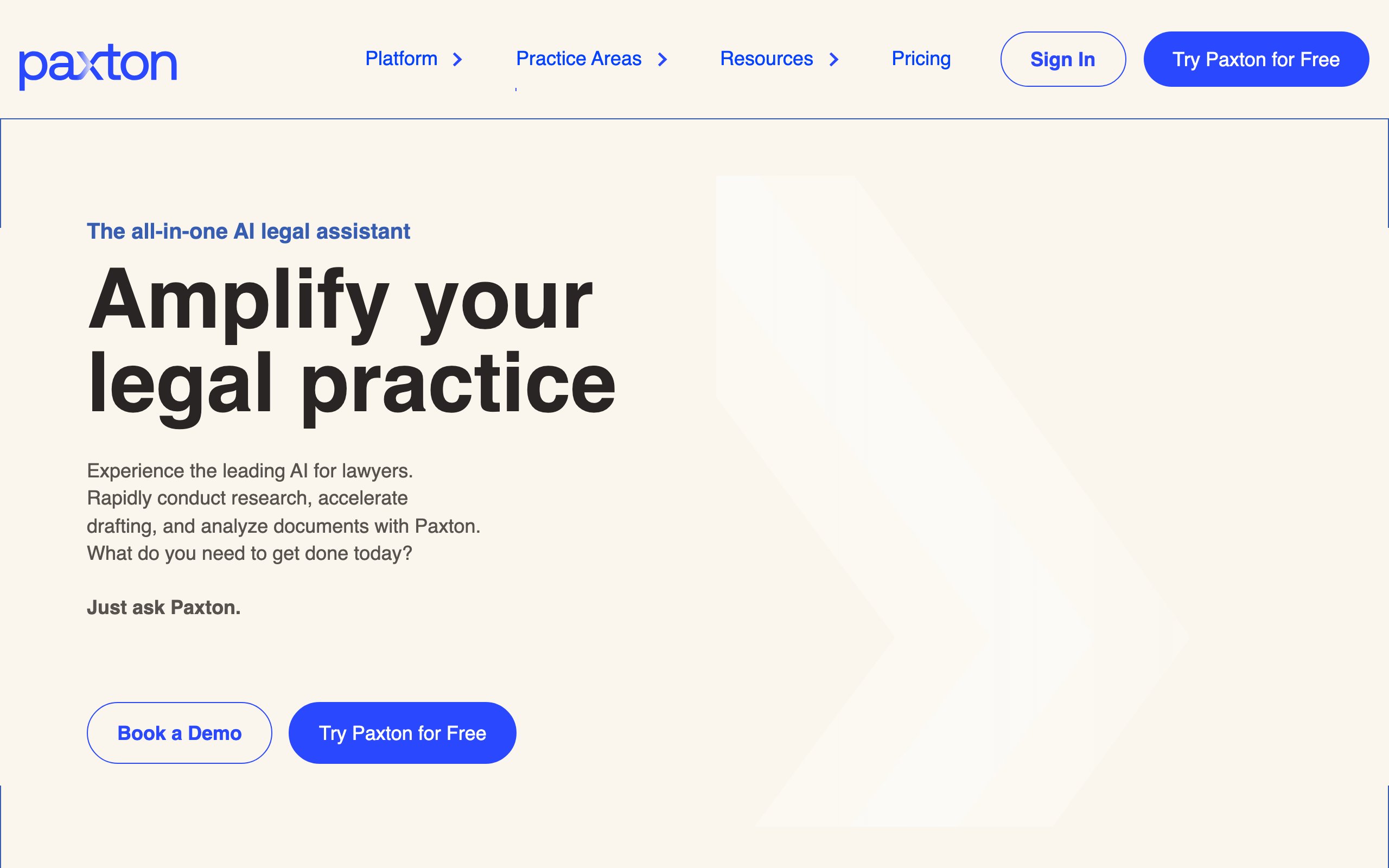
Paxton AI is a legal research platform built around citation accuracy. It delivers well-sourced answers to legal research queries with a strong emphasis on verifying that every citation is real and correctly linked. For law students who have heard the cautionary tales of AI-fabricated case citations, Paxton offers peace of mind.
The platform covers US case law and statutes and provides a clean interface focused entirely on research. For legal writing courses, law review articles, and moot court briefs where citation accuracy can make or break your grade, Paxton's verification emphasis is its core selling point.
Key features
- AI legal research with high citation accuracy and source verification
- Direct links to cited cases and statutes for quick validation
- Clean, focused interface designed specifically for legal research queries
- Support for US federal and state case law and statutory research
- Research history and saved queries for ongoing papers and projects
Best for
- Law review editors and contributors who need every citation verified before publication
- Students in legal writing and appellate advocacy courses where citation accuracy is graded
- Moot court participants preparing briefs that will face scrutiny from judges
Pricing
- Plans start at approximately $159/month
- No free tier, but trial options may be available
- Academic discounts not publicly listed
Pros
- Strong emphasis on citation verification reduces the risk of submitting fabricated case references
- Focused research interface keeps the experience simple and distraction-free
- Mid-range pricing is more accessible than enterprise platforms like Lexis or Westlaw (individually)
Cons
- At $159/month, it is expensive for students on a limited budget compared to LegesGPT at $19.99/month
- Narrower feature set with no document review, templates, or study aids
- Primarily focused on US jurisdictions, limiting use for international law coursework
5. ChatGPT, best free option for general legal study
ChatGPT is a general-purpose AI that millions of law students already use for studying. It can explain complex legal concepts in plain language, outline arguments for and against a legal position, generate practice exam questions, and help you work through hypotheticals. It is not a legal research tool, but it is a powerful study companion.
The key limitation is reliability: ChatGPT does not search verified legal databases and will fabricate case citations. Use it for understanding concepts and structuring arguments, never for sourcing authorities you plan to cite in graded work. Treat it as a study partner, not a research tool.

Key features
- Natural language explanations of complex legal doctrines and case holdings
- Argument outlining for exam preparation and hypothetical analysis
- Practice question generation for bar exam and course review
- Summarization of long readings and case opinions (paste text directly)
- Available 24/7 with no usage limits on the free tier for basic queries
Best for
- 1L students learning foundational legal concepts and doctrine for the first time
- Bar exam preparation where concept understanding matters more than citation accuracy
- Quick study sessions where you need a concept explained differently than the textbook
Pricing
- Free tier available with GPT-4o mini
- ChatGPT Plus at $20/month for GPT-4o and faster responses
- ChatGPT Team and Enterprise plans for institutional use
Pros
- Free tier makes it the most accessible AI tool for students on any budget
- Excellent at explaining legal concepts in plain, understandable language
- Versatile for study tasks beyond research: outlining, practice questions, concept mapping
Cons
- Fabricates case citations and legal authorities, making it dangerous for graded legal writing
- No access to verified legal databases, so research results are unreliable for professional use
- Not built for legal work, so it misses nuances that purpose-built legal AI tools catch
6. AI Lawyer, best budget option for quick legal answers
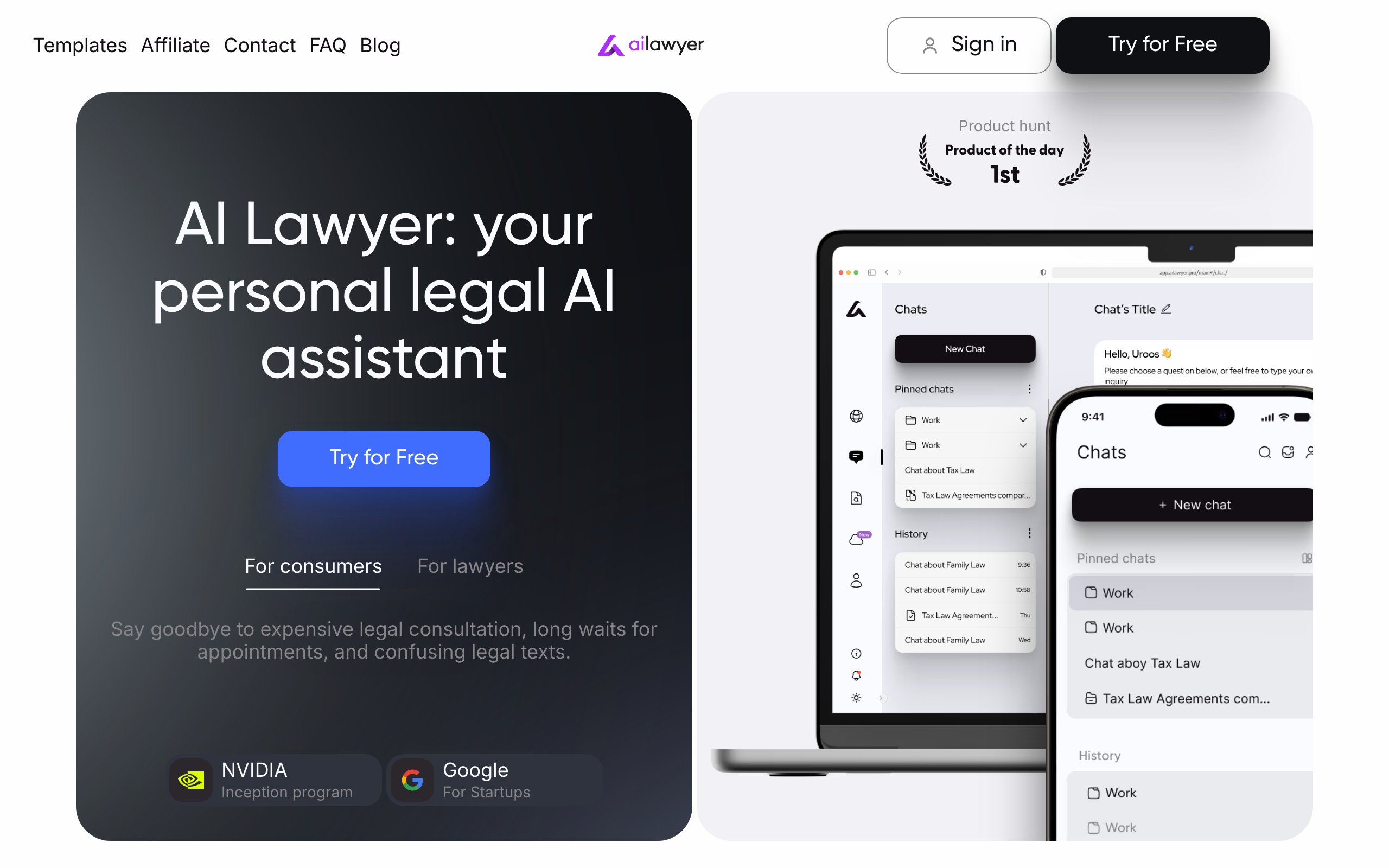
AI Lawyer is a simple AI assistant designed to answer basic legal questions at a low price point. It provides plain-language explanations of legal concepts, helps draft simple legal documents, and can analyze uploaded documents for key provisions. The platform is designed for accessibility rather than depth.
For law students, AI Lawyer works as a quick-reference tool when you need a fast answer about a legal concept or want a basic document draft as a starting point. It does not replace a proper legal research platform, but at under $10/month, it fills a gap for students who need occasional AI assistance without committing to a more expensive subscription.
Key features
- Plain-language legal question answering for common legal concepts
- Basic document drafting for simple legal documents
- Document analysis and summarization for uploaded contracts and agreements
- Mobile-friendly interface for on-the-go study
- Multi-language support for non-English legal queries
Best for
- Students on a tight budget who need occasional AI legal assistance
- Pre-law students exploring legal concepts before committing to law school
- Quick reference checks when a full research session is not needed
Pricing
- Limited free tier with restricted queries
- Paid plans start at approximately $9.99/month
- No institutional or academic discounts publicly available
Pros
- Most affordable paid AI legal tool on this list at under $10/month
- Simple, clean interface that requires no training to use
- Adequate for quick concept checks and basic document drafting
Cons
- Shallow depth compared to professional legal research platforms like LegesGPT or Lexis
- Citation quality and accuracy are not verified against primary legal databases
- Limited value for advanced legal research, writing, or coursework at the JD level
7. Fastcase, best free legal research database
Fastcase is a legal research platform that provides free access to case law, statutes, and regulations through bar association memberships and law school programs. While it is not an AI-first tool, Fastcase recently added AI search features and remains one of the most accessible ways for students to search primary law at no cost.
The platform covers US federal and state case law and provides basic search, citation analysis, and visualization tools. For students who need a free backup research platform alongside Lexis or Westlaw, or who want to practice legal research outside their school's subscription hours, Fastcase fills that role.
Key features
- Free case law and statutory research through bar association and law school programs
- AI-enhanced search for natural language legal queries
- Citation analysis tools with authority check features
- Interactive timeline and visualization of case law developments
- Integration with Docket Alarm for court docket tracking
Best for
- Students who need a free legal research backup alongside Lexis or Westlaw
- Bar association members (many state bars include Fastcase with membership)
- Students who want to practice legal research without worrying about subscription costs
Pricing
- Free through most state bar association memberships
- Free access available through many law school library programs
- Premium features available through Fastcase subscription plans
Pros
- Completely free through bar associations and law school partnerships
- Covers US federal and state case law and statutory materials
- Good supplementary tool alongside premium platforms
Cons
- AI features are basic compared to purpose-built AI legal tools
- Database depth and coverage are thinner than Lexis, Westlaw, or LegesGPT
- No document review, template generation, or study-specific features
How to choose the best AI tool for your law school needs
1) What are you using it for: study, research, or writing?
Different tools serve different parts of your law school workflow. If you need help understanding legal concepts and preparing for exams, ChatGPT's free tier handles that well. If you are writing a brief, law review article, or moot court submission that requires accurate citations, you need a proper legal research tool like LegesGPT, Lexis+ AI, or Paxton AI. For document review assignments, LegesGPT's document review feature covers that at the most affordable price point.
- For studying and concept review: ChatGPT (free) or AI Lawyer ($9.99/month)
- For research and legal writing: LegesGPT ($19.99/month) or your school's Lexis/Westlaw access
- For citation-critical work: Paxton AI or Lexis+ AI with Shepard's
2) What can you actually afford?
Student budgets are real. Start by maximizing the free tools your law school already provides: Lexis+ AI and Westlaw Edge are free through most institutional subscriptions. If you need capabilities beyond what those offer (international coverage, document review, templates), LegesGPT at $19.99/month with a 3-day free trial is the most affordable professional-grade option. Paxton AI at $159/month is harder to justify on a student budget unless citation accuracy is your top priority.
- Free options: Lexis+ AI (via school), Westlaw Edge (via school), ChatGPT, Fastcase
- Budget options: LegesGPT ($19.99/month), AI Lawyer ($9.99/month)
- Premium options: Paxton AI ($159/month)
3) Do you need international or multi-jurisdictional coverage?
Most AI legal tools focus on US law. If your coursework involves international law, comparative law, or cross-border legal issues, your options narrow. LegesGPT covers 38+ countries, making it the strongest option for multi-jurisdictional research. For purely US-focused coursework, Lexis+ AI and Westlaw provide the deepest domestic coverage.
- For US-only coursework: Lexis+ AI, Westlaw, or LegesGPT
- For international and comparative law: LegesGPT (38+ countries)
4) Think about what you will use after graduation
The tools you learn in law school often become the tools you rely on in practice. Lexis and Westlaw skills transfer to most firm environments. But institutional access ends at graduation, and individual subscriptions to those platforms cost thousands per year. LegesGPT at $19.99-$99.99/month offers a professional-grade alternative you can afford as a new associate or solo practitioner. Building familiarity with an affordable tool now saves you from starting over later.
Frequently Asked Questions
What is the best AI tool for law students in 2026?
For an all-around AI tool that covers research, document review, and templates at a student-friendly price, LegesGPT is the best choice at $19.99/month. If your law school provides free Lexis or Westlaw access, those are the best-value options during school. For general study and concept review, ChatGPT's free tier works well for non-research tasks.
Can law students use AI for legal research assignments?
Yes, but check your school's academic integrity policy first. Most law schools allow AI-assisted research as long as you verify all citations independently and disclose AI use when required. Purpose-built legal AI tools like LegesGPT and Lexis+ AI provide verifiable citations, making them safer for academic work than general-purpose AI like ChatGPT, which fabricates case references.
Is ChatGPT good enough for law school?
ChatGPT is useful for explaining legal concepts, outlining arguments, and exam preparation. It is not reliable for legal research or citation work because it fabricates case names and holdings. Use it as a study aid alongside a proper legal research tool, never as your primary source for graded legal writing.
Are there free AI tools for law students?
Several options are free or effectively free for law students. Lexis+ AI and Westlaw Edge are free through most law school institutional subscriptions. ChatGPT offers a free tier for general study. Fastcase provides free case law access through bar associations and law school programs. LegesGPT offers a 3-day free trial to test all features before subscribing.
Which AI tool is best for legal writing assignments?
For legal writing that requires accurate citations, LegesGPT and Paxton AI both provide verified citations with direct source links. Lexis+ AI with Shepard's Citations is the gold standard for citation validation if your school provides access. Avoid using ChatGPT for any citation work in legal writing assignments.
What AI tool should I use for moot court preparation?
Moot court requires deep case law research, strong argumentation, and accurate citations. LegesGPT's Deep Research mode handles complex multi-step legal scenarios well at an affordable price. If your school provides Lexis or Westlaw access, combine that with LegesGPT's document review for the most thorough preparation. Use ChatGPT only for brainstorming arguments, not for sourcing authorities.
Do law firms care which AI tools you learned in school?
Firms primarily care that you can do legal research effectively, not which specific tool you used. That said, familiarity with Westlaw and Lexis is expected at most firms. Experience with AI-first tools like LegesGPT shows employers that you can work efficiently with modern legal technology, which is increasingly valued in hiring.
Is it ethical to use AI tools in law school?
Using AI tools for legal research and study is generally accepted, similar to using Lexis or Westlaw. The ethical lines involve: not submitting AI-generated text as your own writing, disclosing AI use when your school requires it, and always verifying AI outputs independently. Check your school's specific policies, as rules vary significantly across institutions.
What happens to my Lexis and Westlaw access after graduation?
Most law school Lexis and Westlaw subscriptions expire at graduation or within a few months after. Individual subscriptions cost thousands per year, and most new graduates or solo practitioners cannot afford them. Affordable alternatives like LegesGPT ($19.99-$99.99/month) let you maintain professional legal AI access without enterprise pricing. Planning your post-graduation tool stack before you lose school access saves time and frustration.