
Getting the words right eats more hours than almost anything else lawyers do. The argument in a brief, the reasoning in a legal memo, the demand in a letter, the language of a clause: each one has to say the right thing, in the right order, backed by the right authority. The best AI tools for legal drafting cut the time to a first draft of that substance from hours to minutes, so you spend your effort on judgment instead of staring at a blank page.
This guide is about drafting the substance; producing a polished, formatted final document is a separate job. The focus here is the writing that carries the legal weight, the argument, the reasoning, the citations, and the contract language, not the layout, the styling, or the assembly of a finished file.
That convenience comes with a real catch. A general chatbot will happily invent a case citation that does not exist, and lawyers have been sanctioned for filing exactly that. So the question is not only which tool writes a persuasive paragraph, but which one you can trust enough to put in front of a court or a counterparty. Some draft fast and leave you to check every authority; others ground the argument in real law and link the source.
This guide compares the eight best AI tools for legal drafting in 2026 across the full range of substantive work: briefs, motions, memos, demand letters, correspondence, and contract language and argument. For each tool you get what it does, starting price, free trial, the platform it runs on, and an honest read on where it fits, so you can pick the right AI for lawyers without guessing. If your drafting is contracts-only, see our separate roundup of the best AI contract drafting tools, and if you mostly need finished documents fast rather than clause-by-clause drafting, see the best AI legal document generators; this post is for lawyers who draft across litigation and transactional work.
Draft a contract from a plain-English prompt
Describe the deal and LegesGPT drafts a complete, clause-by-clause contract you can refine in seconds and export ready to sign.
Draft a contractBest AI tools for legal drafting: a brief overview
Here is the quick recommendation map before the deep dive. Each tool earns a different spot, so match the label to how you draft.
- LegesGPT: Best overall for verified-citation drafting: drafts briefs, memos, demand letters, and contracts, then checks the citations against real sources.
- Claude: Best for long-form drafting and legal reasoning: a strong writing partner for briefs and memos where structure and argument matter.
- ChatGPT: Best general-purpose AI for first drafts: a fast, versatile assistant for getting a usable draft of almost any document onto the page.
- Microsoft Copilot: Best for drafting inside Microsoft Word and Office: native AI in the apps your documents already live in.
- Google Gemini: Best for drafting in Google Docs and Workspace: AI built into Gmail, Docs, and the rest of the suite.
- Spellbook: Best for contract drafting and redlining in Word: a legal-specific add-in for transactional lawyers.
- Paxton: Best for research-backed drafting for solos and small firms: drafting and legal research with cited authorities in one platform.
- Perplexity: Best for research-backed drafting with cited sources: an answer engine that drafts from live web research and links the sources it used.
| Tool | Best for | Starting price | Free trial | Platform |
|---|---|---|---|---|
| LegesGPT | Verified-citation drafting across briefs, memos, and contracts | From $19.99/mo | 3-day, $1 | Browser app |
| Claude | Long-form drafting and legal reasoning | From $20/mo (Pro) | Free tier | Web, desktop, mobile, API |
| ChatGPT | General-purpose first drafts of any document | From $20/mo (Plus) | Free tier | Web, desktop, mobile, API |
| Microsoft Copilot | Drafting inside Microsoft Word and Office | ~$30/user/mo add-on | Varies by license | Microsoft 365 apps |
| Google Gemini | Drafting in Google Docs and Workspace | $19.99/mo (AI Pro) | Free tier | Web, Workspace apps |
| Spellbook | Contract drafting and redlining in Word | Custom (quote) | 7-day | Word add-in |
| Paxton | Research-backed drafting for solos and small firms | From $499/user/mo | 7-day | Web app |
| Perplexity | Research-backed drafting with cited sources | From $20/mo (Pro) | Free tier | Web, desktop, mobile, API |
1. LegesGPT, best overall for verified-citation drafting
LegesGPT is an AI legal assistant that drafts the documents lawyers actually produce, briefs, motions, legal memos, demand letters, client correspondence, and contracts, then backs the work with citations that link to real sources. You describe the document or upload a fact pattern and it returns a structured draft. Ask it a legal question and it answers with verified citations and source links, so you can check the law instead of trusting a confident paragraph. It runs as a browser app with no add-in or install, so you can start drafting in minutes.
What sets it apart for drafting is the combination: most general tools write fluently but cannot verify a citation, and most legal-specific tools cover one document type. LegesGPT spans both litigation and transactional drafting, pairs drafting with case law research and AI document review, and grounds the output in primary law. You can draft a motion, use the AI legal document generator to produce a non-disclosure agreement, and review a counterparty's redline in the same subscription.
Key features:
- AI drafting of briefs, motions, memos, demand letters, correspondence, and contracts from a prompt
- Verified citations with source links on every legal answer, so authorities are checkable
- Case law and statute search across multiple jurisdictions
- AI document review for PDF, DOCX, and images that flags risks and proposes changes
- 100+ attorney-drafted templates plus free tools like a contract generator and citation generator
- Deep Research mode for multi-step questions and built-in e-signature
Best for:
- Litigators and transactional lawyers who draft across both sides of the practice
- Solo practitioners and 2-50 attorney firms who want drafting plus verification without an enterprise contract
- Paralegals and in-house counsel who need fast first drafts grounded in real law
Pricing:
- 3-day trial for $1, with no permanently free plan
- Basic at $19.99/mo: AI drafting, legal Q&A with verified citations, case law and statute search
- Plus at $49.99/mo: adds document upload and review
- Premium at $99.99/mo: adds unlimited document review, Deep Research, and web search
- Around 30% off with annual billing
Pros:
- Drafts the full range of legal documents and checks the citations, not just contracts or just chat
- All-in-one: drafting, research, review, templates, and e-signature in one affordable subscription
- No add-in or IT setup, with a self-serve $1 trial to test it on your own work
Cons:
- Web-only: no native mobile app, public API, or Microsoft Word add-in
2. Claude, best for long-form drafting and legal reasoning
Claude, from Anthropic, is a general-purpose AI assistant that happens to be one of the strongest partners for the substance of legal writing. It sustains a line of legal reasoning across many pages, which is exactly what a brief or a long memo demands: it can build an argument section by section, weigh both sides of an issue, and keep the through-line intact while you push it to tighten the analysis. Lawyers reach for Claude to work out the argument itself, draft the discussion section, or restructure a memo so the reasoning lands.
The trade-off is that Claude is not a legal-specific tool. It has no built-in case law database and does not link citations to primary sources, so any authority it weaves into an argument must be verified before it goes near a filing. As a reasoning-and-argument partner rather than a citation engine, it is excellent value for the analytical heart of a brief or memo.
Key features:
- Strong long-form drafting and editing for briefs, memos, and correspondence
- Large context window for working across long records and multi-document inputs
- Clear, well-structured prose with good control over tone and format
- Available on web, desktop, and mobile, plus an API for custom workflows
- Projects and file uploads for keeping matter context in one place
Best for:
- Litigators drafting long-form briefs and memos who want a reasoning-first writing partner
- Lawyers who want help structuring arguments and editing existing drafts
- Anyone who already uses a general AI assistant and wants strong writing quality
Pricing:
- Free tier with limited usage
- Pro at $20/mo (around $17/mo billed annually)
- Max plans at $100/mo and $200/mo for higher usage limits
- Team at $25/seat/mo, plus usage-based API pricing for developers
Pros:
- Sustains a coherent legal argument across a long brief or memo, not just a few paragraphs
- Strong at the analysis itself: framing issues, weighing both sides, and structuring a discussion section
- Inexpensive for individuals compared with legal-specific platforms
Cons:
- No built-in legal research database and no source-linked citations, so every authority in the argument must be checked against the best legal research databases
- Drafts the reasoning, but cannot confirm that the law it cites is real or current
3. ChatGPT, best general-purpose AI for first drafts
ChatGPT, from OpenAI, is the most widely used general-purpose AI assistant, and for lawyers it shines at turning a prompt into usable first-draft substance fast. Describe the demand you want to make, the point a memo needs to land, or the argument a clause should carry, and it returns drafted language you can refine. Its strength is speed from a standing start: give it the facts and the position, and it produces the actual paragraphs, the framing, and the first cut of the argument, which is what gets you off a blank page when the substance is still in your head.
Like the other general assistants, ChatGPT is not a legal-specific tool. It has no built-in case law database and does not link citations to primary sources, so any authority it works into the draft must be verified before it goes anywhere near a filing. Treat it as a fast first-draft engine for the substance, then check the law yourself.
Key features:
- Fast first drafts of letters, memos, clauses, and correspondence from a prompt
- Strong general writing, rewriting, and tone control across document types
- GPT-5.5 on paid tiers for stronger reasoning and longer drafting
- File uploads and custom GPTs for reusable drafting workflows
- Web, desktop, and mobile apps, plus an API for custom integrations
Best for:
- Lawyers who want a fast, flexible assistant for first drafts of any document
- Solos and small teams who already use ChatGPT for general work
- Anyone who wants to brainstorm structure and arguments before writing
Pricing:
- Free tier with GPT-5.3 Instant and a capped message limit
- Plus at $20/mo, which includes access to GPT-5.5
- Pro at $200/mo for near-unlimited use of the top models, with a $100/mo tier also available
- Business at $25 to $30 per seat per month (around $20 on annual billing), with a two-seat minimum
Pros:
- Turns a prompt and a position into drafted substance fast, so a blank page becomes a working first draft
- Versatile across the substance of letters, memos, clauses, and correspondence
- Inexpensive entry point with a free tier and a $20 Plus plan
Cons:
- No built-in legal database or source-linked citations, so every authority it drafts in must be checked
- Confident phrasing can make a wrong legal statement read as if it were settled
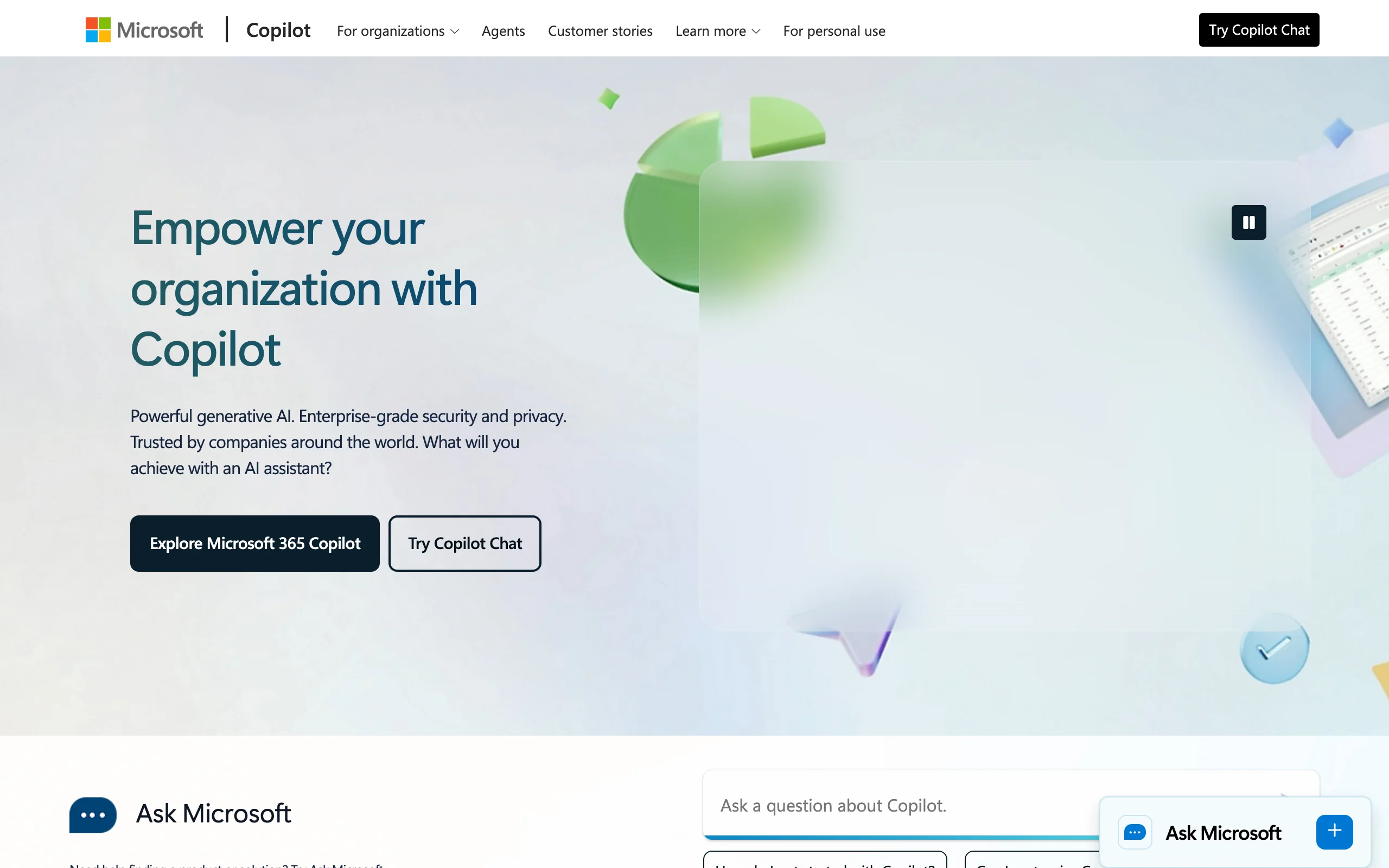
4. Microsoft Copilot, best for drafting inside Microsoft Word and Office
Microsoft 365 Copilot brings AI drafting directly into Word, Outlook, and the rest of Office. If your firm already runs on Microsoft 365, Copilot drafts and rewrites in Word, summarizes and replies to email in Outlook, and pulls context from your own documents and SharePoint, all without leaving the apps you use every day. For lawyers who draft correspondence, memos, and document text in Word, the native fit is the main appeal.
Copilot is a general productivity assistant, not a legal tool. It has no legal database, citation verification, or contract-specific playbooks, so it suits the writing and editing layer rather than substantive legal research. Note the licensing: Copilot is an add-on that sits on top of a qualifying Microsoft 365 subscription, so the per-seat cost runs higher than the add-on price alone.
Key features:
- AI drafting and rewriting natively inside Microsoft Word
- Email drafting, summarizing, and replies in Outlook
- Context from your own files across SharePoint and OneDrive
- Works across the full Microsoft 365 app suite
- Enterprise data handling within your Microsoft tenant
Best for:
- Firms standardized on Microsoft 365 that want AI in the apps they already use
- Lawyers who draft correspondence, memos, and document text primarily in Word
- Teams that value enterprise data controls inside their Microsoft tenant
Pricing:
- Microsoft 365 Copilot is roughly $30 per user per month for the standard add-on
- Requires a qualifying Microsoft 365 base license, so the all-in per-seat cost is higher
- A lower-cost Copilot business tier and promotional pricing have been offered to smaller organizations
- Billed per user, typically on an annual commitment
Pros:
- Native AI inside Word and Office, with no separate app to learn
- Strong enterprise security and data residency within your Microsoft tenant
- Pulls context from your own documents and email
Cons:
- No legal database, citation verification, or contract-specific features
- Add-on pricing plus a required base license makes the real per-seat cost higher
5. Google Gemini, best for drafting in Google Docs and Workspace
Google Gemini is Google's AI assistant, and for firms on Google Workspace it brings AI drafting directly into Docs, Gmail, and the rest of the suite. You can draft and rewrite in Docs, summarize threads and compose replies in Gmail, and use the standalone Gemini app for longer drafting and research questions. For a small firm already on Google Workspace, it is the native equivalent of Copilot.
Like the other general assistants, Gemini is a productivity tool, not a legal platform. It has no legal database and does not link citations to primary law, so it suits first drafts and editing rather than authority you can file. Workspace bundling has changed how Gemini is sold, so check whether your plan already includes it before buying extra.
Key features:
- AI drafting and rewriting inside Google Docs
- Email drafting and summarizing in Gmail
- Standalone Gemini app for longer drafting and Q&A
- Large context window for working across long inputs
- Integrated across the Google Workspace apps
Best for:
- Solos and small firms standardized on Google Workspace
- Lawyers who draft and collaborate primarily in Google Docs
- Teams that want AI inside Gmail for client correspondence
Pricing:
- Google AI Pro is $19.99/mo for the consumer plan
- Gemini features are bundled into Google Workspace Business Standard and higher (around $14/user/mo billed annually)
- Higher-usage AI add-ons are available for Workspace organizations
- A free tier with limited usage is available
Pros:
- Native AI inside Google Docs and Gmail for Workspace firms
- Inexpensive, and often already included in a Workspace plan
- Strong general writing and large context handling
Cons:
- No legal database or source-linked citations, so authorities must be verified
- Not built for legal workflows, templates, or document review
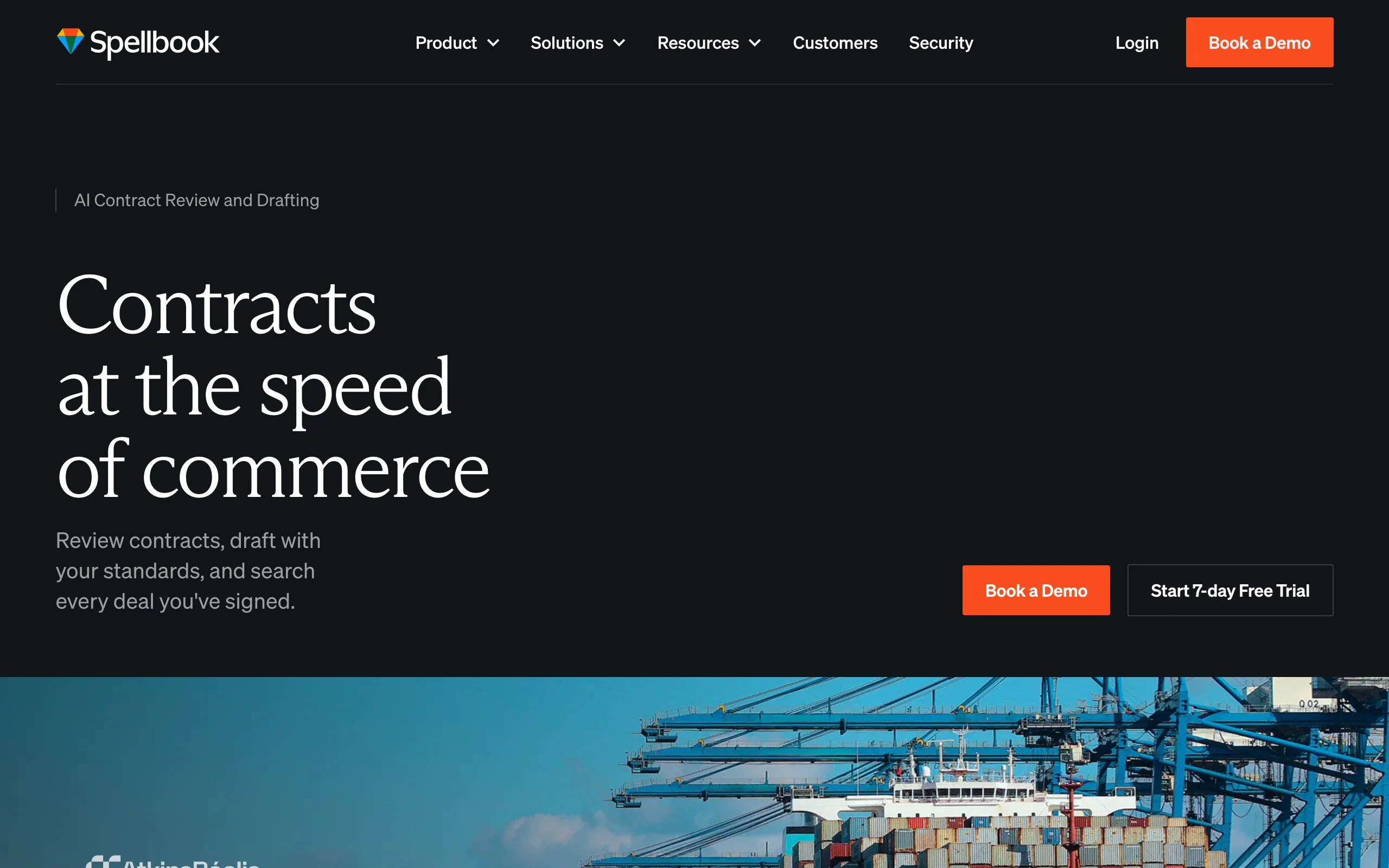
6. Spellbook, best for contract drafting and redlining in Word
Spellbook is an AI copilot for transactional lawyers that runs as a Microsoft Word add-in. Open a contract in Word and Spellbook drafts the actual clause language, suggests provisions that are missing, rewrites terms to match your position, and proposes redline edits against your playbook, all in the document. The substance it produces is contract language: the words of an indemnity, a limitation of liability, or a termination clause, benchmarked against how those provisions are usually written. It is one of the more established legal-specific AI tools and is built for the language of deals rather than general drafting.
Its strength is also its boundary: Spellbook drafts contract language, so it fits transactional and corporate lawyers but is not the tool for the argument in a litigation brief or for case law research. For more on how AI handles contract work, our contract review glossary entry is a useful primer.
Key features:
- Microsoft Word add-in for in-document contract drafting and redlining
- Clause drafting and suggestions benchmarked against many contract types
- Playbook-driven review that flags risky and non-standard terms
- Ask feature for contract questions with references
- Associate agent for multi-document review and longer workflows
Best for:
- Transactional and corporate lawyers who live in Microsoft Word
- In-house legal teams standardizing contract drafting against a playbook
- Firms that want a contract-focused AI rather than a general assistant
Pricing:
- Pricing is not published; it is quote-based by team size, arranged through a demo
- 7-day free trial available
- Sold per user, typically with annual or longer commitments
- Higher per-seat cost than general assistants
Pros:
- Drafts the actual clause language and provisions, benchmarked against how those terms are usually written
- Suggests missing provisions and rewrites terms to match your position, inside the contract itself
- Keeps transactional lawyers drafting in the document they already work in
Cons:
- Contract language only: not for the argument in a litigation brief or for legal research
- Quote-only pricing with no public price and a longer commitment
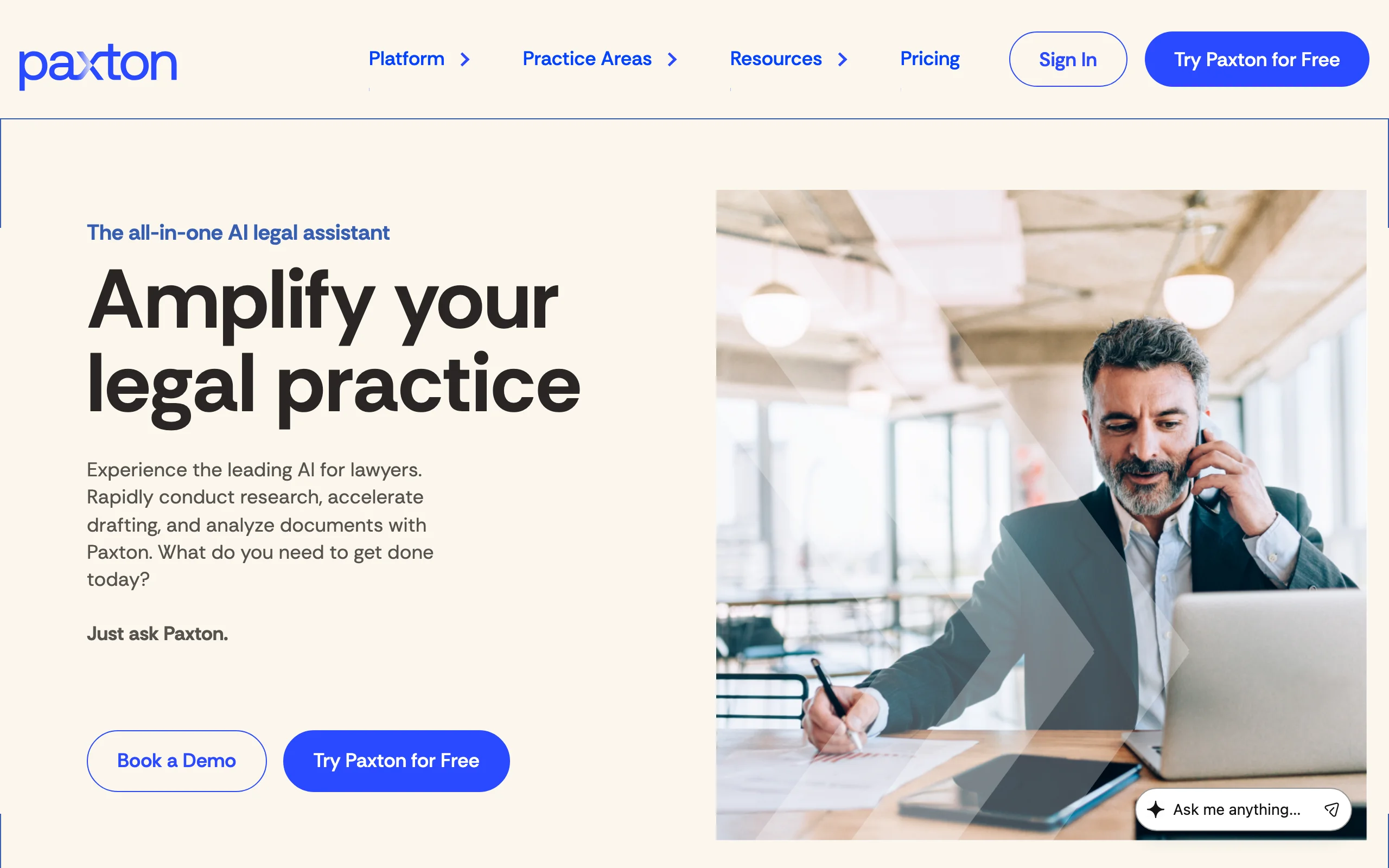
7. Paxton, best for research-backed drafting for solos and small firms
Paxton is a legal-specific AI assistant that combines drafting with legal research and an emphasis on cited authorities. It drafts motions, contracts, and client letters, summarizes depositions and discovery, builds chronologies, and runs legal research across federal and state law, integrating verified citations into the answer or draft. For a solo or small firm that wants one legal-grade tool spanning drafting and research, Paxton aims to cover both.
The main consideration is cost. Paxton is priced well above the general assistants and entry-level legal tools, so it suits firms that will use the research and drafting depth heavily enough to justify the per-seat price. For lighter use, a lower-cost all-in-one delivers more value.
Key features:
- Drafting of motions, contracts, and client letters
- Legal research across US federal regulations, state laws, and case law in all 50 states
- Cited authorities integrated into drafts and answers with clickable sources
- Document summarization, chronologies, and discovery review
- A citator for checking whether a case has been treated favorably
Best for:
- Solos and small firms that want one legal-grade tool for drafting and research
- Litigators who need cited authorities woven into drafts
- Document-heavy practices that will use the research depth regularly
Pricing:
- Individual at $499/user/month, or $2,999/user/year billed annually
- Enterprise at custom, volume-based pricing
- 7-day free trial available
- Priced well above general assistants and entry-level legal tools
Pros:
- Legal-specific drafting plus research with cited authorities in one tool
- Broad coverage of federal and state law with a citator
- Built for solo and small-firm workflows
Cons:
- Significantly more expensive than general assistants and entry-level legal AI
- Higher cost is hard to justify for lighter or occasional drafting
8. Perplexity, best for research-backed drafting with cited sources
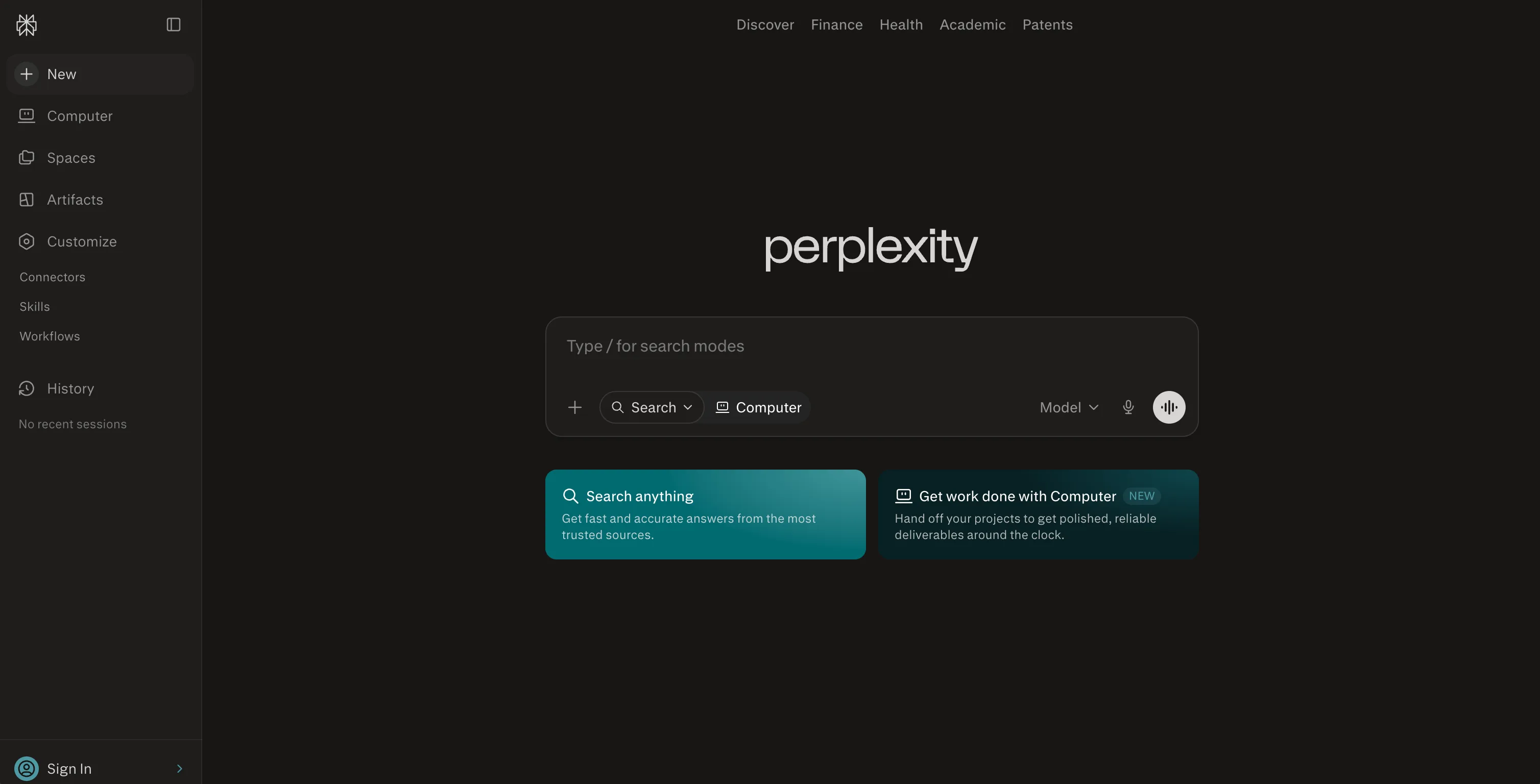
Perplexity is an AI answer engine that pairs drafting with live web research, and it lists the sources behind every answer. Ask it to outline an argument, summarize a topic, or draft a memo on an unfamiliar area, and it pulls from current sources and shows the links it used, so you can click through and read the underlying material. For lawyers who want a first draft that comes with a trail of references to check, that source-citing habit is the main draw.
The important caveat is what those sources are. Perplexity cites web pages, not a curated legal database, so the links may be articles, blogs, or secondary commentary rather than primary law, and it can still misread or misattribute a source. It is useful for research-backed first drafts and background, but any legal authority it surfaces must be confirmed against primary sources before you rely on it.
Key features:
- Answers and drafts grounded in live web research with linked sources
- Pro Search and Research modes for deeper, multi-step questions
- Access to multiple frontier models, including GPT and Claude options, on paid tiers
- File uploads and Spaces for organizing research by matter
- Web, desktop, and mobile apps, plus the Sonar API for developers
Best for:
- Lawyers who want a first draft that comes with a trail of sources to verify
- Researching unfamiliar areas before writing a memo or brief
- Anyone who values seeing where an answer came from over raw writing polish
Pricing:
- Free tier with unlimited basic searches and a few Pro Search queries per day
- Pro at $20/mo (or $200/year, around $16.67/mo billed annually)
- Max at $200/mo (or $2,000/year) for unlimited research and priority model access
Pros:
- Lists the sources behind every answer, so claims are traceable
- Strong for research-backed first drafts and unfamiliar topics
- Inexpensive Pro plan with access to multiple frontier models
Cons:
- Cites web pages, not a curated legal database, so sources may be secondary
- Not built for legal workflows, and any authority still needs primary-source verification
How to choose the best AI tools for legal drafting for your practice
The right tool depends on what substance you are drafting, where you draft it, and how much you need to trust the citations. Keep the scope in mind: every pick below is judged on how well it drafts the argument, the reasoning, and the language that carry the legal weight, not on how polished or formatted the final document looks. Turning that substance into a finished, formatted file is a separate step.
If you draft across litigation and transactional work
If you produce briefs, motions, memos, demand letters, and contracts and want one tool that also verifies authorities, choose LegesGPT. It is the rare option that spans both sides of the practice and grounds the output in real law. Paxton is the heavier-duty alternative if you need deep research and have the budget. For pure long-form writing and argument structure, add Claude as a reasoning partner.
If your drafting lives inside Word or Google Docs
If you draft mostly in Microsoft Word and your firm runs on Microsoft 365, Microsoft Copilot keeps the AI in the app you already use, and Spellbook is the contract-specific add-in for transactional work. If you live in Google Docs and Gmail, Google Gemini is the native fit. Pair any of these with a tool that verifies citations, since none of them check legal authorities for you.
If citation accuracy is non-negotiable
If you are drafting anything headed for a court or a counterparty, you need source-linked citations. LegesGPT and Paxton are built to ground answers in primary law and link each authority, which is what reduces the risk of filing a fabricated case. Perplexity also shows its sources, but they are web pages rather than primary law, so treat it as research support rather than a citation engine. Use the general assistants for the writing and the primary-law tools for the authorities.
If you want to test AI drafting cheaply first
If you are not ready to commit, start where the risk and price are lowest. LegesGPT offers a 3-day trial for $1 and covers the widest range of drafting, Claude, ChatGPT, Google Gemini, and Perplexity have free tiers, and Spellbook and Paxton offer 7-day trials. Try one on a real document you already need to write.
All of LegesGPT for $1
Verified-citation answers, case law search, document review, AI drafting, and e-signature in one subscription. 3-day trial for $1, cancel anytime.
Start the $1 trialFrequently Asked Questions
What is the best AI tool for legal drafting?
For most lawyers, LegesGPT is the strongest pick because it drafts the substance and stands behind it: when it works an authority into a brief, a memo, or a demand letter, it links that citation to a real source so the argument rests on law you can actually open, not a confident-sounding paragraph, all from $19.99 per month. If you are drafting contract language inside Word, Spellbook fits better, and for working out the reasoning in a long brief, Claude is hard to beat. The best fit depends on what substance you draft and how much you need the citations to be verifiable.
Can AI draft legal documents like briefs and motions?
Yes. Tools like LegesGPT, Claude, and Paxton can produce first drafts of briefs, motions, legal memos, demand letters, and correspondence from a prompt or an uploaded fact pattern. They handle structure, headings, and standard language well. You still have to verify every citation, check the law for your jurisdiction, and apply judgment, because AI can phrase a wrong statement confidently.
Is it safe to use AI for legal drafting?
It is safe as a drafting assistant, not as a final author. The main risk is fabricated or misquoted citations, which has led to real sanctions when lawyers filed AI output without checking it. Tools that link every citation to its source, like LegesGPT and Paxton, reduce that risk, but a qualified person must still review the draft. Follow your jurisdiction's rules on AI disclosure and confidentiality before you submit anything.
What is the best AI tool for drafting inside Microsoft Word?
For contract drafting and redlining inside Word, Spellbook is the most established legal-specific add-in. For general drafting and editing across Word, Outlook, and the rest of Office, Microsoft 365 Copilot is the native option since it is built into the apps. Both keep you in the document you already work in, which matters most for transactional lawyers who live in Word.
How much do AI legal drafting tools cost?
Prices range widely. General assistants are cheapest: Claude Pro is $20 per month and Google AI Pro is $19.99 per month, but they draft substance without verifying a single citation. LegesGPT starts at $19.99 per month and, at that price, is the one tool here that drafts the substance and links each authority to a real source, so verified-citation drafting does not require an enterprise budget. Microsoft 365 Copilot is an add-on of roughly $30 per user per month on top of a Microsoft 365 license. Legal-specific platforms cost more: Spellbook is quote-only, and Paxton starts at $499 per user per month.
Do AI legal drafting tools check their own citations?
Some do, many do not. LegesGPT and Paxton are built to ground answers in real case law and statutes and link each citation to its source so you can verify it. General tools like Claude, Microsoft Copilot, and Google Gemini are strong writers but can invent citations, so you must check every authority they produce against a primary source before relying on it.
Can one AI tool draft both contracts and litigation documents?
Yes, a few do. LegesGPT drafts contracts and agreements as well as briefs, motions, and memos, and Paxton spans drafting plus research across both transactional and litigation work. Many other tools specialize: Spellbook focuses on contracts in Word, while Claude is strongest for long-form litigation writing. If you want one tool for both sides of the practice, a broad legal platform is the better fit.
Which AI legal drafting tool should I try first?
If you want one tool that drafts the full range of legal documents and verifies the citations without an enterprise contract, start with LegesGPT. You can draft briefs, memos, demand letters, and contracts, run document review, and search case law in one subscription, with a 3-day trial for $1 before you commit. It is the easiest low-risk way to see whether AI drafting fits your workflow.