

Drafting contracts used to mean opening a template, hunting through clause libraries, and copy-pasting indemnity language from the last deal. AI changed that. The current generation of contract drafting tools writes a full first draft from a few plain-English instructions, redlines counterparty edits in seconds, and flags missing protections before you send the document.
The catch is that the market split in two. Enterprise platforms now cost five and six figures a year and target large law firms. Lighter, faster tools target solo practitioners, in-house teams, and small businesses for a fraction of the price. Picking the right one depends entirely on what you draft, who reviews it, and how much you draft per month.
In this guide we'll compare the seven best AI contract drafting tools for 2026. We cover what each one is actually good at, where it falls short, what it costs, and how to pick the right one for your workflow.
TL;DR: For solo lawyers, small firms, and SMBs, LegesGPT is the best AI contract drafting tool in 2026 because it combines drafting, document review, and verified citations across 38+ jurisdictions starting at $19.99/month. Spellbook wins for Word-locked teams, Harvey AI for AmLaw 100 firms, Ironclad for high-volume CLM, Robin AI for inbound contract negotiation, Juro for in-house collaboration with sales and HR, and Lexis+ AI for litigators who also draft.
Best AI contract drafting tools: a brief overview
- LegesGPT: Best overall for solo lawyers, small firms, and SMBs. Drafts and reviews contracts in one platform with verified citations across 38+ jurisdictions.
- Spellbook: Best for teams that live in Microsoft Word. Inline drafting and redlining inside the document you're already editing.
- Harvey AI: Best for AmLaw 100 firms and large in-house departments with custom playbooks and enterprise procurement budgets.
- Ironclad: Best for high-volume contract lifecycle management. Drafting is part of a broader CLM workflow with approvals, e-signature, and repository search.
- Robin AI: Best for AI-assisted contract negotiation. Designed around the back-and-forth review cycle, not just the first draft.
- Juro: Best for in-house legal teams collaborating with sales, HR, and finance on standard agreements.
- Lexis+ AI (CoCounsel): Best for litigators who occasionally draft and want one platform across research, drafting, and document review.
| Tool name | Key strength | Pricing | Platforms |
|---|---|---|---|
| LegesGPT | All-in-one drafting, review, and case-law research with verified citations | From $19.99/month; $1 trial | Web |
| Spellbook | Drafts and redlines inside Microsoft Word | From $89/user/month; Free trial | Word add-in |
| Harvey AI | Custom playbooks and enterprise-grade legal workflows | Custom pricing; Enterprise only | Web, API |
| Ironclad | Drafting baked into a full contract lifecycle platform | Custom pricing; Demo only | Web, Salesforce, Slack |
| Robin AI | AI-assisted review and negotiation cycles | From $239/user/month; Demo for teams | Word add-in, Web |
| Juro | In-house legal collaboration with non-legal stakeholders | From $33,000/year (team); Free tier for individuals | Web, Salesforce |
| Lexis+ AI | Combined research, drafting, and review on the Lexis dataset | Custom pricing; Available via Lexis subscriptions | Web |
1. LegesGPT, best overall for solo lawyers, small firms, and SMBs
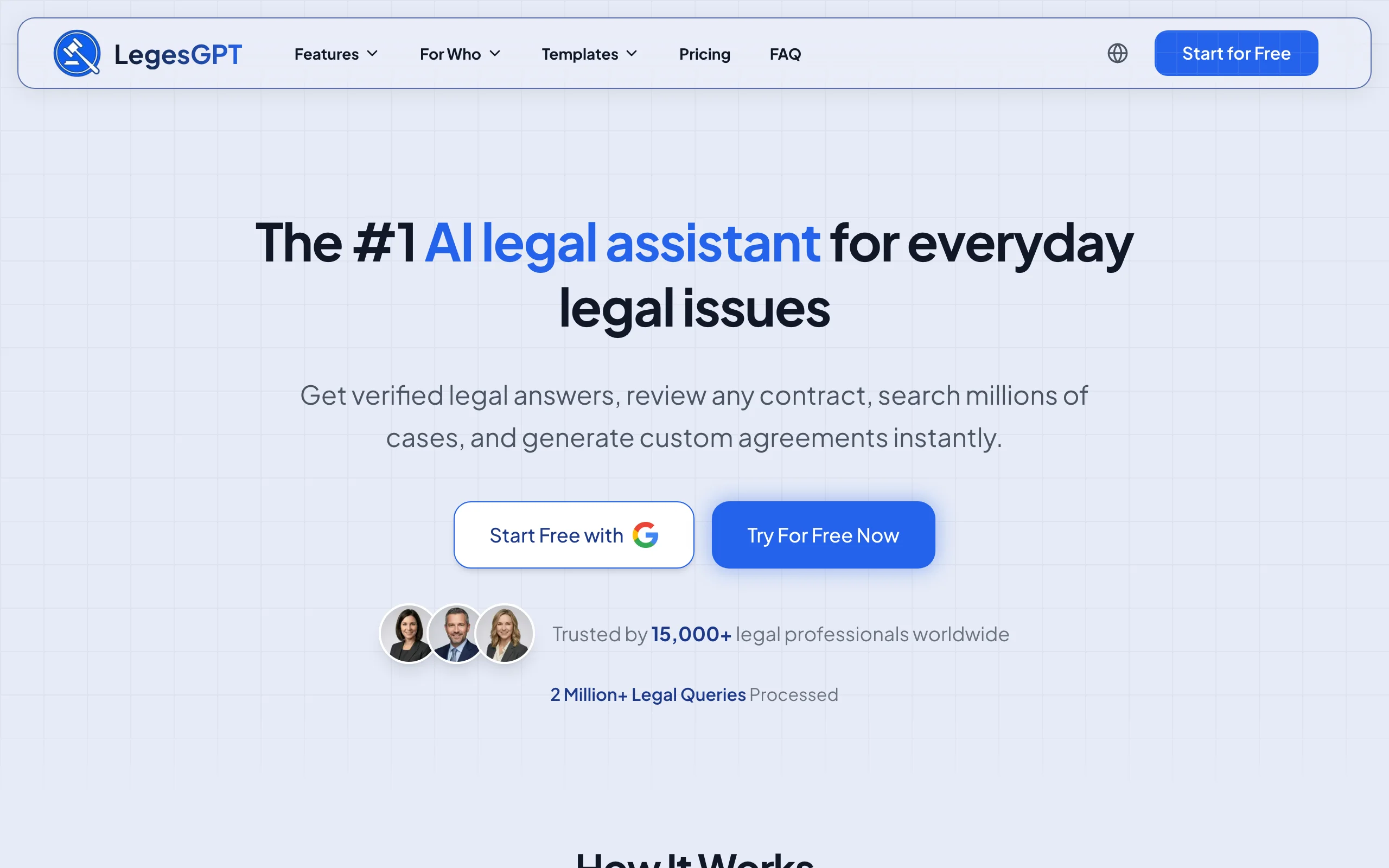
LegesGPT is an AI legal platform that handles contract drafting, document review, case law research, and a legal chatbot in one place. The contract drafting flow asks plain-English questions about the deal (parties, amount, schedule, jurisdiction, special terms) and produces a tailored draft with the clauses appropriate for the state or country you selected. Every clause is editable inline with AI suggestions, and the platform verifies citations across 38+ jurisdictions so you do not end up with a hallucinated statute or case name.
The platform fits solo practitioners, small and mid-size firms, in-house counsel at startups, and business owners who need to draft and review contracts without bringing on outside counsel for every deal. The same workflow covers NDAs, service agreements, payment contracts, promissory notes, bills of sale, employment agreements, and most of the documents a small business cycles through.
Key features
- Guided drafting flow with jurisdiction-aware clauses for 38+ countries
- Inline AI editing for every clause (rewrite, soften, harden, simplify)
- Built-in document review for counterparty redlines on the same platform
- Verified citations to statutes and case law (not hallucinated)
- Export to DOCX, PDF, or directly to e-signature workflows
- 100+ legal templates as starting points, plus blank-prompt drafting
Best for
- Solo lawyers and 2-20 attorney firms doing transactional work
- In-house counsel at startups and mid-market companies
- Business owners and freelancers drafting their own contracts
- Anyone who needs drafting plus review without paying for two separate tools
Pricing
- Basic: $19.99/month (unlimited drafting and chatbot)
- Plus: $49.99/month (adds 50 document reviews/month)
- Premium: $99.99/month (unlimited document review and priority support)
- 3-day trial for $1
Pros
- Drafting and review on one platform, not two separate subscriptions
- Verified citations across the broadest jurisdiction set on this list
- Lowest entry price for an actual legal-specific AI tool
- $1 trial to test drafting quality before committing to a monthly plan
Cons
- Web-based, not a Word add-in, so teams locked into Word will toggle between tabs
- Enterprise procurement features (SSO, custom data residency) are on the higher tiers
2. Spellbook, best for teams that live in Microsoft Word
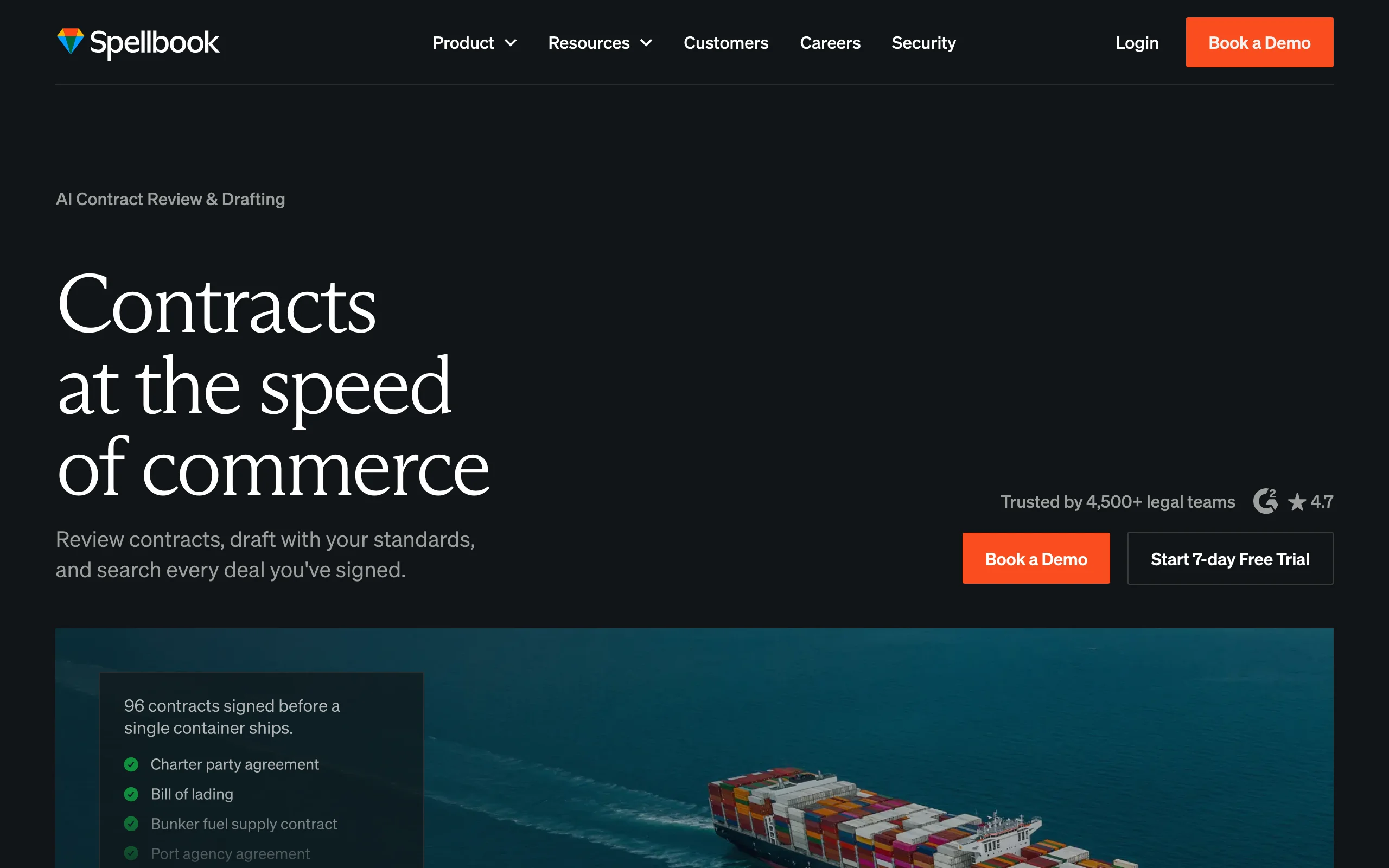
Spellbook is a Word add-in that drafts, redlines, and reviews contracts inside the document you're already editing. For lawyers and contract managers who spend their day in Word, this is the path of least resistance. You select a clause, ask Spellbook to harden it or rewrite it from a position of strength, and the suggestion appears as a tracked change.
Spellbook is strongest for transactional lawyers and contract managers working primarily in Word with established document templates. It's less useful if you do not yet have a Word template stack or if your team works in Google Docs.
Key features
- Native Microsoft Word add-in (drafts and redlines stay in the document)
- Clause-by-clause suggestions with tracked changes
- Playbook support for firm-specific style and risk tolerance
- Benchmarks counterparty terms against market norms
Best for
- Lawyers and contract managers who work primarily in Microsoft Word
- Mid-size firms with established Word templates and playbooks
- Transactional teams that want AI assistance without leaving their editor
Pricing
- Associate: From $89/user/month
- Partner: Higher per-seat pricing with playbook and benchmark features
- Free trial available
Pros
- Zero workflow disruption for Word-first teams
- Mature redlining engine compared to general-purpose AI
- Strong benchmark data for market-standard terms
Cons
- Word-only, so Google Docs and browser-based teams are out
- Per-seat pricing climbs fast for firms with 20+ users
- Drafting is from-template, not from-prompt, which limits flexibility for novel deals
3. Harvey AI, best for AmLaw 100 firms and large in-house teams
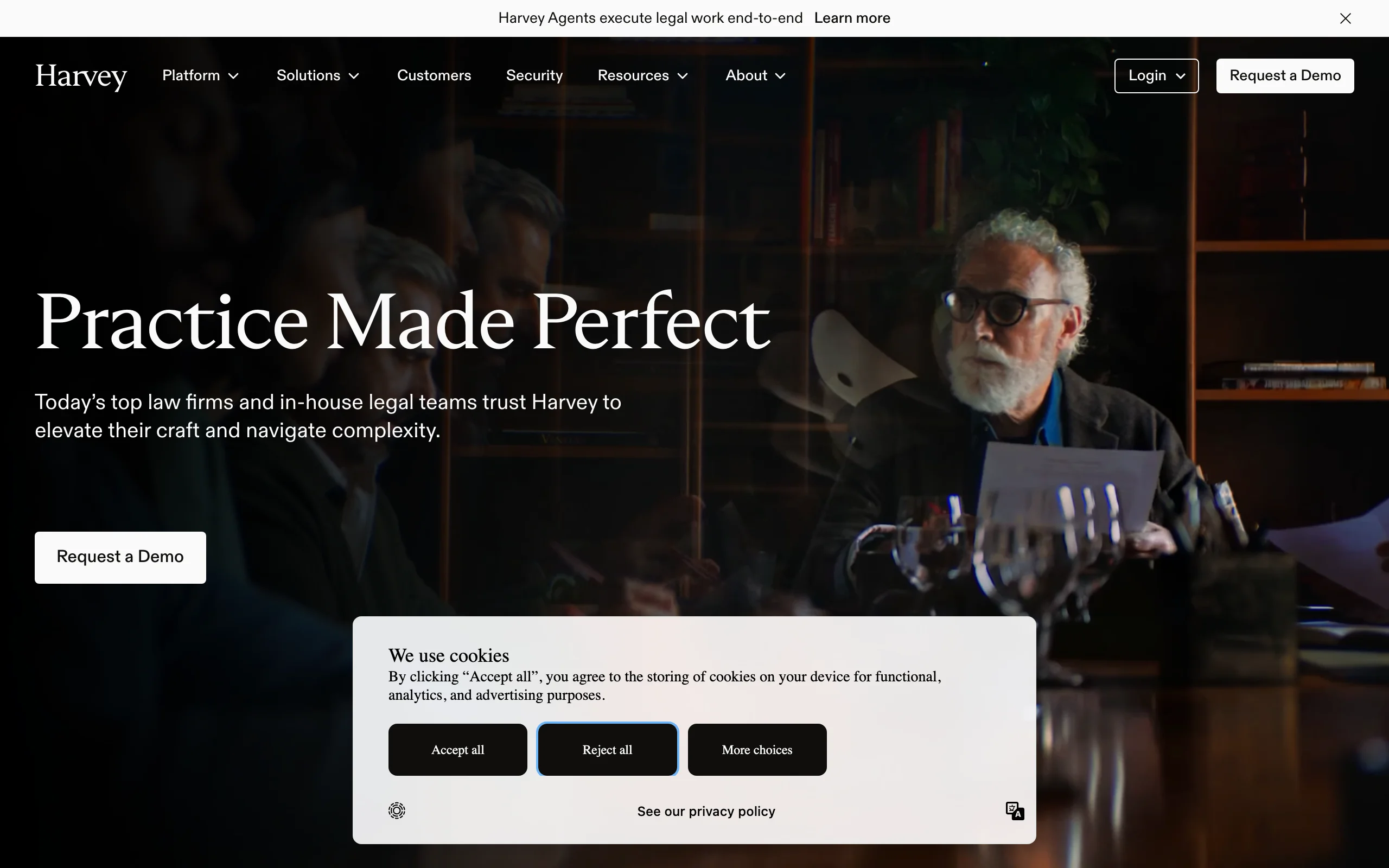
Harvey AI is the enterprise legal AI platform used by AmLaw 100 firms and Fortune 500 in-house departments. It handles drafting, research, due diligence, and matter-specific workflows trained on a firm's own knowledge base. The pitch is essentially "Big Law in a box": custom playbooks, security review, dedicated implementation, and a price tag to match.
Harvey is built for organizations with the scale to justify a custom AI deployment. If you have 100+ lawyers, regulated data, and a procurement team that wants SSO, data residency, and a master services agreement, Harvey is built for you. If you're a solo or small firm, the same workflows can be approximated for two orders of magnitude less.
Key features
- Custom-trained on firm-specific precedent and playbooks
- Enterprise security, data residency, and SSO
- Integrated with research, drafting, due diligence, and litigation workflows
- White-glove implementation and dedicated support
Best for
- AmLaw 100 and AmLaw 200 firms
- Fortune 500 in-house legal departments
- Regulated industries with strict data residency requirements
Pricing
- Custom enterprise pricing only
- Typically six figures per year per firm
- No self-serve tier
Pros
- Strongest enterprise-grade compliance and security posture on this list
- Custom training on firm precedent produces more on-brand output
- Mature implementation team handles change management
Cons
- Cost is prohibitive for solos, small firms, and SMBs
- Custom training and onboarding take weeks before you can use it
- Locked-in enterprise contracts limit flexibility
4. Ironclad, best for high-volume contract lifecycle management
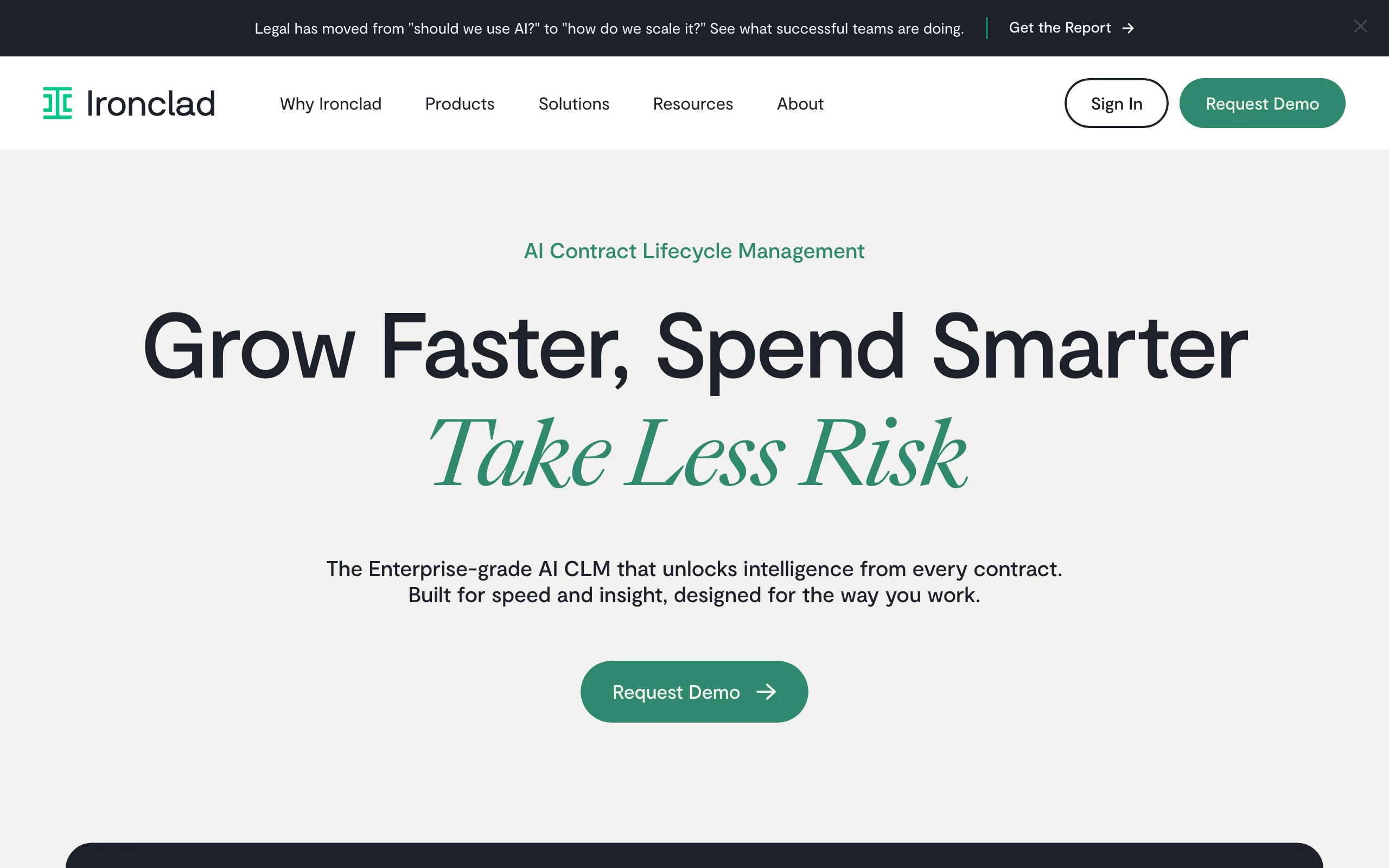
Ironclad is a contract lifecycle management (CLM) platform with AI drafting built in. The drafting tool is part of a broader workflow: intake, draft, redline, approve, sign, store, search. If your bottleneck is not just drafting but also routing the contract through legal review, getting it signed, and finding it again two years later, Ironclad is built for that whole loop.
Ironclad fits mid-market and enterprise in-house legal teams pushing more than 100 contracts a month. It's overkill for a solo practitioner or a startup doing five contracts a quarter.
Key features
- Full CLM workflow (intake to repository)
- AI drafting and review inside the platform
- Salesforce and Slack integrations
- Custom approval workflows and clause libraries
- Repository search across signed agreements
Best for
- In-house legal teams at mid-market and enterprise companies
- Sales-heavy organizations routing 100+ contracts a month
- Teams that need contract visibility across departments
Pricing
- Custom pricing only
- Typically starts in the high five figures per year
Pros
- End-to-end workflow, not just drafting
- Strong integrations with sales and ops tools
- Mature repository and search for finding old terms
Cons
- Implementation often takes months
- Too heavy for low-volume teams
- Drafting features are not as strong as drafting-specialist tools
5. Robin AI, best for AI-assisted review and negotiation
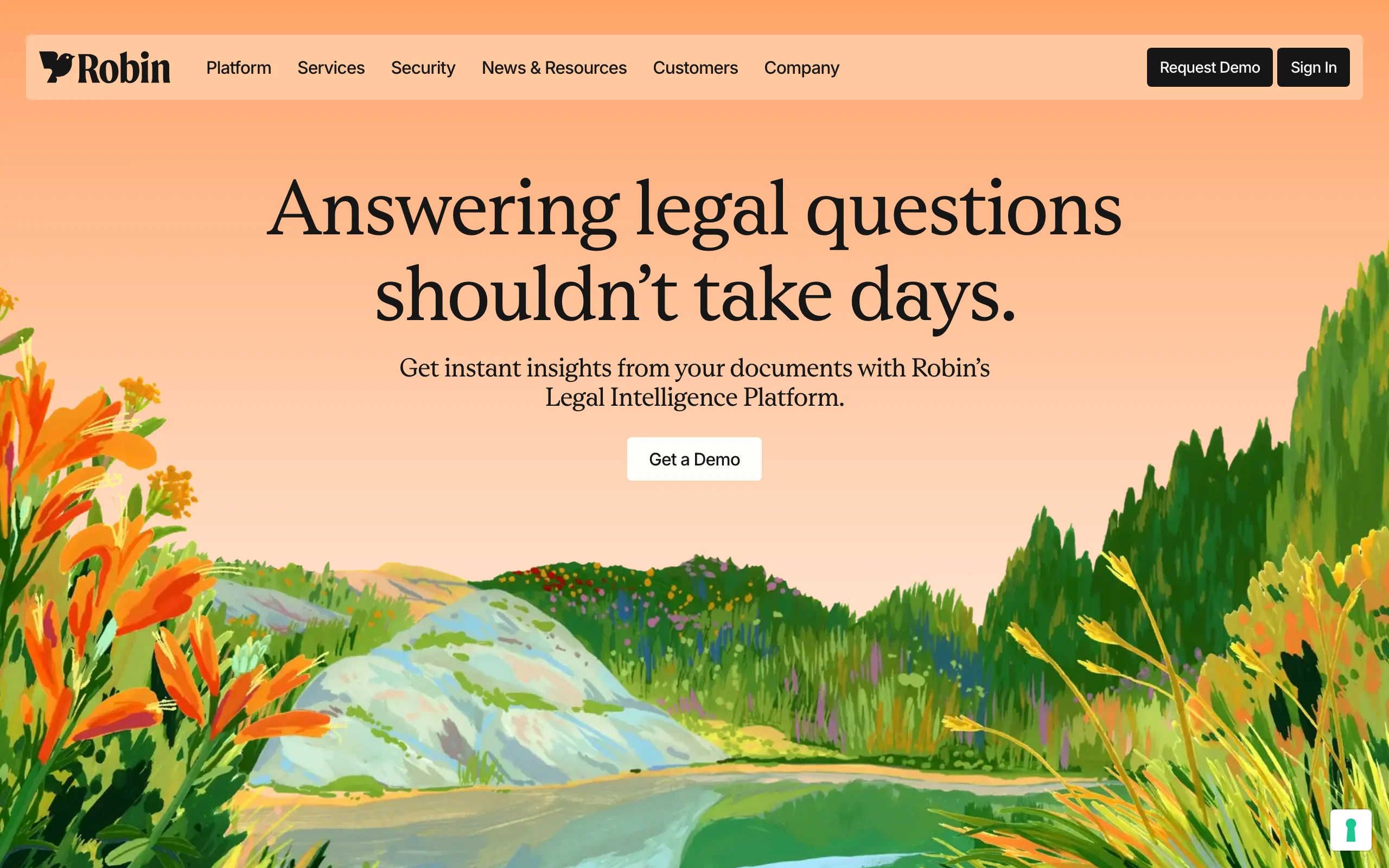
Robin AI focuses on the back-and-forth review and negotiation cycle, not just first drafts. The tool reads counterparty contracts, flags risk against your playbook, suggests redlines, and tracks how positions move across rounds of negotiation. For teams whose pain point is reviewing inbound contracts, not generating outbound ones, Robin fits the workflow.
Robin works inside Word for reviewing counterparty drafts. It's strongest for mid-market in-house teams that receive a high volume of vendor agreements and need to review them quickly without dropping standards.
Key features
- Playbook-driven review and redlining
- Negotiation tracking across rounds
- Word add-in for reviewing inbound contracts
- Custom risk thresholds per contract type
Best for
- In-house teams reviewing 50+ vendor contracts per month
- Procurement-heavy legal functions
- Teams negotiating against bigger counterparties
Pricing
- From $239/user/month
- Team and enterprise tiers require a demo
Pros
- Negotiation tracking is genuinely useful, not a gimmick
- Playbook-driven review reduces variance across associates
- Strong for incoming contract triage
Cons
- Less suited to outbound first-draft generation
- Per-seat pricing limits adoption beyond the core legal team
- Word-only, no browser-native editor
6. Juro, best for in-house legal teams collaborating with sales and HR
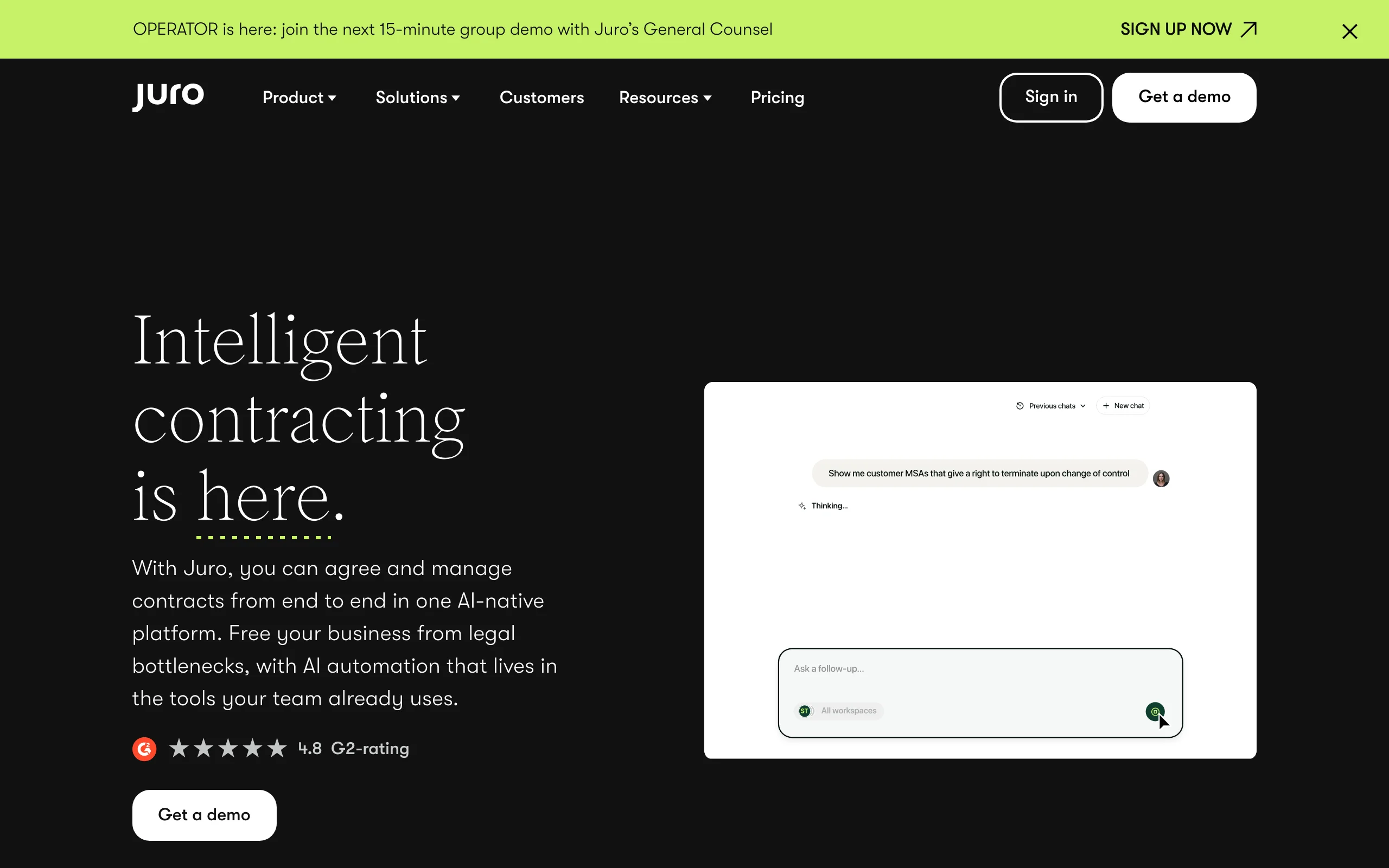
Juro is built around the idea that in-house lawyers spend half their day routing standard contracts (sales agreements, NDAs, offer letters) and the other half answering questions about them. The platform combines AI drafting with a browser-native editor, approval workflows, and a self-serve experience for non-legal stakeholders.
The drafting AI is solid but not the headline feature. The strongest argument for Juro is that sales reps can self-serve standard NDAs without ever pinging legal, and legal still gets the visibility and version control. It's a fit for in-house teams supporting 50-500 person companies.
Key features
- Browser-native contract editor (not Word)
- Self-serve workflows for sales and HR stakeholders
- Salesforce integration for sales-led teams
- Template library with approval routing
- E-signature built in
Best for
- In-house legal teams at 50-500 person companies
- Sales-heavy SaaS startups
- HR teams generating offer letters at scale
Pricing
- Free individual plan
- Team plans from $33,000/year
- Enterprise pricing is custom
Pros
- Excellent for moving routine work off the legal team
- Browser-native editor sidesteps Word version-control issues
- Strong Salesforce integration
Cons
- AI drafting is weaker than drafting-specialist tools
- Team pricing is a big jump from the free tier
- Less suited to non-standard or bespoke contracts
7. Lexis+ AI (CoCounsel), best for litigators who also draft
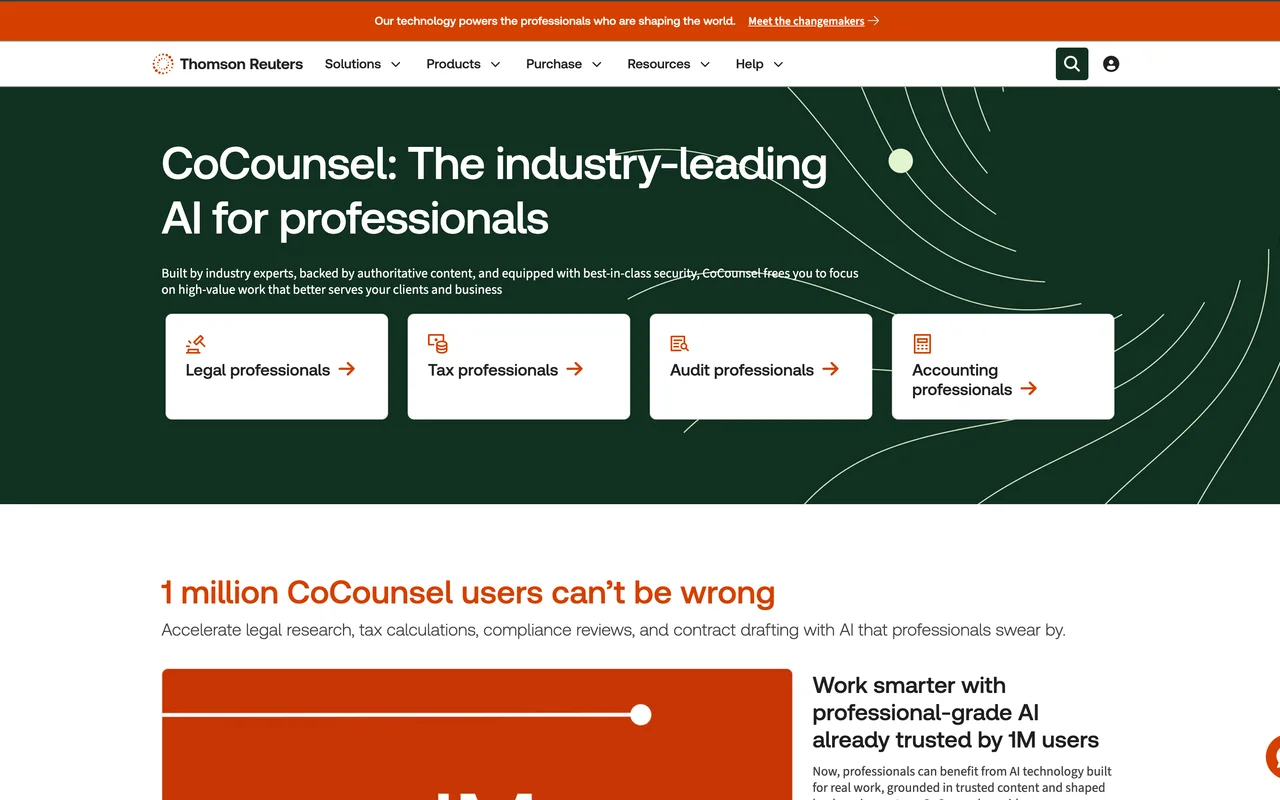
Lexis+ AI (branded as CoCounsel after the Casetext acquisition) is a generative AI layer over the LexisNexis dataset. It does legal research, document drafting, and document analysis on one platform. For lawyers who already use Lexis for research and want a single platform across the work, it's the natural fit.
The drafting is competent for standard transactional documents and litigation filings. It's not as flexible for novel commercial deals as the drafting-specialist tools, but the upside is that everything ties back to the Lexis dataset and primary sources.
Key features
- Drafting, research, and document analysis on one platform
- Backed by the LexisNexis primary source database
- Strong for litigation filings and standard transactional work
- Integrated with existing Lexis subscriptions
Best for
- Mid-size and large firms with existing LexisNexis subscriptions
- Litigators who also draft transactional documents
- Lawyers who value primary-source citation above all else
Pricing
- Custom pricing, typically bundled with Lexis+ subscription
- Generally a premium add-on to existing Lexis costs
Pros
- One platform across research, drafting, and review
- Authoritative citations backed by the Lexis database
- Strong for litigation-adjacent transactional work
Cons
- Pricing only makes sense if you already pay for Lexis+
- Less flexible than drafting-specialist tools for novel deals
- UI is heavier than newer browser-native tools
How to choose the best AI contract drafting tool
1) Match the tool to your draft-vs-review ratio
The first question is whether you generate more first drafts or review more inbound contracts. (For a vendor-agnostic framework, see our guide to choosing legal contract drafting software.)
- If you draft outbound (NDAs, service agreements, MSAs, employment): prioritize from-prompt drafting flexibility. LegesGPT and Spellbook are the strongest picks.
- If you review inbound (vendor contracts, counterparty redlines): prioritize playbook-driven review. Robin AI and LegesGPT (with document review) both fit.
- If you do both equally: an all-in-one tool like LegesGPT avoids the cost of two separate subscriptions.
2) Match the tool to your editor
Where your team writes the contract matters more than the AI features.
- Word-locked teams: Spellbook (drafting) or Robin AI (review) integrate natively.
- Browser-first teams: LegesGPT, Juro, and Lexis+ AI run in the browser without Word installed.
- CLM-first teams: Ironclad and Juro embed drafting in a broader workflow.
3) Match the tool to your volume and budget
Per-seat pricing punishes large teams. Flat-fee pricing punishes light users. Match the model to actual monthly volume.
- 1-3 users, 5-30 contracts/month: LegesGPT Basic or Plus is the cheapest option that actually supports legal-specific drafting.
- 10-30 users, 100+ contracts/month: Spellbook or Robin AI for drafting/review specialists; Juro or Ironclad if you also need CLM.
- 100+ lawyers, regulated data, custom playbooks: Harvey AI or Lexis+ AI bundled with your existing platform.
4) Test on three real contracts before committing
Before signing any annual contract, run the same three real documents through your shortlist:
- A contract you'd draft from scratch (e.g., a service agreement for a new client)
- A contract you'd customize from a template (e.g., a mutual NDA)
- A counterparty contract you'd review and redline (e.g., a vendor MSA)
Compare time saved, output quality, and how much editing you actually did. The best tool on the spec sheet is rarely the best tool for your specific workflow.
For a deeper read on the drafting side specifically see our guide to generating documents with AI. And if you'd rather understand the underlying process before reaching for a tool, our walkthrough on how to draft a contract step by step covers the clauses and structure by hand.
Frequently Asked Questions
What is AI contract drafting?
AI contract drafting is the use of large language models to generate, edit, and review legal contracts. Modern tools can produce a tailored first draft from plain-English instructions, redline counterparty edits against a playbook, and flag missing or risky clauses. The best legal-specific tools verify citations against statutes and case law to avoid the hallucinations that plague general-purpose AI.
Is AI contract drafting safe for legal work?
It's safe as a starting point, not as a final signature. The biggest risk with general-purpose tools like ChatGPT is hallucinated citations and missing jurisdiction-specific clauses. Legal-specific tools like LegesGPT, Harvey AI, and Spellbook reduce that risk with verified citations and playbooks. For any material agreement, a human review is still required before signing.
What is the best AI contract drafting tool for solo lawyers?
LegesGPT is the best AI contract drafting tool for solo lawyers because it combines drafting, document review, and case law research in one platform starting at $19.99/month, with verified citations across 38+ jurisdictions. Spellbook is a strong alternative if you draft exclusively in Microsoft Word and have a budget for the per-seat pricing.
Can I draft contracts with AI for free?
Yes, though the free options are general-purpose. LegesGPT's AI contract generator creates tailored business contracts from guided prompts with verified citations across 38+ jurisdictions, and you can test it on a $1 trial. ChatGPT's free tier can also produce general business documents, though without legal-specific safeguards like verified citations or jurisdiction-aware clauses.
What's the difference between AI contract drafting and contract lifecycle management?
AI contract drafting tools generate and review the contract itself. Contract lifecycle management (CLM) platforms like Ironclad and Juro handle the broader workflow: intake, drafting, review, approvals, e-signature, and repository search. Many CLMs now include AI drafting, but specialist drafting tools usually produce stronger output for novel or non-standard contracts.
Does AI contract drafting work for international contracts?
The best tools support multiple jurisdictions. LegesGPT covers 38+ countries including the U.S., U.K., EU member states, Canada, and Australia. Harvey AI supports its enterprise customers' jurisdictions through custom training. Most other tools default to U.S. or U.K. law unless explicitly configured.
Does AI contract drafting integrate with Microsoft Word?
Spellbook is the most Word-native option, with drafting and redlining inside the document. Robin AI also offers a Word add-in for review. LegesGPT, Juro, and Lexis+ AI run in the browser and export to DOCX or PDF. If your workflow is locked into Word, prioritize Spellbook for drafting and Robin AI for review.
What's the cheapest AI contract drafting tool?
LegesGPT Basic at $19.99/month is the cheapest legal-specific AI contract drafting tool with verified citations and 100+ templates. Free generalist tools like ChatGPT can draft contracts at no cost, but they do not verify citations or support jurisdiction-specific drafting.
Can AI contract drafting replace a lawyer?
No. AI contract drafting tools accelerate the work of a lawyer (or a non-lawyer drafting their own contracts), but they do not replace legal advice on material matters. For any contract above a moderate dollar amount, with collateral, guarantors, or cross-border elements, have a licensed attorney review the final document.
If I mainly need to draft and review contracts in one place, what should I use?
LegesGPT. The Plus plan at $49.99/month covers unlimited drafting plus 50 document reviews per month, which is the most common workflow for solo lawyers, small firms, and in-house teams at startups. The 3-day trial for $1 is enough time to run a real contract through both flows before committing.