
Hiring a lawyer to draft a simple NDA, a service agreement, or a demand letter can cost hundreds of dollars and take days. The best AI legal document generators close that gap: you describe what you need in plain English, or pick a template, and the tool assembles a complete, ready-to-edit document in minutes.
These tools are not heavyweight drafting suites built for clause-by-clause negotiation. The job here is speed: turn a short description or a guided form into a finished contract, agreement, will, or letter you can review, tweak, and sign. That makes them a fit for small businesses, solo lawyers, and individuals who need solid paperwork fast, plus firms that want to skip the blank-page stage.
This guide covers the eight best AI legal document generators for 2026, with verified pricing, what each does well, and who it suits. Some are dedicated legal platforms, others are general AI assistants that draft from a prompt.
Generate any legal document in minutes
From NDAs to leases to letters — describe what you need and LegesGPT drafts a tailored, ready-to-edit legal document in minutes.
Generate a documentBest AI legal document generators: a brief overview
Here is the short version before the detail. Each tool generates documents differently, so match the approach to your needs.
- LegesGPT: Best overall for generating any legal document: drafts contracts, agreements, and letters from a description, backed by 100+ templates and an AI contract generator.
- ChatGPT: Best general AI for generating documents from a prompt: a widely used assistant that drafts a clean contract or letter the moment you describe the terms.
- Claude: Best for generating custom documents from a prompt: a capable general AI that writes clean first drafts when you describe the terms in detail.
- Google Gemini: Best for generating documents inside Google Workspace: drafts directly in Docs and Gmail for teams already on Google.
- Rocket Lawyer: Best for guided fill-in-the-blank documents with attorney help: a question-driven flow plus optional access to a real lawyer.
- Gavel: Best for no-code legal document automation: turns your templates into guided workflows that generate finished documents from a questionnaire.
- Spellbook: Best for generating and drafting contracts in Word: an AI add-in built for legal teams.
- Microsoft Copilot: Best for generating documents inside Word and Office: drafts and rewrites in the apps your team already uses.
| Tool | Best for | Starting price | Free trial | Platform |
|---|---|---|---|---|
| LegesGPT | Generating any legal document plus templates | $19.99/mo (3-day $1 trial) | Yes, 3-day for $1 | Browser app |
| ChatGPT | General AI documents from a prompt | $20/mo (Plus) | Yes, free plan | Web, desktop, mobile |
| Claude | Custom documents from a prompt | $17/mo (annual) | Yes, free plan | Web, desktop, mobile |
| Google Gemini | Documents inside Google Workspace | $19.99/mo (AI Pro) | Yes, free plan | Web, Workspace |
| Rocket Lawyer | Guided documents with attorney help | $149/year or $39.99/doc | Yes, 7-day trial | Web |
| Gavel | No-code legal document automation | $83/mo (Lite) | Yes, free to start, 7-day trial | Web, Word |
| Spellbook | Generating contracts in Word | Custom quote | Yes, 7-day trial | Word add-in |
| Microsoft Copilot | Documents inside Word and Office | $18/user/mo (annual) | Free Copilot Chat tier | Microsoft 365 |
1. LegesGPT, best overall for generating any legal document
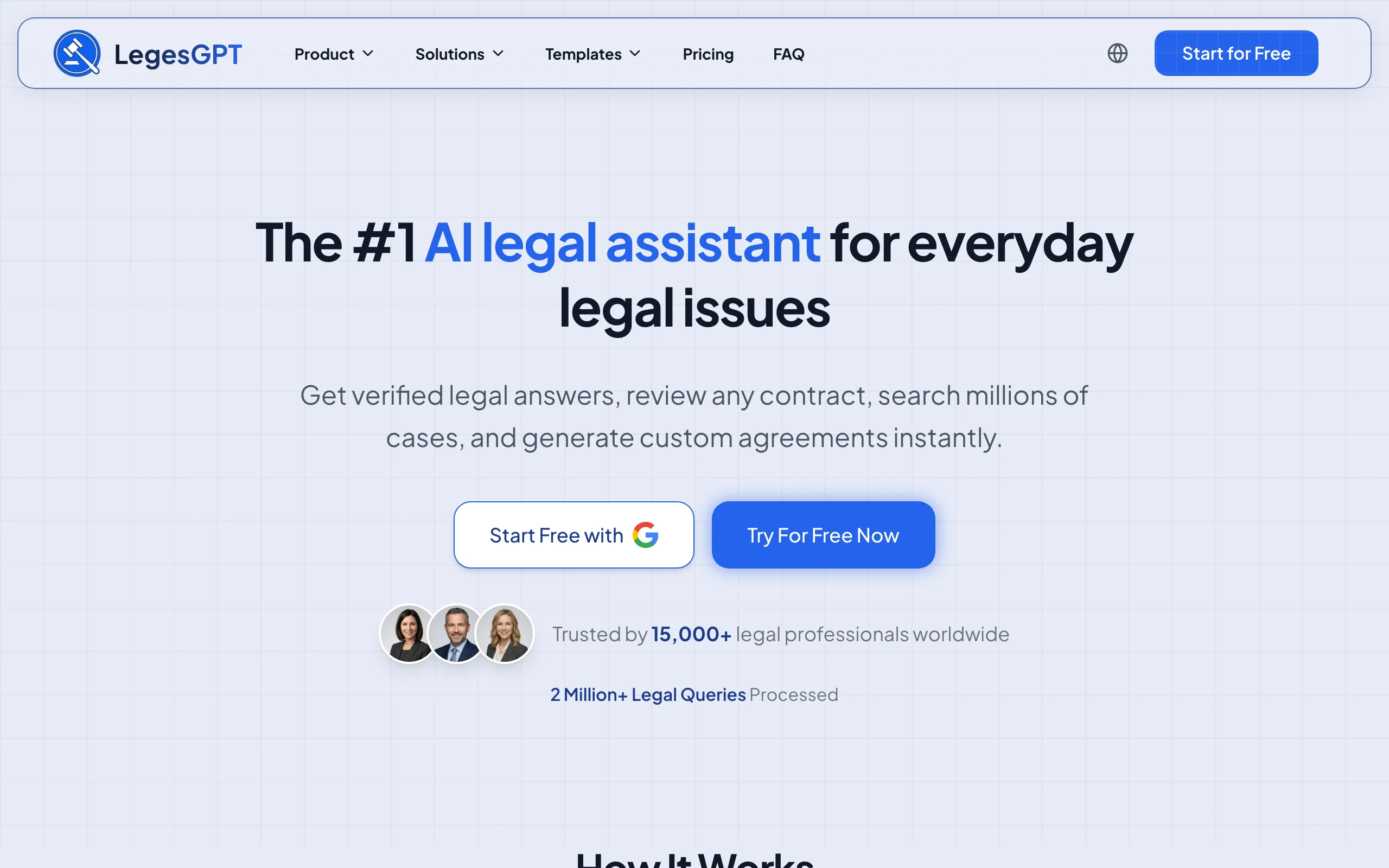
LegesGPT generates complete legal documents from a plain description. Tell it what you need, an independent contractor agreement, a mutual NDA, a demand letter, a lease, and it drafts a full document you can edit in the browser. It pairs that AI drafting with 100+ attorney-drafted templates and a dedicated AI contract generator, so you can start from a prompt or a vetted structure. When the draft is ready, run it through AI review to flag risky terms and e-sign it without leaving the app.
What sets it apart for fast generation is the combination: an AI that drafts from scratch, attorney-drafted templates for common documents, and built-in review and e-signature, all in one browser app with no install or add-in. For a solo lawyer or small business that needs paperwork quickly and wants the option to check it against a non-disclosure agreement or other standard, that breadth is the draw. The honest trade-off: it is web-only, with no native mobile app or Word add-in.
Key features
- AI legal document generator that drafts contracts, agreements, wills, and letters from a plain-English description
- 100+ attorney-drafted templates spanning business, employment, real estate, and personal documents
- AI contract generator for common agreements, from a description or a template
- AI document review that flags risky clauses and proposes changes on uploaded PDFs and DOCX files
- Built-in e-signature so you can finish and send without switching apps
- Answers legal questions with verified citations and source links
Best for
- Solo lawyers and small businesses that need finished documents fast
- Individuals handling their own NDAs, agreements, or letters without a lawyer
- Anyone who wants AI drafting and a template library in one place
Pricing
- 3-day trial for $1, then Basic $19.99/mo, Plus $49.99/mo, Premium $99.99/mo
- About 30% off with annual billing
- AI contract generator and 100+ attorney-drafted templates included with every plan
Pros
- Generates documents from a prompt or a template, your choice
- Drafting, review, and e-signature in a single browser app
- A 3-day $1 trial lets you test the full generation workflow before committing
Cons
- Web-only: no native mobile app or Microsoft Word add-in
2. ChatGPT, best general AI for generating documents from a prompt
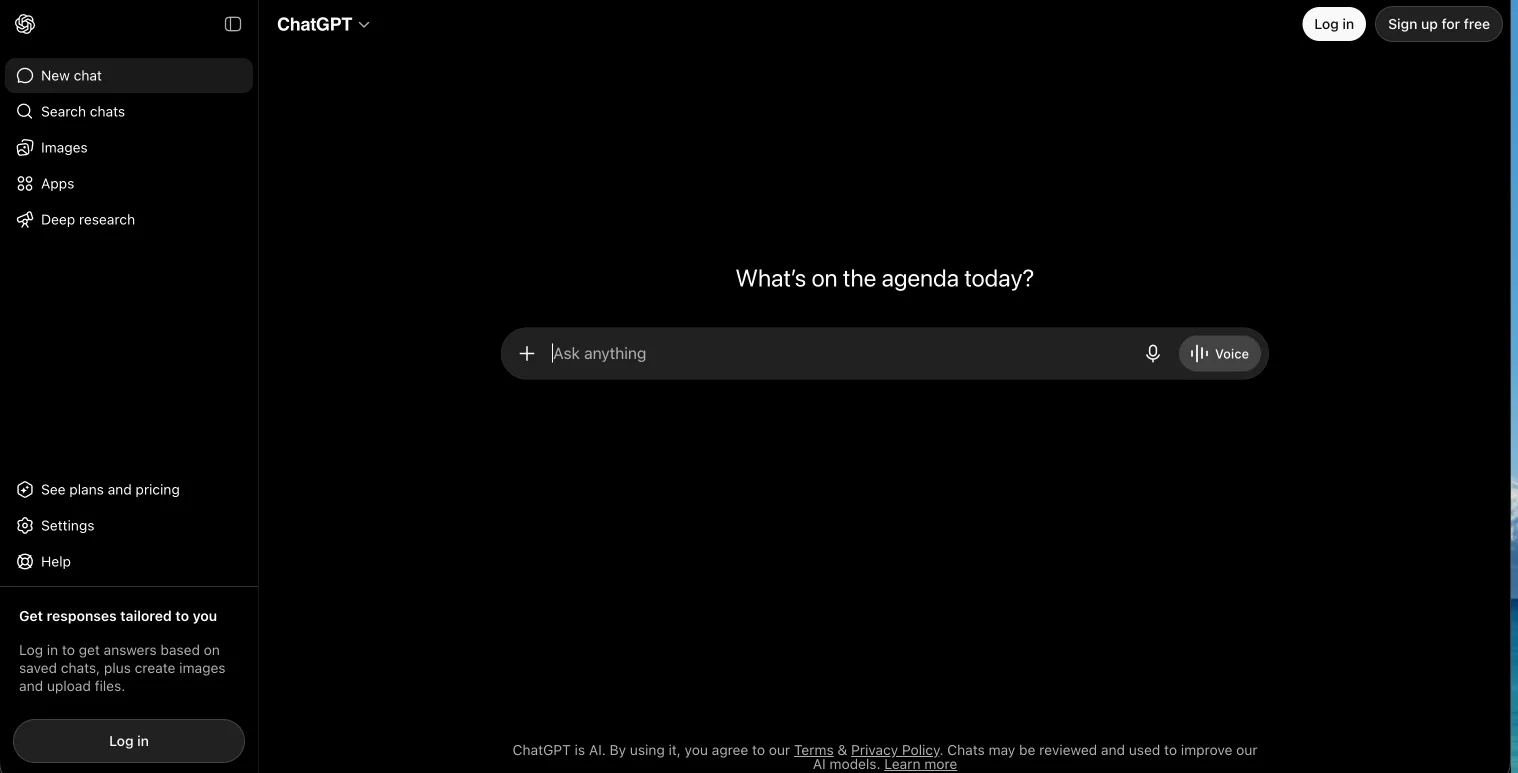
ChatGPT, from OpenAI, is the most widely used general AI assistant, and you can generate a complete legal document from a single plain-English description. Type one sentence ("a mutual NDA between two startups in California, two-year term") and it returns the whole document, parties, recitals, clauses, and signature block, in one pass. Add the missing specifics and it regenerates the full document so you walk away with a finished file, not a half-built outline.
The catch is what it leaves out: ChatGPT has no document-type picker, no attorney-drafted templates, and no e-signature, so the completeness of the generated document depends entirely on how much you put in the description. For turning a short brief into a ready-to-edit document you will check yourself, it is excellent and probably already open in your browser. For a guided form, a vetted template to generate from, or verified citations, a dedicated legal tool fits better.
Key features
- Generates a full contract, NDA, agreement, or letter from one plain-English description
- GPT-5.5 model that fills in the standard sections you did not spell out
- Regenerate the whole document by adding terms, no clause-by-clause editing required
- File uploads and downloadable output on paid plans
- Available on web, desktop, and mobile
Best for
- People who can describe the document they need in a sentence or two
- One-pass generation of a finished document you will review yourself
- People who already use ChatGPT for other work
Pricing
- Free plan with usage limits on GPT-5.5
- Plus $20/mo for higher limits and faster responses
- Pro $100/mo (5x limits) or $200/mo (20x limits) with the GPT-5.5 Pro model; Team $25/user/mo billed annually (or $30/mo monthly)
Pros
- Turns a one-line description into a complete, ready-to-edit document
- Regenerates the whole file in seconds when you add or change a term
- A free plan lets you test the generation quality at no cost
Cons
- No document-type picker, attorney-drafted templates, or e-signature
- The generated document is only as complete as your description
3. Claude, best for generating custom documents from a prompt
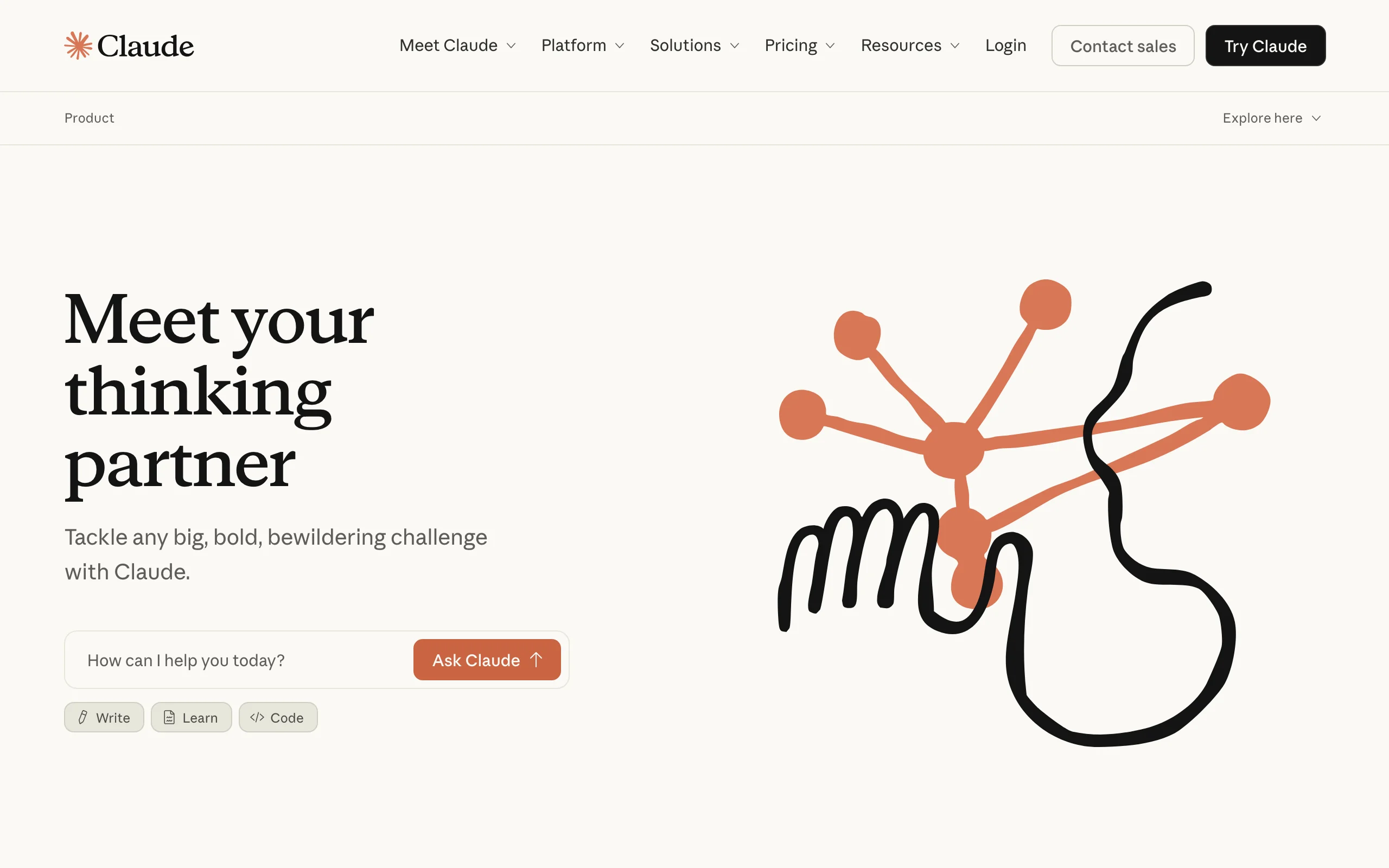
Claude, from Anthropic, is a general-purpose AI assistant that generates a complete, custom legal document when you hand it a detailed prompt. Spell out the parties, the obligations, the term, the jurisdiction, and any clauses you specifically want, and it assembles the whole document to match, no template required. Because it follows a long, precise prompt closely, it is a strong fit when the document you need is non-standard and you want every requirement reflected in the generated output the first time.
The trade-off is that Claude has no document-type picker, no attorney-drafted templates, and no e-signature. It generates from whatever you describe, so a thin prompt yields a thin document. For generating a bespoke document you will review yourself, it is excellent. For a guided form, a ready-made template to generate from, or a verified legal AI assistant with citations, a dedicated legal tool fits better.
Key features
- Generates a complete, custom document from a detailed, multi-requirement prompt
- Long prompt window so every clause you specify lands in the generated document
- File creation and downloadable output on paid plans
- Projects to reuse the same generation instructions across related documents
- Available on web, desktop, and mobile
Best for
- People generating non-standard documents that no template covers
- Anyone who wants every prompted requirement reflected on the first pass
- People who already use Claude for other work
Pricing
- Free plan with daily usage limits
- Pro $17/mo billed annually (or $20/mo monthly)
- Max from $100/mo; Team from $20/seat/mo billed annually
Pros
- Generates a custom document that matches a precise, detailed prompt
- Reusable Projects keep your generation instructions consistent
- A free plan lets you test the generation quality at no cost
Cons
- No document-type picker, attorney-drafted templates, or e-signature
- A bespoke document only comes out as complete as the prompt you give it
4. Google Gemini, best for generating documents inside Google Workspace
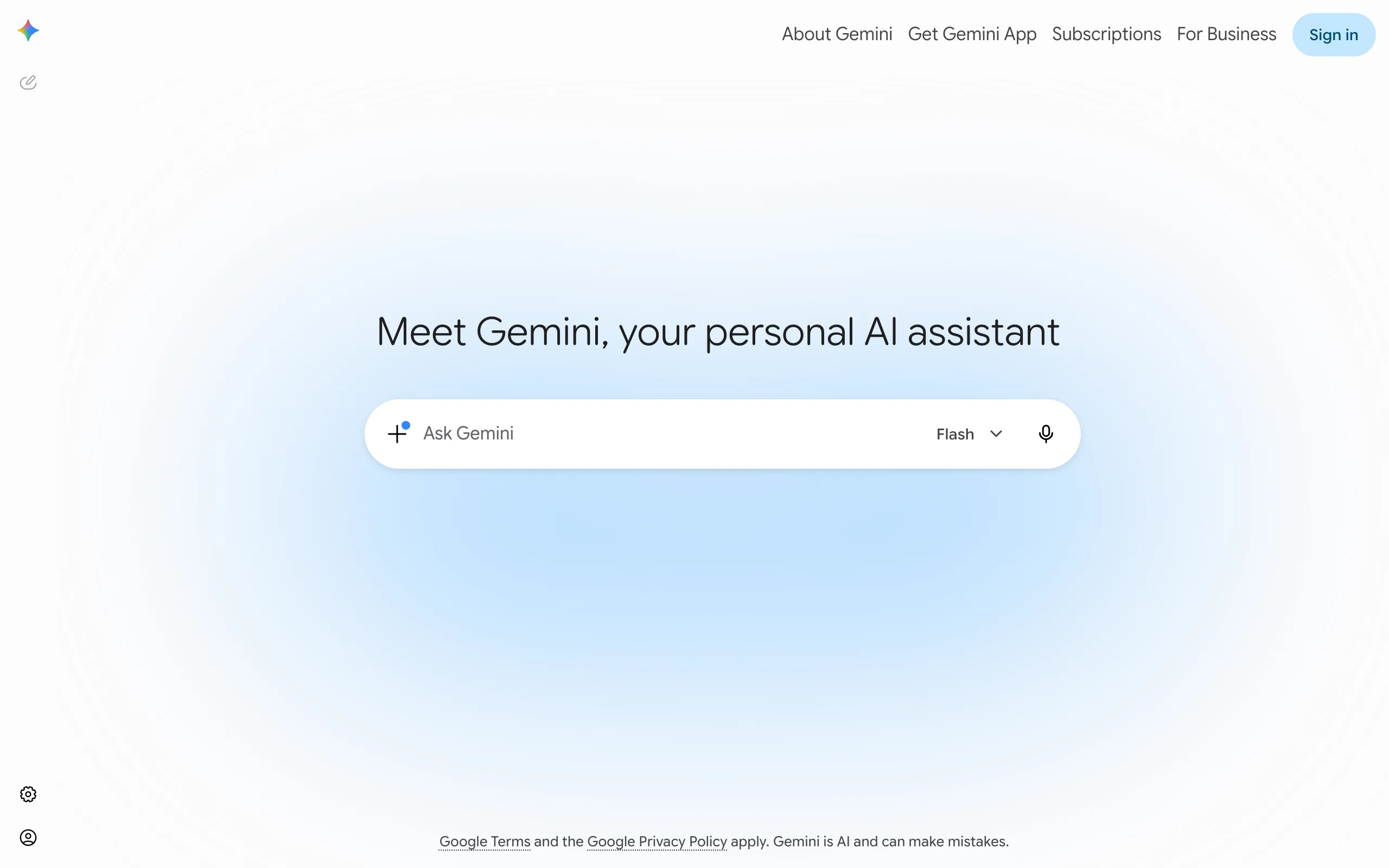
Google Gemini is Google's AI assistant, and its strength for document generation is where it lives: inside Google Workspace. If your team drafts in Google Docs and sends from Gmail, Gemini can generate a contract draft, a letter, or an agreement right in the document you are working in. Ask it to draft a freelance agreement in Docs and it fills the page; ask for a follow-up in Gmail and it composes the message in context.
Like Claude, Gemini is a general AI rather than a legal tool, so it has no templates, clause library, or e-signature. The advantage is native Workspace integration: no copy-pasting between a chat window and your document. For verified legal content or guided forms, pair it with a dedicated platform.
Key features
- Drafts documents directly in Google Docs and Gmail
- Generates contracts, letters, and agreements from a prompt
- Summarizes and rewrites existing documents in your Drive
- Available as a consumer plan or bundled into Workspace business plans
- Large context window for working with long documents
Best for
- Teams that already draft in Google Docs and Gmail
- Individuals on a Google AI plan who want in-app drafting
- Quick first drafts without leaving Workspace
Pricing
- Free plan with limited usage
- Google AI Pro $19.99/mo for individuals (Google AI Plus $7.99/mo)
- Included in Google Workspace business plans (Business Standard about $14/user/mo)
Pros
- Generates drafts inside the apps Google users already work in
- No copy-paste between a chatbot and your document
- Now bundled into Workspace plans at no extra add-on cost
Cons
- No legal templates, clause library, or e-signature
- General AI: it does not verify legal content for you
5. Rocket Lawyer, best for guided fill-in-the-blank documents with attorney help
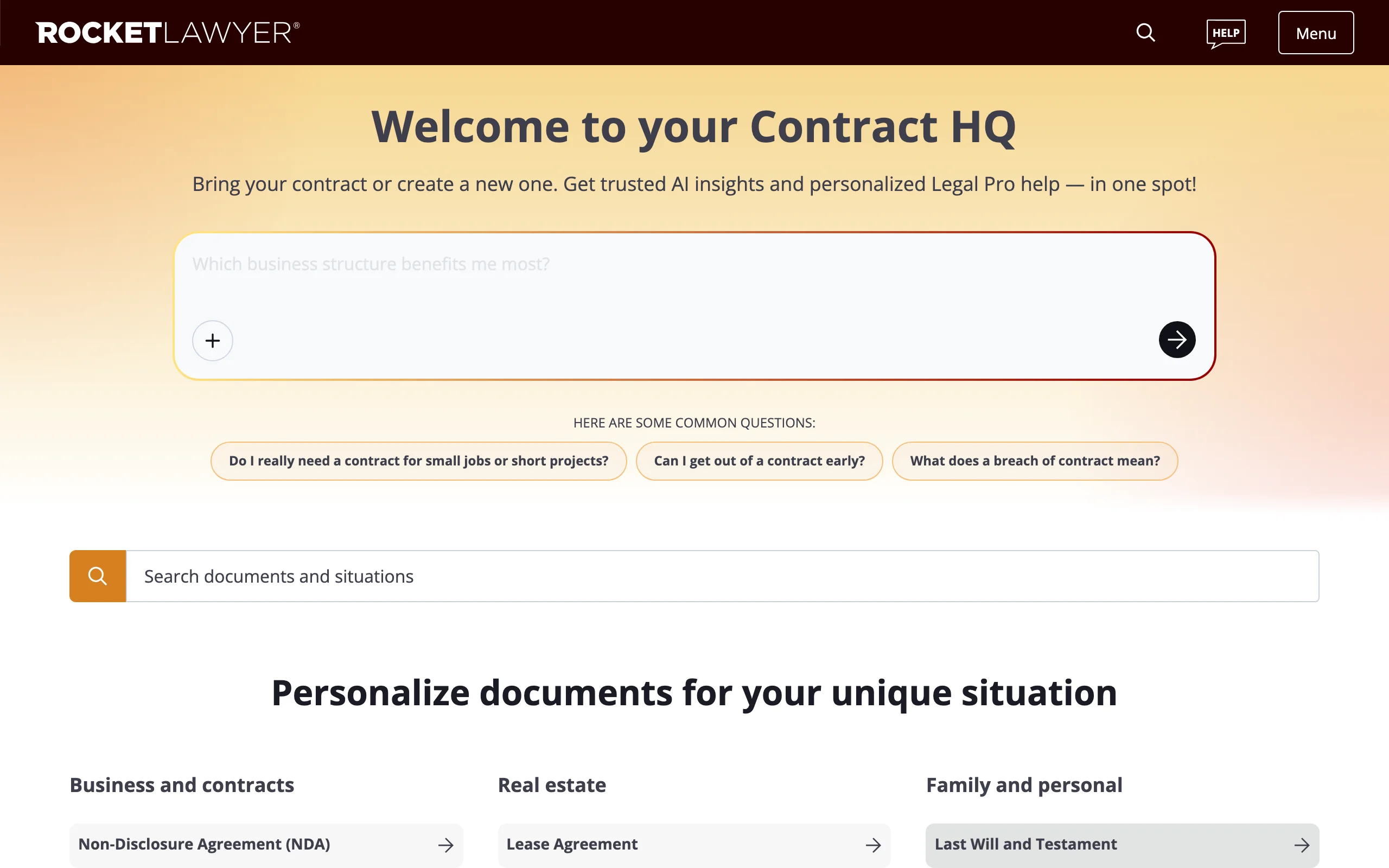
Rocket Lawyer takes a different approach: instead of a prompt, it asks you questions and assembles the document from your answers. Pick a document type, answer a guided interview, and it produces a finished business or personal document, an LLC operating agreement, a lease, a power of attorney. That fill-in-the-blank flow is reassuring if you are unsure what terms to include, and it covers hundreds of document types.
What rounds it out is the optional human layer. Memberships include Rocket Copilot, an AI assistant, plus "Ask a Legal Pro" questions and, on higher tiers, live consultations with a lawyer, so you can generate a document and then have a real attorney weigh in. For a one-off need, you can buy a single document without a subscription. The trade-off versus a prompt-based tool is less flexibility: you work within Rocket Lawyer's forms rather than describing whatever you want.
Key features
- Guided, question-driven interview that assembles documents from your answers
- Hundreds of business and personal document types
- Rocket Copilot AI assistant for questions and contract review
- "Ask a Legal Pro" questions and live attorney consultations on paid tiers
- Built-in e-signature and document storage
Best for
- People who prefer a guided form over a blank prompt
- Anyone who wants optional access to a real attorney
- Small businesses needing a range of standard documents
Pricing
- Standard membership $149/year; Plus $249/year; Pro $349/year
- Single document for non-members about $39.99
- 7-day free trial on memberships
Pros
- Guided flow removes the guesswork of what to include
- Optional attorney consultations bundled into membership
- Per-document option for one-off needs
Cons
- Less flexible than a prompt-based generator
- Best value requires an annual membership
100+ attorney-drafted legal templates
Browse free, ready-to-edit templates — NDAs, leases, employment contracts, wills, and more — built by attorneys and customizable in minutes.
Browse free templates6. Gavel, best for no-code legal document automation
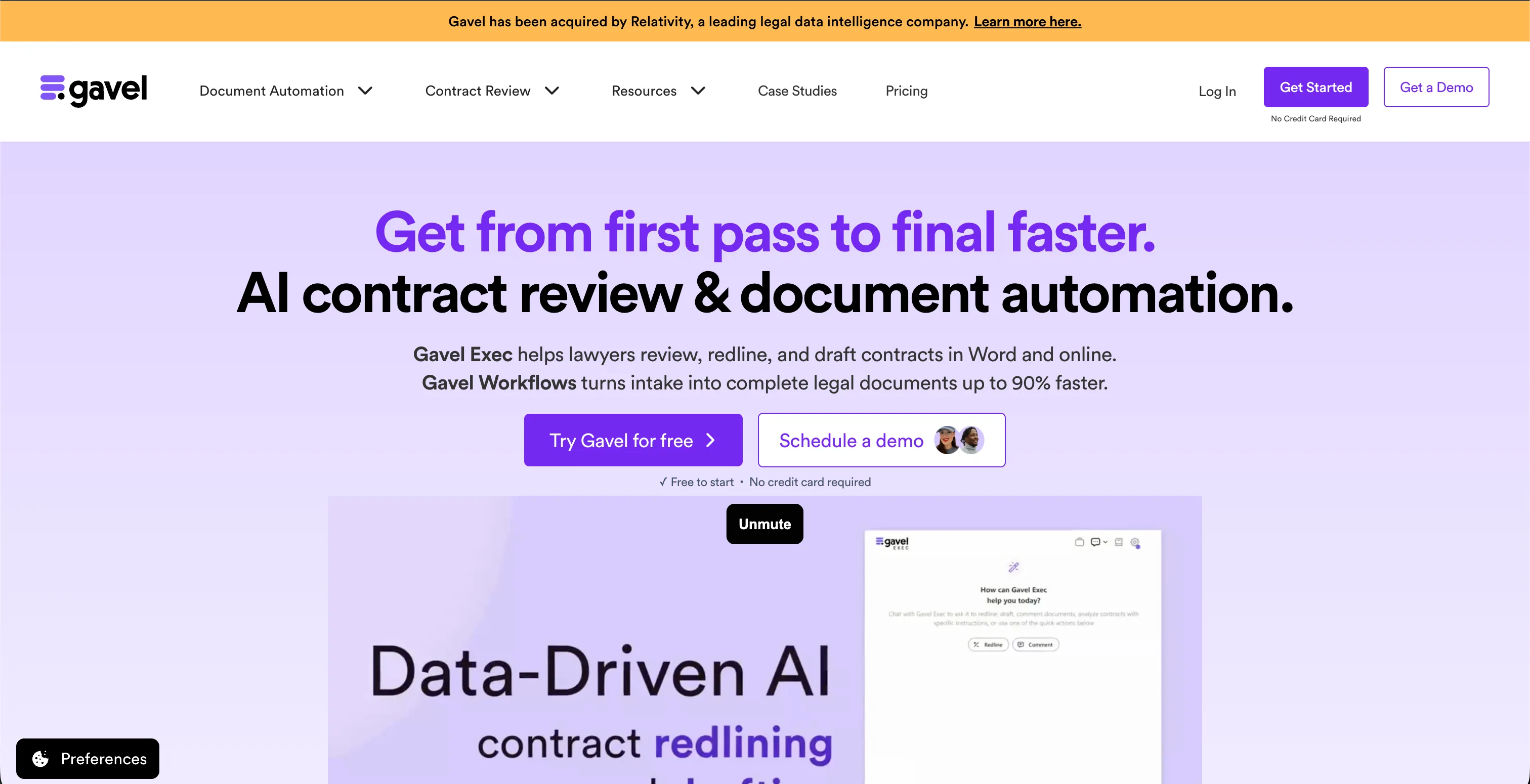
Gavel (formerly Documate) takes the template route to its logical end: you turn your own documents into guided, no-code workflows. Upload a Word or PDF template, mark the variable fields, add conditional logic, and Gavel builds a questionnaire that generates a finished, populated document from the answers. It is built for firms that produce the same documents repeatedly and want to automate the assembly without writing code, and it runs both on the web and inside Microsoft Word.
In June 2026, Gavel was acquired by Relativity, the legal data intelligence company, which plans to connect Gavel's drafting workflows in Word to matter data in RelativityOne. For now Gavel still ships as its own platform with no-code automation, client intake, and document delivery. The trade-off versus a prompt tool is the setup: you invest time building each workflow, which pays off only when you reuse it. For one-off drafts, a prompt-based generator is faster; for repeated, standardized output, Gavel automates the whole pipeline.
Key features
- No-code builder that turns Word and PDF templates into guided workflows
- Conditional logic that tailors the output to questionnaire answers
- Client intake forms that feed data straight into the document
- Works on the web and as a Microsoft Word integration
- Integrations with Clio, Zapier, DocuSign, and Stripe on higher tiers
Best for
- Firms that produce the same documents repeatedly
- Teams that want to automate assembly without writing code
- Practices standardizing client intake and document delivery
Pricing
- Free to start with a 7-day free trial, no credit card required
- Lite $83/mo (1 builder seat, 10 workflows); Standard $165/mo; Pro $290/mo
- Scale from $417/mo billed annually for custom limits and API access
Pros
- Automates repeated document assembly end to end
- No-code builder needs no developer to set up
- Now backed by Relativity after the June 2026 acquisition
Cons
- Setup time per workflow only pays off with reuse
- Heavier than a prompt tool for one-off documents
7. Spellbook, best for generating and drafting contracts in Word
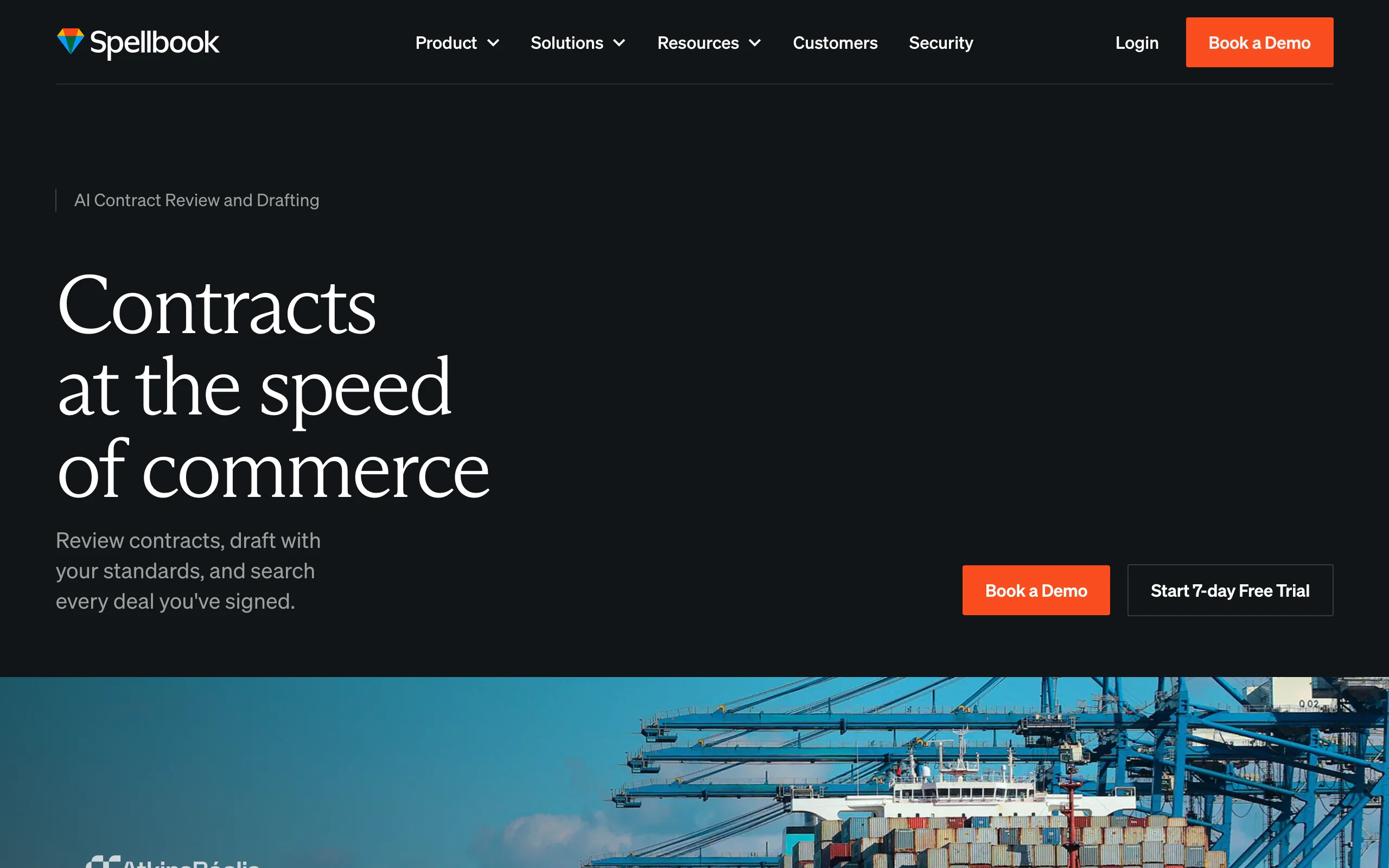
Spellbook is an AI contract tool built as a Microsoft Word add-in for legal teams, and its generation angle is producing a full contract draft inside the document you already work in. Give it a short brief, the deal type, the parties, the key commercial terms, and it generates a complete first-draft agreement in Word, on your own playbook positions, ready to keep editing in the file rather than copying a draft over from a chat window.
Spellbook is more specialized than the general AI tools here: it generates contracts specifically, and it is priced for legal teams rather than individuals. Pricing is custom and quote-based, structured around team size, though a 7-day free trial lets you test it. For someone who needs the occasional NDA or a will, this is heavier than necessary, but for a team that generates contract drafts in Word at volume, it is purpose-built.
Key features
- Generates a full contract draft from a brief, inside Microsoft Word
- Custom playbooks so the generated draft starts on your preferred positions
- Benchmarks that check generated terms against common contract types
- AI redlining and review once the draft exists
- Multi-document AI agent for generating across larger deal sets
Best for
- Legal teams that generate contract drafts in Word at volume
- In-house counsel who want first drafts that start on the house playbook
- Users who want generation to happen in the editor, not a separate chat window
Pricing
- Custom, quote-based pricing structured around team size
- No public per-seat price; book a demo for a quote
- 7-day free trial available
Pros
- Generates a complete contract draft straight into your Word file
- Playbooks shape what gets generated, not just how it is edited afterward
- Fits teams already standardized on Microsoft Word
Cons
- Generates contracts only, not the wider range of legal documents
- No public pricing, and it is priced for teams rather than individuals
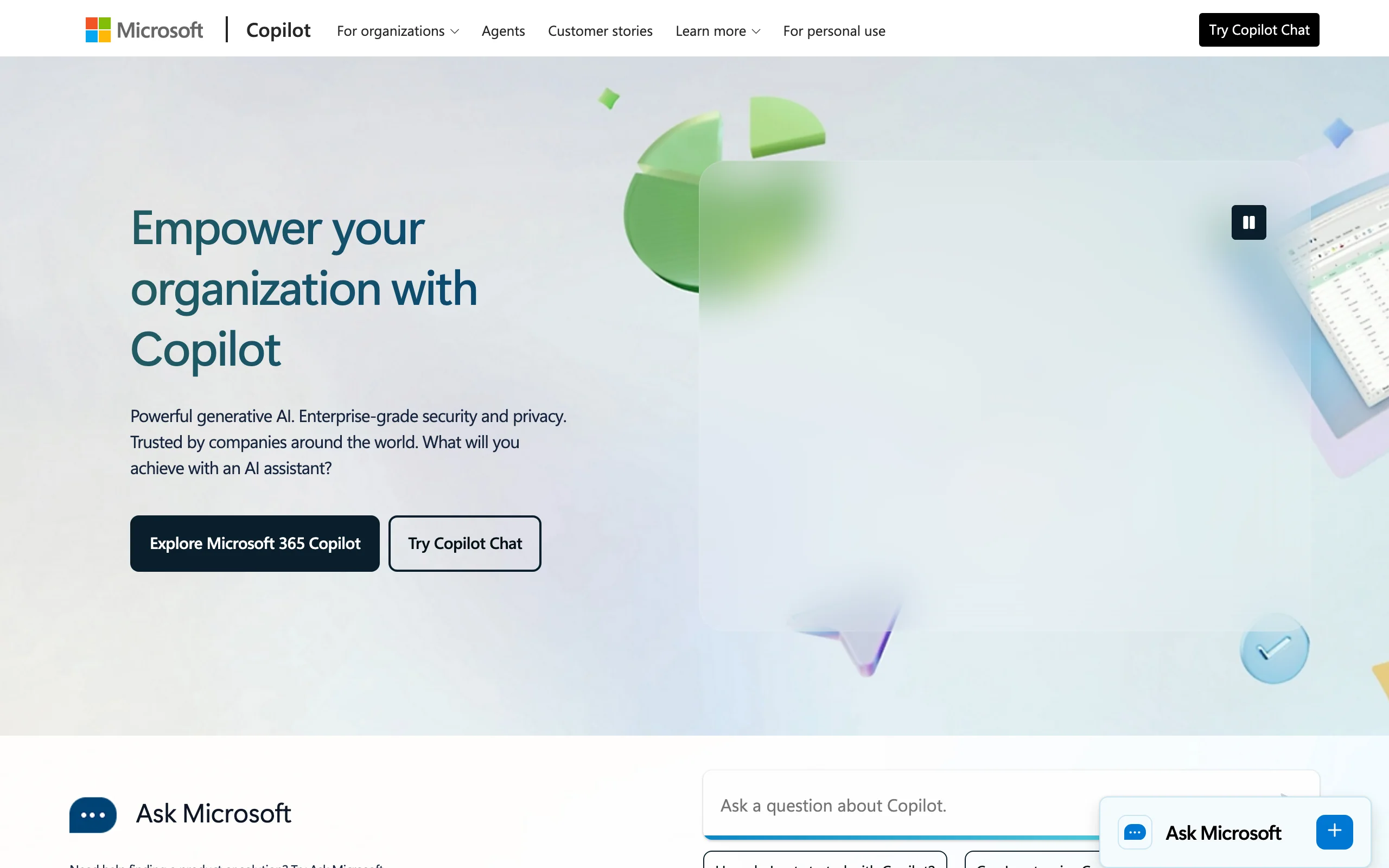
8. Microsoft Copilot, best for generating documents inside Word and Office
Microsoft 365 Copilot brings AI generation into Word, Outlook, and the rest of Office. Inside Word, you can ask it to draft a document from a prompt or an existing file, rewrite a section, or summarize a long agreement. For a business already on Microsoft 365, generating a first draft of a letter or a simple agreement without leaving Word is a natural fit.
Copilot is a general productivity assistant, not a legal tool, so it has no legal templates, clause library, or verified legal content. It also requires an eligible Microsoft 365 base license on top of the add-on, so the all-in cost is higher than the headline number. For legal-specific generation with templates or guided forms, pair it with a dedicated tool.
Key features
- Drafts and rewrites documents inside Microsoft Word
- Works across Outlook, Excel, PowerPoint, and Teams
- Summarizes long documents and pulls from your Microsoft 365 files
- Free Copilot Chat tier for web-grounded AI on eligible plans
- Agent creation through Copilot Studio on paid plans
Best for
- Businesses already standardized on Microsoft 365
- Drafting general documents and emails inside Office apps
- Teams that want one assistant across all Office tools
Pricing
- Microsoft 365 Copilot Business $18/user/mo billed annually (promo, then $21)
- Requires a separate eligible Microsoft 365 subscription
- Free Copilot Chat tier included with eligible plans
Pros
- Generates documents inside the Office apps teams already use
- One assistant across Word, Outlook, Excel, and more
- Free Chat tier for basic AI without the add-on
Cons
- No legal templates or verified legal content
- Requires a paid Microsoft 365 base license on top of the add-on
How to choose the best AI legal document generator for your needs
The right generator depends on how you want to create documents (prompt, template, or guided form) and whether you need legal-specific features. Use these questions to narrow it down.
1) Prompt-based versus template versus guided form
This is the core split. A prompt-based tool drafts from a description, a template gives you a vetted structure to complete, and a guided form builds the document from your answers.
- If you want both prompt drafting and a template library in one place: LegesGPT, which lets you generate from a description or start from an AI contract generator and 100+ templates.
- If you want the fastest prompt-to-document draft and are comfortable specifying terms: ChatGPT, Claude, or Google Gemini.
- If you want a guided, fill-in-the-blank interview: Rocket Lawyer.
- If you want to automate the same documents repeatedly with no code: Gavel, which turns your templates into guided workflows.
2) Where you want to work
The best tool often depends on the apps you already live in.
- If you draft in Google Docs and Gmail: Google Gemini.
- If your team drafts contracts in Microsoft Word: Spellbook for legal teams, or Microsoft Copilot for general documents.
- If you want a dedicated browser app with no install or add-in: LegesGPT.
3) Do you need legal-specific features
General AI tools draft text; legal tools add templates, review, citations, and signing.
- If you want AI drafting plus document review and e-signature in one app: LegesGPT, which also functions as a contract maker for common agreements.
- If you want optional access to a real attorney: Rocket Lawyer.
- If you only need raw drafting and will review it yourself: ChatGPT, Claude, or Microsoft Copilot.
- If you want to automate intake and assembly for documents you produce repeatedly: Gavel.
4) Solo or individual versus legal team
- If you are an individual or small business: LegesGPT, Rocket Lawyer, or a consumer AI plan from ChatGPT, Claude, or Gemini.
- If you are a legal team standardizing contract language: Spellbook, or Gavel to automate repeated document assembly (see the best AI tools for legal document creation for more assembly-focused options).
- If you are a Microsoft 365 business: Microsoft Copilot for general drafting, paired with a legal tool for templates. For a deeper walkthrough, see our guide on how to generate documents with AI.
Frequently Asked Questions
What is the best AI legal document generator?
For most people, LegesGPT is the best AI legal document generator because it generates a complete legal document three ways, from a plain description, from a free contract generator, or from 100+ attorney-drafted templates, so you get a finished file no matter how you like to start. That generate-then-finish span, plus built-in review and e-signature, is what sets it apart from general AI tools like Claude and Google Gemini, which generate from a prompt but offer no free generator and no template library. The best choice depends on whether you want to generate from a description, a free tool, or a template.
Can AI generate a legally binding contract?
AI can generate a complete, well-structured contract, but a document becomes legally binding through proper execution (the right parties, valid terms, and signatures), not the drafting tool itself. Generators speed up the drafting, and tools like LegesGPT add e-signature so you can execute the document. For anything high-stakes or unusual, have a qualified attorney review the result before you sign.
Do I need a lawyer to use an AI legal document generator?
No, and many individuals and small businesses generate standard documents like NDAs, agreements, and letters without one. A lawyer becomes worth the cost when the matter is complex, high-value, or unusual. Some tools bridge the gap: Rocket Lawyer offers optional attorney consultations, and LegesGPT answers legal questions with verified citations to help you understand the document you generated.
How much does an AI legal document generator cost?
You can start generating documents for free. LegesGPT's free contract generator and templates let you produce a document at no cost before you pay anything, and paid plans start at $19.99/mo after a 3-day trial for $1. Among the rest, Claude is $17/mo billed annually and Google AI Pro is $19.99/mo, both with free tiers but no document templates. Rocket Lawyer runs $149 to $349 per year or about $39.99 per single document, Microsoft 365 Copilot is $18/user/mo plus a base license, and Spellbook uses custom team pricing. For generating documents specifically, the free contract generator plus templates makes LegesGPT the cheapest way to get a finished file.
What is the difference between an AI document generator and a drafting tool like Spellbook?
A document generator focuses on speed: it produces a complete document from a description, template, or guided form so you can review and sign it quickly. A drafting tool like Spellbook is built for the deeper, clause-by-clause negotiation workflow inside Word, with redlining, benchmarks, and playbooks for legal teams. If you mainly need finished documents fast, a generator like LegesGPT fits; if you negotiate complex contracts at volume, a drafting tool fits.
Can I generate documents other than contracts, like NDAs, wills, or letters?
Yes, the best generators handle a wide range of legal documents, not just contracts. LegesGPT drafts NDAs, agreements, wills, demand letters, and more from a description, and its templates cover business, employment, real estate, and personal documents. Claude and Gemini can draft most document types from a prompt, while Rocket Lawyer offers guided forms for hundreds of business and personal documents.
Is it safe to generate legal documents with AI?
It is reasonably safe for standard documents if you use a reputable tool and review the output, but AI can make mistakes, so never sign a generated document blindly. Legal-specific platforms add safeguards: LegesGPT runs documents through AI review to flag risky clauses and answers legal questions with verified citations. For complex or high-stakes matters, treat the draft as a starting point and have an attorney review it.
Which AI legal document generator should I try first?
Start with LegesGPT. Use its free contract generator and templates to see the generation quality at no cost, then generate any legal document from a plain description, review it for risky terms, and e-sign it without leaving the app. The 3-day trial for $1 makes it low-risk to test the full workflow, and one subscription also covers document review and legal research if your needs grow beyond generating documents.