

Every contract matter moves through the same five stages: a request lands in the queue, someone produces a first draft, the counterparty's paper gets reviewed for risk, redlines travel back and forth until the deal closes, and the signed agreement turns into obligations somebody has to track. AI tools for contract lawyers have gotten genuinely good, but almost none of them covers the whole road. Most are built for one stage, and buying the wrong stage is the most common way legal teams waste a software budget.
So this guide is organized the way your work is. For each stage of the contract workflow, from intake and triage through post-signature management, we name the best AI tool for the job, what it costs in 2026, and where it stops so you know what to pair it with.
Best AI tools for contract lawyers: a quick overview
Mapped to the workflow stage where each tool earns its place:
- LegesGPT: Best overall across the contract workflow. The only pick that runs the full loop for one lawyer, drafting from a plain-language description, reviewing counterparty paper with flagged risks and proposed changes, templates, and e-signature, from $19.99/month.
- Juro: Best for intake, triage, and execution. Business teams self-serve routine contracts under legal's guardrails, and approvals, negotiation, and signing happen in one browser workflow.
- Spellbook: Best for first-draft drafting in Word. Suggests clauses, benchmarks terms, and generates language without leaving Microsoft Word.
- LexCheck: Best for review and risk analysis. Turns your templates into a playbook, then flags problematic terms in counterparty paper and applies your preferred language in Word.
- Ivo: Best for negotiation and markup at volume. Applies playbooks to recurring counterparty paper and produces explained redlines at in-house scale.
- Sirion: Best for post-signature management. Extracts obligations from executed agreements and tracks compliance, milestones, and supplier performance at enterprise scale.
- Genie AI: Best low-cost entry point. A free plan plus a $75/month Pro tier for lawyers who touch contracts occasionally.
| Tool | Best for | Starting price | Free trial | Platform |
|---|---|---|---|---|
| LegesGPT | All-in-one for solo and small-firm contract work | From $19.99/mo | 3-day, $1 | Web |
| Juro | Intake, approvals, and execution workflow | Custom | Demo only | Web |
| Spellbook | First drafts and redlining inside Word | Custom | 7-day | Microsoft Word |
| LexCheck | Playbook-driven review and risk analysis | Custom (per playbook/yr) | Demo only | Microsoft Word |
| Ivo | In-house negotiation and markup at volume | Custom | Demo only | Word, web |
| Sirion | Post-signature obligation management | Custom (enterprise) | Demo only | Web |
| Genie AI | Budget drafting and templates | Free tier; Pro $75/mo | Free tier | Web |
1. LegesGPT, best overall for the contract workflow
LegesGPT is built around the loop a contract lawyer actually runs every week, which is why it leads this list: it is the one tool here that covers drafting, review, and execution for a single lawyer without an enterprise contract. Describe the agreement you need in plain language and it produces a jurisdiction-aware draft you can edit clause by clause. Upload the counterparty's paper and it reviews the document, flags risky and non-standard clauses, and proposes specific changes rather than just highlighting problems. When the terms are settled, you can sign and send with built-in e-signature, so the deal does not leave the platform between negotiation and execution.
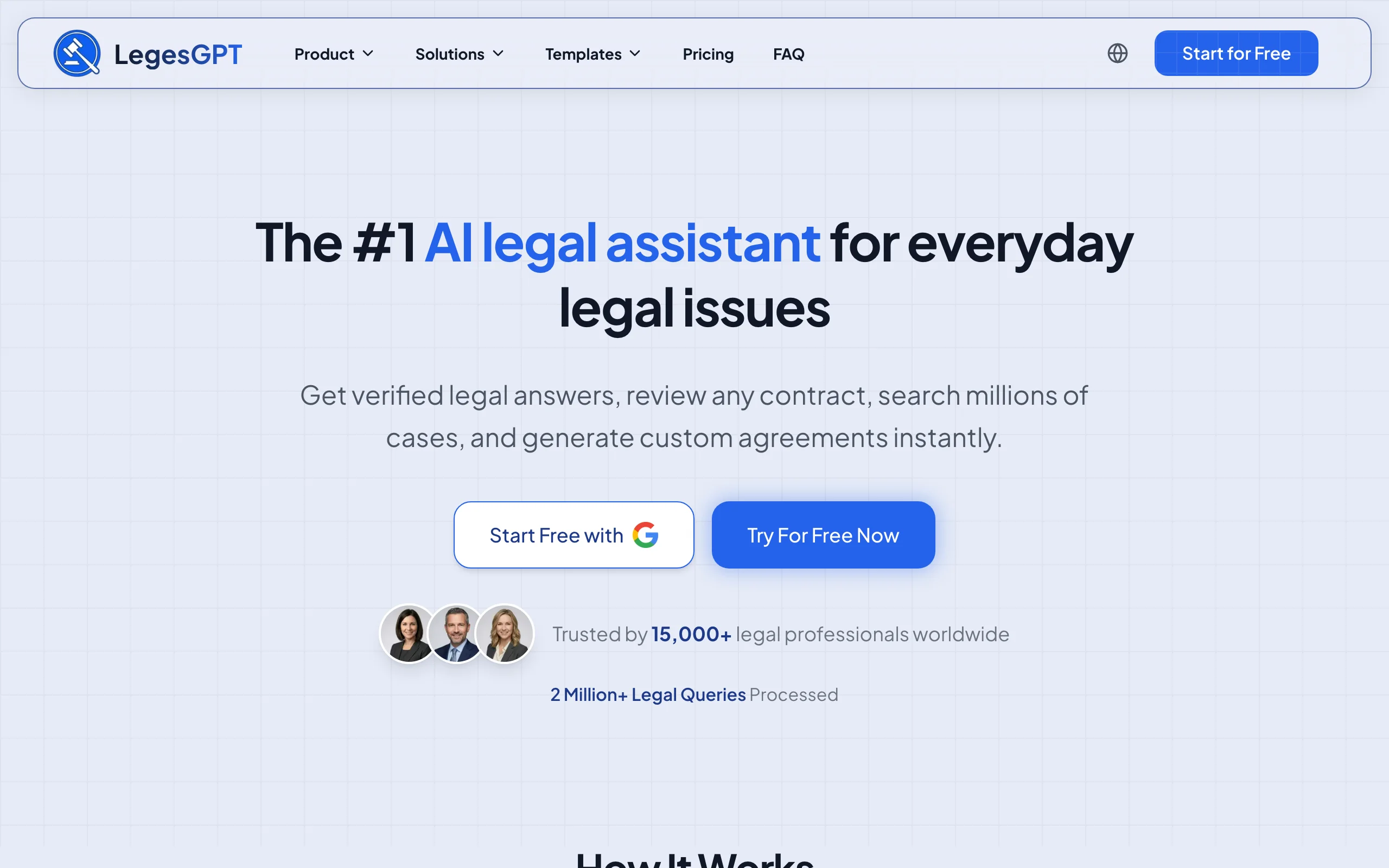
Two things make it stand out for contract practices. First, the breadth: research, drafting, review, templates, and signing sit in one subscription, so a solo or small-firm lawyer does not need to stitch together a tool per workflow stage. Second, the price: the Plus plan costs less per month than many competitors charge per seat per week.
Key features:
- AI drafting from a plain-language description of the deal, with clause-level editing
- Document review that flags risks in counterparty paper and proposes replacement language
- 100+ attorney-drafted templates covering NDAs, service agreements, leases, and more
- Built-in e-signature to execute the final agreement
- Legal questions answered with verified citations, useful when a clause raises a law question mid-review
- Deep Research mode and web search on the Premium plan for harder questions
Best for:
- Solo practitioners and small firms whose caseload is drafting and reviewing client contracts
- Lawyers who want drafting, review, and signing in one tool instead of a per-seat enterprise stack
Pricing:
- Basic: $19.99/month for unlimited AI queries, case law and statute search, citation verification
- Plus: $49.99/month adds document upload and 50 document reviews per month
- Premium: $99.99/month adds unlimited document review, Deep Research, and web search
- 3-day trial for $1; 30% off with annual billing
Pros:
- The full contract loop (draft, review, redline suggestions, sign) in one subscription
- A fraction of the cost of enterprise contract AI, with no seat minimums or sales calls
- Proposed changes, not just flags, so review output is closer to a finished markup
Cons:
- Web-only: there is no Microsoft Word add-in, mobile app, or API, so lawyers who live in Word will switch windows
- No contract repository or approval workflows, so it does not replace a CLM like Juro for managing hundreds of live contracts
Spot risky clauses before you sign
LegesGPT scans any contract clause-by-clause, flags one-sided and missing terms, and backs every finding with a citation you can check.
Review a contract2. Juro, best for intake, triage, and execution
The workflow starts before any lawyer touches a document: someone in sales or HR needs a contract, and how that request gets triaged determines whether legal becomes a bottleneck. Juro owns that front door. It is a browser-based contract lifecycle platform where business teams self-serve routine agreements from approved templates, requests route through approval workflows, negotiation happens in the browser, and native e-signature closes the loop. Executed contracts land in a searchable repository with key dates and terms extracted automatically.
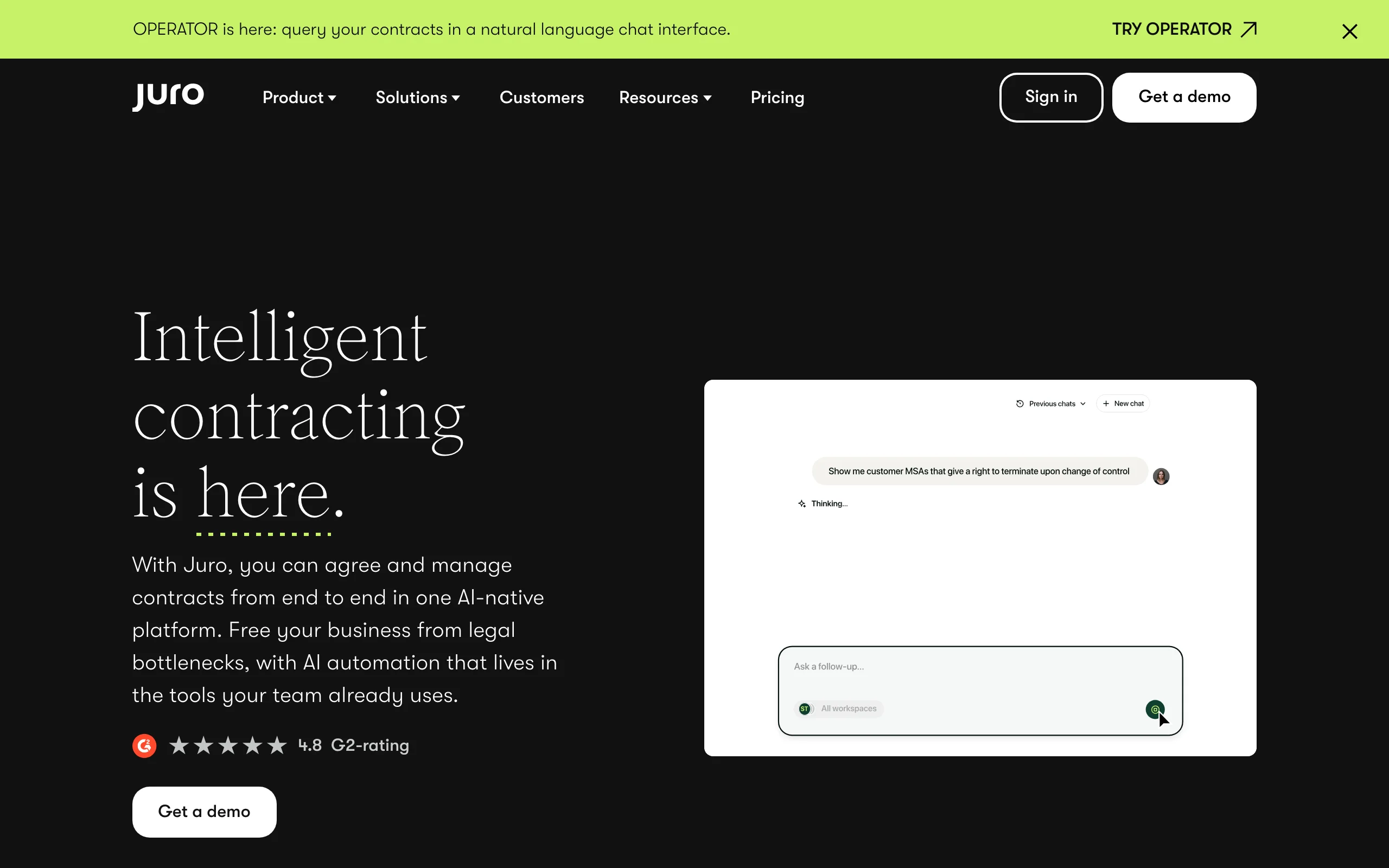
Juro's AI can draft, review, and extract data from agreements inside that workflow, but the reason to buy it is the process around the contract, not the text of it. All plans include unlimited users, which suits companies where non-lawyers create most routine paper.
Key features:
- Self-serve templates so business teams generate routine contracts without legal
- Approval workflows, in-browser negotiation, and native e-signature
- AI drafting, review, and data extraction built into the contract workflow
- Searchable repository with automatic extraction of dates, values, and renewal terms
- Unlimited users, workflows, and templates on every plan
Best for:
- In-house teams that own the company's contracting process end to end
- Legal teams drowning in intake requests for routine, template-able agreements
Pricing:
- Custom pricing based on contract volume and selected AI capabilities; no public price list
Pros:
- Solves intake, approvals, storage, and renewals, the stages a drafting tool never touches
- Unlimited seats make it economical for company-wide rollout
Cons:
- Heavier than a drafting tool; overkill if you only need help reviewing and marking up documents
- Custom-quoted annual pricing puts it out of casual reach for solos and small firms
3. Spellbook, best for first drafts in Word
Once a matter clears intake, someone has to produce the first draft, and for most transactional lawyers that happens in Microsoft Word. Spellbook is one of the most widely adopted AI add-ins for exactly that stage. It reviews the agreement you have open, suggests clause language, benchmarks terms against market standards, and generates redlines in place. Its Associate agent extends that to multi-document tasks, such as reviewing a set of related deal documents together.
For a lawyer whose entire day happens in Word, that zero-context-switch design is the pitch. The trade-off is that Spellbook is a drafting and review layer, not a research tool or a place to manage executed contracts. If drafting is your main bottleneck, we compare a wider field in our guide to the best AI contract drafting tools.
Key features:
- Clause suggestions and drafting assistance directly inside Microsoft Word
- Redline generation and review comments on counterparty paper
- Benchmarking of terms against market-standard language
- Playbooks that apply your firm's preferred positions during review
- Associate agent for multi-document review and drafting tasks
Best for:
- Transactional lawyers and small legal teams who draft and negotiate in Word all day
- Firms that want AI guardrails on associate-drafted agreements
Pricing:
- Custom, per-user pricing set through a demo; no public price list
- 7-day free trial
Pros:
- Polished Word integration, so there is no new interface to learn
- Playbooks keep review output consistent with firm positions
Cons:
- Pricing is opaque and quoted per seat, which adds up for small firms
- Scope is limited to drafting and review; no legal research, repository, or e-signature
4. LexCheck, best for review and risk analysis
The riskiest stage of the workflow is reviewing the other side's paper, because that is where a missed clause becomes a client problem. LexCheck specializes in it. Upload your own templates and it automatically captures your preferred positions into a playbook; from then on, it reviews counterparty contracts inside Microsoft Word, explains why specific language is potentially problematic, and applies your preferred fallback language rather than leaving you to rewrite each flag by hand. LexCheck reports customers cut legal cost per contract review by more than half, with deals signed in days instead of weeks.
That explain-then-fix pattern makes it a strong dedicated reviewer for teams that see enough counterparty paper to justify a playbook. It is a specialist, though: it does not draft from scratch, answer research questions, or store executed agreements. For a deeper look at this category, see our roundup of the best AI contract review software.
Key features:
- Automatic playbook creation from your own templates, with self-serve updates and fallback language
- Clause-level risk flags with plain explanations of why the language is problematic
- One-step application of your preferred language to fix flagged terms
- Works inside Microsoft Word, so review happens where the document already lives
Best for:
- Legal teams that review recurring counterparty contracts against defined positions
- Enterprises that want unlimited users and volume under one predictable annual fee
Pricing:
- Flat yearly subscription per contract playbook, including unlimited users, unlimited volume, implementation, and support; no setup fee
- No public dollar figures; quotes come through a demo, and the site offers a free-access option to try the platform
Pros:
- Playbook setup from your own templates, so the tool negotiates from your positions on day one
- Per-playbook pricing means adding reviewers costs nothing, unusual in a per-seat market
Cons:
- Scoped to review and negotiation; no drafting from scratch, research, or repository
- Undisclosed pricing and an enterprise sales motion make quick evaluation harder
5. Ivo, best for negotiation and markup at volume
Review tells you what is wrong; negotiation is the grind of actually pushing redlines until both sides sign. Ivo is built for that stage at in-house volume. Legal teams feed it NDAs, MSAs, DPAs, and vendor paper, and it applies the company's playbook positions, makes the edits with tracked changes, and explains its reasoning on each one. It works where the documents already live, including Microsoft Word.
For a lawyer inside a company who sees the same third-party paper every day, Ivo's depth on playbook-driven markup is the appeal, and the difference from LexCheck is emphasis: Ivo is tuned for throughput on high-volume queues. It is not aimed at law firms billing by the matter, and there is no self-serve way to try it.
Key features:
- Playbook-based review that applies your standard positions automatically
- Automated redlining with tracked changes and explanations for each edit
- Term and obligation extraction across contract sets for reporting
- Works in Microsoft Word, Google Docs, and on the web
Best for:
- In-house legal teams negotiating recurring counterparty paper at volume
- Legal ops leaders trying to cut contract turnaround time without adding headcount
Pricing:
- Custom, annual contracts with volume-based pricing; no published rates
- Demo required before onboarding; no self-serve trial
Pros:
- Deep, playbook-first markup rather than generic clause flags
- Built for throughput, which shows in high-volume NDA and vendor-contract queues
Cons:
- No self-serve trial or public pricing, so evaluation requires a sales process
- Scoped to in-house review workflows; law firms and solo lawyers are not the target user
6. Sirion, best for post-signature management
Signing is where most contract tools stop, and where Sirion starts. It is an AI-native contract lifecycle platform whose reputation was built on the post-signature stage: it extracts more than 1,200 fields, including obligations, tables, and images, from executed agreements, then tracks commitments, milestones, compliance, and supplier performance against what the contract actually says. Its AskSirion agents let users query the repository and run lifecycle tasks conversationally, and the platform syncs contract data into ERP and CRM systems such as SAP, Oracle, and Salesforce.
For a lawyer managing a large company's live agreements, that is the stage where value leaks silently: missed renewal windows, unenforced service credits, obligations nobody tracked. Sirion turns the executed contract into structured data the business can act on, the same job the broader category of contract analysis software tackles at smaller scale. It is unambiguously an enterprise product, with implementation and pricing to match.
Key features:
- AI extraction of 1,200+ fields, including obligations, clauses, and dependencies, from executed contracts
- Obligation tracking with monitoring of milestones, deliverables, and compliance
- Intelligent repository that makes executed agreements searchable and reportable
- AskSirion AI agents for conversational contract queries and lifecycle tasks
- Integrations with SAP, Oracle, Salesforce, Microsoft 365, and Slack
Best for:
- Large enterprises managing thousands of live contracts with real obligation exposure
- Legal and procurement teams that need supplier performance tracked against contract terms
Pricing:
- Custom enterprise pricing; no public rates, quotes through a demo
- Built for large-enterprise budgets and implementation timelines
Pros:
- The deepest post-signature capability on this list; most rivals stop at e-signature
- Extracted contract data flows into the ERP and CRM systems the business already runs on
Cons:
- Enterprise-scale implementation and cost; not a fit for solos, small firms, or small in-house teams
- Covers the lifecycle, not the lawyering: you still need a drafting and research tool alongside it
7. Genie AI, best low-cost entry point
Genie AI is the budget option on this list, and the only one with a genuinely free plan. The free tier includes AI document creation, review, and editing plus a library of 500+ templates. The $75/month Pro plan adds unlimited exports, redlining and negotiation features, and a larger AI allowance, and a $320/month Business tier covers five users with team playbooks.
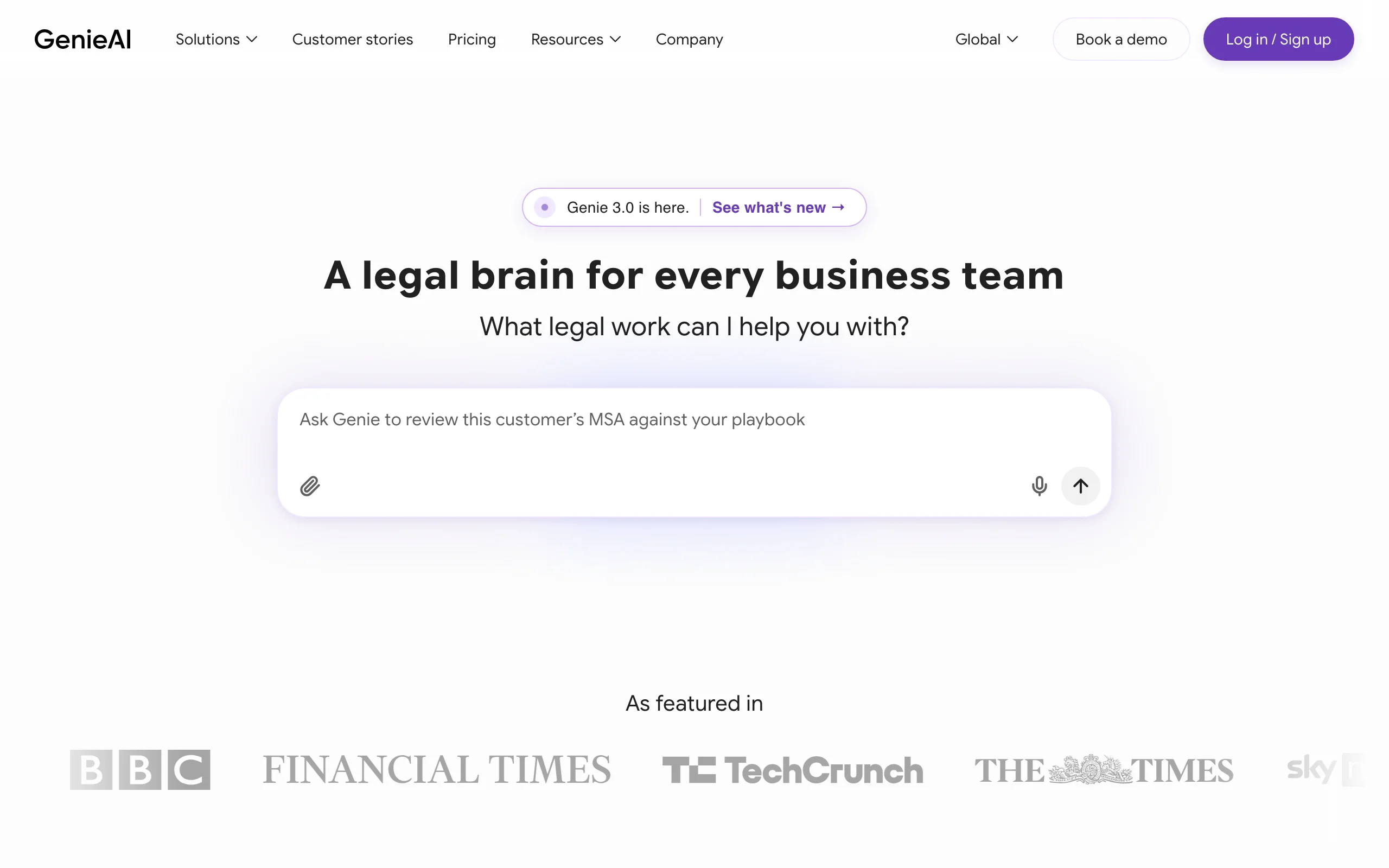
In workflow terms, Genie covers light drafting and review, the middle of the road, without the depth of a stage specialist. For a lawyer who touches contracts occasionally, or a startup founder handling their own paper before counsel gets involved, it is an easy way to start. Heavier contract practices tend to outgrow the token-based AI limits.
Key features:
- AI drafting, review, and redlining in a browser-based editor
- 500+ contract and legal document templates
- PDF and Word import for reviewing existing agreements
- Team playbooks and negotiation rules on paid tiers
- Multi-jurisdiction coverage on the Enterprise plan
Best for:
- Lawyers and founders with occasional contract needs and a tight budget
- Testing AI-assisted drafting before committing to a paid stack
Pricing:
- Free plan: $0, with AI document toolkit and 500+ templates
- Pro: $75/month for one user; Business: $320/month for five users; Enterprise from $600/month, billed annually
Pros:
- Free plan with real functionality, not just a teaser
- Transparent self-serve pricing, rare in this category
Cons:
- Token-based AI limits (roughly five documents per month on Pro) constrain heavy users
- Lighter risk analysis than dedicated review tools; no legal research capability
How to choose the best AI tools for contract lawyers
Start from your workflow, not from feature lists. Four questions narrow the field quickly.
1) Which stage of the contract workflow is your bottleneck?
- Intake and triage swamping the team: Juro puts routine agreements on self-serve rails. Law firms automating routine client agreements should also see our roundup of contract automation software for law firms.
- First drafts eating your evenings: Spellbook if you draft in Word, LegesGPT or Genie AI in the browser.
- Counterparty review is the risk: LexCheck for playbook-driven analysis, LegesGPT for review with proposed fixes on a solo budget.
- Redline volume: Ivo is built for high-throughput negotiation queues.
- Post-signature leakage (missed renewals, untracked obligations): Sirion, if you have enterprise scale to justify it.
- More than one stage hurts and the budget is yours alone: LegesGPT covers draft, review, and sign in one subscription.
2) Do you live in Microsoft Word or a browser?
- If your drafting happens in Word and you refuse to leave it: Spellbook for drafting, LexCheck for review, and Ivo all work in the add-in world.
- If you are happy in a browser tab: LegesGPT covers drafting, review, and signing without an add-in, and Juro runs its whole workflow in the browser.
3) Is the job individual matters or a company's contract pipeline?
- If you draft and review discrete agreements for clients: LegesGPT or Spellbook fit the matter-based rhythm of firm practice.
- If you manage recurring counterparty paper or company-wide contracting: Ivo and LexCheck handle playbook work at volume, Juro adds intake and approvals, and Sirion takes over after signature.
4) What does the budget allow?
- Under $100/month, self-serve: LegesGPT starts at $19.99/month with the full loop at $49.99, and Genie AI has a free tier. Do the math against one billable hour saved per month; most contract lawyers clear that bar in the first week.
- Enterprise budget with procurement: Juro, LexCheck, Ivo, and Sirion are all custom-quoted annual contracts, so plan for a sales cycle.
Whatever you shortlist, run the same test: take three of your own recent agreements, including one messy counterparty draft, and put them through each tool's trial. How each one handles your paper tells you more than any feature list. Keep a contract review checklist next to the output so you can judge what the AI caught and what it missed, and remember that every draft still needs a lawyer's final read before it goes out.
Frequently Asked Questions
What are the best AI tools for contract lawyers in 2026?
LegesGPT is the best overall pick, covering drafting, risk-flagging review, templates, and e-signature from $19.99/month. The rest of the field maps to workflow stages: Juro for intake and execution, Spellbook for drafting in Word, LexCheck for review and risk analysis, Ivo for high-volume negotiation, Sirion for post-signature management, and Genie AI as the budget option.
Which stage of contract work should I automate first?
The stage where you lose the most hours or carry the most risk. For most solo and small-firm lawyers that is review of counterparty paper, followed by first drafts; for in-house teams it is usually intake volume or negotiation throughput. Fix one stage, measure the hours saved, then extend, rather than buying a platform for every stage at once.
Can AI draft a contract that is safe to send to a client?
AI produces a strong first draft, not a finished one. Tools like LegesGPT generate jurisdiction-aware drafts from a plain-language description, but a lawyer still needs to verify the terms match the deal, check governing-law specifics, and read the final version before it goes out. Treat AI output as work from a fast junior you always review.
What is the cheapest AI tool for contract lawyers?
Genie AI has a free plan with basic AI drafting and 500+ templates, though token limits constrain heavy use. For a working contract practice, LegesGPT is the cheapest full option: $19.99/month for research and drafting help, or $49.99/month to add document upload and 50 contract reviews per month.
Do I need a Microsoft Word add-in to use AI for contract work?
No. Word add-ins like Spellbook and LexCheck are convenient if your documents live in Word all day, but browser-based tools like LegesGPT and Juro handle drafting, review, and signing without any installation. The right answer depends on where your documents live, not on the AI quality.
What is the difference between an AI contract review tool and a CLM?
A review tool like LexCheck or Ivo analyzes and marks up individual contracts before signature. A contract lifecycle management platform manages the process around them: Juro covers intake, approvals, signing, and storage, while Sirion focuses on what happens after signature, tracking obligations and performance. Firms handling discrete matters usually need review and drafting; companies managing hundreds of live agreements need a CLM.
Is it safe to upload client contracts to an AI tool?
Use a tool built for legal work rather than a consumer chatbot, and check that it does not train on your data. Review the vendor's security posture and confidentiality terms, redact what a matter requires, and confirm your bar's guidance on client confidentiality. Purpose-built legal AI tools are designed around these obligations; free general-purpose chatbots often are not.
If I mainly draft and review contracts for clients, what should I use?
Start with LegesGPT. It covers the whole loop, drafting from a plain-language description, reviewing counterparty paper with flagged risks and proposed changes, 100+ attorney-drafted templates, and e-signature, for $49.99/month on the Plus plan. The 3-day trial costs $1, so you can test it on your own agreements before committing. If you want to see the drafting side first, you can draft contracts with AI and judge the clause quality yourself, run an AI contract analysis on a live counterparty draft, or start from legal contract templates instead of a blank page. <leges-cta preset="trial"></leges-cta>