
Somewhere in your contract stack right now there is an auto-renewal you forgot about, an indemnity clause nobody capped, and an obligation with a deadline attached. Contract analysis software finds those things for you: it reads agreements, extracts key terms, flags risks, and answers questions about what you actually signed, in minutes instead of billable afternoons.
In this guide we compare seven contract analysis software tools for legal teams and law firms, with verified pricing, standout features, honest cons, and a decision framework for picking the right one.
One clarification before the list. Contract analysis pulls insights, risks, and data out of agreements, whether that is one contract or a whole portfolio. Contract review is the narrower job of redlining a single agreement before you sign it. If redlining is your main workflow, our guide to the best AI contract review software covers that category in depth.
Best contract analysis software: a brief overview
- LegesGPT: Best overall for self-serve contract analysis. Upload a contract and get identified risks, flagged clauses with proposed fixes, and plain-language summaries from $19.99/mo, no sales call required.
- Kira (Litera): Best for large-scale due diligence at law firms. Extracts clauses and data points from thousands of documents in M&A and portfolio projects.
- Luminance: Best for enterprise legal departments that want analysis, negotiation, and compliance monitoring in one platform.
- Spellbook: Best for lawyers who want contract analysis inside Microsoft Word, with redlines, benchmarking, and cited answers in the document itself.
- LexCheck: Best for playbook-driven negotiation at volume. Applies your preferred positions to incoming contracts automatically.
- Workday Contract Intelligence (Evisort): Best for enterprises that need contract data flowing into business systems like Salesforce, SharePoint, and Workday itself.
- ThoughtRiver: Best for pre-signature risk triage in high-volume in-house teams, with a genuinely long 28-day free trial.
| Tool | Best for | Starting price | Free trial | Platform |
|---|---|---|---|---|
| LegesGPT | Self-serve analysis, solo to mid-size teams | From $19.99/mo | 3-day, $1 | Web |
| Kira (Litera) | Large-scale due diligence extraction | Custom | Demo only | Web |
| Luminance | Enterprise legal departments | Custom | Demo only | Web |
| Spellbook | Analysis inside Microsoft Word | Custom | 7-day | Word add-in + web |
| LexCheck | Playbook-driven negotiation at volume | Custom (flat annual, per playbook) | Free trial | Word add-in |
| Workday Contract Intelligence | Contract data across business systems | Custom | Demo only | Web |
| ThoughtRiver | Pre-signature risk triage | From £15,000/yr | 28-day | Word add-in + web |
1. LegesGPT, best overall for self-serve contract analysis
LegesGPT takes the opposite approach to the enterprise platforms on this list. There is no procurement cycle, no pilot phase, and no annual minimum. You sign up, upload a contract (PDF, DOCX, PPTX, TXT, or even an image), and get an analysis in minutes: identified risks, problematic clauses flagged with proposed replacement language, and a plain-language summary you can forward to a client or a business stakeholder.
Because the analysis is conversational, clause extraction works by simply asking. Who are the parties, what triggers termination, is there an arbitration clause, what does the non-disclosure agreement actually restrict, where does liability land if there is a breach of contract. You get direct answers pulled from the document instead of hunting through defined terms.
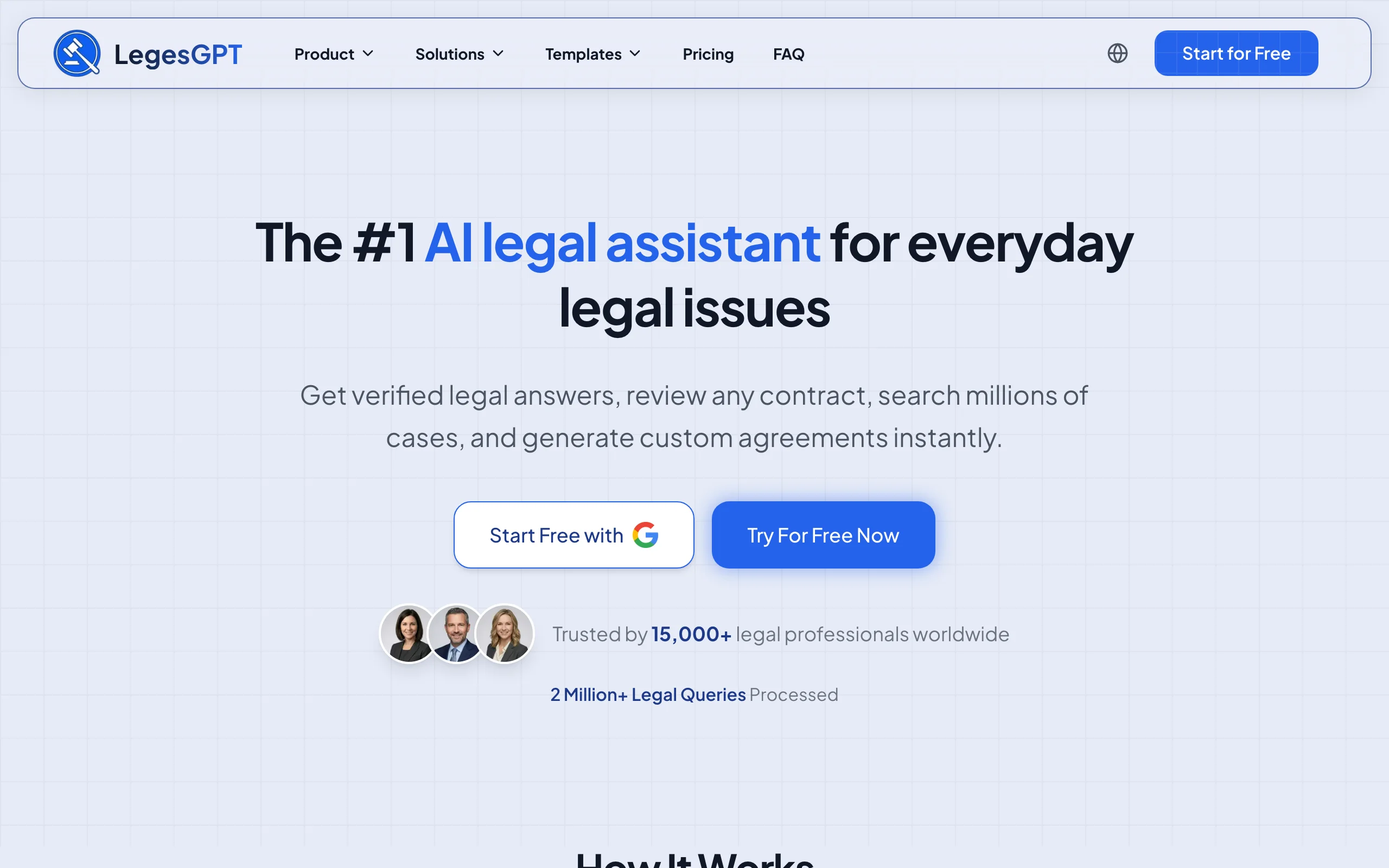
The same subscription also lets you review contracts with AI before signing, draft new agreements, send them for e-signature, and research case law with verified citations, so analysis is one step in a complete workflow rather than a standalone tool.
Key features:
- Risk identification that flags problematic clauses and proposes concrete changes
- Plain-language summaries of dense agreements
- Clause and term extraction by asking questions in plain English
- Supports PDF, DOCX, PPTX, TXT, and image uploads
- Deep Research mode and web search for multi-step questions on recent legal developments
- AI drafting, e-signature, and case law search in the same subscription
Best for:
- Solo practitioners and firms of 2 to 50 attorneys analyzing contracts without an enterprise budget
- In-house counsel and legal ops teams who need answers today, not after a sales cycle
- Businesses analyzing their own vendor, employment, and customer agreements
Pricing:
- Basic: $19.99/mo for unlimited AI legal questions and case law search (no document upload)
- Plus: $49.99/mo adds document upload and 50 document reviews per month
- Premium: $99.99/mo adds unlimited document reviews, Deep Research, and web search
- 3-day trial for $1; roughly 30% off with annual billing
Pros:
- You can be analyzing your first contract minutes after signing up
- A fraction of the cost of enterprise contract analysis platforms
- Proposed fixes, not just flags, so the output is directly actionable
- Full workflow coverage: analyze, draft, sign, and research in one place
Cons:
- Web-only: no Word add-in or public API, so it will not plug into bulk data pipelines
- Built for document-by-document analysis rather than portfolio-wide dashboards across thousands of legacy contracts
Review any contract in seconds
Upload a contract and LegesGPT flags risky clauses, surfaces obligations and deadlines, and answers questions with citations you can verify.
Try AI document review2. Kira (Litera), best for large-scale due diligence at law firms
Kira is the tool most large law firms reach for when a deal team needs to analyze thousands of contracts in a data room. Litera's platform combines proprietary extraction models with generative AI, and the vendor claims 90%+ accuracy in extractions. Its core strength is pulling specific clauses and data points (change-of-control provisions, assignment restrictions, termination rights) out of huge document sets and organizing them into a reviewable grid.
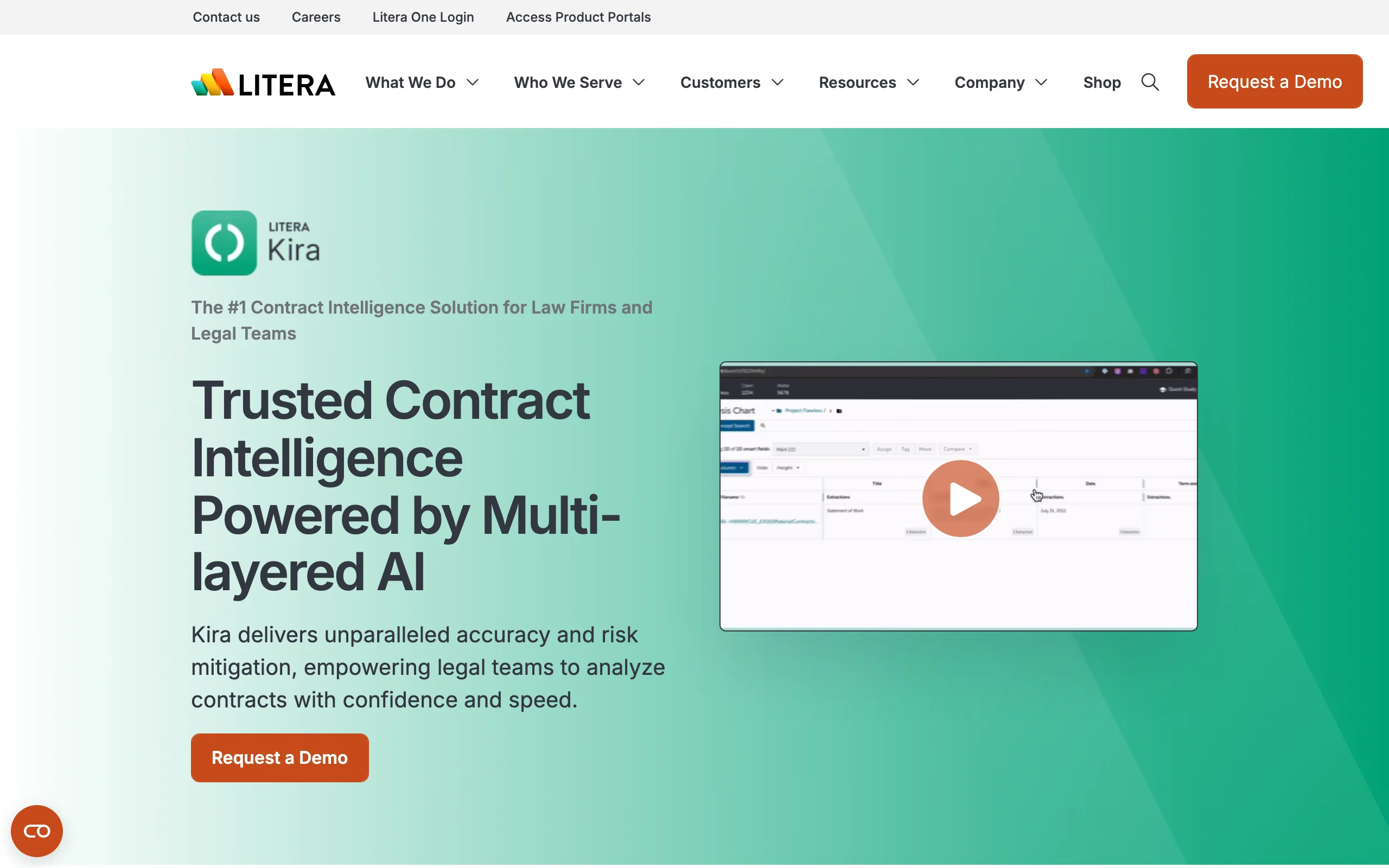
Recent releases added Generative Smart Fields, which let you create new extraction fields by describing them in natural language instead of training on example documents, and Grid Chat for asking questions across an entire document set.
Key features:
- Clause and data-point extraction across thousands of documents
- Generative Smart Fields: define custom extractions in natural language
- Grid Chat for natural-language questions across a whole project
- Bulk import with deduplication, comparison and redlines, exports to Word, Excel, and PDF
- Per-project toggle for generative AI, SOC 2 Type II security
Best for:
- M&A and corporate teams at law firms running due diligence on large document sets
- Firms with dedicated knowledge or innovation staff to manage projects
Pricing:
- Custom pricing only, scaled to users and document volume; no figures published
- No self-serve trial; access starts with a demo and sales process
Pros:
- Purpose-built for high-volume extraction, which lighter tools cannot match
- Mature, widely adopted in BigLaw, with strong export and workflow tooling
Cons:
- Opaque pricing and an enterprise sales cycle put it out of reach for small firms
- Focused on extraction and analysis, not drafting or signing
3. Luminance, best for enterprise legal departments
Luminance positions itself as a full contract platform for corporate legal teams, and contract analysis is its foundation. The Analyze module gives granular insight into every contract a business holds, tracking renewal dates, obligations, and risks in real time, while the Negotiate module flags non-standard clauses and suggests compliant alternatives during markup.
The appeal is breadth: one platform covers analysis, drafting, negotiation, compliance monitoring, and investigation-style document review, so a legal department can standardize on a single vendor.
Key features:
- Portfolio-wide analysis of obligations, renewal dates, and risk
- Flags non-standard clauses and proposes compliant alternatives
- Compliance monitoring against regulatory requirements
- Drafting, workflow routing, and collaboration modules on the same platform
Best for:
- Corporate legal departments that want one platform across the contract lifecycle
- Compliance-heavy industries that need continuous monitoring, not one-off analysis
Pricing:
- Custom, module-based pricing; nothing is published and quotes scale with team size
- No advertised free trial; evaluation runs through demos and proof-of-concept phases
Pros:
- Strong end-to-end coverage for a legal department standardizing on one vendor
- Real-time visibility across an entire contract estate, not just single documents
Cons:
- Undisclosed enterprise pricing and a weeks-long evaluation process
- Overkill if you mainly need to analyze individual contracts on demand
4. Spellbook, best for contract analysis inside Microsoft Word
Spellbook lives where many lawyers already work: inside Microsoft Word. Its Review capability redlines contracts and catches risks in the open document, Compare benchmarks terms against industry standards, and Ask answers questions about the agreement with citations. Playbooks encode your standard positions, and the Associate feature handles multi-document workflows.
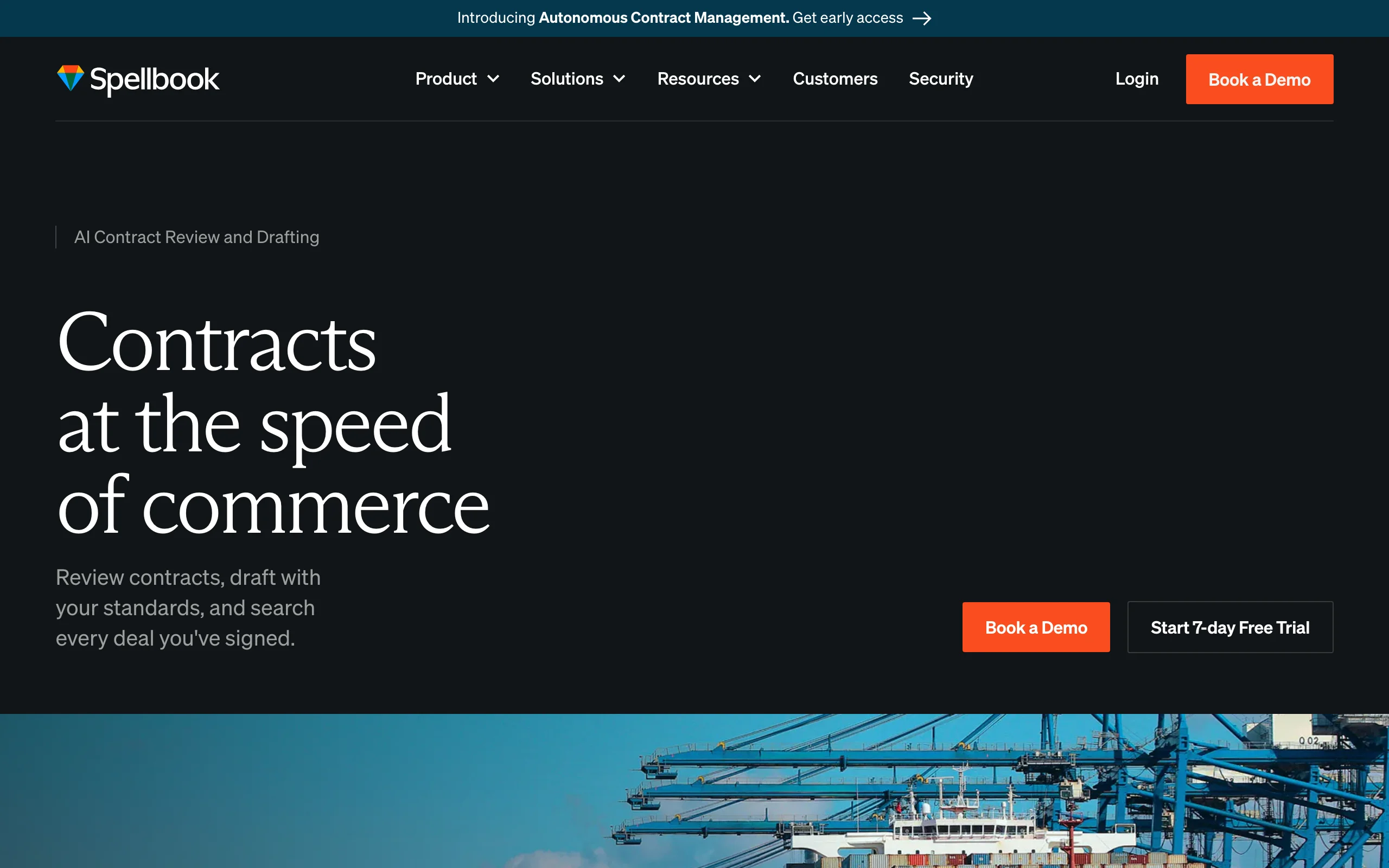
For transactional lawyers who spend the day in Word, the zero-context-switch experience is the pitch: analysis, markup, and drafting happen in the same window as the contract itself.
Key features:
- Word add-in that redlines and catches risks without leaving the document
- Compare feature benchmarks contract terms against industry standards
- Ask returns cited answers about the agreement in front of you
- Playbooks encode firm or company standards; Associate runs multi-document workflows
Best for:
- Transactional lawyers and in-house counsel who draft and mark up in Word all day
- Teams that want drafting and analysis in one add-in rather than a separate platform
Pricing:
- Custom, seat-based quotes; no pricing published
- 7-day free trial with self-serve signup
Pros:
- No workflow change: the AI works inside the document you are already editing
- Self-serve trial is rare among legal AI vendors at this level
Cons:
- Pricing requires a quote, which makes budgeting harder for small teams
- Word-centric design is less suited to analyzing large contract portfolios at once
5. LexCheck, best for playbook-driven negotiation at volume
LexCheck automates the first pass of contract negotiation. You upload your playbook (your preferred positions and fallbacks), and LexCheck applies it to incoming third-party paper inside Microsoft Word: flagging problematic language, explaining why it is a problem, and inserting your preferred redlines. The vendor says playbooks upload and calibrate in minutes rather than through long implementations.
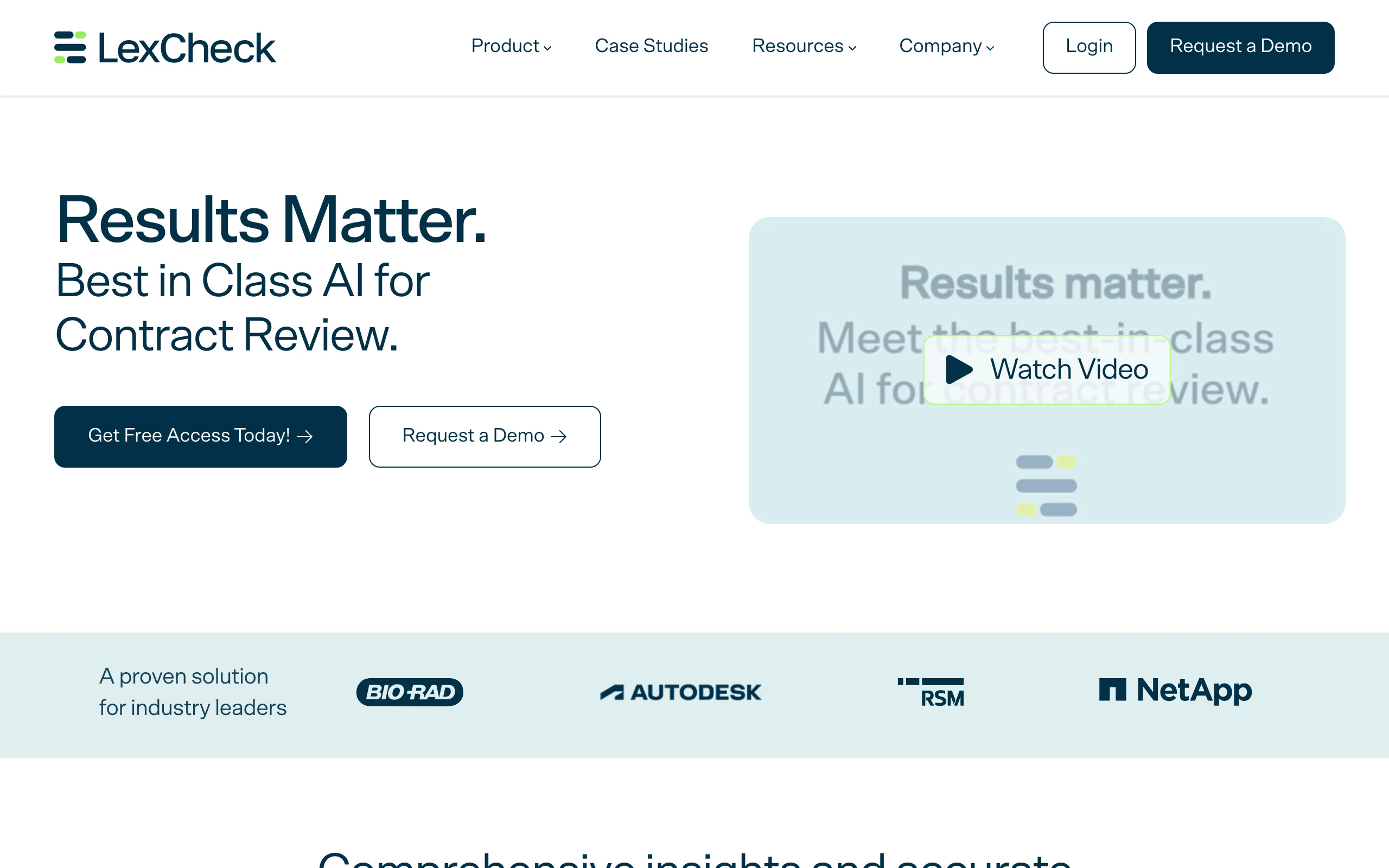
This makes it a fit for teams that negotiate the same contract types repeatedly, such as NDAs, vendor agreements, and sales contracts, and want every first-turn markup to match house positions.
Key features:
- Applies your negotiation playbook to incoming contracts automatically
- Explains why flagged language is problematic instead of just highlighting it
- Inserts preferred redline language in Microsoft Word
- Self-serve playbook updates without vendor involvement
Best for:
- In-house teams negotiating high volumes of repeat paper (NDAs, procurement, sales)
- Legal teams standardizing first-pass markup across a distributed group
Pricing:
- Custom: a flat annual fee per contract playbook, with unlimited users and volume (per the LawNext directory; LexCheck does not publish figures)
- Free trial offered through the website
Pros:
- Flat per-playbook pricing rewards high volume; heavy users are not charged per seat
- Explanation-first flagging helps junior team members learn house positions
Cons:
- Value depends on maintaining good playbooks; thin playbooks mean thin analysis
- Scoped to negotiation workflows, not portfolio analytics or research
6. Workday Contract Intelligence (Evisort), best for contract data in business systems
Workday Contract Intelligence is what became of Evisort, one of the best-known contract analysis vendors, after Workday acquired it in September 2024. The product extracts terms from contracts with AI and OCR, tracks obligations and risks, and feeds that data into dashboards and the systems the rest of the business uses, syncing with Box, SharePoint, and Salesforce.
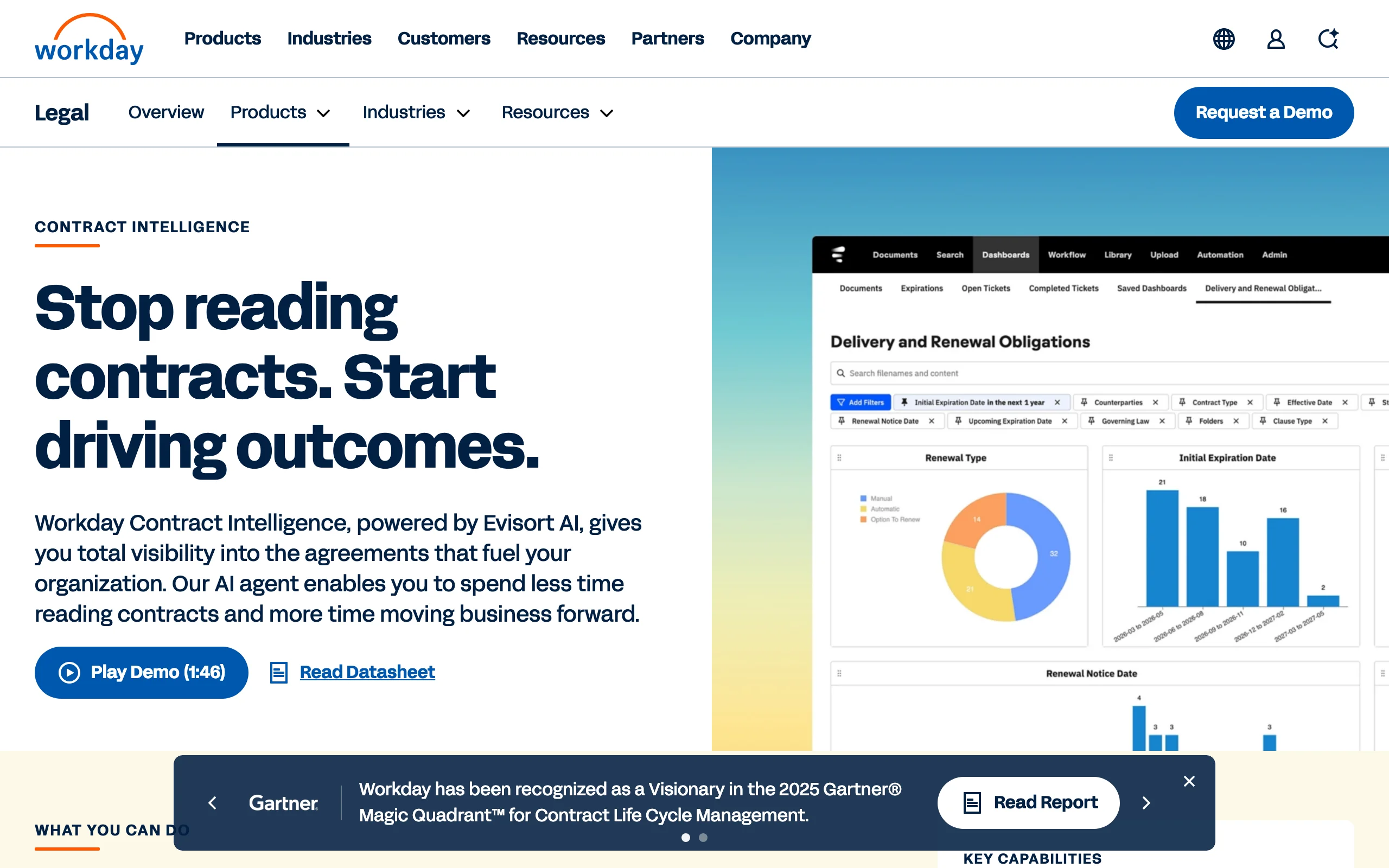
Its Ask AI capability lets legal and business teams query the entire repository in natural language, which turns a contract archive into something closer to a database.
Key features:
- AI and OCR extraction of terms across an entire contract repository
- Ask AI natural-language search across all contracts
- Custom AI models for tracking company-specific terms
- Obligation tracking, risk identification, and live dashboards
- Syncs with Box, SharePoint, and Salesforce
Best for:
- Enterprises, especially existing Workday customers, connecting contract data to finance and procurement
- Legal ops teams building reporting on obligations and renewals at scale
Pricing:
- Custom pricing through Workday sales; nothing is published
- No self-serve trial; evaluation via demo
Pros:
- Repository-wide intelligence with strong integrations into business systems
- Mature extraction technology with years of Evisort development behind it
Cons:
- Enterprise sales process and pricing opacity
- Post-acquisition, the product is increasingly oriented around the Workday ecosystem
7. ThoughtRiver, best for pre-signature risk triage
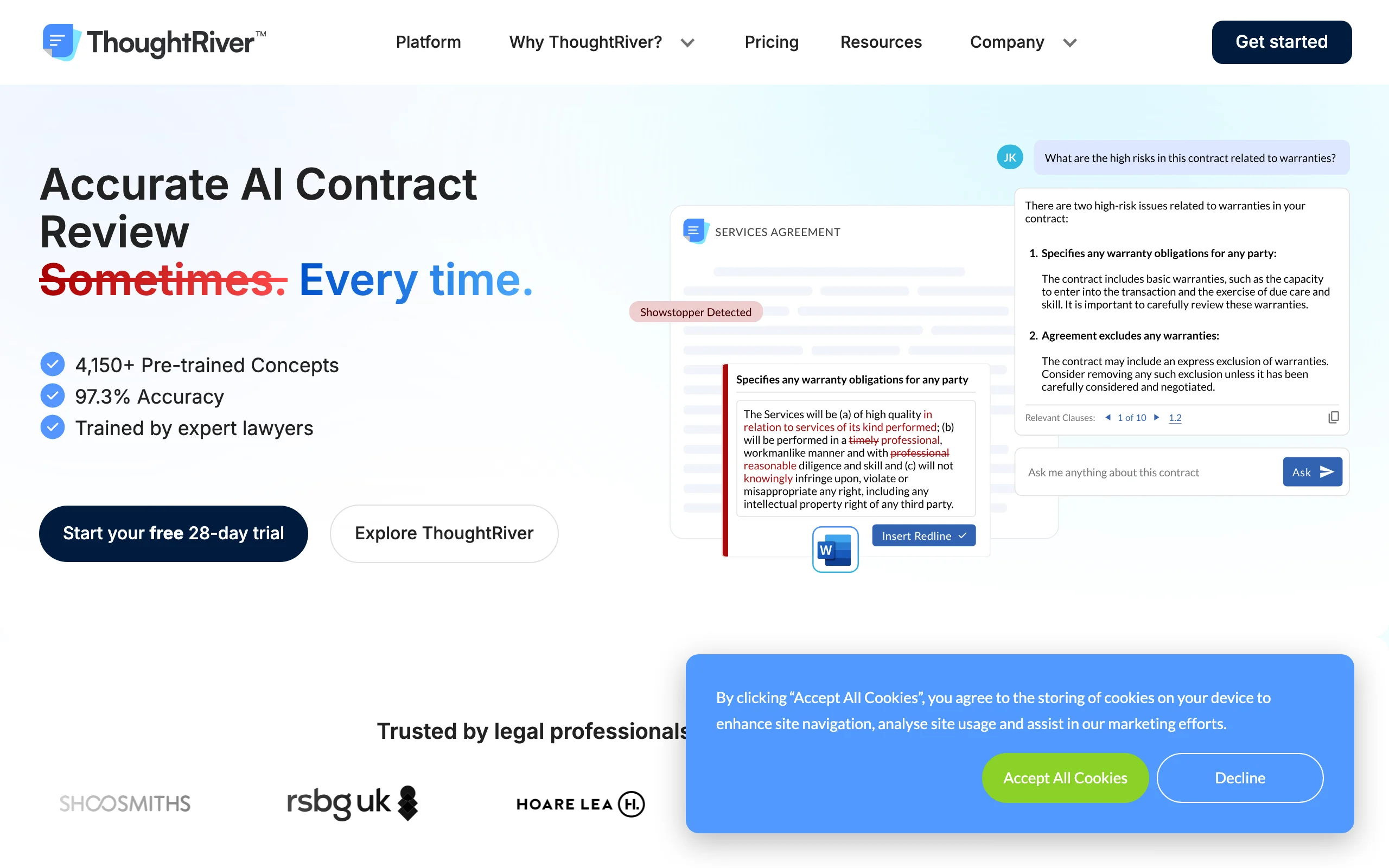
ThoughtRiver focuses on the moment a third-party contract lands in your inbox. It analyzes the document pre-signature, scores the risk, and generates a detailed issue list your team works through to resolution, cutting the triage step that usually decides whether legal becomes a bottleneck. It integrates with Microsoft Word through an add-in, and its 28-day free trial is the longest of any tool on this list.
Key features:
- Pre-signature analysis with risk scoring on incoming contracts
- Detailed issue lists managed through to resolution
- Microsoft Word add-in for working the issues in the document
- Unlimited users on enterprise plans
Best for:
- In-house teams triaging 20 or more inbound contracts a month
- Legal teams measured on turnaround time for sales and procurement paper
Pricing:
- Professional: from £15,000/year for teams reviewing 20 to 50 contracts monthly
- Enterprise: from £30,000/year for higher volumes
- Free 28-day trial
Pros:
- Published starting prices, unusual among enterprise legal AI vendors
- A four-week trial is long enough to test on real contract flow
Cons:
- Annual five-figure entry point is steep for small firms and solo practitioners
- Triage-focused: less useful for deep portfolio analytics or drafting
How to choose the best contract analysis software for your team
Four questions separate these tools quickly.
1) Are you analyzing single contracts or a whole portfolio?
- If your work is document-by-document (a vendor agreement today, an employment contract tomorrow): LegesGPT or Spellbook fit best, and both let you start without a sales call.
- If you need to extract data from thousands of contracts at once, for due diligence or repository analytics: Kira, Workday Contract Intelligence, or Luminance are built for that scale.
2) How much procurement can you tolerate?
- If you want to start this week on a self-serve budget: LegesGPT ($1 trial, from $19.99/mo), Spellbook (7-day trial), or ThoughtRiver (28-day trial, published pricing).
- If you have budget approval, an IT review process, and months to evaluate: Kira, Luminance, and Workday Contract Intelligence reward that investment at enterprise scale. Run the price-to-value math honestly; a five-figure annual platform needs a real contract volume to pay for itself.
3) Do you need to work inside Microsoft Word?
- If markup in Word is non-negotiable: Spellbook, LexCheck, and ThoughtRiver all ship Word add-ins.
- If a browser is fine (or preferred, with nothing to install): LegesGPT, Kira, Luminance, and Workday Contract Intelligence are web platforms.
4) Do you need analysis alone, or the full contract workflow?
- If analysis feeds a bigger workflow: LegesGPT covers the next steps too, from the analysis itself to the ability to draft contracts with AI and send them for e-signature. Luminance covers lifecycle needs at enterprise depth.
- If you have a contract lifecycle system already and only need the intelligence layer: Kira, LexCheck, or Workday Contract Intelligence slot in cleanly.
Whatever you shortlist, test with 3 to 5 of your own contracts, including at least one messy scanned document. Marketing demos use clean contracts; your files are the real benchmark.
Analyze your first contract for $1
Verified-citation answers, case law search, document review, AI drafting, and e-signature in one subscription. 3-day trial for $1, cancel anytime.
Start the $1 trialFrequently Asked Questions
What is contract analysis software?
Contract analysis software uses AI to read agreements and surface what matters: key terms, obligations, deadlines, risks, and non-standard clauses. Instead of a lawyer manually skimming every page, the software extracts and organizes that information in minutes, across one contract or thousands.
What is the difference between contract analysis and contract review software?
Contract analysis is about extraction and insight: pulling terms, risks, and data out of agreements, often across many documents. Contract review is the narrower pre-signature task of redlining a single agreement. Many tools do both, but the emphasis differs; Kira leans analysis, LexCheck leans negotiation-side markup, and LegesGPT covers both in one subscription.
How accurate is AI contract analysis?
Good tools are accurate enough to do the first pass reliably; Litera, for example, claims 90%+ extraction accuracy for Kira. No vendor claims perfection, and none should. Treat the output as a fast, thorough first pass that a qualified person spot-checks, especially on high-stakes agreements.
What is the cheapest contract analysis software?
Among tools with published pricing, LegesGPT is the most affordable: plans start at $19.99/mo, and document upload with 50 reviews per month starts at $49.99/mo on Plus. Most enterprise platforms in this category run five figures annually. There is no meaningful free tier in this market; LegesGPT offers a 3-day trial for $1.
Can contract analysis software handle thousands of contracts at once?
The enterprise platforms can. Kira was built for exactly that in due diligence, and Workday Contract Intelligence and Luminance analyze entire repositories with dashboards on top. Self-serve tools like LegesGPT and Spellbook work document by document, which suits everyday legal work but not bulk portfolio projects.
Do I need a Word add-in to analyze contracts with AI?
Only if your workflow demands markup inside Word; Spellbook, LexCheck, and ThoughtRiver serve that preference. Web-based tools have their own advantage: nothing to install, no IT approval, and analysis that works the same on any machine. Plenty of AI for lawyers now runs entirely in the browser.
Is it safe to upload contracts to AI analysis software?
Established vendors encrypt documents and state that customer data is not used to train models; Kira, for instance, is SOC 2 Type II certified and does not train on client data. Read each vendor's security page and data-processing terms before uploading, and confirm your engagement letters or company policy permit third-party processing.
If I mainly need to find risks and key terms in contracts, what should I use?
Start with LegesGPT. It identifies risks, flags problematic clauses with proposed changes, extracts key terms through plain-English questions, and summarizes agreements in plain language, all self-serve from $19.99/mo with a 3-day $1 trial. If it turns out you need portfolio-scale extraction later, you will know exactly what to demand from an enterprise demo.