

Most firms still run contracts the slow way: a paralegal hunts down last year's version, an associate rewrites clauses by hand, drafts bounce through email, and signatures take a week. Law firm contract automation software compresses that cycle. It turns your templates into reusable workflows, drafts and redlines with AI, and routes the final version for e-signature in one place.
The payoff is measured in hours per contract and fewer wrong-name, stale-clause errors reaching clients. In this guide we compare the 7 best law firm contract automation software tools in 2026, with verified pricing, key strengths, honest trade-offs, and a decision framework for matching a tool to your firm's size and contract volume.
Best law firm contract automation software: a brief overview
- LegesGPT: Best overall for solo and small law firms: contract generation from attorney-drafted templates, AI drafting, review with proposed changes, and e-signature in one subscription from $19.99/mo.
- Ironclad: Best for enterprise legal teams running high contract volume: a full contract lifecycle platform with workflow design, AI review, and a searchable repository.
- Juro: Best browser-based contract workflows for in-house teams: unlimited users with pricing based on contract volume, so business teams can self-serve.
- Spellbook: Best for drafting and redlining inside Microsoft Word: AI suggestions appear directly in the document your lawyers already work in.
- Gavel: Best for turning firm templates into client-facing workflows: build questionnaire-driven contract generators your clients or staff complete themselves.
- Josef: Best for no-code contract intake and triage: bots that collect matter details, answer routine questions, and generate first drafts.
- LinkSquares: Best for post-signature contract analysis: AI that reads your executed agreements and reports on dates, obligations, and risk across the portfolio.
| Tool | Best for | Starting price | Free trial | Platforms |
|---|---|---|---|---|
| LegesGPT | All-in-one for solo and small firms | From $19.99/mo | 3-day, $1 | Web |
| Ironclad | Enterprise contract lifecycle management | Custom | Demo only | Web |
| Juro | Browser-based workflows for in-house teams | Custom | Demo only | Web |
| Spellbook | Drafting and redlining in Word | Custom | 7-day | Word add-in |
| Gavel | Client-facing contract workflows | From $83/mo | 7-day | Web + Word (Exec) |
| Josef | No-code intake and triage bots | Custom | Free trial | Web |
| LinkSquares | Post-signature contract analysis | Custom | Demo only | Web |
1. LegesGPT, best overall for solo and small law firms
LegesGPT covers the contract lifecycle end to end at a price a two-lawyer firm can justify. You can generate a contract from 100+ attorney-drafted templates or have the AI contract generator draft one from a plain-language description, then upload the counterparty's markup for review. The review does not just flag risky clauses: it proposes specific replacement language you can accept or reject. When both sides agree, you sign and send with built-in e-signature, so nothing leaves the platform between intake and execution.
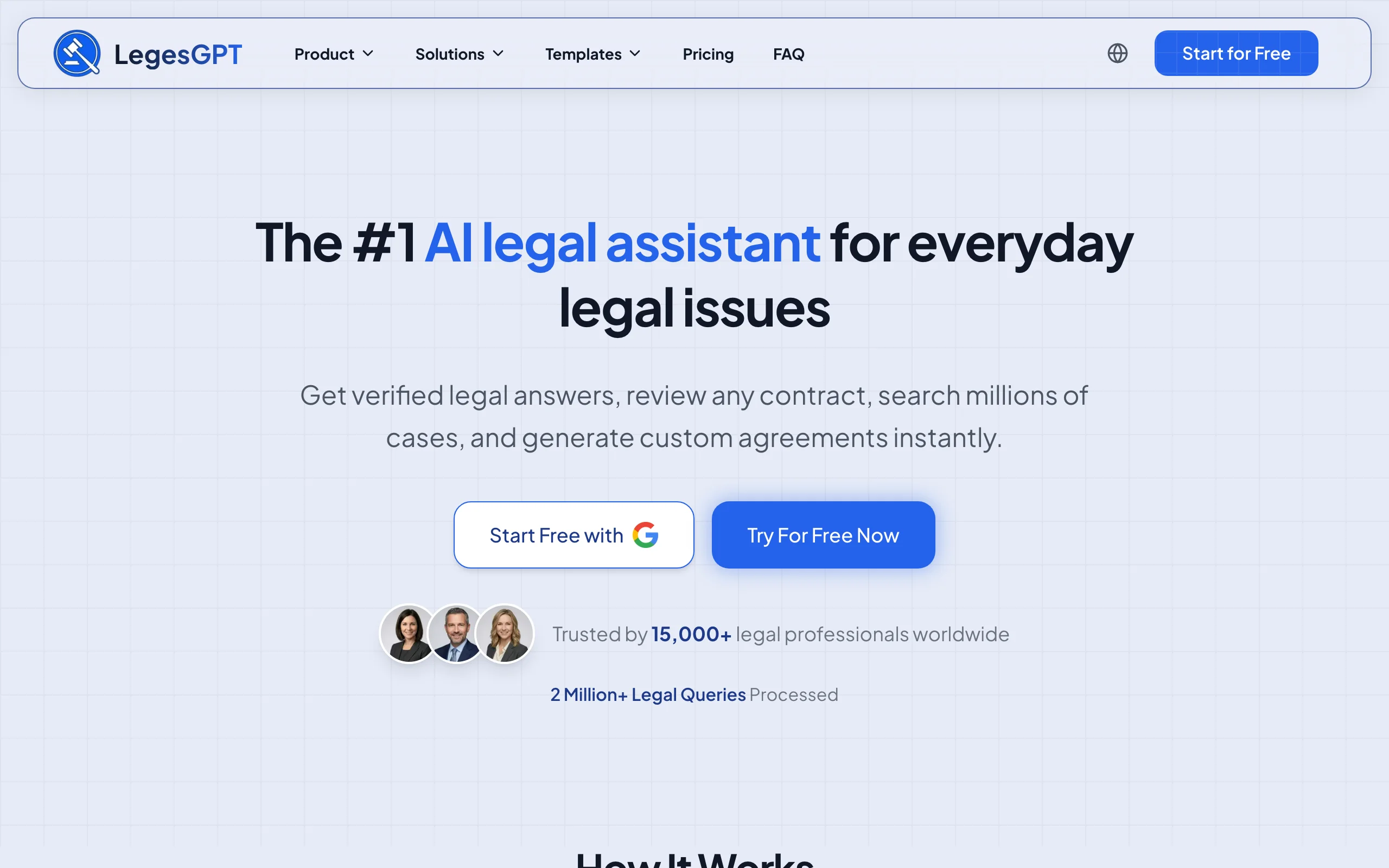
That single-subscription scope is the differentiator. Most tools on this list automate one stage of the contract lifecycle; LegesGPT handles generation, drafting, AI contract review, and signature without per-seat enterprise pricing or an implementation project.
Key features:
- AI drafting of contracts and legal documents from plain-language instructions
- 100+ attorney-drafted templates for common firm and client agreements
- Contract review that flags problematic clauses and proposes concrete edits
- E-signature to sign and send finished contracts
- Legal questions answered with verified citations, useful during negotiation
- Deep Research mode and web search for recent legal developments (Premium)
Best for:
- Solo practitioners and 2-50 attorney firms automating contracts without an IT project
- Firms that want generation, review, and signature in one subscription instead of three tools
Pricing:
- Basic: $19.99/mo for unlimited AI queries, case law and statute search, citation verification
- Plus: $49.99/mo adds document upload and 50 document reviews per month
- Premium: $99.99/mo adds unlimited document review, Deep Research, and web search
- 3-day trial for $1; roughly 30% off with annual billing
Pros:
- The full intake-to-signature workflow in one tool, so drafts never fragment across systems
- A fraction of the cost of enterprise contract platforms, with no seat minimums or sales cycle
- Self-serve setup: a firm can be generating and signing contracts the same day
Cons:
- Web-only: no Microsoft Word add-in or public API, so lawyers who live in Word must work in the browser
- No post-signature repository with renewal tracking, which portfolio-heavy teams get from Ironclad or LinkSquares
Draft a contract from a plain-English prompt
Describe the deal and LegesGPT drafts a complete, clause-by-clause contract you can refine in seconds and export ready to sign.
Draft a contract2. Ironclad, best for enterprise legal teams with high contract volume
Ironclad is the contract lifecycle platform large legal departments and BigLaw-adjacent teams standardize on. Its Workflow Designer lets legal ops build no-code approval flows for every contract type, its AI reviews and tags agreements, and its repository makes thousands of executed contracts searchable. E-signature and clickwrap are built in, and integrations connect contracts to Salesforce, Slack, and procurement systems.
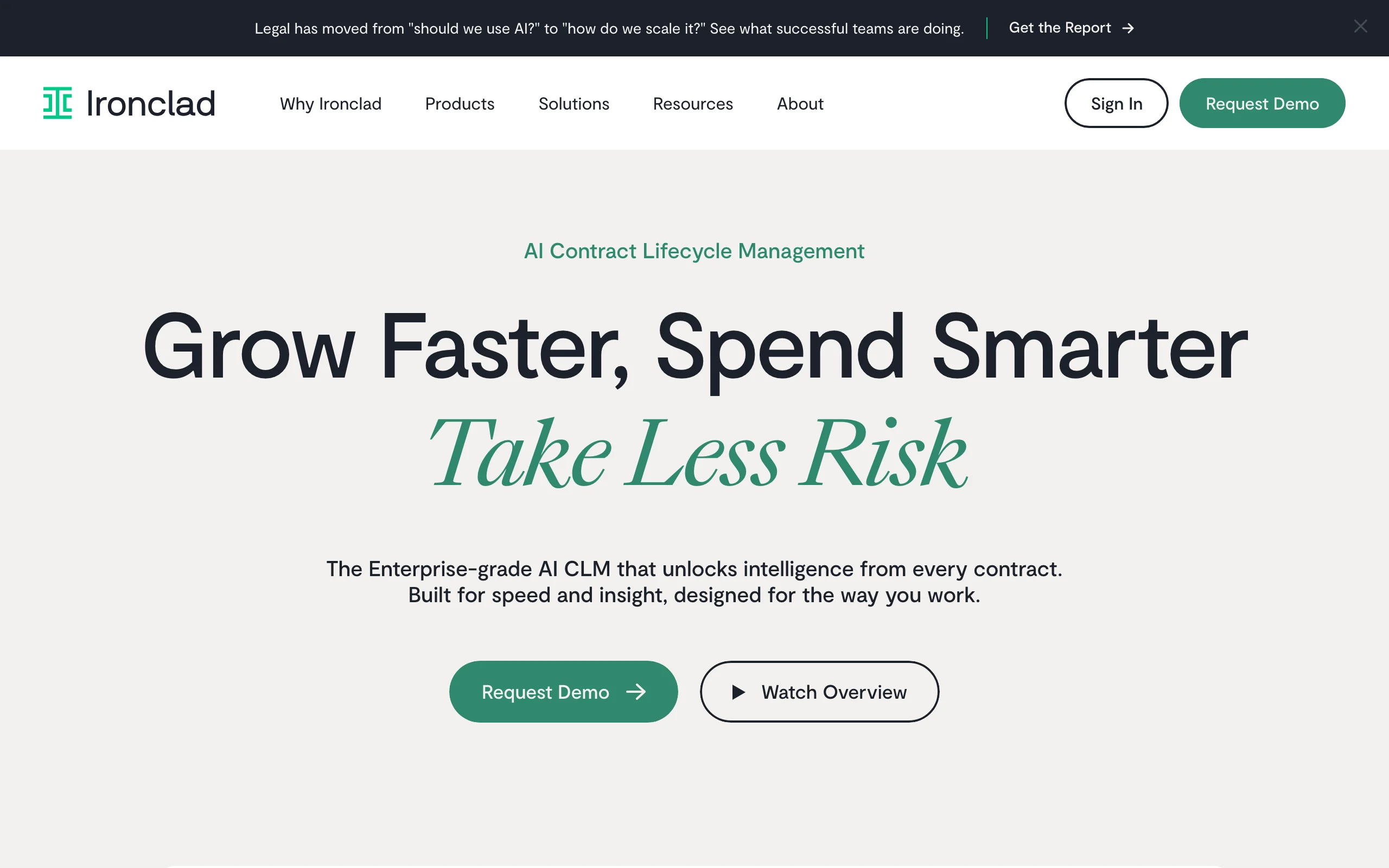
The trade-off is scale: Ironclad is bought through a sales process, deployed over weeks, and priced for organizations processing hundreds or thousands of contracts a year.
Key features:
- No-code Workflow Designer for intake, approvals, and routing by contract type
- AI-assisted review, data extraction, and contract tagging
- Central repository with full-text search and reporting across executed agreements
- Native e-signature and clickwrap for high-volume online terms
- Integrations with Salesforce, Slack, and other business systems
Best for:
- In-house legal departments and legal ops teams at mid-size to large companies
- Firms managing outsourced contract operations for corporate clients at volume
Pricing:
- Custom quotes only; no published pricing
- Third-party buyer data reports annual contracts commonly in the $30K-$150K+ range
- Demo required; no self-serve trial
Pros:
- Handles complex multi-step approval chains that lighter tools cannot model
- Repository and reporting give real visibility across an entire contract portfolio
Cons:
- Pricing and implementation put it out of reach for solo and small firms
- Adoption requires dedicated admin time to build and maintain workflows
3. Juro, best browser-based contract workflows for in-house teams
Juro is a browser-native contract platform built so business teams, not just lawyers, can self-serve routine agreements. Contracts are created from approved templates in the browser, negotiated in the same interface, and signed natively, with AI features that extract data, draft clauses, and review terms. Every plan includes unlimited users, workflows, and templates, with pricing driven by contract volume instead of seats.
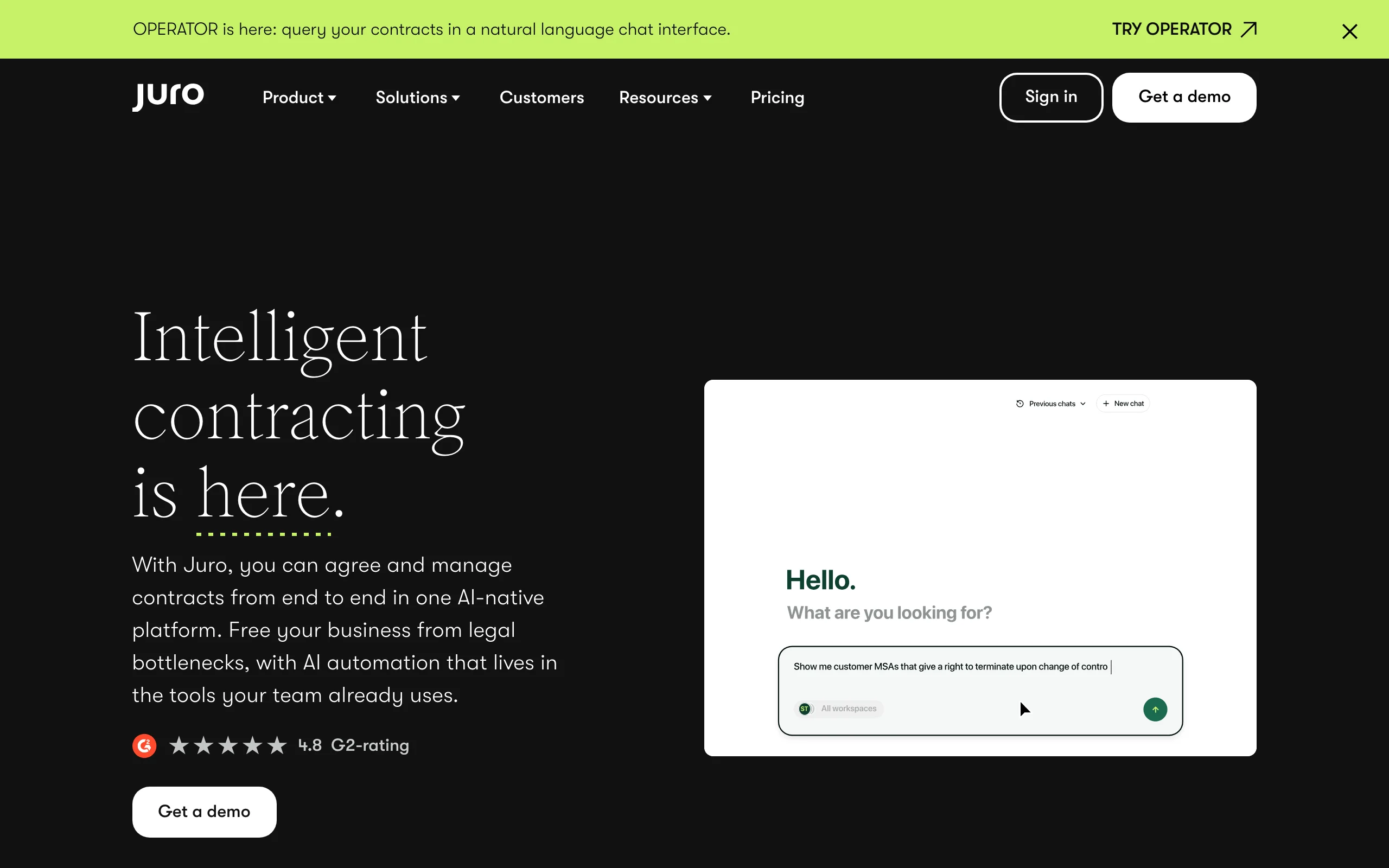
That model suits scaling companies where sales and HR generate most contracts. For a law firm drafting bespoke agreements for many clients, the template-first, in-house orientation fits less naturally.
Key features:
- Browser-based contract editor with templates, approvals, and native e-signature
- AI Extract, AI Draft, and AI Review for data capture, clause drafting, and term checks
- Unlimited users on all plans, so business teams can self-serve
- Automated reminders for renewal and expiry dates
- Integrations with CRM and HR systems for contract triggers
Best for:
- In-house legal teams at scaling companies with high volumes of routine commercial contracts
- Teams that want sales or HR to generate compliant contracts without legal bottlenecks
Pricing:
- Custom quotes built from monthly contract volume, contract types, AI features, and integrations
- No published prices; third-party buyer data puts the median annual contract around $33K
- Demo required; no self-serve trial
Pros:
- Unlimited-user pricing removes the per-seat math that makes CLM expensive
- Clean, fast browser workflow with no Word round-tripping
Cons:
- Designed for in-house teams; law firm client-work workflows are not the core use case
- Pricing opacity makes budgeting hard before a sales conversation
4. Spellbook, best for drafting and redlining inside Microsoft Word
Spellbook puts contract AI directly inside Microsoft Word, where most transactional lawyers already draft. It suggests clause language as you write, reviews agreements against your positions, generates redlines, and benchmarks terms against market standards. Because it works on the open document, there is no uploading or switching platforms mid-negotiation, and its Associate agent can handle multi-step drafting tasks.
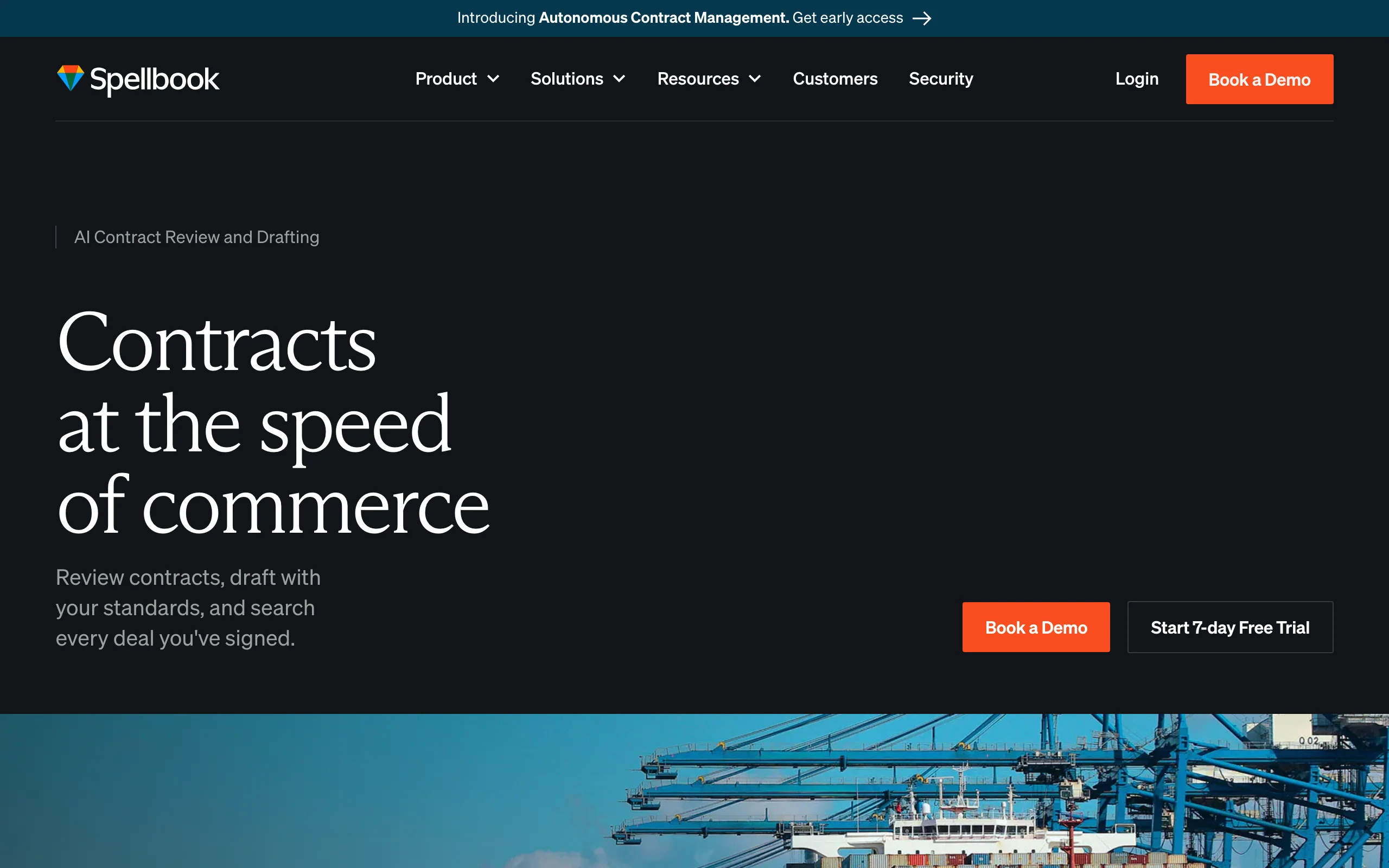
Spellbook automates the drafting and negotiation stage specifically. Intake, client-facing generation, and signature still happen in other tools.
Key features:
- AI drafting and clause suggestions inside Microsoft Word
- Contract review with proposed redlines against your playbook positions
- Benchmarking of terms against market-standard language
- Associate agent for multi-step contract tasks
- Works on the live Word document, so tracked changes stay intact
Best for:
- Transactional lawyers and firms whose entire drafting workflow lives in Word
- Teams negotiating third-party paper who need fast, consistent redlines
Pricing:
- Custom per-seat pricing based on team size; quotes via demo
- No published prices on the official pricing page
- 7-day free trial available
Pros:
- Zero workflow change for Word-based lawyers, which drives fast adoption
- Strong redlining quality on counterparty paper
Cons:
- Covers drafting and review only: no intake workflows, client questionnaires, or e-signature
- Per-seat custom pricing adds up quickly for larger teams
5. Gavel, best for turning firm templates into client-facing workflows
Gavel lets firms convert their contract templates into guided questionnaires that clients or staff complete online, generating polished Word or PDF agreements automatically. Firms use it to productize flat-fee contract work: a client answers questions, and a jurisdiction-correct agreement is assembled from approved language. Gavel Exec, its Word add-in, adds AI contract review, redlining, and playbook automation for negotiation work.
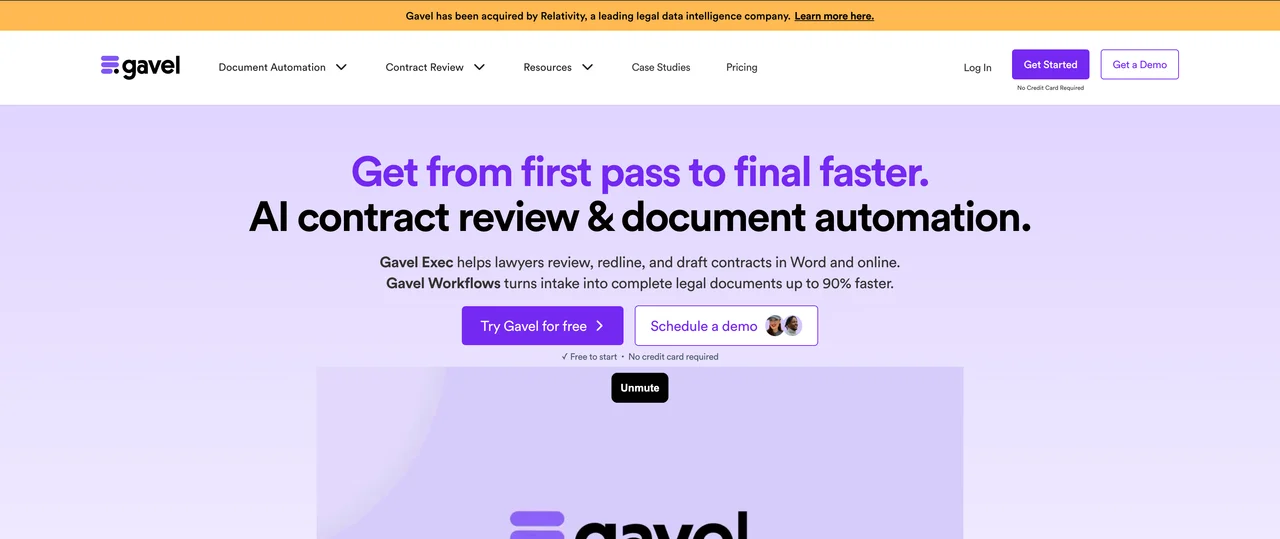
Published pricing and a real free trial make it one of the few tools here a small firm can evaluate without a sales call.
Key features:
- Questionnaire-driven generation of Word and PDF contracts from firm templates
- Client-facing portals with white-label and custom-domain options
- Gavel Exec: AI review, redlining, and playbooks inside Word
- Stripe payment collection and DocuSign integration on the Pro plan
- Legal template library access on higher tiers
Best for:
- Firms selling productized, flat-fee contract services to clients at volume
- Practices that want clients to self-complete intake and receive drafts automatically
Pricing:
- Lite $83/mo, Standard $165/mo, Pro $290/mo, Scale from $417/mo (annual billing, 2 months free)
- Gavel Exec is $160/user/mo (or $1,740/user/yr) with 1,000 AI completions per month
- 7-day free trial, no credit card required
Pros:
- Transparent pricing and self-serve setup, rare in this category
- Strong client-facing experience that can become a revenue channel
Cons:
- Template and workflow limits on lower tiers push growing firms toward pricier plans
- Building good questionnaires takes real upfront template work
All of LegesGPT for $1
Verified-citation answers, case law search, document review, AI drafting, and e-signature in one subscription. 3-day trial for $1, cancel anytime.
Start the $1 trial6. Josef, best for no-code contract intake and triage
Josef is a no-code platform for automating the conversations that precede a contract. Legal teams build bots that interview clients or employees, answer routine policy questions, triage requests, and generate template-driven documents and contracts from the answers. It is popular with in-house teams and legal aid organizations that field high volumes of repetitive requests, and it offers discounted pricing for nonprofit and community legal partners.
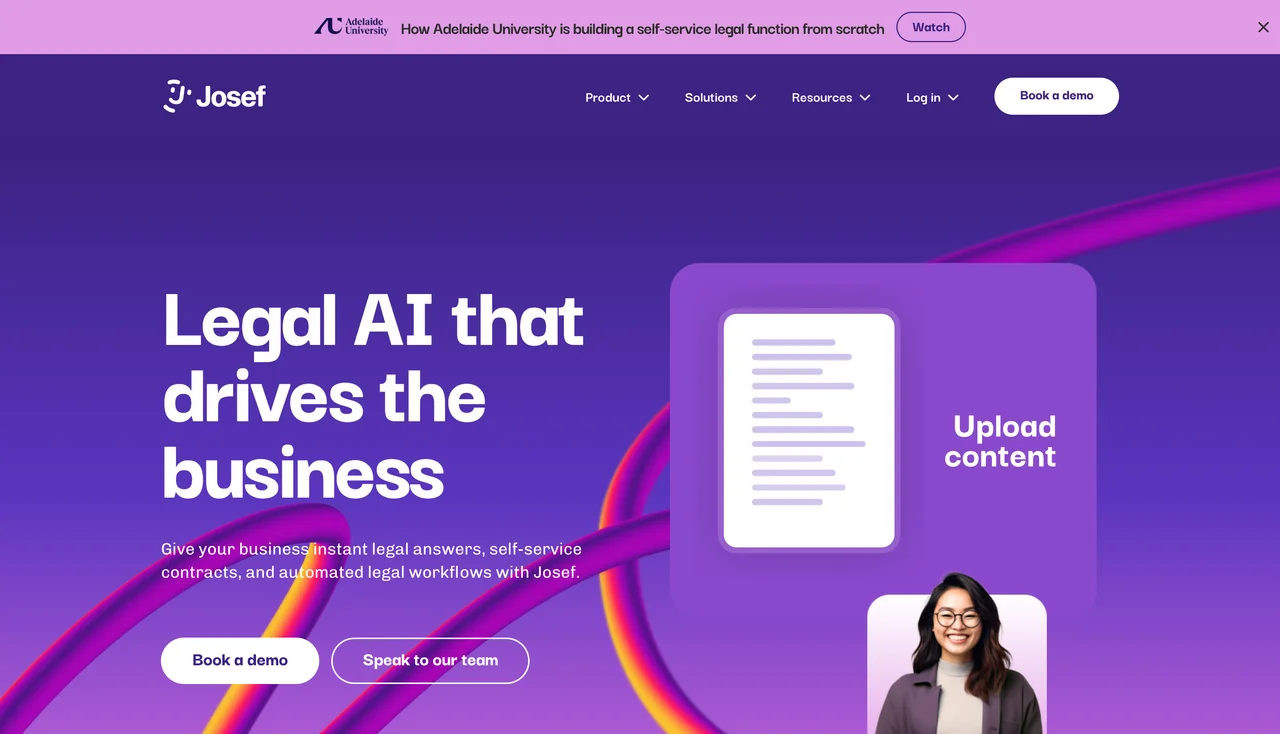
Josef automates the front door of the contract process rather than the drafting and negotiation itself, so most firms pair it with a drafting tool.
Key features:
- No-code bot builder for client and employee intake interviews
- Guided Q&A that answers routine legal and policy questions automatically
- Template-driven contract and document generation from intake answers
- Workflow automation for approvals and follow-up emails
- Discounted plans for nonprofit and community legal organizations
Best for:
- In-house teams and firms drowning in repetitive contract requests and NDAs
- Legal aid and community organizations automating access-to-justice workflows
Pricing:
- Custom quotes; pricing is not publicly listed
- Free trial offered
- Reduced pricing for not-for-profit and community legal partners
Pros:
- Genuinely no-code: legal staff can build and edit bots without developers
- Cuts the routine-question load that eats associate and paralegal hours
Cons:
- Focused on intake and triage; no AI redlining or negotiation support
- Quote-based pricing makes small-firm budgeting a guess until you talk to sales
7. LinkSquares, best for post-signature contract analysis
LinkSquares approaches contract automation from the other end: what happens after signature. Its Analyze module uses AI to read executed agreements and extract dates, obligations, renewal terms, and risk language across the whole portfolio, while Finalize handles pre-signature drafting workflows and LinkSquares Sign covers execution. Legal teams use it to answer questions like "which contracts auto-renew next quarter" without manual review.
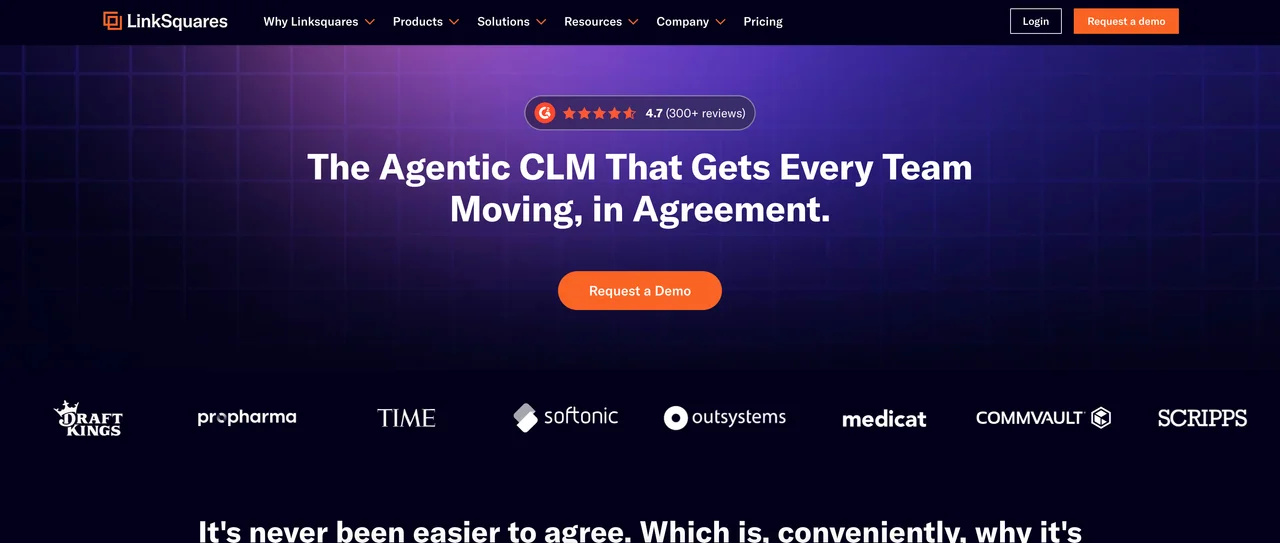
It is an enterprise product: modules are sold separately by custom quote, and there is no self-service signup or free trial.
Key features:
- AI extraction of key terms, dates, and obligations from executed contracts
- Full-text search and reporting across the entire contract repository
- Finalize module for pre-signature drafting and approval workflows
- Built-in e-signature via LinkSquares Sign
- Alerts for renewals, expirations, and obligation deadlines
Best for:
- In-house teams that inherited thousands of signed contracts and need visibility
- Companies preparing for audits, M&A due diligence, or compliance reviews
Pricing:
- Custom quotes; Analyze and Finalize are priced as separate modules
- Third-party buyer data reports roughly $30K-$100K+ per year depending on scope
- No free trial; demo and discovery process required
Pros:
- Best-in-class visibility into an existing contract portfolio
- Turns due diligence and renewal management from weeks into hours
Cons:
- Pre-signature drafting is secondary to its analysis strengths
- Enterprise pricing and no trial rule out smaller firms
How to choose the best contract automation software for your law firm
Four questions separate these tools quickly.
1) How much of the contract lifecycle do you need to automate?
- If you want one tool from generation through signature: LegesGPT covers templates, AI drafting, review, and e-signature in a single subscription; Ironclad does the same at enterprise scale and price.
- If you only need to speed up drafting and redlining: Spellbook (in Word) or Gavel Exec are focused fixes.
- If your pain is after signature, in a pile of executed agreements: LinkSquares is built for exactly that.
2) What is your firm's size and budget?
- Solo and small firms: LegesGPT (from $19.99/mo) and Gavel (from $83/mo) are the only tools here with published prices and self-serve signup. Run the math per contract: a firm producing 20 contracts a month pays under $5 per contract on LegesGPT Premium.
- Mid-size teams with legal ops support: Juro or Spellbook justify their custom pricing once volume is high enough.
- Enterprise legal departments: Ironclad and LinkSquares assume five-figure annual budgets and implementation time.
3) Do your lawyers work in the browser or in Word?
- If negotiation happens in tracked-changes Word documents: Spellbook or Gavel Exec meet lawyers where they already are.
- If you want a clean browser workflow with nothing to install: LegesGPT and Juro are fully web-based; LegesGPT also lets you review legal documents with AI in the same interface you draft in.
4) Who fills in the contract details: your team or your clients?
- If clients should self-complete intake: Gavel's questionnaires and Josef's bots are designed for client-facing workflows.
- If your team drives every draft: LegesGPT and Spellbook keep the lawyer in control of generation and edits.
- If business colleagues (sales, HR) create most contracts: Juro's unlimited-user model was built for that.
Whichever direction you lean, test the tool on three to five of your firm's real contracts before committing, and check our guide to the best document automation tools for law firms if your needs extend beyond contracts to pleadings, letters, and court forms. For a deeper look at the drafting stage specifically, see the best AI contract drafting tools. Firms comparing broader practice AI can also review what AI for law firms covers beyond the contract workflow.
Frequently Asked Questions
What is law firm contract automation software?
It is software that automates stages of a firm's contract work, from client intake and template-based generation through AI drafting, review and redlining, approvals, and e-signature. Instead of copying an old agreement and editing it by hand, the tool assembles or drafts the contract from approved language, which cuts turnaround time and reduces stale-clause and wrong-name errors.
What is the difference between contract automation and contract lifecycle management (CLM)?
Contract automation focuses on producing and negotiating contracts faster, using templates, questionnaires, and AI drafting. CLM platforms like Ironclad and LinkSquares cover the full lifecycle, adding intake routing, approval workflows, a searchable repository, and post-signature obligation tracking. Small firms usually need automation first; large departments with thousands of executed contracts benefit from full CLM.
How much does contract automation software cost for a law firm?
Self-serve tools are the most affordable. LegesGPT starts at $19.99/mo and Gavel at $83/mo, both with published pricing. Gavel Exec, the Word add-in, is $160/user/mo. Enterprise platforms are quote-based, with Ironclad, Juro, and LinkSquares commonly reported in the tens of thousands of dollars per year, and Spellbook and Josef priced by custom quote.
Can AI safely draft and review contracts for client work?
Yes, with attorney review as the final step. Treat AI output as a strong first draft, verify names, dates, governing law, and jurisdiction-specific language, and confirm any proposed redline before it goes to the counterparty. Tools like LegesGPT support this by proposing specific changes for you to accept or reject rather than editing silently.
Do contract automation tools include e-signature?
Some do. LegesGPT, Ironclad, Juro, and LinkSquares include built-in e-signature, so contracts can be executed in the same platform where they were drafted. Spellbook and Josef do not include signature, and Gavel connects to DocuSign on its Pro plan instead of signing natively.
Which contract automation software works inside Microsoft Word?
Spellbook and Gavel Exec both run as Microsoft Word add-ins, suggesting clause language, reviewing terms, and generating redlines directly in the open document. Browser-based tools like LegesGPT and Juro take the opposite approach and handle drafting, review, and signature entirely on the web with nothing to install.
If my firm mainly needs contract generation plus review in one subscription, what should I use?
LegesGPT is the strongest fit. It combines generation from 100+ attorney-drafted templates, AI drafting, contract review that proposes concrete edits, and e-signature in one subscription starting at $19.99/mo, with a 3-day trial for $1 so you can test it on your firm's real contracts first.