
Most firms still draft intake packets, pleadings, contracts, and client letters the same way: open an old matter, copy the file, and find-and-replace names until something slips through. Document automation tools for law firms replace that routine with templates, questionnaires, and AI drafting that pull the right details into the right document the first time.
The payoff is real: fewer wrong-name errors in filings, faster turnaround on routine matters, and associates freed from repetitive drafting. The catch is that "automation" means very different things across products, from court-form libraries to no-code workflow builders to AI drafting assistants.
This guide compares eight document automation tools for law firms, with verified pricing, key strengths, honest cons, and a decision framework so you can match a tool to how your firm actually produces documents.
Best document automation tools for law firms: a brief overview
- LegesGPT: Best overall for small and mid-sized firms: AI drafting, attorney-drafted templates, document review that proposes changes, and e-signature in one self-serve subscription.
- Gavel: Best for building client-facing workflows: no-code questionnaires that turn client answers into finished Word and PDF documents.
- Clio Draft: Best for court forms: automated, fillable state and federal forms across all 50 US states, with auto-population from Clio matter data.
- Smokeball: Best practice-management suite with automation built in: matter-driven forms and templates inside a full firm platform.
- HotDocs: Best for complex, high-volume templates: 30 years of conditional-logic muscle for firms with thousand-variable precedents.
- NetDocuments PatternBuilder: Best for NetDocuments firms: automation that lives inside the document management system you already use.
- Briefpoint: Best for litigation discovery: drafts interrogatories, requests for admission, and responses in minutes.
- Josef: Best for intake and workflow bots: no-code legal automations that guide clients or staff through a process end to end.
If you are weighing traditional template engines specifically, our companion guide to the best document assembly software goes deeper on that segment.
| Tool | Best for | Starting price | Free trial | Automation focus |
|---|---|---|---|---|
| LegesGPT | All-in-one drafting for small firms | From $19.99/mo | 3-day, $1 | AI drafting, review, e-signature |
| Gavel | Client-facing document workflows | From $83/mo (annual) | 7-day | No-code Word/PDF workflows |
| Clio Draft | Court forms in all 50 states | Custom (contact sales) | 7-day (Clio) | Court forms, templates |
| Smokeball | Practice management with automation | From $149/mo (quote-based) | Boost plan only | Matter-driven forms |
| HotDocs | Complex enterprise templates | Custom (reported ~$25/user/mo) | Demo only | Conditional-logic templates |
| NetDocuments PatternBuilder | Firms already on NetDocuments | Custom (DMS add-on) | Demo only | DMS-native automation |
| Briefpoint | Litigation discovery documents | $150/attorney/mo (annual) | Demo only | Discovery drafting |
| Josef | Intake and workflow bots | Custom | Demo only | No-code legal bots |
1. LegesGPT, best overall for small and mid-sized firms
LegesGPT covers the whole document lifecycle that most firms currently spread across three or four subscriptions. You can draft pleadings, contracts, and client letters with AI, start from 100+ attorney-drafted templates, then run AI document review on incoming or finished drafts to flag risky clauses and propose specific changes. When the document is ready, built-in e-signature lets you send it for signing without exporting to another tool.
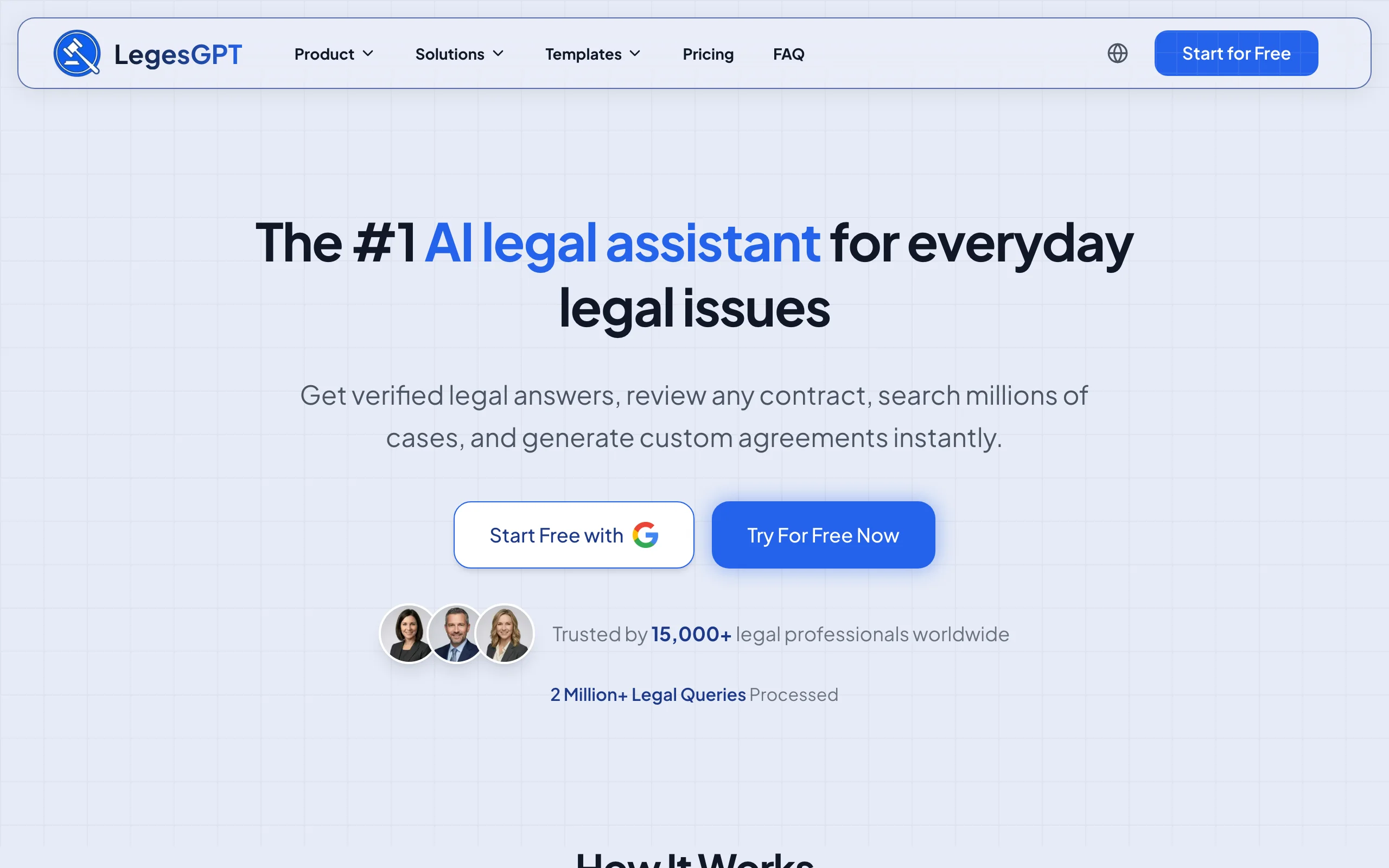
Because it runs entirely in the browser and is self-serve, a firm can go from signup to a finished first draft in an afternoon: no IT setup, no seat minimums, no sales call. That makes it the practical starting point for solo attorneys and 2-50 lawyer firms automating intake documents, engagement letters, and routine contracts.
Key features:
- AI drafting of contracts, pleadings, letters, and other legal documents from plain-language instructions
- 100+ attorney-drafted templates, plus an AI legal document generator for custom documents
- Document review that identifies risks and proposes concrete edits (PDF, DOCX, PPTX, TXT, images)
- E-signature to sign and send documents from the same workspace
- Legal question answering with verified citations, plus case law and statute search
- Deep Research mode and web search for recent legal developments (Premium)
Best for:
- Solo attorneys and small firms replacing copy-paste drafting with AI plus templates
- Firms that want drafting, review, and signing in one subscription instead of separate tools
Pricing:
- Basic: $19.99/mo, unlimited AI queries, case law and statute search, citation verification
- Plus: $49.99/mo, adds document upload and 50 document reviews per month
- Premium: $99.99/mo, unlimited document review, Deep Research, web search
- 3-day trial for $1; roughly 30% off with annual billing
Pros:
- The cheapest full-workflow option here: drafting plus review plus e-signature for less than most competitors charge for one function
- Self-serve with instant access, so there is no procurement cycle or implementation project
- Review does not just flag issues, it proposes replacement language you can act on
Cons:
- Web-only: there is no Word add-in or public API, so heavy Word-native drafters must work in the browser
- No jurisdiction-specific court-form library; litigation firms filing state forms daily will still want a forms tool alongside it
100+ attorney-drafted legal templates
Browse free, ready-to-edit templates — NDAs, leases, employment contracts, wills, and more — built by attorneys and customizable in minutes.
Browse free templates2. Gavel, best for client-facing document workflows
Gavel (formerly Documate) is a no-code platform for turning your documents into interactive workflows. You upload a Word or PDF template, tag the variables, and build a questionnaire; clients or staff answer the questions and Gavel outputs the finished document. Firms use it for intake packets, estate plans, immigration forms, and even productized legal services sold directly from their website.
Its differentiator is the client-facing layer: workflows can be embedded on your site, white-labeled, and connected to payments, which turns document automation into a revenue channel rather than just an internal efficiency.
Key features:
- No-code builder for Word and PDF automation with conditional logic
- Client-facing questionnaires you can embed or white-label on your own domain (Pro)
- Legal template library access on the Pro plan
- Integrations with Clio, Zapier, DocuSign, and Stripe payments
- API access and SSO on the Scale plan
Best for:
- Firms that want clients to self-complete intake and receive documents automatically
- Practices productizing flat-fee services like estate plans or business formations
Pricing:
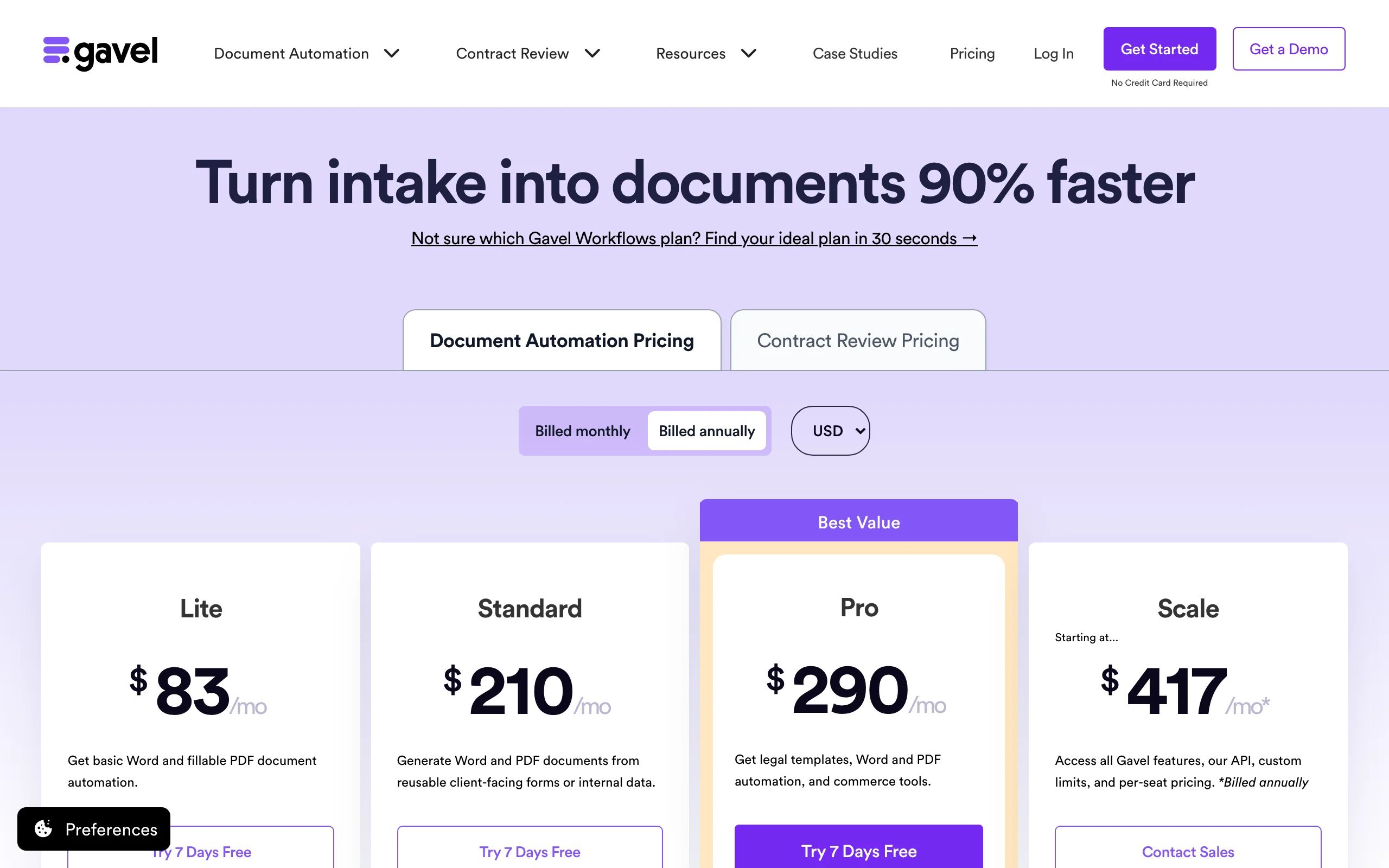
- Lite: $83/mo (annual billing) for 1 builder seat and 10 workflows
- Standard: $210/mo; Pro: $290/mo adds white-labeling, DocuSign, and the template library
- Scale: from $417/mo with API and SSO; 7-day free trial, no credit card
Pros:
- Strong client-facing experience that most template engines lack
- Scales from simple letters to complex multi-document packages
Cons:
- Pricing climbs steeply: the features most firms want (white-labeling, e-signature integration) sit in the $290/mo Pro tier
- No built-in AI review of incoming documents; it automates output, not analysis
3. Clio Draft, best for court forms in all 50 states
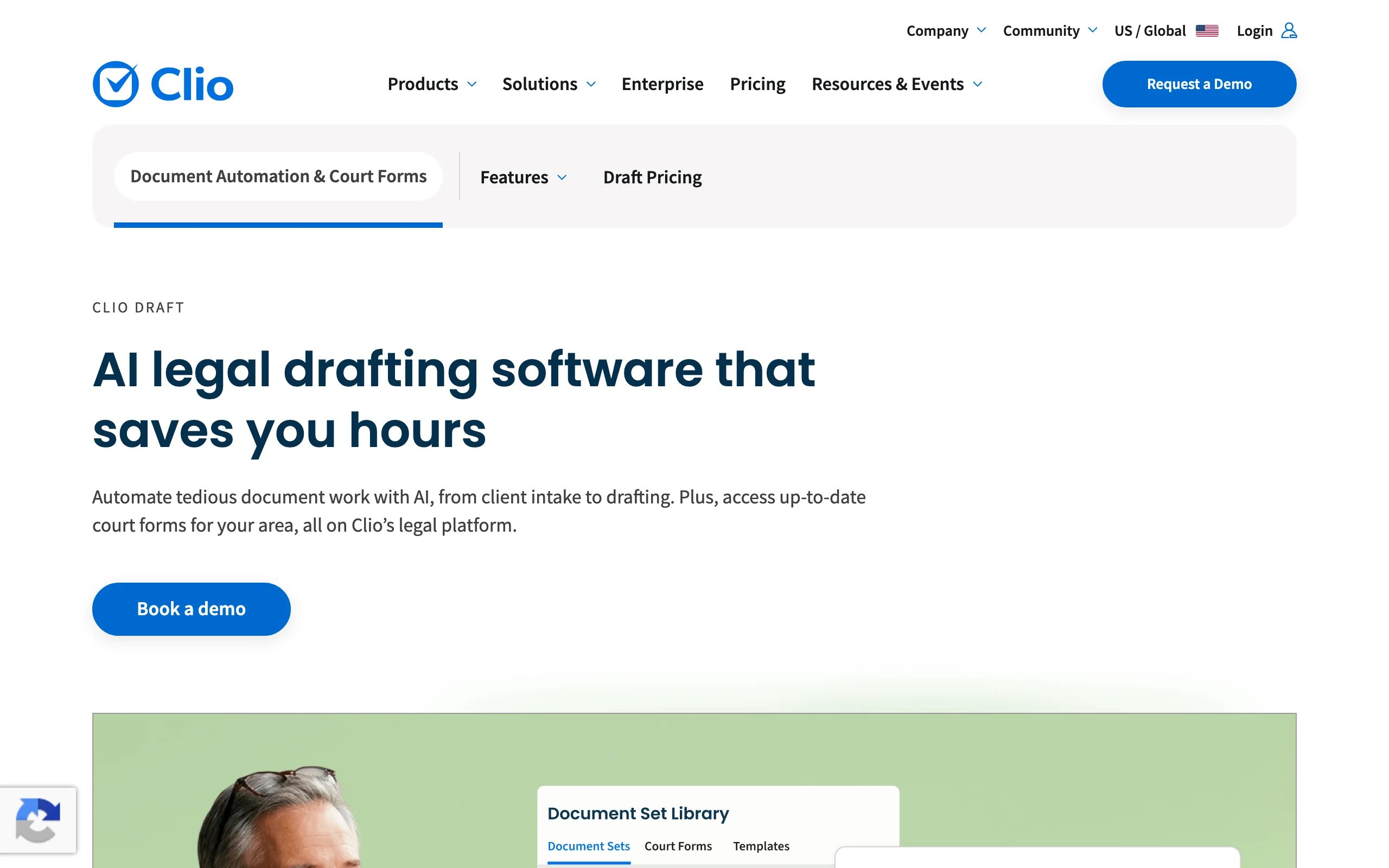
Clio Draft (built on Clio's acquisition of Lawyaw) focuses on the most painful drafting job in litigation and family practice: official forms. It offers a library of automated, fillable court forms covering state, local, and federal forms across all 50 US states, and auto-populates them from client and matter information. Clio says the product can cut drafting time by up to 80%, and for form-heavy practices that claim is plausible because the retyping simply disappears.
It also handles your own templates, syncing Word documents into reusable, auto-filled versions, which makes it a natural upgrade for firms already running on Clio Manage.
Key features:
- Automated fillable court forms for all 50 states, kept up to date
- Auto-population from Clio client and matter data
- Template automation for the firm's own Word documents
- AI-assisted drafting features within the Clio platform
- E-signature workflows through the Clio ecosystem
Best for:
- Family, immigration, and litigation practices that file state court forms weekly
- Firms already on Clio Manage that want automation without adding a vendor
Pricing:
- Clio Draft pricing is not published; Clio directs buyers to a sales representative for a quote
- Clio Manage itself starts at $49/user/mo (EasyStart), with a 7-day free trial
Pros:
- The deepest official court-form library in this roundup
- Matter data flows straight into forms, eliminating duplicate entry
Cons:
- Opaque pricing: you cannot budget for it without a sales conversation
- Most valuable inside the Clio ecosystem; standalone appeal is narrower
4. Smokeball, best practice-management suite with built-in automation
Smokeball is a full legal practice management platform where document automation is a native feature rather than an add-on. Its forms and templates library spans 250+ matter types, and documents are generated directly from matter data, so the same fields that drive your calendar and billing also drive your letters and pleadings. The Archie AI assistant and advanced automation live in the higher tiers.
For a firm that wants one system of record, generating documents from the same place that tracks time and matters is the whole point.
Key features:
- Automated forms and templates covering 250+ matter types
- Document generation driven by matter and contact data
- Advanced document automation and AI features in the Grow and Prosper+ plans
- Full practice management: matters, calendaring, billing, trust accounting, client portal
Best for:
- Small firms consolidating practice management and document work into one platform
- Practices with high-volume, repeatable matter types like conveyancing, family, or personal injury
Pricing:
- All plans (Bill, Boost, Grow, Prosper+) are listed at "From $149/mo" with final pricing quoted by sales
- Advanced document automation is included only in Grow and Prosper+
- Free trial available for the Boost plan
Pros:
- Automation inherits clean matter data, which is where most document errors start
- One vendor for billing, matters, and documents simplifies operations
Cons:
- The automation you actually want sits in quote-only upper tiers
- Heavy platform commitment; switching costs are high if you only need drafting
5. HotDocs, best for complex enterprise templates
HotDocs (now owned by Mitratech) is the veteran of this category, with 30+ years in market and over a million end users across 60+ countries. It converts frequently used documents into intelligent templates with conditional logic, interviews, and business rules, and it remains the tool large firms and institutions reach for when a precedent has hundreds of variables and legal-approved language that cannot drift.
Mitratech pitches up to 90% reductions in document creation time for automated templates, and the no-code builder means practice-group experts, not developers, maintain them.
Key features:
- Template automation with deep conditional logic and business rules
- Guided interviews that walk users through complex document sets
- No-code template building for subject-matter experts
- Auto-population from existing data sources
- Enterprise deployment options and Mitratech ecosystem integrations
Best for:
- Large firms and legal departments automating complex, high-stakes precedents
- Banks, insurers, and government legal teams with strict language control
Pricing:
- Official pricing is not published; quotes come through Mitratech sales
- Third-party listings report entry pricing around $25/user/mo with a 5-user minimum, so treat that figure as indicative only
Pros:
- Handles template complexity that lighter tools cannot express
- Proven at massive scale over decades
Cons:
- Template building has a real learning curve, and initial automation projects take time
- No published pricing and a traditional enterprise sales process
6. NetDocuments PatternBuilder, best for firms already on NetDocuments
PatternBuilder is NetDocuments' automation module, and its pitch is location: your templates, questionnaires, and generated documents live inside the same document management system that already stores your matters. Documents are generated, profiled, and filed in one motion, and PatternBuilder MAX layers generative AI onto those workflows for tasks like summarization and data extraction.
If your firm runs on NetDocuments, that eliminates the export-import shuffle every standalone automation tool creates.
Key features:
- Document and workflow automation native to the NetDocuments DMS
- Questionnaire-driven generation with automatic filing and profiling
- PatternBuilder MAX adds generative AI to automation workflows
- Governance and security inherited from the DMS
Best for:
- Mid-sized and large firms standardized on NetDocuments
- Legal teams that want generated documents filed and governed automatically
Pricing:
- Add-on to a NetDocuments subscription; pricing is quote-only
- Third-party listings put the base DMS at roughly $20-$65/user/mo, with PatternBuilder and MAX priced separately, so budget with sales
Pros:
- Zero friction between generation and filing; documents are born organized
- AI features arrive inside existing security and governance controls
Cons:
- Pointless without NetDocuments; you are buying a DMS first
- Layered, opaque pricing makes total cost hard to predict
7. Briefpoint, best for litigation discovery documents
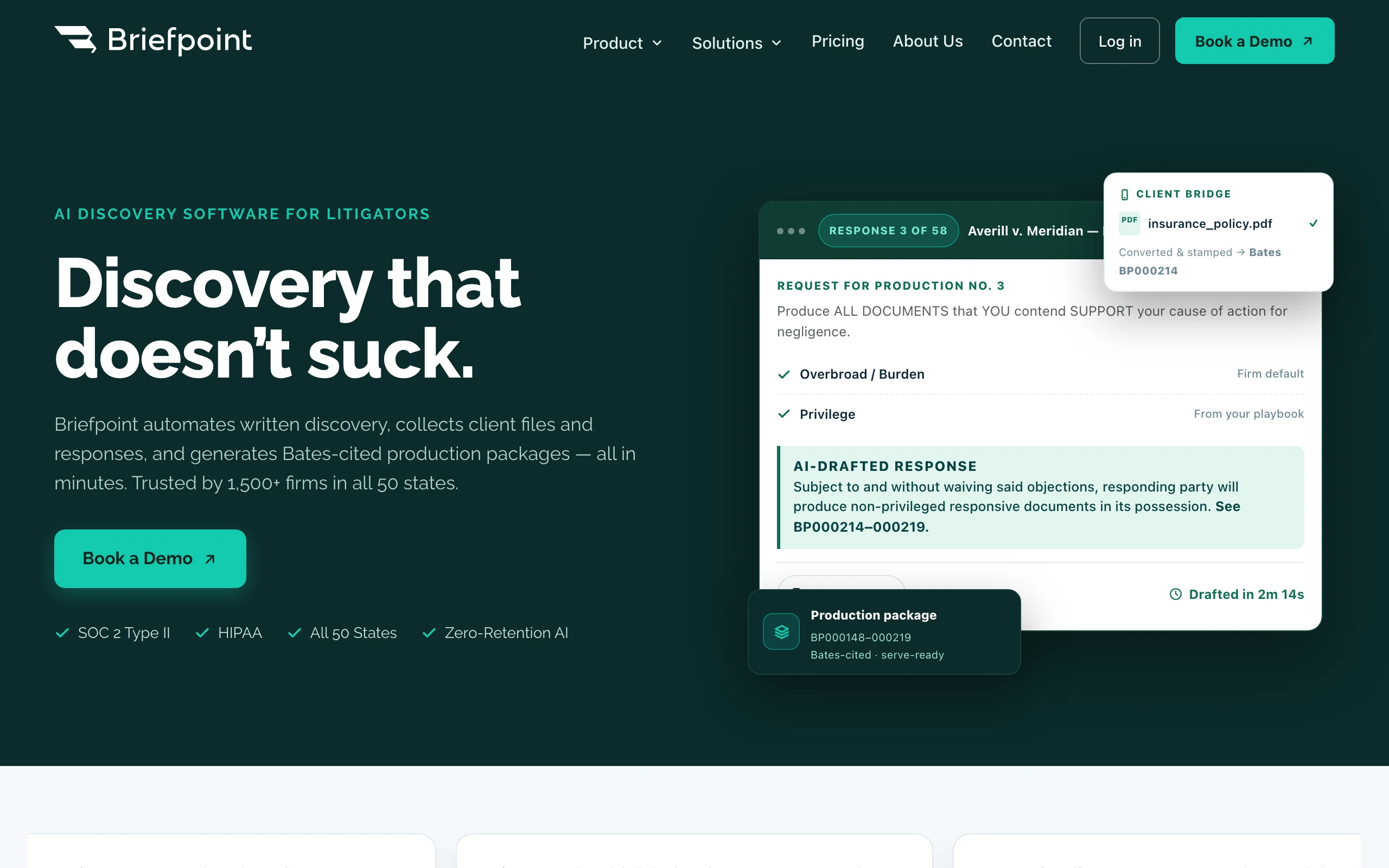
Briefpoint does one job unusually well: written discovery. Upload an opposing party's requests and it drafts responses with objections; give it a complaint and it can propound 70+ targeted requests. It covers interrogatories, requests for admission, and requests for production across all 50 states and 98 federal district courts, and it assembles Bates-cited production packages. For a litigation associate, that converts an afternoon of formatting into minutes of review.
Key features:
- Drafts and responds to interrogatories, RFAs, and RFPs with objections included
- Generates targeted discovery requests from complaint allegations
- Client file and response collection, with English and Spanish translations
- Bates-cited production packages and supplemental responses
- SOC 2 Type II and HIPAA compliance
Best for:
- Litigation firms with steady written-discovery volume
- Insurance defense and personal injury practices standardizing responses
Pricing:
- Single Rainmaker plan: $150/mo per attorney, billed annually, no per-case fees
- No self-serve trial; onboarding starts with a demo
Pros:
- Purpose-built output that is formatted and ready to file
- Simple flat pricing with easily calculated ROI against associate hours
Cons:
- Discovery only; it will not touch your contracts, intake docs, or letters
- Demo-gated onboarding rather than instant self-serve
8. Josef, best for intake and workflow bots
Josef approaches automation from the process side. Instead of starting with a template, you build a no-code bot that interviews the user, applies logic, generates documents from templates, and routes approvals. Law firms use it for client intake and self-service tools; in-house teams use it to triage requests like NDA generation; legal aid organizations use it to deliver guided help at scale.
Key features:
- No-code bot builder for guided intake and Q&A
- Template-driven document workflows triggered by bot answers
- Approval and routing logic for multi-step processes
- Deployed by law firms, in-house teams, and legal aid organizations
Best for:
- Firms automating intake conversations, not just the documents behind them
- Legal teams offering self-service tools to clients or business units
Pricing:
- Pricing is not published; quotes are custom
- Reduced pricing is offered for not-for-profit and community legal partners
Pros:
- Automates the whole process around a document, including approvals
- Accessible no-code building for non-technical legal staff
Cons:
- No public pricing makes evaluation slower
- Overkill if you only need documents generated, not workflows orchestrated
How to choose the right document automation tool for your firm
Four questions separate these eight tools quickly.
1) What are you actually automating?
- If it is general drafting, contracts, letters, and review in one place: LegesGPT, which also lets you draft contracts with AI from plain instructions.
- If it is official court forms: Clio Draft.
- If it is written discovery: Briefpoint.
- If it is a client-facing process from intake to signed document: Gavel or Josef.
2) Do you want a tool or a platform?
- If you want a self-serve tool running today: LegesGPT ($1 trial) or Gavel (7-day trial) require no sales cycle.
- If you want automation embedded in a firm-wide platform: Smokeball (practice management) or NetDocuments PatternBuilder (document management), and accept a quote-driven purchase.
- If you are comparing the broader stack, our roundup of AI tools for law firms covers research, billing, and beyond.
3) How complex are your precedents?
- If templates have hundreds of conditional variables and approval-controlled language: HotDocs is built for exactly that.
- If most documents are standard intake forms, engagement letters, NDAs, affidavits, and routine contracts: LegesGPT's templates plus AI drafting, or Gavel's workflows, cover it at a fraction of enterprise cost.
4) What does the math say?
- Price the workflow, not the tool. LegesGPT Plus at $49.99/mo includes drafting, 50 document reviews, and e-signature; assembling the same coverage from Gavel Pro ($290/mo) plus a review tool plus an e-signature subscription typically runs 6-10x more.
- Quote-based tools (Clio Draft, Smokeball Grow, PatternBuilder, Josef) deserve a total-cost question up front: implementation, minimum seats, and add-ons.
- Whatever you shortlist, run 3-5 of your firm's real documents through a trial before committing. Templates that demo well can still fail on your actual precedents. There is more on what AI for law firms realistically changes day to day on our law firms page.
All of LegesGPT for $1
Verified-citation answers, case law search, document review, AI drafting, and e-signature in one subscription. 3-day trial for $1, cancel anytime.
Start the $1 trialFrequently Asked Questions
What are document automation tools for law firms?
They are software platforms that turn repetitive legal documents, such as intake forms, pleadings, contracts, and client letters, into reusable templates or AI-driven workflows. Instead of copying an old matter and editing it by hand, the tool pulls client and matter details into the right places automatically, which cuts drafting time and reduces wrong-name and stale-clause errors.
How much does document automation software for law firms cost?
Self-serve tools are the cheapest. LegesGPT starts at $19.99/mo and Gavel at $83/mo on annual billing. Specialist and platform tools run higher. Briefpoint is $150 per attorney per month, Smokeball lists plans from $149/mo with final pricing by quote, and Clio Draft, HotDocs, NetDocuments PatternBuilder, and Josef are all priced by custom quote.
What is the difference between document automation and practice management software?
Document automation focuses on producing documents from templates, questionnaires, or AI, while practice management software runs the whole firm, covering matters, calendars, billing, and trust accounting. Some platforms, like Smokeball, bundle both. Standalone tools like LegesGPT, Gavel, or Briefpoint plug into whatever management system your firm already uses.
Can document automation tools fill out court forms automatically?
Some can. Clio Draft maintains a library of automated, fillable court forms for all 50 US states and populates them from matter data. Most general-purpose tools, including LegesGPT, Gavel, and HotDocs, automate your own templates rather than maintaining official form libraries, so form-heavy litigation practices often pair a forms tool with a drafting tool.
Is it safe to use AI document automation for client work?
Yes, with attorney review. Treat AI output as a first draft, and verify names, dates, jurisdiction-specific language, and citations before anything is filed or sent. Prefer vendors with clear security practices. Tools like LegesGPT support this workflow by proposing specific changes for you to approve rather than making silent edits.
Do law firms need IT support to set up document automation?
Not for self-serve tools. LegesGPT, Gavel, and Briefpoint run in the browser and can be producing documents the same day. Platform products like HotDocs, NetDocuments PatternBuilder, and Smokeball's upper tiers typically involve sales calls, implementation work, and template-migration projects that take weeks.
If my firm mainly needs AI drafting plus document review in one tool, what should I use?
LegesGPT is the strongest fit. It combines AI drafting, 100+ attorney-drafted templates, document review that proposes concrete edits, and e-signature in one subscription starting at $19.99/mo, with a 3-day trial for $1 so you can test it on your firm's real documents first.