
Law firms produce the same documents again and again: engagement letters, non-disclosure agreements, powers of attorney, affidavits, quitclaim deeds, court forms. Rebuilding each one by copy-paste is slow, and a stale party name or a missed clause in a recycled draft can cost you a client's trust.
Document assembly software fixes that by turning your repetitive documents into reusable templates, or by skipping templates entirely and drafting with AI. The right tool can cut drafting time by more than half and remove the transcription errors that come from retyping client data.
In this guide we compare seven document assembly tools for law firms and legal teams, with verified pricing, key strengths, honest cons, and a decision framework to match each tool to your workflow.
Draft a contract from a plain-English prompt
Describe the deal and LegesGPT drafts a complete, clause-by-clause contract you can refine in seconds and export ready to sign.
Draft a contractBest document assembly software: a brief overview
- LegesGPT: Best overall: AI drafts legal documents and contracts on demand and comes with 100+ attorney-drafted templates and e-signature, so you get assembly without the template-coding learning curve.
- Gavel: Best for no-code client-facing workflows: build guided interviews your clients complete themselves, then auto-populate Word or PDF documents.
- Clio Draft: Best for court forms and Clio users: an auto-filled library of jurisdiction-specific court forms plus Word template automation that syncs with Clio Manage.
- HotDocs: Best for enterprise-scale template libraries: decades-proven conditional logic and calculations for organizations with thousands of complex templates.
- Knackly: Best for done-for-you automation: the vendor's team builds and maintains your templates so your staff never touches automation logic.
- Smokeball: Best practice management suite with built-in assembly: pre-built, jurisdiction-specific automated forms that populate straight from matter data.
- MyCase Document Automation: Best for Word-template assembly tied to case data, delivered inside the MyCase practice management platform (this is the former Woodpecker).
| Tool | Best for | Starting price | Free trial | Platforms |
|---|---|---|---|---|
| LegesGPT | All-in-one AI assembly for solo and small firms | From $19.99/mo | 3-day, $1 | Web |
| Gavel | No-code client-facing workflows | From $83/mo (annual) | 7-day | Web |
| Clio Draft | Court forms and Clio users | About $70/mo (unofficial) | Demo | Web |
| HotDocs | Enterprise template libraries | Custom | No trial | Web + Word add-in |
| Knackly | Done-for-you automation | From $209/mo (annual) | Demo | Web |
| Smokeball | Assembly inside practice management | From $149/mo (quote) | Boost plan only | Desktop + web |
| MyCase | Word templates tied to case data | From $130/user/mo (Advanced, annual) | 10-day | Web + mobile |
1. LegesGPT, best overall for AI-driven document assembly
LegesGPT takes a different approach to document assembly than every other tool on this list. Traditional platforms make you invest weeks converting your documents into coded templates with variables and conditional logic before you produce a single page. LegesGPT skips that setup: describe the document you need, answer a few plain-language questions, and the AI legal document generator drafts it for you, adapted to your jurisdiction and facts.
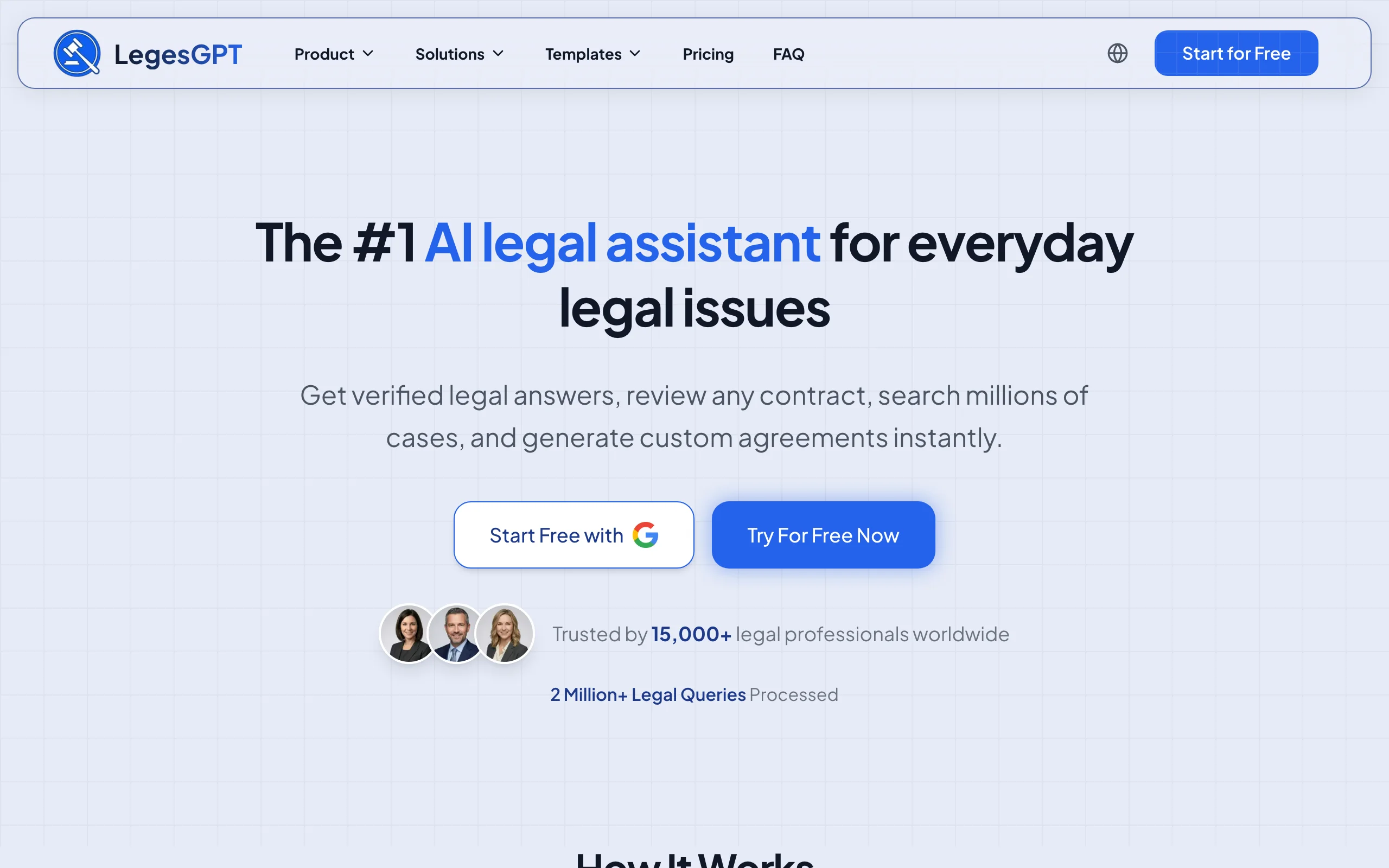
If you prefer to start from a proven base, 100+ attorney-drafted templates cover common firm workhorses like NDAs, powers of attorney, and service agreements. Once a document is drafted, the workflow keeps going: run AI document review to flag risky clauses in the counterparty's redline, then collect signatures with built-in e-signature. Research, drafting, review, and signing live in one subscription.
Key features:
- AI drafting of legal documents and contracts from plain-language instructions, no template coding required
- 100+ attorney-drafted legal document templates as starting points
- Built-in e-signature to sign and send finished documents
- Document review that flags risks and proposes changes on uploaded files (PDF, DOCX, and more)
- Legal questions answered with verified citations, plus case law and statute search for drafting support
Best for:
- Solo attorneys and 2-50 lawyer firms that want assembly output on day one, not after a template-building project
- Legal teams that also need research, review, and e-signature without buying three more tools
Pricing:
- Basic: $19.99/month for unlimited AI queries with case law and statute search
- Plus: $49.99/month adds document upload and 50 document reviews per month; Premium: $99.99/month adds unlimited reviews, Deep Research, and web search
- 3-day trial for $1, and roughly 30% off with annual billing
Pros:
- Zero learning curve: no interview scripting, variable mapping, or conditional-logic coding
- All-in-one workflow replaces separate research, drafting, review, and e-signature subscriptions
- A fraction of the monthly cost of most dedicated assembly platforms
Cons:
- Web only: there is no Word add-in, so firms that want assembly to happen inside Microsoft Word will need to export
- No client-facing intake portal with conditional interview logic, which tools like Gavel and Knackly are built around
100+ attorney-drafted legal templates
Browse free, ready-to-edit templates — NDAs, leases, employment contracts, wills, and more — built by attorneys and customizable in minutes.
Browse free templates2. Gavel, best for no-code client-facing workflows
Gavel (formerly Documate, and acquired by Relativity in June 2026) is a no-code automation platform built for legal professionals. You upload your Word or PDF documents, tag the variable fields, and build a guided interview around them. The differentiator is who runs that interview: Gavel workflows can face your clients directly, so an estate planning client answers the questionnaire from home and your paralegal receives assembled drafts instead of intake notes. Firms also use Gavel to sell self-service legal products online with Stripe payments.
Key features:
- No-code workflow builder that populates Word and PDF templates from guided interviews
- Client-facing questionnaires you can embed on your website or share by link
- Integrations with Clio, Zapier, DocuSign, and Stripe depending on tier
- Gavel Exec, a separately priced AI contract tool that works inside Word
- API access and SSO on the Scale plan
Best for:
- Firms in estate planning, family law, or immigration that want clients to self-complete intake
- Practices productizing legal services with paid online document workflows
Pricing:
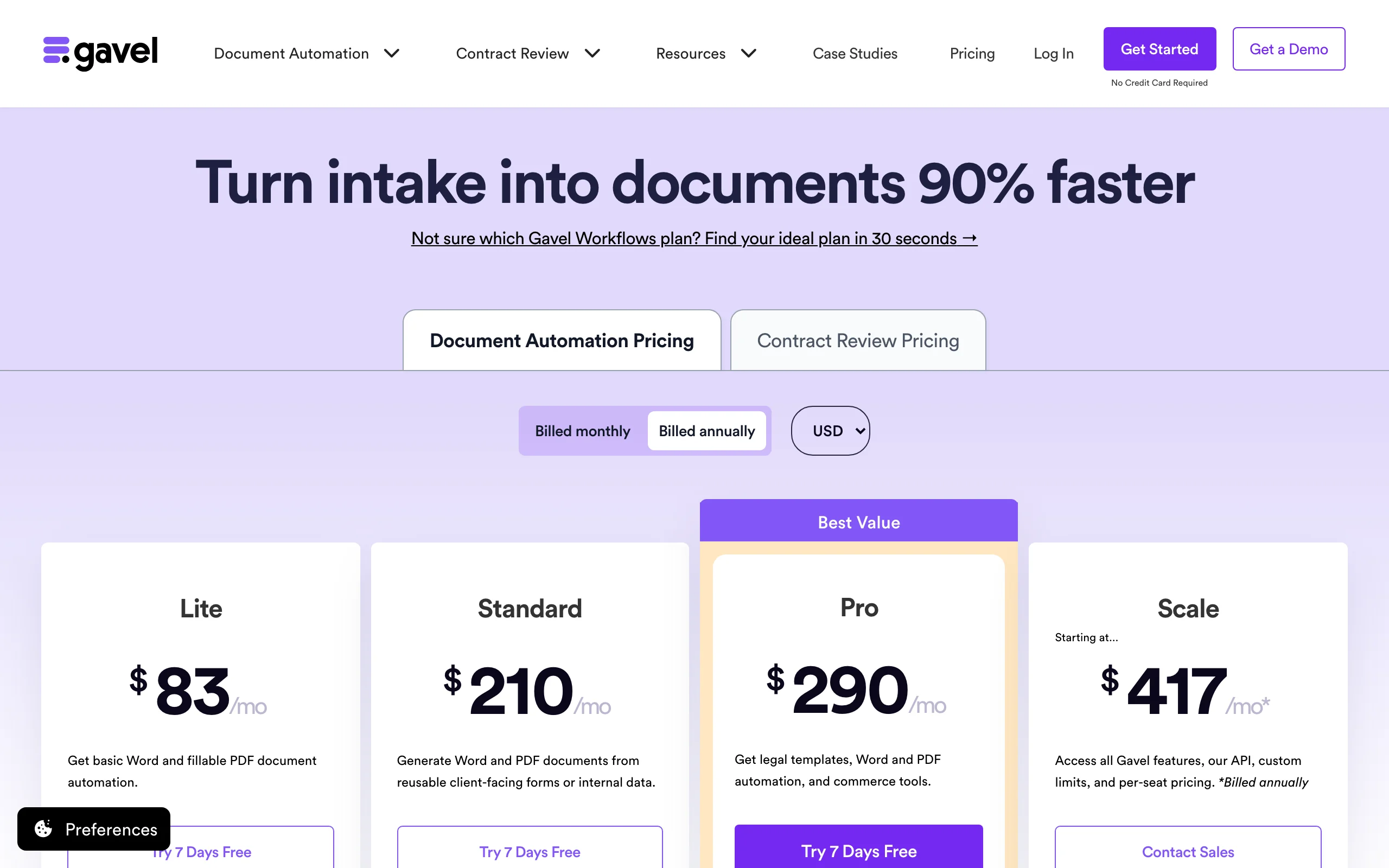
- Lite: $83/month billed annually, or $99 month-to-month, for 1 builder seat, 10 workflows, and 100 sessions per month
- Standard: $210/month billed annually ($250 monthly); Pro: $290/month billed annually ($350 monthly); Scale: from $417/month, billed annually only
- 7-day free trial with no credit card; annual plans billed upfront get 2 months free
Pros:
- One of the most polished no-code builders in legal tech, genuinely usable without a developer
- Client-facing workflows turn intake and assembly into a single step
Cons:
- Workflow and session caps mean growing firms climb tiers quickly
- You still have to build and maintain every template yourself, which takes real hours upfront
3. Clio Draft, best for court forms and Clio users
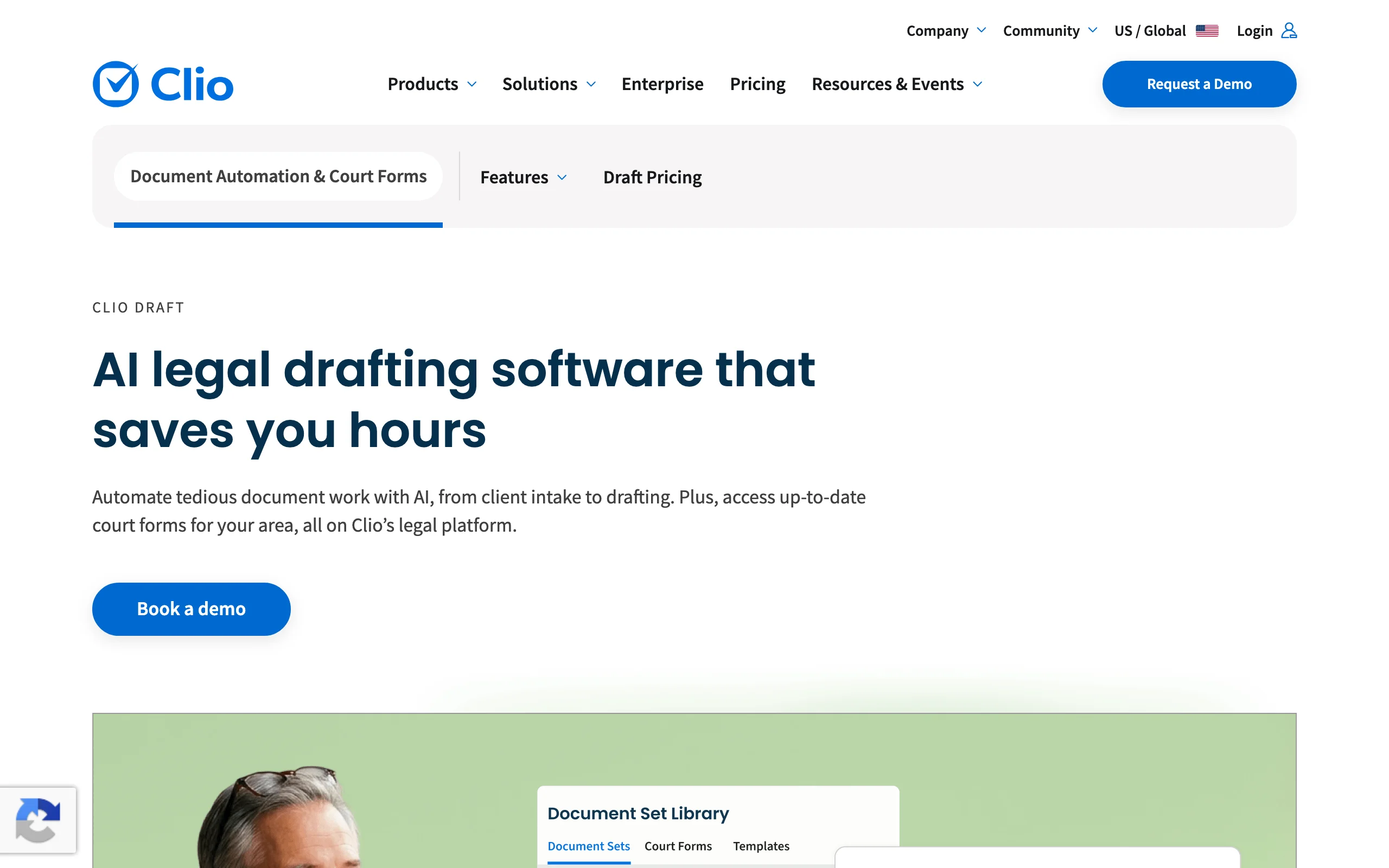
Clio Draft (formerly Lawyaw) is Clio's document assembly product, and it is really two tools in one. The first is a library of fillable, jurisdiction-specific court forms that auto-populate from client data, a genuine time-saver for litigation and family law practices buried in state judicial council forms. The second turns your own Microsoft Word documents into reusable templates with AI-powered questionnaires and bulk population, so one intake fills a whole document set. Everything syncs with Clio Manage, which is where the product shines brightest.
Key features:
- Up-to-date library of fillable court forms for your jurisdiction
- AI turns existing Word documents into reusable templates
- Bulk population fills entire document sets from one questionnaire
- Federally compliant e-signatures built in
- Deep integration with Clio Manage matter data
Best for:
- Litigation, family, and immigration practices that file high volumes of standardized court forms
- Firms already running on Clio that want assembly inside the same ecosystem
Pricing:
- Clio does not publish Draft pricing; you have to contact sales
- Per Lawyerist's July 2025 review: court forms run $40/month plus $30/user/month (about $70/month for one user), the Word template tool $80/month plus $30/user, and the full platform $120/month plus $30/user
- Roughly 16% discount on annual billing, per the same review
Pros:
- The court forms library is a standout; nobody else on this list maintains one this deep
- E-signature and questionnaires included rather than sold as add-ons
Cons:
- Opaque official pricing makes budgeting harder than it should be
- Strongest value is locked to the Clio ecosystem; standalone users give up the matter-data sync
4. HotDocs, best for enterprise-scale template libraries
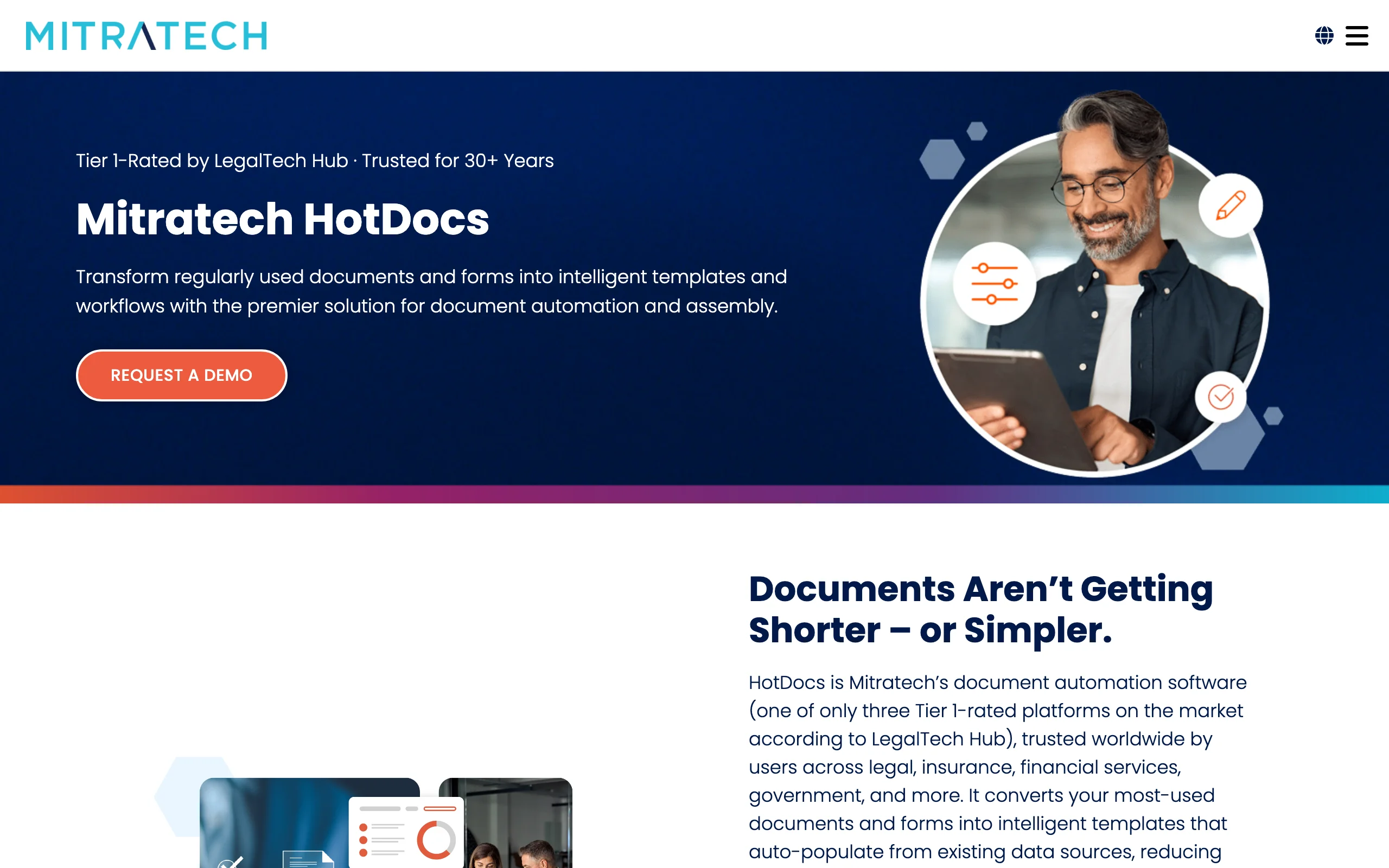
HotDocs is the veteran of document assembly, with roots going back over three decades, and is now owned by Mitratech following its sale by CARET. It remains the reference point for heavy-duty template work: deeply nested conditional logic, calculations, repeated tables, and version control across libraries of thousands of templates. Authoring happens through a Microsoft Word add-in, and deployment can run through HotDocs' cloud platform. Banks, government agencies, and large firms with dedicated template developers are its natural home.
Key features:
- Template authoring inside Microsoft Word with an add-in
- Guided interviews with conditional logic, calculations, and repeat tables
- Version control for large, regulated template libraries
- Open API and integrations with multiple practice management systems
Best for:
- Enterprises, banks, and government legal departments assembling high volumes of complex documents
- Large firms with a dedicated template developer or legal engineering function
Pricing:
- Custom only: Mitratech does not advertise HotDocs pricing anywhere, so budget conversations start with a sales demo
- No free trial, per Lawyerist's review
Pros:
- Unmatched depth for genuinely complex logic that lighter no-code tools cannot express
- Proven at massive scale, with an API for embedding assembly into other systems
Cons:
- Complex setup with a steep learning curve; Lawyerist bluntly rates it "not for solos"
- No native e-signature or e-payments, so you buy and wire those separately
- No published pricing and no trial makes evaluation slow
5. Knackly, best for done-for-you automation
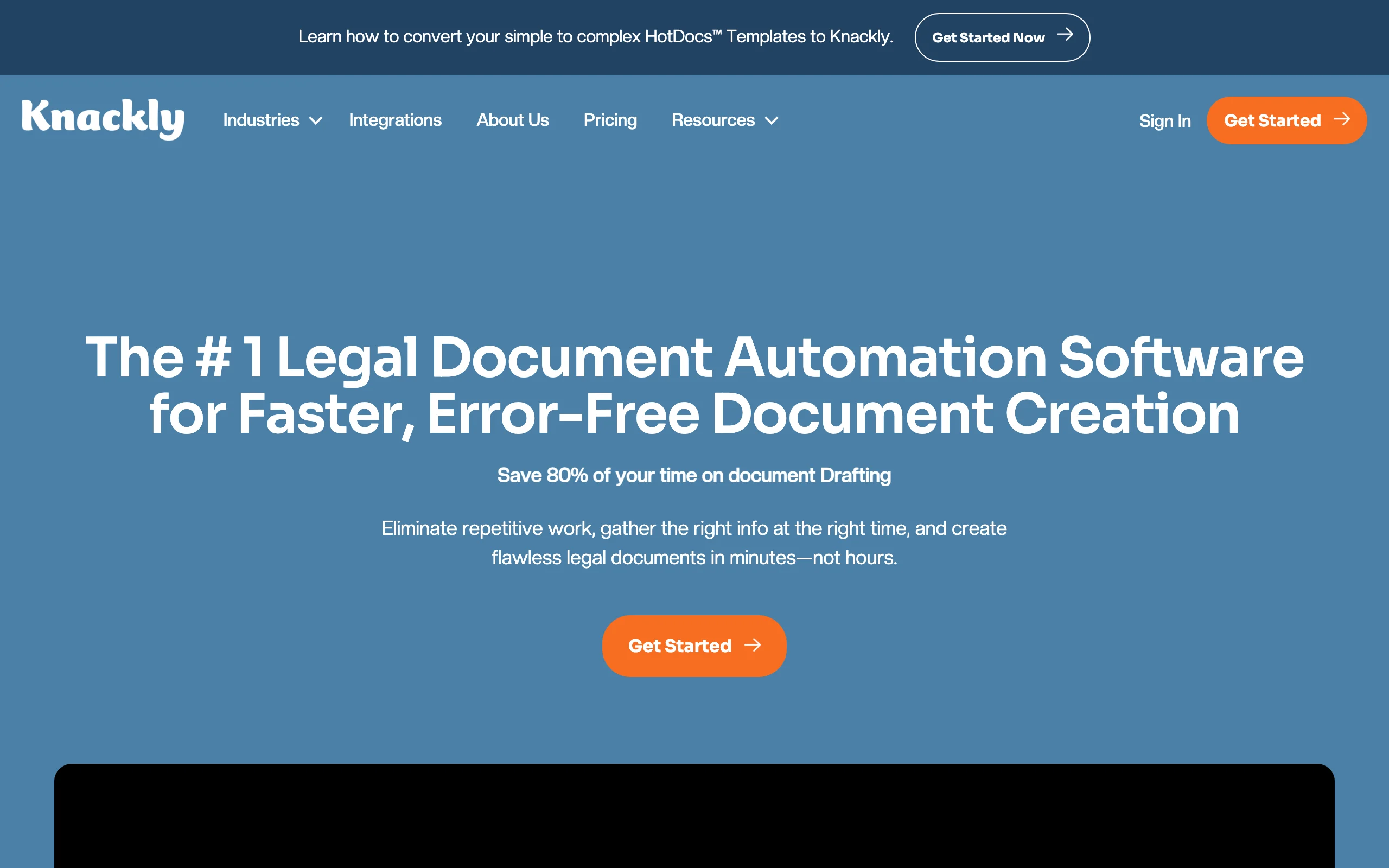
Knackly targets the biggest hidden cost in document assembly: the hours your team spends building and maintaining templates. Its platform covers external client intake questionnaires, internal guided interviews, and Word and PDF assembly from a shared client data layer, so information entered once flows into every document. The signature offering is the Done For You plan, where Knackly's own experts build your automations for you, three hours of template work per month included.
Key features:
- External client questionnaires and internal guided interviews feeding one client data store
- Word and PDF assembly with conditional logic
- Done For You service tier with monthly expert template building included
- Integrations with Clio, Zapier, and OneDrive; API access on the Professional plan
- Multiple users included on every plan (4 on Starter, 12 on Professional)
Best for:
- Estate planning and transactional firms that want automation without becoming template engineers
- Mid-sized teams where several staff members assemble documents daily
Pricing:
- Starter: $250/month with 4 users included ($209/month billed annually); additional users $40/month
- Done For You: $500/month ($417 annually) including 3 hours of managed template building per month; Professional: $1,000/month ($834 annually) with 12 users and API access
- No self-serve free trial; evaluation runs through a live demo, with no setup fees and no long-term contract
Pros:
- Done For You removes the template-building bottleneck entirely
- Per-plan pricing with users bundled in beats per-seat pricing for teams of three or four
Cons:
- Highest entry price of the standalone tools on this list
- Monthly caps on new client records (400 on Starter) can pinch high-volume consumer practices
6. Smokeball, best practice management suite with built-in assembly
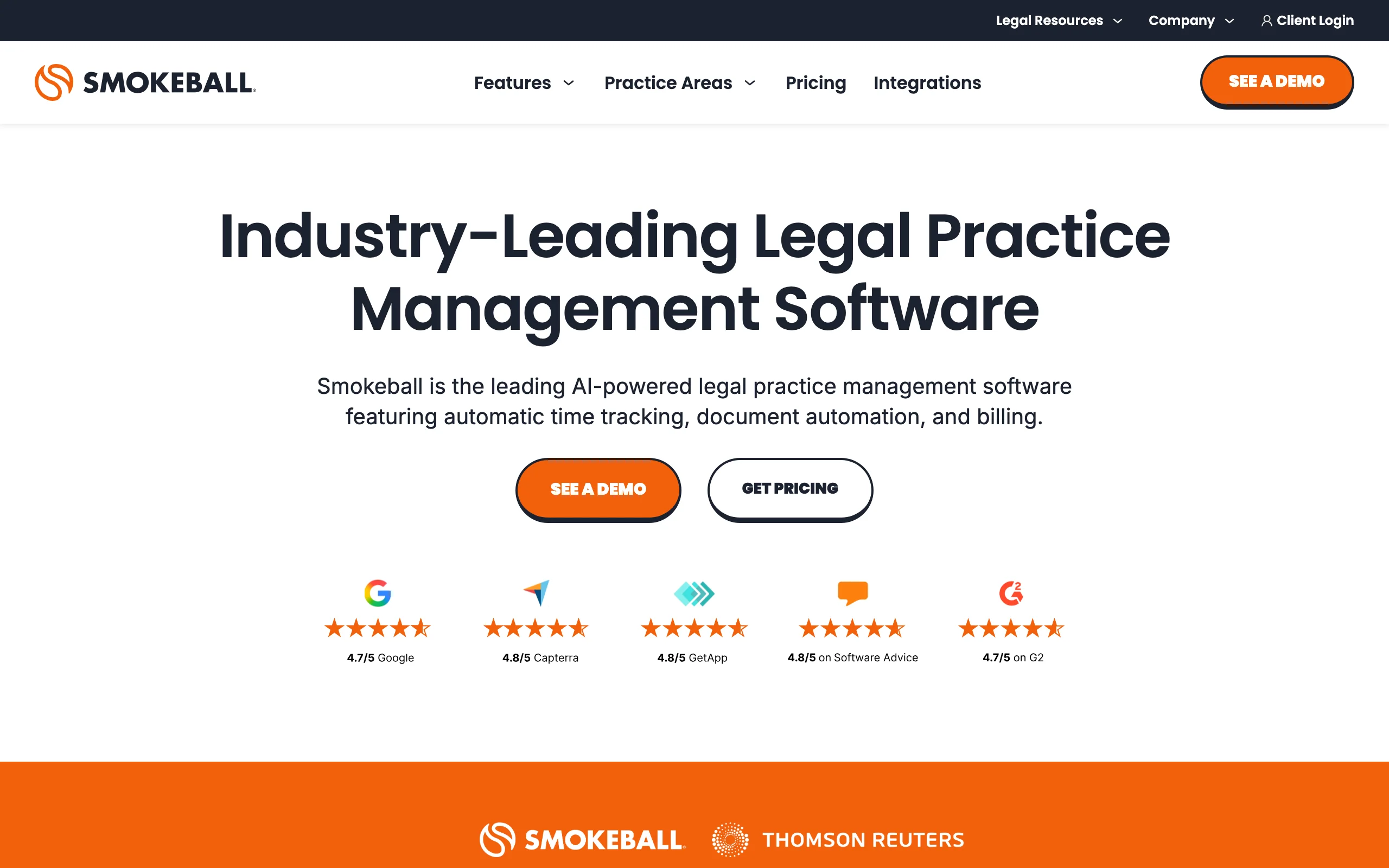
Smokeball is a legal practice management platform where document assembly is a headline feature rather than an afterthought. Its differentiator is the pre-built library: automated, jurisdiction-specific forms and templates maintained by Smokeball across many practice areas, populated automatically from the matter data you already keep. Combined with deep Microsoft Word and Outlook integration, automatic time tracking, and the Archie AI assistant, it suits firms that want assembly, billing, and matter management from one vendor.
Key features:
- Library of pre-built, jurisdiction-specific automated forms and templates
- Documents populate automatically from matter and contact data
- Deep Microsoft Word and Outlook integration with a desktop application
- Archie AI assistant for drafting and matter questions
- Automatic time tracking captures the drafting work you bill
Best for:
- Small and mid-sized firms replacing several tools with one managed platform
- Practices in areas like family law, conveyancing, and personal injury covered by its form library
Pricing:
- Four plans (Bill, Boost, Grow, Prosper+), each listed at "From $149/mo" with final pricing by custom quote
- Advanced document automation and automated forms sit on the Grow and Prosper+ tiers
- Free trial available for the Boost plan only
Pros:
- The maintained forms library means someone else keeps your templates current
- Assembly pulls from matter data automatically, so there is no separate questionnaire step for known clients
Cons:
- You must adopt the whole practice management suite to get the assembly features
- Quote-based pricing, and the strongest automation sits on the pricier tiers
7. MyCase Document Automation, best for Word templates tied to case data
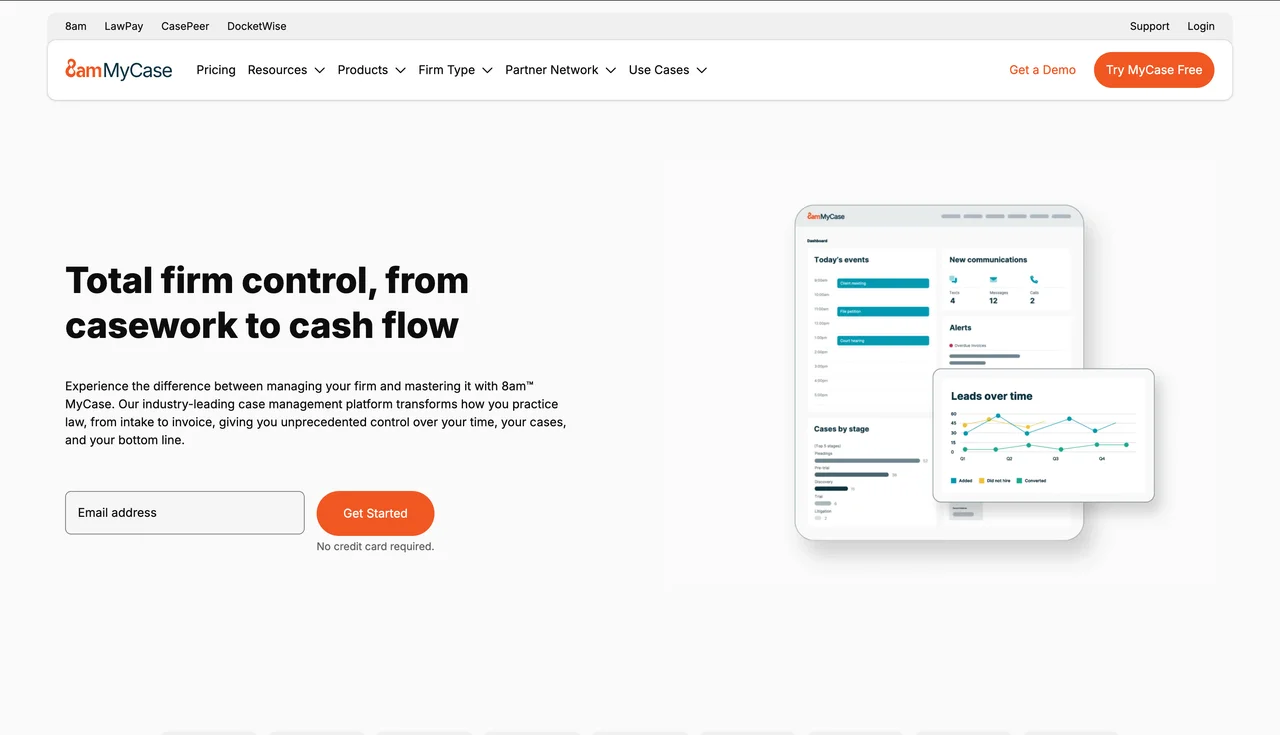
Woodpecker, once a popular standalone Word add-in for legal document assembly, no longer exists as its own product. After MyCase acquired it in 2021 (MyCase's parent AffiniPay now operates as 8am), it was rebuilt as MyCase's Advanced Document Automation. The concept survived the rebrand: turn your Word documents into templates with merge fields and conditional logic, then populate them from the case and contact data already sitting in MyCase. For firms shopping for practice management and assembly together, it is a tidy package with transparent per-user pricing.
Key features:
- Word-based templates with merge fields and conditional logic
- Documents populate directly from MyCase case and contact records
- Part of a full practice management suite with billing, intake, and client portal
- API access on the Advanced tier
Best for:
- Firms already on MyCase, or shopping for case management and assembly in one purchase
- Teams standardized on Word documents who want them filled from case data
Pricing:
- MyCase runs $50/user/month (Basic), $100/user/month (Pro), and $130/user/month (Advanced) billed annually; monthly billing is $60, $120, and $150
- Advanced Document Automation requires the Advanced tier
- 10-day free trial with no credit card required
Pros:
- Transparent per-user pricing that is easy to model as you hire
- Assembly is native to the case file, so data entry happens once
Cons:
- The standalone Woodpecker product is gone; you cannot buy the automation without adopting MyCase
- Document automation is locked to the top tier, a meaningful jump from the Basic plan price
How to choose the best document assembly software for your firm
Seven capable tools, four questions. Work through these in order and the shortlist mostly builds itself.
1) Do you want to build templates, or skip templates entirely?
- If your documents vary matter to matter and you want output today: an AI-first tool wins. LegesGPT drafts from plain-language instructions and attorney-drafted starting points, so there is no automation project before the first document. Our comparison of the best AI tools for legal document creation goes deeper on this category.
- If you produce hundreds of near-identical documents from stable precedents: a template engine pays off. Gavel for no-code building, HotDocs for complex enterprise logic, or Knackly if you want the vendor to build the templates for you.
2) Standalone tool or part of your practice management suite?
- If you already run Smokeball, MyCase, or Clio: use the assembly built into or attached to your platform. The matter-data sync eliminates re-keying, which is half the point.
- If you do not want to switch practice management systems: pick a standalone tool. LegesGPT and Gavel work independently of your case management stack, and Gavel still integrates with Clio if you need the bridge.
3) Who fills in the answers: your staff or your clients?
- If clients should self-complete intake: Gavel and Knackly are built around client-facing questionnaires, and Gavel can even charge for the result.
- If drafting stays internal: LegesGPT, Clio Draft, and HotDocs assume a lawyer or paralegal is driving, which keeps sensitive judgment calls in-house.
4) What does the math look like at your volume?
Run the numbers before committing. A solo drafting 20 documents a month gets poor value from Knackly's $250/month floor or a HotDocs implementation, while LegesGPT's Plus plan at $49.99/month covers drafting plus 50 document reviews. A 15-person firm assembling 400 court forms monthly will happily pay Clio Draft or Smokeball prices to avoid manual form-filling. Whatever you shortlist, test 3 to 5 of your real documents during the trial, not the vendor's polished demo files. You can even benchmark AI output in two minutes with LegesGPT's AI contract generator, and our guide on how to generate documents with AI shows what good prompts look like.
For a broader look at where assembly fits alongside research, intake, and billing tools, see our overview of AI for law firms.
The bottom line: template engines reward firms with stable, high-volume precedents and the patience to build. If you want assembled, reviewed, signature-ready legal documents this week, start with the AI-first route and add a template engine later only if you outgrow it.
All of LegesGPT for $1
Verified-citation answers, case law search, document review, AI drafting, and e-signature in one subscription. 3-day trial for $1, cancel anytime.
Start the $1 trialFrequently Asked Questions
What is document assembly software?
Document assembly software builds finished legal documents from reusable templates or AI drafting instead of manual copy-paste. You answer a questionnaire once (or describe the document in plain language), and the tool populates names, dates, clauses, and conditional sections automatically, cutting drafting time and transcription errors.
What is the difference between document assembly and document automation?
The terms overlap heavily and vendors use them interchangeably. Document assembly usually refers to producing the document itself from a template or interview, while document automation can also cover the surrounding workflow, such as client intake, approvals, e-signature, and filing. Every tool in this guide does assembly; several also automate the workflow around it.
How much does document assembly software cost for a law firm?
Verified 2026 pricing spans a wide range. LegesGPT starts at $19.99/month, Gavel at $83/month, and Knackly at $209/month billed annually, while MyCase requires its $130/user/month Advanced tier and Smokeball lists plans from $149/month by quote. HotDocs and Clio Draft do not publish official pricing, so budget for a sales conversation there.
Do I need coding skills to use document assembly software?
Not to use one, but traditional platforms require template building, which means learning variables, merge fields, and conditional logic even in no-code builders like Gavel. If you want to skip that entirely, choose an AI-first tool like LegesGPT that drafts from plain-language instructions, or pay for Knackly's Done For You plan where the vendor builds your templates.
Can AI replace template-based document assembly?
For many firms, yes for a large share of documents. AI drafting handles variable, matter-specific documents well and needs no upfront template project, while template engines still win for high-volume, must-be-identical output like court form sets. Many firms run both, using AI for bespoke drafts and templates for standardized filings. A lawyer should review AI output before it goes out either way.
What happened to Woodpecker document assembly?
Woodpecker was acquired by MyCase in 2021, and MyCase was then acquired by AffiniPay, which now operates as 8am. The standalone Woodpecker product has been retired and rebuilt as Advanced Document Automation inside the MyCase Advanced plan ($130/user/month billed annually), so you now adopt the MyCase practice management platform to get it.
Which document assembly software is best for a solo attorney or small firm?
LegesGPT is the strongest fit for solos and small firms. It drafts legal documents and contracts from plain-language instructions, includes 100+ attorney-drafted templates and e-signature, and starts at $19.99/month with a 3-day $1 trial, so there is no template-building project or per-seat minimum before you produce your first document.