Legal research used to mean an hour of Boolean strings and a stack of tabs before you had a single usable authority. The best AI tools for legal research now answer a plain-English question with cited cases and statutes in under a minute. The catch is that not every tool cites real law, and the ones that do range from twenty dollars a month to enterprise contracts with a 25-seat minimum.
That gap matters more than any feature list. A general chatbot will confidently invent a case, and courts have sanctioned lawyers who filed those citations. The tools below are ranked on the thing that actually decides whether AI research is safe to rely on: whether the answer is grounded in primary law and whether you can click through to check it.
This guide compares the nine best AI tools for legal research in 2026, from all-in-one assistants to Westlaw and Lexis add-ons to free options. For each you get what it does, starting price, trial, jurisdiction coverage, and an honest read on who it fits, followed by a section on free AI for legal research and a framework for choosing.
Run thorough legal research, fast
Search case law and statutes, cross-reference authorities, and verify every source — LegesGPT's legal research software backs each answer with citations.
Start researchingBest AI tools for legal research: a brief overview
Here is the short version before the deep dive. Each tool earns a different spot, so match the label to how you research.
- LegesGPT: Best overall AI for legal research for solo and small firms: plain-English questions answered with verified citations and source links, plus case law search, document review, and drafting in one self-serve subscription.
- CoCounsel Legal: Best for agentic research grounded in Westlaw: Deep Research reports with KeyCite flags for firms already on Thomson Reuters.
- Lexis+ with Protégé: Best for enterprise firms on LexisNexis: agentic research and drafting validated by Shepard's.
- Vincent AI: Best for cross-border and multi-jurisdiction research: vLex's global database with jurisdiction comparison workflows.
- Harvey: Best for BigLaw and large in-house teams: enterprise research, document vaults, and custom agents at enterprise pricing.
- Paxton: Best for research plus drafting at a mid-size firm: 50-state coverage with a confidence indicator on every citation.
- Alexi: Best for litigation research memos: retrieval-first memos and argument packages across the US and Canada.
- Midpage: Best budget AI case law search with a citator: all federal and state appellate case law with treatment signals for $100 a month.
- Google Scholar: Best free case law search: broad coverage of published opinions, no AI answers, no citator.
| Tool | Best for | Starting price | Free trial | Jurisdictions |
|---|---|---|---|---|
| LegesGPT | All-in-one research for solo and small firms | From $19.99/mo | 3-day, $1 | 38+ countries |
| CoCounsel Legal | Agentic research grounded in Westlaw | Custom (quote) | Demo; trial on Essentials | Primarily US |
| Lexis+ with Protégé | Enterprise firms on LexisNexis | Custom (quote) | 2-day | Primarily US |
| Vincent AI | Cross-border, multi-jurisdiction research | Custom (quote) | Free trial | 100+ countries |
| Harvey | BigLaw and large in-house teams | Custom (enterprise) | Demo only | US (Lexis corpus) + global |
| Paxton | Research plus drafting for mid-size firms | $499/user/mo | 7-day | US federal + 50 states |
| Alexi | Litigation research memos | Custom (quote) | Guided trial | US + Canada |
| Midpage | Budget case law search with a citator | $100/mo | 2-week, no card | US federal + 50 states |
| Google Scholar | Free case law search | Free | Free | US federal + state appellate |
1. LegesGPT, best overall AI for legal research
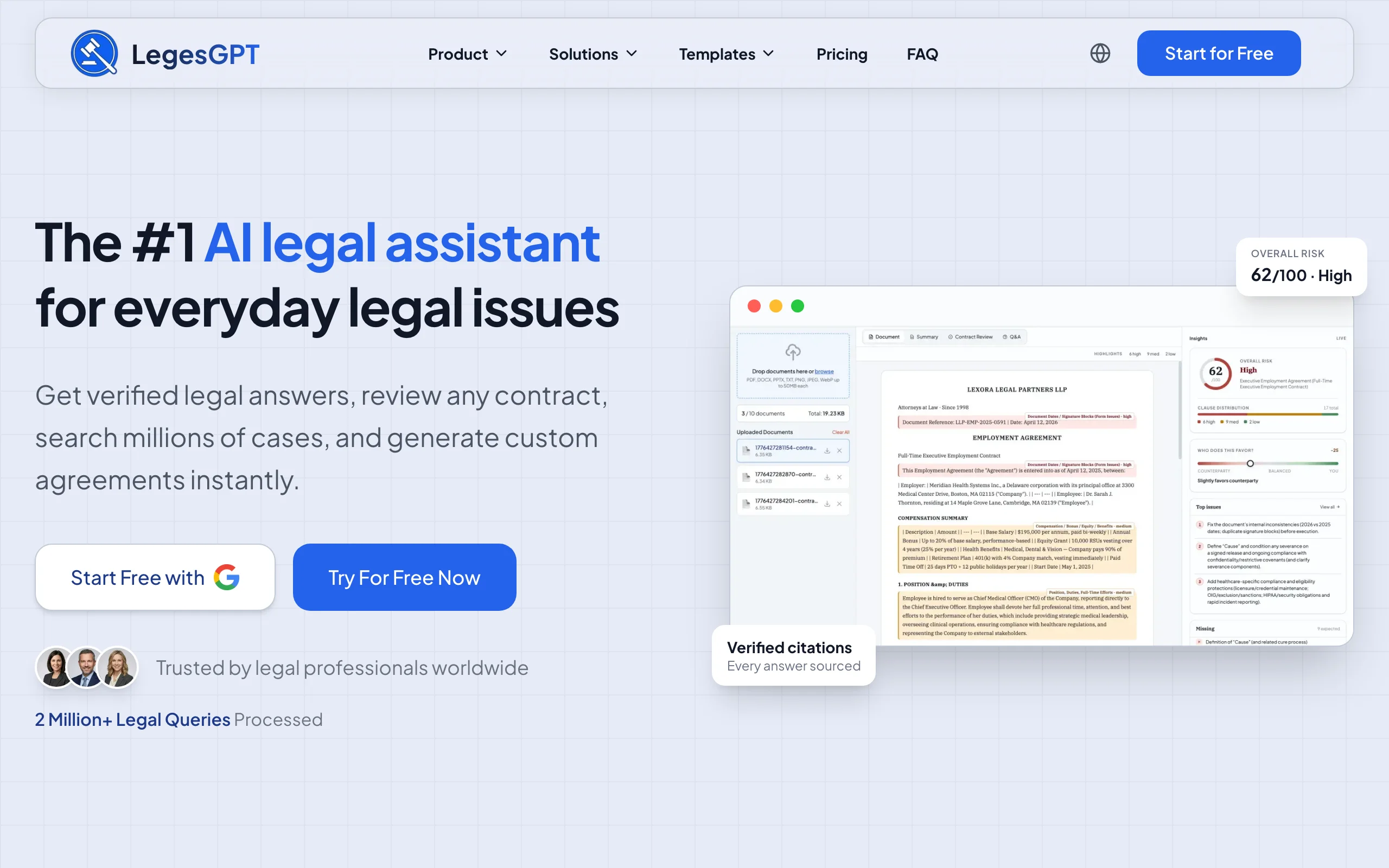
LegesGPT starts from the question you actually have. Type it the way you would ask a colleague, "Is a non-compete enforceable against a physician in Texas after the 2025 amendments?", and it answers in plain language with the cases and statutes it relied on, each one linked to the original source. That closes the loop that general chatbots leave open: you can verify every citation before it goes into a memo, and you never take an answer on faith.
Research does not stop at the answer. LegesGPT pairs its verified-citation answers with case law and statute search, a Deep Research mode that works through multi-step questions, and web search for developments too recent for any database. Because the same workspace reviews uploaded documents and drafts from what you find, you can go from "what does the law say" to a marked-up contract or a first-draft motion without switching tools. It runs in the browser, with no add-in or IT setup, and you can start on a 3-day trial for $1 instead of a sales call.
Key features
- Plain-English legal questions answered with verified citations and direct source links
- Case law and statute search across 38+ jurisdictions, so multi-state and cross-border questions do not need a second subscription
- Deep Research mode for layered, multi-step research questions
- Web search integration for recent rulings, rule changes, and regulatory updates
- AI document review that flags risks and proposes changes, plus AI drafting and e-signature in the same subscription
- Free legal tools, including a contract generator and a citation generator
Best for
- Solo practitioners and 2-50 attorney firms who want reliable everyday research without a Westlaw or Lexis contract
- In-house counsel and legal ops teams answering recurring questions across several jurisdictions
- Paralegals and law students who need citations they can check, at a price they can justify
Pricing
- 3-day trial for $1, no permanently free plan
- Basic at $19.99/mo: unlimited AI queries, case law and statute search, citation verification
- Plus at $49.99/mo: adds document upload and 50 document reviews per month
- Premium at $99.99/mo: adds unlimited document review, Deep Research, and web search
- Around 30% off with annual billing
Pros
- Every answer is verifiable in seconds because the citations link to the source
- Research, review, and drafting live in one workspace instead of three subscriptions
- Self-serve pricing with no seat minimum, no annual lock-in, and no enterprise sales cycle
- Nothing to install: works in any browser
Cons
- A newer brand with a smaller footprint than Westlaw or LexisNexis, so it lacks their decades of secondary sources and editorial headnotes
- Web-only: no native mobile app, public API, or Word add-in
2. CoCounsel Legal, best for agentic research grounded in Westlaw
CoCounsel Legal is Thomson Reuters' AI layer over Westlaw and Practical Law. The August 2026 release moved it from a chat assistant to an agentic system: ask a research question and Westlaw Deep Research plans the work, runs the searches, and returns a report with inline citations, KeyCite flags, and excerpts from the underlying authorities. A Drafting Agent carries the research into Word, and Deep Research Verify rechecks the citations in a finished draft.
That grounding in the Westlaw corpus and KeyCite is the point. If your firm already pays for Westlaw, CoCounsel gives you AI research on the database you trust, with the citator built in. If you do not, the bundle becomes expensive quickly, and you buy through a quote rather than a price list.
Key features
- Westlaw Deep Research: agentic research reports with inline citations and KeyCite flags
- Deep Research Verify and Westlaw Brief Builder for citation checking in drafts
- Drafting Agent for Word and batch document review
- Bundles with Westlaw Advantage and Practical Law Dynamic Tool Set
Best for
- Firms already on Westlaw that want AI research without leaving the Thomson Reuters ecosystem
- Litigation teams that need KeyCite treatment signals on every authority
- Practices that run structured workflows like deposition prep and brief analysis
Pricing
- Not published. Quotes depend on firm size, jurisdiction, and a 1, 2, or 3-year term, with longer terms discounted
- Third-party estimates run from roughly $104 to $639 per user per month depending on the bundle
- Free demo on all plans; a free trial is offered on CoCounsel Essentials only
Pros
- The deepest US case law database paired with the most widely used citator
- Agentic Deep Research handles multi-step questions end to end
- Strong verification tooling for anything headed to a court
Cons
- Quote-only pricing and multi-year terms; hard to trial cheaply
- Overkill for a solo or small firm that mostly needs answers, not workflows
- Primarily US-focused, with other jurisdictions rolling out later in 2026
3. Lexis+ with Protégé, best for enterprise firms on LexisNexis
Lexis+ with Protégé is LexisNexis's answer to CoCounsel. Protégé is an agentic assistant layered over the Lexis+ research platform: describe a goal in natural language, and it plans the research, drafts, and organizes the work in Workrooms, with a Vault that holds up to 100,000 documents per matter. Shepard's Verify trust markers flag any citation the system cannot validate, which is the safeguard that separates it from a general chatbot.
For firms whose research already runs through Lexis, Protégé adds AI without changing the underlying corpus or citator. For everyone else, it is an enterprise purchase with a two-day trial and no public price.
Key features
- Protégé agentic research and drafting on top of Lexis+ primary law and Practical Guidance
- Shepard's citation validation with Verify trust markers on unverifiable citations
- Workrooms for matter organization and a Vault for large document sets
- Protégé Work (May 2026) for goal-based, multi-step workflows
Best for
- Mid-size and large firms with existing LexisNexis contracts
- Teams that rely on Shepard's for treatment history
- Practices that want research and drafting inside one enterprise platform
Pricing
- Not published; contact the vendor for a quote
- Third-party estimates put bundled Lexis+ AI tiers between about $128 and $494 per user per month
- 2-day free trial
Pros
- Shepard's integration makes every citation's treatment visible
- Deep secondary sources and Practical Guidance alongside primary law
- Agentic workflows that carry research through to drafts
Cons
- Quote-only pricing and a very short trial window
- Enterprise-grade complexity for firms that need everyday answers
- Primarily a US platform
4. Vincent AI, best for cross-border and multi-jurisdiction research
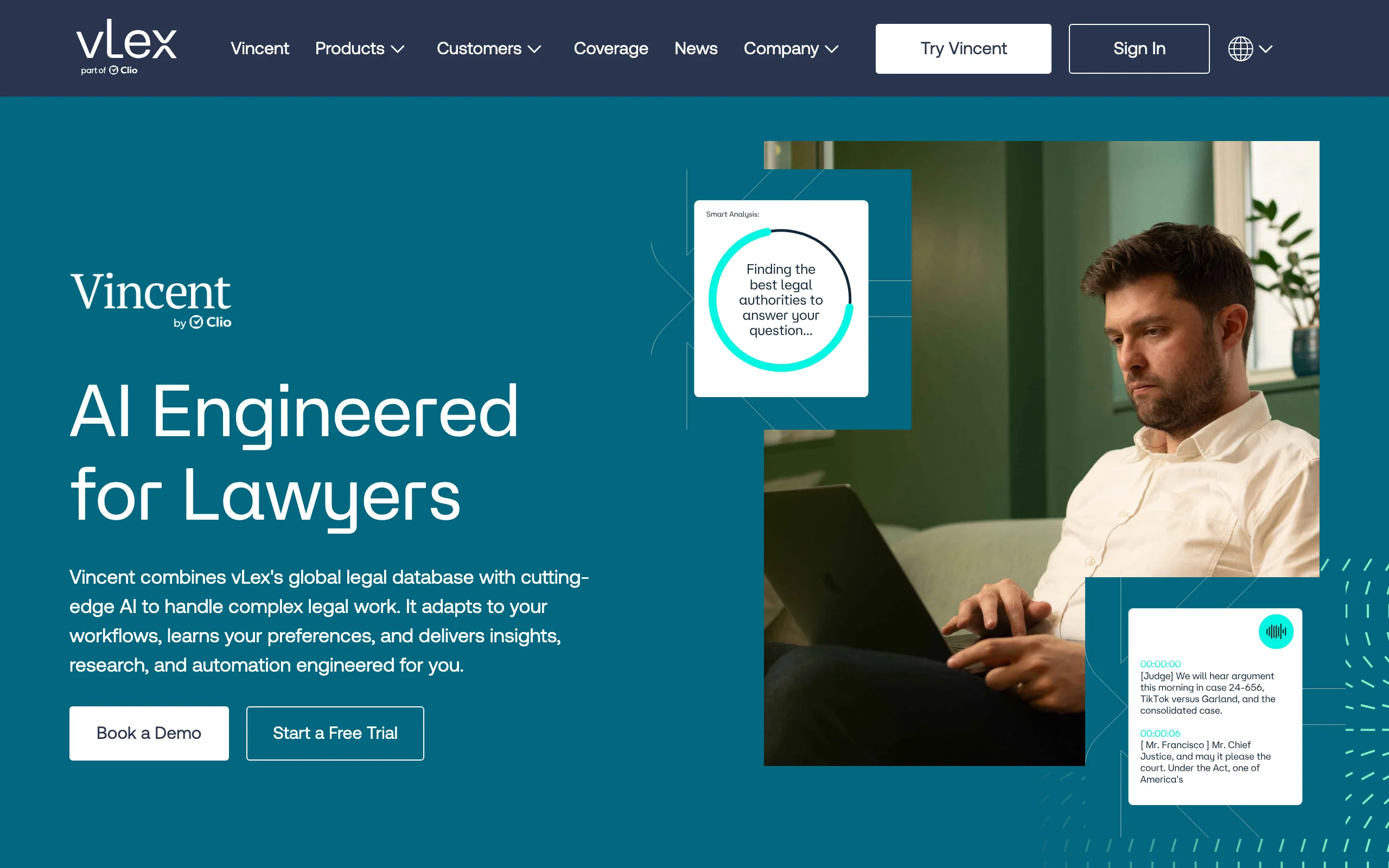
Vincent AI is vLex's research assistant, now part of Clio after the 2025 acquisition. Its distinguishing asset is the vLex database, which spans more than 100 countries, including the US, UK, EU, Latin America, Singapore, Hong Kong, and New Zealand. Workflows like Ask a Research Question, 50-State Survey, and Compare Jurisdictions are built for exactly the questions that trip up US-only tools.
If your matters cross borders, or your firm runs on Clio and wants research in the same ecosystem, Vincent is the natural pick. Pricing is not public, and third-party estimates conflict widely, so confirm the number before you plan around it.
Key features
- Research across vLex's database covering 100+ countries
- 50-State Survey and Compare Jurisdictions workflows
- Litigation intelligence profiles and document analysis
- Integration with Clio's practice management platform
Best for
- Firms with international or multi-jurisdiction matters
- Clio users who want research and practice management under one vendor
- Bar association members who get discounted access through vLex Fastcase benefits
Pricing
- Not published; contact the vendor
- Third-party estimates range from about $69 per user per month self-serve to about $399 per user per month for firm plans, and the two do not agree
- Free trial with no credit card required
Pros
- The broadest jurisdiction coverage of any tool on this list
- Purpose-built workflows for comparing law across states and countries
- Bar association discounts can bring the cost down substantially
Cons
- Opaque pricing with conflicting public estimates
- US coverage depth trails Westlaw and Lexis for secondary sources
- Best value only if you need the international reach
5. Harvey, best for BigLaw and large in-house teams
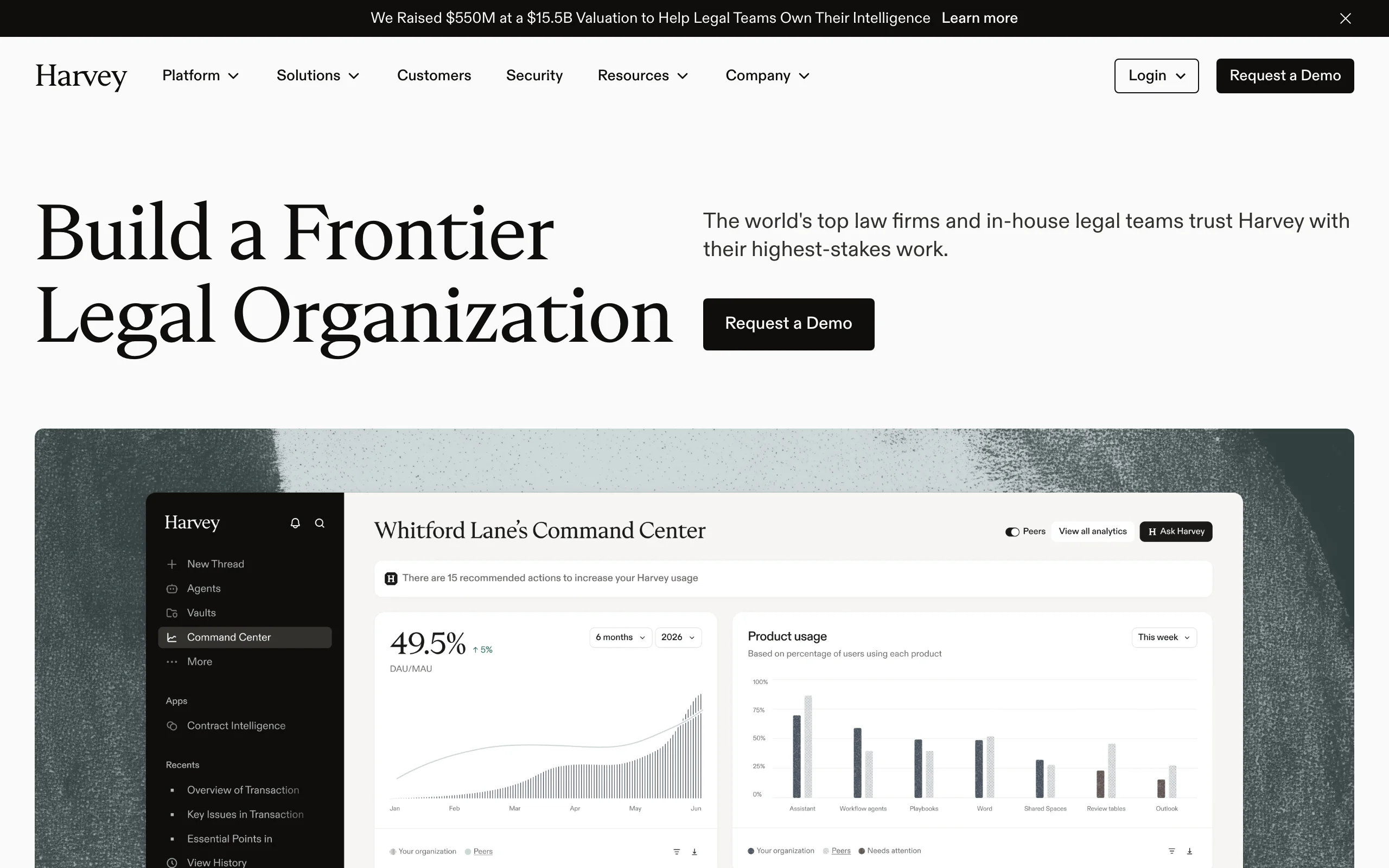
Harvey is the enterprise platform the largest firms have adopted, and its research capability is built around a strategic alliance with LexisNexis: answers are grounded in Lexis US case law and statutes and validated through Shepard's. Around that core sit Vault for bulk document analysis, Knowledge for research across legal, regulatory, and tax sources, and Agents that firms configure for their own workflows.
Harvey is not a tool you sign up for. It sells on a demo, on annual terms, with reported seat minimums, and reported per-seat costs in the low thousands of dollars per month. That is fine for a 500-lawyer firm with a knowledge management team, and out of reach for nearly everyone else.
Key features
- Knowledge: research grounded in LexisNexis primary law, validated with Shepard's
- Vault for bulk document review and analysis across a matter
- Agents, Spaces, and Memory for firm-specific workflows
- Contract Intelligence for transactional work
Best for
- AmLaw 200 firms and large in-house legal departments
- Teams with knowledge management staff to configure agents and workflows
- Organizations that need enterprise security and procurement processes
Pricing
- Enterprise, quote-only; no public price list and no self-serve trial
- Reported estimates of $1,200 to $2,000 or more per user per month, with roughly 25-seat minimums on 12-month terms
Pros
- Lexis-grounded research with Shepard's validation at enterprise scale
- The most extensive workflow and document-vault tooling on this list
- Trusted by many of the world's largest firms
Cons
- Cost and seat minimums put it out of reach for small and mid-size firms
- No way to try it without a sales process
- Configuration effort before it pays off
6. Paxton, best for research plus drafting at a mid-size firm
Paxton positions itself as an all-in-one AI legal assistant with research at the center: federal regulations, state law, and case law across all 50 states, paired with drafting and file analysis. Its citation safeguard is a Confidence Indicator on each answer, and Paxton publishes its results on the Stanford Legal Hallucination Benchmark and CaseHold, which is more transparency than most vendors offer.
The published price is $499 per user per month, or $2,999 per user per year. That is affordable next to Harvey and competitive with Westlaw bundles, but it is a real budget line for a solo. Older third-party figures of $199 or $299 per month are out of date, so plan on the official number.
Key features
- Case law, statutes, and regulations across federal law and all 50 states
- Confidence Indicator on citations and a built-in citator
- Drafting and file analysis in the same workspace
- SOC 2, ISO 27001, and HIPAA compliance
Best for
- Mid-size firms that want research and drafting from one vendor with published pricing
- Regulatory and compliance practices that work in federal and state regulations
- Teams that need documented security certifications for client requirements
Pricing
- Individual: $499 per user per month, or $2,999 per user per year
- Enterprise: custom
- 7-day free trial
Pros
- Transparent pricing and a self-serve trial, unusual at this tier
- Published accuracy benchmarks for citation reliability
- Broad US coverage including regulations
Cons
- Roughly 25 times the monthly price of LegesGPT's Basic plan for a single user
- US-only coverage
- Confidence scores still require a human to verify the underlying authority
7. Alexi, best for litigation research memos
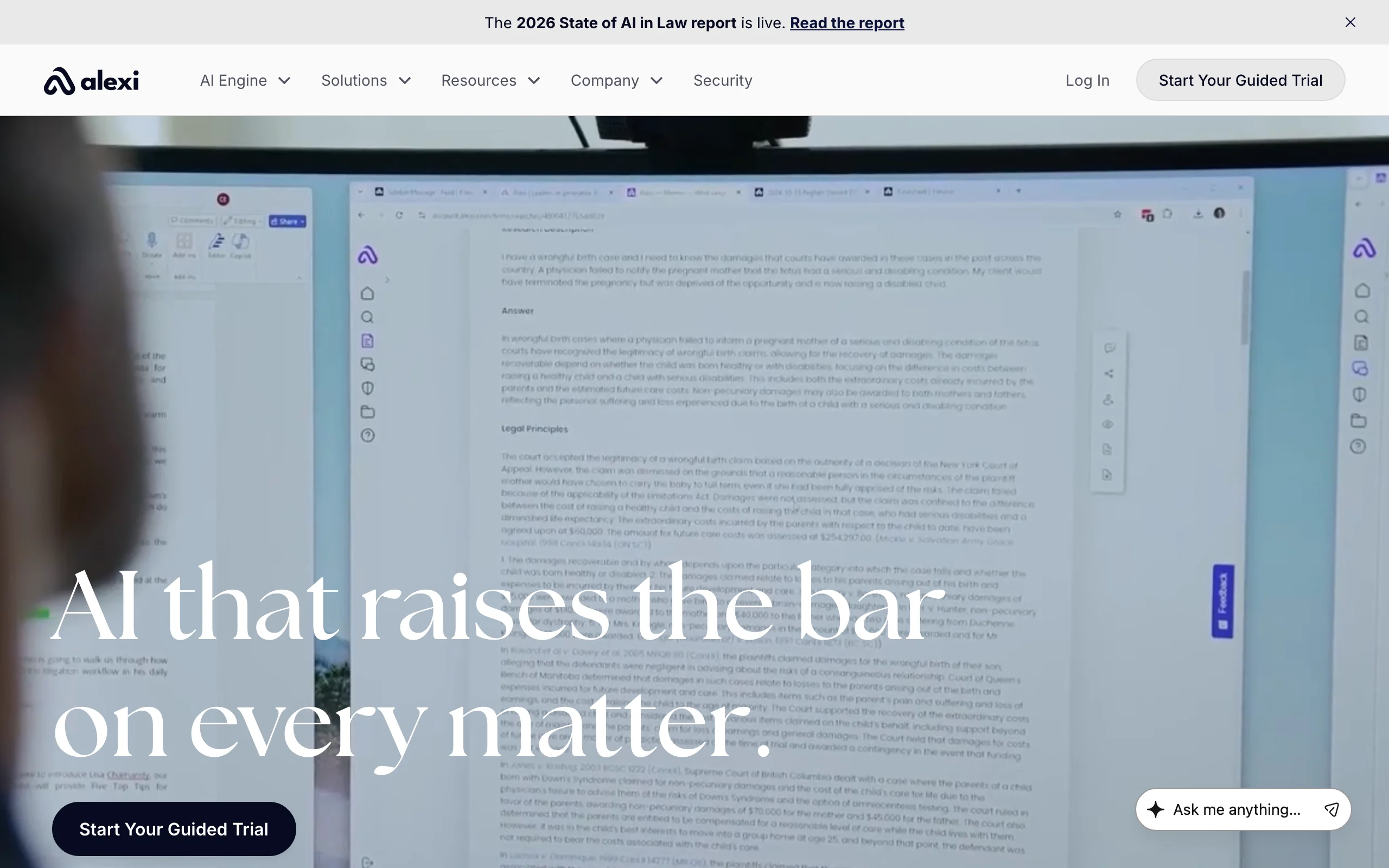
Alexi is built for litigators. Rather than a chat box, it produces research memos and argument packages: state the issue and facts, and it returns a memo grounded in retrieved authorities, with multi-agent verification designed to flag when authority does not exist rather than invent it. Hearing and trial readiness checklists and workflow automations extend that into case preparation.
Coverage spans all US states, DC, federal courts, and Canadian provinces and territories outside Quebec, which makes it one of the few tools that serves cross-border North American litigation. Pricing is set by firm size and deployment, so expect a sales conversation and a guided trial rather than instant sign-up.
Key features
- Research memos and argument packages generated from retrieved authorities
- Multi-agent verification that flags missing authority instead of fabricating it
- Hearing and trial readiness checklists
- Coverage of US federal, all 50 states, DC, and Canada (excluding Quebec)
Best for
- Litigation boutiques and litigation departments that live in memos and motions
- Firms practicing across the US-Canada border
- Teams that want repeatable research output rather than conversational answers
Pricing
- Quote-based, set by firm size and deployment mode
- Guided trial by booking; older third-party listings cite $499 and $949 per month plans, but the vendor does not publish those
Pros
- Memo-first output maps directly to how litigators work
- Verification approach that is candid about gaps in authority
- Canadian coverage that most US tools lack
Cons
- No self-serve trial or published pricing
- Narrow fit for transactional or advisory practices
- Memo-based workflow is slower than a quick question-and-answer tool for simple lookups
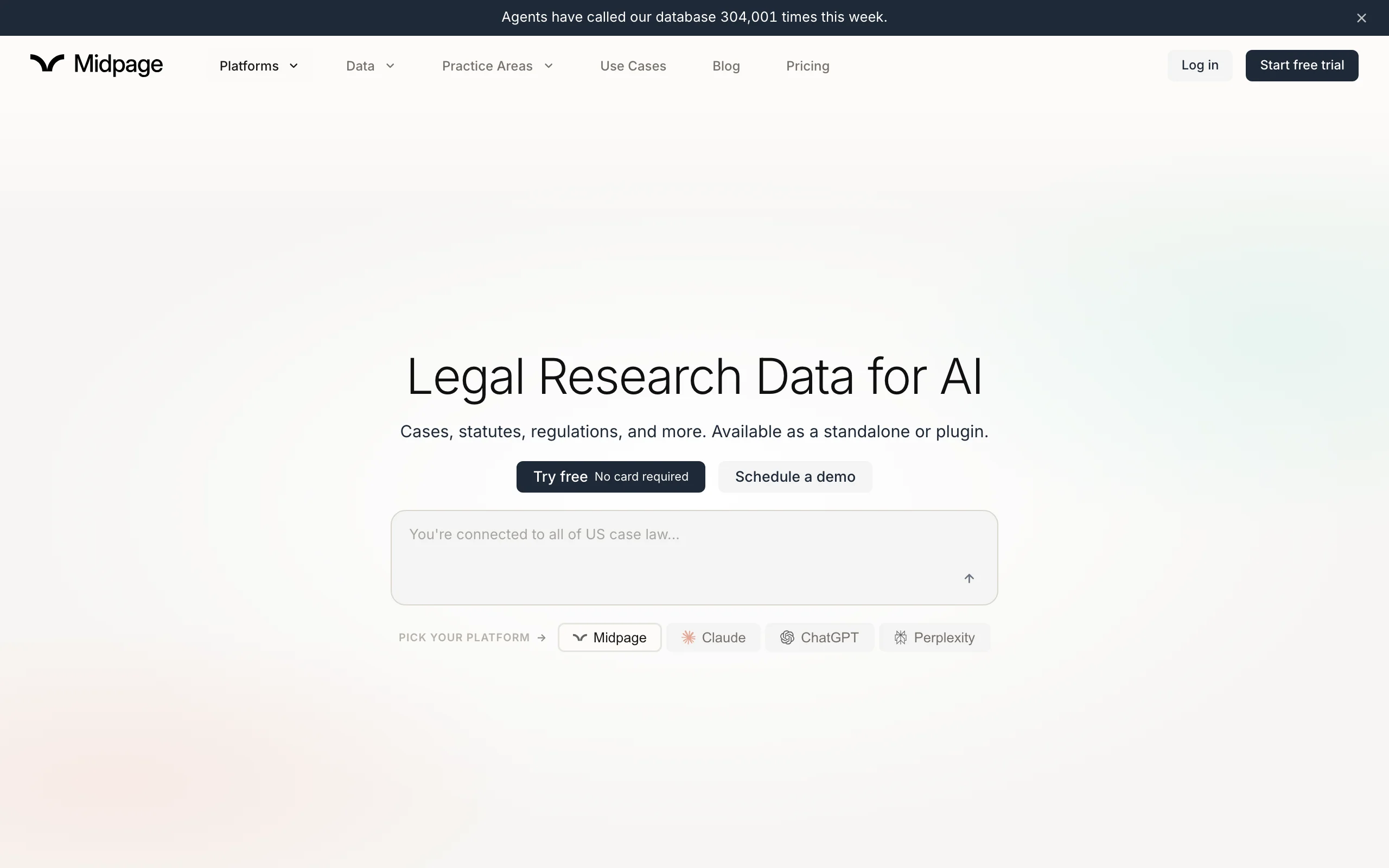
8. Midpage, best budget AI case law search with a citator
Midpage is the most affordable dedicated case law tool on this list. For $100 per month you get all federal case law including unpublished opinions, appellate courts in all 50 states and DC, and some trial courts, with new cases indexed within hours. Its AI citator labels authorities Negative, Caution, or Neutral and explains the reasoning with quotations, which is the feature Google Scholar cannot give you.
Midpage also ships plugins for Claude, ChatGPT, and Perplexity, so you can ground a general assistant in real case law. Law students pay $25 per month with proof of enrollment, and the two-week trial needs no card and no sales call.
Key features
- Complete federal case law and 50-state appellate coverage, updated within hours
- AI citator with Negative, Caution, and Neutral signals and supporting quotations
- Agentic PACER access on the Professional plan
- Plugins that connect Claude, ChatGPT, and Perplexity to the Midpage database
Best for
- Solos and small litigation practices that need a citator on a budget
- Law students who want a real research database for $25 per month
- Lawyers who already use a general AI assistant and want it grounded in case law
Pricing
- Professional: $100 per month, billed monthly; an annual option is available
- Law Student: $25 per month with proof of US law school enrollment
- Two-week free trial, no card required
Pros
- Published pricing and a frictionless trial
- A real citator at a fraction of the cost of Westlaw or Lexis
- Fast indexing of new decisions
Cons
- Case law only: no statutes, regulations, or secondary sources
- US-only coverage
- Research only, so drafting and document review need another tool
9. Google Scholar, best free case law search
Google Scholar is not an AI research tool, but it is the free option most lawyers reach for first, so it belongs in the comparison. Its case law search covers US Supreme Court opinions since 1791, federal district, appellate, tax, and bankruptcy courts since 1923, and state appellate and supreme courts since 1950, with full-text search and jurisdiction and date filters.
The limitation is the citator. Scholar's "How cited" feature lists cases that cite an opinion but does not tell you how they treated it, which is why law librarians warn it is no substitute for KeyCite, Shepard's, or BCite. Use it to find and read cases, then verify good law elsewhere.

Key features
- Full-text search of published federal and state appellate opinions
- Jurisdiction and date filters
- "How cited" list of citing cases and articles
- Free, no account required
Best for
- Quick case lookups and reading full opinions at no cost
- Students, pro se litigants, and lawyers checking a citation before opening a paid database
- Supplementing a paid tool with a second search
Pricing
- Free
Pros
- Broad coverage of published opinions at no cost
- Familiar interface and fast
- Useful for confirming a case exists before you rely on an AI-generated citation
Cons
- No AI answers, summaries, or plain-English search
- "How cited" shows that a case was cited, not whether it is still good law
- No statutes or regulations, and sparse trial court coverage
Free AI for legal research: what you can get without paying
Free AI for legal research exists, but it comes in two forms that should not be confused: free legal databases with no AI, and free AI with no legal database. You can combine them, as long as you know which half you are missing.
Free legal databases
- Google Scholar (above) for published federal and state appellate opinions, with no citator.
- CourtListener and RECAP from the Free Law Project: more than 10 million opinions across hundreds of jurisdictions, nearly every federal docket through RECAP, and a free API. A free citator for good-law checks has been announced but was not yet available as of mid-2026, and CourtListener can now be used inside Claude.
- vLex Fastcase through your bar association: many state bars, including New York, Illinois, Washington, North Carolina, and Florida, still include vLex Fastcase as a member benefit in 2026. Check your bar's member resources page; some offer only the state library free and charge for the national library.
Free AI assistants
- ChatGPT, Claude, and Perplexity all have free tiers that will summarize a case you paste in, explain a doctrine, or help you frame a research question. None of them is a legal database, and none has a citator. A 2024 Stanford RegLab study found that even purpose-built legal AI tools hallucinated in 17% to 33% of answers, and general chatbots did far worse. Treat any citation from a free assistant as a lead to verify, never as authority.
- Midpage plugins let you connect those free assistants to a real case law database, but the Midpage subscription itself is paid.
The practical free stack
For a student or a lawyer with no budget: frame the question with a free assistant, find and read the cases on CourtListener or Google Scholar, and verify treatment through a bar-provided vLex Fastcase login or a law library terminal. It works, but it takes three tools and no small amount of time.
If what you actually want is a plain-English question answered with citations you can click, a 3-day LegesGPT trial for $1 costs less than a coffee and does the whole loop in one place. That is the honest line between free and nearly free.
How to choose the best AI tool for legal research for your practice
The best AI for legal research depends on which database you trust, how many jurisdictions you touch, and what happens after the research is done. Work through these four questions.
1) Are you already paying for Westlaw or Lexis?
- If yes, and you are staying: CoCounsel Legal (Westlaw) or Lexis+ with Protégé (Lexis) add agentic AI on the corpus and citator you already use. Budget for a quote and a multi-year term.
- If no, or you want out of the contract: LegesGPT covers everyday research with verified citations from $19.99 per month, and Midpage adds a citator-backed case law database for $100 per month. Our comparison of Westlaw alternatives goes deeper on making that switch.
2) How many jurisdictions do you research?
- If your work crosses borders: Vincent AI for 100+ countries, or LegesGPT for verified-citation research across 38+ countries without a quote.
- If you practice in the US and Canada: Alexi.
- If you are US-only: any tool on this list; Paxton and Midpage are the strongest for state-by-state coverage at a published price.
3) What happens after the research?
- If you need to draft from the research and review documents in the same place: LegesGPT turns answers into drafts and reviews uploads for risk, and Paxton pairs research with drafting at a higher price point.
- If you need memos and argument packages for litigation: Alexi.
- If you only need to find and check cases: Midpage, with Google Scholar as the free backstop.
4) What is your budget and firm size?
- Solo to 50 attorneys: LegesGPT first, then Midpage if you want a second case law database. Together they cost less than one Westlaw seat.
- Mid-size firms with a research budget: Paxton or a Westlaw or Lexis bundle, depending on which corpus you prefer.
- Large firms and enterprise legal departments: Harvey, or the enterprise tiers of CoCounsel and Protégé, with procurement and knowledge management support.
Whatever you choose, test it on three real questions from last month before you commit, and click through every citation. The tool that survives that test is the one worth paying for. For the fundamentals of what these systems do under the hood and how to adopt them safely, read our guide to AI for legal research.
All of LegesGPT for $1
Verified-citation answers, case law search, document review, AI drafting, and e-signature in one subscription. 3-day trial for $1, cancel anytime.
Start the $1 trialFrequently Asked Questions
What is the best AI for legal research?
For most solo practitioners and small firms, LegesGPT is the best AI for legal research because it answers plain-English questions with verified citations and source links, searches case law and statutes, and starts at $19.99 per month with a $1 trial. Firms already on Westlaw or LexisNexis get the most from CoCounsel Legal or Lexis+ with Protégé, which add agentic research on top of the corpus and citator they already use. Large firms tend to choose Harvey.
Which AI tools for legal research cite real cases?
LegesGPT, CoCounsel Legal, Lexis+ with Protégé, Vincent AI, Harvey, Paxton, Alexi, and Midpage all ground answers in a legal database and link or flag the authorities they rely on. General chatbots like ChatGPT, Claude, and Perplexity do not have a legal database and can invent citations, so anything they produce must be verified against a primary source before you rely on it.
Is there a free AI for legal research?
There is free legal research and there is free AI, but rarely both in one tool. Google Scholar and CourtListener give you free case law with no AI answers and no citator. ChatGPT, Claude, and Perplexity have free tiers that can explain doctrine and summarize a case you paste in, but they are not legal databases. Many state bar associations still include vLex Fastcase as a member benefit. The cheapest way to get verified-citation AI answers is a 3-day LegesGPT trial for $1.
What is the best AI software for legal research at a large firm?
Large firms usually choose between Harvey, CoCounsel Legal, and Lexis+ with Protégé. Harvey grounds research in LexisNexis content and adds document vaults and custom agents at enterprise pricing with seat minimums. CoCounsel Legal and Protégé keep the firm on the Westlaw or Lexis corpus it already licenses, with KeyCite or Shepard's built into the AI output.
How much do AI legal research tools cost?
Published prices range from free (Google Scholar, CourtListener) to $19.99 per month for LegesGPT Basic, $100 per month for Midpage, and $499 per user per month for Paxton. CoCounsel Legal, Lexis+ with Protégé, Vincent AI, and Alexi are quote-based, with third-party estimates of roughly $100 to $650 per user per month depending on the bundle. Harvey is enterprise-only, with reported costs above $1,200 per seat per month.
Are AI legal research tools accurate enough to rely on?
They are accurate enough to start with, not to finish with. A 2024 Stanford RegLab study found hallucination rates of 17% to 33% even in purpose-built legal AI research tools, and much higher in general chatbots. The safeguard is verifiability: pick a tool that links every citation to the source, click through on anything that will appear in a filing, and check treatment with a citator before you rely on a case.
Can I use ChatGPT for legal research?
You can use ChatGPT to frame an issue, explain a doctrine, or summarize an opinion you paste in, but not as a source of authority. It has no legal database and no citator, and it will produce plausible-looking citations that do not exist. If you want to keep a general assistant in your workflow, connect it to a real database through a plugin like Midpage, or use a legal-specific tool like LegesGPT for the research itself.
What is the difference between AI legal research and traditional legal research databases?
Traditional databases like Westlaw and Lexis expect you to build keyword or Boolean searches and read through result lists. AI legal research tools accept a plain-English question, search the relevant law, and return a synthesized answer with citations, so the work shifts from finding sources to checking and applying them. The best tools combine both: an AI layer for the question and a citator for confirming that each authority is still good law.
Which AI tool should I try first for legal research?
Start where the risk and cost are lowest. LegesGPT offers a 3-day trial for $1 and covers research, document review, and drafting, so you can test it on three real questions from last month and click through every citation. Midpage offers a two-week trial with no card if you mainly need case law with a citator, and Paxton offers a seven-day trial at a higher price point.