

In-house legal runs on lean budgets and a queue that never empties. You are reviewing vendor contracts and NDAs, drafting agreements, fielding policy questions, and triaging matter intake, usually with a team of one to a handful of people and a Microsoft or Google stack that was never built for legal work. The right AI software for in-house legal teams takes the repetitive load off your plate so you can spend your hours on judgment, not paperwork.
The hard part is choosing. Some tools are general AI assistants that summarize and draft cheaply. Others are purpose-built legal platforms that review contracts, flag risk, and ground answers in real law. A few are full contract lifecycle management systems aimed at high volume. They do not cost the same, and they do not solve the same problem.
This guide compares the eight best AI tools for in-house legal teams in 2026, with what each does, who it fits, current pricing, and the honest trade-offs, plus a framework to match the tool to your workload, stack, and budget.
Spot risky clauses before you sign
LegesGPT scans any contract clause-by-clause, flags one-sided and missing terms, and backs every finding with a citation you can check.
Review a contractBest AI software for in-house legal teams: a brief overview
Here is the quick recommendation map before the deep dive. Each tool earns a different spot, so match the label to the work in front of you.
- LegesGPT: Best overall for lean in-house teams: reviews contracts and flags risk, drafts agreements, researches the law, and handles e-signature in one affordable subscription.
- Microsoft 365 Copilot: Best for teams already on Microsoft 365: AI inside Word, Outlook, and Teams, grounded in your own company data.
- Claude: Best for analyzing long contracts and policies: a large context window and document upload for reading dense agreements end to end.
- ChatGPT: Best general AI assistant for everyday in-house tasks: quick drafting, summaries, and plain-language answers across the work that fills your day.
- Harvey: Best for large enterprise in-house legal teams: an enterprise legal AI platform for research, document analysis, and complex workflows.
- Ironclad: Best for contract lifecycle management at scale: workflow, approvals, repository, and AI review in one enterprise CLM.
- CoCounsel: Best for enterprise-grade legal research and review: agentic AI grounded in Westlaw and Practical Law content.
- Spellbook: Best for contract drafting and redlining in Word: a Word add-in that drafts, redlines, and checks against your playbook.
| Tool | Best for | Starting price | Free trial | Platform |
|---|---|---|---|---|
| LegesGPT | All-in-one review, drafting, and research | From $19.99/mo | 3-day, $1 | Browser app |
| Microsoft 365 Copilot | Teams on Microsoft 365 | $30/user/mo (add-on) | No trial | Word, Outlook, Teams |
| Claude | Analyzing long contracts and policies | $20/mo (Pro) | Free plan | Browser, desktop, mobile |
| ChatGPT | Everyday general assistant tasks | $20/mo (Plus) | Free plan | Browser, desktop, mobile |
| Harvey | Large enterprise in-house teams | Custom (quote) | Demo only | Web app, integrations |
| Ironclad | Contract lifecycle management at scale | Custom (quote) | Demo only | Web app, integrations |
| CoCounsel | Enterprise-grade research and review | Custom (quote) | Demo, entry trial | Web, Word, integrations |
| Spellbook | Contract drafting and redlining in Word | Custom (quote) | 7-day | Word add-in |
1. LegesGPT, best overall for lean in-house legal teams
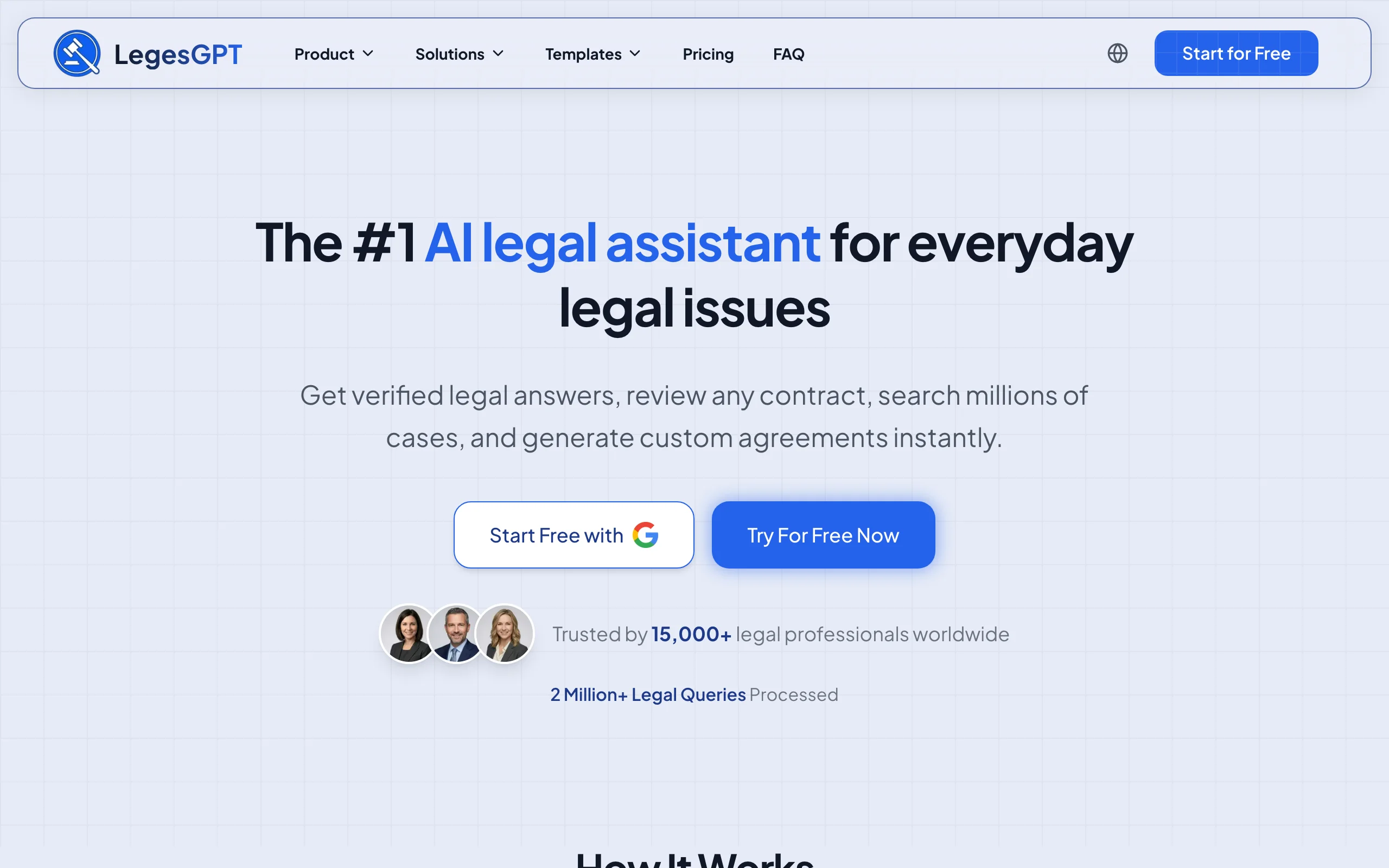
LegesGPT is an AI legal assistant built for exactly the workload an in-house team carries. Upload a vendor contract, NDA, or agreement and it reviews the document, flags risky and non-standard clauses, and proposes changes in plain language. Ask a legal question and it answers with verified citations and source links. Need a new agreement, it drafts one, and you can e-sign it in the same place. It runs as a browser app with no add-in or IT rollout, so a one-person legal department can be working in minutes.
For lean teams, the appeal is range at a price you can actually approve. Instead of stitching together separate review, research, drafting, and signing tools, you get document review, drafting, case law research, and e-signature in one subscription. That makes it a practical first AI hire for in-house counsel and legal ops clearing contract review, NDA and vendor work, and policy questions without an enterprise budget.
Key features:
- AI document review for PDF, DOCX, and images that flags risks and proposes edits
- Legal questions answered with verified citations and source links
- Case law and statute search across 38+ jurisdictions including the US, UK, EU, and Canada
- AI drafting of contracts and agreements, plus 100+ attorney-drafted templates
- Built-in e-signature, a contract generator, and Deep Research for multi-step questions
Best for:
- In-house counsel and legal ops at SMB and mid-market companies on a lean budget
- Solo and small legal departments that want review, drafting, and research in one place
- Teams that need to start fast with no add-in, no IT project, and no annual contract
Pricing:
- 3-day trial for $1, with no permanently free plan
- Basic at $19.99/mo: unlimited AI queries, case law and statute search, citation verification
- Plus at $49.99/mo: adds document upload and review for contracts and agreements
- Premium at $99.99/mo: adds unlimited document review, Deep Research, and web search
- Around 30% off with annual billing
Pros:
- All-in-one: review, drafting, research, and e-signature in a single affordable subscription
- Self-serve with a $1 trial, so you can prove value before asking finance for budget
- No add-in or IT setup, and broad multi-jurisdiction coverage at this price point
Cons:
- Web-only, with no native mobile app, public API, or Microsoft Word add-in
2. Microsoft 365 Copilot, best for teams already on Microsoft 365
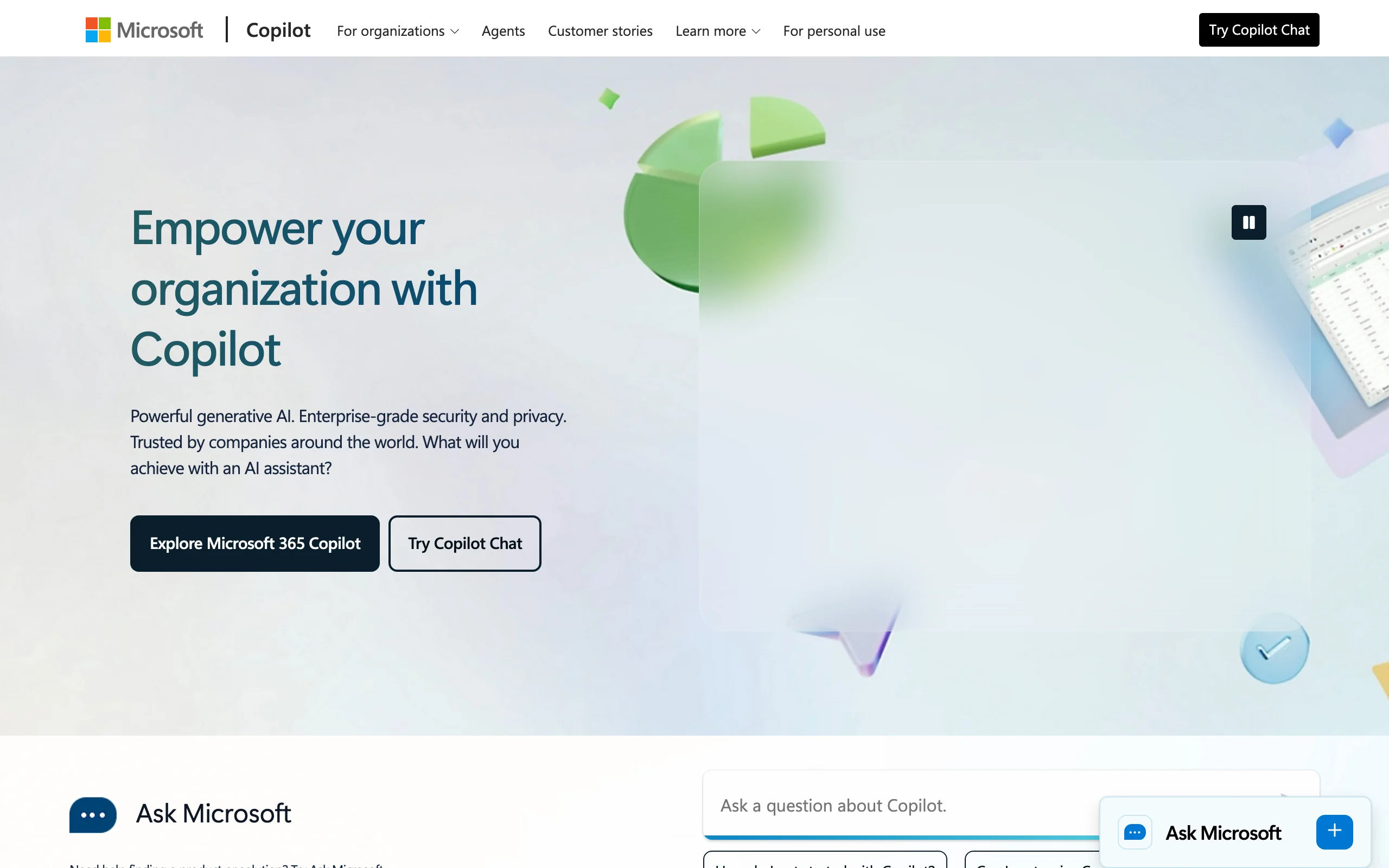
Microsoft 365 Copilot is the obvious move if your company already lives in Microsoft 365. It puts AI directly inside Word, Outlook, Excel, PowerPoint, and Teams, so you can draft a clause, summarize a long email thread, or recap a negotiation call without leaving the apps you use all day. The paid tier is grounded in your organization's own data through Microsoft Graph, so it can answer using your files, emails, and documents while respecting existing permissions.
The trade-off is that Copilot is a general productivity assistant, not a legal tool: it summarizes and drafts well but offers no verified citations or legal-specific risk review, so an in-house lawyer still checks everything. The free Copilot Chat tier is web-grounded only and cannot reach your documents, which is the feature that makes the paid version useful for legal work.
Key features:
- AI inside Word, Outlook, Excel, PowerPoint, and Teams
- Drafting, rewriting, and summarizing documents and long email threads
- Grounded in your organization's M365 data via Microsoft Graph, respecting permissions
- Copilot Chat with included Researcher and Analyst reasoning agents
Best for:
- In-house teams whose company is already standardized on Microsoft 365
- Lawyers who draft and email all day and want one vendor across the company
Pricing:
- $30 per user per month for the enterprise add-on, billed annually, on top of a qualifying M365 plan
- A cheaper Copilot Business tier is available for organizations up to 300 users
- Free Microsoft 365 Copilot Chat tier exists but is web-grounded only, with no access to your org data
- No free trial of the paid add-on
Pros:
- Native to the apps your team already uses, so adoption is easy
- Grounds answers in your own company data on the paid tier
- One vendor and one contract if you are already a Microsoft shop
Cons:
- A general assistant, not a legal tool, so no verified citations or legal risk review
- Requires a qualifying M365 base subscription plus the add-on, and has no free trial
3. Claude, best for analyzing long contracts and policies
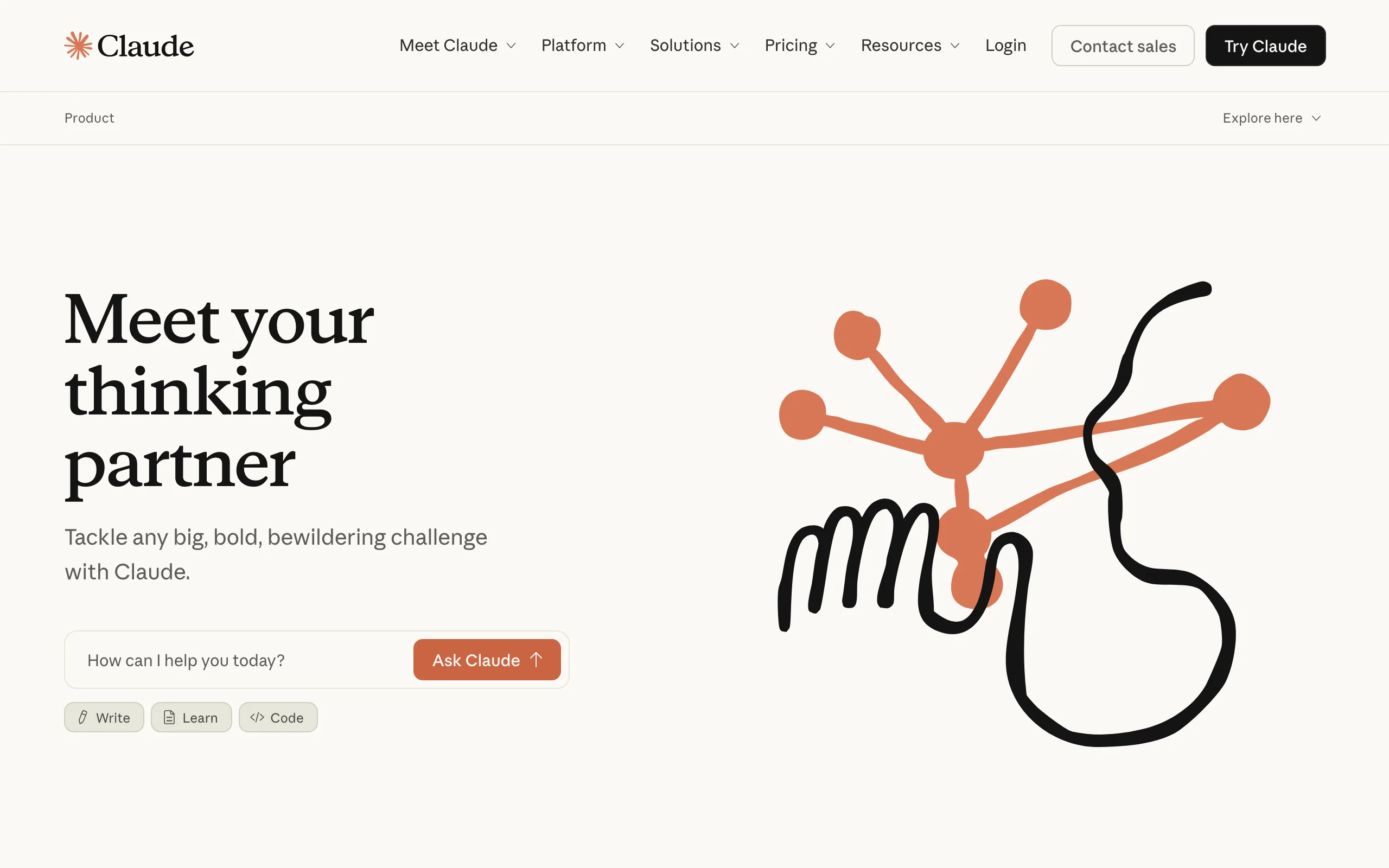
Claude, the AI assistant from Anthropic, is the tool to reach for when you need to read something long and dense. Its flagship models offer a very large context window, so you can drop in a 100-page master services agreement or a stack of policies and ask Claude to summarize the obligations, surface unusual terms, or compare versions. It accepts PDF, DOCX, and other common formats, and its Projects feature keeps a document set handy across conversations, which suits recurring contract and policy work.
Like Copilot, Claude is a general-purpose assistant, not a legal platform. It is strong at reading comprehension and first-draft analysis and cheap to start, but it does not guarantee accurate legal citations and can invent cases or clauses, so outputs need a careful human review. For confidential work, use the Team or Enterprise tier, which adds security controls, rather than a personal plan.
Key features:
- Very large context window for loading long contracts and policy sets in one session
- Document upload for PDF, DOCX, and other common formats
- Projects for keeping a document or knowledge base across conversations
- Built-in web search and a Research mode for multi-step questions
- Team and Enterprise tiers add SSO, audit logs, and data-retention controls
Best for:
- In-house teams that regularly digest long agreements, policies, and regulatory documents
- Lawyers who want fast summaries and first-pass analysis at a low price
Pricing:
- Free plan available
- Pro at $20/mo (or $17/mo billed annually)
- Max plans at $100/mo and $200/mo for heavier usage
- Team from $25 per seat per month (minimum 5 seats); Enterprise is custom
Pros:
- Large context window handles very long documents in a single pass
- Affordable entry point with a usable free plan
- Flexible across drafting, summarizing, and analysis, not just legal tasks
Cons:
- General-purpose, so no verified legal citations and a real risk of hallucinated cases
- No legal review workflow, e-signature, or template library built in
4. ChatGPT, best general AI assistant for everyday in-house tasks
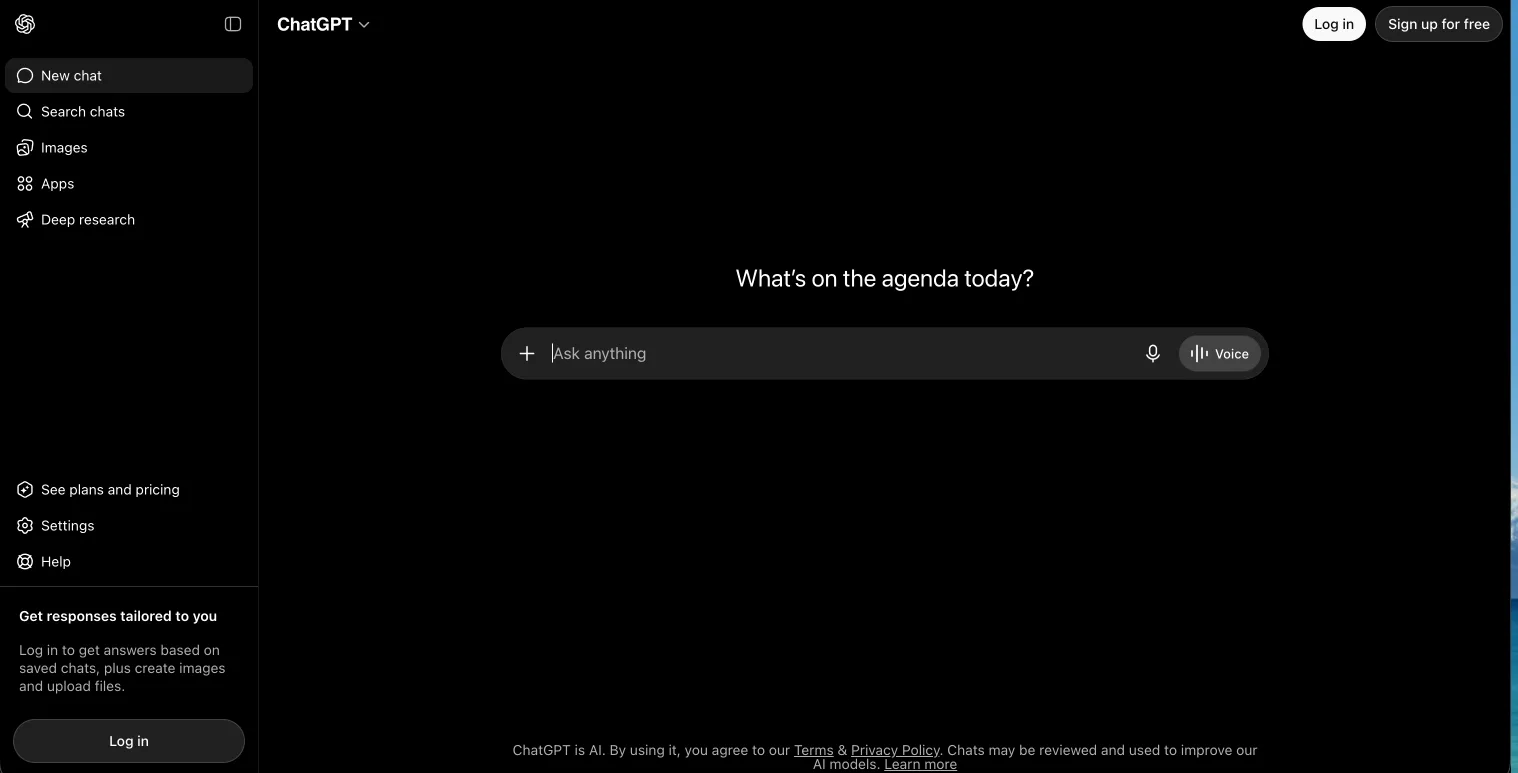
ChatGPT, the AI assistant from OpenAI, is the all-purpose tool that handles the long tail of everyday in-house work. Its flagship model, GPT-5.5, drafts an email to a vendor, summarizes a policy, rewrites a clause in plain English, or answers a quick what-does-this-mean question in seconds. It accepts file uploads such as PDF and DOCX, includes web search, and offers a Projects feature to keep related documents and instructions together, so it slots into the day-to-day tasks that do not need a specialist tool.
Like Copilot and Claude, ChatGPT is a general assistant, not a legal platform. It is fast and cheap for first drafts, summaries, and plain-language answers, but it does not guarantee verified legal citations and can invent cases or clauses, so a lawyer reviews every output. For confidential work, use the Business or Enterprise tier, which keeps your data out of training by default, rather than a personal plan.
Key features:
- GPT-5.5 flagship model for drafting, summarizing, and plain-language answers
- File upload for PDF, DOCX, and other common formats
- Built-in web search and Projects for keeping documents and instructions together
- Custom GPTs for repeatable tasks and team workflows
- Business and Enterprise tiers add admin controls and keep data out of training by default
Best for:
- In-house teams that want one flexible assistant for the everyday tasks that fill the day
- Lawyers who need fast drafts, summaries, and plain-language answers at a low price
Pricing:
- Free plan available
- Plus at $20/mo and Pro at $200/mo for heavier individual usage
- Business (Team) from around $25 per seat per month billed annually, or $30 billed monthly
- Enterprise is custom, quote-based, with no free trial of the paid tiers
Pros:
- Flexible across drafting, summarizing, and analysis, not just legal tasks
- Affordable entry point with a usable free plan
- Business and Enterprise tiers keep your data out of training by default
Cons:
- General-purpose, so no verified legal citations and a real risk of hallucinated cases
- No legal review workflow, e-signature, or template library built in
5. Harvey, best for large enterprise in-house legal teams
Harvey is an enterprise AI platform built for legal and professional services, aimed at large firms and corporate legal departments. Its Assistant answers questions, analyzes documents, and drafts against domain-specific models, while Vault stores and bulk-analyzes large document sets, Knowledge handles complex legal and regulatory research, and Agents run multistep legal work end to end. Harvey reports use by 142,000+ professionals, more than 60 of the AmLaw 100 firms, and a growing base of in-house legal teams.
Harvey is built and priced for the enterprise. There is no public price list and no self-serve trial, so adopting it means a demo, a sales process, and an annual contract, with third-party listings estimating roughly $1,000 to $1,200 per seat per month and seat minimums, which should be confirmed with sales. The depth and security suit a large department with budget and procurement behind it; for a small team mainly clearing NDAs and vendor paper, it is more platform, and more cost, than the work requires.
Key features:
- Assistant for domain-specific questions, document analysis, and drafting
- Vault for secure storage and bulk analysis of large document sets
- Knowledge for complex legal, regulatory, and tax research
- Agents that execute multistep legal work end to end
- Contract intelligence and integrations with existing legal tools
Best for:
- Large enterprise in-house legal departments with budget and procurement support
- Teams that need deep research, document analysis, and complex workflows in one platform
Pricing:
- Custom, quote-based pricing only; no public price list
- No self-serve free trial; demo and sales process only
- Third-party listings estimate roughly $1,000 to $1,200 per seat per month with seat minimums, which should be confirmed with sales
Pros:
- Enterprise-grade research, document analysis, and agentic workflows in one platform
- Built specifically for legal and professional services, with broad firm adoption
- Strong security and support suited to large, regulated organizations
Cons:
- Enterprise pricing and a sales-led rollout, not self-serve
- Overkill and over budget for small teams mainly doing third-party review
6. Ironclad, best for contract lifecycle management at scale
Ironclad is a contract lifecycle management (CLM) platform rather than a chat assistant, and it shines once contract volume outgrows a review tool. Its Workflow Designer generates contracts from templates, routes them through approvals, and captures signatures, while every agreement lands in a central repository you can search and report on. Ironclad's AI adds redlining against your playbooks, clause detection, risk analysis, and data extraction, so the platform handles both the process and a layer of the review.
This is a mid-market to enterprise system, sold and priced accordingly. There is no self-serve free trial and no public price list, so adopting Ironclad means a demo, a sales process, and an annual contract. For a small team mostly reviewing third-party paper, that is heavier than you need. For a growing department drowning in contract volume and approval bottlenecks, the structure pays off.
Key features:
- End-to-end contract lifecycle: create, review, sign, store, and analyze
- Workflow Designer, a no-code tool for approval routing and conditional clauses
- Central contract repository with search, reporting, and obligation tracking
- Ironclad AI for redlining against playbooks, risk analysis, and data extraction
- Built-in e-signature and integrations with Salesforce, Slack, and Teams
Best for:
- Mid-market and enterprise legal departments with high contract volume
- Teams that need approval workflows, a repository, and reporting, not just review
Pricing:
- Custom, quote-based pricing only; no public price list
- Pricing varies by contract volume, user count, and which products you select
- Third-party listings estimate annual contracts from roughly $30,000 to $150,000+, which should be confirmed with sales
- No self-serve free trial; demo and sales process only
Pros:
- Full CLM workflow plus AI review in one enterprise platform
- Strong approval routing, repository, and reporting for high-volume teams
- Broad integrations across the company's existing systems
Cons:
- Enterprise pricing and a sales-led rollout, not self-serve
- Overkill and over budget for small teams mainly doing third-party review
7. CoCounsel, best for enterprise-grade legal research and review
CoCounsel, now part of Thomson Reuters, is the choice when you want AI research grounded in professional legal content. Its Deep Research combines agentic AI with trusted Westlaw and Practical Law sources to produce multistep research plans with source-linked answers. Beyond research, it reviews and summarizes documents, flags problematic clauses like unlimited liability or auto-renewal, reviews thousands of documents in a sortable table, and drafts directly in Microsoft Word against your firm's policies.
CoCounsel is enterprise-grade and priced that way. There is no flat public price, and higher tiers are typically bundled with Westlaw and Practical Law, so it is a serious investment best suited to teams that need authoritative research alongside review. For a small team that mainly clears NDAs and vendor agreements, it is more depth, and more cost, than the job requires.
Key features:
- Deep Research grounded in Westlaw and Practical Law content with source-linked answers
- Multi-document review and tabular analysis across large document sets
- Contract analysis that flags risky clauses and checks against your playbooks
- Document review, summarization, and version comparison
- Drafting inside Microsoft 365 and integration with Westlaw and DMS partners
Best for:
- In-house and enterprise legal teams that need authoritative legal research plus review
- Departments already invested in Westlaw or Practical Law
Pricing:
- Custom, quote-based pricing; no flat public price list
- Higher tiers are typically bundled with Westlaw and Practical Law
- A self-serve configurator quotes smaller firms; larger teams are quoted by sales
- Demo available, with a free trial on the entry CoCounsel Essentials tier
Pros:
- Research grounded in trusted Westlaw and Practical Law content
- Strong multi-document review and contract analysis at scale
- Backed by Thomson Reuters with enterprise security and support
Cons:
- Custom enterprise pricing that is high for small in-house teams
- Best value comes bundled with Westlaw, which adds to the cost
8. Spellbook, best for contract drafting and redlining in Word
Spellbook is an AI copilot for transactional work that runs as a Microsoft Word add-in. Open a contract in Word and Spellbook works in the sidebar: it drafts clauses and full agreements, redlines using native Track Changes, scans for client risks and drafting errors, and benchmarks terms against market standards. Its Playbooks feature encodes your standards so the same review runs consistently, and its Associate agent extends the work to multi-document review. Spellbook reports use by 4,500+ in-house teams and law firms across 80+ countries.
The strength is the native Word fit. If your team drafts and negotiates contracts in Word all day, having AI redline and draft inside the document, under your own name, removes a lot of copy-paste friction. The trade-offs are that pricing is quote-based rather than published, and the value is concentrated in drafting and redlining, where it ranks among the best document redline software, so it pairs well with a research or review tool rather than replacing one.
Key features:
- Microsoft Word add-in that drafts, redlines, and reviews in the sidebar
- AI clause generation and full-agreement drafting from precedent
- Automatic redlining with risk flagging and suggested alternatives
- Playbooks that enforce your standards consistently across reviews
- Associate agent for multi-document review across a deal's document set
Best for:
- In-house teams that draft and negotiate contracts in Microsoft Word
- Transactional work where native Word drafting and redlining is the daily job
Pricing:
- Custom, quote-based pricing structured by team size; no published price
- 7-day free trial, no credit card required
- Third-party estimates cite roughly $99 to $350 per user per month, to confirm with sales
Pros:
- Native Word workflow with redlines under your own name
- Playbook-driven review keeps output consistent across the team
- Large, established user base in transactional legal work
Cons:
- Pricing is opaque and quote-based, so budgeting takes a sales call
- Focused on drafting and redlining, so it does not replace research or e-signature
How to choose the best AI software for your in-house legal team
The right tool depends on your workload, your stack, and your budget. Use these questions to narrow it down, and run a couple of your real documents through any tool before you commit.
Review any contract in seconds
Upload a contract and LegesGPT flags risky clauses, surfaces obligations and deadlines, and answers questions with citations you can verify.
Try AI document review1) What is your main workload?
- If you mostly review NDAs, vendor contracts, and third-party paper: LegesGPT for affordable all-in-one review and risk flagging, plus an AI legal assistant for the questions that come up, Spellbook if that review happens in Word, or CoCounsel if you need source-grounded depth.
- If you draft a lot of agreements: LegesGPT for AI contract drafting plus templates, or Spellbook for clause generation inside Word.
- If your bottleneck is contract volume, approvals, and tracking: Ironclad as a full CLM, since that is a process problem, not a review problem.
2) What stack does your company run on?
- If you are a Microsoft 365 shop: Microsoft 365 Copilot is the natural add-on, and Spellbook adds legal-specific drafting inside Word.
- If you want a tool that works without an add-in or IT project: LegesGPT runs in the browser and is ready in minutes, and Claude and ChatGPT work anywhere too.
- If you need enterprise research integrated with Westlaw: CoCounsel fits a Thomson Reuters environment best, while Harvey suits a large department wanting one enterprise legal AI platform.
3) What is your budget and team size?
- Solo and small in-house teams on a lean budget: LegesGPT from $19.99/mo or a general assistant like ChatGPT or Claude at $20/mo let you start without a sales call, with LegesGPT adding legal-specific review and research.
- Growing departments: Spellbook for Word-native drafting, or LegesGPT for review plus research in one bill.
- Enterprise legal departments: Ironclad for CLM at scale, Harvey for an enterprise legal AI platform, or CoCounsel for authoritative research and review.
4) Do you need legal grounding or general help?
- If you need verified citations and legal-specific risk review: choose a purpose-built tool like LegesGPT or CoCounsel, and use the AI for law firms and in-house features that ground answers in real law.
- If you mainly need summaries, first drafts, and plain-language answers for the everyday tasks that fill the day: a general assistant like ChatGPT, Claude, or Microsoft 365 Copilot is affordable and flexible, as long as a lawyer reviews every output, and LegesGPT covers the same ground with legal grounding added. For more on stacking these tools, see our guide to AI tools for corporate lawyers.
Frequently Asked Questions
What is the best AI software for in-house legal teams?
For most lean in-house teams, LegesGPT is the best overall pick because it reviews contracts, flags risk, drafts agreements, runs legal research, and handles e-signature in one affordable subscription starting at $19.99 per month with a 3-day trial for $1. If your company already runs on Microsoft 365, Microsoft 365 Copilot is the natural add-on, and for enterprise-grade research and review, CoCounsel from Thomson Reuters leads. The best fit depends on your budget, your stack, and whether you need an all-in-one tool or a deep specialist.
How is AI software different from contract lifecycle management (CLM)?
AI legal software focuses on the thinking work: reading a contract, flagging risky clauses, drafting language, and answering legal questions. A CLM platform like Ironclad focuses on the process: generating contracts from templates, routing approvals, tracking obligations, and storing everything in one repository. Many in-house teams start with an AI assistant for review and drafting, then add a CLM once contract volume justifies the cost and rollout effort.
How much does AI software for in-house legal teams cost?
It ranges widely. LegesGPT starts at $19.99 per month per user, with document review on the Plus plan and up. Microsoft 365 Copilot is $30 per user per month as an add-on to a qualifying Microsoft 365 plan. Claude Pro is $20 per month. Spellbook, CoCounsel, and Ironclad use custom or quote-based pricing that is typically much higher and sold through sales, so budget for a demo and an annual contract.
Can AI review NDAs and vendor contracts for an in-house team?
Yes. Reviewing NDAs, vendor agreements, and other routine third-party paper is one of the strongest use cases for legal AI. Tools like LegesGPT, Spellbook, and CoCounsel can read an incoming contract, compare it against your standards, flag missing or risky clauses, and suggest edits in minutes. This clears the high-volume, repetitive work so your team spends time on the contracts that actually need judgment. A qualified person should still review the output before you rely on it.
Is general-purpose AI like Claude or Copilot good enough for legal work?
General AI tools are excellent for summarizing long contracts and policies, drafting first drafts, and answering plain-language questions, and they are affordable. The limit is that they are not built for law: they do not guarantee verified citations and can invent cases or clauses, so every output needs careful review. Purpose-built legal tools like LegesGPT and CoCounsel add legal grounding, citation verification, and review workflows that general assistants do not.
Is it safe to put confidential contracts into AI tools?
It depends on the tool and the plan. Enterprise and team plans from reputable vendors typically offer security controls like SSO, audit logs, and data-retention settings, and many state they do not train on your data. Always check the vendor's security and data-handling terms, prefer business or enterprise tiers over consumer ones for confidential work, and follow your company's policy and your jurisdiction's rules on AI use before uploading sensitive documents.
Do we need a Microsoft or Google stack to use these tools?
No. Microsoft 365 Copilot is the obvious choice if your company already lives in Microsoft 365, and Spellbook runs as a Word add-in, so both reward a Microsoft stack. But LegesGPT, Claude, CoCounsel, and Ironclad work in the browser or alongside any stack, so you are not locked in. If you want one tool that works without an add-in or IT setup, a browser-based assistant like LegesGPT is the simplest starting point.
What is the most affordable AI tool for a small in-house legal team?
LegesGPT is the most affordable all-in-one option at $19.99 per month, with a 3-day trial for $1 and no enterprise contract required. It combines contract review, risk flagging, drafting, legal research, and e-signature, which would otherwise mean buying several separate tools. Consumer AI like Claude Pro at $20 per month is also cheap but is general-purpose and not built for legal grounding, so for legal-specific value at a low price, LegesGPT covers the most ground.