
Redlining is where most deals are won or lost, and doing it by hand is slow and easy to get wrong. The right document redline software shows you exactly what changed between two versions, keeps the formatting clean, and increasingly uses AI to flag the clauses that actually carry risk. That saves hours per negotiation and stops a buried edit from slipping through.
The catch is that "redline" means two different things now. Some tools do structural comparison, the pixel-perfect tracked-changes view between version 4 and version 5. Others do AI redlining, where the software reads a contract and suggests edits against your standards. This guide compares the seven best document redline software tools for 2026, covering what each one does, starting prices, free trials, and a framework for choosing the right fit for your team.
Best document redline software: a brief overview
Here is the quick recommendation map before the deep dive. Each tool earns a different spot, so match the label to your workflow.
- LegesGPT: Best all-in-one for AI review and redlining suggestions: it reviews documents, flags risky clauses, and proposes edits alongside legal research and drafting, all in one affordable subscription.
- Spellbook: Best AI redlining inside Microsoft Word: semantic, playbook-driven review for transactional lawyers who live in Word.
- Litera Compare: Best for pixel-perfect structural redlines at scale: the comparison standard across BigLaw, with the highest formatting accuracy.
- Draftable Legal: Best for affordable, fast document comparison: clean redlines across Word, PDF, Excel, and PowerPoint at a published price.
- Microsoft Word: Best free built-in option: Compare and Track Changes cover simple two-document redlines at no extra cost.
- Robin AI: Best for AI-first contract redlining and negotiation: minimal, human-like redlines that track counterparty edits against your playbook.
- LawGeex: Best for automated, pre-approval contract review at scale: policy-driven surgical redlining for high-volume enterprise legal teams.
| Tool | Best for | Starting price | Free trial | Platform |
|---|---|---|---|---|
| LegesGPT | AI review and redlining suggestions, all-in-one | From $19.99/mo | 3-day, $1 | Browser app |
| Spellbook | AI redlining inside Microsoft Word | Custom (quote) | 7-day | Word add-in |
| Litera Compare | Pixel-perfect structural redlines at scale | Custom (enterprise) | Demo only | Word, Outlook, web, iOS |
| Draftable Legal | Affordable, fast document comparison | From $261/user/yr | 5-day | Windows desktop, web, Outlook |
| Microsoft Word | Free built-in redlining | Included with M365 | M365 trial | Word desktop and web |
| Robin AI | AI-first redlining and negotiation | Custom (enterprise) | Demo only | Word add-in, web |
| LawGeex | Automated pre-approval review at scale | Custom (enterprise) | Demo only | Web, integrations |
1. LegesGPT, best all-in-one for AI review and redlining suggestions
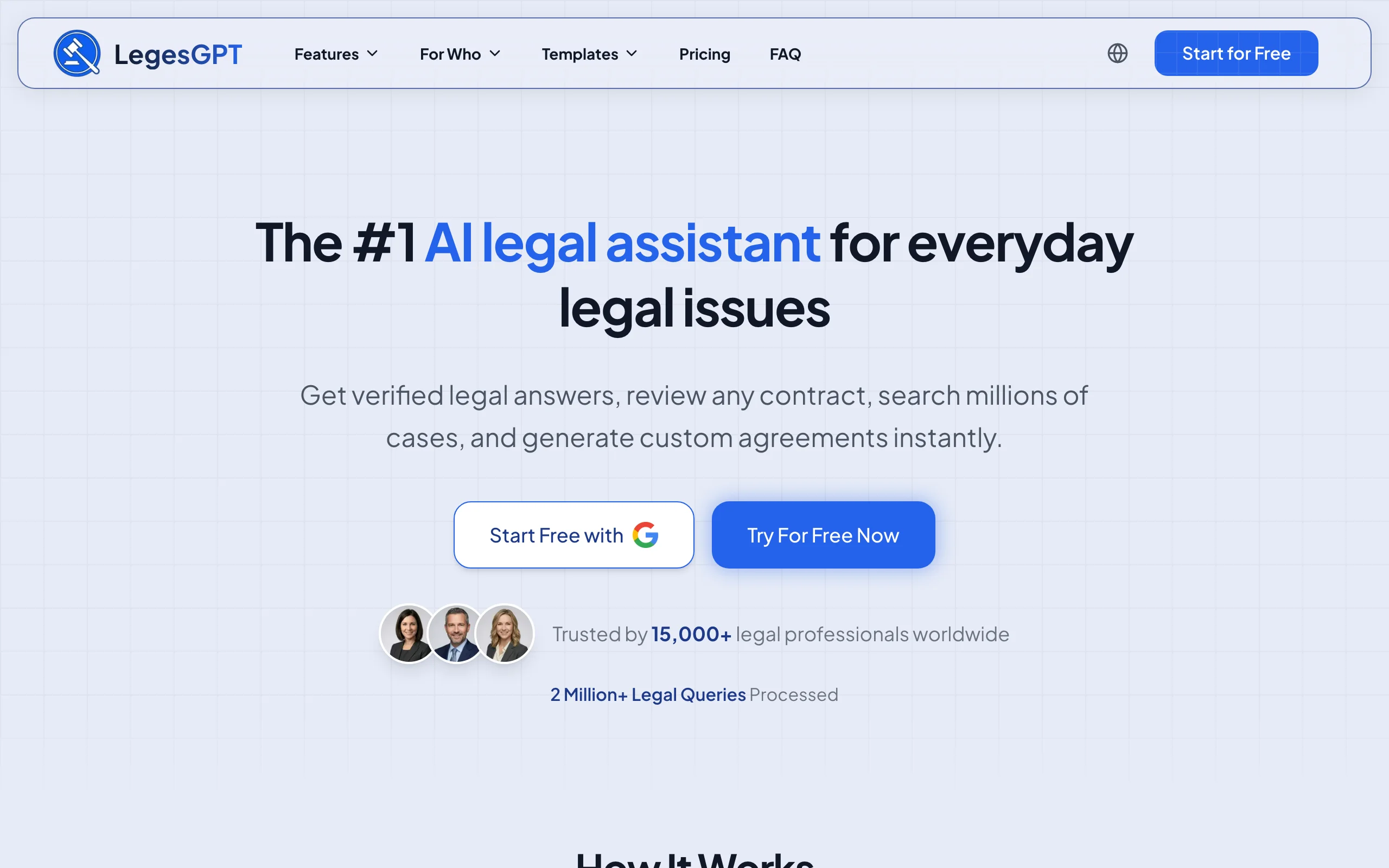
LegesGPT is one of the best AI legal assistants: it reviews documents, flags risky and non-standard clauses, and suggests edits, then pairs that with case law research and drafting in one subscription. You upload a contract, agreement, or PDF and it returns a plain-language summary, extracted obligations, and the clauses worth a second look. It runs as a browser app with no add-in or IT setup, so you can start reviewing in minutes.
Be clear on what it is and is not. LegesGPT is built for AI-assisted review and redlining suggestions, not pixel-perfect "compare two Word versions" output. For structural tracked-changes comparison between two drafts, teams pair it with Word or Litera. Where it wins is value: you get AI document review, clause flagging, suggested edits, legal research, and an AI contract generator for a fraction of what single-purpose enterprise tools cost.
Key features:
- AI document review for PDF, DOCX, PPTX, TXT, and images with risk flagging and clause extraction
- Suggested edits and plain-language explanations of why a clause is risky
- Case law research across 500K+ analyzed court cases with verifiable citations
- Deep Research mode for multi-step questions and web search for recent developments
- Coverage across 38+ jurisdictions including the US, UK, EU, Canada, and Australia
- 100+ attorney-drafted templates and free legal tools in the same subscription
Best for:
- Solo practitioners and 2-50 attorney firms who want review plus research in one place
- In-house counsel and legal ops who need fast first-pass review without an enterprise contract
- Anyone who wants AI redlining suggestions without paying per-seat enterprise rates
Pricing:
- 3-day trial for $1, no permanently free plan
- Basic at $19.99/mo: unlimited AI queries, case law and statute search, citation verification
- Plus at $49.99/mo: adds document upload and 50 document reviews per month
- Premium at $99.99/mo: adds unlimited document review, Deep Research, and web search
- Around 30% off with annual billing
Pros:
- All-in-one: review, redlining suggestions, research, and drafting in one subscription
- 11 to 50 times cheaper than enterprise contract tools, with a $1 self-serve trial
- No add-in or IT setup, and broad multi-jurisdiction coverage at this price point
Cons:
- Not a pixel-perfect version-to-version comparison tool, so pair it with Word or Litera for structural redlines
- Smaller raw case-law database than Westlaw or LexisNexis for deep historical research
2. Spellbook, best AI redlining inside Microsoft Word
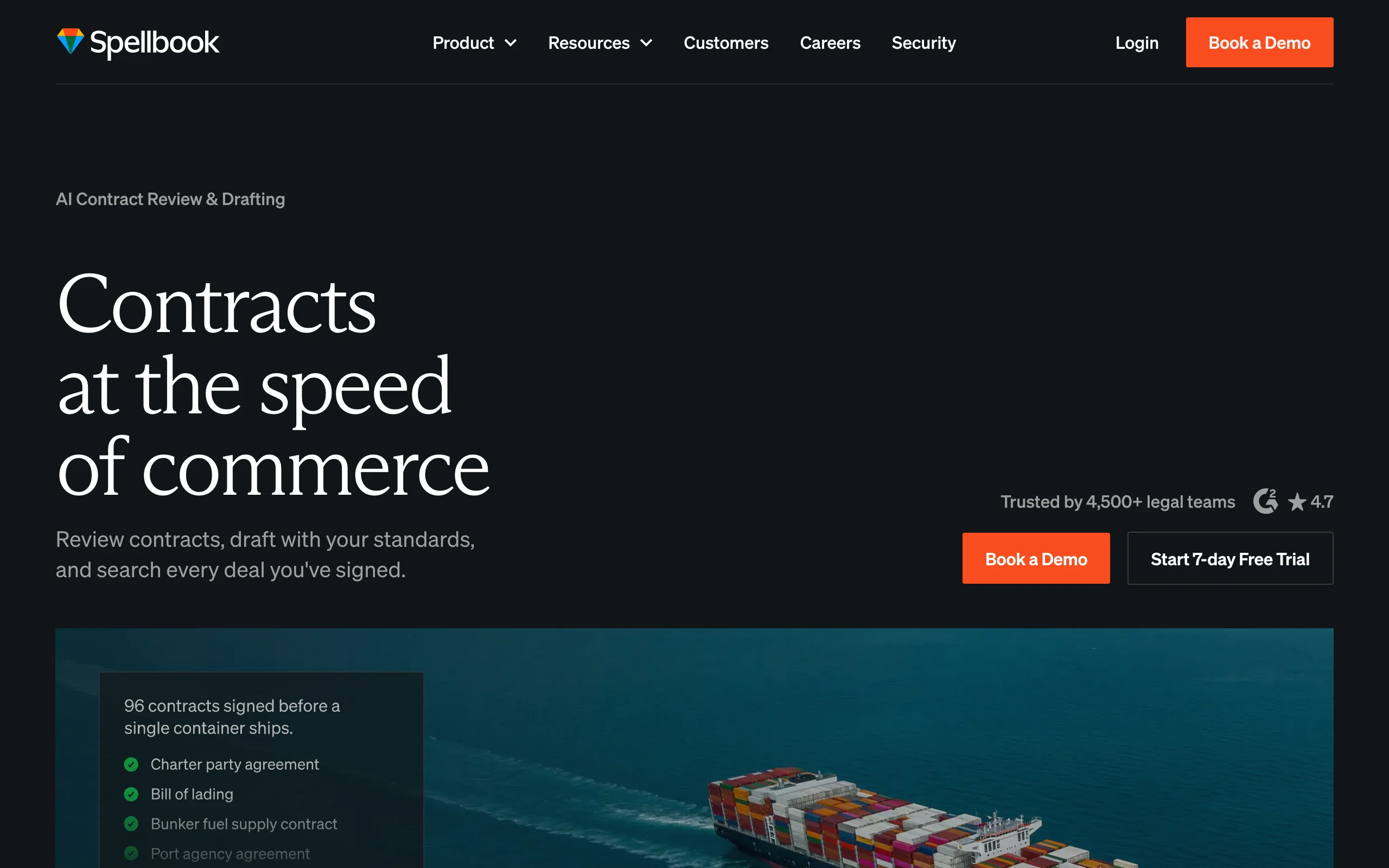
Spellbook is an AI copilot for transactional lawyers that runs as a Microsoft Word add-in. Open a contract in Word and Spellbook reads it in the sidebar, redlines against your playbook, flags terms that need attention, and drafts new clauses without leaving the document. It is trusted by 4,500+ in-house teams and law firms across 80+ countries, which makes it one of the most established AI redlining tools in the market.
Its strength is semantic redlining inside the tool lawyers already use. Rather than just comparing two versions, Spellbook reasons about meaning, benchmarks terms against thousands of contract types, and proposes edits in line with your standards. If your team drafts and negotiates in Word all day, that native fit matters.
Key features:
- Microsoft Word add-in for in-document review, drafting, and redlining
- Automatic redlining against customized playbooks with risk flagging
- Clause benchmarking against thousands of contract types
- Ask feature for contractual questions with citations
- Associate product for multi-document review and research workflows
Best for:
- Transactional and corporate lawyers who live in Microsoft Word
- In-house legal teams standardizing redlines against a playbook
- Firms that want semantic AI review rather than only structural comparison
Pricing:
- 7-day free trial, no credit card required
- Pricing is not published and is structured by team size; request a quote or demo
- Third-party research as of 2026 estimates roughly $99 to $350 per user per month depending on tier
Pros:
- Native Word workflow means no copy and paste or window switching
- Playbook-driven redlines stay consistent across a team
- Large, established user base in transactional legal work
Cons:
- Pricing is opaque and quote-based, so budgeting takes a sales call
- Built for Word users, so the value drops if your team works mostly in other tools
3. Litera Compare (formerly Workshare Compare and Change-Pro), best for pixel-perfect structural redlines at scale
Litera Compare, which merged Change-Pro, Workshare Compare, and compareDocs into a single product, is the structural comparison standard in large law firms. It produces the highest-accuracy redlines on the market across Word, PDF, Excel, and PowerPoint, and it now compares email threads inside Outlook too. Litera reports that 72% of the legal market trusts Compare and that 99% of the Am Law 100 rely on it, which signals how entrenched it is in BigLaw workflows.
This is the tool to use when formatting fidelity is non-negotiable, complex tables, embedded images, footnotes, and cross-references all rendered cleanly in the redline. It is structural comparison done at the highest level, not AI review, though Litera has added AI risk analysis through Lito, the legal AI agent it put at the center of its July 2026 brand relaunch.
Key features:
- Highest-accuracy document comparison across Word, PDF, Excel, and PowerPoint
- Email thread comparison directly inside Outlook
- Works across Word, Outlook, web, Google Workspace, desktop, server, and iOS
- OCR for comparing scanned PDFs
- AI risk analysis through the Lito legal agent
Best for:
- BigLaw and large firms with strict formatting and accuracy requirements
- Teams comparing complex, heavily formatted contracts and regulatory documents
- Organizations that already run the broader Litera document suite
Pricing:
- Custom, sales-based licensing that varies by firm size and seat count
- No published per-user price; figures from third-party listings should be confirmed with sales
- Expect implementation, training, and support costs on top of licensing
Pros:
- Best-in-class formatting accuracy for complex documents
- Broad platform coverage including Outlook email comparison
- The de facto standard, so output is trusted across counterparties
Cons:
- Enterprise pricing and procurement, not self-serve
- Structural comparison first; AI review is a newer add-on, not the core
4. Draftable Legal, best for affordable, fast document comparison
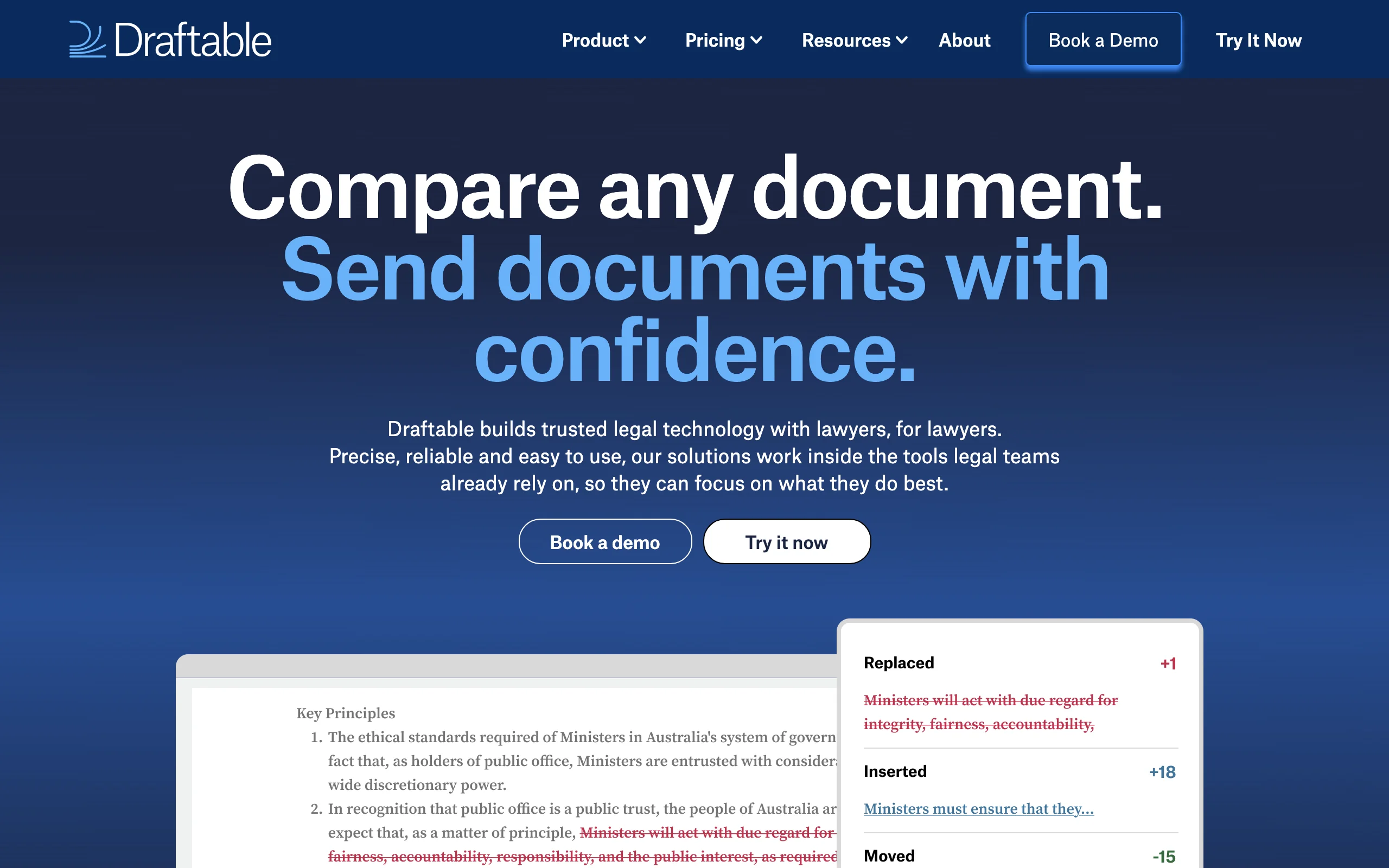
Draftable Legal delivers clean, fast document comparison at a published price, which is rare in this category. It compares Word, PDF, PowerPoint, Excel, and even scanned PDFs, then shows changes as a redline or side-by-side view. Desktop comparisons run locally so your documents never leave your computer, which is a useful answer for teams with strict confidentiality requirements.
It hits the value spot between free Word and enterprise Litera. You get professional-grade structural redlines, a Departures Table, redline-in-email, and integrations with iManage and NetDocuments, without an enterprise contract or a sales cycle to see the price.
Key features:
- Comparison across Word, PDF, PowerPoint, Excel, scanned PDF, and free text
- Redline or side-by-side output, exportable to PDF
- Redline-in-email and a Departures Table for tracking changes
- Local desktop processing so documents stay on your machine
- Integrations with Microsoft Office, SharePoint, iManage, and NetDocuments
Best for:
- Small and midsize firms that want professional redlines at a fixed price
- Teams that need cross-format comparison without enterprise procurement
- Lawyers who want local, private processing of sensitive documents
Pricing:
- 5-day free trial with all features active
- Legal plan from $261 per user per year ($21.75 per user per month billed annually)
- Volume discounts for larger teams on request
Pros:
- Transparent, affordable pricing in a category full of "contact sales"
- Strong cross-format support including scanned PDFs
- Local desktop processing keeps confidential documents private
Cons:
- Structural comparison only, with no AI clause review or risk flagging
- Desktop app is Windows-only for now (Mac support is slated for late 2026), with less formatting depth than Litera at the top end
5. Microsoft Word (Compare / Track Changes), best free built-in option
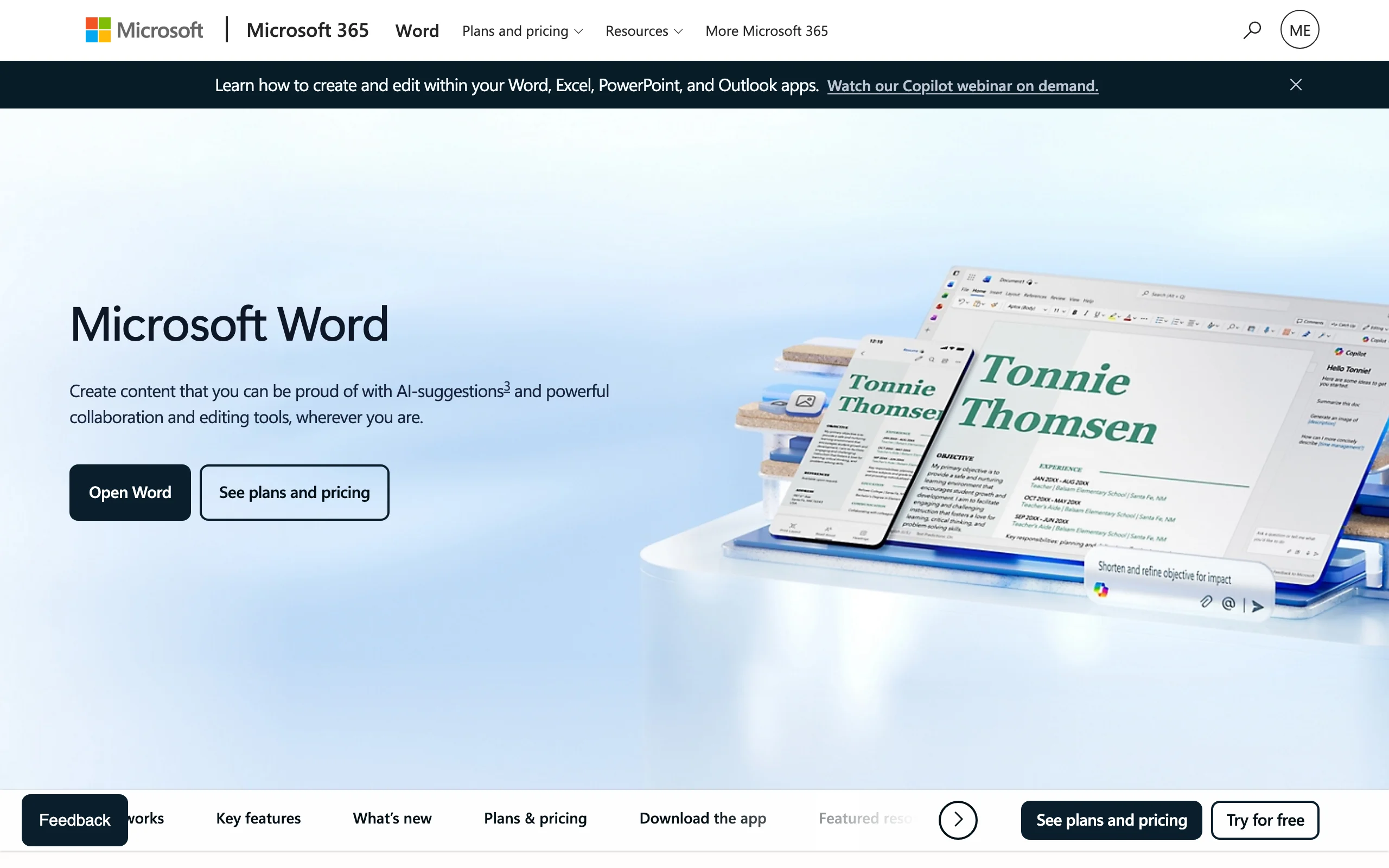
Microsoft Word already includes redlining, and for many simple comparisons it is enough. Track Changes records edits live as you negotiate, and the Compare feature under Review generates a redline between any two documents. If you have a Microsoft 365 subscription, this costs nothing extra, which makes it the default starting point before you buy a dedicated tool.
The limits show up at scale and complexity. Word's Compare can struggle with heavy formatting, large documents, and cross-format comparison. AI risk analysis is new and gated: Microsoft's Legal agent for Word, launched in 2026 and rolling out to Microsoft 365 Copilot users, flags risks and proposes playbook-based edits as tracked changes, but it requires a Copilot license on top of Microsoft 365. For a two-version comparison of a clean contract, it works. For high-volume or heavily formatted work, dedicated tools earn their cost.
Key features:
- Track Changes records every edit live during negotiation
- Compare generates a redline between two document versions
- Combine merges revisions from multiple reviewers
- Accept or reject changes individually or in bulk
- Included in every Microsoft 365 subscription
Best for:
- Solo lawyers and small teams doing simple two-document comparisons
- Anyone who needs an occasional redline without buying new software
- Teams already standardized on Microsoft 365
Pricing:
- Included with any Microsoft 365 subscription at no extra cost
- Microsoft 365 itself offers a trial; no separate redline license needed
Pros:
- Free with a subscription you likely already have
- Familiar interface with no learning curve
- Track Changes is the universal standard for negotiation
Cons:
- Struggles with complex formatting, large files, and cross-format comparison
- No AI review, risk flagging, or clause analysis in Word itself; the Legal agent requires a Microsoft 365 Copilot license
6. Robin AI, best for AI-first contract redlining and negotiation
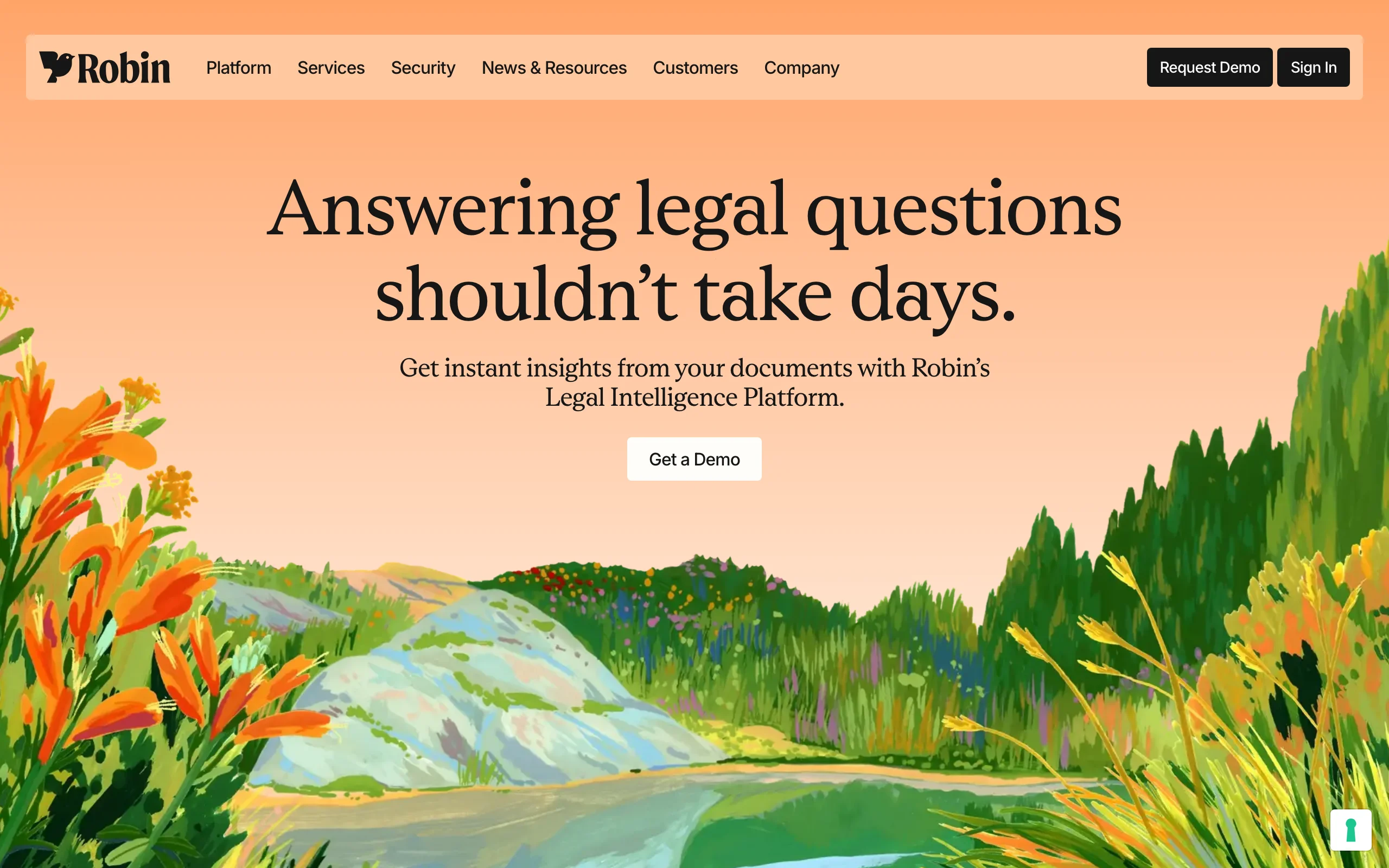
Robin AI is an AI-first contract platform built around review, redlining, and negotiation. Its Word Add-In and Playbooks bring structure to negotiation: Robin proposes precise, minimal, human-like redlines, accepts or rejects counterparty edits, and suggests further drafting in line with your playbook. A notable differentiator is that it distinguishes your edits from the counterparty's, so it only responds where it should.
The platform spans review, data extraction, drafting, and an agent mode for multi-step workflows, and it is built on Anthropic's Claude models with enterprise security. One caveat for buyers in 2026: Robin AI sold its managed services arm to Scissero in December 2025, and much of its engineering team moved to Microsoft in January 2026 to build the Legal agent in Word, so confirm the product roadmap and support commitments before you sign. It is aimed at in-house and commercial teams that want AI to carry more of the negotiation cycle, not just compare two versions.
Key features:
- Word Add-In with playbook-driven redlining and negotiation support
- Minimal, human-like redlines that distinguish your edits from the counterparty's
- Contract analysis and data extraction across large document sets
- Agent mode for multi-step review and routing workflows
- Built on Claude with SOC 2, ISO 27001, and GDPR compliance
Best for:
- In-house and commercial teams managing high-volume negotiation cycles
- Legal ops standardizing redlines against detailed playbooks
- Teams that want AI to draft and respond, not just flag changes
Pricing:
- Custom, enterprise pricing; request a demo for a quote
- No published self-serve tier
Pros:
- Strong, playbook-aligned negotiation workflow inside Word
- Distinguishes party edits, reducing noise in counterparty responses
Cons:
- Enterprise pricing and demo-led onboarding, not self-serve
- Open questions about roadmap and support after the 2025 Scissero sale and the 2026 Microsoft acqui-hire
- Best value comes at higher volumes, so small teams may overpay
7. LawGeex, best for automated, pre-approval contract review at scale
LawGeex automates contract review and redlining before a contract reaches a lawyer. Note that the company was broken up in 2023: Robin AI bought its enterprise contract assets, LegalSifter took over its enterprise clients, and the founders now run Superlegal, a separate contract-review service for smaller businesses, so LawGeex is no longer actively selling to new customers. It uses patented AI and digital playbooks to read incoming contracts, apply your policies, and surgically redline them just as an experienced attorney would, with oversight built in. Enterprise legal teams at companies like eBay, HP, and PepsiCo used it to clear high-volume, routine contracts faster.
Its model is pre-approval automation at scale: route standard NDAs, vendor agreements, and similar contracts through LawGeex, and only the ones that fall outside policy reach a human. For legal departments drowning in repetitive review, that shifts attorney time to the contracts that actually need judgment.
Key features:
- Automated pre-approval review against your digital playbooks
- Surgical redlining that applies your policies and negotiating position
- Analytics on review efficiency and policy performance
- Built for high-volume, repetitive contract types like NDAs and vendor agreements
- Enterprise integrations and workflow routing
Best for:
- Large legal departments with high volumes of routine contracts
- Teams that want to automate first-pass review before attorney involvement
- Organizations standardizing review against strict internal policies
Pricing:
- Custom, enterprise pricing based on volume and workflow needs
- No published tiers; since the 2023 sale, new buyers are generally directed to LegalSifter (enterprise) or Superlegal (small business) for quotes
Pros:
- Automates routine review so attorneys focus on exceptions
- Policy-driven redlining keeps output consistent at scale
Cons:
- Built for enterprise volume, so it is overkill for small teams
- No longer sold to new customers under the LawGeex brand, so expect to be routed to LegalSifter or Superlegal
How to choose the best document redline software
The right tool depends on whether you need to compare versions, review meaning, or both, plus your budget and where your team works. Use these questions to narrow it down.
1) Do you need structural comparison or AI review?
- If you need a pixel-perfect redline between two drafts: use Litera Compare for the highest formatting accuracy, Draftable Legal for affordable cross-format comparison, or Microsoft Word for simple, free comparisons.
- If you need AI to read a contract and flag risky clauses or suggest edits: use LegesGPT for all-in-one review plus research, Spellbook for Word-native semantic redlining, or Robin AI and LawGeex for enterprise negotiation and automation.
- If you need both: pair an AI review tool like LegesGPT with a structural comparison tool like Word or Litera. Many teams run exactly this combination.
2) Where does your team work?
- If you live in Microsoft Word: Spellbook and Robin AI run as Word add-ins, and Litera Compare integrates tightly with Word and Outlook.
- If you want a standalone tool with no add-in or IT setup: LegesGPT runs in the browser and is ready in minutes.
- If you already pay for Microsoft 365: start with Word's built-in Compare before buying anything.
3) What is your budget and team size?
- Solo and small firms on a budget: LegesGPT from $19.99/mo or Draftable Legal from $261/user/year give you the most value, and both let you start without a sales call. See the pricing breakdown to compare tiers.
- Growing in-house teams: Spellbook for Word-native review or LegesGPT for review plus research, depending on whether you need legal research too. See the best AI software for in-house legal teams for the full shortlist.
- Enterprise legal departments: Litera Compare for structural redlines at scale, or Robin AI and LawGeex for high-volume automated negotiation and review.
4) Test before you commit
Run three to five of your real documents through any tool before you sign. A redline that looks clean on a sample NDA can fall apart on your actual 60-page MSA with nested tables. Use the free trials, $1 for LegesGPT, 5 days for Draftable, 7 days for Spellbook, and compare the output on documents you know well. If you run a law firm or work as an in-house lawyer, this small step prevents an expensive mismatch later.
FAQ
What is document redline software?
Document redline software compares two versions of a document and shows the differences as tracked changes, a redline or blackline, so you can see exactly what was added, deleted, or moved. Legal redline tools go further by handling complex formatting, comparing across file types like Word and PDF, and, in newer AI tools, flagging risky or non-standard clauses, not just textual changes.
What is the difference between redlining and contract review?
Redlining is the mechanical act of marking changes between two document versions. Contract review is the legal judgment about whether those changes are acceptable, risky, or missing something. Traditional tools like Litera and Draftable do structural redlining, while AI tools like LegesGPT and Spellbook add semantic review by flagging the meaning and risk of a clause, not just the text difference.
Can Microsoft Word redline documents for free?
Yes. Word's built-in Compare feature, under Review then Compare, generates a redline between two documents, and Track Changes records edits live. It is free with any Microsoft 365 subscription and is enough for simple two-document comparisons. Dedicated legal tools add cleaner formatting, cross-file-type comparison, batch handling, and AI risk analysis that Word only offers through the paid Copilot Legal agent.
What is the best AI contract redlining tool?
For redlining inside Microsoft Word, Spellbook is the most established AI option. For AI-assisted review, risk flagging, and suggested edits combined with legal research in one platform, LegesGPT is the most affordable all-in-one choice starting at $19.99 per month. The best fit depends on whether you live in Word, which favors Spellbook, or want research plus review together, which favors LegesGPT.
How much does document redline software cost?
Pricing ranges widely. Microsoft Word Compare is included with Microsoft 365. Draftable Legal starts at $261 per user per year. LegesGPT starts at $19.99 per month, with document review on the Plus plan and up. AI-first and enterprise tools like Spellbook, Litera Compare, Robin AI, and LawGeex use per-seat or custom enterprise pricing, often quoted on request.
Is AI-generated redlining safe for legal work?
AI redlining is a strong first pass, not a final product. It speeds up spotting changes and risky clauses, but a qualified person must review the output before relying on it. Verify suggested edits against your playbook, check that nothing was missed, and follow your jurisdiction's rules on AI use. Treat AI redlines like the work of a fast junior associate.
Can one tool do both structural comparison and AI review?
Not perfectly yet. Structural comparison tools like Litera and Draftable produce the cleanest version-to-version redlines, while AI tools like LegesGPT and Spellbook are stronger at reading meaning and flagging risk. Most teams pair the two: an AI tool for review and a comparison tool for the formal redline. Some platforms are adding the other capability, so the gap is narrowing.
If I mainly need AI review and redlining suggestions, what should I use?
LegesGPT is the most practical pick. You get AI document review, risk and clause flagging, and suggested edits, plus legal research and drafting in one subscription from $19.99 per month, with a 3-day trial for $1. For the formal version-to-version redline you would still use Word or Litera, but for fast, affordable AI review and redlining suggestions across 38+ jurisdictions, LegesGPT covers the most ground for the price.