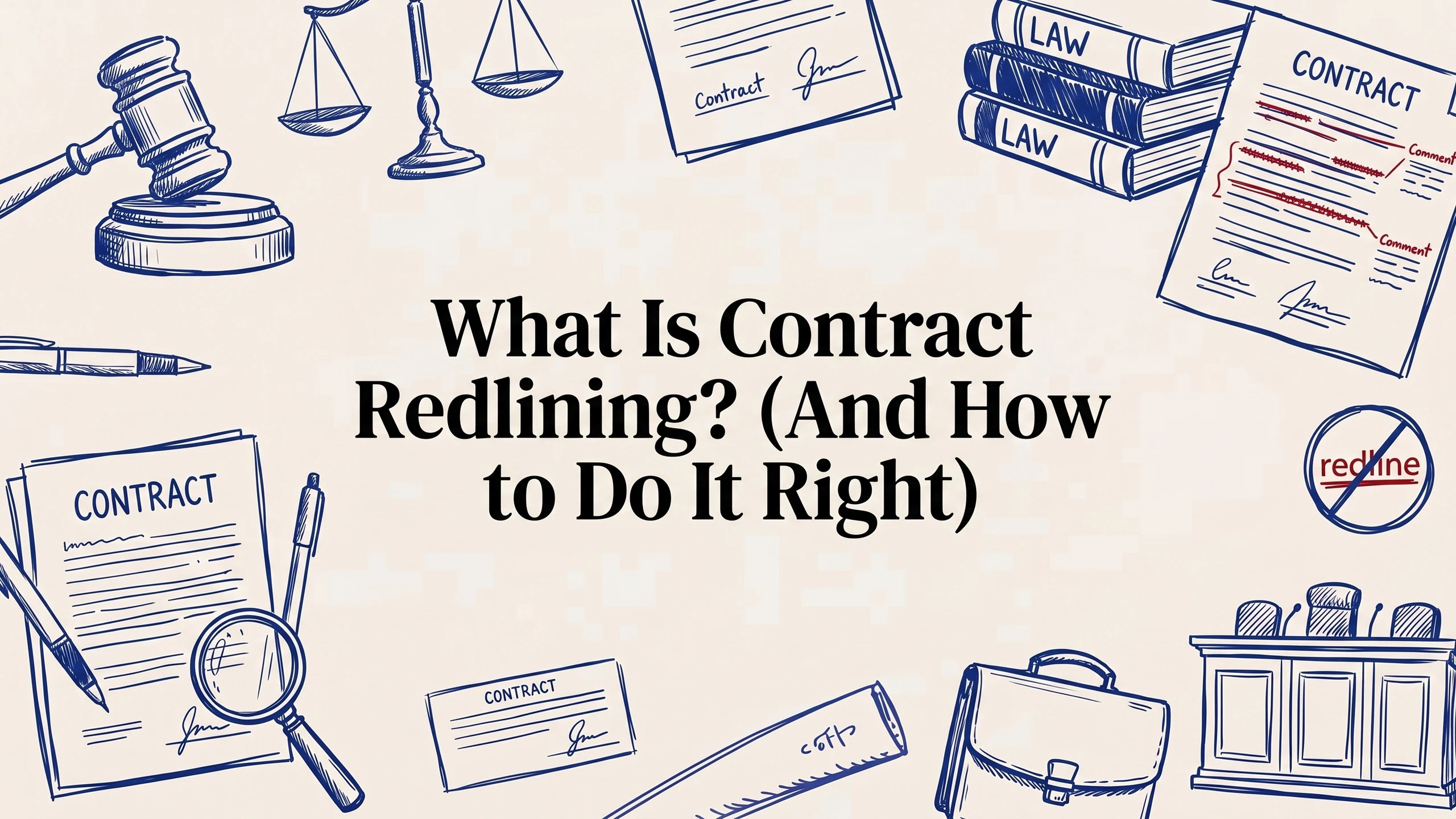
The draft comes back and it looks like it lost a fight. Sentences are struck through in red. New clauses hang off the margin in a different color. Little comment bubbles trail down the right side, some answering each other in a thread you weren't copied on. A defined term is crossed out on page 3 and reappears, slightly different, on page 9. If it's your first time opening a marked-up agreement, the honest reaction is not "great, progress" — it's "what am I even looking at, and which version is real?"
That mess has a name, and once you understand how to read it and produce it, it stops being intimidating and starts being the single most useful skill in any negotiation. It's called contract redlining, and it's how two sides turn a one-sided first draft into terms they can both live with — without endless "can you re-send the clean copy" emails.
This guide walks through what contract redlining actually is, how the mechanics work, a repeatable process for doing it well, the etiquette that separates professionals from amateurs, and the mistakes that quietly cost people leverage.
TL;DR: Contract redlining is the practice of proposing edits to a contract using visible, tracked markup — deletions, insertions, and comments — so the other side can see exactly what you changed and why. Done right, it's a structured conversation, not a demolition: you mark up in priority order, explain your reasoning in comments, and keep a clean version history. If you're reviewing high volume or want a second set of eyes on risk before you touch the pen, LegesGPT AI Contract Review can surface problem clauses and suggested edits so your redlines land on what actually matters. This is a workflow skill anyone who signs contracts should have.
What contract redlining actually means
Contract redlining is the process of editing a draft agreement so that every change is visible to the other party. The term comes from the old practice of marking up paper contracts with a red pen — crossing out language you rejected and writing your preferred wording in the margin. The color stuck even though the paper largely didn't.
Today, redlining happens in software. In Microsoft Word it's "Track Changes." In Google Docs it's "Suggesting" mode. Contract platforms have their own comparison and markup views. Whatever the tool, the core idea is identical: instead of silently overwriting the other side's words, your edits appear as proposals. Deleted text shows struck through; added text shows underlined or highlighted; and comments explain the thinking behind the harder asks.
The point of all this visibility is trust. A negotiation only works if each side can verify what the other side changed. A redlined draft is a transparent record — nobody has to diff two documents line by line wondering whether a definition got quietly swapped or an indemnity cap disappeared. The markup is the audit trail.
It helps to separate redlining from two things people confuse it with. Reviewing a contract is reading it and forming a view of the risks — you can review without changing a word. Redlining is the step where you translate that view into concrete proposed edits. And drafting is writing the agreement from a blank page or a template. Redlining sits in the middle: you're not creating the contract, and you're not just reading it — you're negotiating it, in writing, one tracked change at a time.
How the mechanics work: tracked changes and comments
Two tools do almost all the work in contract redlining, and knowing when to reach for each is half the battle.
Tracked changes are for edits to the contract text itself — the operative language that will govern the deal. If you want to strike a clause, tighten a definition, add a carve-out, or swap "30 days" for "60 days," you make that change with tracking on so it renders as visible markup. These edits are proposals: the other side can accept them, reject them, or counter with their own tracked change on top of yours. When both sides accept everything and the markup clears, you have an agreed clause.
Comments are for everything that isn't operative language — questions, explanations, and flags. Use a comment to say why you struck a clause ("we can't accept unlimited liability; proposing a cap at fees paid"), to ask for information ("who's the governing-law choice here?"), or to note something you're watching without editing it yet. Comments keep your reasoning attached to the exact spot on the page, which massively reduces the back-and-forth.
A few mechanics worth getting right from the start:
- Turn tracking on before you type. The most common rookie error is making edits with tracking off, then having no way to show the other side what moved. If you've already done it, most tools have a "compare documents" function that reconstructs the redline by diffing your version against the original.
- Each side gets a color. Word and comparable tools assign a color per author automatically, so in a multi-round negotiation you can see at a glance who touched what. Don't fight this — it's the feature that makes three-party deals readable.
- Version the filename. "MSA_v3_AcmeMarkup_2026-08.docx" tells everyone which round they're in. "MSA_final_FINAL_v2.docx" tells everyone you've lost control of your own files.
A step-by-step process for redlining a contract
Good redlining is not "read top to bottom and edit whatever bugs you." It's a sequence. Working in this order keeps you from burning goodwill on trivia before you've protected the things that matter.
1. Read it clean first. Before you touch a single word, read the whole draft to understand the deal it describes. You can't judge whether a clause is a problem until you know how the pieces fit. If you want a systematic pass, our contract review checklist covers the categories worth checking — parties, payment, termination, liability, IP, and the boilerplate that quietly decides fights.
2. Triage by priority. Sort your issues into three buckets: deal-breakers (things you cannot sign without), meaningful asks (things you want and will trade for), and nice-to-haves (cleanups and clarity edits). This ranking is what you'll negotiate from, and it stops you from spending your first round fighting over an Oxford comma while an uncapped indemnity sails through untouched.
3. Mark up in priority order. Start with the deal-breakers. Make the actual tracked edit — propose the language you want, not just a complaint. "Delete this and insert X" is a negotiation; "this seems aggressive" is a shrug. For each significant change, drop a short comment explaining the business reason. Reasons persuade; demands invite pushback.
4. Keep changes surgical. Change what needs changing and leave the rest alone. Rewriting a clause the other side's lawyer is comfortable with, purely to match your preferred style, reads as territorial and slows everyone down. The lighter your footprint, the faster the deal closes.
5. Do a consistency pass. After the substantive edits, re-read for the ripple effects. Did changing a defined term on page 3 break its use on page 9? Did extending the term period orphan a renewal clause? Redlines create knock-on errors, and catching your own is far cheaper than having the other side catch them.
6. Send with a cover note. A two-line email framing the markup — "we've focused on liability and termination; comments explain the reasoning; happy to discuss on a call" — sets a collaborative tone and tells the reader where to look first.
Redlining etiquette: the unwritten rules
The mechanics are learnable in an afternoon. The etiquette is what tells the other side whether you're easy to deal with, and it directly affects how fast — and how favorably — the deal closes.
Never edit with tracking off. Silently changing operative language and passing it back as "clean" is the fastest way to torch trust in a negotiation. If it's later discovered, every prior round you sent becomes suspect. Keep tracking on, always.
Explain the ask, don't just make it. A redline that strikes a clause with no comment forces the other side to guess your motive, and people negotiate worse against a mystery. A one-sentence rationale converts a fight into a conversation.
Accept and reject cleanly between rounds. When it's your turn, formally accept the changes you're agreeing to and reject the ones you're not, rather than layering new markup on top of a document that still shows five rounds of old edits. A draft that never gets cleaned becomes unreadable by round four, and unreadable drafts hide mistakes.
Match the other side's footprint. If they sent you a light, focused markup, respond in kind. Answering a five-change redline with a fifty-change rewrite signals bad faith even when your edits are reasonable.
Preserve the version chain. Keep every round you send and receive. If a dispute later turns on who agreed to what and when, the sequence of redlined drafts is often the clearest evidence you have.
Where AI fits into redlining
The bottleneck in redlining has never been typing the edits — it's knowing which edits to make, fast, especially when you're reviewing more contracts than hours in the day. This is where AI has changed the workflow. Instead of reading every draft cold, you can run it through a tool that flags the risky clauses, compares terms against a standard position, and even suggests redline language for you to accept, reject, or refine.
The key word is refine. AI is very good at the first pass — surfacing the uncapped indemnity, the auto-renewal you'd have missed at 11pm, the one-sided termination right — and turning a blank-page review into a marked-up starting point. It is not a substitute for the judgment call about what you're actually willing to trade. Used well, LegesGPT's contract review does the triage so your human attention goes to the negotiation, not the hunting. If you want to see how automated review stacks up before you commit to a workflow, our rundown of the best AI contract review platforms walks through what to look for.
One caveat worth stating plainly: the value of AI-assisted redlining depends on the stakes and the document. A routine NDA is a different animal from a nine-figure M&A agreement or a complex construction contract, where the interplay of clauses rewards deep human expertise — see our deeper look at construction contract review for how much context a specialized agreement can carry. Match the tool to the risk.
Common redlining mistakes to avoid
A few patterns show up again and again, and each one costs either leverage or time:
- Editing with tracking off — already covered, but it's the cardinal sin, so it earns a second mention.
- Redlining before you understand the deal — you'll fix symptoms and miss the structural problem underneath.
- Over-editing — a maximalist first markup signals you'll be difficult, and it buries your real priorities in noise.
- Making demands without reasons — bare strikes invite reflexive pushback; explained asks invite compromise.
- Ignoring cross-references — one changed definition can silently break clauses three pages away.
- Losing the clean version — never accept/rejecting means your "current" draft is really five overlapping drafts, and mistakes hide in the overlap.
The bottom line
Contract redlining is just a structured, visible conversation about terms — deletions, insertions, and comments that let two sides negotiate in writing without losing track of who changed what. Do it in priority order, explain your reasoning, keep the version history clean, and lean on AI to handle the first-pass triage so your judgment goes where it counts. The colored markup that looked like chaos on day one becomes, with a little practice, the most transparent and efficient way there is to reach an agreement both sides can actually sign.
This article is general information, not legal advice. Contract rules and enforceability vary by state and jurisdiction; consult a licensed attorney about your specific situation.
Frequently Asked Questions
What is contract redlining?
Contract redlining is editing a draft agreement so that every change is visible to the other side. The name comes from marking up paper contracts in red pen, striking out rejected language and writing in preferred wording. Today it is done with tracked changes so both parties can see exactly what moved.
What is the difference between tracked changes and comments?
Tracked changes are for edits to the operative language that will actually govern the deal: striking a clause, tightening wording, changing a number. Comments are for everything else, such as explaining why you made a change, asking a question or flagging something for internal review. Mixing them up is the most common source of confusion in a markup.
How should I approach redlining a contract?
Read it through clean first, before touching anything, so you understand the deal as a whole. Then work through the high-stakes provisions such as liability, indemnity, payment and termination before spending any capital on style or formatting. Working in that order stops you burning goodwill on trivia.
What is good redlining etiquette?
Explain your significant changes in a comment rather than leaving the other side to guess, keep your edits in tracked changes so nothing is hidden, avoid silently changing defined terms, and do not rewrite language you merely dislike. A markup that is easy to follow signals you are easy to deal with, which is worth real negotiating capital.
What are the most common redlining mistakes?
Turning tracked changes off partway through so some edits are invisible, editing a defined term in one place but not everywhere it appears, sending a markup with unresolved internal comments still in it, and negotiating formatting before substance. Each one costs credibility or creates an inconsistency someone has to untangle later.
Who sends the first redline?
Usually the party that did not produce the first draft. Because the drafter sets the default positions, the reviewing side uses the redline to move those defaults, and the agreement then goes back and forth until the tracked changes stop appearing on the points that matter.
Can AI help with contract redlining?
Yes. AI can review a draft, identify the clauses that deviate from a standard or from your usual position, and propose specific replacement wording you can accept or adjust, which turns a blank-page edit into a review. The negotiating judgment about which changes to actually push for remains yours.