

Litigation runs on documents and deadlines. Between legal research, discovery review, motion drafting, and trial prep, a single contested matter can generate thousands of pages and dozens of dates you cannot afford to miss. The right litigation software takes hours out of each of those stages, and the wrong choice locks you into enterprise pricing for features you never open.
This guide compares the 8 best litigation software tools in 2026 across the full case lifecycle: research and drafting, e-discovery, case management, written discovery, and courtroom presentation. For each tool you get verified pricing, key features, honest pros and cons, and a decision framework to match the tool to your caseload.
Best litigation software: a brief overview
- LegesGPT: Best overall for litigation research and drafting: verified-citation answers, case law search, and discovery document review from $19.99/mo.
- Everlaw: Best cloud e-discovery platform with built-in trial prep: review, depositions, and Storybuilder narratives in one workspace.
- Relativity: Best for enterprise-scale e-discovery: the standard for massive productions and complex multi-party matters.
- Logikcull: Best self-service e-discovery for small firms: drag-and-drop culling and review priced per GB with unlimited users.
- CoCounsel: Best for firms already in the Westlaw ecosystem: an AI legal assistant wired into Thomson Reuters research content.
- Clio Manage: Best litigation case management: matters, deadlines, documents, and billing in one hub for the whole firm.
- TrialPad: Best courtroom trial presentation: present and annotate exhibits from an iPad at a flat yearly price.
- Briefpoint: Best for automating written discovery: drafts responses to interrogatories, RFAs, and RFPs in minutes.
| Tool | Best for | Starting price | Free trial | Platform |
|---|---|---|---|---|
| LegesGPT | Litigation research and drafting | From $19.99/mo | 3-day, $1 | Web |
| Everlaw | Cloud e-discovery with trial prep | Custom | Demo only | Web |
| Relativity | Enterprise-scale e-discovery | Custom | Demo only | Web |
| Logikcull | Self-service e-discovery for small firms | Custom (per GB) | Demo only | Web |
| CoCounsel | AI assistant in the Westlaw ecosystem | Custom (quote) | On request | Web |
| Clio Manage | Litigation case management | From $49/user/mo | 7-day | Web, mobile |
| TrialPad | Courtroom trial presentation | $600/yr (LIT SUITE) | 7-day | iPad, Mac |
| Briefpoint | Written discovery drafting | From $150/attorney/mo | Demo only | Web |
1. LegesGPT, best overall for litigation research and drafting
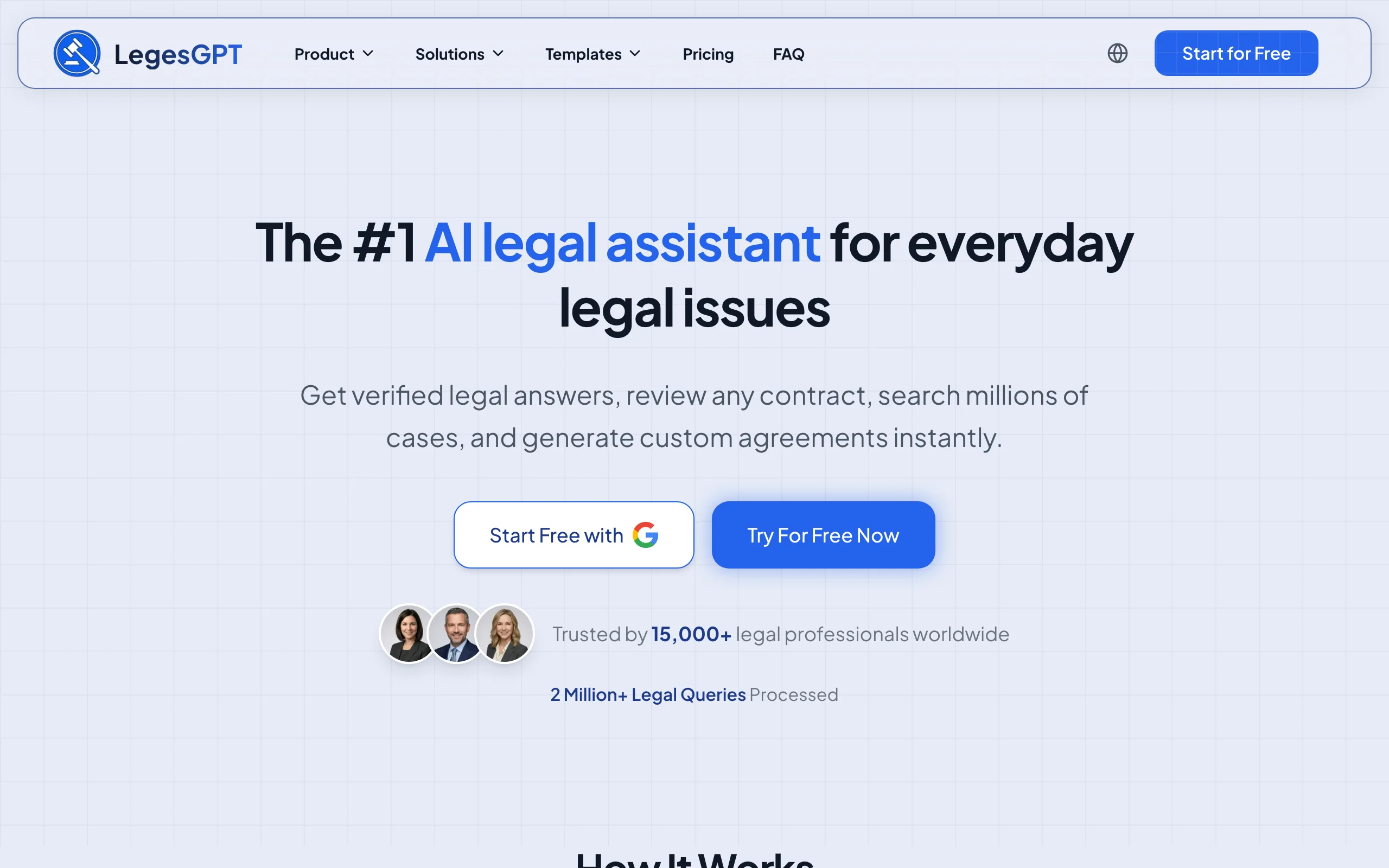
Most of a litigator's week is not spent producing terabytes of documents. It is spent finding controlling authority, checking what opposing counsel actually cited, reviewing the documents the other side served, and turning research into motions and briefs. LegesGPT is built for exactly that slice of litigation work. It answers legal questions with verified citations that link straight to the underlying source, searches case law and statutes, and reviews uploaded documents to flag risks and summarize what matters.
That combination replaces the gap between a research database and a word processor. You can pull authority for a motion to dismiss, run AI document review on the discovery documents and deposition transcripts the other side produced, and draft the first version of the brief in the same workspace, at a price a solo litigator can justify.
Key features:
- Verified-citation answers with direct source links, so authority in your brief checks out
- Case law and statute search for motions, oppositions, and appellate work
- Document review for discovery documents, transcripts, and exhibits (PDF, DOCX, PPTX, images): risk flags, problem clauses, plain-language summaries
- AI drafting support for motions, briefs, demand letters, and settlement agreements
- Deep Research mode for multi-step questions, plus web search for recent decisions
- E-signature and 100+ attorney-drafted legal document templates
Best for:
- Solo litigators and 2-50 attorney firms handling motion practice and discovery review
- Litigation support teams that need fast, citable answers without an enterprise contract
Pricing:
- Basic at $19.99/mo (unlimited AI queries, case law and statute search, citation verification); Plus at $49.99/mo adds document upload and 50 document reviews per month; Premium at $99.99/mo adds unlimited reviews, Deep Research, and web search
- 3-day trial for $1; roughly 30% off with annual billing
Pros:
- Research, document review, and drafting in one subscription instead of three tools
- Citations are verified and linked, which matters when a court sanctions fabricated authority
- Self-serve signup with a $1 trial; no demo call or seat minimums
Cons:
- Not an e-discovery production platform: no Bates numbering, legal hold workflows, or productions at scale (pair it with a platform like Everlaw or Logikcull for that)
- Web-only: no native mobile app or Word add-in
Find controlling authority before your next filing
Describe your issue and LegesGPT surfaces relevant case law and statutes, with direct links to the source so you can verify every result.
Search case law2. Everlaw, best cloud e-discovery with built-in trial prep
Everlaw is a cloud e-discovery platform that follows a case from early case assessment through trial. Its differentiator is Storybuilder, a trial prep workspace where you assemble key documents, deposition testimony, and case narratives alongside the review database, so the trial team works from the same evidence set as the review team.
Key features:
- Fast document review with predictive coding, clustering, and translations
- Storybuilder for building case narratives, chronologies, and trial outlines from reviewed evidence
- Deposition tools for preparing and analyzing testimony
- Early case assessment and legal hold workflows
- AI Suite with writing, review, and coding-suggestion assistants
Best for:
- Mid-size and large firms running document-heavy litigation end to end
- Teams that want review and trial prep in one platform instead of exporting between tools
Pricing:
- Custom: case-based or annual platform subscriptions, quoted after a sales meeting
- No public price list; budget for platform plus hosted-data fees
Pros:
- Trial prep integrated with review is rare and genuinely useful for trial teams
- Modern, fast interface compared with legacy review tools
Cons:
- Pricing is opaque and sized for firms with recurring e-discovery volume
- Overkill if your matters rarely exceed a few thousand documents
3. Relativity, best for enterprise-scale e-discovery
Relativity, through its cloud platform RelativityOne, is the heavyweight of e-discovery. When a matter involves millions of documents, dozens of custodians, and multiple parties exchanging productions, Relativity is usually the platform on at least one side of the caption. Its aiR suite (aiR for Review, aiR for Privilege, aiR for Case) applies generative AI to first-pass review, privilege calls, and case analysis.
Key features:
- Industry-standard processing, review, and production at massive scale
- aiR for Review and aiR for Privilege for AI-assisted responsiveness and privilege review
- aiR for Case for AI-driven case strategy and fact analysis
- Flexible commercial models: Pay As You Go or Flex Commit terms
- Deep ecosystem of certified partners, service providers, and integrations
Best for:
- AmLaw firms, corporate legal departments, and government agencies with high-volume matters
- Cases where opposing counsel, vendors, and experts all already work in Relativity
Pricing:
- Custom: quoted by sales based on data volume and commitment term
- Pay As You Go for variable volumes; 1-year and 3-year Flex Commit for discounts
Pros:
- Unmatched scale and the largest talent pool of trained reviewers and admins
- aiR products are among the most mature generative AI tools in e-discovery
Cons:
- Cost and complexity are far beyond what small-firm litigation requires
- Typically requires trained administrators or a service provider to run well
4. Logikcull, best self-service e-discovery for small firms
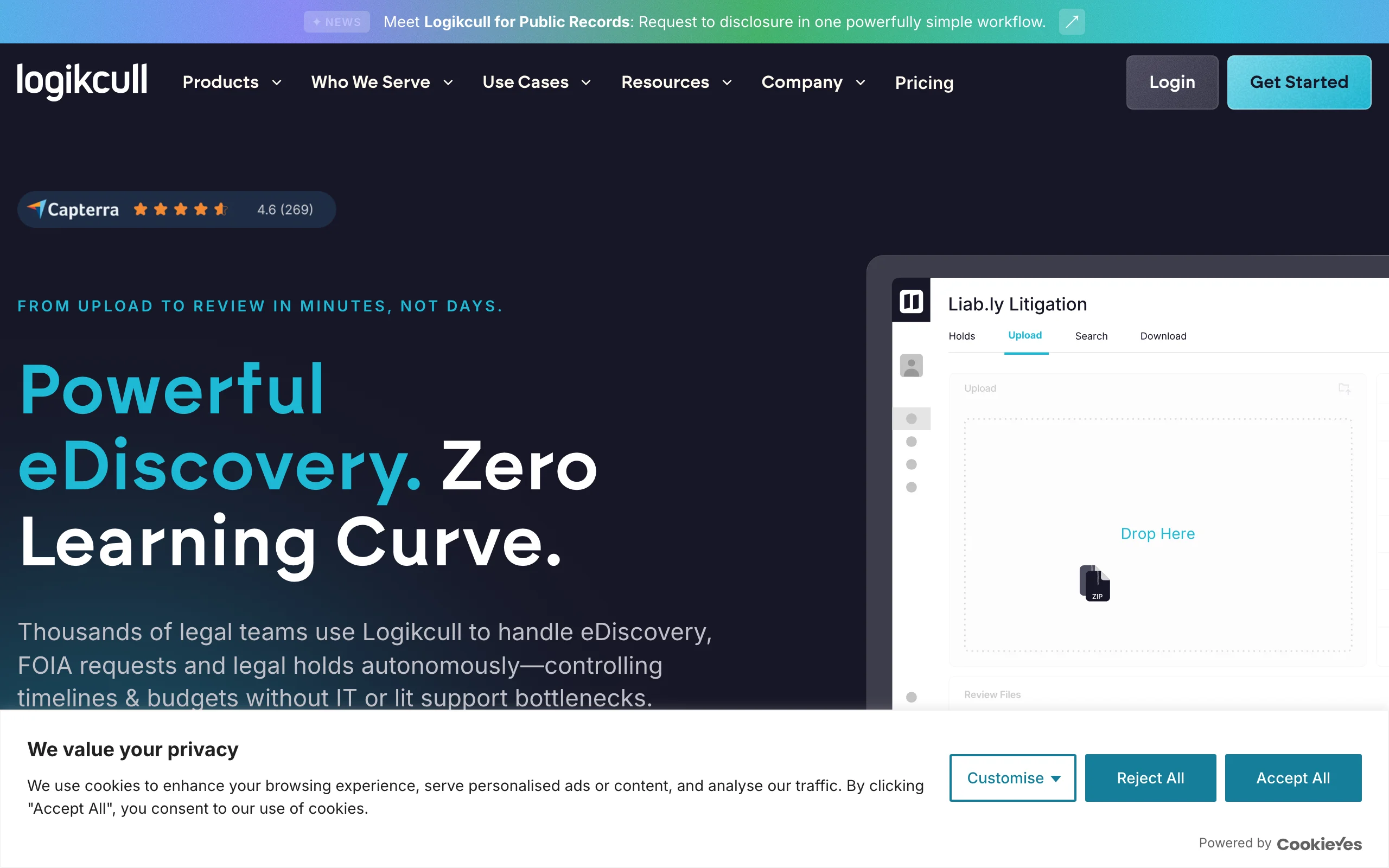
Logikcull, now part of Reveal, made its name by turning e-discovery into a drag-and-drop task. Upload a PST file or a folder of documents, and it processes, deduplicates, and indexes everything automatically so a paralegal can start culling and reviewing in minutes without a vendor. It is the pragmatic answer for firms whose matters involve gigabytes, not terabytes.
Key features:
- Drag-and-drop uploads with automatic processing and deduplication
- Culling filters and search to cut data before review
- ASK, a generative AI fact-finding assistant, on subscription plans
- Legal hold, subpoena response, and PII detection and redaction workflows
- Unlimited users, projects, and downloads on the storage-based plan
Best for:
- Small litigation teams and solo attorneys handling their own discovery
- One-off matters where you need review this week, not after procurement
Pricing:
- Custom: storage-based Pay As You Go billed per GB stored per month, plus annual subscription plans
- Rates are not published; unlimited users are included rather than per-seat fees
Pros:
- Genuinely usable without e-discovery training or a vendor
- Per-GB model with unlimited users suits small teams with occasional matters
Cons:
- Published rates disappeared after the Reveal acquisition, so budgeting requires a sales call
- Less suited to complex multi-party productions than Relativity or Everlaw
5. CoCounsel, best for firms already in the Westlaw ecosystem
CoCounsel is Thomson Reuters' AI legal assistant, sold standalone as CoCounsel Essentials or bundled with Westlaw Advantage and Practical Law. For litigation it runs research memos, deposition preparation, document summarization, and contract or discovery document analysis, grounded in Thomson Reuters' research content. If your firm already lives in Westlaw, CoCounsel adds AI directly on top of the sources you cite.
Key features:
- AI research memos backed by Westlaw's editorial content
- Deposition preparation, document summarization, and review skills
- Draft correspondence and analyze documents inside one assistant
- Bundles with Westlaw Advantage and Practical Law Dynamic Tool Set
Best for:
- Firms with existing Westlaw or Practical Law subscriptions
- Litigation teams that want AI output tied to a citator they already trust
Pricing:
- Quote-based: a self-serve configurator prices plans for firms up to 10 attorneys based on size, jurisdiction, and term; larger firms go through sales
- Free trial available on request
Pros:
- Tight integration with the most widely used US research database
- Backed by Thomson Reuters' editorial verification infrastructure
Cons:
- Pricing is opaque and typically a multiple of standalone AI legal tools, especially bundled with Westlaw
- Locked to the Thomson Reuters ecosystem; weak value if you research elsewhere
6. Clio Manage, best litigation case management
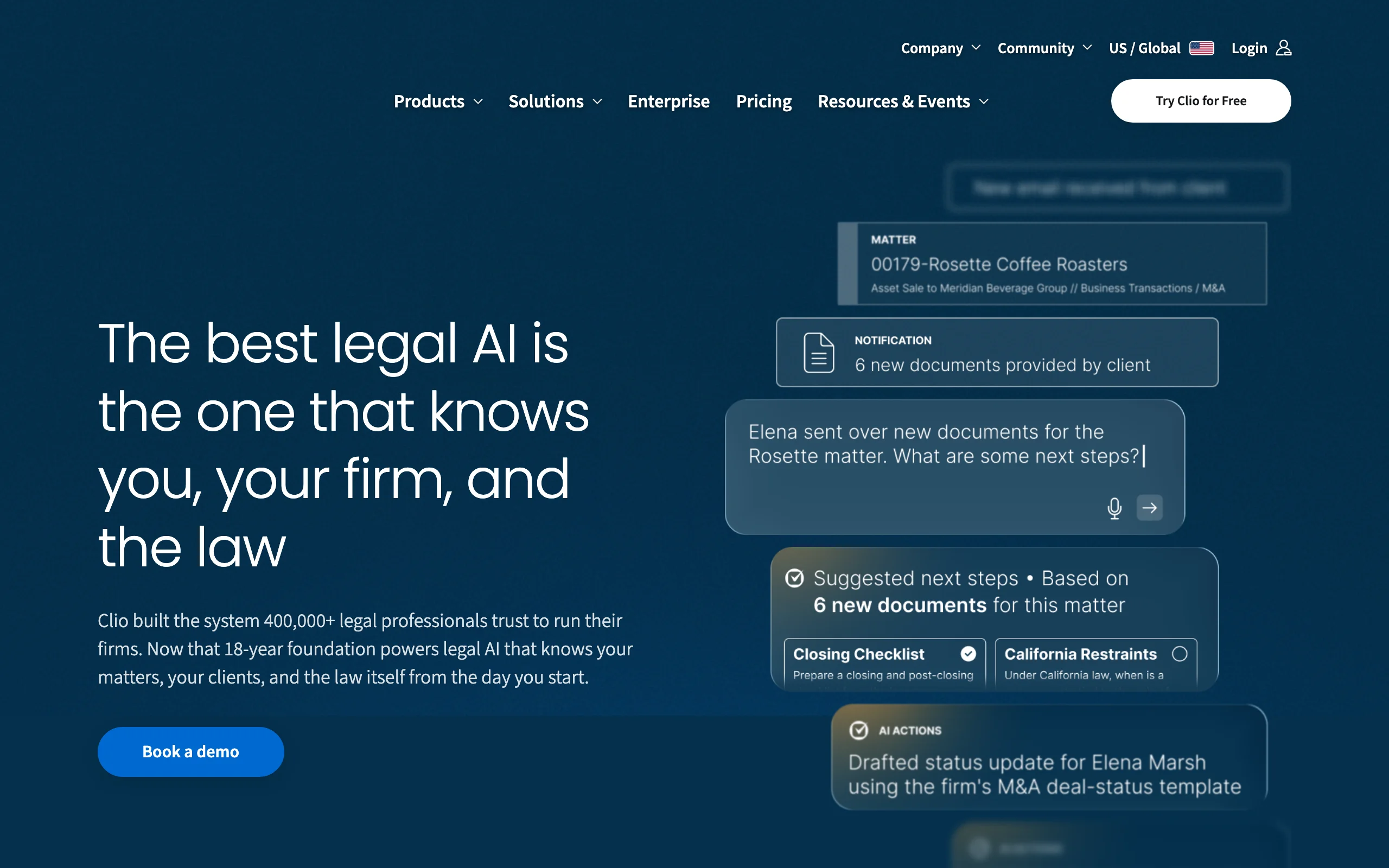
Clio Manage is the operational backbone for thousands of small and mid-size firms. For litigators, it is where matters, court deadlines, documents, tasks, time entries, and client communication live. Court rules-based calendaring and task automation reduce the odds of a missed statute of limitations, and Clio Duo, its AI assistant on the top tier, summarizes matter activity and drafts routine communications.
Key features:
- Matter management with tasks, calendaring, and deadline tracking
- Document management and templates tied to each matter
- Time tracking, billing, and trust accounting built in
- Client portal and secure messaging for case updates
- Large integration marketplace connecting to research and discovery tools
Best for:
- Firms that need one system of record for every active matter
- Litigation practices where billing and deadline management are the pain points
Pricing:
- From $49/user/mo (EasyStart); higher tiers (Essentials, Advanced, Expand) run up to roughly $149/user/mo billed annually per third-party pricing coverage
- 7-day free trial, no credit card required
Pros:
- Mature, reliable platform with strong support and onboarding
- Scales from solo practice to mid-size firm without switching systems
Cons:
- Case management, not litigation work product: no legal research or e-discovery review
- Litigation-useful features like advanced automation sit in the pricier tiers
7. TrialPad, best courtroom trial presentation
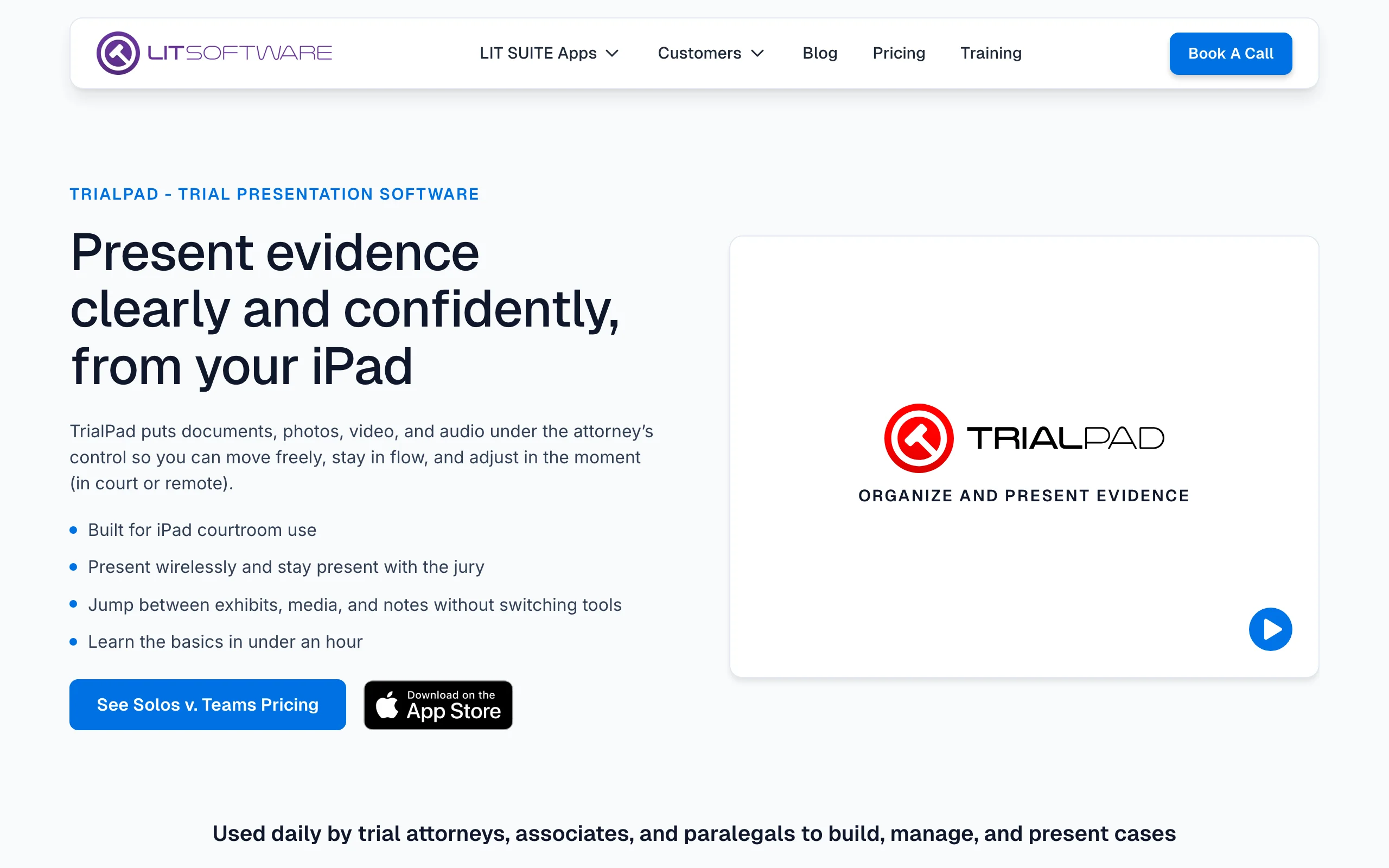
TrialPad by LIT SOFTWARE is the standard for presenting evidence from an iPad. Load your exhibits, then display, zoom, highlight, and call out passages live in front of a judge or jury without a trial-tech consultant. It sells as part of the LIT SUITE, which bundles TranscriptPad for deposition transcript review, DocReviewPad for tagging and producing documents, TimelinePad for case chronologies, and ExhibitsPad for electronic exhibit binders.
Key features:
- Present, annotate, highlight, and call out exhibits in real time
- Side-by-side document comparison and video evidence playback
- TranscriptPad for designations and deposition transcript analysis
- TimelinePad and ExhibitsPad for chronologies and exhibit binders
- Works offline in courtrooms with unreliable Wi-Fi
Best for:
- Trial attorneys who present their own evidence at trial, arbitration, or mediation
- Firms replacing $10,000+ trial-tech vendor engagements with an in-house iPad
Pricing:
- LIT SUITE at $600/year, covering all five apps on up to 3 devices (iPad and Mac)
- 7-day free trial with no feature limitations
Pros:
- Flat, transparent yearly price that is trivial next to one night of trial-vendor fees
- Polished, reliable in-courtroom experience refined over a decade
Cons:
- Apple-only: requires an iPad or Mac
- Covers presentation and transcript work only; no research, drafting, or e-discovery
8. Briefpoint, best for automating written discovery
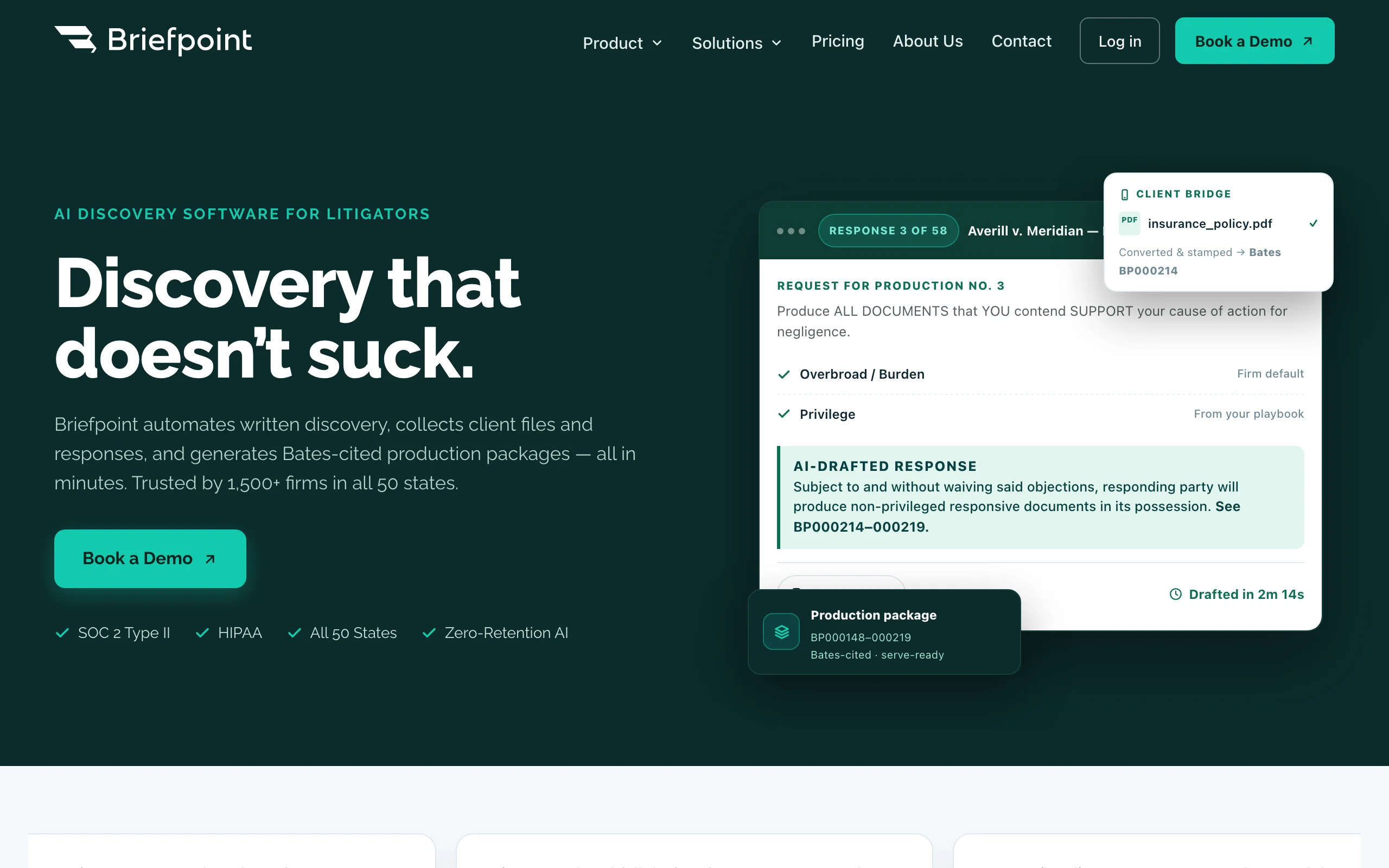
Briefpoint attacks one of litigation's most repetitive chores: written discovery. Upload a set of interrogatories, requests for admission, or requests for production, and it generates a formatted response shell with objections in your jurisdiction's format, ready for substantive answers. It also propounds discovery, and its client-facing Bridge feature collects answers from clients without another phone call.
Key features:
- Drafts responses to interrogatories, RFAs, and RFPs with objections included
- Propounds discovery requests in jurisdiction-specific formats
- Client portal for collecting responsive information
- Bates-cited document production packages
Best for:
- Insurance defense, PI, and other high-volume discovery practices
- Firms where associates and paralegals spend days on response shells
Pricing:
- Rainmaker Plan at $150/month per attorney, billed annually; all-inclusive with no per-case fees
- No self-serve trial; book a demo to start
Pros:
- Turns hours of formatting and objection drafting into minutes
- Flat per-attorney pricing is easy to model against billable time saved
Cons:
- Single-purpose: written discovery only, so it complements rather than replaces other tools
- US-focused jurisdiction formatting
How to choose the best litigation software for your practice
There is no single tool that does all of litigation well. Match the software to the stage of the case that consumes your hours, then build a small stack.
1) Which stage of litigation eats most of your time?
- If it is research and drafting (motions, briefs, memos): LegesGPT or CoCounsel. LegesGPT gives you verified-citation research and drafting from $19.99/mo; CoCounsel makes sense if you already pay for Westlaw.
- If it is document review and productions: Everlaw, Relativity, or Logikcull, sized to your data volumes.
- If it is deadlines, billing, and matter chaos: Clio Manage.
- If it is written discovery responses: Briefpoint.
- If it is presenting at trial: TrialPad.
2) How big are your document sets?
- Under a few thousand documents per matter: you likely do not need an e-discovery platform at all. Reviewing key discovery documents with an AI legal assistant that flags risks and summarizes content covers most small-matter needs.
- Gigabytes per matter, occasional cases: Logikcull's self-service, per-GB model fits.
- Terabytes, many custodians, multi-party productions: Relativity or Everlaw, with Everlaw favored if the same team carries the case to trial.
3) What can your firm actually spend?
- Solo and small firms: LegesGPT ($19.99-$99.99/mo), TrialPad ($600/yr), and Clio ($49/user/mo) are all self-serve and transparent. That full stack costs less per month than a single seat of most enterprise platforms.
- Mid-size firms: add Briefpoint ($150/attorney/mo) where discovery volume justifies it, and quote Everlaw or Logikcull for review.
- Large firms and legal departments: Relativity and CoCounsel bundles are quote-based; negotiate term commitments against realistic volumes.
Run the price-to-value math against your billable rate. A tool that saves two hours a month pays for itself at almost any of these price points, but only if your team opens it.
4) One platform or a stack?
No vendor credibly covers research, e-discovery, case management, and trial presentation in one product, so most litigation teams run two or three tools. A common small-firm stack: Clio for matter management, LegesGPT for research, document review, and drafting, and TrialPad when a case actually reaches trial. Test each candidate on a real matter (a live motion, a real production set) before committing, and check our guide to the best legal research tools for lawyers if research is your main bottleneck.
All of LegesGPT for $1
Verified-citation answers, case law search, document review, AI drafting, and e-signature in one subscription. 3-day trial for $1, cancel anytime.
Start the $1 trialFrequently Asked Questions
What is litigation software?
Litigation software is any tool that supports the lifecycle of a lawsuit, including legal research and motion drafting, e-discovery review and productions, case and deadline management, written discovery, and courtroom evidence presentation. Most firms combine two or three tools, such as a case management hub plus a research and drafting assistant.
What is the difference between litigation software and e-discovery software?
E-discovery software (Everlaw, Relativity, Logikcull) is a subset of litigation software focused on processing, reviewing, and producing large document sets exchanged in discovery. Litigation software is the broader category that also covers research, drafting, case management, and trial presentation.
How much does litigation software cost?
Self-serve tools are transparent: LegesGPT starts at $19.99/mo, Clio Manage at $49/user/mo, the LIT SUITE with TrialPad at $600/yr, and Briefpoint at $150/attorney/mo. E-discovery platforms like Everlaw, Relativity, and Logikcull use custom quotes based on data volume, and CoCounsel is priced through a Thomson Reuters configurator.
Can AI draft motions and briefs?
AI tools can produce strong first drafts of motions, briefs, and demand letters, and they are most reliable when the tool verifies its citations against real sources. LegesGPT pairs drafting with verified-citation research so the authority in the draft links to the actual case or statute. An attorney should always review and finalize any filing.
Do small firms need an e-discovery platform like Relativity?
Usually not. Relativity is built for matters with very large document volumes and multiple parties. If your matters involve a few thousand documents or less, an AI document review tool covers analysis and summaries, and Logikcull's self-service per-GB model handles the occasional larger production.
Is it safe to use AI for litigation work?
Yes, with two safeguards. Use a tool that verifies citations rather than a general chatbot, since courts have sanctioned attorneys for filing fabricated authority. And confirm the vendor does not train its models on your confidential case data before uploading client documents.
What is the cheapest way for a solo litigator to get started with litigation software?
Start with the stage that costs you the most hours. For research, document review, and drafting, LegesGPT's $1 three-day trial and $19.99/mo Basic plan is the lowest-risk entry point in this list. Add Clio's 7-day free trial for case management and TrialPad's 7-day trial only when a case is heading to trial.
If I mainly need litigation research and drafting, what should I use?
LegesGPT is the strongest fit. It answers legal questions with verified citations, searches case law and statutes, reviews discovery documents for risks, and drafts motions and briefs, all from $19.99/mo with a 3-day trial for $1. Dedicated e-discovery platforms only become necessary when document productions grow past what a small team can review.