
Every litigator knows the drill: the brief is due at 5 p.m. and you are fighting Word over broken paragraph numbering, a table of authorities that will not update, and margins that violate the local rules. Formatting problems do not just waste billable hours, they get filings bounced by clerks and make careful work look sloppy.
Legal document formatting software attacks this problem from different angles. Some tools restyle and repair messy Word files, some format briefs to court rules automatically, and some generate correctly structured documents from the start so there is far less to fix.
In this guide we compare the 8 best legal document formatting software tools for lawyers, paralegals, and legal assistants, with verified pricing, key strengths, honest trade-offs, and a decision framework for picking the right one.
Best legal document formatting software: a brief overview
- LegesGPT: Best overall for producing correctly structured legal documents from the start. AI drafting plus 100+ attorney-drafted templates mean the formatting cleanup step mostly disappears.
- TypeLaw: Best for court-rule compliant brief formatting. Upload a draft and get back a filing-ready brief with tables, cover page, and hyperlinked citations, checked by a human expert.
- BriefCatch: Best for polishing the style and persuasiveness of briefs. Editing suggestions built from patterns in elite legal writing, inside Microsoft Word.
- WordRake: Best budget one-click editor. Tightens wordy legal prose in Word with tracked changes for $129 per year.
- PerfectIt with American Legal Style: Best for consistency checking. Catches inconsistent defined terms, capitalization, and abbreviations across long contracts and briefs.
- Litera DocXtools: Best for firm-wide document repair and restyling. The enterprise standard for fixing broken numbering, styles, and cross-references at scale.
- Clearbrief: Best for cite-checking and record support. Verifies every factual assertion against the record and builds hyperlinked filings in Word.
- Briefpoint: Best for discovery documents. Generates properly captioned, court-ready discovery requests and responses in minutes.
| Tool | Best for | Starting price | Free trial | Platform |
|---|---|---|---|---|
| LegesGPT | Correctly structured documents from the start | From $19.99/mo | 3-day, $1 | Web |
| TypeLaw | Court-rule compliant brief formatting | Custom (per-brief quotes) | Demo/quote | Web upload |
| BriefCatch | Persuasive-style editing for briefs | ~$780/yr (Solo, per LawNext) | 7-day | Word add-in |
| WordRake | One-click concision editing | From $129/yr | 7-day | Word add-in |
| PerfectIt | Consistency and house-style checking | From $70/user/yr | 14-day | Word add-in |
| Litera DocXtools | Enterprise document repair and restyle | Custom | Demo only | Word add-in |
| Clearbrief | Cite-checking and hyperlinked filings | $300/user/mo | 14-day | Word add-in |
| Briefpoint | Formatting discovery requests and responses | $89/mo flat | Demo | Web |
1. LegesGPT, best overall for correctly structured documents from the start
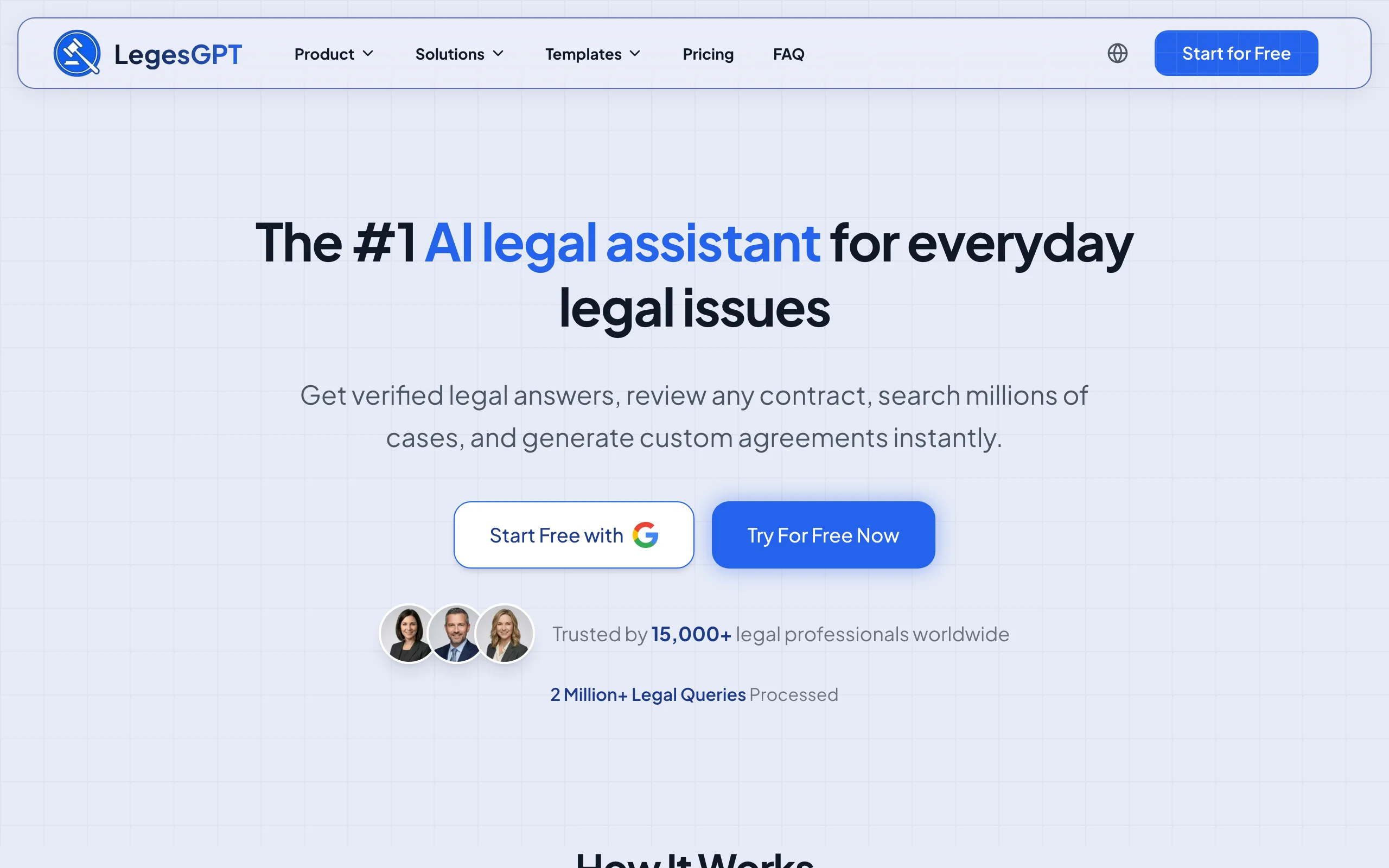
LegesGPT takes a different approach to the formatting problem: instead of repairing a messy Word file after the fact, it produces the document correctly structured in the first place. Ask it to draft a motion, contract, or demand letter and the AI legal document generator returns a clean, logically organized draft with consistent headings, numbering, and clause structure. Its library of 100+ attorney-drafted templates gives you the same head start on everything from NDAs to witness statements.
Because the structure is right from the start, the hours paralegals and associates usually spend untangling styles and renumbering paragraphs mostly disappear. LegesGPT also answers legal questions with verified citations, runs AI document review that flags risky clauses and proposes fixes, and includes e-signature, so drafting, checking, and signing happen in one subscription.
Key features:
- AI drafting that outputs cleanly structured legal documents with consistent headings, numbering, and defined terms
- 100+ attorney-drafted templates for contracts, letters, and litigation documents
- AI document review that flags problematic clauses and proposes specific changes
- Legal Q&A with verified citations and direct source links, plus case law and statute search
- E-signature to finalize and send documents without leaving the platform
- Runs in the browser with no IT setup or add-in installation
Best for:
- Solo practitioners and small firms that would rather skip formatting cleanup than buy another tool to do it
- Paralegals and legal assistants who draft high volumes of routine documents from templates
- Teams that want drafting, review, research, and signing in one subscription
Pricing:
- Basic: $19.99/month for unlimited AI queries, case law and statute search, and citation verification
- Plus: $49.99/month adds document upload and 50 document reviews per month; Premium: $99.99/month adds unlimited reviews, Deep Research, and web search
- 3-day trial for $1; roughly 30% off with annual billing
Pros:
- Eliminates most formatting work instead of treating it, since documents start structured correctly
- A fraction of the cost of enterprise formatting suites, with no seat minimums or sales calls
- All-in-one workflow: the same subscription covers research, review, drafting, and e-signature
Cons:
- Not a Word add-in: it will not restyle or repair an existing messy Word file in place
- Web-only, with no native mobile app or API
Start from a document that is already formatted right
Browse free, ready-to-edit templates — NDAs, leases, employment contracts, wills, and more — built by attorneys and customizable in minutes.
Browse free templates2. TypeLaw, best for court-rule compliant brief formatting
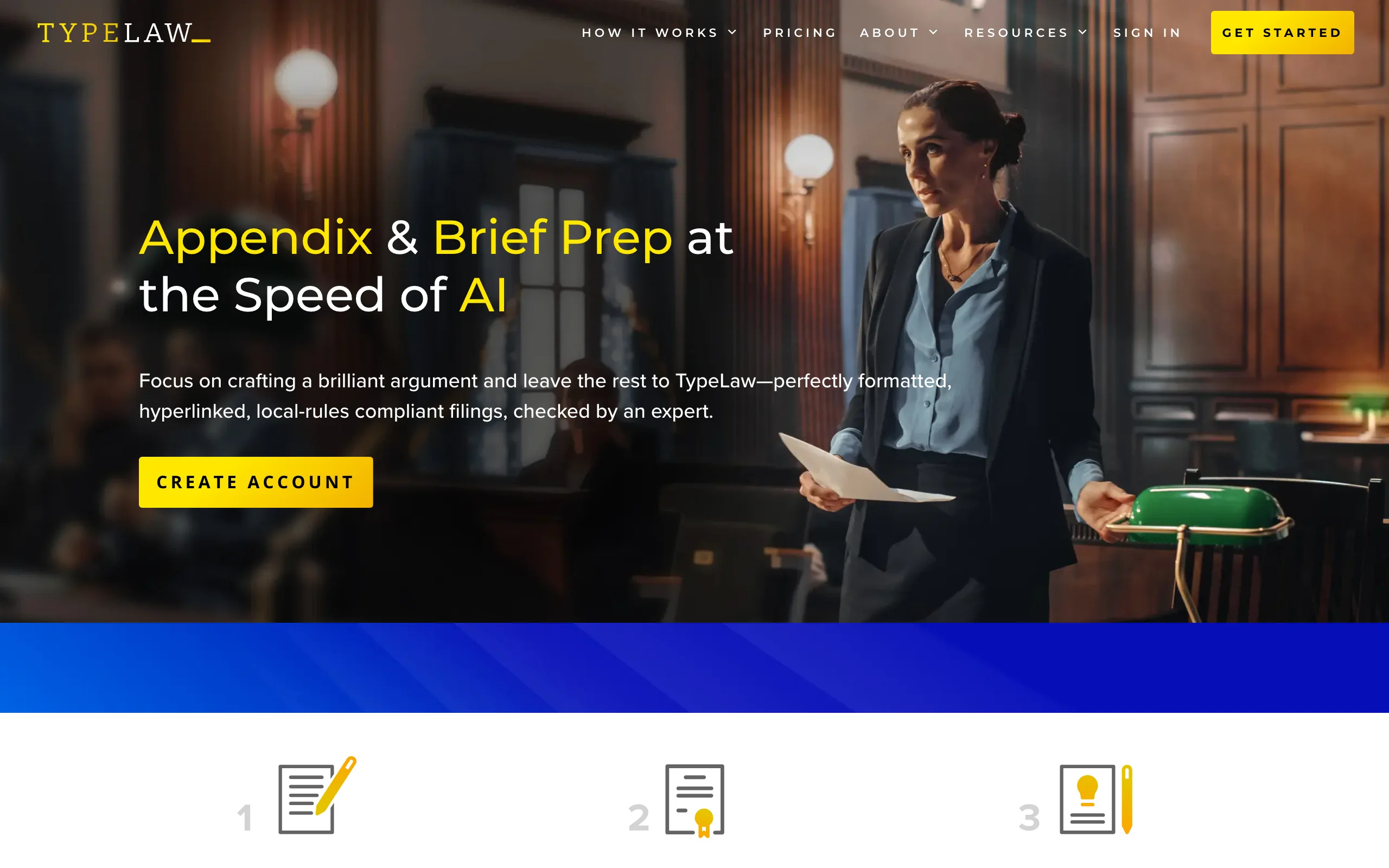
TypeLaw is a done-for-you formatting service powered by AI. You draft your brief in Word, upload it to the TypeLaw portal, and tell it which court you are filing in. Its AI then formats the brief to that court's local rules, builds the tables of contents and authorities, inserts certificates and a cover page, and validates and hyperlinks your citations. A human expert reviews the output before you get it back.
For appellate work, this removes the most stressful part of filing week. TypeLaw also OCRs PDFs, adds electronic bookmarks, and splits volumes according to court rules, and when you edit the brief, pagination and tables update automatically.
Key features:
- Automatic formatting to the local rules of the specific court you name
- Auto-built tables of contents and authorities, certificates, and cover pages
- Citation validation and hyperlinking throughout the brief
- Automatic repagination: edits update tables, bookmarks, and hyperlinks
- Human expert review of every formatted brief
Best for:
- Appellate lawyers and litigation boutiques filing in courts with strict formatting rules
- Solo practitioners without staff to build tables of authorities by hand
Pricing:
- Pricing is not published; TypeLaw quotes per brief and offers volume subscriptions for frequent filers (listed as Custom in our table)
- No self-serve trial; you start by submitting a brief or requesting a quote
Pros:
- Court-rule compliance is the whole product, so bounced filings become rare
- Human review catches what pure automation misses
Cons:
- Scoped to briefs and filings; it will not help with contracts or everyday documents
- Opaque pricing makes budgeting harder for occasional filers
3. BriefCatch, best for polishing the style of briefs
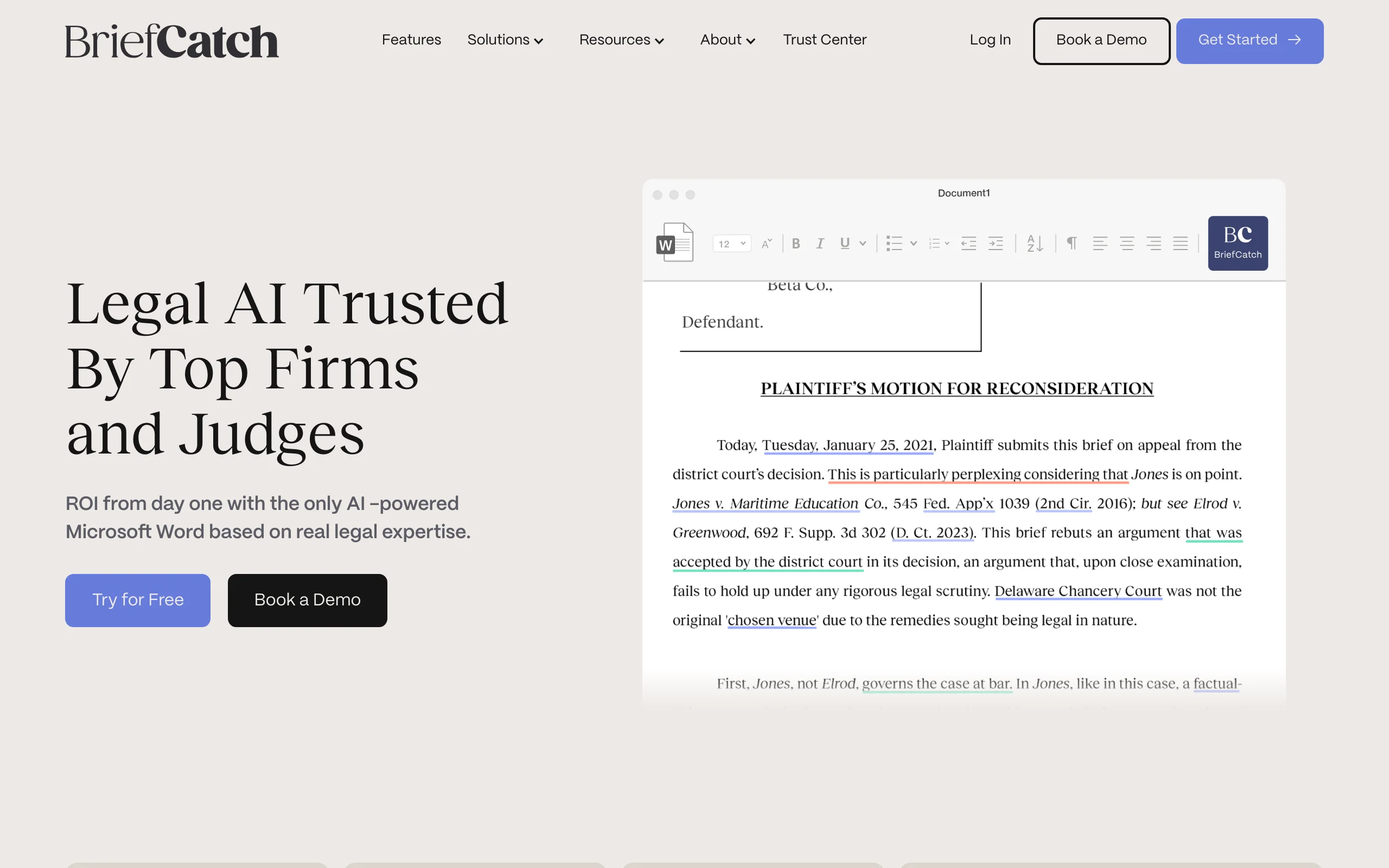
BriefCatch is legal editing software built by legal writing expert Ross Guberman. It runs inside Microsoft Word and scores your brief while suggesting line edits drawn from patterns in elite legal writing: stronger verbs, tighter transitions, cleaner sentence flow, and more persuasive framing. In February 2026 BriefCatch acquired WordRake and its twelve editing patents, uniting the two best-known legal editing tools under one roof.
BriefCatch is less about fixing broken numbering and more about making a structurally sound brief read like it was written by the best writer in the building.
Key features:
- Thousands of legal-specific editing rules with explanations for each suggestion
- Readability and polish scores that let you benchmark drafts
- Suggestions modeled on top judicial and appellate writing
- Runs inside Microsoft Word with tracked-change style acceptance
- Now owns WordRake's patented editing algorithms following the 2026 acquisition
Best for:
- Litigators and appellate specialists who want briefs that read persuasively, not just correctly
- Firms investing in associate writing development
Pricing:
- Official pricing is demo-gated; the LawNext directory lists the Solo plan at $780/year, with enterprise deployments ranging from $6,000 to $100,000+ per year
- 7-day free trial
Pros:
- The deepest legal-specific style engine on the market
- Explanations teach better writing instead of just correcting it
Cons:
- Premium pricing compared with WordRake or PerfectIt
- Does not fix structural formatting problems like numbering or styles
4. WordRake, best budget one-click editing in Word
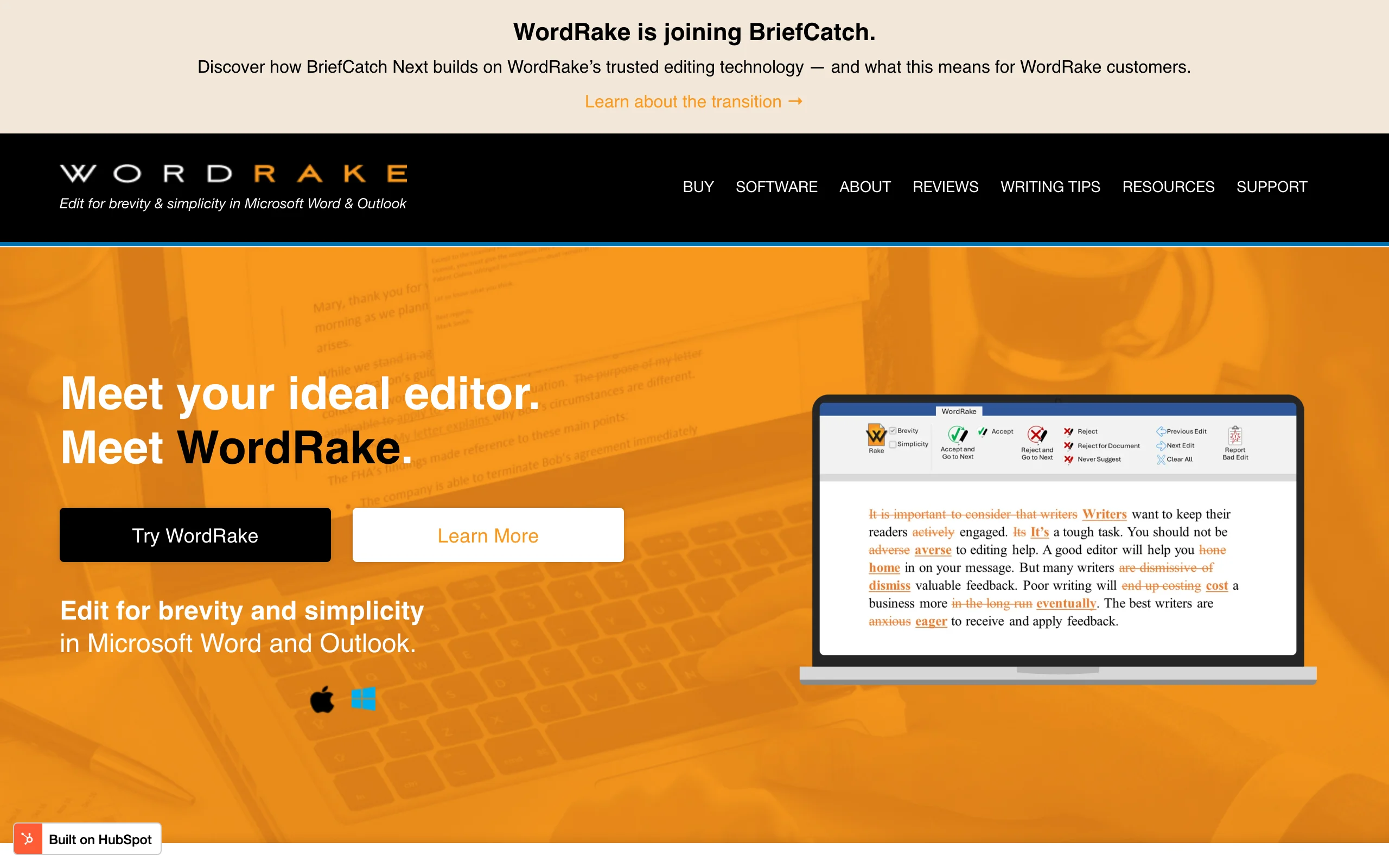
WordRake is the simplest tool on this list: click one button in Microsoft Word and it suggests cuts to wordy, redundant prose as tracked changes you accept or reject. Built by writing teacher Gary Kinder, its patented algorithms target the throat-clearing phrases that infect legal writing, turning "pursuant to the provisions of" into "under" without changing meaning.
WordRake was acquired by BriefCatch in February 2026, but the product remains fully supported, existing licenses are honored, and it continues to run in Word and Outlook.
Key features:
- One-click editing pass that returns suggestions as familiar tracked changes
- Patented algorithms tuned to legal and professional prose
- Works in Microsoft Word on Mac and Windows; Outlook version for email (Windows)
- No cloud processing of your document text in the classic desktop workflow
Best for:
- Solo and small-firm lawyers who want cheap, instant concision editing
- Legal assistants tightening client letters and routine filings
Pricing:
- WordRake for Word: $129/year (Mac and Windows)
- Word plus Outlook: $199/year (Windows only); enterprise licensing from $3,500
- 7-day free trial, no credit card required
Pros:
- The lowest meaningful price point in legal editing software
- Zero learning curve: one button, tracked changes out
Cons:
- Only trims wordiness; it does not check citations, consistency, or structure
- Long-term roadmap now depends on BriefCatch's integration plans
5. PerfectIt with American Legal Style, best for consistency checking
PerfectIt is proofreading software for Microsoft Word whose American Legal Style module makes it a staple in law firms. It hunts down the inconsistencies that erode a document's credibility: a defined term capitalized three different ways, "Section 2.1" versus "section 2.1", hyphenation that drifts between pages, and abbreviations used before they are defined. American Legal Style adds more than 125,000 legal-specific checks informed by the Bluebook, the Redbook, and Black's Law Dictionary.
For paralegals doing final passes on long contracts and briefs, PerfectIt automates the most tedious hour of the job.
Key features:
- Consistency checking for defined terms, capitalization, hyphenation, and numbering
- American Legal Style with 125,000+ legal-specific corrections
- Checks abbreviations are defined on first use and used consistently after
- Customizable house-style sheets so the whole firm proofs to one standard
- Runs inside Microsoft Word
Best for:
- Paralegals and legal assistants responsible for the final proofing pass
- Transactional teams working on long agreements with many defined terms
Pricing:
- From $70/user/year per Capterra and SaaSworthy (the official store page could not be verified directly at the time of writing)
- 14-day free trial with full feature access
Pros:
- Catches consistency errors no human reliably spots in a 90-page agreement
- Very low cost relative to the hours it saves
Cons:
- It flags inconsistencies but does not restructure or renumber a broken document
- Interface feels dated next to newer AI-first tools
6. Litera DocXtools, best for firm-wide document repair and restyling
Litera DocXtools is the enterprise heavyweight of Word document repair. Used widely in large firms, this Word add-in runs a health check on any document, grades issues by red, yellow, and green severity, and then fixes the classics: broken automatic numbering, inconsistent styles, faulty tables of contents, and dead cross-references. Its restyle engine applies the firm's house styles across an entire document, including court pleading formats, and it converts legacy DOC files cleanly to DOCX.
If your firm regularly inherits mangled opposing-counsel drafts or decade-old precedent documents, DocXtools is built for exactly that.

Key features:
- Document health check that categorizes formatting and stability issues by severity
- Repairs broken numbering, styles, tables of contents, and cross-references
- One-pass restyling to firm standards, including court pleading styles
- Legacy DOC to DOCX conversion and rebuilds of scanned documents
- Cross-reference validation to prevent errors in contracts
Best for:
- Mid-size and large firms with document specialists and firm-wide style standards
- Legal teams that regularly repair externally drafted Word files
Pricing:
- Custom, quote-based licensing via demo request (third-party listings suggest roughly $50/user/month, unverified)
- No self-serve trial
Pros:
- The most complete structural repair toolkit for Word documents in legal
- Scales across an entire firm with consistent standards
Cons:
- Enterprise sales process and pricing put it out of reach for most solos
- Overkill if your problem is drafting quality rather than document surgery
7. Clearbrief, best for cite-checking and hyperlinked filings
Clearbrief is a Microsoft Word add-in for litigation writing that focuses on the evidentiary side of formatting: making sure every factual assertion in your brief is supported by, and linked to, the record. It analyzes your draft against the exhibits and transcripts you upload, scores how well each sentence is supported, generates tables of authorities, and produces hyperlinked versions of filings that judges and clerks can verify in one click.
Courts increasingly appreciate hyperlinked filings, and Clearbrief turns what used to be a paralegal all-nighter into an automated pass.
Key features:
- Checks every factual assertion against the uploaded record and scores support
- Automated table of authorities generation
- One-click hyperlinked filings connecting citations to exhibits and transcripts
- Automated chronology generation from the record
- Runs inside Microsoft Word, with integrations for practice tools like Clio
Best for:
- Litigation teams filing in courts that expect or reward hyperlinked briefs
- Firms that spend heavy paralegal hours on cite-checking and record support
Pricing:
- $300/user/month for the Solo & Small Teams plan per TrustRadius and LawNext (official site does not publish pricing); Enterprise is custom
- 14-day free trial via the Microsoft AppSource add-in, activated by the Clearbrief team
Pros:
- Best-in-class at connecting briefs to the evidentiary record
- Produces genuinely judge-friendly, verifiable filings
Cons:
- At $300/user/month it costs more than most tools on this list combined
- Litigation-specific; little value for transactional practices
8. Briefpoint, best for formatting discovery documents
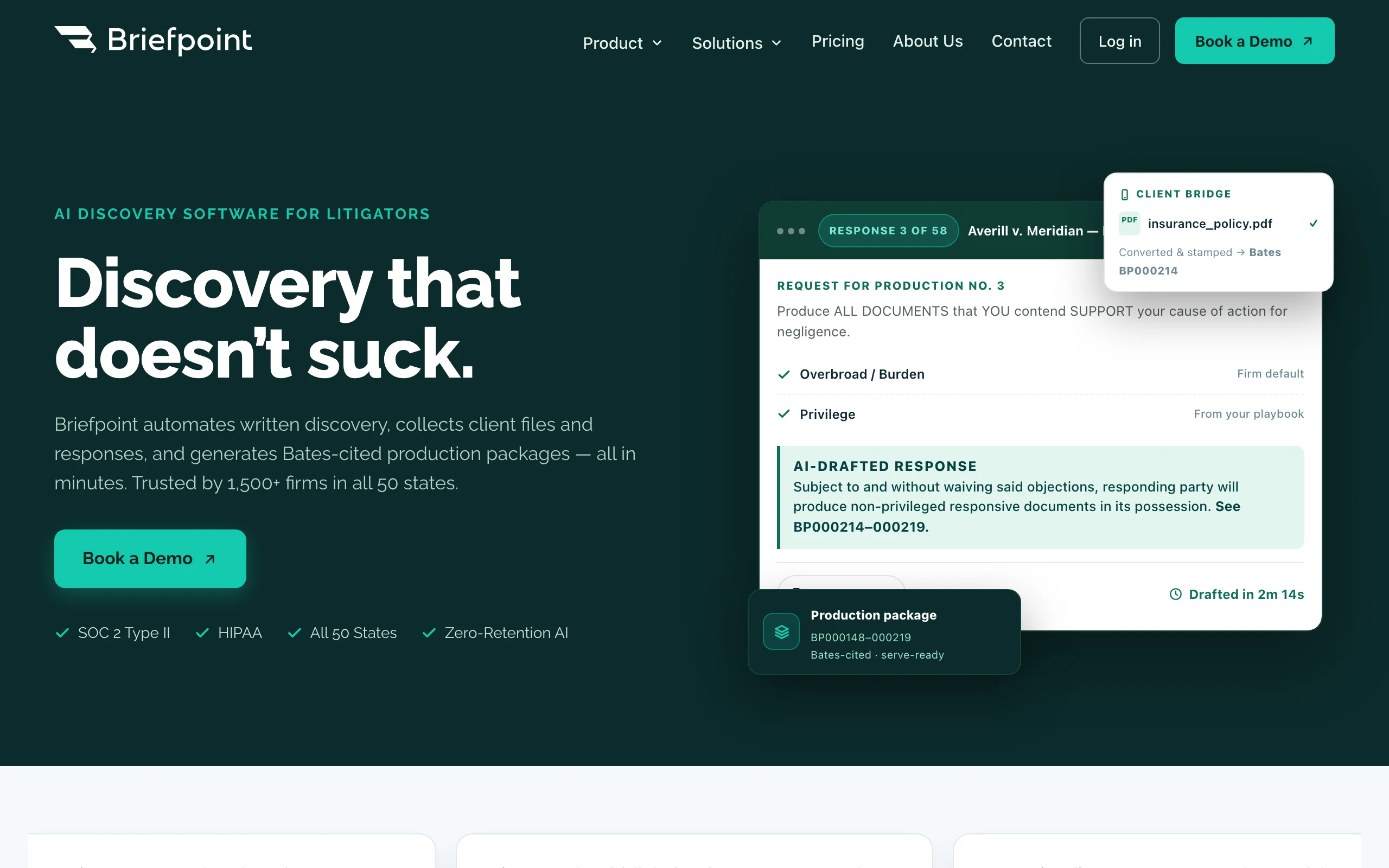
Briefpoint automates the most formulaic formatting job in litigation: discovery. Upload a set of interrogatories, requests for production, or requests for admission, and it drafts properly captioned, court-ready response shells with objections, in the right format for your jurisdiction, in minutes. It also generates outgoing discovery requests. What used to be hours of copying captions and renumbering requests becomes a review-and-customize task.
It is a narrow tool, but for insurance defense, personal injury, and other discovery-heavy practices, the time savings are immediate.
Key features:
- Generates formatted discovery responses with captions, headers, and objections
- Drafts outgoing interrogatories, requests for production, and requests for admission
- Court-ready output matched to jurisdiction formatting conventions
- Web-based, with no per-user tiers or feature gates
Best for:
- Litigation firms handling high volumes of discovery sets
- Paralegals who currently rebuild discovery shells by hand
Pricing:
- $89/month flat, full access, no tiered feature gates
- Paralegal accounts cost about half an attorney account; demo available
Pros:
- Extremely fast payback for discovery-heavy practices
- Simple flat pricing with no enterprise upsell
Cons:
- Only covers discovery documents, not briefs or contracts
- Web upload workflow rather than working inside Word
How to choose the best legal document formatting software for your practice
The right pick depends on where your formatting pain actually comes from. Run through these four questions.
1) Do you need to prevent formatting problems or repair them?
- If most of your formatting time goes into documents you create: generate them correctly from the start. LegesGPT's AI drafting and attorney-drafted templates produce structured documents so there is little to clean up, and the same subscription handles review and research. Paralegals in particular get leverage here; see how AI for paralegals changes the drafting workload.
- If your pain is inherited Word files from opposing counsel or old precedents: you need in-place repair, which means Litera DocXtools at the enterprise level or PerfectIt for consistency-level cleanup.
- If the problem is comparing and merging messy versions rather than styling them, that is a different category; see our guide to the best document redline software.
2) Are you formatting court filings or everyday documents?
- If briefs and appellate filings dominate: TypeLaw handles court-rule compliance end to end, and Clearbrief adds record-linked citations and tables of authorities.
- If discovery is the bottleneck: Briefpoint is purpose-built for it.
- If it is contracts, letters, and general documents: LegesGPT and PerfectIt cover far more of your week than any brief-specific tool.
3) What is your budget per seat?
- Under $200/year: WordRake ($129/year) and PerfectIt (from $70/user/year) are the value picks for editing and proofing inside Word.
- Roughly $20 to $100/month: LegesGPT starts at $19.99/month and replaces several point tools at once; Briefpoint is $89/month flat.
- $300/user/month and up, or enterprise quotes: Clearbrief, BriefCatch firm deployments, Litera DocXtools, and TypeLaw volume plans. Do the math on hours saved before committing; a tool that saves two paralegal hours a week pays for most of this list.
4) Do you need it inside Microsoft Word?
- If your workflow lives in Word and must stay there: BriefCatch, WordRake, PerfectIt, DocXtools, and Clearbrief are all add-ins.
- If you care about the finished document, not the editor: LegesGPT (browser-based) and TypeLaw (upload portal) both sidestep Word entirely, which also means nothing to install and no IT approval cycle.
Whichever direction you lean, test candidates on three to five of your real documents before buying: a long contract with defined terms, a brief with a table of authorities, and your ugliest inherited Word file will reveal more than any demo.
All of LegesGPT for $1
Verified-citation answers, case law search, document review, AI drafting, and e-signature in one subscription. 3-day trial for $1, cancel anytime.
Start the $1 trialFrequently Asked Questions
What is legal document formatting software?
Legal document formatting software fixes or prevents the structural problems that plague legal Word documents, such as broken paragraph numbering, inconsistent styles, faulty tables of contents and authorities, and violations of court formatting rules. Some tools repair existing files inside Microsoft Word, some format briefs to court rules automatically, and some, like LegesGPT, generate correctly structured documents from the start so there is less to fix.
Can AI fix formatting in an existing Word document?
Partially. Word add-ins like Litera DocXtools can repair broken numbering, styles, and cross-references in place, and PerfectIt fixes consistency errors. AI drafting tools like LegesGPT work differently: they generate a cleanly structured document from scratch rather than restyling an existing messy file, which prevents the problem instead of treating it.
What software formats briefs to court rules automatically?
TypeLaw is the most complete option. You upload a draft brief and name the court, and it applies that court's local formatting rules, builds the tables of contents and authorities, inserts certificates and a cover page, and hyperlinks citations, with a human expert reviewing the result. Clearbrief also automates tables of authorities and hyperlinked filings inside Word.
What is the cheapest legal document formatting tool?
PerfectIt is the cheapest per seat at around $70 per user per year, followed by WordRake at $129 per year. Both are Word add-ins focused on proofing and concision. If you also need drafting, research, and document review, LegesGPT starts at $19.99 per month and replaces several point tools in one subscription.
Do formatting tools replace a paralegal or legal assistant?
No. They remove the most tedious parts of the job, such as renumbering paragraphs, rebuilding tables of authorities, and hunting inconsistent defined terms, so paralegals can spend time on substantive work like factual research and case management. A paralegal armed with the right tools simply produces more, faster.
Is it safe to upload legal documents to formatting tools?
Check each vendor's security terms before uploading client documents. Desktop Word add-ins like classic WordRake process text locally, while cloud tools like TypeLaw, Briefpoint, and LegesGPT process documents on their servers under their security and confidentiality policies. Review the vendor's data handling terms and your confidentiality obligations, and avoid uploading privileged material to tools your firm has not vetted.
If I mainly need correctly formatted legal documents from the start, what should I use?
Use LegesGPT. Its AI drafting and 100+ attorney-drafted templates produce documents with clean structure, numbering, and defined terms from the first draft, so formatting cleanup mostly disappears. It also answers legal questions with verified citations, reviews documents for risky clauses, and includes e-signature, with a 3-day trial for $1.