

Most law firms still coordinate matters through email threads, attachments named "final_v7", and hallway check-ins. That works until two attorneys edit different copies of the same agreement, a paralegal misses a filing update, or a client calls because nobody told them where their case stands.
Law firm collaboration software fixes this by giving attorneys, staff, and clients one shared place to draft, review, discuss, and sign legal work. The payoff is fewer version conflicts, faster turnaround, and a client experience that feels organized instead of chaotic.
In this guide we compare the best law firm collaboration software for 2026, covering real pricing, key strengths, honest trade-offs, and a decision framework for choosing the right fit for your firm.
Best law firm collaboration software: a brief overview
- LegesGPT: Best overall for collaborating on the legal work itself: attorneys, paralegals, and staff share one workspace for AI drafting, document review with plain-language summaries anyone can read, and e-signature, from $19.99/mo.
- Clio: Best client portal inside a practice management suite: secure client messaging and document sharing that saves automatically to the right matter.
- MyCase: Best for client communication at small firms: portal, texting, and document sharing wrapped in affordable practice management.
- NetDocuments: Best cloud document management for shared matter files: matter-centric workspaces plus secure external sharing through CollabSpaces.
- iManage: Best for enterprise document and email management: real-time co-authoring and Outlook email filing at large-firm scale.
- HighQ (Thomson Reuters): Best for deal rooms and large-matter workspaces: client extranets, transaction management, and workflow automation.
- Microsoft Teams: Best general-purpose hub for firms already on Microsoft 365: chat, meetings, and file collaboration your staff already knows.
| Tool | Best for | Starting price | Free trial | Platforms |
|---|---|---|---|---|
| LegesGPT | Collaborating on drafting, review, signing | From $19.99/mo | 3-day, $1 | Web |
| Clio | Client portal + practice management | From $39/user/mo | 7-day | Web, iOS, Android |
| MyCase | Client communication at small firms | From $39/user/mo | 10-day | Web, iOS, Android |
| NetDocuments | Cloud document management | Custom | Demo only | Web, desktop, mobile |
| iManage | Enterprise document + email management | Custom | Demo only | Web, desktop, mobile |
| HighQ | Deal rooms and client extranets | Custom | Demo only | Web |
| Microsoft Teams | General chat, meetings, files | From $4/user/mo | Free version | Web, desktop, mobile |
1. LegesGPT, best overall for collaborating on the legal work itself
Most tools on this list collaborate around the work: they store files, route messages, and track matters. LegesGPT is different because the collaboration happens inside the work itself. It is an AI legal platform where your team drafts contracts and legal documents with AI, reviews incoming documents together, and sends them out for signature, all in one browser-based workspace.
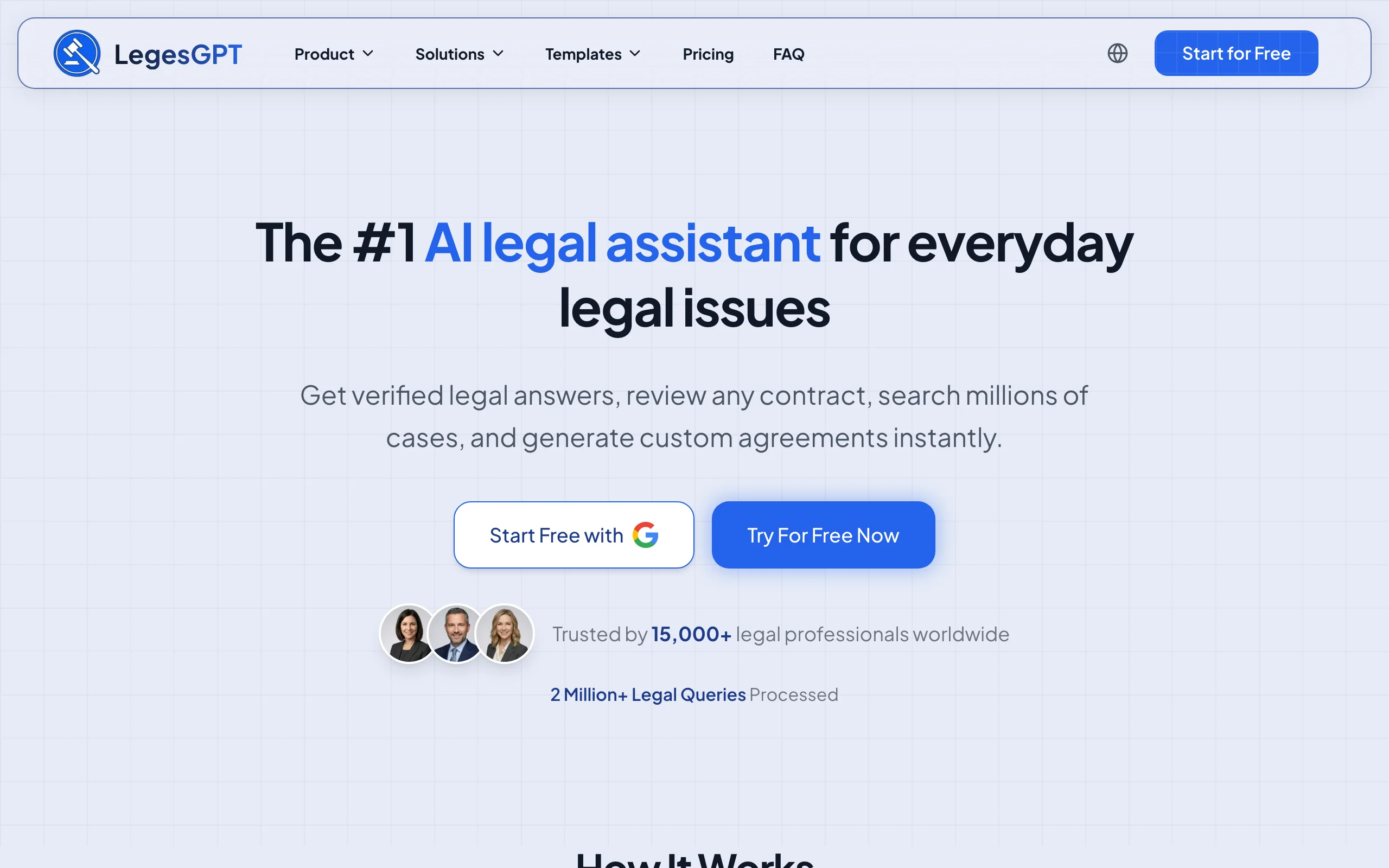
The standout for mixed teams is readability. When LegesGPT runs AI document review on a contract, it flags risky clauses, proposes specific changes, and produces a plain-language summary. That means the paralegal preparing the file, the associate revising the draft, and the client approving it are all reading the same clear explanation instead of forwarding marked-up PDFs and hoping everyone interprets them the same way. E-signature closes the loop, so a document goes from draft to review to signed without leaving the platform.
Key features:
- AI drafting of contracts and legal documents, plus 100+ attorney-drafted templates as shared starting points
- Document review that flags risks, proposes concrete edits, and writes plain-language summaries non-lawyers on the team can act on
- E-signature to sign and send documents, closing the draft-review-sign loop in one tool
- Legal questions answered with verified citations and direct source links, so shared research holds up when a colleague checks it
- Case law and statute search for the research side of a matter
- Deep Research mode and web search on the Premium plan for multi-step questions
Best for:
- Solo attorneys and 2-50 attorney firms that want the team producing documents together, not just storing them
- Firms where paralegals, staff, or clients need to understand documents without a law degree
Pricing:
- Basic: $19.99/mo for unlimited AI queries, case law and statute search, and citation verification
- Plus: $49.99/mo adds document upload and 50 document reviews per month; Premium: $99.99/mo adds unlimited reviews, Deep Research, and web search
- 3-day trial for $1, and roughly 30% off with annual billing
Pros:
- Drafting, review, research, and e-signature in one subscription, so the whole document lifecycle stays in one place
- Plain-language summaries let everyone on a matter work from the same understanding of a document
- Self-serve setup with no seat minimums or sales cycle: a small firm can be collaborating the same day
Cons:
- Not a document management system: there are no matter-level permissions, ethical walls, or email filing, so larger firms will still want a DMS alongside it
- Web-only, with no native mobile app or Word add-in
Put your whole team in one drafting workspace
Describe the deal and LegesGPT drafts a complete, clause-by-clause contract you can refine in seconds and export ready to sign.
Draft a contract2. Clio, best client portal inside a practice management suite
Clio is the most widely used cloud practice management platform for law firms, and its collaboration story centers on Clio for Clients, a secure portal where clients message the firm, share documents, and see case updates from a browser or a free mobile app. Everything a client sends or signs saves automatically to the correct matter, which quietly kills the "can you resend that attachment" email chain.
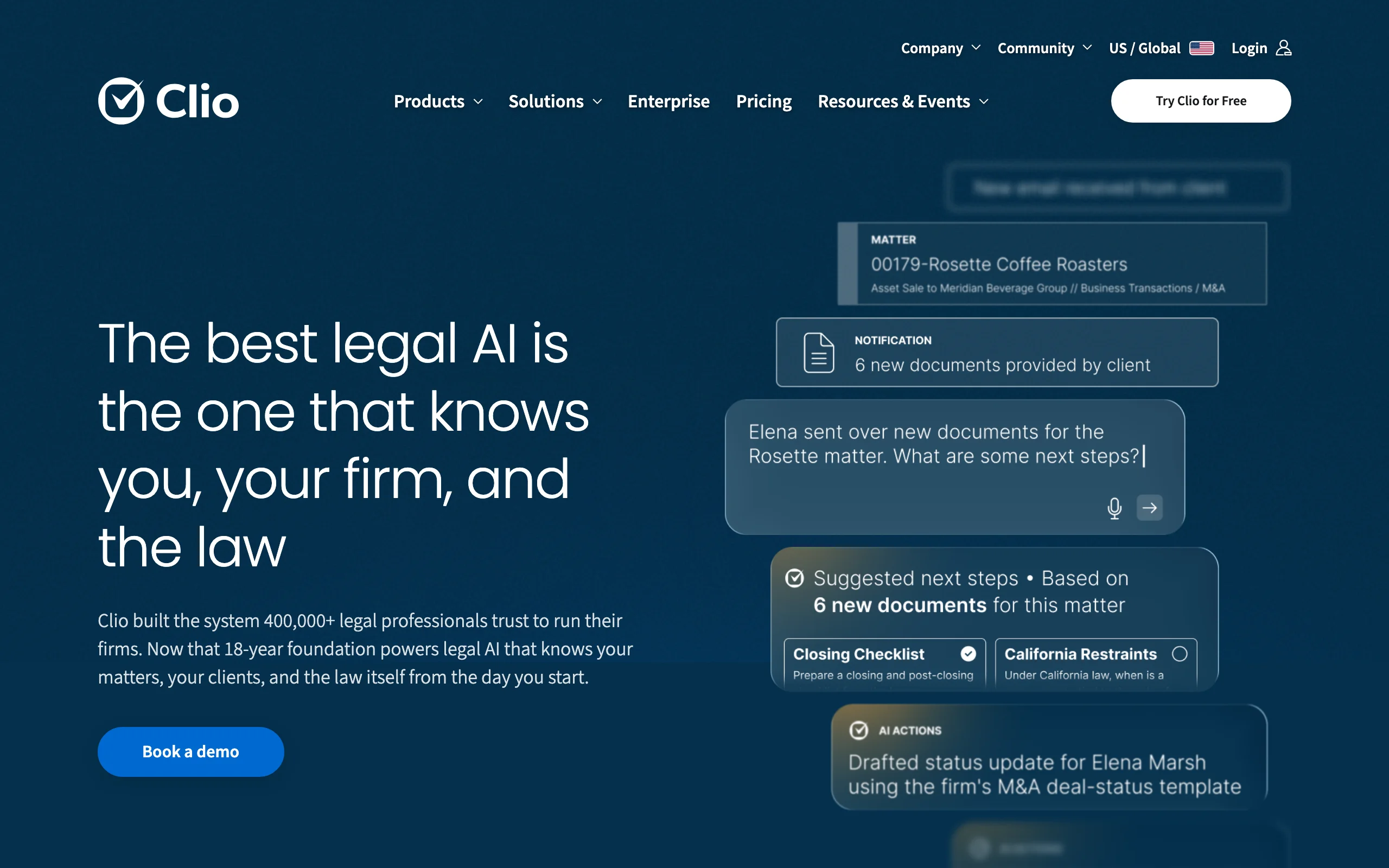
Inside the firm, Clio coordinates the operational side of a matter: tasks, calendars, documents, time, and billing in one system, so everyone touching a case sees the same status.
Key features:
- Clio for Clients portal: secure messaging and document sharing that files itself to the right matter
- Client-facing invoices with online payment by card or eCheck
- Matter timelines, tasks, and shared calendars for the internal team
- Document storage with sharing controls per matter
- Large integration ecosystem, including Outlook and Google Workspace
Best for:
- Firms that want client collaboration built into the same system that runs intake, billing, and matters
- Practices with clients who expect an app-like experience for updates and payments
Pricing:
- EasyStart from $39/user/mo on annual billing ($49 month-to-month)
- Essentials $79/user/mo, Advanced $99/user/mo, Complete $129/user/mo on annual billing
- 7-day free trial
Pros:
- Client communication, documents, and billing live on the matter record, so nothing gets lost between tools
- Clients get a polished free app instead of another login-and-password portal they abandon
Cons:
- Collaboration on the document content itself is thin: no AI review or shared drafting, so you still edit in Word
- Per-user pricing climbs quickly as you add staff and move up tiers for features like advanced document automation
3. MyCase, best for client communication at small firms
MyCase is practice management software aimed squarely at solo and small firms, and it earns its place here through communication features: a client portal, two-way texting, and document sharing that keep clients informed without another phone call. Clients can check status, message the team, upload documents, and pay invoices from one place.
For the internal team, MyCase covers the usual coordination layer: shared calendars, tasks, matter notes, and documents, so a two-person office and a fifteen-person firm can run the same playbook.
Key features:
- Client portal with case updates, shared documents, and secure messaging
- Two-way text messaging tied to the matter record
- Shared firm calendar, tasks, and deadlines
- Document storage and e-signature on paid plans
- Invoicing with online payments
Best for:
- Solo and small firms whose biggest collaboration problem is keeping clients informed
- Practices that want portal, texting, and billing without enterprise complexity
Pricing:
- Basic from $39/user/mo on annual billing ($49 month-to-month); Pro $89/user/mo and Advanced $109/user/mo on annual billing
- Full client document sharing and client messaging arrive on the Pro tier; Basic limits the portal to tasks, events, and invoices
- 10-day free trial, no long-term contract
Pros:
- One of the easiest platforms on this list to roll out: firms are typically live in days
- Texting plus portal covers how real clients actually communicate
Cons:
- The portal informs clients; it does not help the team produce or analyze the documents themselves
- Key collaboration features sit on the Pro tier, so the effective price for portal-centric firms is $89/user/mo rather than $39
4. NetDocuments, best cloud document management for shared matter files
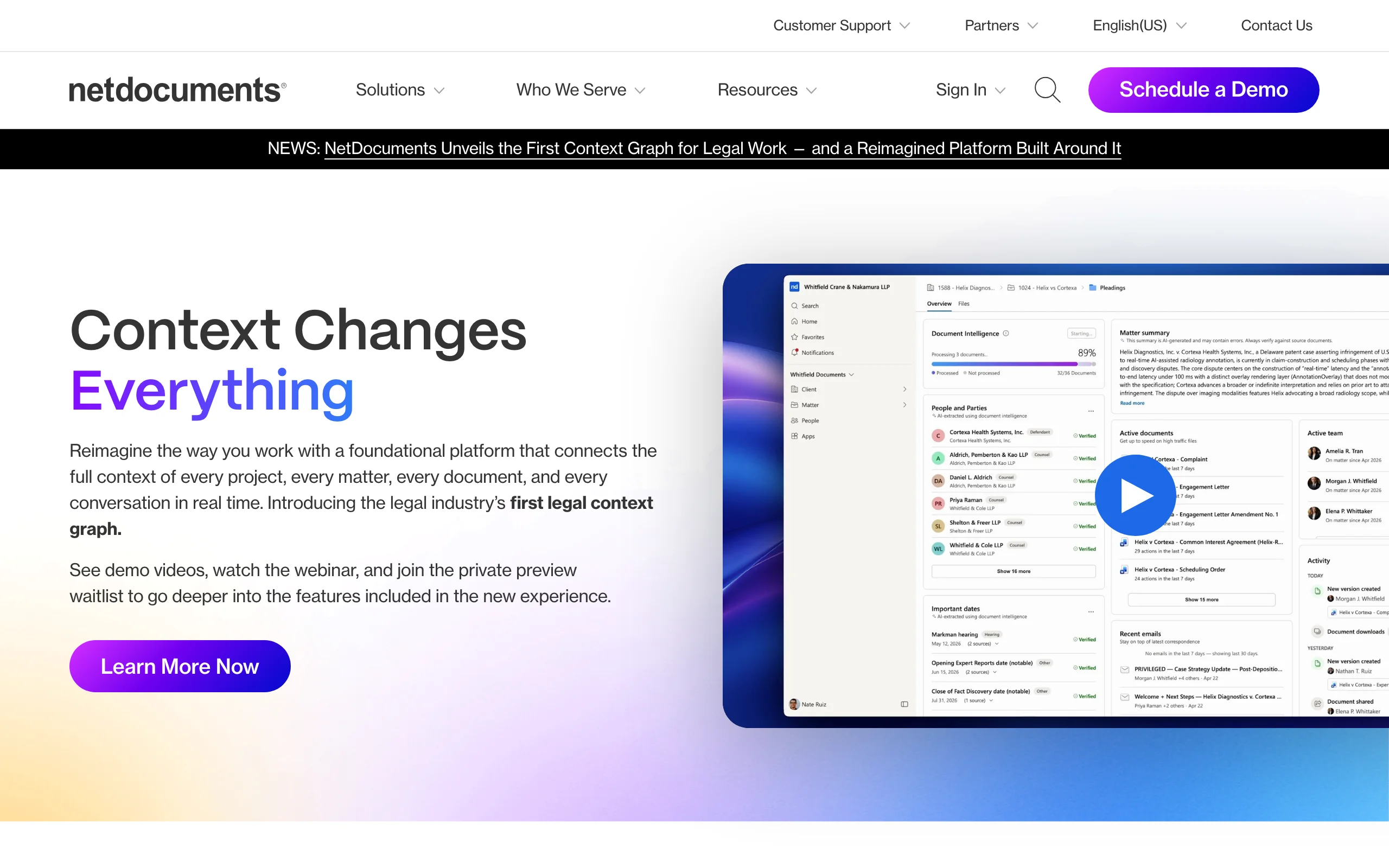
NetDocuments is a cloud-native document management system (DMS) built for legal work. Documents and emails are organized into matter-centric workspaces with granular permissions, full version history, and audit trails, so "which version is current" stops being a question. For collaboration beyond the firm, CollabSpaces lets you share matter content securely with clients, co-counsel, and experts without copying files to a consumer file-sharing service, and ndThread adds secure chat threaded around documents and matters.
Key features:
- Matter-centric workspaces with version control and audit history
- CollabSpaces for governed external sharing with clients and co-counsel
- ndThread secure messaging tied to documents and matters
- Email filing to matters through ndMail, and Office editing through ndOffice
- Granular security: ethical walls, permissions, and compliance controls
Best for:
- Midsize and large firms that need one governed home for every document and email on a matter
- Firms collaborating regularly with outside counsel and clients on sensitive files
Pricing:
- Custom, quote-based pricing; NetDocuments does not publish rates
- Third-party reports suggest per-user monthly pricing with user minimums and paid add-ons, so budget for a sales conversation and implementation costs
Pros:
- Strong security and governance reduce the risk of privilege-breaking oversharing
- External sharing is built in, so files never leave the governed system
Cons:
- Pricing opacity and implementation projects put it out of casual reach for small firms
- It manages and shares documents; it does not draft, review, or summarize them for you
5. iManage, best for enterprise document and email management
iManage is the document and email management standard at many of the world's largest firms. Work 10 organizes documents and emails around matters, and its collaboration tools are built for scale: real-time co-authoring where colleagues edit the same document simultaneously, intelligent email filing from Outlook, and iManage Share for governed external workspaces with clients and opposing deal teams.
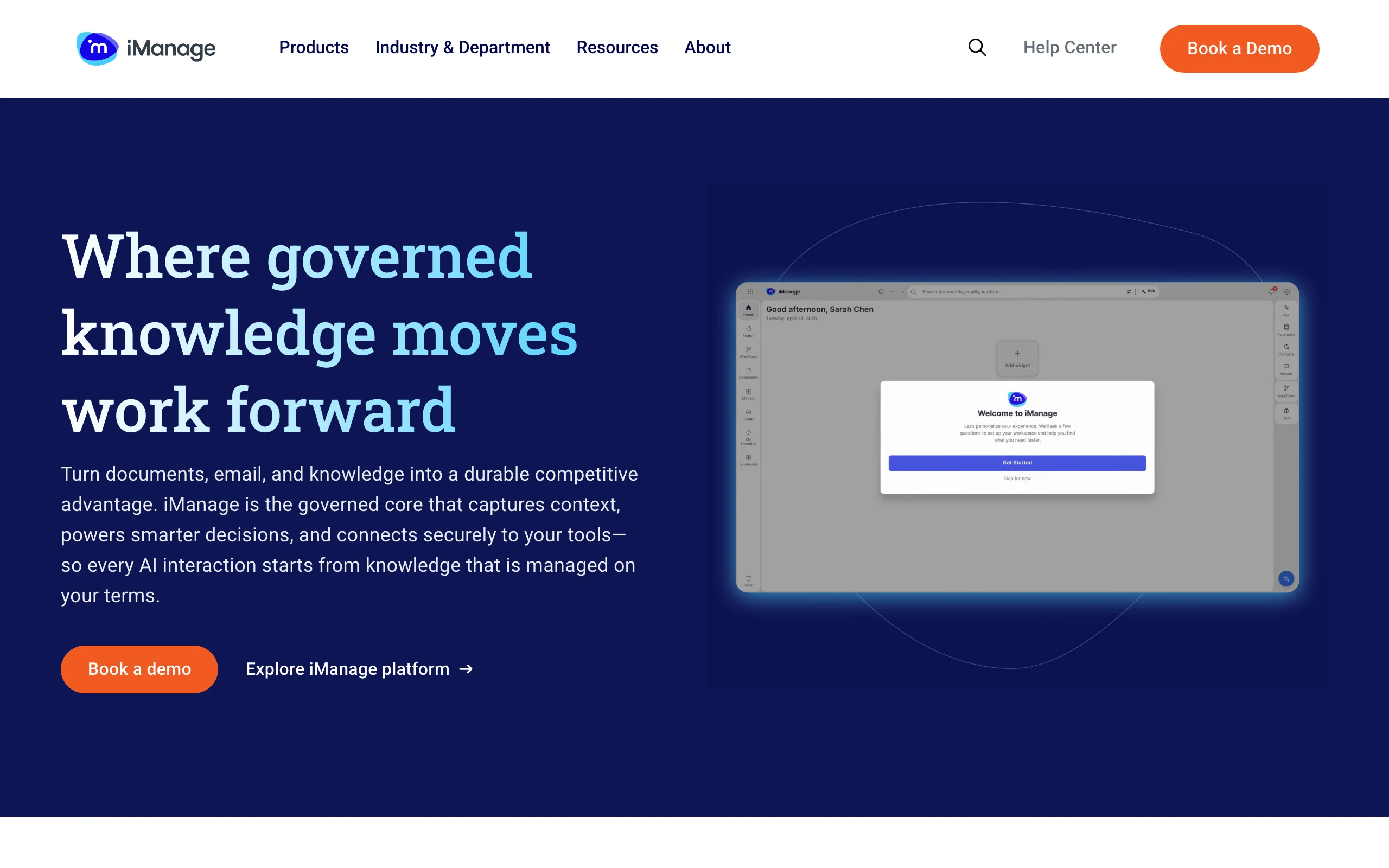
The trade-off is heft. iManage assumes an IT function, an implementation project, and enterprise procurement, which is exactly right for a 200-attorney firm and wrong for a five-attorney one.
Key features:
- Matter-centric document and email management in one repository
- Real-time co-authoring with visible cursors and comments
- Deep Outlook integration for filing and securing email to matters
- iManage Share for secure, governed external collaboration
- Records governance, security policies, and need-to-know access controls
Best for:
- Large and midsize firms with dedicated IT and strict governance requirements
- Practices where email is the primary artery of matter collaboration
Pricing:
- Custom, quote-based pricing; iManage does not publish rates
- Third-party reports describe per-user subscriptions plus significant one-time implementation and migration costs
Pros:
- Co-authoring plus email management solves the two biggest version-control headaches at large firms
- Governance depth (walls, records, access policies) that regulators and clients audit favorably
Cons:
- Procurement, implementation, and training measured in months, not days
- Overkill in cost and complexity for small firms without IT support
6. HighQ (Thomson Reuters), best for deal rooms and large-matter workspaces
HighQ is Thomson Reuters' legal collaboration platform, used by firms to stand up secure client extranets, transaction deal rooms, and litigation workspaces. Where a DMS manages your internal files, HighQ manages the shared surface between the firm and everyone else on a deal: document exchange, task tracking, workflow automation, and dashboards that show clients matter progress without a phone call.
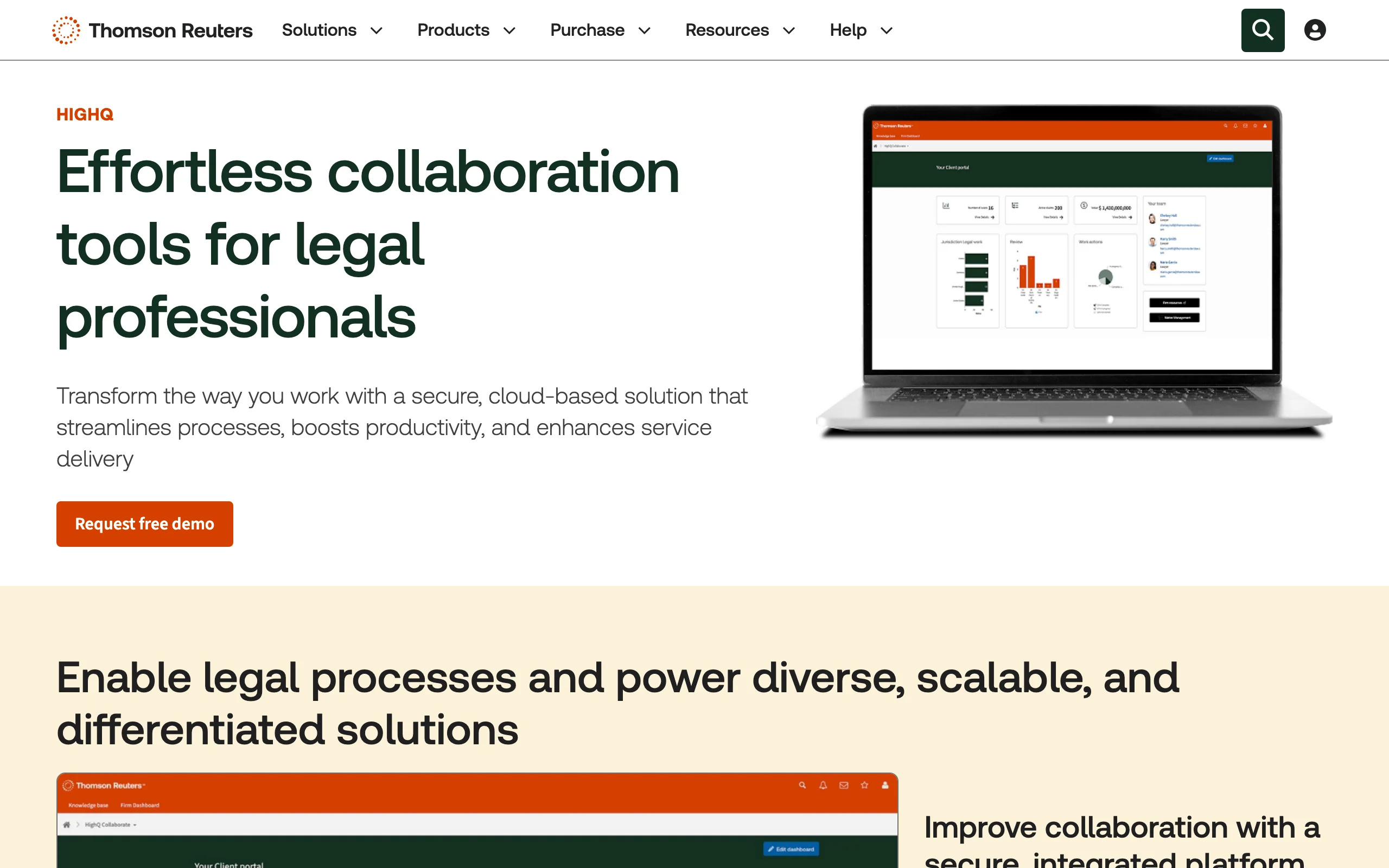
It is a common choice for due diligence in M&A, funds work, and multi-party litigation, where dozens of outside participants need controlled access to the same evolving document set.
Key features:
- Secure client extranets and deal rooms with external user access
- Document collaboration with version control and granular permissions
- Workflow automation for checklists, approvals, and matter processes
- Dashboards and data visualization for client-facing matter reporting
- Integrations across the Thomson Reuters ecosystem
Best for:
- Firms running transactions or large matters with many external participants
- Legal teams that want to productize client portals and self-service tools
Pricing:
- Custom, quote-based pricing structured by user count and modules; Thomson Reuters does not publish rates
- External users access workspaces through extranet options included with packages
Pros:
- Purpose-built for multi-party legal collaboration rather than generic file sharing
- Workflow automation can turn repeated matter types into repeatable processes
Cons:
- Enterprise pricing and setup: it needs a business case, not a credit card
- Configuring sites and workflows well usually requires an admin or consultant
7. Microsoft Teams, best general-purpose hub for firms already on Microsoft 365
Microsoft Teams is not legal software, but it is where a huge amount of law firm collaboration already happens: chat, video meetings, and co-editing Word documents stored in SharePoint. If your firm runs on Microsoft 365, Teams gives you a channel per matter or practice group, guest access for clients and co-counsel, and simultaneous document editing at a price that undercuts everything else here.
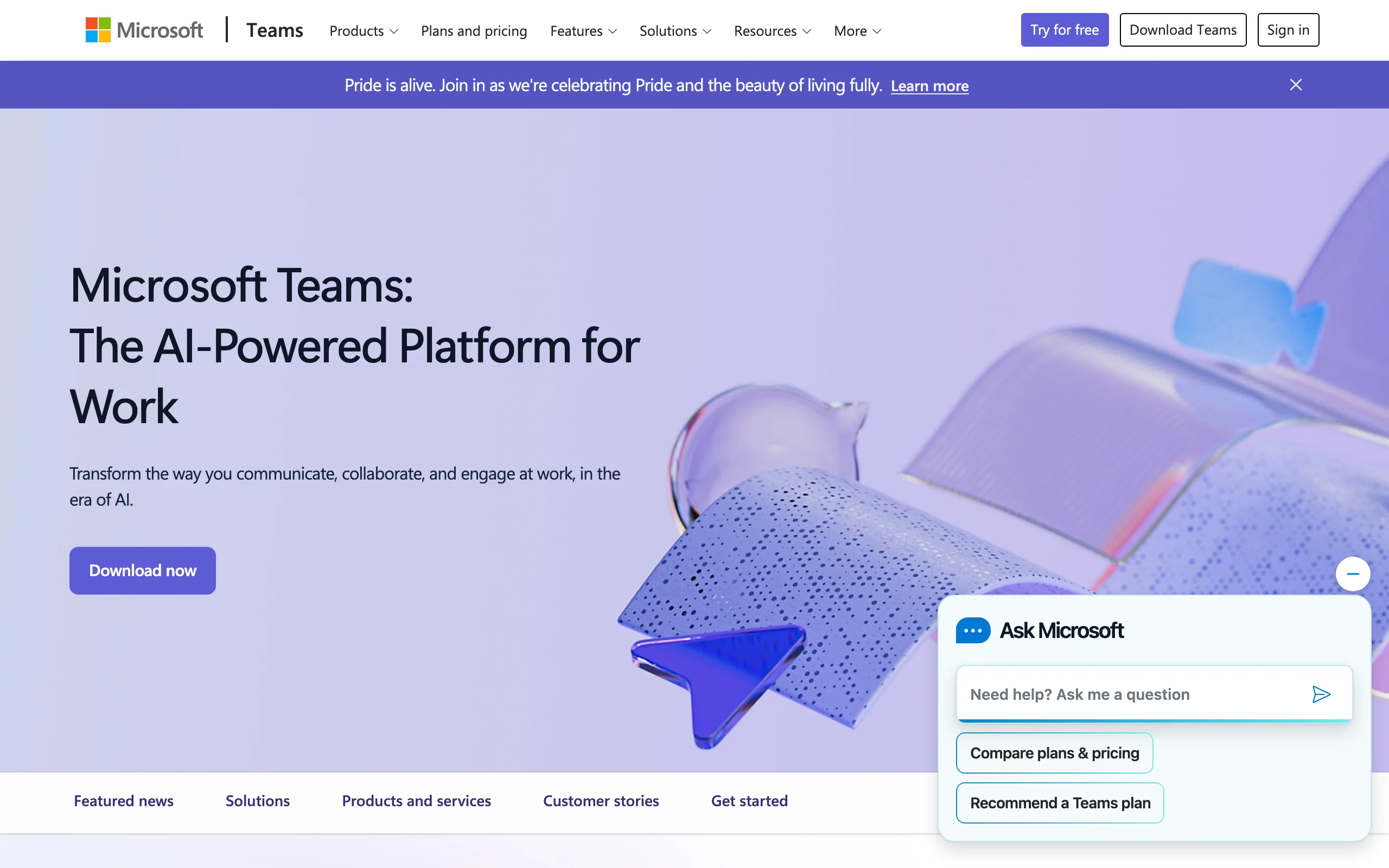
The catch is that Teams knows nothing about matters, privilege, or legal workflow. Firms that scale it without a filing discipline end up with documents scattered across channels and chats that are hard to search, govern, or produce later.
Key features:
- Persistent chat channels, video meetings, and screen sharing
- Real-time co-authoring of Word, Excel, and PowerPoint files
- Guest access for clients, co-counsel, and experts
- File storage through SharePoint and OneDrive with permissions
- DMS integrations (NetDocuments and iManage both connect to Teams)
Best for:
- Firms already paying for Microsoft 365 that need internal chat and meetings
- Teams working alongside a DMS that handles the legal-grade filing
Pricing:
- Teams Essentials from $4/user/mo (annual billing); Microsoft 365 Business Basic $7/user/mo adds web Office apps and 1 TB storage per user
- Business Standard with Copilot runs $23.50/user/mo; a limited free version of Teams exists
Pros:
- Lowest cost per seat on this list, and staff usually know it already
- Excellent meetings and co-editing for internal drafting sessions
Cons:
- No matter-centricity: organizing legal work takes discipline or a DMS integration
- Chat sprawl creates governance and e-discovery headaches if retention policies are not configured
How to choose the best law firm collaboration software for your firm
The right pick depends on what "collaboration" actually means in your firm's week. Four questions narrow it down fast. For a broader look at tools that speed up individual legal work, see our guide to the best productivity tools for lawyers.
1) Are you collaborating on the work product or on the files?
- If the bottleneck is producing and understanding documents (drafting, reviewing, getting sign-off): LegesGPT is built for exactly that loop, with AI drafting, shared review summaries, and e-signature in one place.
- If the bottleneck is storing, versioning, and governing documents: NetDocuments or iManage, which are document management systems first.
- If it is both, pair them: a DMS as the system of record, LegesGPT as the layer where the work gets done.
2) Who needs to be in the room: your team, your clients, or outside parties?
- Mostly clients: Clio or MyCase, whose portals give clients status, messages, and documents without exposing your internal workspace.
- Outside counsel, deal parties, and experts: HighQ deal rooms or iManage Share, which are designed for governed external access at scale.
- Mostly internal: Microsoft Teams covers chat and meetings, with a DMS or LegesGPT handling the legal substance.
3) What can your firm actually afford per seat?
Do the math for your real headcount before falling in love with a demo. A five-person firm pays about $395/mo on Clio Essentials or $445/mo on MyCase Pro, while the same firm could run LegesGPT Premium plus Teams Essentials for roughly $120/mo total if document work, not practice management, is the priority. Enterprise platforms (NetDocuments, iManage, HighQ) add implementation and training costs on top of quotes, which only pay off at scale.
4) What do you already run?
- Committed Microsoft 365 shop: start with Teams, add a DMS integration when filing discipline breaks down.
- Already on Clio or MyCase for billing: turn on their portal features before buying anything new.
- No platform yet: start with the smallest tool that solves your actual pain, and test it on 3-5 real matters before rolling it out firm-wide. Then see how AI for law firms can layer onto whichever stack you land on.
All of LegesGPT for $1
Verified-citation answers, case law search, document review, AI drafting, and e-signature in one subscription. 3-day trial for $1, cancel anytime.
Start the $1 trialFrequently Asked Questions
What is law firm collaboration software?
Law firm collaboration software is any tool that lets attorneys, staff, and clients work on matters together in one shared system instead of over email. The category spans client portals (Clio, MyCase), document management systems (NetDocuments, iManage), deal room platforms (HighQ), general workplace tools (Microsoft Teams), and AI platforms like LegesGPT where teams draft, review, and sign documents together.
What is the difference between a document management system and collaboration software?
A document management system (DMS) is a governed repository: it stores documents and emails by matter, controls who sees what, and tracks versions. Collaboration software is broader and covers communication, shared editing, and client access. A DMS like iManage includes collaboration features, and a collaboration tool like Teams includes file storage, but they are not interchangeable: the DMS is the system of record, the collaboration layer is where work and conversation happen.
Is email secure enough for sharing legal documents with clients?
Standard email is the weakest link in most firms' confidentiality posture: it is easy to misaddress, hard to retract, and outside your control once sent. Client portals and governed sharing tools (Clio for Clients, MyCase, NetDocuments CollabSpaces, iManage Share) keep documents inside an access-controlled system with an audit trail, which is a much stronger footing for protecting attorney-client privilege.
Can Microsoft Teams replace legal-specific collaboration tools?
For internal chat, meetings, and co-editing drafts, yes, and at $4-7 per user per month it is hard to beat. But Teams has no concept of matters, conflicts, or privilege, so most firms pair it with a DMS or practice management platform rather than relying on it alone. Unmanaged Teams chat can also become an e-discovery liability if retention policies are never configured.
What is the cheapest collaboration software for a small law firm?
Microsoft Teams Essentials is the cheapest per seat at $4/user/mo, but it only covers generic chat and files. Among legal-specific options, LegesGPT starts at $19.99/mo with a 3-day trial for $1, and Clio and MyCase both start at $39/user/mo on annual billing. The honest answer depends on the job: the cheapest tool that ignores your real bottleneck is the most expensive one you can buy.
How do collaboration tools help non-lawyers on the team?
The best ones translate, not just transmit. LegesGPT's document review produces plain-language summaries, so a paralegal or office manager can act on a contract without waiting for an attorney to explain it; that same clarity helps AI paralegal workflows where staff prepare documents for attorney sign-off. Portals help too: clients and staff see status directly instead of asking.
Do these tools work for remote and hybrid law firms?
Yes, every tool on this list is cloud-based and works wherever there is a browser. Remote firms tend to feel the gaps faster, though: version chaos and silent matters that an office absorbs informally become real failures at distance, which is why hybrid firms are usually the first to formalize a collaboration stack.
If my team mainly needs to draft, review, and sign documents together, what should I use?
LegesGPT is the strongest fit. It puts AI drafting, document review with plain-language summaries the whole team can read, verified-citation research, and e-signature in one subscription starting at $19.99/mo, so a document moves from first draft to signed without leaving the platform. The 3-day trial for $1 lets you test it on your firm's real documents before committing.