

Most of the legal day disappears into the same handful of tasks: researching a point of law, reading a contract line by line, drafting from scratch, logging time, and writing up what was said in a meeting or deposition. None of it is the work you trained for, yet it eats the hours. The best productivity tools for lawyers attack those time-sinks directly, so you spend more time on judgment and less on busywork.
The trap is treating "productivity" as one category. An AI assistant that drafts a clause does nothing for your billing, and a practice management system that tracks time will not summarize a 60-page deposition. Real gains come from covering the whole workflow: research and review, document and email work, matter and billing management, and meeting transcription.
This guide compares the nine best productivity tools for lawyers in 2026 across those categories. For each one you get what it does, who it suits, current pricing, and the pros and cons that matter for a solo practice or small firm, plus a short framework to match tools to your actual bottlenecks.
All of LegesGPT for $1
Verified-citation answers, case law search, document review, AI drafting, and e-signature in one subscription. 3-day trial for $1, cancel anytime.
Start the $1 trialBest productivity tools for lawyers: a brief overview
Here is the quick map before the detail. Each tool earns a different role, so read these as a set rather than a ranking of one against another.
- LegesGPT: Best overall AI productivity: research with verified citations, document review, and drafting in one affordable browser app.
- Clio: Best for practice management: matters, time tracking, billing, and calendaring in the system most firms standardize on.
- ChatGPT: Best general AI assistant for everyday tasks, from drafting and brainstorming to summarizing across the work you do all day.
- Microsoft Copilot: Best for document and email productivity across Microsoft 365, inside Word, Outlook, and Teams.
- Claude: Best for drafting and summarizing long documents, with a very large context window for big files.
- Google Gemini: Best for productivity inside Google Workspace, across Gmail, Docs, Sheets, and Drive.
- Otter.ai: Best for meeting, client-call, and deposition transcription: live notes, summaries, and action items.
- Perplexity: Best for quick research with cited sources, so background reading comes back with links you can open and check.
- Notion: Best for organizing matters, notes, and knowledge, with databases and an AI layer to keep a firm's information in one place.
| Tool | Best for | Starting price | Free trial | Platform |
|---|---|---|---|---|
| LegesGPT | All-in-one AI research, review, and drafting | From $19.99/mo | 3-day, $1 | Browser app |
| Clio | Legal practice management | From $39/user/mo (annual) | 7-day free | Web, iOS, Android |
| ChatGPT | General AI assistant for everyday tasks | Free; Plus $20/mo | Free tier | Web, mobile, desktop |
| Microsoft Copilot | Document and email productivity | From $18/user/mo (annual) | M365 trial | Microsoft 365 apps |
| Claude | Drafting and long-document summaries | $20/mo (Pro) | Free tier | Web, mobile, desktop |
| Google Gemini | Productivity in Google Workspace | $19.99/mo (AI Pro) | Free tier | Web, mobile, Workspace |
| Otter.ai | Meeting and deposition transcription | Free; Pro from $8.33/mo | Free tier | Web, mobile, Zoom/Teams/Meet |
| Perplexity | Quick research with cited sources | Free; Pro $20/mo | Free tier | Web, mobile, desktop |
| Notion | Organizing matters, notes, and knowledge | Free; Plus from $10/user/mo | Free tier | Web, mobile, desktop |
1. LegesGPT, best overall AI productivity for lawyers
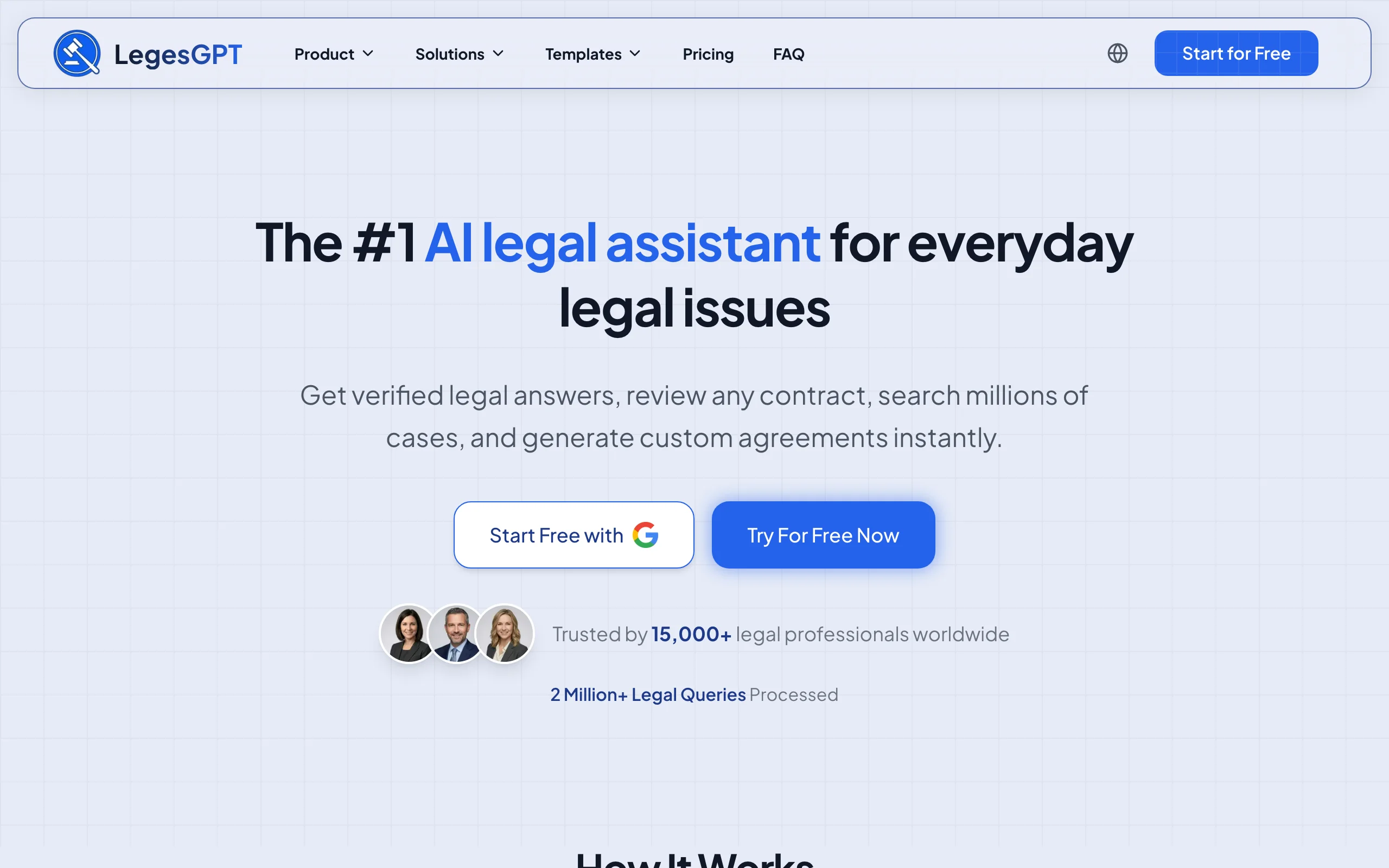
LegesGPT is an AI legal assistant that handles the three biggest time-sinks in one place: it answers legal questions with verified citations and source links, reviews documents for risk, and drafts contracts and legal documents. You can ask a research question and get an answer backed by case law and statute, upload a contract for a plain-language risk review, or generate a first draft from an attorney-built template, all without switching tools. It runs as a browser app with no install or add-in, so a solo or small firm can start the same day.
What sets it apart for productivity is breadth at a self-serve price. Instead of paying for separate research, review, and drafting products, you get AI for lawyers that covers all three, plus AI case law search and a free contract generator, in one subscription. That consolidation is where the hours come back.
Key features:
- Legal questions answered with verified citations and source links you can check
- Case law and statute search across multiple jurisdictions
- AI document review for PDF, DOCX, and images that flags risks and proposes changes
- AI drafting of contracts and legal documents from 100+ attorney-drafted templates
- Deep Research for multi-step questions, plus web search for recent developments
- E-signature and free tools (contract generator, calculators, citation generator) in the same plan
Best for:
- Solo practitioners and 2-50 attorney firms who want research, review, and drafting in one place
- In-house counsel and paralegals who need fast first-pass work without an enterprise contract
- Anyone who wants verified-citation answers rather than unsourced AI output
Pricing:
- 3-day trial for $1, with no permanently free plan
- Basic at $19.99/mo: legal questions, case law and statute search, citation verification
- Plus at $49.99/mo: adds document upload and review
- Premium at $99.99/mo: adds unlimited document review, Deep Research, and web search
- Around 30% off with annual billing
Pros:
- Covers research, review, and drafting in one affordable subscription
- Verified citations and source links reduce the risk of unchecked AI answers
- No install or add-in, with a self-serve $1 trial to test it on real work
Cons:
- Web-only, with no native mobile app, public API, or Word add-in
2. Clio, best for legal practice management
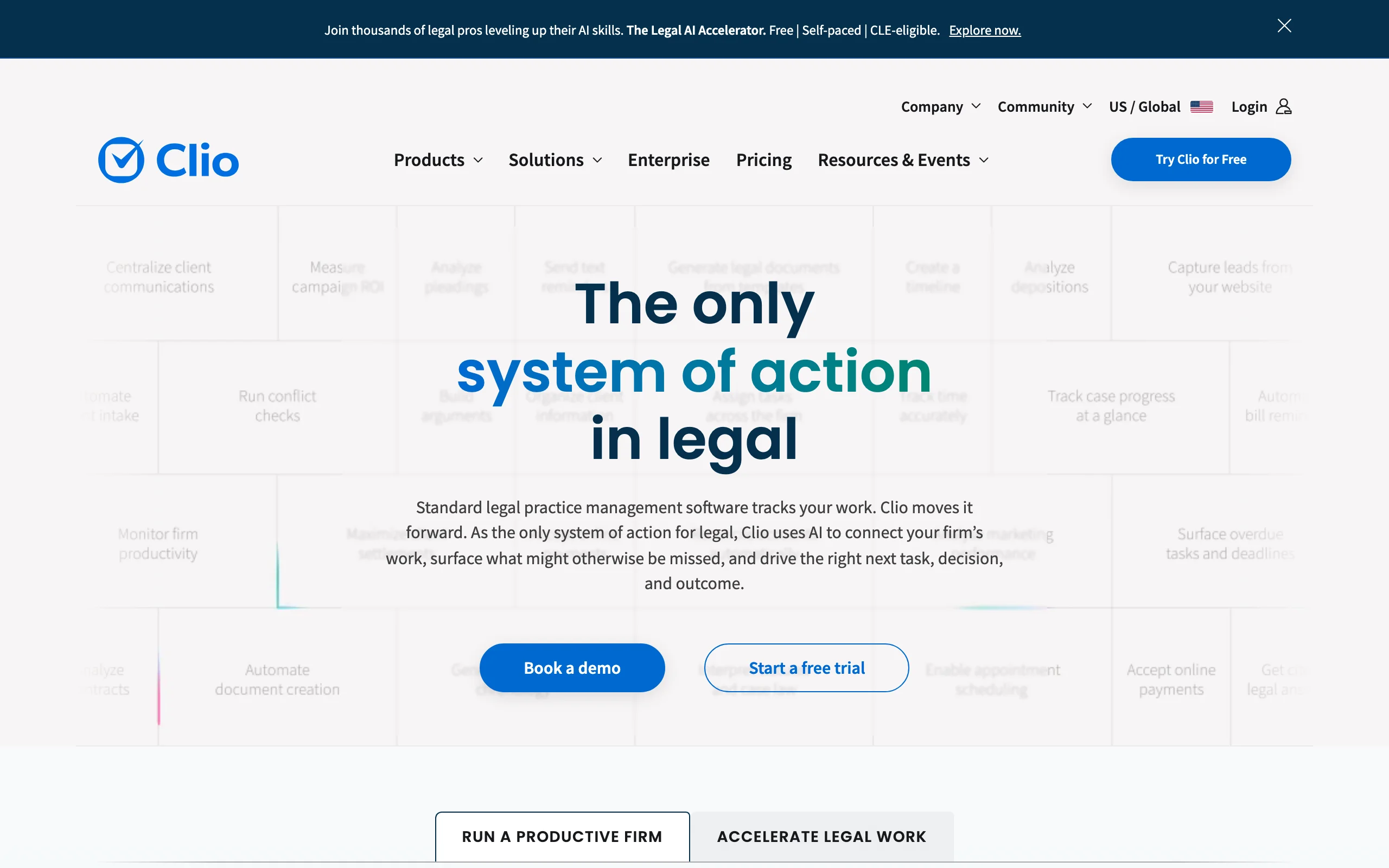
Clio is the practice management system most firms standardize on, and for productivity it covers the operational side the AI tools do not. It keeps matters, contacts, documents, calendars, time entries, and billing in one place, so the administrative work of running a practice stops living in spreadsheets and email. For a solo or small firm, that single source of truth is often the biggest time saver of all.
The day-to-day strengths are time tracking, billing, and calendaring. Clio records billable hours in real time or manually, generates invoices, syncs deadlines with Google Calendar and Outlook, and gives clients a secure portal to pay and communicate. Its built-in AI assistant, Clio Duo, surfaces client and matter details and summarizes documents inside the system you already use to run the firm.
Key features:
- Matter management with the full lifecycle, custom fields, and linked time, documents, and tasks
- Time and expense tracking, recorded in real time or manually by matter
- Billing and invoicing with online payments and a secure client portal
- Calendaring that syncs with Google Calendar and Outlook, plus court-date rules
- Clio Duo AI assistant for retrieving matter details and summarizing documents
Best for:
- Solo and small firms that need matters, time, and billing in one operational hub
- Practices replacing spreadsheets and disconnected tools with a single system
- Firms that want client intake, payments, and calendaring tied to each matter
Pricing:
- 7-day free trial
- EasyStart from $39/user/mo billed annually ($49 monthly)
- Essentials from $79/user/mo annually, Advanced from $109, Complete from $139
- Clio Duo and advanced reporting come on the Complete plan
Pros:
- Deep, mature practice management built specifically for law firms
- Strong billing, trust accounting, and calendaring with court-rule support
- Large integration ecosystem and a secure client portal
Cons:
- Per-user pricing adds up quickly for growing teams
- Built for firm operations, not AI legal research or in-depth document review
3. ChatGPT, best general AI assistant for everyday tasks
ChatGPT, from OpenAI, is the general-purpose AI assistant most people reach for first, and for a lawyer it covers the everyday tasks that do not need a legal database: drafting an email, turning notes into a memo, brainstorming arguments, explaining a concept in plain language, or summarizing a document you paste in. Its current flagship model, GPT-5.5, is strong at reasoning and writing, and the same chat works across web, mobile, and desktop, so it is always a tab away.
The value is versatility rather than legal depth. ChatGPT does not check case law or flag contract risk the way a legal AI does, and its statements of law can be confident but unsourced, so anything that turns on a citation needs independent verification. For the general writing and thinking that fills a legal day, though, it is a fast, capable default.
Key features:
- GPT-5.5 flagship model for general drafting, reasoning, and summarizing
- File and image upload to summarize or ask questions about a document
- Web search for recent information and built-in image generation
- Custom GPTs and a Projects feature to organize work and context
- Voice mode and apps across web, mobile, and desktop
Best for:
- Lawyers who want one capable assistant for everyday drafting and brainstorming
- Turning rough notes into memos, emails, and outlines quickly
- Anyone wanting a general AI alongside a dedicated legal tool
Pricing:
- Free tier on GPT-5.3 with usage limits
- Go at $8/mo for higher limits with ads
- Plus at $20/mo: GPT-5.5 as the default flagship and full features
- Pro at $100/mo (and $200/mo) for the highest usage limits
- Business at $25/user/mo monthly ($20/user/mo annual); Enterprise custom
Pros:
- Versatile general assistant that handles a wide range of everyday tasks
- Capable flagship model with file upload, web search, and image generation
- Free tier to start, with affordable Plus and team plans
Cons:
- No verified legal citation database, so claims of law must be checked
- General-purpose, with no legal research, review workflow, or matter context
4. Microsoft Copilot, best for document and email productivity
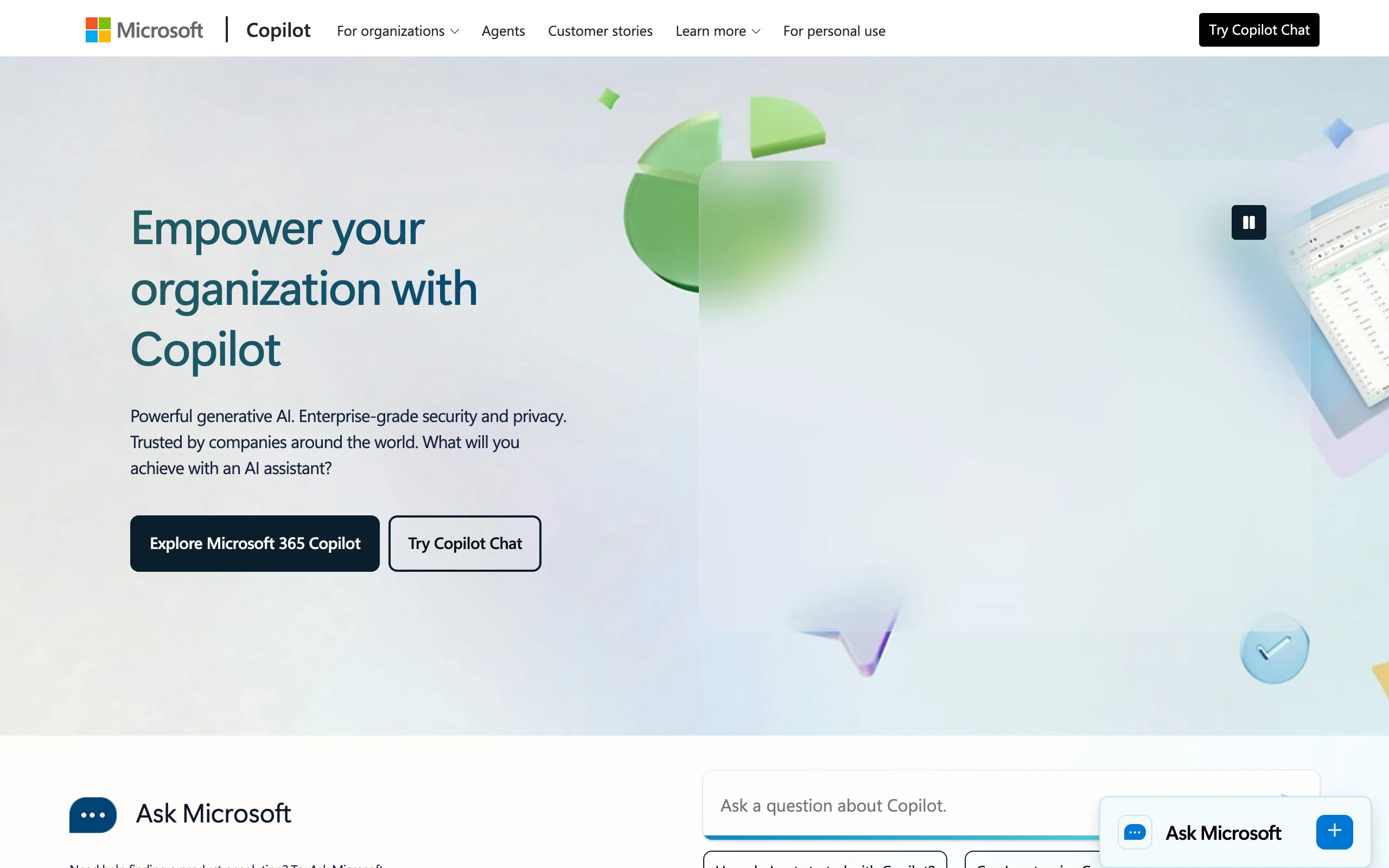
Microsoft 365 Copilot brings AI into the apps lawyers already live in: Word, Outlook, Excel, Teams, and PowerPoint. It drafts and rewrites in Word, summarizes long email threads and writes replies in Outlook, recaps Teams meetings, and pulls answers from your own documents and messages through Copilot Chat. If your firm runs on Microsoft 365, the productivity gain is that the AI meets you where the work already happens.
The value is breadth across everyday document and email work, not legal-specific research. Copilot does not check case law or flag contract risk the way a legal AI does, but for turning a rough outline into a memo, clearing an inbox, or summarizing a meeting, it removes friction across the Office suite.
Key features:
- Drafting and rewriting inside Microsoft Word
- Email summaries and "draft a reply" in Outlook
- Meeting recaps and action items in Microsoft Teams
- Copilot Chat that reasons over your own documents, emails, and chats
- Data analysis and formula help in Excel
Best for:
- Firms already standardized on Microsoft 365
- Lawyers who draft, email, and meet primarily inside Office apps
- Teams that want general document and email AI rather than legal research
Pricing:
- Microsoft 365 Copilot Business add-on at $18/user/mo (annual) through June 30, 2026, then $21/user/mo
- A monthly-commitment option at $25.20/user/mo
- Requires a qualifying Microsoft 365 Business or Enterprise plan first
Pros:
- Native to Word, Outlook, Excel, and Teams, so no context switching
- Strong general drafting, summarizing, and email productivity
- Reasons over your own Microsoft 365 content securely
Cons:
- Add-on cost sits on top of an existing Microsoft 365 subscription
- Not built for legal research, citation checking, or contract risk review
5. Claude, best for drafting and summarizing long documents
Claude, from Anthropic, is a strong general AI assistant whose standout productivity trait for lawyers is handling very long documents. Its most capable models support a context window large enough to take in multi-hundred-page files in a single prompt, which makes it well suited to summarizing a long brief, deposition transcript, or contract and drafting from it. You can upload a PDF, ask for a structured summary, and then have Claude draft a memo or clause based on what it read.
It works best as a drafting and summarizing partner, not a sourced research tool. Claude does not maintain a verified case law database, so it can produce confident but unverified statements of law. For drafting prose, distilling long files, and brainstorming arguments it is excellent; for anything that turns on a citation, confirm the source yourself.
Key features:
- Very large context window for summarizing and drafting from long documents
- Native PDF upload that handles text, tables, and figures
- Projects feature to keep files and context across sessions
- Strong natural-language drafting, rewriting, and summarizing
- Claude for Word in beta for in-document drafting and tracked changes
Best for:
- Lawyers summarizing long briefs, transcripts, or contracts
- Drafting memos, clauses, and correspondence from source material
- Anyone who wants a capable general AI for writing-heavy tasks
Pricing:
- Free tier with usage limits
- Pro at $20/mo ($17/mo billed annually)
- Max from $100/mo for higher usage; Team from $25/seat/mo (5-seat minimum)
- API billed separately per token
Pros:
- Handles very large documents in a single pass
- Excellent at clear drafting and faithful summaries
- Affordable individual plan with a free tier to try
Cons:
- No verified legal citation database, so claims of law must be checked
- General-purpose, with no legal research, review workflow, or matter context
6. Google Gemini, best for productivity inside Google Workspace
Google Gemini is the productivity layer for firms that run on Google Workspace. Built into Gmail, Docs, Sheets, Slides, and Drive, it can draft documents with "Help me write," summarize and reply to email, analyze spreadsheets from a natural-language prompt, and pull context from across your files. For a practice already living in Google, the AI is right there in the tools you open every day.
Like the other general assistants, it is strong on document and email productivity but not a legal research tool. Gemini also offers Deep Research that synthesizes across sources and accepts uploaded PDFs, useful for background work, though any legal conclusions still need verification against primary sources.
Key features:
- "Help me write" and "Help me create" drafting in Google Docs
- Email summaries and reply drafting in Gmail
- Natural-language data analysis in Google Sheets
- Deep Research that synthesizes across sources and uploaded PDFs
- Context pulled across Drive, Gmail, and Docs
Best for:
- Firms standardized on Google Workspace
- Lawyers who draft and email mainly in Docs and Gmail
- Anyone wanting general AI plus document context inside Google apps
Pricing:
- Free tier with usage limits
- Google AI Pro at $19.99/mo for higher limits and advanced models
- Google AI Ultra from $99.99/mo for the highest limits
- Gemini features are bundled into paid Google Workspace plans (Business Standard $14/user/mo annually)
Pros:
- Native across Gmail, Docs, Sheets, and Drive
- Bundled into Workspace plans many firms already pay for
- Capable Deep Research for background synthesis
Cons:
- No legal-specific research, citation checking, or contract review
- Most useful only if your firm is already on Google Workspace
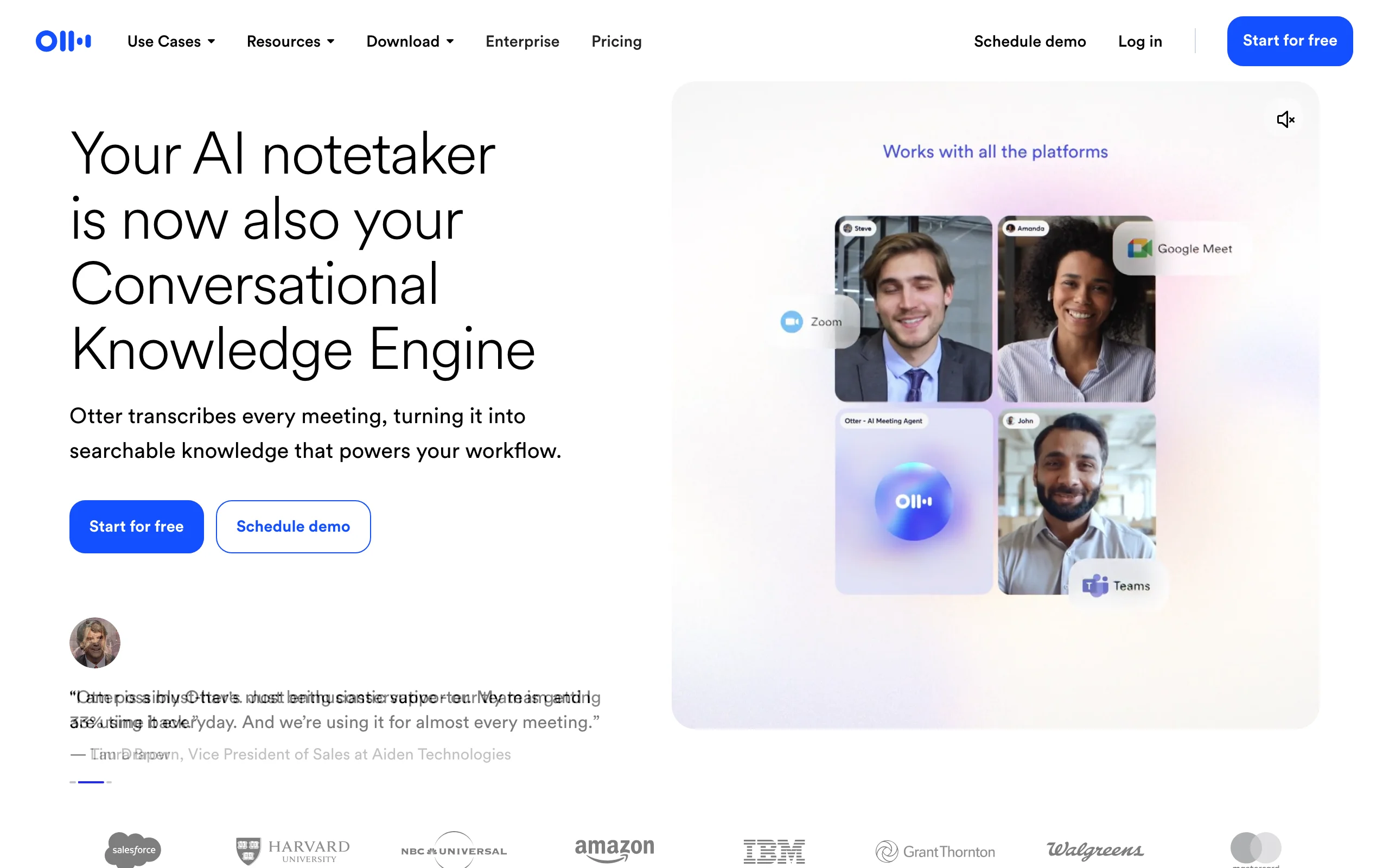
7. Otter.ai, best for meeting and deposition transcription
Otter.ai turns spoken conversations into searchable, structured notes, which is exactly the productivity win for client calls, internal meetings, and depositions. Its meeting agent can join Zoom, Google Meet, and Microsoft Teams calls automatically, transcribe in real time with speaker labels, and deliver an auto-generated summary and action item list within minutes of the call ending. Instead of typing notes during a conversation, you get a record you can search later.
For legal use it shines on the capture-and-recall side rather than legal analysis. You can query your meeting history, share transcripts with a paralegal, and pull exact quotes from a client interview. Treat its transcripts as a fast first draft: accuracy depends on audio quality and microphones, so proofread before relying on one for anything formal.
Key features:
- Meeting agent that auto-joins Zoom, Google Meet, and Microsoft Teams
- Real-time transcription with speaker identification
- Auto-generated summaries and extracted action items after each call
- Searchable meeting history you can query across conversations
- Integrations with Slack, Salesforce, Google Drive, and more
Best for:
- Lawyers who run frequent client calls, intake interviews, or internal meetings
- Anyone who needs searchable transcripts and summaries instead of manual notes
- Small firms capturing depositions or witness interviews as a working draft
Pricing:
- Basic free tier: 300 transcription minutes per month, capped at 30 minutes per conversation
- Pro from $8.33/user/mo billed annually ($16.99 monthly): 1,200 minutes/month
- Business from $19.99/user/mo annually ($30 monthly): unlimited meeting transcription
- Enterprise is custom-priced
Pros:
- Fast, automatic transcription with summaries and action items
- Generous free tier to test before paying
- Integrates with the meeting and collaboration tools you already use
Cons:
- Transcription accuracy varies with audio quality and shared microphones
- General-purpose, with no legal-specific review or confidentiality controls beyond standard security; vet before recording privileged conversations
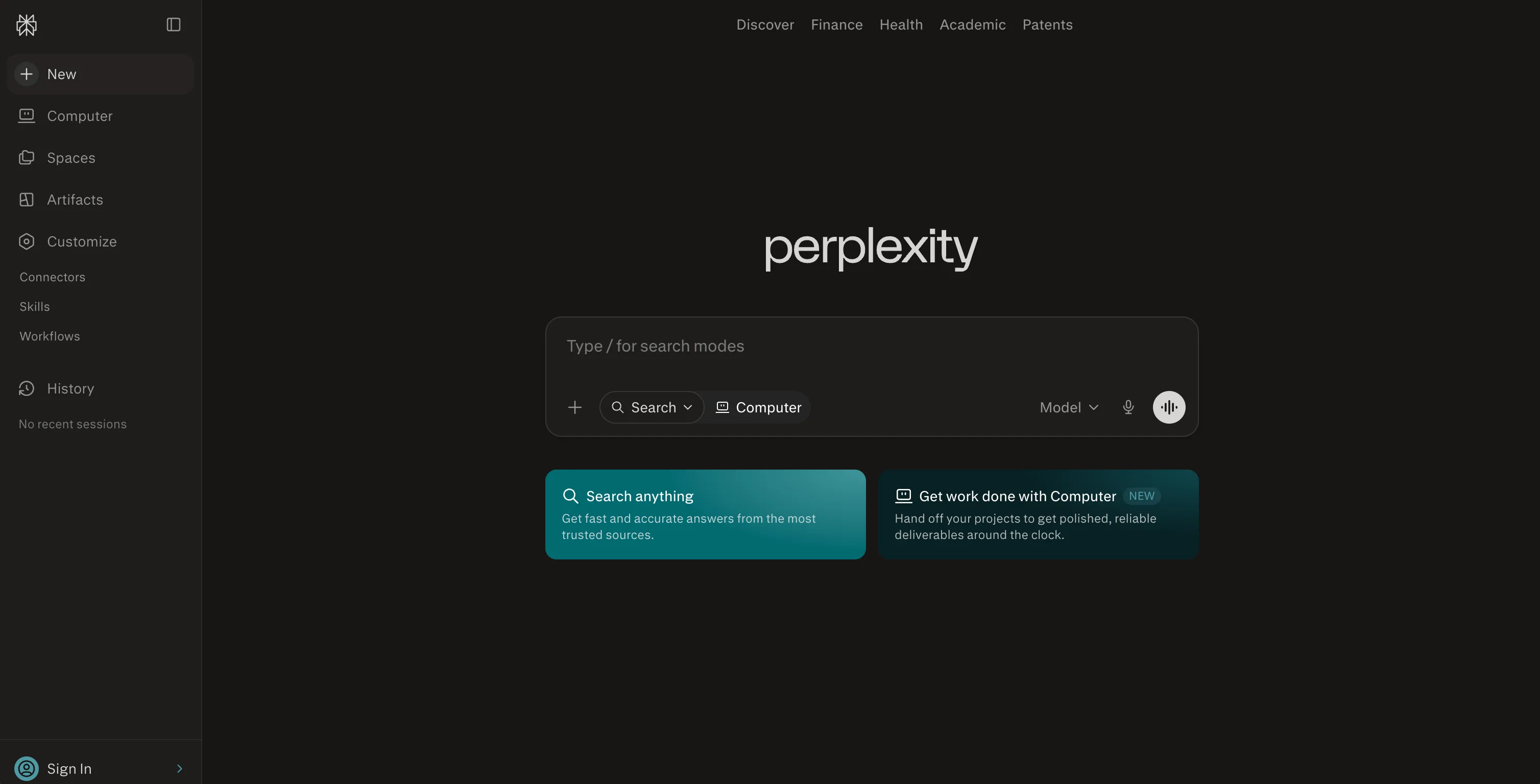
8. Perplexity, best for quick research with cited sources
Perplexity is an AI answer engine built around research: you ask a question and it returns a synthesized answer with inline citations and links to the sources it used. For a lawyer that makes it useful for fast background reading, getting up to speed on an unfamiliar area, or checking a general factual point, because every answer comes with sources you can open and verify rather than an unsourced paragraph. Its Pro searches and Deep Research mode go deeper across more sources for involved questions.
The important caveat is that Perplexity cites the open web, not a verified legal database, so its sources can be news articles, blog posts, or secondary commentary rather than primary law. It is a strong starting point for orientation and quick research, but any legal conclusion still needs checking against statutes and case law in a dedicated legal tool.
Key features:
- Cited answers with inline source links you can open and check
- Pro Search and Deep Research that synthesize across multiple sources
- Focus modes and file upload to ask questions about your own documents
- Choice of underlying models on paid plans
- Apps across web, mobile, and a Comet browser assistant
Best for:
- Lawyers who want fast background research with sources attached
- Getting oriented in an unfamiliar area before deeper legal research
- Anyone who prefers cited answers over an unsourced chatbot reply
Pricing:
- Free tier with core answers and limited Pro searches
- Pro at $20/mo ($200/year, about $16.67/mo annual) for more Pro searches and Deep Research
- Max at $200/mo for the highest limits and earliest features
- Enterprise Pro from $40/user/mo
Pros:
- Every answer comes with citations and source links to verify
- Strong for quick research and background synthesis
- Free tier to try, with an affordable Pro plan
Cons:
- Cites the open web, not a verified legal database, so primary law still needs checking
- General-purpose research, with no contract review or matter context
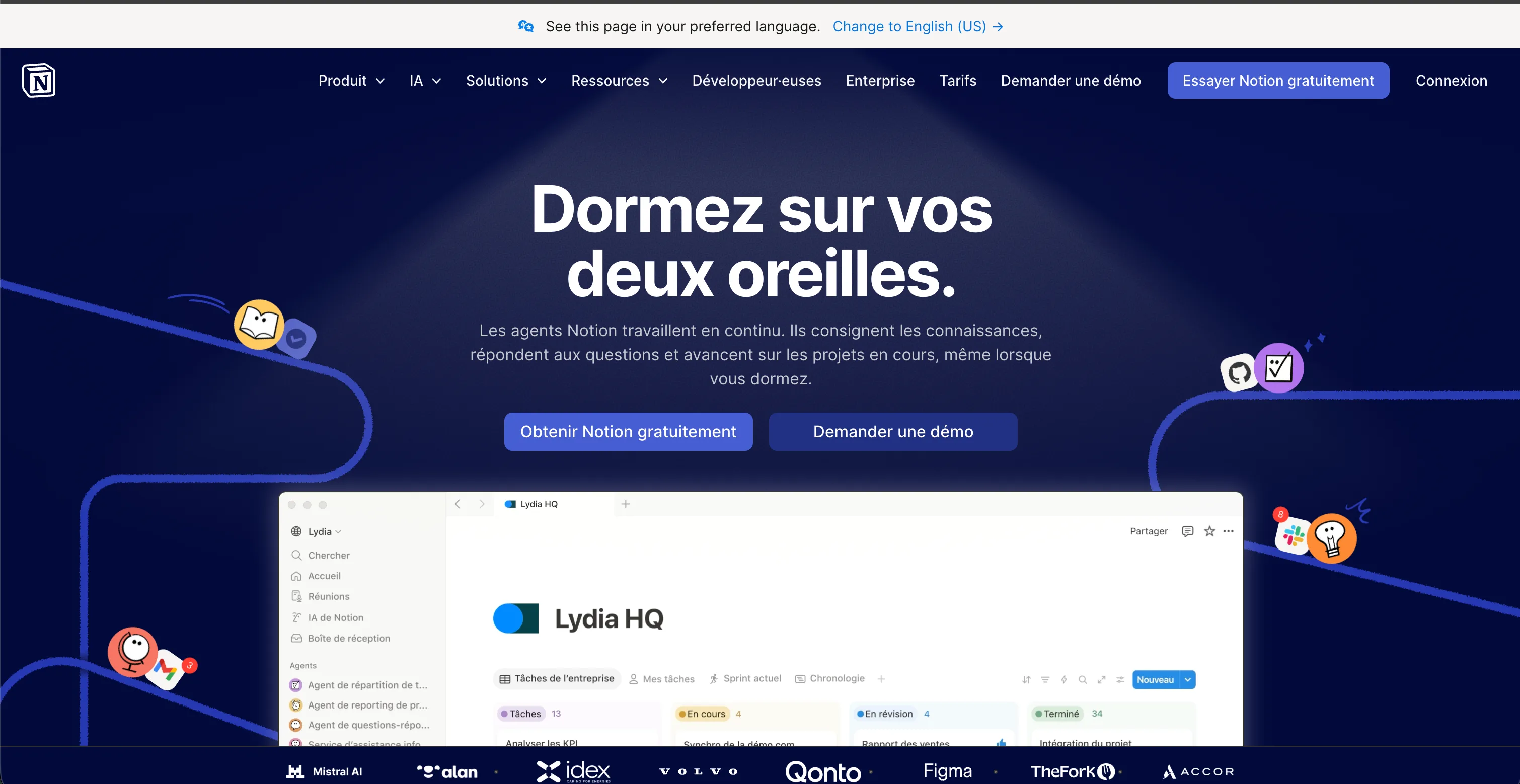
9. Notion, best for organizing matters, notes, and knowledge
Notion is a flexible workspace that combines documents, notes, and databases, which makes it a natural home for the information a practice accumulates: matter notes, research summaries, intake details, task lists, and internal know-how. Instead of scattering this across folders and email, you can build simple databases for matters and contacts, keep linked notes and templates, and find everything from one search. For a solo or small firm, that organization is its own productivity gain.
Notion is not a legal tool and has no trust accounting, court rules, or citation checking, so it complements rather than replaces practice management. Its built-in Notion AI can draft, summarize, and answer questions across your workspace, which helps turn a pile of notes into something usable, but the same verification caveat applies to anything it states about the law.
Key features:
- Flexible pages, notes, and databases for matters, contacts, and tasks
- Templates and linked databases to standardize how the firm records information
- Notion AI to draft, summarize, and answer questions across your workspace
- Search across everything, with sharing and permissions for a team
- Apps across web, mobile, and desktop
Best for:
- Solo and small firms organizing matter notes, research, and internal knowledge
- Replacing scattered docs and folders with one searchable workspace
- Teams that want a flexible knowledge base alongside their legal tools
Pricing:
- Free plan for individuals with unlimited pages
- Plus at $12/mo monthly ($10/user/mo annual) for small teams
- Business at $24/mo monthly ($20/user/mo annual), which includes full Notion AI
- Enterprise is custom-priced; Notion AI is bundled into Business and Enterprise
Pros:
- Flexible workspace that adapts to how your firm organizes information
- Built-in AI to draft and summarize across your notes and databases
- Generous free plan and affordable paid tiers
Cons:
- Not a legal tool, with no trust accounting, court rules, or citation checking
- Notion AI is only included on Business and Enterprise, not on Free or Plus
How to choose the best productivity tools for lawyers
There is no single best tool, because productivity for lawyers spans four different jobs: legal research and review, practice operations, document and email work, and capturing what was said. Match the tool to the bottleneck, and expect to run two or three together.
Get legal answers with verified citations
Ask any legal question and get a clear answer grounded in real sources — every citation links back to the statute or case it came from.
Ask a legal question1) What is eating most of your time?
- If research, review, and drafting are the bottleneck: LegesGPT covers all three with verified citations in one place, which is the common starting point for a legal AI assistant.
- If running the firm is the bottleneck, time, billing, calendaring, intake: Clio is the practice management standard.
- If meetings and calls pile up unrecorded: Otter.ai captures and summarizes them automatically.
- If notes, matters, and know-how are scattered: Notion gives you one searchable workspace, with AI to draft and summarize across it.
2) Which ecosystem does your firm live in?
- If you run on Microsoft 365: Microsoft Copilot puts AI inside Word, Outlook, and Teams.
- If you run on Google Workspace: Google Gemini does the same across Gmail, Docs, and Sheets.
- If you want a general assistant independent of either suite: ChatGPT handles everyday drafting and brainstorming in any browser.
- If you want legal-specific AI independent of either suite: LegesGPT runs in any browser with no add-in.
3) Do you need verified answers or general drafting?
- If a task turns on case law or a citation: use LegesGPT for verified-citation answers and AI document review, not a general chatbot.
- If you need quick background research with sources: Perplexity returns cited answers, but confirm any legal conclusion against primary law in LegesGPT.
- If you need long-document summaries or first-draft prose: Claude handles very large files well; ChatGPT is a strong general default; Copilot and Gemini draft inside your office suite.
- If you need both: pair LegesGPT for sourced legal work with a general assistant like ChatGPT for everyday writing.
4) Test on real work before committing
Run your own documents and a real meeting through any tool before you buy. A summary that looks clean on a sample can miss the point on your actual 50-page brief, and a transcript depends on your real audio. Most of these offer a free or low-cost trial: $1 for LegesGPT, a free tier for ChatGPT, Otter, Claude, Gemini, Perplexity, and Notion, and a 7-day trial for Clio. For more options across categories, see our roundup of legal AI tools for lawyers.
Frequently Asked Questions
What are the best productivity tools for lawyers in 2026?
It depends on the task. For AI research, document review, and drafting in one place, LegesGPT is the best overall pick from $19.99 per month. Clio leads practice management, Microsoft Copilot and Google Gemini handle document and email work inside their ecosystems, Otter.ai covers meeting and deposition transcription, and Claude is strong for summarizing long documents. Most firms combine two or three of these.
Do lawyers actually save time with AI productivity tools?
Yes, when the tool targets a real bottleneck. AI assistants speed up first-pass research, review, and drafting, transcription tools remove manual note-taking, and practice management software cuts billing and calendaring admin. The savings come from using each tool for what it does best and verifying anything that carries legal weight before relying on it.
What is the difference between a legal AI tool and a general AI tool?
A legal AI tool like LegesGPT is built for legal work: it answers with verified citations, searches case law and statutes, and reviews documents for legal risk. General tools like Claude, Microsoft Copilot, and Google Gemini are excellent for drafting, summarizing, and email but do not maintain a verified legal database, so their statements of law need checking. Many lawyers use both, a legal AI for sourced work and a general assistant for everyday writing.
Is it safe to use general AI tools for confidential legal work?
Use caution. Check each provider's data and confidentiality terms, your jurisdiction's rules on AI use, and your duty to protect client information before entering privileged or sensitive material. Transcription and general AI tools vary in their security and data-handling practices, so vet them and avoid putting confidential details into any tool you have not cleared for that use.
Can one tool replace all of these?
Not entirely, because they cover different jobs. LegesGPT consolidates AI research, review, and drafting into one subscription, which removes the need for several separate AI products. But it will not run your billing like Clio or transcribe a deposition like Otter. The practical setup is a legal AI as the core, plus a practice management system and a transcription tool as needed.
How much should a small firm budget for productivity tools?
A lean stack is affordable. LegesGPT starts at $19.99 per month, Otter has a free tier with Pro from $8.33 per month, and Claude or Gemini individual plans run about $20 per month. Practice management is the larger line item, with Clio from $39 per user per month annually. A solo lawyer can assemble a strong stack for under $100 per month before adding practice management.
Which productivity tool should a solo lawyer start with?
Start with the tool that attacks your biggest time-sink. For most solos that is the research, review, and drafting load, where LegesGPT covers all three in one affordable browser app with verified citations and a 3-day trial for $1. From there, add Clio when firm operations get heavy and Otter when meetings pile up. Trying LegesGPT first gives you the broadest productivity gain for the lowest commitment.