
A single financing round produces a term sheet, one or more SAFEs or a stock purchase agreement, investor rights documents, board consents, and a stack of diligence requests, usually on a closing timeline measured in days. Reviewing all of it by hand is slow, and a missed liquidation preference or an off-market pro rata right can cost your client real money.
AI tools for venture capital lawyers now take on much of that mechanical load: flagging non-standard terms in financing documents, drafting NDAs and ancillary agreements, answering securities law questions with citations, and keeping equity paperwork consistent from incorporation through Series A and beyond.
This guide compares the seven best options for VC and startup lawyers in 2026, with verified pricing, key strengths, honest limitations, and a decision framework for picking the right stack. If your practice spans broader transactional work, our roundup of AI tools for corporate lawyers is a useful companion read.
Best AI tools for venture capital lawyers: a brief overview
- LegesGPT: Best overall for VC and startup lawyers: reviews term sheets, SAFEs, and financing documents with flagged risks and plain-language explanations, drafts ancillary documents, and answers securities and corporate law questions with verified citations, from $19.99/mo.
- Spellbook: Best Word add-in for deal drafting: suggests clauses, flags risks, and generates redlines without leaving the document you are negotiating.
- DraftWise: Best for firms drafting from their own precedent bank: surfaces your best previously negotiated language across thousands of past deals.
- Harvey: Best for enterprise fund-side and BigLaw teams: agentic workflows for fund formation and large-scale diligence, at enterprise procurement scale.
- Carta: Best for cap table and equity operations: the system of record most startup lawyers already reconcile against at every closing.
- Clerky: Best for standardized startup paperwork: fixed-fee incorporation, SAFE issuance, and hiring documents built on market-standard forms.
- Claude: Best general-purpose AI assistant: summarizing data rooms, explaining deal mechanics, and first-draft business communication around the deal.
| Tool | Best for | Starting price | Free trial | Platform |
|---|---|---|---|---|
| LegesGPT | Financing document review and legal research | From $19.99/mo | 3-day, $1 | Web |
| Spellbook | Word-native deal drafting and redlining | Custom (per seat) | 7-day | Word add-in |
| DraftWise | Precedent-driven drafting at scale | Custom | Demo only | Word add-in + web |
| Harvey | Enterprise fund-side legal teams | Custom (enterprise) | Demo only | Web |
| Carta | Cap tables and equity operations | Free (Launch), then custom | Free tier | Web |
| Clerky | Startup formation and financing paperwork | From $427 one-time | Pay per use | Web |
| Claude | General-purpose AI deal support | Free tier; Pro from $17/mo | Free tier | Web, desktop, mobile |
1. LegesGPT, best overall for VC and startup lawyers
LegesGPT covers the two jobs that eat most of a startup lawyer's week: reviewing financing documents and answering the legal questions those documents raise. Upload a term sheet, SAFE, or stock purchase agreement and it flags risky or non-standard terms, explains each issue in plain language, and proposes concrete changes you can take back to the other side. When a diligence question turns on Delaware corporate law or federal securities rules, you can search case law and statutes and get answers with verified citations that link to the underlying source, so nothing goes into a memo unchecked.
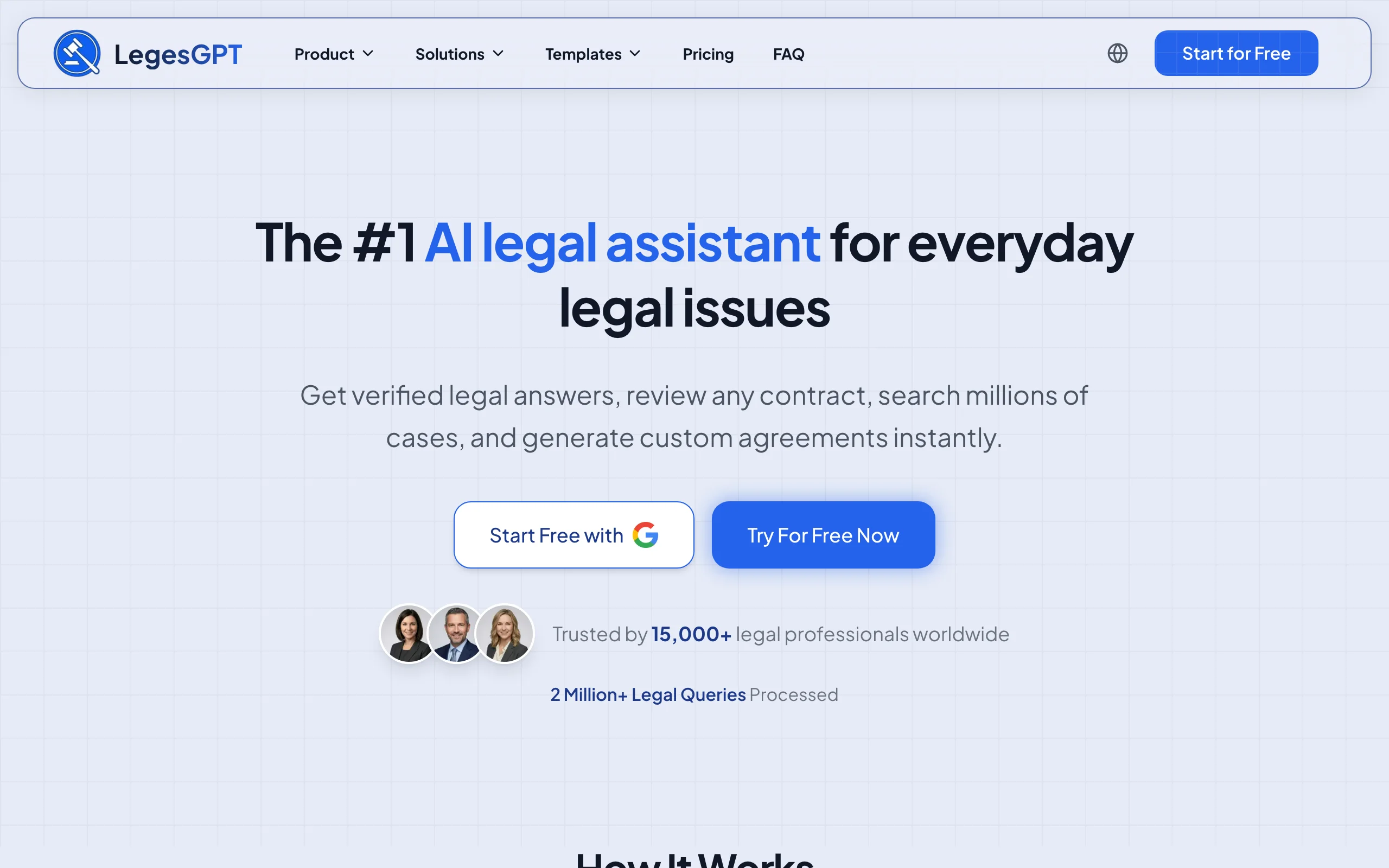
It also handles the drafting around the deal. Use AI contract drafting to produce NDAs, consulting agreements, and other ancillary documents clause by clause, then sign and send them with built-in e-signature, all in one subscription with a $1 trial and no seat minimums.
Key features:
- Document review that flags risky and non-standard clauses in term sheets, SAFEs, and SPAs with proposed changes
- Plain-language explanations you can forward to founder clients without translation
- Verified-citation answers on securities and corporate law questions, with direct source links
- AI drafting for NDAs, side letters, and ancillary deal documents
- E-signature to execute documents without a separate tool
- Deep Research mode for multi-step questions, such as blue sky filing requirements across states
Best for:
- Solo and small-firm lawyers advising startups through SAFEs and priced rounds
- Fractional GCs and of-counsel handling financing paperwork for multiple companies
- Founders' counsel who need fast, cited answers without a Westlaw subscription
Pricing:
- Basic: $19.99/mo for unlimited AI queries, case law and statute search, citation verification
- Plus: $49.99/mo adds document upload and 50 document reviews per month
- Premium: $99.99/mo adds unlimited document review, Deep Research, and web search
- 3-day trial for $1; roughly 30% off with annual billing
Pros:
- One subscription covers review, research, drafting, and e-signature, at a fraction of enterprise legal AI pricing
- Self-serve signup with an instant trial; no demo calls or procurement cycle
- Flagged risks come with proposed fixes, not just highlights
Cons:
- Does not manage cap tables or automate equity issuance; you still need Carta or Clerky for that layer
- Web-only: no Word add-in, mobile app, or API for lawyers who redline inside Word all day
Review your next term sheet with AI
Upload a contract and LegesGPT flags risky clauses, surfaces obligations and deadlines, and answers questions with citations you can verify.
Try AI document review2. Spellbook, best Word add-in for deal drafting
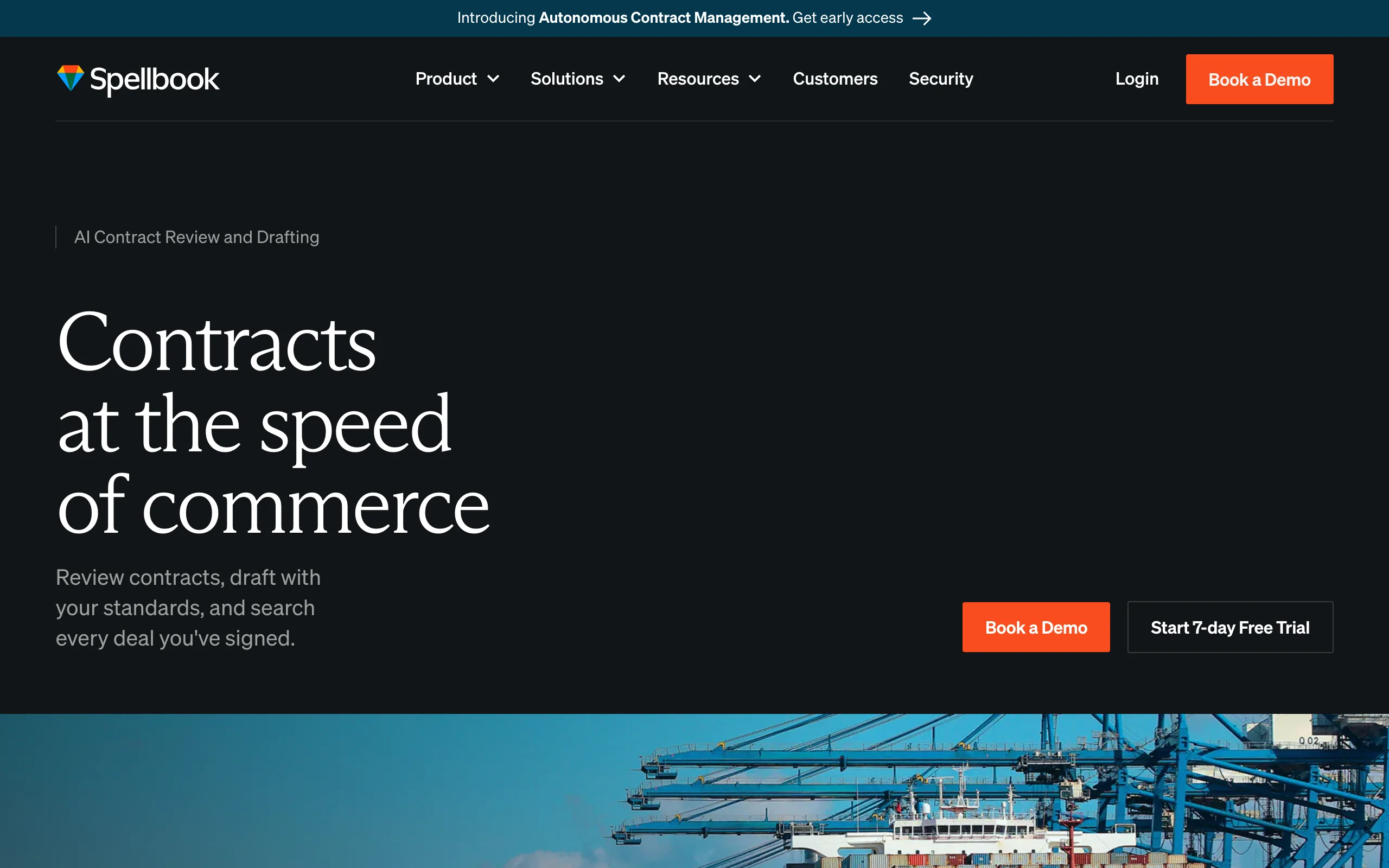
Spellbook lives inside Microsoft Word, which is where most venture financing documents actually get negotiated. As you work through a stock purchase agreement or investor rights agreement, it suggests clause language, flags risky or unusual terms against market practice, and generates redlines in place. For lawyers who spend closing week inside tracked changes, keeping the AI in the same window is the whole point.
Key features:
- Word add-in that drafts and reviews without switching applications
- Clause suggestions and benchmarking against common market terms
- Risk flags on unusual or one-sided provisions
- Redline generation directly in the working document
- Associate features for multi-document drafting tasks
Best for:
- Firms whose financing work happens almost entirely in Word
- Transactional teams that want AI suggestions inside existing redline workflows
Pricing:
- Custom per-seat pricing; no public dollar amounts on the pricing page
- Free 7-day trial for lawyers and legal teams
- Separate law firm and in-house tiers with the same core suite
Pros:
- Minimal workflow change: the AI meets you where deal documents already live
- Strong drafting and redlining depth for transactional practices
Cons:
- Pricing requires a quote, which makes budgeting harder for small firms
- No standalone research capability; it is a drafting and review tool, not a legal research platform
3. DraftWise, best for precedent-driven drafting
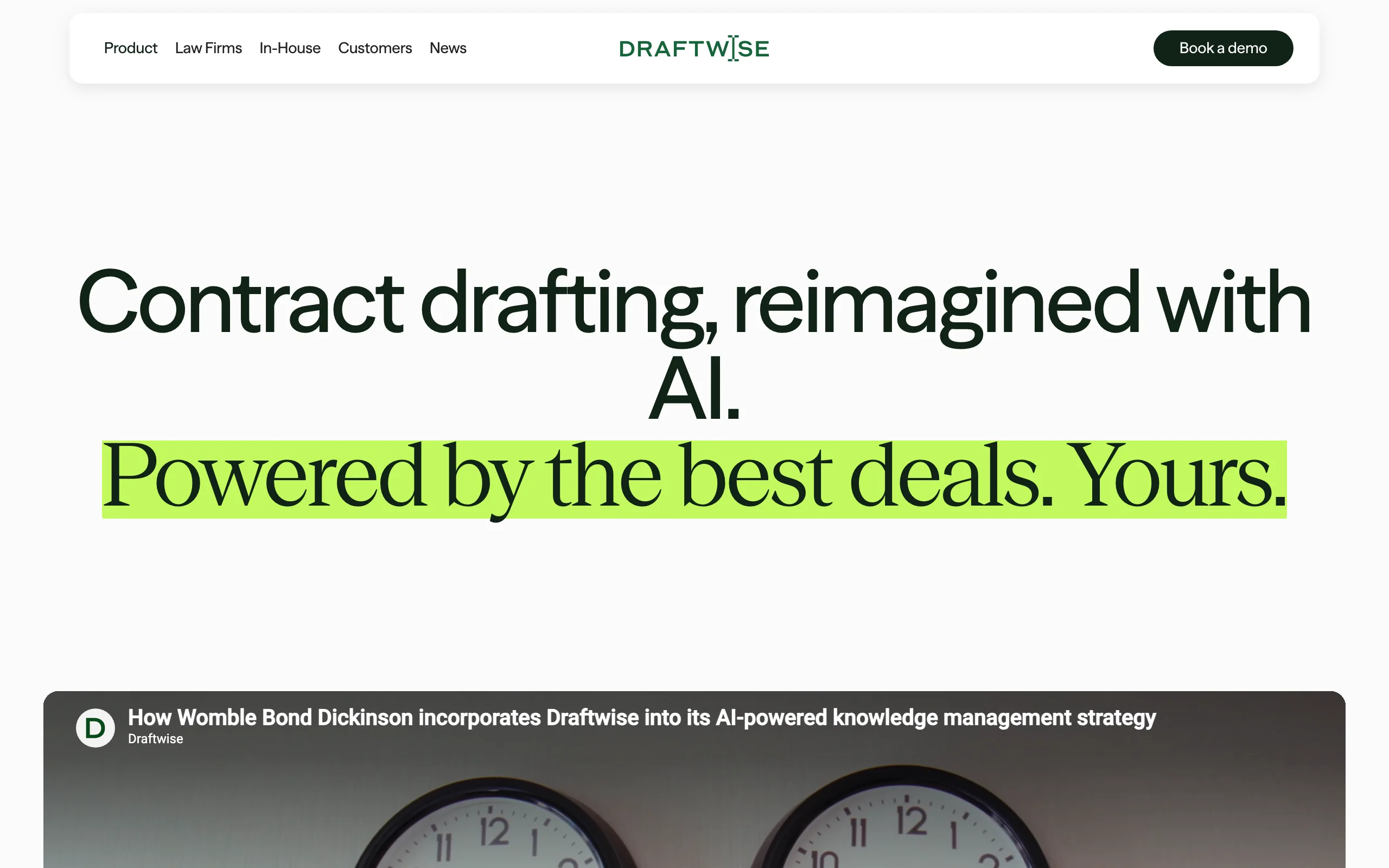
DraftWise answers a question every VC lawyer asks mid-draft: how did we handle this provision last time? It connects to your firm's document management system, indexes past deals, and surfaces your best previously negotiated language while you draft or mark up in Word. Its AI Associate can produce a first-pass draft or markup built from firm-endorsed precedent rather than generic model output, which matters when your firm has a house style for protective provisions or anti-dilution language.
Key features:
- Precedent search across the firm's own contract history
- Drafting and markup in Word grounded in firm-approved language
- AI Associate agent for first-pass drafts and reviews
- Contract Q&A to extract terms and spot negotiation traps
- SOC 2 Type II and ISO 27001 certified; mirrors DMS permissions
Best for:
- Mid-size and large firms with deep venture deal archives worth mining
- Practice groups that standardize on negotiated fallback positions
Pricing:
- Custom, quote-based pricing; no published figures
- Demo required; typically scoped by team size and data volume
Pros:
- Drafts inherit your firm's negotiated positions instead of generic clause language
- Strong security posture for firms with strict client confidentiality requirements
Cons:
- Value depends on the size and quality of your existing precedent bank; thin archives get thin results
- Enterprise sales process puts it out of reach for most solo practitioners
4. Harvey, best for enterprise fund-side teams
Harvey is the enterprise legal AI platform used across much of BigLaw, and it has a specific relevance for venture work on the fund side. Customers deploy its long-horizon agents on complex multi-step workflows such as fund formation, and its document analysis handles large diligence sets across data rooms. For a firm representing institutional investors or standing up new funds, Harvey brings scale that lighter tools cannot match. That scale comes with enterprise procurement: custom pricing, IT involvement, and onboarding measured in months.
Key features:
- Agentic workflows for multi-step matters, including fund formation
- Large-scale document analysis for due diligence across data rooms
- Drafting and research assistants tuned for professional legal work
- Firm-wide deployment with security and admin controls
Best for:
- AmLaw-scale firms advising funds and institutional investors
- In-house teams at large investment platforms with dedicated legal ops
Pricing:
- Custom enterprise pricing only; no public rates or self-serve tier
- Demo and sales process required
Pros:
- Proven at scale: adopted by 142,000+ lawyers across 1,500+ organizations
- Handles matter complexity, like fund formation, that consumer-grade tools cannot
Cons:
- Enterprise-only pricing and a long sales cycle exclude solos and small firms
- Overkill for company-side startup work that mostly involves standard financing documents
5. Carta, best for cap tables and equity operations
Carta is not a drafting assistant; it is the equity infrastructure most of your startup clients already run on, which makes it part of the VC lawyer's toolkit whether you choose it or not. It manages cap tables, option plans, 409A valuations, and securities filings, and its law firm tooling lets counsel prepare and reconcile equity grants and financings directly against the client's live cap table. Every closing checklist ultimately reconciles against something, and that something is usually Carta.
Key features:
- Cap table management as the shared system of record
- Equity plan administration and option issuance workflows
- 409A valuations and compliance support
- Law firm partner tooling for grants, financings, and closings
- Scenario modeling for rounds and exits
Best for:
- Startup counsel who prepare equity grants and closings for venture-backed clients
- Companies from formation through late-stage rounds needing one equity record
Pricing:
- Carta Launch: free for companies with under 25 stakeholders and up to $1M raised
- Paid tiers: custom, priced by stakeholder count and modules
- Law firm partner program with client referral benefits
Pros:
- Industry-standard status means investors, founders, and counsel share one source of truth
- Free Launch tier fits pre-seed clients with simple cap tables
Cons:
- Custom pricing at paid tiers can climb quickly as stakeholder counts grow
- An equity platform, not a legal AI: it will not review a term sheet or research a statute
6. Clerky, best for standardized startup paperwork
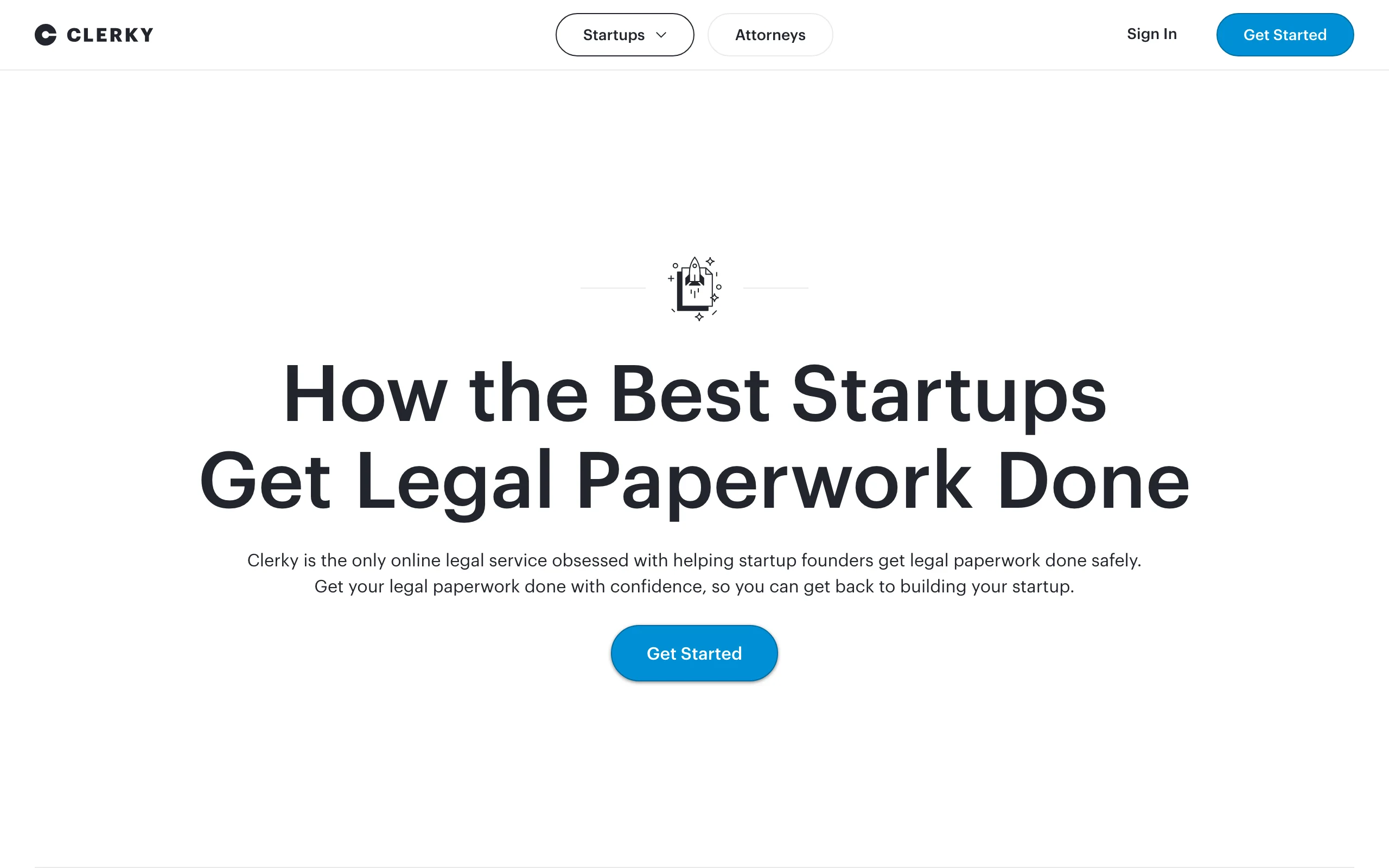
Clerky generates the legal paperwork of startup life on standardized, market-accepted forms: Delaware incorporation, post-incorporation setup, SAFE and convertible note issuances, option grants, and hiring documents. Built by startup lawyers, it is designed for legal-review-friendly output, and its transparent per-document pricing is unusual in this list. For counsel, it removes the mechanical assembly of routine paperwork so review time goes to the terms that are actually negotiated.
Key features:
- Delaware incorporation and post-incorporation setup on standard forms
- SAFE and convertible note issuance workflows
- Option grants, restricted stock, and 83(b) election handling with reminders
- Hiring paperwork for employees, consultants, and advisors
- Board consents and maintenance filings
Best for:
- Startup lawyers who want clients on clean, standard paperwork from day one
- Founders' counsel handling frequent SAFE issuances between priced rounds
Pricing:
- Incorporation $427; post-incorporation setup $299
- Company Lifetime Package: $819 one-time for unlimited standard documents
- SAFEs $9 and convertible notes $19 per issuance, or $99 for 6 months unlimited
Pros:
- Transparent fixed fees; easy to pass through or absorb predictably
- Standardized forms reduce diligence friction at the next round
Cons:
- Template automation, not AI: it will not analyze or negotiate a non-standard document
- Delaware C-corp centric; less useful outside the standard startup stack
7. Claude, best general-purpose AI assistant for deal work
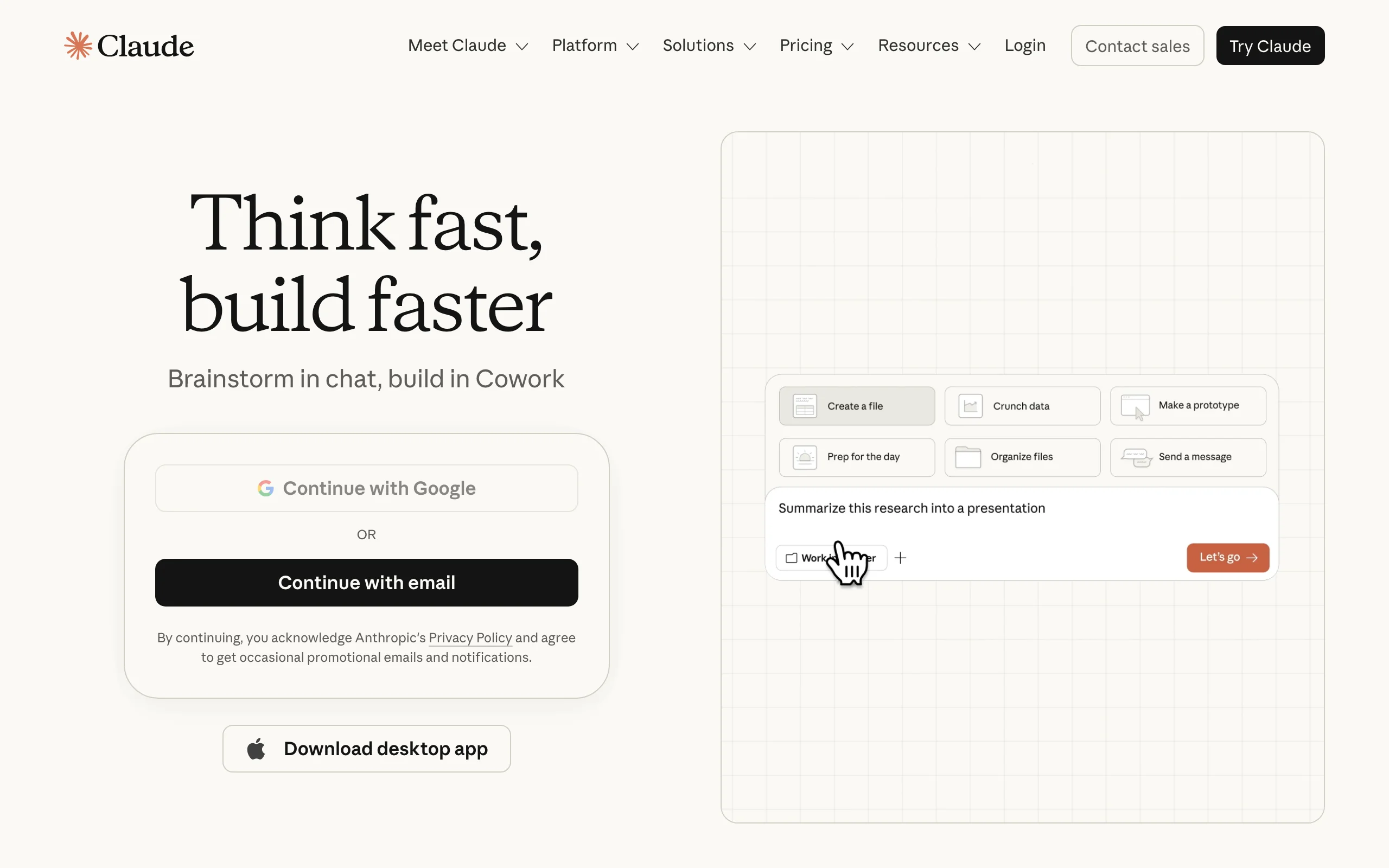
Claude, Anthropic's general-purpose AI assistant, fills the gaps around the specialized tools. VC lawyers use it to summarize data room documents, explain unfamiliar deal mechanics, pressure-test negotiation positions, draft client emails and closing checklists, and turn dense diligence findings into readable memos. Its long context window handles lengthy agreements in a single pass. It is not a legal platform: it has no citation verification, no legal database, and no audit trail, so treat its output as a starting point that a lawyer verifies.
Key features:
- Long-context document summarization for lengthy agreements
- Strong drafting for emails, memos, and checklists around the deal
- Research mode for multi-source questions on Pro plans and above
- Projects for organizing deal-specific context
- Web, desktop, and mobile apps
Best for:
- Lawyers who want a fast generalist for the non-legal 30% of deal work
- Teams already paying for Claude company-wide
Pricing:
- Free tier available
- Pro: $17/mo billed annually, or $20/mo monthly
- Team: from $20/seat/mo annually; Max from $100/mo for heavy usage
Pros:
- Cheap, flexible, and immediately useful across every practice area
- Excellent writing quality for client-facing communication
Cons:
- No verified legal citations, so every authority it mentions must be independently checked
- No legal-specific document review workflow; risk-flagging is generic, not market-benchmarked
How to choose AI tools for your venture capital practice
No single product covers financing documents, equity records, and firm-scale drafting. Most VC lawyers end up with a small stack. Work through these four questions.
1) Where does your document work actually happen?
- If you negotiate inside Word with tracked changes all day: Spellbook or DraftWise keeps AI in that window.
- If you review documents clients send and need answers plus proposed fixes: LegesGPT's browser-based review is faster to adopt, with nothing to install.
2) What is your budget and deal volume?
- If you are a solo or small firm doing a few financings a month: LegesGPT at $19.99 to $99.99/mo plus Clerky's per-document fees covers review, research, and paperwork for under $150/mo in software. One saved associate-hour pays for the month.
- If you are a large firm with steady deal flow: quote-based tools like DraftWise or Harvey can justify enterprise pricing through precedent leverage and scale.
- Run the math against your rate: a $1,000+/seat/mo enterprise tool needs to save many hours to beat a stack costing a tenth of that.
3) Do you need document intelligence or equity operations?
- If the pain is reading and negotiating documents: prioritize an AI legal assistant that reviews, researches, and drafts.
- If the pain is issuing and tracking equity: Carta or Clerky solves that; no document-review AI will.
- Most practices need one from each column, and the combined cost is still modest.
4) Standalone tool or firm-wide platform?
- If you want to start this week: LegesGPT, Claude, and Clerky are self-serve; test 3 to 5 of your own recent financing documents before committing to anything.
- If you are standardizing a whole practice group: Harvey and DraftWise reward firm-wide rollout but demand procurement patience.
A sensible default for most startup and VC practices in 2026: LegesGPT for reviewing financing documents and researching securities questions, Clerky or Carta for the equity paperwork layer, and a Word add-in only if your redline volume justifies a per-seat quote. For a broader look at the category, see our guide to AI tools for lawyers.
Put AI to work on your next financing round
Verified-citation answers, case law search, document review, AI drafting, and e-signature in one subscription. 3-day trial for $1, cancel anytime.
Start the $1 trialFrequently Asked Questions
What are the best AI tools for venture capital lawyers?
The strongest 2026 stack combines LegesGPT for reviewing term sheets, SAFEs, and financing documents and researching securities questions with verified citations, Carta or Clerky for the equity paperwork layer, and optionally a Word add-in like Spellbook or DraftWise for heavy redlining. Large fund-side teams also use Harvey for fund formation and large-scale diligence.
Can AI review a SAFE or term sheet reliably?
Yes, for a first pass. Tools like LegesGPT flag risky or non-standard terms, explain them in plain language, and propose changes, which catches issues like unusual liquidation preferences or off-market pro rata rights quickly. A lawyer should still make the final call on negotiated terms.
Do VC lawyers still need Carta if they use legal AI?
Usually, yes. Document-review AI and cap table software solve different problems. AI tools read and analyze financing documents, while Carta is the system of record for the equity those documents create. Most venture-backed clients already run on Carta, so counsel typically works in it regardless.
Is it safe to upload financing documents to an AI tool?
Use tools built for legal work with clear confidentiality and data-handling terms, and avoid free consumer chatbots for client documents. Legal-specific platforms like LegesGPT, Spellbook, and DraftWise are designed around professional confidentiality expectations; DraftWise, for example, is SOC 2 Type II and ISO 27001 certified.
What is the cheapest AI tool for venture capital lawyers?
Claude has a free tier and a $17-20/mo Pro plan, but it is a general assistant without verified legal citations. Among legal-specific tools, LegesGPT starts at $19.99/mo with a 3-day trial for $1, far below quote-based tools like Spellbook, DraftWise, or Harvey.
Can AI draft a stock purchase agreement?
AI works best drafting ancillary deal documents, such as NDAs, consulting agreements, and side letters, and marking up standard forms. For a primary financing document like an SPA, most lawyers start from NVCA model documents or firm precedent and use AI, via tools like DraftWise or Spellbook, to adapt and redline rather than generate from scratch.
What is the difference between Spellbook and DraftWise?
Both work inside Microsoft Word, but Spellbook drafts and flags risks using its general legal training and market benchmarks, while DraftWise grounds its suggestions in your own firm's precedent bank and past negotiated language. DraftWise rewards large firms with deep deal archives; Spellbook suits teams without one.
If I mainly need to review financing documents and research securities law, what should I use?
LegesGPT is the best fit. It reviews term sheets, SAFEs, and SPAs with flagged risks and proposed changes, answers securities and corporate law questions with verified citations, and drafts ancillary documents, starting at $19.99/mo with a $1 three-day trial.