

Legal teams run on documents. Contracts to review, agreements to draft, data rooms to comb through, obligations to track, and signatures to chase. Doing that work by hand is slow, and a single missed clause or deadline carries real cost. AI document tools now read, draft, analyze, and organize legal documents in a fraction of the time, and the good ones back every flag and summary with a source a lawyer can verify.
This guide compares the best AI document tools for legal teams. We focus on tools built for the full document lifecycle, from review and risk analysis to drafting, collaboration, and management. For each one you get a plain look at what it does best, real pricing, honest pros and cons, and a framework to match a tool to how your team actually works.
Best AI document tools for legal teams: a brief overview
- LegesGPT: Best overall. One platform to review documents, draft them, research the law behind them, and sign them, at a price a small team can actually approve.
- Luminance: Best for high-volume document review. Legal-specific AI that auto-flags non-standard clauses and missing provisions across large document sets.
- Robin AI: Best for contract review and redlining inside Microsoft Word, with risk scores tied to your playbook.
- Lexis+ AI: Best when document analysis needs to sit on top of a trusted legal research database with citation checking.
- Legora: Best for collaborative, firm-scale review, with a tabular grid that answers one question across hundreds of documents at once.
- Juro: Best for in-house teams that want to automate and manage the whole contract workflow, not just analyze one document.
- Paxton AI: Best budget-friendly all-rounder for solo lawyers and small teams who want drafting, review, and research in one subscription.
| Tool | Best for | Starting price | Free trial | Platform |
|---|---|---|---|---|
| LegesGPT | All-in-one document work for legal teams | From $19.99/mo | 3-day, $1 | Browser |
| Luminance | High-volume document review and analysis | Custom (enterprise) | Demo only | Web |
| Robin AI | Contract review and redlining in Word | $100/user/mo (Pro) | Free tier | Word, browser |
| Lexis+ AI | Document analysis plus legal research | Custom (approx. $250+/user/mo) | Demo only | Web |
| Legora | Collaborative, firm-scale review | Custom (from approx. $3,000/user/yr) | Demo only | Web, Word |
| Juro | In-house document and contract automation | Custom (approx. $15,000+/yr) | Demo only | Web |
| Paxton AI | Affordable all-rounder | From approx. $199/user/mo | 7-day | Web |
1. LegesGPT, best overall for legal teams
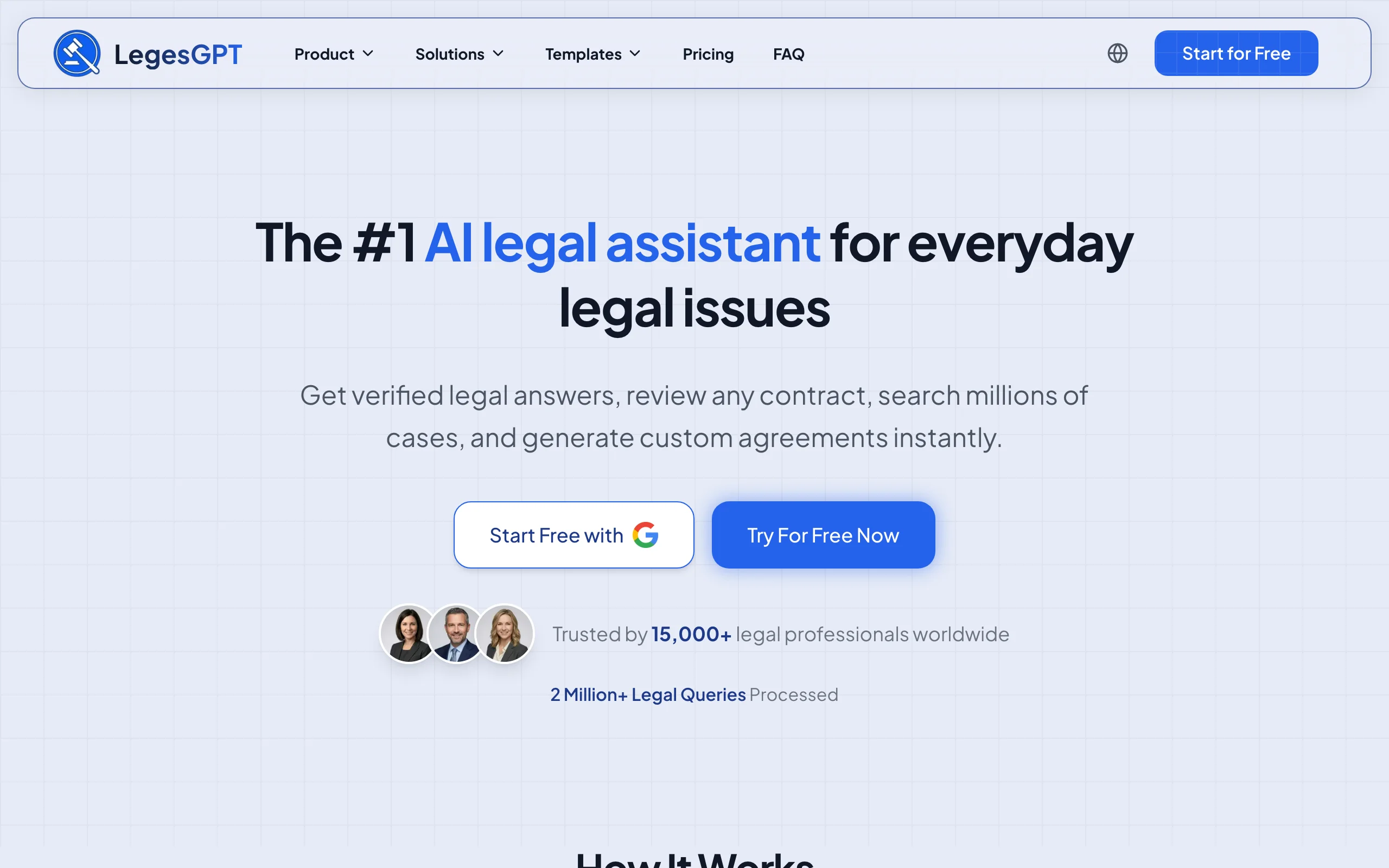
LegesGPT treats a document as the start of a workflow, not a dead end. You upload a contract, agreement, or PDF and it returns a plain-language summary, the obligations and deadlines that matter, and the clauses worth a second look, then it lets you draft a response, check the governing law, and send the final version for signature without leaving the tab. For a legal team that touches every stage of a document, that one-subscription range is the differentiator. It runs as a browser app with no add-in or IT setup, so a new paralegal can start reviewing in minutes.
Key features
- AI document review across PDF, DOCX, PPTX, TXT, and images: flags risky and non-standard clauses, surfaces obligations, and proposes edits
- AI drafting for contracts and legal documents, plus 100+ attorney-drafted templates
- Verified-citation answers and AI case law search so you can check the law a clause relies on
- E-signature to sign and send the finished document
- Deep Research mode for multi-step questions across a matter
Best for
- Solo practitioners and 2 to 50 attorney teams that handle review, drafting, and research themselves
- In-house and legal-ops teams that want one tool instead of a stack
- Paralegals who need a fast first pass on a stack of documents
Pricing
- 3-day trial for $1 (no permanently free plan)
- Basic $19.99/mo, Plus $49.99/mo (document upload, 50 reviews/month), Premium $99.99/mo (unlimited review, Deep Research, web search)
- Roughly 30% off on annual billing
Pros
- The widest workflow on this list: review, drafting, research, and signing in one subscription
- Transparent, self-serve pricing with no seat minimum or enterprise sales cycle
- You can generate legal documents from a prompt and review them in the same place
Cons
- Browser-only, with no native Microsoft Word add-in or mobile app
- Not built for enterprise contract-lifecycle management at thousands-of-contracts scale (see Juro or Legora for that)
Review any contract in seconds
Upload a contract and LegesGPT flags risky clauses, surfaces obligations and deadlines, and answers questions with citations you can verify.
Try AI document review2. Luminance, best for high-volume document review
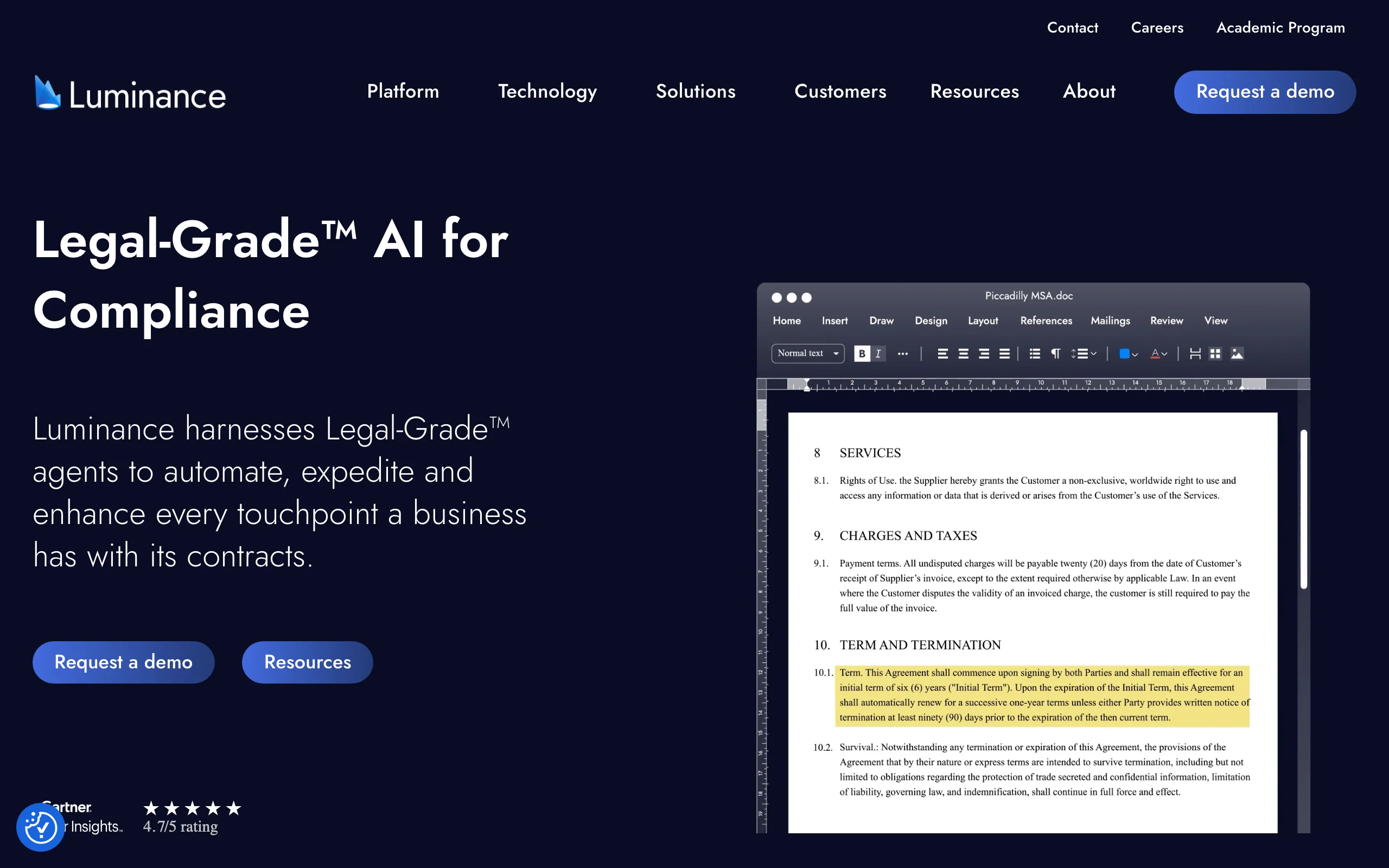
Luminance is built around a legal-specific model it calls Legal-Grade AI, trained for document analysis rather than general chat. Point it at a folder of contracts and its Auto-Review reads them against more than 1,000 legal concepts, flagging non-standard clauses, missing provisions, and anomalies like absent pages or unusual wording across the whole set at once. Its Ask Lumi chat lets a reviewer query a document set in plain language. It is a review and analysis engine first, used by larger teams that process documents in bulk and in over 80 languages.
Key features
- Auto-Review flags non-standard clauses, missing provisions, and risks across large document sets
- Coverage of 1,000+ legal concepts and analysis in 80+ languages
- Ask Lumi natural-language querying of a document set
- Anomaly and pattern detection, document clustering, and collaboration
Best for
- Large firms and corporate teams running due diligence or bulk contract review
- Teams that need consistent risk flagging across hundreds or thousands of documents
Pricing
- Custom, quote-based, oriented to enterprise buyers
- No published price and no advertised free trial; evaluation runs through a demo and proof-of-concept
Pros
- Purpose-built legal model with strong accuracy on document anomalies
- Scales to very large document sets and multilingual portfolios
Cons
- Enterprise pricing and onboarding put it out of reach for solo and small-firm budgets
- Focused on review and analysis, so you still need separate tools for drafting and signing
3. Robin AI, best for contract review and redlining in Word
Robin AI lives where transactional lawyers already work: inside Microsoft Word. Its Legal AI Assistant parses a contract clause by clause, scores risk, and suggests redlines tied to your company playbook, so reviews come back consistent across the team. Beyond a single document, it ingests contracts in bulk into a searchable repository and tracks obligations, which makes it useful for both active negotiation and ongoing management. The feature set is organized into Query, Review, Draft, and Reports, covering most of what an in-house contracts function does day to day.
Key features
- Clause-level parsing with configurable risk scores and playbook-based redlines
- Microsoft Word add-in plus a browser app for inline edits
- Bulk ingestion into a searchable repository with obligation tracking
- Query, Review, Draft, and Reports workflows with exportable audit logs
Best for
- In-house teams that negotiate and review contracts with AI directly in Word
- Teams that want playbook-consistent redlines instead of ad hoc edits
Pricing
- Free tier with 10 daily messages for a single user
- Pro $100/user/month: unlimited messages and uploads, up to 5 users, 3 monthly reports
- Enterprise (custom): clause comparison, obligations management, SSO, bespoke playbooks, unlimited users
Pros
- Real Word integration that fits an existing drafting workflow
- A free tier and a transparent Pro price make it easy to trial
Cons
- Centered on contracts and redlining, not broader legal research or document generation
- Advanced obligation and playbook features are gated behind Enterprise
4. Lexis+ AI, best for document analysis plus legal research
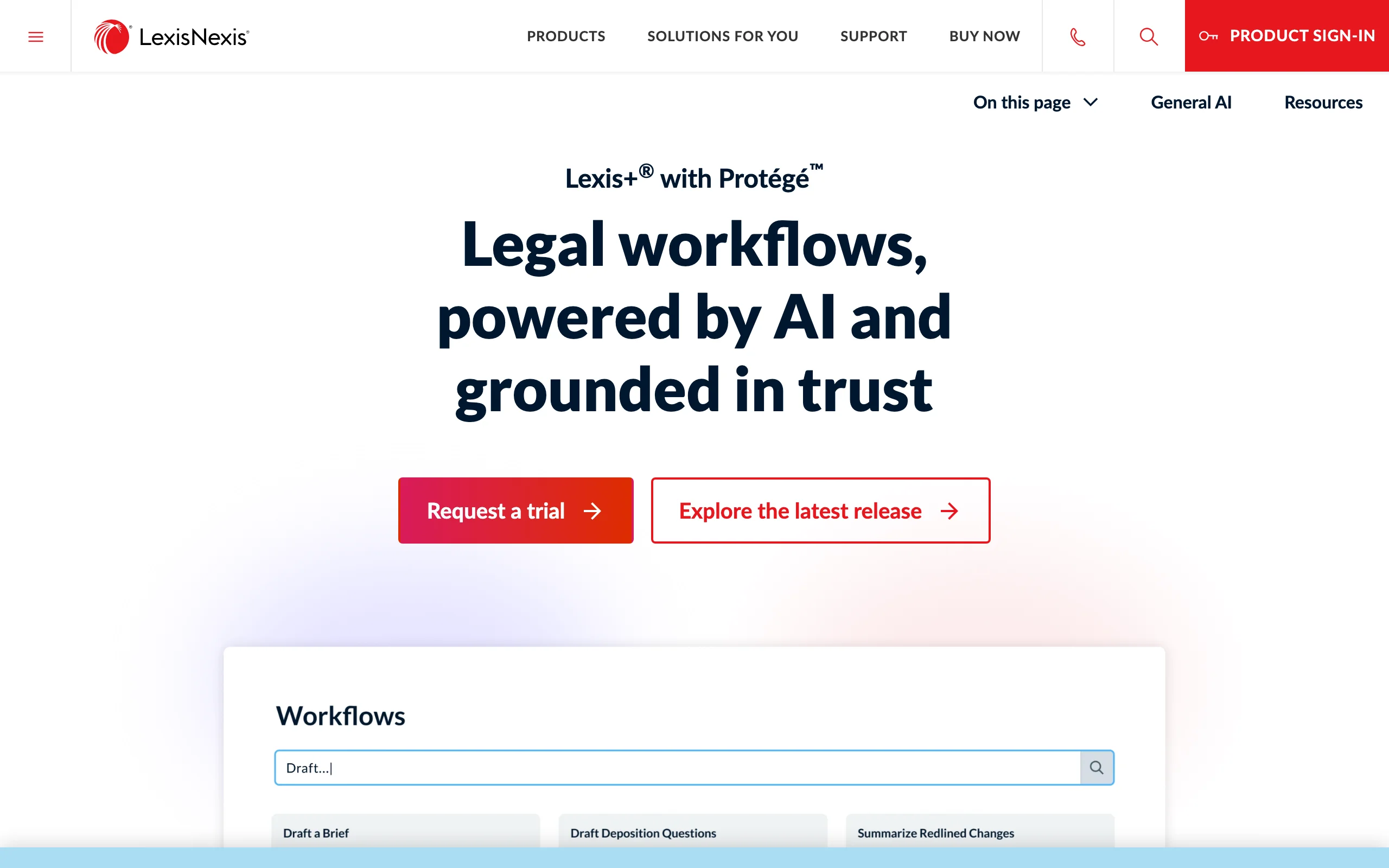
Lexis+ AI is LexisNexis's answer for teams that want document analysis grounded in a trusted research database. You can upload contracts, briefs, or regulations for an AI-powered read, generate summaries and timelines, and draft transactional documents and litigation filings, with every research answer checked against Shepard's citations. Its Protege tier adds multi-step research, drafting, and argument analysis for power users. The draw is provenance: for litigators and research-heavy teams, the document work sits next to verifiable case law rather than a standalone model.
Key features
- Document analysis: upload contracts, briefs, and regulations for AI review
- Summarization and timeline generation from matter documents
- Shepard's citation verification on research answers
- Protege premium tier for multi-step research and drafting
Best for
- Litigation and research-heavy teams that need citations they can defend
- Firms already invested in the LexisNexis ecosystem
Pricing
- Quote-based; third-party estimates put it around $250 to $475/user/month at mid-size firms
- Protege is a premium add-on estimated at roughly $75 to $150/user/month on top
Pros
- Document analysis tied to a verifiable legal research database
- Strong fit for litigation drafting and citation-sensitive work
Cons
- Opaque, high pricing that requires a sales conversation
- Heavier than small teams need if they mainly review and draft contracts
5. Legora, best for collaborative, firm-scale review
Legora is a collaborative legal AI built for review at firm-level volume. Its standout is Tabular Review: feed it a set of documents and it returns a grid, one row per document and one column per question, with each cell linked back to its source. For a data room, a financing package, or a lease portfolio, that turns a week of reading into a structured answer set the whole team can work from. It also integrates into Word for drafting from precedents and redlining, and its agentic Workflows chain review, research, and drafting into repeatable processes.
Key features
- Tabular Review: structured grid answers across a whole document set, each cell source-linked
- Conversational AI assistant over internal and external documents, with citations
- Microsoft Word integration for drafting from precedents and redlining
- Agentic Workflows that combine drafting, review, research, and translation
Best for
- Law firms running large-scale review, due diligence, and data-room work
- Teams that want collaborative review with a clear audit trail to the source
Pricing
- Custom, quote-based; list pricing starts around $3,000/user/year with a 10-seat minimum
- Roughly $30,000 minimum annual contract; no public free trial
Pros
- Tabular Review is genuinely strong for high-volume, multi-document analysis
- Built for collaboration and source traceability across a team
Cons
- Seat minimum and annual contract make it a firm purchase, not a small-team one
- Review-and-draft focused, so signing and broad legal tooling live elsewhere
6. Juro, best for in-house document and contract automation
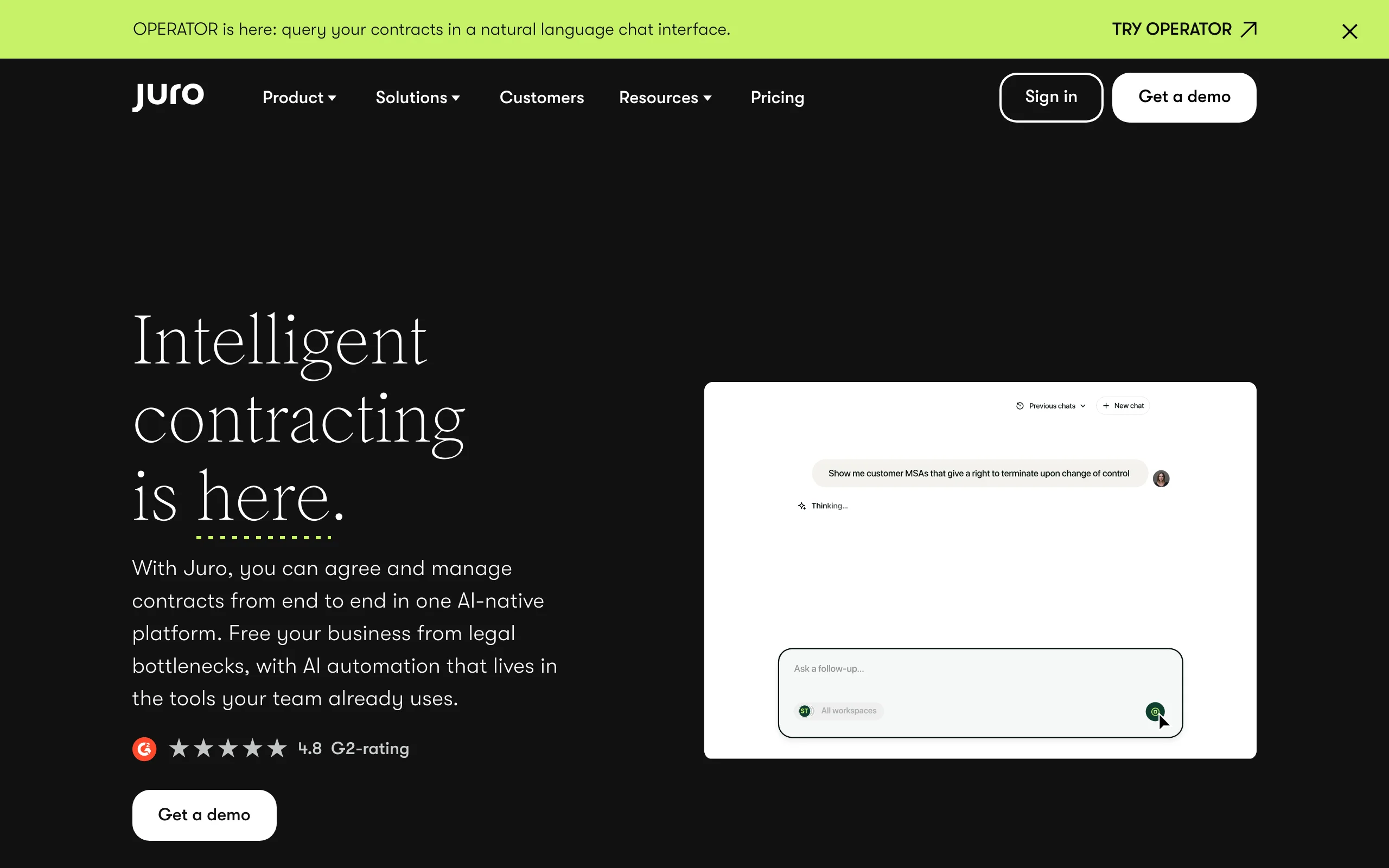
Juro is less a single-document analyzer and more a system for the whole contract lifecycle. It lets business users in sales, HR, and procurement create, negotiate, and manage contracts inside guardrails legal sets, which is exactly the bottleneck a small in-house team feels. Routine agreements move without a lawyer touching every one, while legal keeps oversight, an audit trail, and a searchable repository. If your document problem is volume and process rather than deep clause analysis, Juro automates the parts that do not need a lawyer.
Key features
- Self-serve contract creation for non-legal teams within legal-set templates
- End-to-end automation: drafting, negotiation, approval, signing, and storage
- Searchable repository with obligation and renewal tracking
- Flat, unlimited-seat pricing on higher tiers
Best for
- In-house and legal-ops teams that want to remove themselves from routine contracts
- Companies where sales, HR, and procurement generate steady contract volume
Pricing
- Custom, quote-based; the average buyer pays around $34,500/year
- Entry plans can sit under $10,000/year for small teams; mid-market and enterprise range from roughly $50,000 to $120,000+
- Flat pricing on Scale and Enterprise means cost does not climb per seat
Pros
- Unlimited-seat pricing is a real advantage as access spreads beyond legal
- Strong fit for a lean in-house team drowning in routine agreements
Cons
- A contract-lifecycle platform, not a deep document-analysis engine
- Custom pricing and implementation are a bigger commitment than a per-seat tool
7. Paxton AI, best budget-friendly all-rounder
Paxton AI packs contract review, drafting, and legal research into one assistant aimed at solo lawyers and small teams who do not want six subscriptions. You can upload documents for analysis, draft from a prompt, and search federal and state regulations in a familiar chat interface. It is not the deepest tool in any single category, but for a small team the breadth-to-price ratio is the appeal, and a published trial plus a student rate make it easy to test before committing.
Key features
- Contract review and analysis with custom document uploads
- AI drafting assistance for documents and correspondence
- Legal research across federal and state regulations
- Chat-style interface that is easy to onboard
Best for
- Solo practitioners and small firms wanting drafting, review, and research in one place
- Law students and budget-conscious teams (a discounted student rate is offered)
Pricing
- Professional plan around $199/user/month (lower on annual billing)
- 7-day free trial; student rate around $29/month; Enterprise is custom
- Pricing varies across sources, so confirm current tiers on Paxton's pricing page
Pros
- All-in-one breadth at a small-team price, with a real free trial
- Student and annual options lower the barrier to test it
Cons
- Less specialized than the best-in-class review or research tools here
- Reported pricing varies, so the headline number can shift
How to choose the best AI document tool for your team
The right pick depends less on a feature checklist and more on which stage of the document lifecycle hurts most. Test three to five of your own real documents in any tool before you commit, since marketing demos rarely match your contracts.
1) What is your main document job: review, draft, or manage?
- If you mostly review and analyze existing documents: Luminance and Legora for firm-scale volume, Robin AI for in-Word contract redlining.
- If you mostly draft and create: LegesGPT or Paxton AI, which generate documents and let you refine them in the same place.
- If your problem is process and volume (routine contracts piling up): Juro automates the lifecycle so legal stops touching every one.
- If you want all of it in one tool: LegesGPT covers review, drafting, research, and signing in a single subscription.
2) Where does your team actually work?
- Live in Microsoft Word: Robin AI and Legora put the AI inside the document you are already editing.
- Prefer a standalone browser app with nothing to install: LegesGPT and Paxton AI.
- Need research and citations next to the document: Lexis+ AI ties analysis to a verifiable database. LegesGPT pairs document review with AI document review and case law search in one place.
3) What is your budget and team size?
- Solo or small team on a clear budget: LegesGPT (from $19.99/month) or Paxton AI, both self-serve with a trial.
- Mid-size to enterprise: Lexis+ AI, Luminance, Legora, and Juro all run on custom quotes with seat minimums or annual contracts, so price the seats and the implementation, not just the sticker.
A practical rule: if no single category dominates your workload, an all-in-one like LegesGPT usually beats stitching three specialized subscriptions together. If one job clearly dominates, the specialist for that job will go deeper.
All of LegesGPT for $1
Verified-citation answers, case law search, document review, AI drafting, and e-signature in one subscription. 3-day trial for $1, cancel anytime.
Start the $1 trialFrequently Asked Questions
What is an AI document tool for legal teams?
It is software that uses AI to read, draft, analyze, or manage legal documents. The strongest tools flag risky or missing clauses, summarize long agreements, suggest redlines against a playbook, and link every finding back to a source a lawyer can verify, rather than producing unsourced text.
What is the best AI document tool for legal teams?
There is no single winner for every team. LegesGPT is the best overall when you want review, drafting, research, and signing in one affordable subscription. Luminance and Legora lead on high-volume review, Robin AI on in-Word redlining, Lexis+ AI on research-grounded analysis, and Juro on contract-lifecycle automation.
What is the cheapest AI document tool for legal teams?
LegesGPT is the most accessible, starting at $19.99/month with a 3-day trial for $1. Robin AI has a limited free tier and a $100/user/month Pro plan. You can also start with a free AI contract generator for one-off drafting before paying for a full platform.
Can AI document tools replace a lawyer's review?
No. They speed up the first pass, catch issues a tired reviewer might miss, and make review consistent, but a qualified lawyer should sign off on anything that matters. Treat AI output as a starting point and verify the clauses and citations it surfaces.
Are AI document tools safe for confidential legal documents?
Reputable legal AI tools offer enterprise-grade security, data isolation, and options that keep your documents out of model training. Confirm each vendor's data-handling, retention, and certification terms before uploading client material, especially for privileged documents.
Do these tools work inside Microsoft Word?
Some do. Robin AI and Legora offer Word integrations for inline drafting and redlining. LegesGPT and Paxton AI run as browser apps instead, so you upload a document rather than work through an add-in.
Which AI document tool is best for high-volume review and due diligence?
Luminance and Legora are built for it. Luminance auto-reviews large document sets against legal concepts, and Legora's Tabular Review answers the same question across hundreds of documents in a source-linked grid, which suits data rooms and due diligence work.
If I mainly need to review and draft documents on a small-team budget, what should I use?
Start with LegesGPT. It reviews documents and proposes fixes, drafts contracts and agreements, checks the law behind a clause, and signs the final version, all self-serve from $19.99/month with a $1 trial, so a small team gets most of the document lifecycle without an enterprise contract.