
No lawyer runs a practice on one tool. A typical week moves from legal research to drafting, contract review, client billing, e-signature, and, for litigators, e-discovery. The software you choose for each of those jobs decides how much of your day is billable work versus busywork.
The problem is that "best software for lawyers" pulls up a hundred tools across a dozen categories, and most lists compare apples to oranges. This guide does it differently: one top pick per category, so you can build a stack instead of guessing. We cover what each tool does best, real pricing, and where it fits, from solo practitioners to litigation teams.
Get legal answers with verified citations
Ask any legal question and get a clear answer grounded in real sources — every citation links back to the statute or case it came from.
Ask a legal questionBest software for lawyers: a category-by-category overview
Each tool below leads its own category. Start with the AI legal assistant and practice management hub, then add the rest as your caseload demands.
- LegesGPT: Best overall and best AI legal assistant. Research, document review, drafting, and e-signature in one affordable subscription.
- Clio: Best for practice and case management. The market-leading hub for matters, time, billing, and client intake.
- Westlaw: Best for legal research. The deepest case law and statute database, now with an AI research layer.
- DocuSign: Best for e-signature. The default standard for sending and signing agreements anywhere.
- Ironclad: Best for contract lifecycle management. Workflow automation for legal ops and high-volume contracting.
- Relativity: Best for e-discovery. The litigation standard for reviewing large document sets defensibly.
- Smokeball: Best for document automation. Productivity and auto-filled forms for high-volume small firms.
- LawPay: Best for billing and payments. Trust-compliant card and eCheck processing built for law firms.
| Tool | Best for | Starting price | Free trial | Category |
|---|---|---|---|---|
| LegesGPT | All-in-one AI legal assistant | From $19.99/mo | 3-day for $1 | AI assistant |
| Clio | Practice & case management | $49/user/mo | 7-day | Practice management |
| Westlaw | Deep legal research | ~$133/user/mo | Demo only | Legal research |
| DocuSign | E-signature | $10/mo | Free trial | E-signature |
| Ironclad | Contract lifecycle (CLM) | Custom (enterprise) | Demo only | Contract management |
| Relativity | E-discovery & review | Custom (usage-based) | Demo only | E-discovery |
| Smokeball | Document automation | $49/user/mo | Demo only | Productivity |
| LawPay | Billing & payments | $19/mo + fees | Demo only | Payments |
1. LegesGPT, best overall and best AI legal assistant
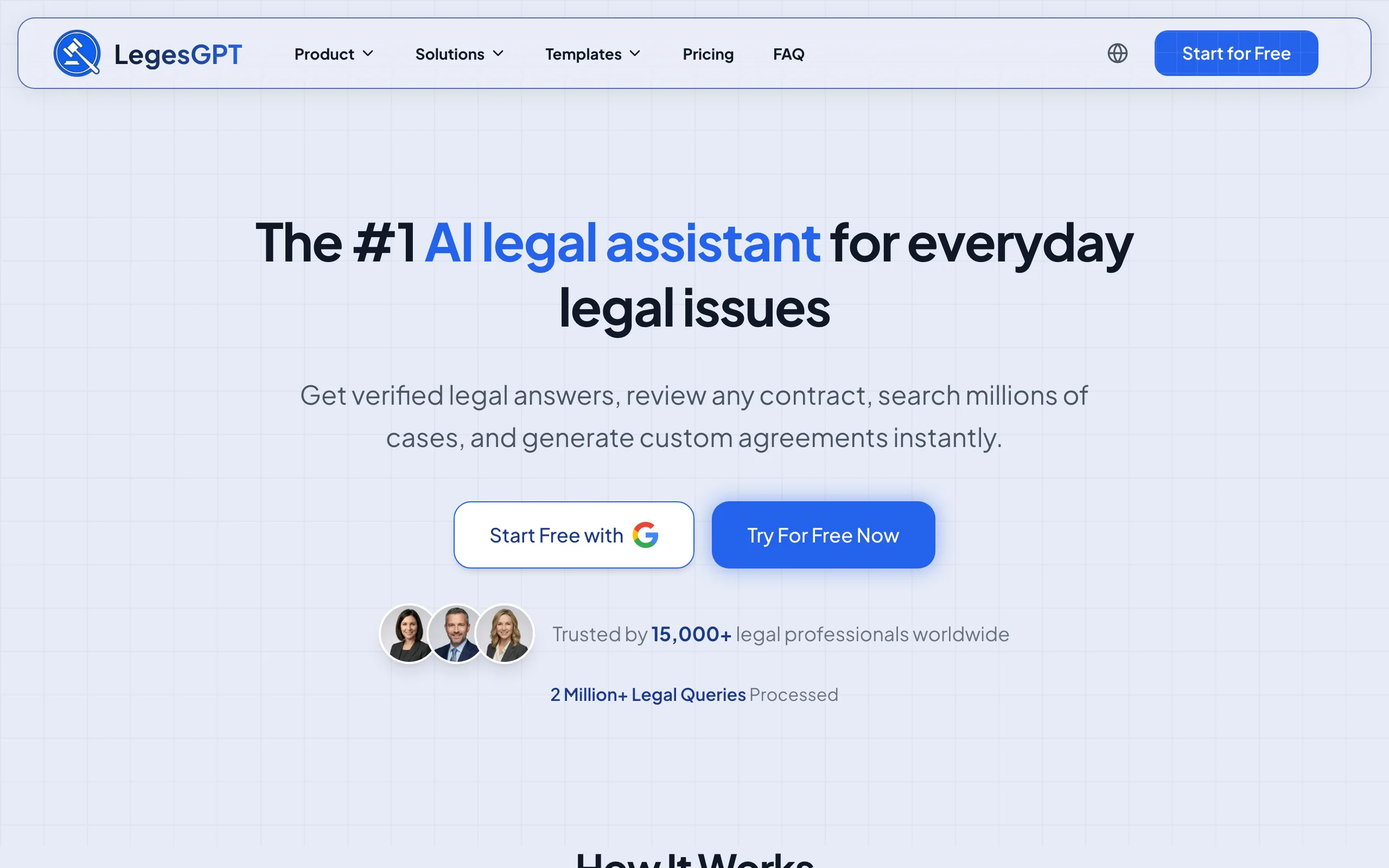
LegesGPT is an all-in-one AI legal assistant that collapses several of the categories below into one tool. Instead of buying separate software for research, document review, and drafting, you get them in a single subscription priced for solo practitioners and small firms rather than enterprise legal departments.
It searches case law and statutes and returns answers with verifiable citations, reviews uploaded contracts and documents to flag risks and propose fixes, drafts agreements from plain-language prompts, and lets you sign the final version. For most lawyers, it covers the daily research-review-draft loop that otherwise spans three or four tools.
Key features:
- Case law and statute search with verifiable citations you can check
- AI document review for PDF, DOCX, PPTX, TXT, and image files, with risk flags and suggested edits
- AI drafting for contracts, agreements, and legal documents from 100+ templates
- Built-in e-signature so you can draft and sign in one place
- Deep Research mode for multi-step legal questions across 38+ countries
Best for:
- Solo practitioners and small firms that want one tool instead of a stack
- Lawyers who need research, review, and drafting without an enterprise contract
- In-house counsel handling contracts and questions without a big software budget
Pricing:
- Basic from $19.99/month, Plus $49.99/month, Premium $99.99/month
- 3-day trial for $1, no enterprise commitment
- Around 30% off on annual billing
Pros:
- Replaces multiple point tools, which lowers total software spend
- Self-serve and affordable, so a small team is productive on day one
- Citations are verifiable, which keeps research grounded
Cons:
- Not a practice management or trust-accounting system, so pair it with Clio or Smokeball for matters and billing
- Built for solo and small-firm workflows rather than BigLaw e-discovery scale
If your biggest daily need is to research, review, and draft, LegesGPT is the cheapest way to cover all three. You can try it as your AI legal assistant before committing to a paid plan.
All of LegesGPT for $1
Verified-citation answers, case law search, document review, AI drafting, and e-signature in one subscription. 3-day trial for $1, cancel anytime.
Start the $1 trial2. Clio, best for practice and case management
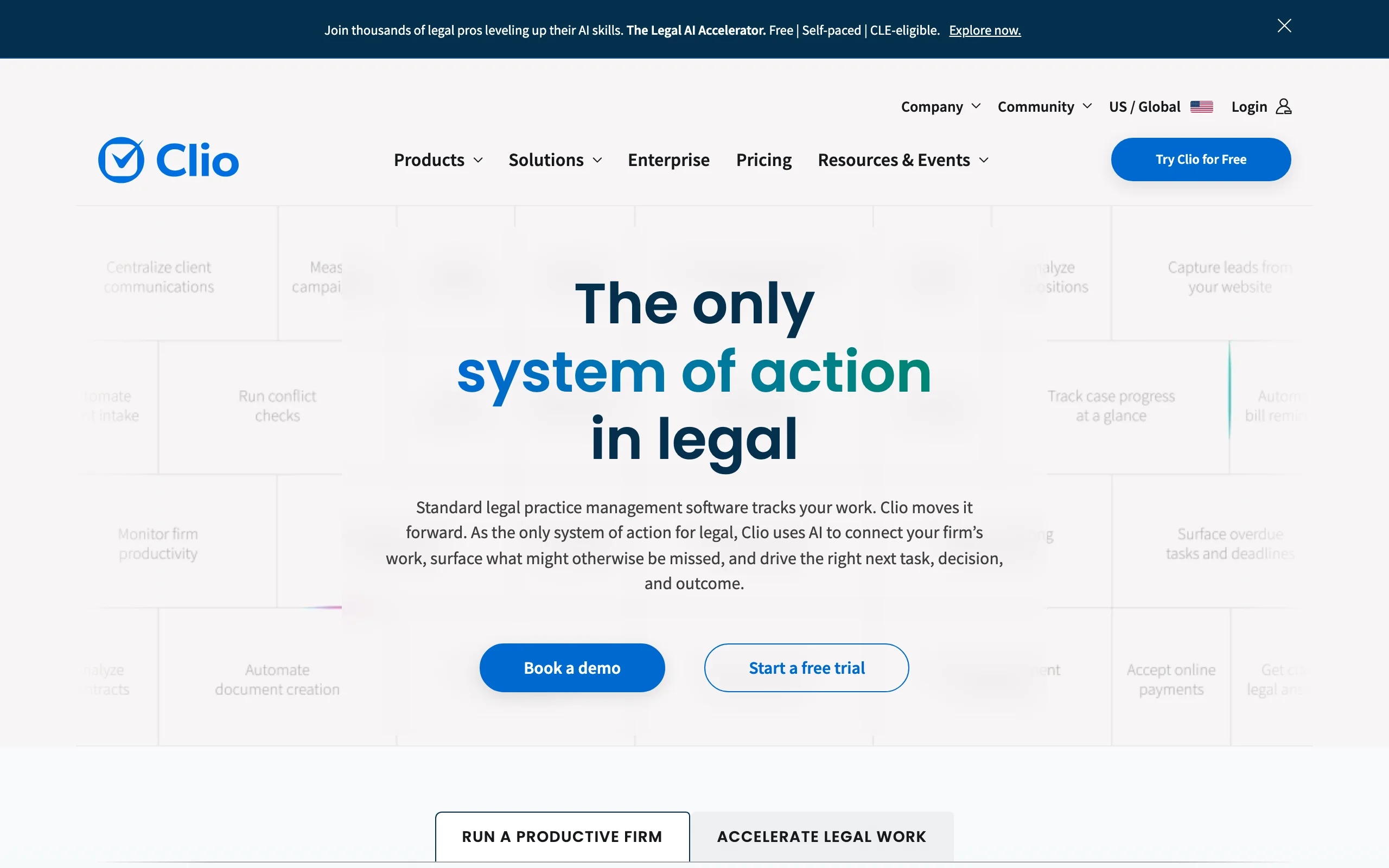
Clio is the most widely adopted legal practice management platform, and for most firms it is the operational hub the rest of the stack plugs into. It handles matters, contacts, calendaring, time tracking, billing, trust accounting, and client intake in one system, with a large integration marketplace on top.
Where an AI assistant handles the legal thinking, Clio handles the running of the firm: who owes what, which deadlines are coming, and where every matter stands. Its Clio Grow tier adds client intake and marketing automation for firms focused on growth.
Key features:
- Matter, contact, and document management in one hub
- Time tracking, billing, and IOLTA-compliant trust accounting
- Client intake and CRM through Clio Grow
- Hundreds of integrations, plus QuickBooks sync on higher tiers
- AI-assisted document drafting on the Complete plan
Best for:
- Firms that want a single system of record for the whole practice
- Growing practices that need intake, billing, and matters connected
- Teams that value a deep integration ecosystem
Pricing:
- EasyStart $49, Essentials $89, Advanced $119, Complete $149 per user per month, billed annually
- 7-day free trial, no credit card required
- Add-ons such as Clio Grow ($59/user/month plus setup) and payment processing cost extra
Pros:
- The category leader, so hiring, training, and integrations are easy
- Scales from solo to mid-size firm without switching platforms
- Strong trust-accounting and compliance support
Cons:
- Per-user pricing adds up quickly for larger teams
- Document drafting and AI features sit on the priciest tier
3. Westlaw, best for legal research
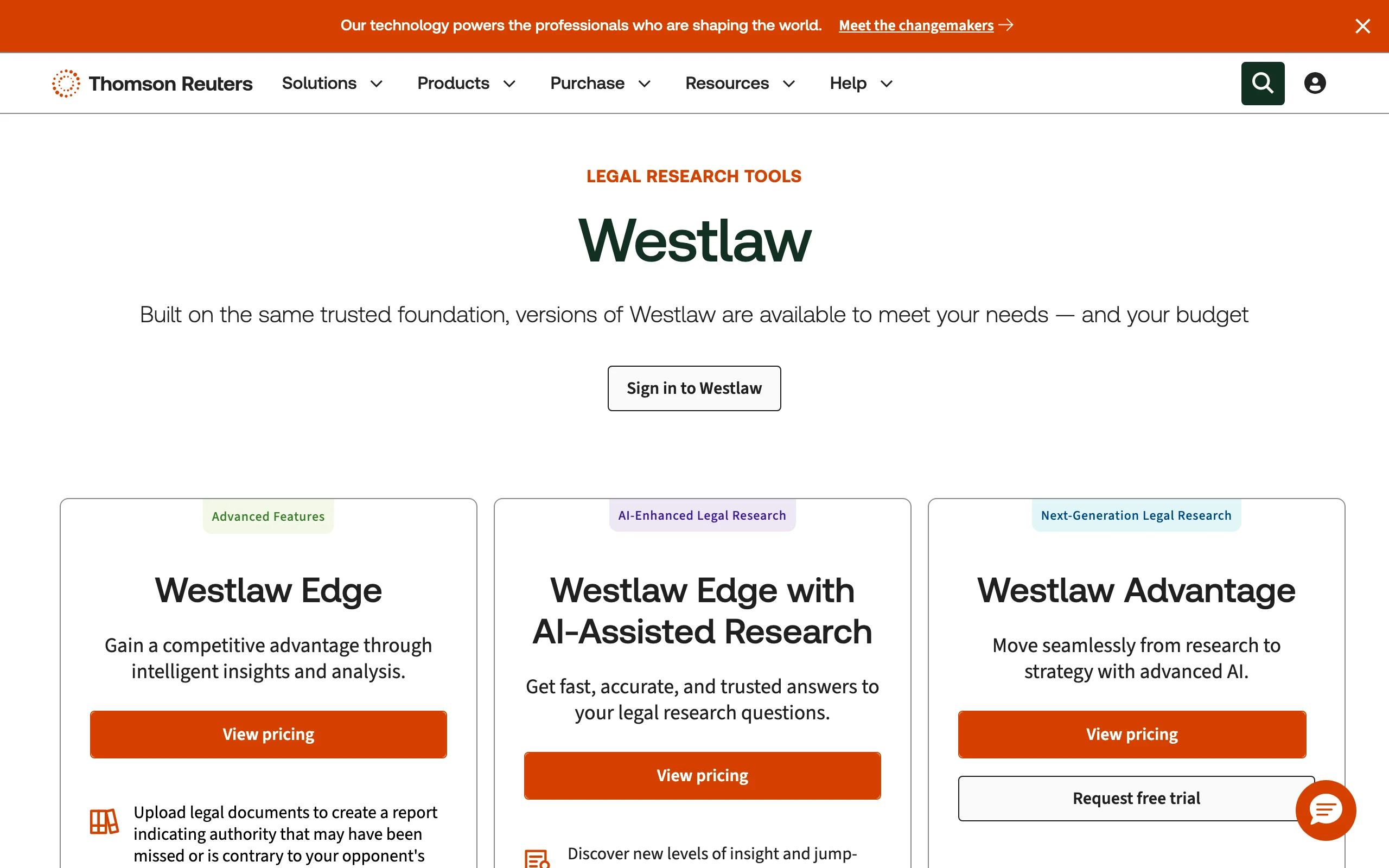
Westlaw, from Thomson Reuters, is one of the two databases that have defined legal research for decades. Its depth of case law, statutes, secondary sources, and citator (KeyCite) coverage is hard to match, and it now layers AI on top through Westlaw Precision with CoCounsel.
For firms that litigate or write memos where citation accuracy is non-negotiable, Westlaw remains a benchmark. The trade-off is cost: comprehensive coverage with the AI layer sits well above what an AI-first assistant charges.
Key features:
- Deep case law, statute, and secondary-source database
- KeyCite citator to confirm whether authority is still good law
- AI-Assisted Research and Westlaw Precision with CoCounsel
- Practice-area materials, briefs, and analytical content
- Self-serve online pricing for new firms up to 10 attorneys
Best for:
- Litigators and firms doing high-stakes research
- Practices that need an authoritative citator
- Firms that already standardize on Thomson Reuters tools
Pricing:
- Single-state Westlaw Classic from about $133/user/month
- AI-Assisted Research tiers from about $155/user/month on multi-year terms
- Westlaw Precision with CoCounsel around $428/user/month, quote-based
Pros:
- Unmatched depth and a trusted citator
- AI research now integrated into the core database
- Comprehensive coverage across practice areas
Cons:
- Expensive, especially for solos and small firms
- Best pricing requires multi-year commitments
If research is your main job but the price tag is steep, an AI-first AI case law search tool can cover everyday case law and statute questions at a fraction of the cost, with Westlaw reserved for the heaviest matters.
4. DocuSign, best for e-signature
DocuSign is the default e-signature standard, and most clients already know how to use it. For lawyers, it turns the last mile of any agreement, getting it executed, into a few clicks with a legally recognized audit trail.
Beyond signatures, DocuSign has expanded into Intelligent Agreement Management (IAM), adding AI agreement analysis, workflow automation, and a contract repository. For a firm that just needs reliable signing, the core eSignature plans are enough.
Key features:
- Legally recognized e-signature with a full audit trail
- Reusable templates and bulk send on higher tiers
- Payment collection and advanced fields on Business Pro
- ID verification and SMS delivery add-ons
- Intelligent Agreement Management for AI analysis and workflows
Best for:
- Any firm that needs reliable, client-friendly signing
- Transactional practices sending agreements at volume
- Teams that want signing standardized across the firm
Pricing:
- Personal $10/month (single user, 5 envelopes/month)
- Standard $25/user/month, Business Pro $40/user/month, billed annually
- Add-ons: SMS delivery from $0.40 each, ID verification from $2.50 each
Pros:
- The most recognized signing standard, so clients rarely need help
- Scales from solo signing to firm-wide agreement workflows
- Strong audit trail and compliance posture
Cons:
- Envelope caps on lower tiers can force an upgrade
- Full agreement-management features cost well beyond basic signing
5. Ironclad, best for contract lifecycle management
Ironclad is a contract lifecycle management (CLM) platform built for legal ops teams and companies that move high volumes of contracts. Its standout is a no-code workflow builder: you drag and drop contract stages, set approval conditions, and create branching logic without engineering help.
This is not a tool for occasional drafting. It is for legal departments that need to standardize how every contract is requested, negotiated, approved, signed, and stored, with AI redlining and a Copilot to speed up review.
Key features:
- No-code workflow builder with conditional approvals and branching logic
- AI Redlining and AI Copilot for contract review
- Centralized repository with version control and audit trails
- Integrations with Salesforce, Outlook, and cloud storage
- Built-in negotiation and e-signature
Best for:
- In-house legal and legal ops teams at mid-market and enterprise companies
- Organizations with high contract volume and complex approvals
- Teams that want non-technical staff to build their own workflows
Pricing:
- Custom, quote-based; no public pricing
- Commonly $40,000 to $80,000+ per year for 10 to 30 users
- Implementation fees often add $5,000 to $50,000
Pros:
- Powerful, flexible workflow automation
- Strong AI review and a usable builder for non-engineers
- Enterprise-grade repository and audit trails
Cons:
- Enterprise pricing puts it out of reach for solos and small firms
- Custom quotes and sales negotiation for every pricing change
For firms that need contract review without an enterprise CLM, a focused tool to review contracts with AI covers risk flagging and redlines at a small-firm price.
6. Relativity, best for e-discovery
Relativity, primarily through its cloud platform RelativityOne, is the standard for e-discovery in litigation. When a case involves thousands or millions of documents, Relativity handles collection, processing, review, and production defensibly, at a scale no general tool matches.
Its AI layer, including aiR for Review and aiR for Privilege, is now bundled into RelativityOne rather than sold separately. For litigation teams, this is the heavy machinery of document review, and it is priced accordingly.
Key features:
- End-to-end e-discovery: collection, processing, review, production
- aiR for Review, Privilege, and Case Strategy included
- Direct collection from Outlook, OneDrive, Slack, and other platforms
- Advanced search, analytics, and deduplication
- 24/7 support and coverage across 17 countries
Best for:
- Litigation teams and firms handling large document sets
- Cases with significant e-discovery and review burdens
- Organizations that need defensible, auditable workflows
Pricing:
- Custom, usage-based pricing tied to data volume and features
- Pay-as-you-go or 1- to 3-year commitments to save
- aiR AI features included at no additional cost in RelativityOne
Pros:
- The litigation-grade standard for large-scale review
- AI review tools included rather than billed separately
- Robust security and 24/7 support
Cons:
- Overkill and over budget for non-litigation or small matters
- Requires expertise or a service provider to run well
7. Smokeball, best for document automation
Smokeball is a practice management platform with an emphasis on document automation and productivity, which makes it a strong fit for high-volume small firms in areas like family law, estate planning, and immigration. It auto-fills forms and documents from matter data, so you stop retyping the same client details into every template.
It also tracks time automatically in the background, which captures billable work that often slips through manual entry. Its higher tiers add the Archie AI assistant, lead management, and client intake.
Key features:
- Document automation that auto-fills forms from matter data
- Automatic time tracking in the background
- Matter, document, and calendar management
- Archie AI assistant and client intake on higher tiers
- Large library of automated legal forms
Best for:
- High-volume small firms with repetitive document work
- Family law, estate planning, immigration, and similar practices
- Firms that lose billable time to manual entry
Pricing:
- Bill $49/user/month and Boost $89/user/month
- Grow and Prosper+ tiers via custom quote, which unlock full document automation and AI
- Demo-based onboarding rather than a public free trial
Pros:
- Best-in-class document automation for repetitive filings
- Automatic time capture protects revenue
- Tailored to small-firm practice areas
Cons:
- Full automation and AI sit behind custom-quote tiers
- Desktop-centric experience may not suit every workflow
When you mainly need to produce documents fast rather than manage a whole firm, an AI tool that can generate legal documents from a prompt is a lighter, lower-cost alternative to a full automation suite.
8. LawPay, best for billing and payments
LawPay is payment processing built specifically for law firms, and its key advantage is trust compliance. Unlike general processors that deduct fees from deposited funds, LawPay keeps client payments for future services in your IOLTA trust account until earned, which keeps you on the right side of bar rules.
It accepts cards and eChecks, integrates with most practice management systems, and includes time tracking, invoicing, and billing in the base subscription. For any firm that takes client payments, it removes a real compliance headache.
Key features:
- IOLTA-compliant trust handling that protects client funds
- Card and eCheck payments with ABA-approved processing
- Time tracking, invoicing, and billing included
- Integrations with major practice management platforms
- Optional surcharging to pass processing costs to clients
Best for:
- Any firm that accepts client payments and holds funds in trust
- Solos and small firms that need compliant processing without overhead
- Practices that want payments connected to their billing system
Pricing:
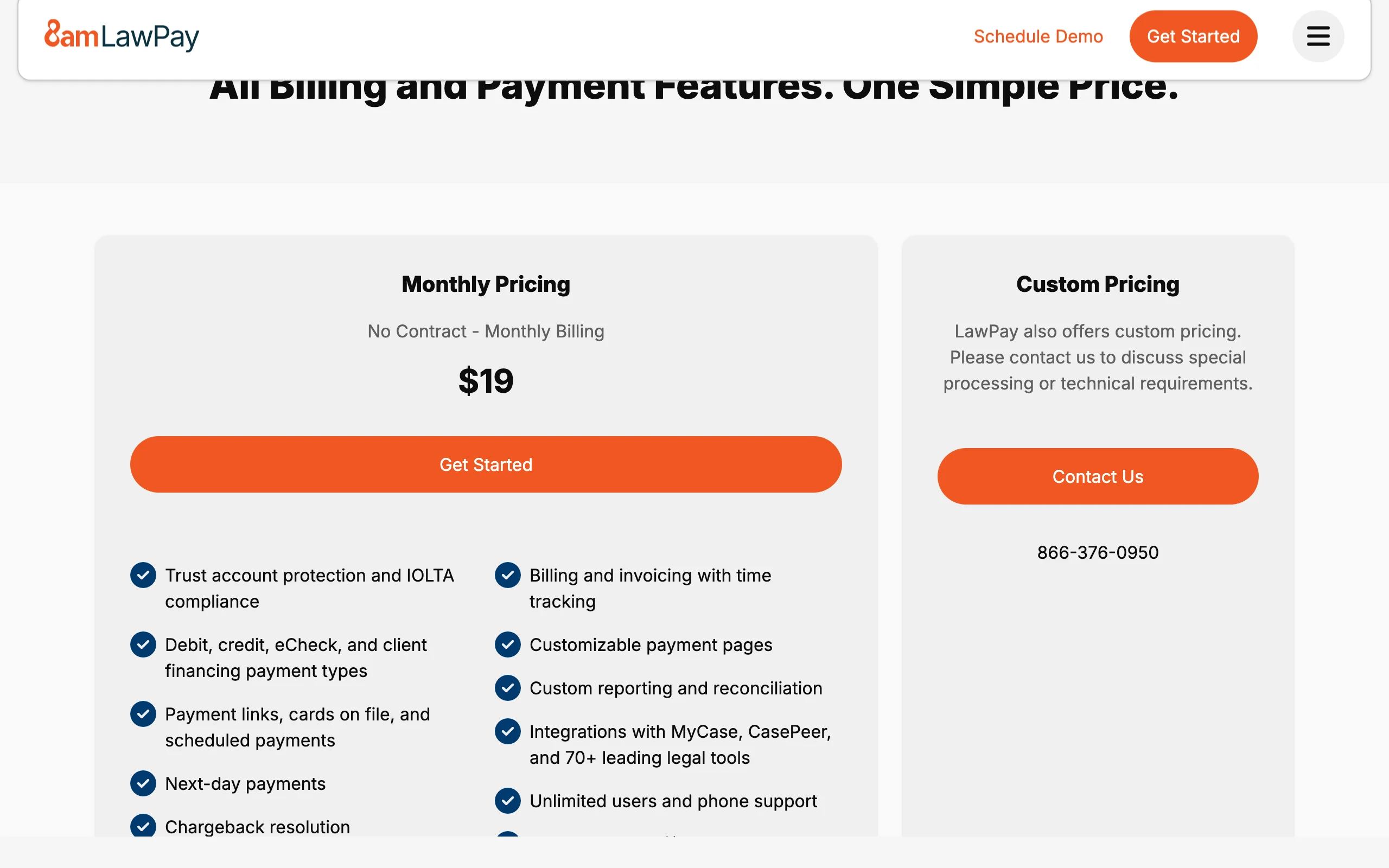
- Platform fee from $19/month, plus a $4.99/month allocation fee
- 2.99% + 30¢ per card transaction, 3.90% + 30¢ for American Express
- eCheck processing at 1%; custom pricing above $50K/month in volume
Pros:
- Purpose-built trust compliance that general processors lack
- Predictable monthly cost plus standard processing rates
- Integrates cleanly with the rest of a legal stack
Cons:
- Processing rates are average rather than the lowest available
- It is payments only, so it complements rather than replaces practice management
How to choose the best software for your practice
You do not need all eight tools. Build a stack around the work you actually do, and add categories as your caseload grows.
1) What is your single biggest daily bottleneck?
- If it is research, review, and drafting: start with an AI legal assistant like LegesGPT, then add Westlaw only when matters demand the deepest database.
- If it is running the firm (matters, deadlines, billing): start with practice management (Clio, or Smokeball for document-heavy practices).
- If it is getting paid compliantly: add LawPay regardless of firm size.
2) How big is your firm and budget?
- Solo or small firm: pair an affordable AI assistant (LegesGPT from $19.99/month) with Clio EasyStart or Smokeball Bill and LawPay. Skip enterprise CLM and e-discovery until you need them.
- Mid-size firm: layer Westlaw for research and DocuSign for firm-wide signing on top of practice management.
- In-house or enterprise legal ops: prioritize Ironclad for contract workflows; add Relativity if you handle litigation.
3) Do you litigate or transact?
- Litigation-heavy: Westlaw for research and Relativity for e-discovery are the workhorses; budget for both.
- Transaction-heavy: Ironclad for contract lifecycle (or an AI contract tool for smaller volume) plus DocuSign for signing.
4) Standalone tool or all-in-one?
- Consolidate where you can. An AI assistant that covers research, review, drafting, and signing reduces how many point tools you buy and maintain. The categories that still need dedicated software are practice management, e-discovery, and trust-compliant payments.
A practical approach: test three to five tools against your real documents and matters before committing. Most offer a trial or demo, and the right AI tools for lawyers should prove their value on your own work within a week. Do the price-to-value math per category, since per-user fees and processing rates add up across a firm.
Frequently Asked Questions
What is the best software for lawyers in 2026?
There is no single tool that does everything well. The best stack pairs one strong pick per category. For an all-in-one AI legal assistant that researches, reviews, drafts, and signs, LegesGPT is the best overall starting point. For practice management it is Clio, for legal research Westlaw, for e-signature DocuSign, for contract lifecycle Ironclad, for e-discovery Relativity, for document automation Smokeball, and for billing and payments LawPay.
What software do most law firms use?
Most firms run a practice management system (Clio, Smokeball, or MyCase) as the hub, a legal research platform (Westlaw or Lexis), an e-signature tool (DocuSign), and increasingly an AI legal assistant for research, review, and drafting. Larger litigation teams add an e-discovery platform such as Relativity. The exact mix depends on practice area and firm size.
What is the cheapest software for lawyers?
Among the categories here, an AI legal assistant is the most accessible: LegesGPT starts at $19.99/month with a 3-day trial for $1. LawPay's platform fee is $19/month plus processing, and DocuSign Personal is $10/month. Practice management and legal research are the bigger line items, often $49 to $400+ per user per month.
Do lawyers still need separate software, or can one tool do everything?
No single tool covers research, practice management, e-discovery, and payments at a professional level. An AI legal assistant like LegesGPT can collapse several research, review, and drafting tasks into one subscription, which reduces the number of point tools you need, but you will still want dedicated software for practice management and trust-compliant billing.
Is AI software safe to use for confidential legal work?
Reputable legal software offers enterprise-grade security, data isolation, and options that keep your documents out of model training. Confirm each vendor's data-handling, retention, and certification terms before uploading client material, and remember that AI output is a first draft a qualified lawyer should review.
What is the best software for a solo lawyer or small firm on a budget?
Start lean. Pair an affordable AI legal assistant (LegesGPT from $19.99/month) for research, review, and drafting with a practice management tool you can grow into (Clio EasyStart or Smokeball Bill) and a pay-as-you-go payments tool (LawPay). Add Westlaw or e-discovery software only when your caseload demands it.
What software do lawyers use for legal research?
Westlaw and Lexis remain the two dominant legal research platforms, now with AI layers (Westlaw Precision with CoCounsel, Lexis+ AI). AI-first assistants like LegesGPT also handle case law and statute search with verifiable citations at a far lower price point, which suits firms that want research bundled with review and drafting.
If I mainly need to research, review, and draft on a small-team budget, what should I use?
Start with LegesGPT. It searches case law and statutes with verifiable citations, reviews documents and proposes fixes, drafts contracts and agreements, and signs the final version, all self-serve from $19.99/month with a $1 trial. That covers most of a lawyer's daily software needs before you add practice management or e-discovery.