
A 60-page master services agreement takes a lawyer two to three hours to read properly. Multiply that across every NDA, vendor agreement, and amendment your team touches in a week, and reading, not negotiating, becomes the bottleneck. Contract reading software fixes that: AI that ingests a contract, summarizes it in plain language, answers questions about specific terms, and flags the clauses that deserve human attention.
The payoff is concrete. Teams that let AI do the first read report cutting document turnaround from hours to minutes, and they catch buried auto-renewal and indemnity terms that a tired skim misses.
In this guide we compare the seven best options for legal teams, with verified pricing, key strengths, honest trade-offs, and a framework for choosing the right fit.
Best contract reading software: a brief overview
- LegesGPT: Best overall for legal teams that need to upload any contract and get plain-language summaries, answers, and flagged risks, starting at $19.99/mo.
- Spellbook: Best for lawyers who want contract reading and drafting suggestions without leaving Microsoft Word.
- Robin AI: Best for quick contract Q&A with a free tier to test before committing.
- Docusign IAM: Best for extracting key terms across agreements your company already stores in Docusign.
- Luminance: Best for enterprise teams that want autonomous first-pass reading at high volume.
- Kira by Litera: Best for M&A due diligence teams extracting data points from thousands of documents.
- LexCheck: Best for playbook-driven markup where every contract is checked against your standard positions.
| Tool | Best for | Starting price | Free trial | Platforms |
|---|---|---|---|---|
| LegesGPT | All-in-one for solo and small legal teams | From $19.99/mo | 3-day, $1 | Web |
| Spellbook | Reading and drafting inside Word | Custom (per seat) | 7-day | Word add-in |
| Robin AI | Fast contract Q&A | Free tier; Pro paid | Free tier | Web |
| Docusign IAM | Term extraction across a Docusign repository | From $45/user/mo | 30-day refund | Web |
| Luminance | Enterprise-scale autonomous reading | Custom (enterprise) | Demo only | Web + Word |
| Kira by Litera | M&A due diligence extraction | Custom (enterprise) | Demo only | Web |
| LexCheck | Playbook-based markup in Word | Custom (per playbook) | Demo only | Word add-in |
1. LegesGPT, best overall contract reading software for legal teams
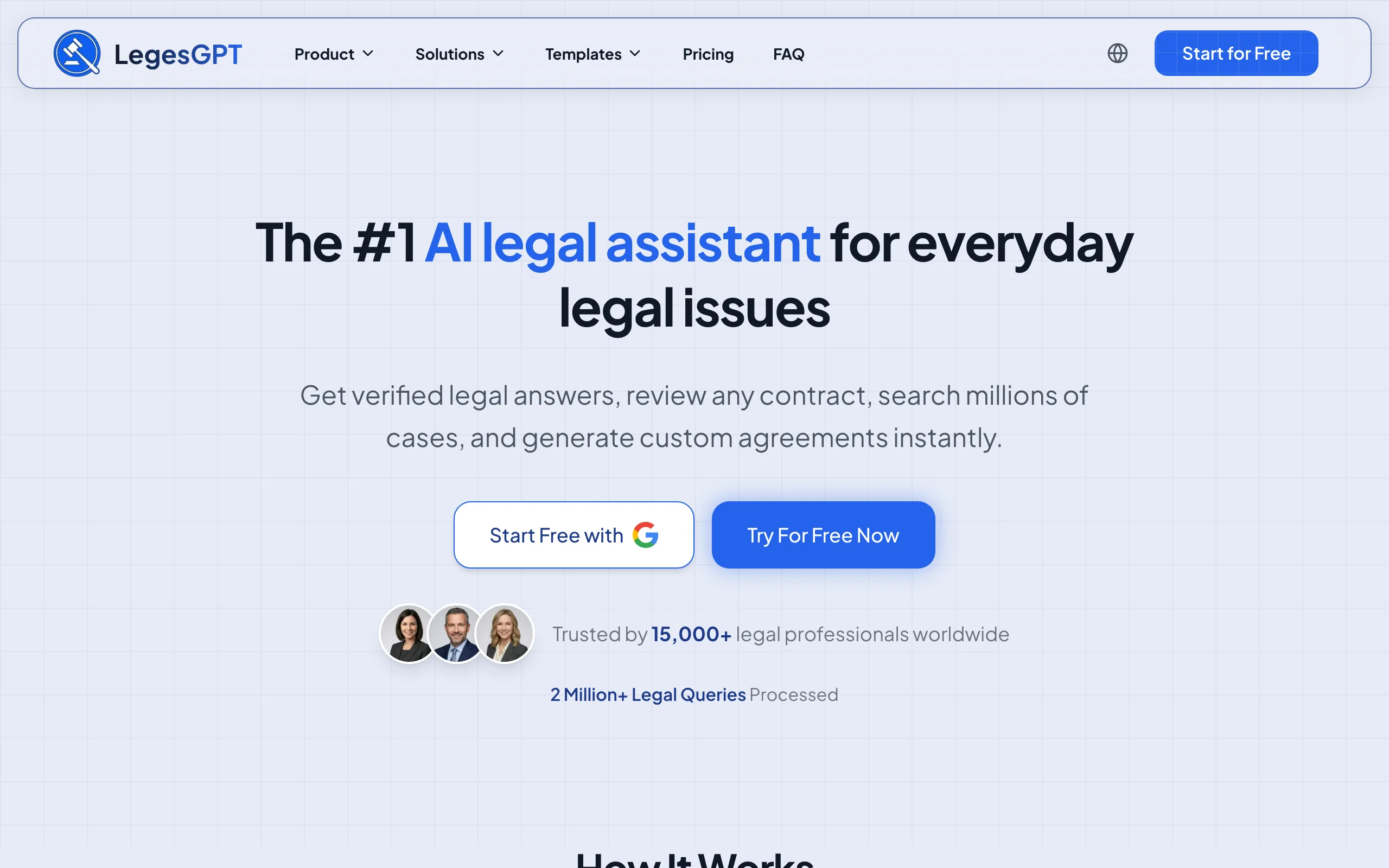
LegesGPT treats contract reading as a comprehension problem, not just a search problem. Upload any contract as a PDF, DOCX, or even a photo of a signed page, and it returns a plain-language summary of what the agreement actually says: the parties' obligations, payment terms, termination rights, and deadlines. From there you can ask questions in normal English ("Can we terminate for convenience?" "Who owns the IP created under this SOW?") and get direct answers grounded in the document itself.
It also reads critically. AI document review flags risky and one-sided clauses, from uncapped indemnities to silent auto-renewals and mandatory arbitration terms, and proposes concrete changes. Because the same subscription covers legal research with verified citations, AI drafting, e-signature, and 100+ attorney-drafted legal document templates, small teams get a full workflow in one tool instead of stitching together point solutions.
Key features
- Upload contracts as PDF, DOCX, PPTX, TXT, or images and get plain-language summaries
- Ask questions about specific terms and get answers grounded in the uploaded document
- Risk flagging with proposed clause changes, not just highlights
- Deep Research mode for multi-step questions that span a contract and the law behind it
- AI drafting and e-signature in the same subscription, so a flagged issue can become a fixed, signed document
- Web search integration for checking recent legal developments against your terms
Best for
- Solo practitioners and 2-50 attorney firms that read contracts daily but cannot justify enterprise pricing
- In-house and legal ops teams that need summaries and answers, not a full CLM deployment
- Paralegals doing the first read before an attorney sees the document
Pricing
- Basic: $19.99/mo for unlimited AI queries, case law and statute search, and citation verification
- Plus: $49.99/mo adds document upload and 50 document reviews per month
- Premium: $99.99/mo adds unlimited document reviews, Deep Research, and web search
- 3-day trial for $1; roughly 30% off with annual billing
Pros
- The cheapest credible option for teams that read contracts every day: document upload starts at $49.99/mo, a fraction of per-seat enterprise tools
- Answers cite the contract text and legal sources, so you can verify instead of trusting a summary blindly
- Self-serve signup with a $1 trial; no demo call or seat minimums
Cons
- Web-only: there is no Microsoft Word add-in, mobile app, or API, so Word-centric redlining workflows stay in the browser
- Document upload requires the Plus tier; the $19.99 Basic plan covers research and Q&A but not contract uploads
Spot risky clauses before you sign
LegesGPT scans any contract clause-by-clause, flags one-sided and missing terms, and backs every finding with a citation you can check.
Review a contract2. Spellbook, best for reading contracts inside Microsoft Word
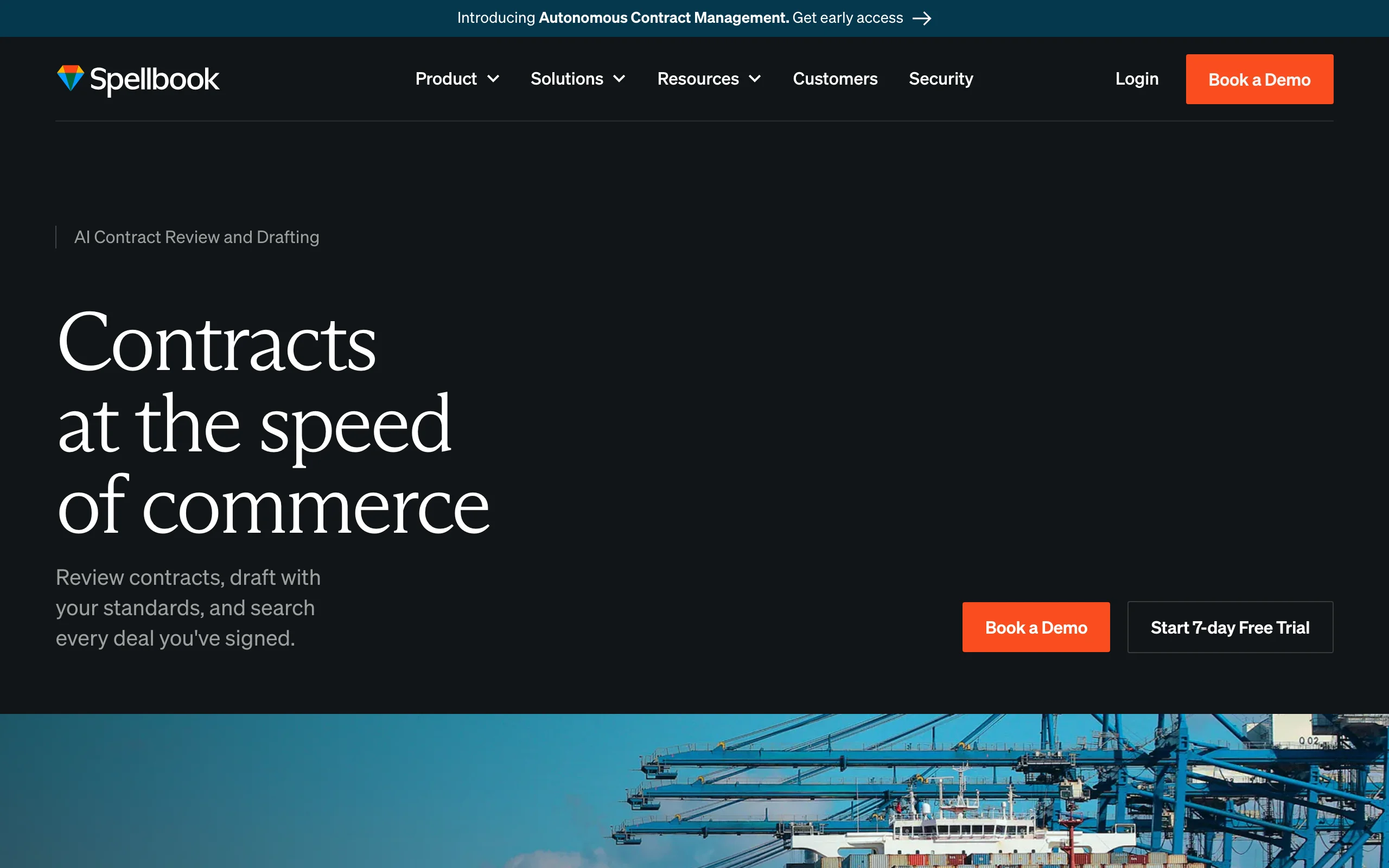
Spellbook is a Microsoft Word add-in, which matters because Word is where most legal teams actually open contracts. Its Suite combines Review, Draft, Ask, Benchmarks, and Playbooks: you can ask questions about the open document, get clause suggestions benchmarked against market terms, and check language against your playbook without switching tabs. For teams whose entire contract life happens in .docx files, that zero-context-switch design is the main draw.
Key features
- Reads and marks up the contract you already have open in Word
- Ask feature answers questions about the open document
- Benchmarks compare clause language against market-standard terms
- Playbooks check contracts against your firm's preferred positions
- Separate offerings tuned for law firms and in-house teams
Best for
- Law firm associates who live in Word and want suggestions inline
- In-house teams that want playbook checks during negotiation rather than after
Pricing
- Custom pricing structured around the number of team members on your license; no rate card is published
- 7-day free trial available
Pros
- The most polished Word-native experience in the category
- Benchmarks give junior lawyers market context they would otherwise ask a partner for
Cons
- Pricing requires a demo call, and per-seat quotes trend well above self-serve tools
- Word-only by design: reading a scanned PDF or an image of a signed contract is not its lane
3. Robin AI, best for quick contract Q&A with a free tier
Robin AI positions itself as a legal AI assistant with contract reading at the core: upload an agreement and chat with it. Its free tier (10 messages per day for a single user) makes it the easiest tool on this list to trial without any commitment, and the company has publicly committed to always offering a free version. Paid plans add unlimited messages and uploads, reports, and, at the enterprise level, clause comparison, centralized obligations management, and bespoke playbooks.
Key features
- Chat-style Q&A over uploaded contracts
- Free tier with 10 daily messages for individual users
- Pro plan with unlimited messages and uploads for small teams (up to 5 users)
- Enterprise features: instant clause comparison, obligations management, SSO, custom playbooks
- Reports that summarize findings across documents
Best for
- Teams that want to test AI contract reading with zero budget approval
- Mid-market in-house teams that outgrew ad-hoc ChatGPT use but do not need a CLM
Pricing
- Free tier: 10 daily messages, single user
- Pro: paid per seat for up to 5 users; third-party listings report around $100/user/mo, and Robin AI does not publish an official rate card
- Enterprise: custom pricing via sales
Pros
- Lowest barrier to entry in the category thanks to the permanent free tier
- Enterprise tier scales into obligations tracking without a full CLM migration
Cons
- Official pricing is not published, so budgeting beyond the free tier means a sales conversation
- Narrower scope than all-in-one tools: no legal research, drafting, or e-signature layer
4. Docusign IAM, best for extracting terms across a Docusign repository
Docusign IAM (Intelligent Agreement Management) answers a different question than the other tools here: not "what does this contract say?" but "what do all our contracts say?" Its Navigator component centrally stores agreements and uses Docusign's AI to read each one and extract structured fields: parties, effective and expiration dates, renewal terms, payment terms, governing law, liability caps, and termination clauses. If your organization already signs through Docusign, that repository becomes searchable intelligence with minimal setup.
Key features
- Navigator stores and AI-reads every agreement in one repository
- Automatic extraction of key fields: dates, renewal terms, governing law, liability caps
- AI search across the whole agreement portfolio
- Native fit with Docusign e-signature workflows
- Available across IAM tiers, with advanced AI features in higher plans
Best for
- Companies with hundreds of signed agreements already sitting in Docusign
- Legal ops teams tracking renewal dates and obligations portfolio-wide
Pricing
- IAM Starter: from $45/user/mo (1-50 users)
- IAM Standard: $50/user/mo; IAM Professional: $80/user/mo (both with 3-user minimums)
- IAM Enterprise: custom pricing; 30-day refund window on annual self-serve plans
Pros
- Turns an existing signature archive into structured, queryable data
- Transparent self-serve pricing, rare in this category
Cons
- Extraction-first: it surfaces fields and dates well, but deep clause-level Q&A and legal risk judgment are not its strength
- Value depends heavily on already being a Docusign customer
5. Luminance, best for enterprise-scale autonomous reading
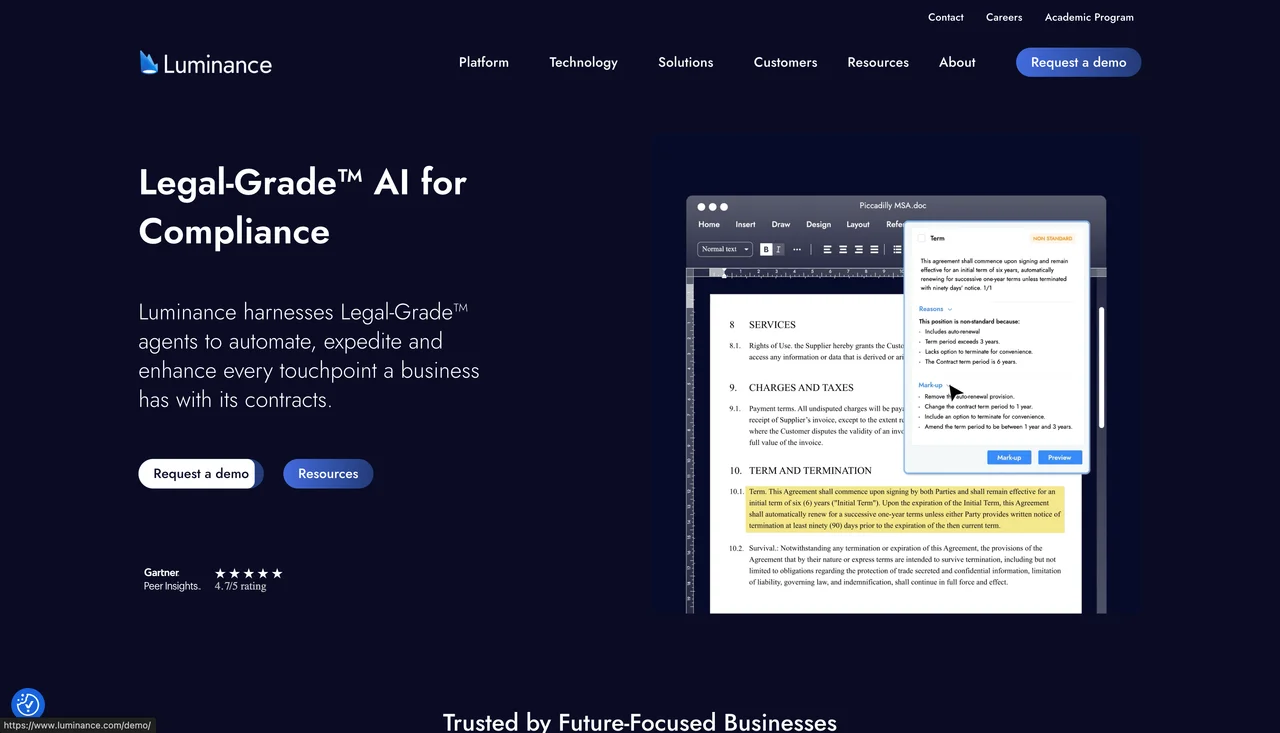
Luminance is built for organizations where contract reading is an industrial process. Its AI takes a first-pass read of any contract under negotiation and highlights areas of risk instantly, and its auto-markup capability redlines incoming contracts against your playbook in seconds. The headline feature is Autopilot, an agent that can negotiate standard NDAs end-to-end. Over 1,000 organizations across 70+ countries use it, including Big Four firms and multinational corporates.
Key features
- Autonomous first-pass reading that highlights risk across any contract
- Auto-markup: redlines generated against preferred positions and playbooks
- Autopilot agent that negotiates standard NDAs without human intervention
- Diligence module that reads thousands of documents and flags unusual clauses and inconsistencies
- Deployed across legal, procurement, and compliance teams
Best for
- Enterprise legal teams processing high contract volume with standardized playbooks
- Big Four and BigLaw teams running large transactional and compliance workloads
Pricing
- Custom, subscription-based with usage components; no public pricing, quotes via sales consultation
- Third-party analyses note implementation costs typically add 20-50% of the first-year license fee
Pros
- Genuinely autonomous workflows: routine NDAs can go from inbox to signed with minimal human touch
- Proven at enterprise scale across jurisdictions
Cons
- Priced and built for enterprises; small teams will not get through procurement, let alone budget
- Opaque pricing plus meaningful implementation costs make total cost hard to predict
6. Kira by Litera, best for M&A due diligence extraction
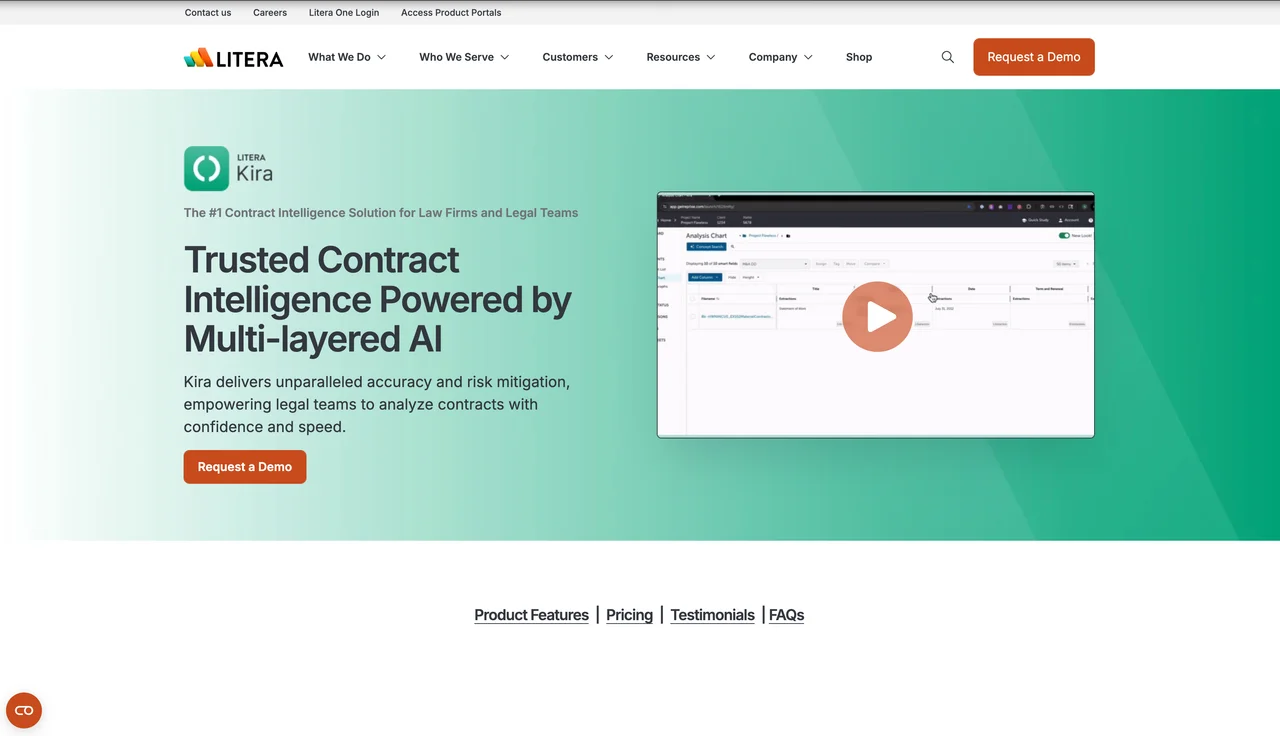
Kira made its name teaching machines to read data rooms. Now a module within the Litera platform following the 2022 acquisition, it uses pre-trained machine learning models to extract clauses and data points from thousands of contracts at once, which is exactly what due diligence demands. When a deal team needs every change-of-control, assignment, and exclusivity clause across an acquisition target's entire contract stack, Kira remains one of the most battle-tested options.
Key features
- Pre-trained extraction models for common clause types and data points
- Bulk reading across thousands of documents in a data room
- Surfaces provisions for deal teams to compare side by side
- Sold as part of the broader Litera platform alongside drafting and transaction tools
Best for
- M&A and corporate teams running due diligence on large document sets
- Firms already committed to the Litera ecosystem
Pricing
- Custom pricing based on implementation size and document volume; no public rate card
- Practitioner accounts describe firm-wide Litera platform commitments reaching six to seven figures annually; standalone Kira quotes are reportedly less favorable than bundles
Pros
- Mature, widely validated extraction accuracy on diligence workflows
- Bundling with Litera's drafting tools can consolidate vendors for large firms
Cons
- A diligence-extraction specialist, not a tool for reading and answering questions about one contract on your desk
- Buying standalone is reportedly less attractive than a broader Litera commitment, which locks you into a platform decision
7. LexCheck, best for playbook-driven markup in Word
LexCheck reads every incoming contract against your preferred positions and catches deviations in seconds, then redlines the problematic terms directly in Microsoft Word. Its LLM-powered playbooks come pre-trained on the most common provisions, so teams can start checking virtually any contract type without months of playbook building. Data is stored with AES-256 encryption, served over TLS 1.2 or greater, and never mined for advertising.
Key features
- Reads contracts against playbooks and flags every deviation from your standard positions
- Automated redlining of problematic terms inside Word
- Pre-trained playbooks covering common provisions, usable on most contract types
- Flat-fee model with unlimited users and unlimited document volume per playbook
Best for
- High-volume teams (procurement, sales contracts, PE deal flow) standardizing on a few contract types
- Legal departments that want consistency across every reviewer
Pricing
- Flat yearly subscription per contract playbook, including unlimited users, unlimited volume, implementation, and support
- Specific amounts are not published; quotes via sales
Pros
- Unlimited-user flat pricing flips the per-seat economics of most rivals for large teams
- Deviation-catching against a playbook is more consistent than human first-pass reads
Cons
- Playbook-centric design pays off on repeated contract types, less so on one-off bespoke agreements
- No public pricing makes comparison shopping harder
How to choose the best contract reading software for your team
Four questions separate the right pick from an expensive mistake.
1) Do you need comprehension or extraction?
- If you need to understand one contract at a time (summaries, Q&A, risk flags): LegesGPT, Robin AI, or Spellbook.
- If you need structured data pulled from thousands of contracts: Kira for diligence, Docusign IAM for a signed-agreement repository.
2) Where does your team actually read contracts?
- If everything happens in Word: Spellbook or LexCheck keep the whole workflow in the document.
- If contracts arrive as PDFs, scans, or photos from clients: LegesGPT reads all of those formats in the browser, and Robin AI handles uploads too.
3) What is your realistic budget?
- Under $100/mo total: LegesGPT Plus at $49.99/mo is the only fully self-serve option with document upload at that price. Teams supporting attorneys with first-pass reads, including paralegals using AI for paralegals workflows, get the most leverage here.
- Per-seat budgets of $100+/user/mo: Robin AI Pro or Docusign IAM Professional.
- Enterprise procurement with implementation budget: Luminance, Kira, LexCheck, or Spellbook. Do the price-to-value math: a $50,000/year platform needs to save roughly 250 associate hours annually just to break even.
4) Is reading the whole job, or one step in it?
- If flagged issues should flow straight into research, redrafting, and signature: LegesGPT covers the full loop, and pairing it with broader AI for lawyers workflows keeps everything in one subscription.
- If reading feeds a separate CLM or deal process you already run: a specialist (LexCheck, Kira, Docusign IAM) slots in cleaner.
Whatever you shortlist, test 3 to 5 of your own real contracts before buying. Vendor demos use clean documents; your scanned, amended, exhibit-laden agreements are the real benchmark. And if your team's need leans more toward negotiation-stage markup than comprehension, our guide to the best AI contract review software covers that adjacent category in depth.
All of LegesGPT for $1
Verified-citation answers, case law search, document review, AI drafting, and e-signature in one subscription. 3-day trial for $1, cancel anytime.
Start the $1 trialFrequently Asked Questions
What is contract reading software?
Contract reading software uses AI to do the first read of an agreement for you. It ingests the document, produces a plain-language summary, answers questions about specific terms, and flags clauses that deserve human attention, turning a two-hour read into a few minutes of review.
Can AI really understand a contract?
Modern legal AI reads contracts well enough to summarize them accurately, locate specific terms, and flag non-standard language. What it does not do is exercise judgment about your business context, so the reliable pattern is AI first read, human final call, especially on high-stakes agreements.
What is the cheapest contract reading software?
Robin AI's free tier (10 messages a day for one user) is the cheapest way to test the category. For real workloads, LegesGPT is the most affordable published subscription at $19.99/mo, with document upload and 50 reviews per month at $49.99/mo, and a 3-day trial for $1.
Can contract reading software handle scanned PDFs and images?
Some tools can. LegesGPT accepts PDF, DOCX, PPTX, TXT, and image files, so a photographed or scanned contract can still be summarized and questioned. Enterprise extraction platforms like Kira also process scans through OCR pipelines.
Do I need a Word add-in to read contracts with AI?
Only if your team lives in Microsoft Word; Spellbook and LexCheck serve that workflow. Browser-based tools like LegesGPT need nothing installed and work the same on any machine, which is easier for small teams without IT support.
How long does AI take to read a contract?
Seconds to a couple of minutes, depending on length. A 60-page agreement that takes a lawyer two to three hours to read properly comes back with a summary and flagged clauses in roughly the time it takes to pour a coffee.
Is it safe to upload contracts to AI reading software?
Reputable vendors encrypt documents and state they do not train shared models on customer data. Check the vendor's security page and data-processing terms before uploading, and confirm your confidentiality obligations allow third-party processing.
If I mainly need contracts summarized and explained, what should I use?
Start with LegesGPT. Upload any contract and get a plain-language summary, answers to your questions about the terms, and risks flagged with proposed changes, from $19.99/mo with a 3-day $1 trial. If you later need Word-native markup or repository-wide extraction, you will know exactly what to look for.