

A commercial deal file grows fast: a title commitment with forty exceptions, a 60-page lease, a survey, a zoning question nobody has answered yet, and a closing package no one wants to proofread twice. Miss one assignment clause or one recorded easement and the problem surfaces days before closing, when it is most expensive to fix.
The AI tools in this guide compress that document load. They flag risky lease terms in minutes, answer title questions against the underlying registers, abstract entire portfolios, pull a parcel's zoning data in seconds, and move closing packages to signature without printing a page.
This guide compares the 7 best AI tools for real estate lawyers in 2026, with pricing, key features, honest pros and cons, and a decision framework so you can match the tool to your deal flow instead of buying on hype.
Best AI tools for real estate lawyers: a brief overview
- LegesGPT: Best overall for real estate lawyers: reviews leases and purchase agreements with flagged risks, drafts deeds and leases from attorney-drafted templates, researches state statutes with verified citations, and handles e-signature, all from $19.99/mo.
- Spellbook: Best for drafting purchase agreements inside Microsoft Word: suggests and redlines clauses directly in the document you are already working on.
- Orbital: Best for title review and property due diligence: purpose-built AI that reads title registers, leases, and contract packs and flags risks automatically.
- Prophia: Best for commercial lease abstraction at portfolio scale: AI plus human review that turns stacks of leases into a searchable, source-linked database.
- DocuSign: Best for e-signature everyone accepts: the standard signing layer that counterparties, lenders, and title companies already use.
- Qualia: Best for running title, escrow, and settlement operations in-house: cloud title production with an agentic AI layer, a client closing portal, and wire-fraud protection.
- Zoneomics: Best for zoning and land-use due diligence: searchable municipal zoning data, permitted-use lookups, and exportable zoning reports built for transaction diligence.
| Tool | Best for | Starting price | Free trial | Platforms |
|---|---|---|---|---|
| LegesGPT | All-in-one for solo and small firm real estate practice | From $19.99/mo | 3-day, $1 | Web |
| Spellbook | Drafting purchase agreements in Word | Custom (per seat) | 7-day | Word add-in |
| Orbital | Title review and property diligence | Custom | Demo only | Web |
| Prophia | Commercial lease abstraction | Custom (annual) | Free AI-only tier | Web |
| DocuSign | E-signature all parties accept | From $11/mo | 30-day | Web, mobile |
| Qualia | Title production and escrow operations | Custom | Demo only | Web |
| Zoneomics | Zoning and land-use due diligence | From $92/mo | None | Web, Word plugin |
1. LegesGPT, best overall for real estate lawyers
LegesGPT covers the four jobs that eat a real estate lawyer's week: document review, drafting, statute research, and signatures, in one subscription. Upload a commercial lease or purchase agreement and it flags problematic clauses (assignment restrictions, escalation terms, one-sided indemnities), proposes concrete changes, and produces a plain-language summary you can send to a client. Its AI document review works on PDFs, Word files, and even scanned images, which matters when half your title documents arrive as scans.
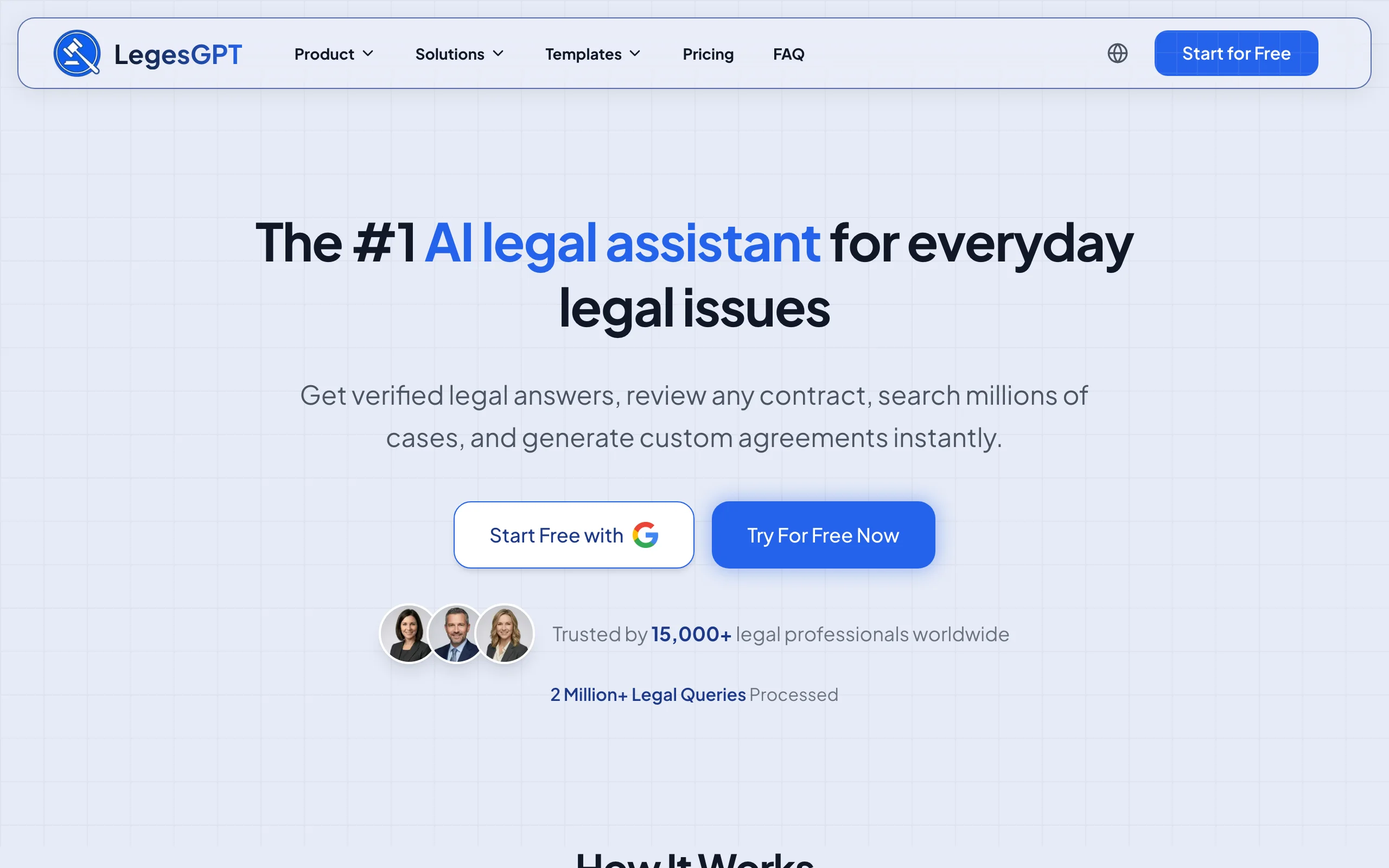
On the research side, you can ask jurisdiction-specific questions (notice periods for lease termination, statutory disclosure requirements for residential sales) and get answers with verified citations that link to the source, or search case law and statutes directly. For drafting, it generates deeds, leases, and addenda from a library of 100+ attorney-drafted legal document templates, then lets you send the finished document for e-signature without leaving the platform.
Key features:
- Lease and purchase-agreement review with flagged risks and proposed redlines
- State statute and case law research with verified, linked citations
- AI drafting of real estate documents (deeds, leases, purchase agreements, addenda)
- Built-in e-signature to close out signed documents
- Deep Research mode for multi-step questions (e.g., zoning plus landlord-tenant overlap)
- Accepts PDF, DOCX, PPTX, TXT, and scanned images
Best for:
- Solo practitioners and 2-50 attorney firms handling residential and commercial transactions
- In-house counsel at developers or property managers who need review, drafting, and signing in one place
Pricing:
- Basic: $19.99/mo (unlimited AI queries, case law and statute search, citation verification)
- Plus: $49.99/mo (adds document upload and 50 document reviews/month)
- Premium: $99.99/mo (unlimited document reviews, Deep Research, web search)
- 3-day trial for $1; roughly 30% off with annual billing
Pros:
- One subscription replaces separate review, drafting, research, and e-signature tools
- Verified citations reduce the hallucination risk that makes general chatbots dangerous for statute questions
- Self-serve signup with a $1 trial; no demo call or seat minimums
Cons:
- Web-only: no Microsoft Word add-in, mobile app, or API
- No title-specific data layer like Orbital's; title registers are reviewed as documents, not mapped parcels
Draft and review real estate documents with AI
Describe the deal and LegesGPT drafts a complete, clause-by-clause contract you can refine in seconds and export ready to sign.
Draft a contract2. Spellbook, best for drafting purchase agreements in Word
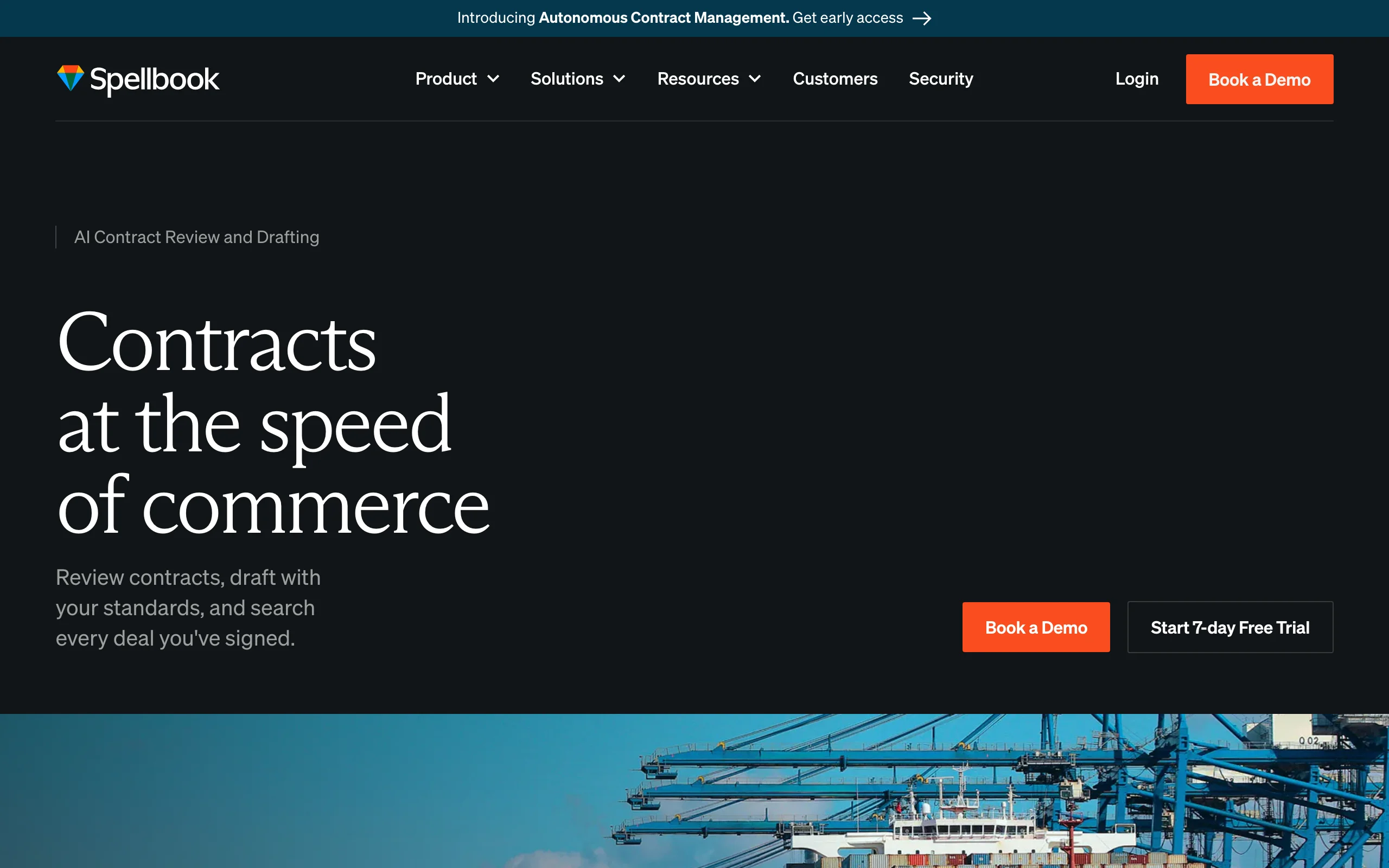
Spellbook is an AI contract drafting and review add-in that lives inside Microsoft Word. For real estate lawyers who negotiate purchase agreements and leases as tracked-changes Word files, that placement is the whole pitch: it suggests clause language, redlines against your positions, and reviews counterparty drafts without copy-pasting into a separate tool. It is built for transactional lawyers, and real estate is among its listed use cases.
Key features:
- Clause suggestions and AI drafting directly in Microsoft Word
- Contract review with issue flagging on counterparty paper
- Redlining support against your standard positions
- Works with the documents and templates your firm already uses
Best for:
- Firms whose real estate deals live in Word with tracked changes
- Transactional teams that want AI without changing their editing workflow
Pricing:
- Custom, per-seat pricing; a demo call is required for a quote
- 7-day free trial
Pros:
- No workflow change: drafting help appears where the negotiation already happens
- Strong fit for heavily negotiated purchase agreements and commercial leases
Cons:
- No published pricing, so budgeting requires a sales conversation
- Scope is contracts in Word; it does not handle statute research, title review, or signatures
3. Orbital, best for title review and property due diligence
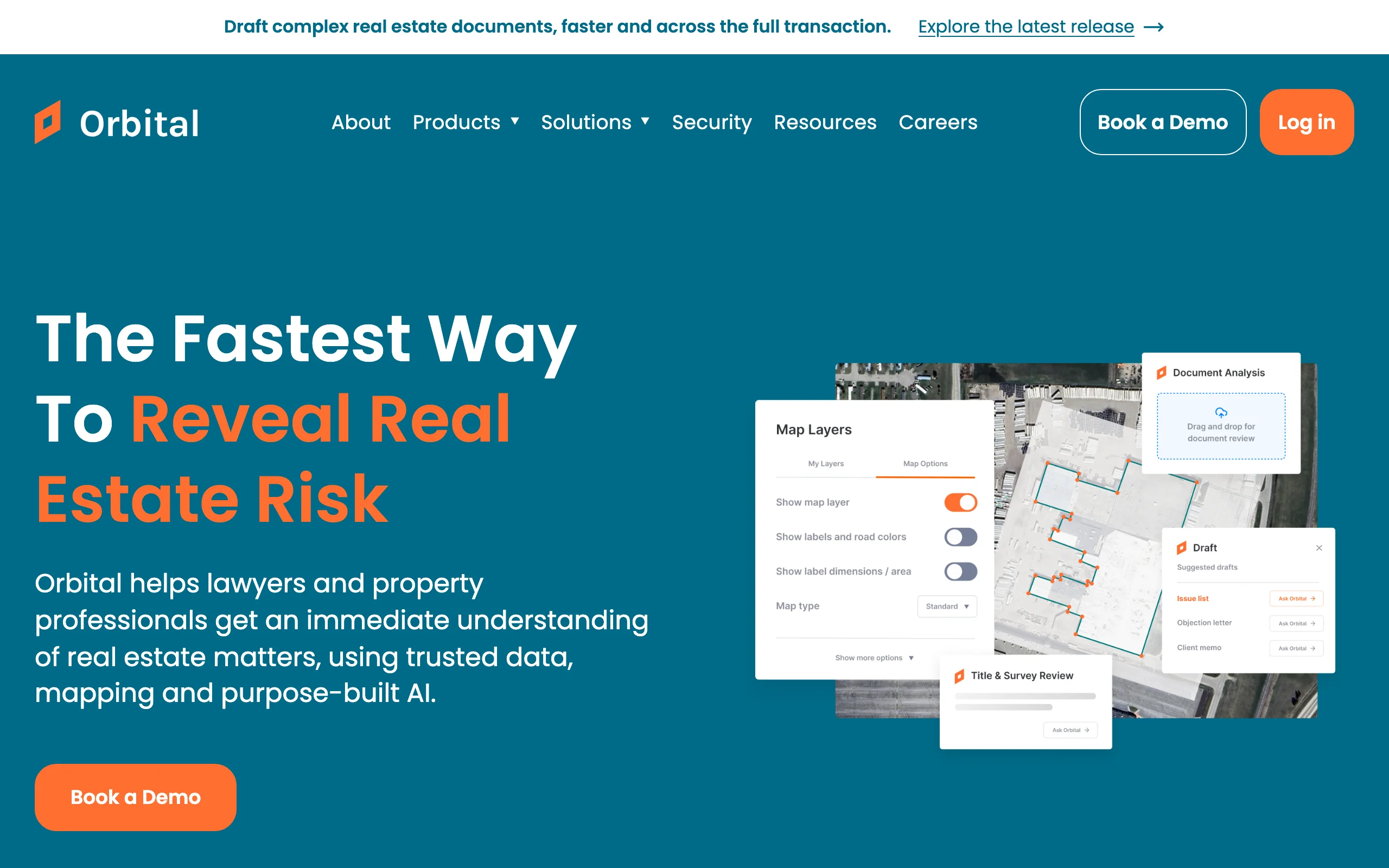
Orbital (formerly Orbital Witness) is AI built specifically for property due diligence. It reads title registers, leases, mortgages, surveys, and full contract packs, then flags risks and answers title questions against the documents. For its UK residential review product, the vendor states it can answer 300+ title checking questions and generate draft enquiries automatically. Originally UK-focused, Orbital now offers a product for US attorneys covering title and survey review, and it raised $60M in early 2026 to expand that footprint.
Key features:
- AI review of title registers, deeds, leases, and survey documents
- Automated risk flagging with draft enquiry generation
- Answers to 300+ standard title checking questions (vendor claim, UK residential product)
- Report drafting for title and survey review
Best for:
- Real estate teams with heavy title-review and diligence volume
- Firms handling large portfolio acquisitions where document packs run to thousands of pages
Pricing:
- Custom; no public pricing, quotes via sales contact
- Demo only, no self-serve trial
Pros:
- Deepest title-specific AI on this list; built for property diligence rather than adapted to it
- Combines legal documents with property data instead of treating them as generic text
Cons:
- Opaque pricing aimed at firms and enterprises, not solos
- UK heritage; US coverage is newer than its UK offering
4. Prophia, best for commercial lease abstraction
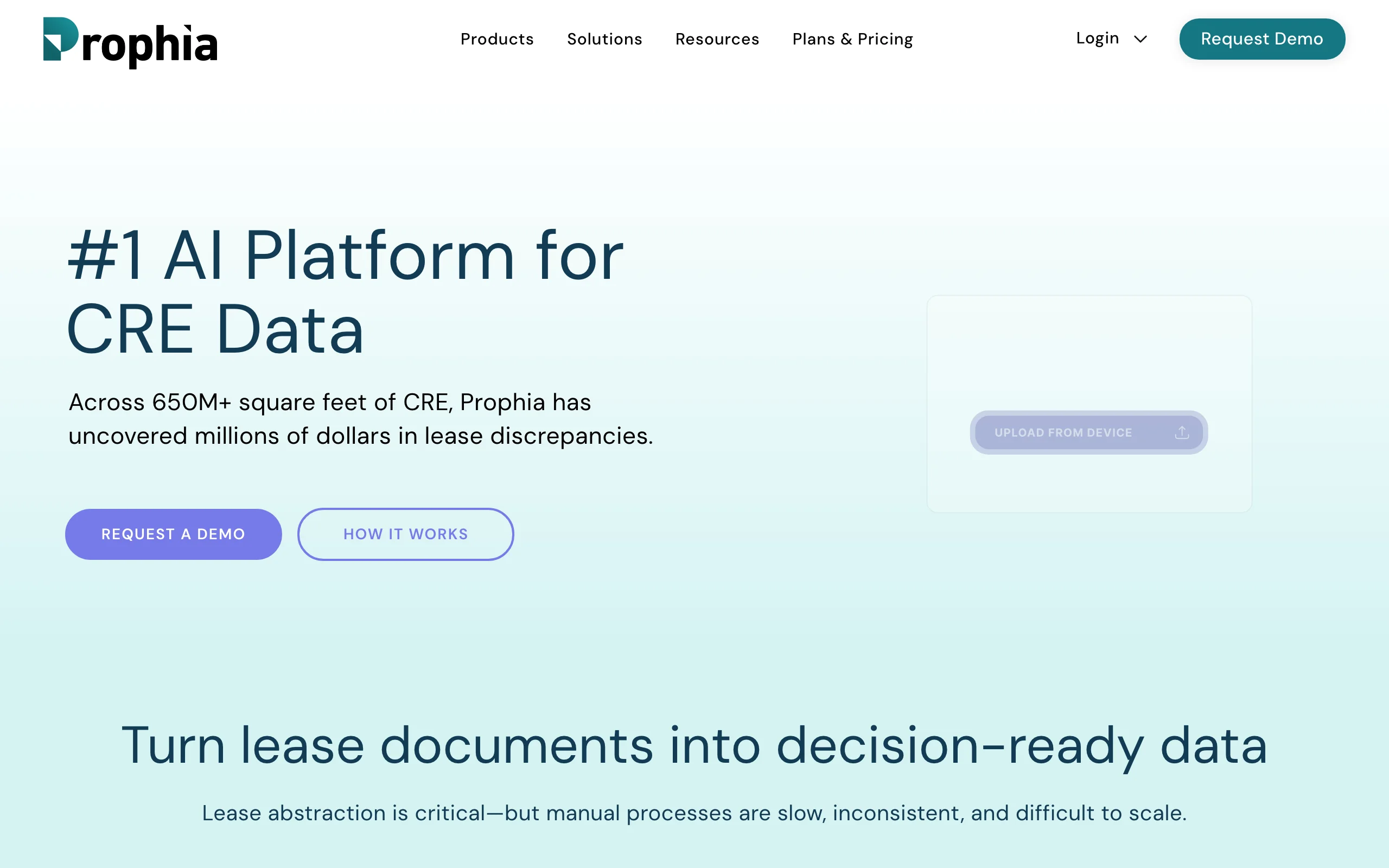
Prophia turns commercial leases into structured, searchable data. Drag in a lease and it produces an abstract where every extracted term links back to the exact source language, so you can verify an option date or an operating-expense cap in one click. Its Essentials tier layers CRE expert human review on top of the AI and claims 99% accuracy across 215 extracted fields. Amendments and renewals automatically update the underlying data, which keeps portfolio records current as deals evolve.
Key features:
- AI lease abstraction with source-linked citations for every field
- Essentials tier: AI plus CRE expert review, 215 fields, 99% accuracy claim
- Amendments and renewals auto-update portfolio data
- Unlimited users (no per-seat licensing); integrates with Yardi and MRI
Best for:
- Lawyers and asset managers overseeing large commercial lease portfolios
- Diligence teams abstracting leases during acquisitions
Pricing:
- Prophia Abstract: free AI-only abstraction tool (you verify the output yourself)
- Essentials and Portfolio: custom annual subscriptions, quote required
Pros:
- Source-linked abstracts make verification fast, a real advantage for audit and diligence work
- Human-in-the-loop tier for teams that cannot accept AI-only accuracy
Cons:
- Built for lease data, not legal analysis: it will not negotiate, research, or draft
- Subscription pricing is quote-based and aimed at portfolio owners
5. DocuSign, best for closings and e-signature
DocuSign remains the default signature layer for real estate transactions. Purchase agreements, disclosures, escrow instructions, and closing packages route through it because every counterparty, lender, broker, and title company already knows how to sign one. Beyond basic signatures, Business Pro adds bulk send, payment collection, and advanced form fields.
Key features:
- Legally recognized e-signatures with audit trails
- Reusable templates for recurring documents (disclosures, engagement letters)
- Bulk send and payment collection on Business Pro
- Mobile signing, which speeds up multi-party closings
Best for:
- Any practice that runs closings with multiple remote signers
- Firms that need a signature tool opposing parties will accept without friction
Pricing:
- Personal: from $11/mo (5 envelopes/month)
- Standard: $30/user/mo; Business Pro: $45/user/mo (annual billing saves up to 33%)
- 30-day free trial with Business Pro features, no credit card
Pros:
- Universal acceptance; nobody questions a DocuSign envelope at closing
- Mature audit trails and template workflows for high-volume signing
Cons:
- Envelope limits (100/user/year on Standard) get expensive for high-volume practices
- It is a signature and agreement platform, not a review or research tool
6. Qualia, best for title production and settlement operations
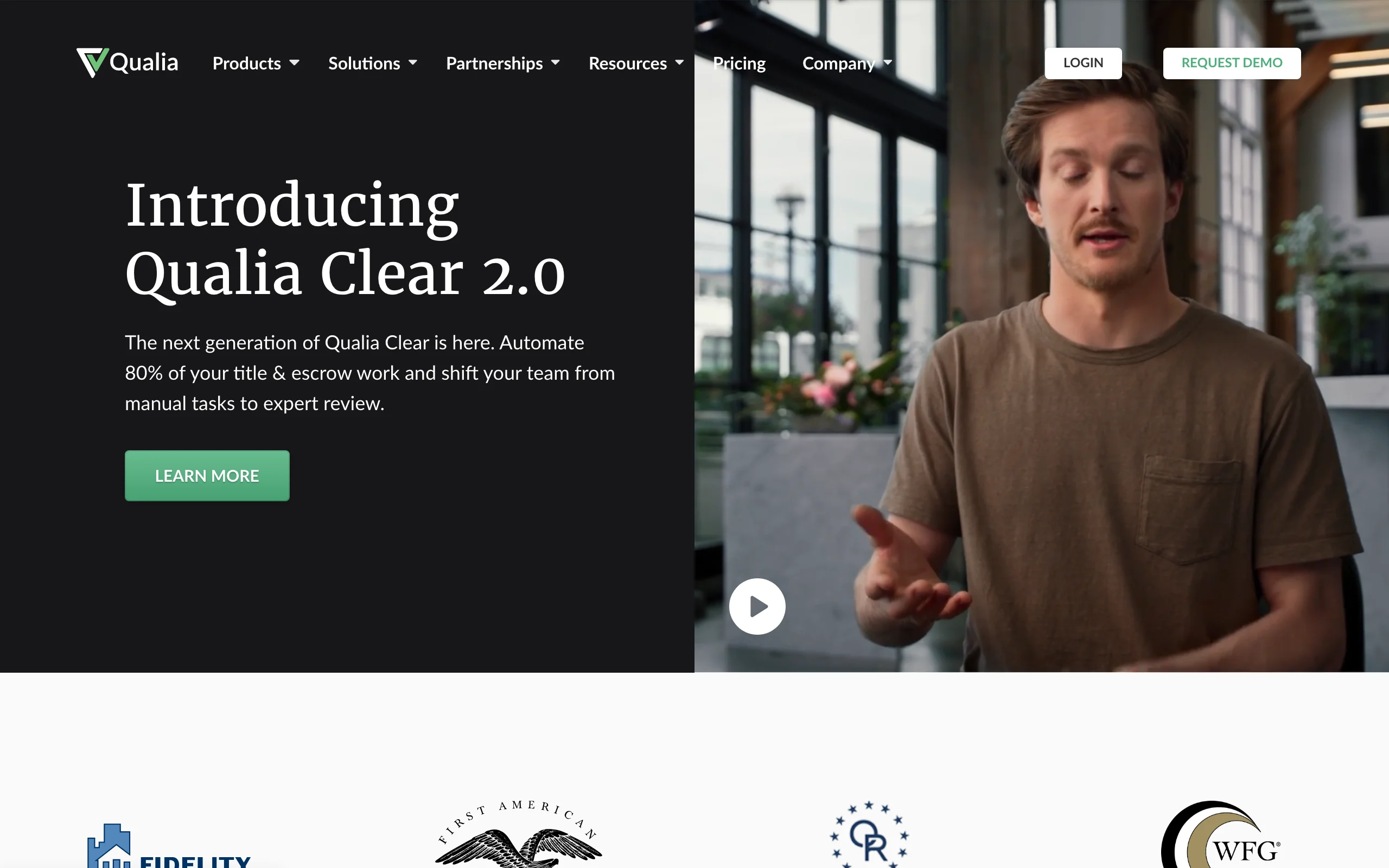
Qualia is the operations platform for the closing itself. Where DocuSign handles the signature and Orbital handles the diligence, Qualia runs the settlement: title production workflows, escrow accounting, closing coordination, and client communication in one cloud system used by title and escrow companies and real estate law firms. If your firm handles its own settlements, common in attorney-closing states, this is the category to evaluate.
Its AI layer, Qualia Clear, is an agentic system that automates document review, analysis, and routine execution inside the platform; the vendor claims it can automate up to 80% of title and escrow work. The Connect portal gives buyers and sellers a secure place to submit information, review documents, and e-sign, while Shield adds wire-fraud detection at the disbursement stage, where a single spoofed payoff instruction can be catastrophic.
Key features:
- Cloud title production with workflows, escrow accounting, and reporting (Core)
- Qualia Clear agentic AI for automating review, analysis, and routine settlement tasks
- Connect portal for secure client document exchange and e-signing
- Shield wire-fraud detection on funding and disbursement
- Marketplace for ordering closing services from vetted vendors
Best for:
- Real estate law firms in attorney-closing states that run title and settlement in-house
- High-volume residential closing practices replacing legacy title software
Pricing:
- Custom, quote-based; every product line lists "contact us" pricing
- Demo only, no self-serve trial
Pros:
- Consolidates title production, escrow accounting, and client communication that firms otherwise stitch together from separate tools
- Wire-fraud protection built into the money movement, not bolted on afterward
Cons:
- No published pricing, so budgeting requires a sales cycle
- It is settlement infrastructure, not a research or drafting tool; overkill if you refer closings out
7. Zoneomics, best for zoning and land-use due diligence
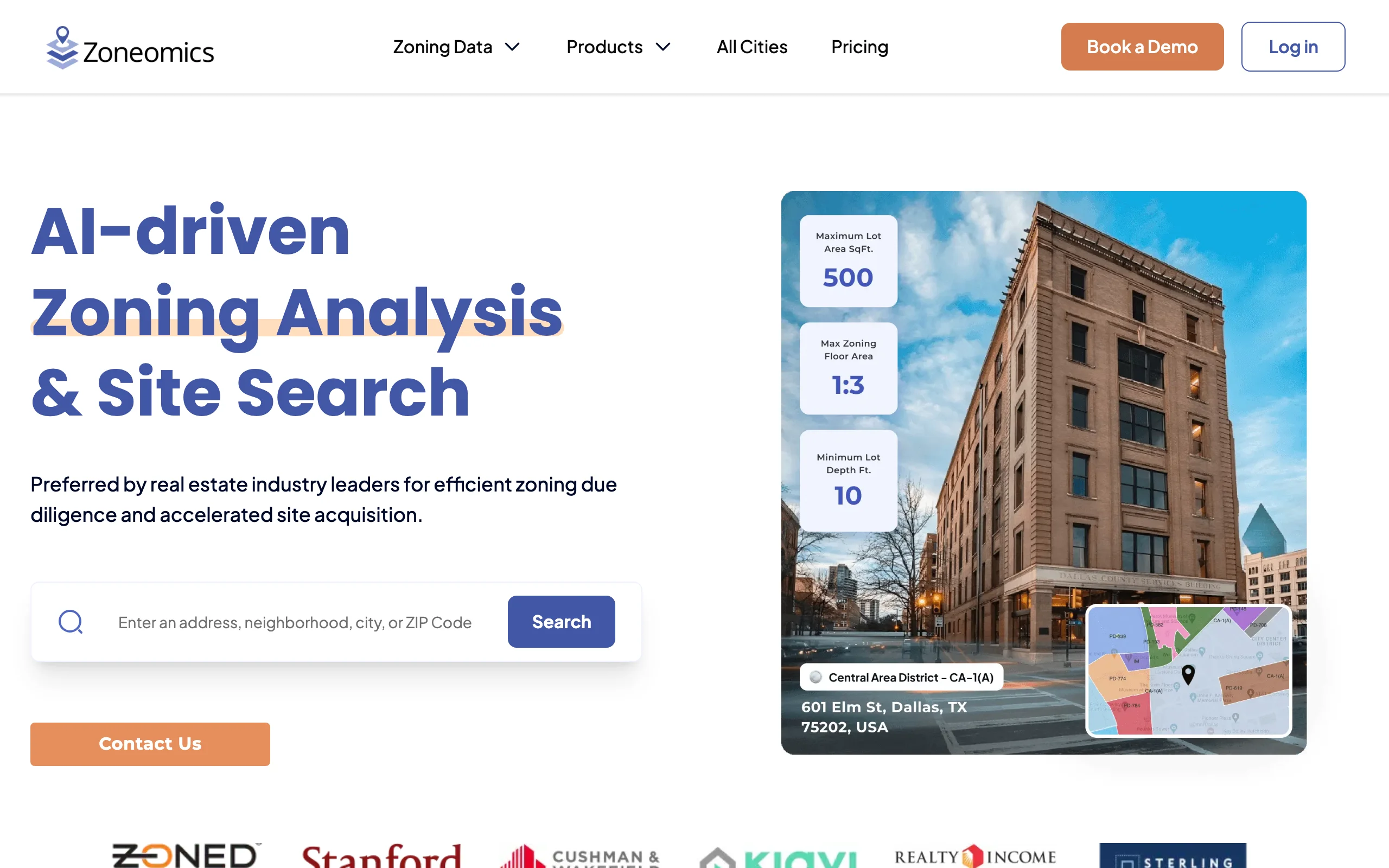
Zoneomics puts municipal zoning data behind a search box. Type an address and you get the parcel's zoning district, permitted land uses, and building controls such as lot coverage and dwelling-unit limits, drawn from zoning codes across US cities. For transaction work, its Zoning Brief reports package the applicable municipal information into an exportable document, and the vendor reports customers cutting zoning research time by 95%. Users include Redfin, Moody's, and Cushman & Wakefield, alongside law firms and lenders running zoning diligence.
Two details matter for lawyers specifically: the Bassett AI assistant answers zoning questions conversationally against the underlying data, and the ZoneCheck plugin (on the Advanced plan) pulls zoning data directly into Microsoft Word, so a diligence memo can cite the district and permitted uses without retyping them.
Key features:
- Address-level lookup of zoning districts, permitted uses, and building controls
- Zoning Brief reports for transaction and lending diligence
- Bassett AI assistant for conversational zoning questions
- ZoneCheck Microsoft Word plugin for embedding zoning data in documents
- Zoning maps with filters for permitted land uses and zone cases
Best for:
- Lawyers vetting acquisitions, development sites, or lender collateral for zoning risk
- Firms that answer recurring "can my client do X on this parcel" questions
Pricing:
- Essentials: $92/mo (25 searches, 1 Zoning Brief report, 10 Bassett AI messages)
- Advanced: $279/mo (150 searches, 5 Zoning Brief reports, 100 AI messages, ZoneCheck Word plugin)
- Enterprise: custom (3+ users, 1,000+ searches); annual billing saves 20%
Pros:
- Published, self-serve pricing in a category dominated by quote-only vendors
- Turns hours of municipal-code digging into a minutes-long lookup with an exportable report
Cons:
- A data and research layer, not legal analysis: it will not tell you how a code applies to a nonconforming use
- US-focused, and zoning codes amend often; confirm pending changes with the planning department before opining
How to choose the best AI tools for your real estate practice
Match the tool to where your hours actually go. These four questions cover most decisions.
1) What eats most of your time: review, title, abstraction, zoning, or closings?
- If lease and purchase-agreement review dominates: LegesGPT (risk flagging plus proposed changes) or Spellbook (if the review happens in Word redlines).
- If title and survey diligence dominates: Orbital is the specialist; nothing else on this list reads a title register the same way.
- If you abstract leases at portfolio scale: Prophia, especially where auditability matters.
- If zoning and land-use questions keep landing on your desk: Zoneomics turns each one into a lookup instead of a research project.
- If you run your own settlements: Qualia for the operation itself, DocuSign for the signatures, or LegesGPT if you want signing bundled with review and drafting.
2) Solo or small firm budget, or enterprise procurement?
- If you need transparent self-serve pricing: LegesGPT (from $19.99/mo, $1 trial), DocuSign (from $11/mo), and Zoneomics (from $92/mo) all publish their prices.
- If you have procurement support and volume to justify it: Orbital, Prophia, Spellbook, and Qualia all price by quote, and typically make sense at higher document or transaction volumes.
3) One platform or a stack of specialists?
- If you want one login for research, review, drafting, and signing: LegesGPT covers all four; the trade-off is that a specialist beats it inside its own niche (Orbital on title data, Prophia on abstraction depth, Zoneomics on zoning data).
- If you already run Word, a document management system, and a signature tool: Spellbook slots into that stack without disruption.
- Many firms land on a hybrid: a generalist platform plus one specialist for their heaviest workflow. Guides to AI tools for lawyers more broadly follow the same logic.
4) How much verification does the output need?
- If you research state statutes, recording requirements, or landlord-tenant law: use a tool with verified citations (LegesGPT) rather than a general chatbot. Understanding the underlying documents helps too; see our breakdown of what a mortgage contract covers.
- If the output is zoning data: Zoneomics pulls from municipal codes, but codes amend; check current text with the municipality before an opinion letter relies on it.
- If the output is an extracted lease term or flagged title exception: source-linked tools (Prophia, Orbital, LegesGPT) let you click through to the underlying language, which is what makes AI output verifiable at all.
Whatever you shortlist, run 3 to 5 of your own recent documents through it during the trial period. A tool that shines on a demo lease can stumble on your market's forms, and every tool here offers a trial, free tier, or demo to test exactly that.
All of LegesGPT for $1
Verified-citation answers, case law search, document review, AI drafting, and e-signature in one subscription. 3-day trial for $1, cancel anytime.
Start the $1 trialFrequently Asked Questions
What are the best AI tools for real estate lawyers?
The strongest 2026 options are LegesGPT for all-in-one review, drafting, statute research, and e-signature; Spellbook for drafting in Word; Orbital for title diligence; Prophia for lease abstraction; DocuSign for signatures; Qualia for firms running their own title and settlement operations; and Zoneomics for zoning and land-use research. The right pick depends on whether your hours go to review, title work, abstraction, zoning, or closings.
Can AI review a commercial lease?
Yes. Tools like LegesGPT and Orbital flag risky clauses (assignment restrictions, CAM escalations, one-sided indemnities), extract key dates and obligations, and propose changes, typically in minutes for a lease that would take hours manually. The lawyer still makes the judgment calls; AI review surfaces issues, it does not replace the negotiation.
Is it safe to use AI for title review?
It is safe as a first pass, not as a substitute for attorney sign-off. Purpose-built tools like Orbital answer title questions against the underlying registers and flag exceptions automatically, which reduces the chance a human skims past one. General chatbots are the wrong tool here: they cannot verify recorded interests and may invent details.
Can AI draft a purchase agreement or deed?
Yes, with supervision. LegesGPT drafts purchase agreements, leases, and deeds from attorney-drafted templates, and Spellbook drafts clause-by-clause inside Word. Because deed formalities and disclosure requirements vary by state, always review AI drafts against your jurisdiction's requirements before execution.
Can AI answer zoning and land-use questions?
It can now do the data-gathering part. Zoneomics returns a parcel's zoning district, permitted uses, and building controls from municipal codes in seconds and packages them into exportable reports, and LegesGPT's Deep Research mode can work through multi-step questions that cross zoning and landlord-tenant law. Treat the output as a research head start: codes amend frequently, so confirm current text with the planning department before an opinion relies on it.
How much does AI for a real estate practice cost?
The self-serve tools run from $11/mo (DocuSign Personal) to $19.99-$99.99/mo for LegesGPT and $92-$279/mo for Zoneomics, so a solo can assemble a working stack for under $150 a month. The specialist platforms (Orbital, Prophia, Spellbook, Qualia) quote per firm and generally target teams with enough transaction volume to justify enterprise pricing.
Will AI make real estate lawyers obsolete?
No. AI compresses the mechanical work: reading, extracting, flagging, and first-draft writing. Structuring the deal, negotiating terms, resolving title defects, and advising clients on risk remain lawyer work. In practice, AI shifts billable time from document processing toward judgment, which is where clients see the value anyway.
What should I check before uploading client documents to an AI tool?
Read the vendor's security and data-handling documentation, confirm client documents are not used for model training, and check that your engagement letters or firm policy permit the upload. Established legal-specific vendors publish these practices, and an AI legal assistant built for legal work is generally a safer default than pasting client documents into a consumer chatbot with unclear training policies.
If I mainly need lease and purchase-agreement review, what should I use?
LegesGPT is the strongest fit: upload the document, get flagged risks with proposed changes and a plain-language summary, then draft amendments and collect signatures in the same platform. The Plus plan at $49.99/mo covers 50 document reviews a month, and the $1 three-day trial lets you test it on your own leases before committing.