

Intellectual property work splits into very different jobs: drafting and prosecuting patents, clearing trademarks, negotiating licenses, and litigating disputes. No single AI product does all of it well, and the AI tools for IP lawyers that dominate one job are often useless for the next.
That matters because the gains are real. Patent drafting copilots cut first drafts from days to hours, trademark screening AI filters conflicts before legal spend starts, and document review AI flags a one-sided royalty clause in minutes.
This guide compares the 7 best AI tools for IP lawyers in 2026 across patent prosecution, trademark clearance, licensing, and IP litigation, with honest pricing and trade-offs for each.
Overview of the 7 best AI tools for IP lawyers
- LegesGPT: Best overall for IP agreements and licensing work: reviews licensing deals, NDAs, and assignments with flagged risks, drafts IP documents, and researches case law with verified citations, from $19.99/month.
- Patlytics: Best end-to-end patent intelligence platform: invalidity analysis, infringement claim charts, and portfolio management for firms and corporate IP teams.
- Solve Intelligence: Best for AI patent drafting and prosecution: a browser copilot that drafts applications and office action responses across technical domains.
- DeepIP: Best patent assistant inside Microsoft Word: drafting, review, and prosecution support without leaving the document you file from.
- Corsearch: Best for trademark clearance and watching: AI screening and risk scoring across 190 trademark databases, plus global watch services.
- Google Patents: Best free prior art search: 120M+ patent publications and non-patent literature, at exactly the right price for a first pass.
- Spellbook: Best for contract redlining in Word: transactional teams that mark up licensing and commercial agreements inside Microsoft Word.
| Tool | Best for | Starting price | Free trial | Platforms |
|---|---|---|---|---|
| LegesGPT | IP agreements, licensing, legal research | From $19.99/mo | 3-day, $1 | Web |
| Patlytics | End-to-end patent intelligence | Custom | Demo only | Web |
| Solve Intelligence | Patent drafting and prosecution | Custom | Demo only | Web |
| DeepIP | Patent drafting in Word | Custom | Trial by request | Word add-in |
| Corsearch | Trademark clearance and watching | Custom | Demo only | Web |
| Google Patents | Free prior art search | Free | Free | Web |
| Spellbook | Contract redlining in Word | Custom | 7-day | Word add-in |
1. LegesGPT, best overall for IP agreements and licensing work
Most of an IP practice is not prosecution. It is the license negotiation, the NDA before a disclosure meeting, the assignment that cleans up chain of title, and the dispute over what a grant clause actually covers. LegesGPT is built for that layer of IP work. Upload a licensing agreement and it flags the risks that decide these deals: scope of grant, royalty structure, exclusivity, sublicensing rights, and termination triggers, each with proposed changes in plain language.
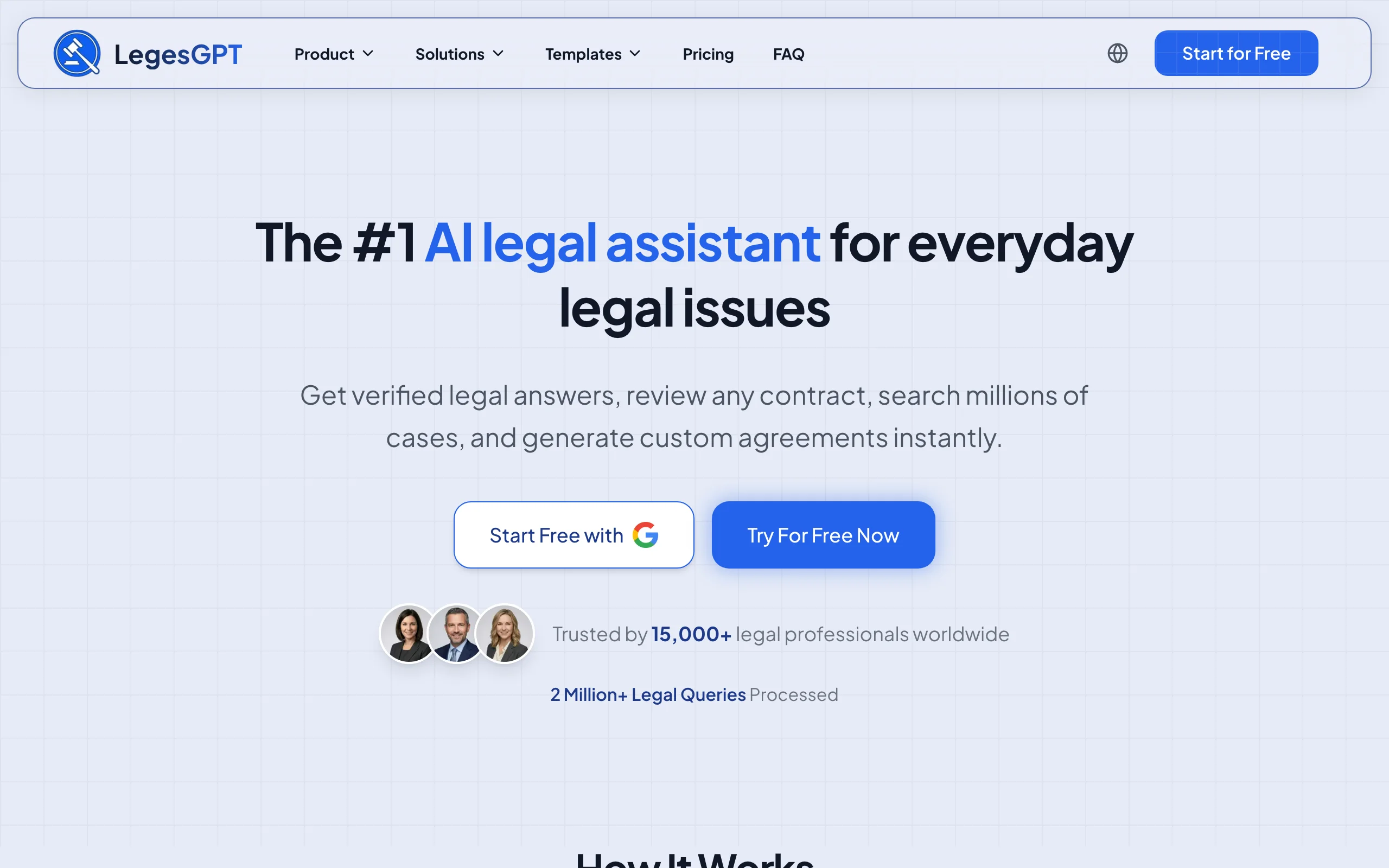
When a deal turns into a dispute, the same subscription covers AI case law search with verified citations and direct source links, so you can check authority on breach of contract, ownership, and infringement questions without a separate research contract.
Key features:
- Reviews licensing agreements, NDAs, and IP assignments with flagged risks and proposed redlines
- Drafts NDAs, assignments, and licensing terms with AI contract drafting, plus 100+ attorney-drafted legal document templates
- Answers legal questions with verified citations linked to the underlying source
- Case law and statute search for IP litigation and due diligence
- E-signature to execute the documents you draft
- Deep Research mode for multi-step questions on higher tiers
Best for:
- Solo IP practitioners and boutique firms handling licensing, transactions, and disputes
- In-house counsel managing NDA and IP agreement flow without a legal ops budget
Pricing:
- Basic: $19.99/month for unlimited AI queries, case law and statute search, citation verification
- Plus: $49.99/month adds document upload and 50 document reviews per month
- Premium: $99.99/month adds unlimited document review, Deep Research, and web search
- 3-day trial for $1; roughly 30% off with annual billing
Pros:
- Covers agreement review, drafting, research, and e-signature in one subscription, at a fraction of enterprise legal AI pricing
- Self-serve with an instant $1 trial: no demo call, no seat minimums
- Verified citations reduce the hallucination risk that makes general chatbots dangerous for briefs
Cons:
- Does not do patent office prosecution work or prior art searching, so patent drafters still need a dedicated tool
- Web-only: no native mobile app, public API, or Word add-in
Review your next licensing agreement with AI
Upload a contract and LegesGPT flags risky clauses, surfaces obligations and deadlines, and answers questions with citations you can verify.
Try AI document review2. Patlytics, best end-to-end patent intelligence platform
Patlytics is an AI platform purpose-built for patent work across the full lifecycle: invention disclosure intake, application drafting, infringement detection, invalidity analysis, and portfolio management. Its distinctive strength is the litigation-adjacent tooling. The platform auto-generates claim charts, scans product evidence for infringement signals, and builds Section 102, 103, and 112 invalidity arguments from prior art.
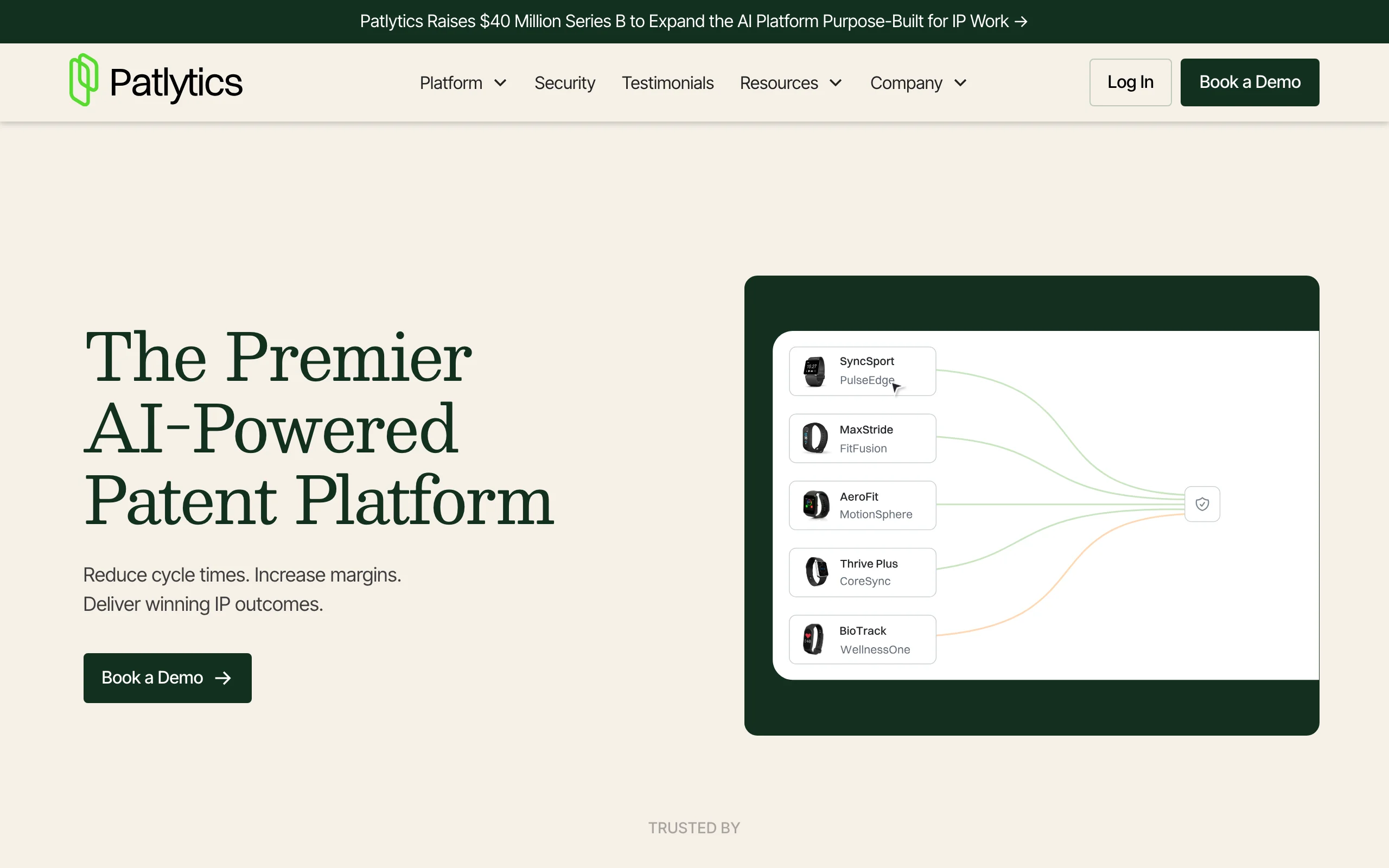
It is aimed squarely at the high end of the market: Patlytics reports customers among Am Law 100 firms and Fortune 500 IP departments, and closed a $40M Series B in April 2026 to expand the platform.
Key features:
- Automated claim chart generation for infringement and invalidity work
- Invalidity analysis that drafts 102/103/112 arguments from prior art
- Patent infringement detection across product and technical evidence
- AI-assisted patent application drafting with figure support
- Portfolio classification, pruning, and invention disclosure automation
Best for:
- Patent litigation teams that live in claim charts and invalidity contentions
- Corporate IP departments managing large portfolios with harvesting-to-enforcement workflows
Pricing:
- Custom pricing only; no public tiers
- Demo required to get a quote
Pros:
- One platform spans prosecution, litigation support, and portfolio strategy
- Claim charting automation targets some of the most tedious billable work in patent litigation
Cons:
- No public pricing and an enterprise sales cycle put it out of casual reach for solos
- Patent-only: no help with trademarks, licensing agreements, or general legal research
3. Solve Intelligence, best for AI patent drafting and prosecution
Solve Intelligence is a browser-based patent copilot focused on the core prosecution workflow: drafting applications and responding to office actions. It drafts full or partial applications, including continuations, divisionals, CIPs, and design patents, and adapts to an attorney's drafting style and target jurisdiction. For office actions, it analyzes rejections and prior art, then drafts response arguments with citations to file wrapper documents and case law.
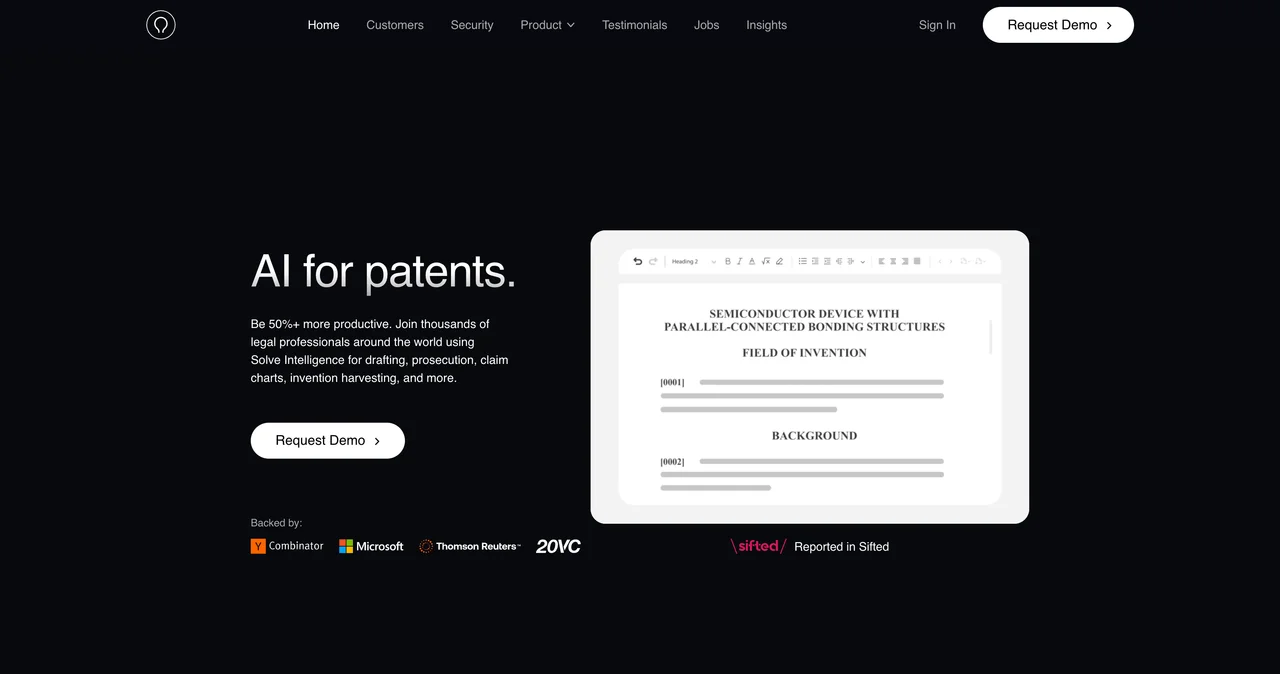
The technical breadth stands out: it handles figures, chemical structures, and biological sequences, which matters for life sciences and materials practices that other drafting tools handle poorly.
Key features:
- Interactive drafting of full or partial patent applications across filing types
- Office action response drafting with claim amendments and argument strategies
- Invention harvesting with configurable disclosure questionnaires
- Claim charts for invalidity, freedom-to-operate, and infringement analysis
- SOC 2 Type 2 and ISO 27001 certified, ISO 42001 compliant, with no training on user data
Best for:
- Patent prosecutors at firms or in-house who want AI-assisted drafting in the browser
- Life sciences and chemistry practices that need sequence and structure support
Pricing:
- Custom pricing only; no public tiers
- Demo required to get a quote
Pros:
- Deep prosecution focus, from first draft through office action responses
- Strong security posture for pre-filing confidential material
Cons:
- Pricing opacity makes budgeting hard for small practices
- Browser-only workflow; attorneys who finalize in Word still export and reformat
4. DeepIP, best patent assistant inside Microsoft Word
DeepIP makes the opposite bet from Solve Intelligence: instead of a new workspace, it embeds the AI patent assistant directly in Microsoft Word, where most patent attorneys already draft and file. From the add-in, it supports drafting, drawings generation, an AI reviewer that checks applications for errors and inconsistencies, and prosecution support for office action responses, with freedom-to-operate and invalidity tooling on the platform side.
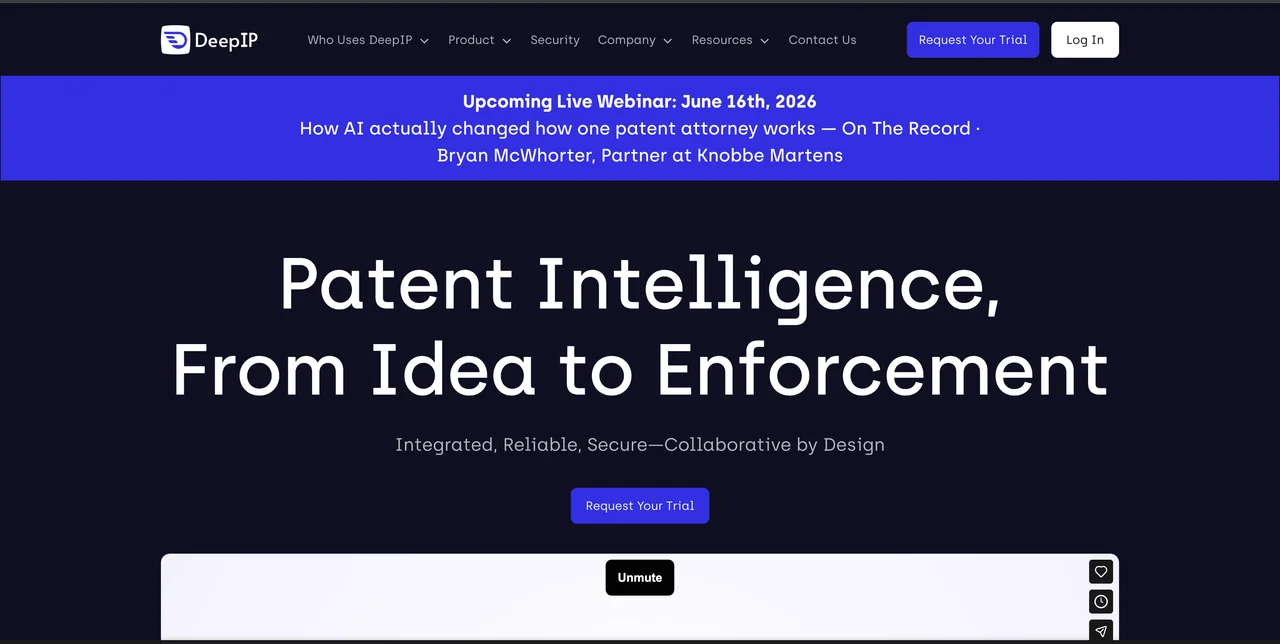
The Word-native approach lowers adoption friction for teams that resisted browser platforms. DeepIP lists firms such as Schwegman Lundberg & Woessner and corporate users like Colgate-Palmolive and Philips among its customers.
Key features:
- AI patent drafting inside Microsoft Word via a marketplace add-in
- AI reviewer that flags errors, antecedent basis issues, and inconsistencies before filing
- Office action response and prosecution support
- Patent drawings generation
- SOC 2 Type II, ISO 27001, ISO 42001, and a zero data retention policy
Best for:
- Patent attorneys who refuse to leave Word and want AI in their existing filing workflow
- Firms where add-in adoption beats introducing another platform login
Pricing:
- Custom pricing only; no public tiers
- Trial available by request
Pros:
- No workflow change: the AI works in the document you already file from
- Quality-check reviewer catches mechanical drafting errors that cost office actions
Cons:
- Pricing requires a sales conversation, with per-seat licensing typical
- Scope is patents only; no trademark, licensing, or general research help
5. Corsearch, best for trademark clearance and watching
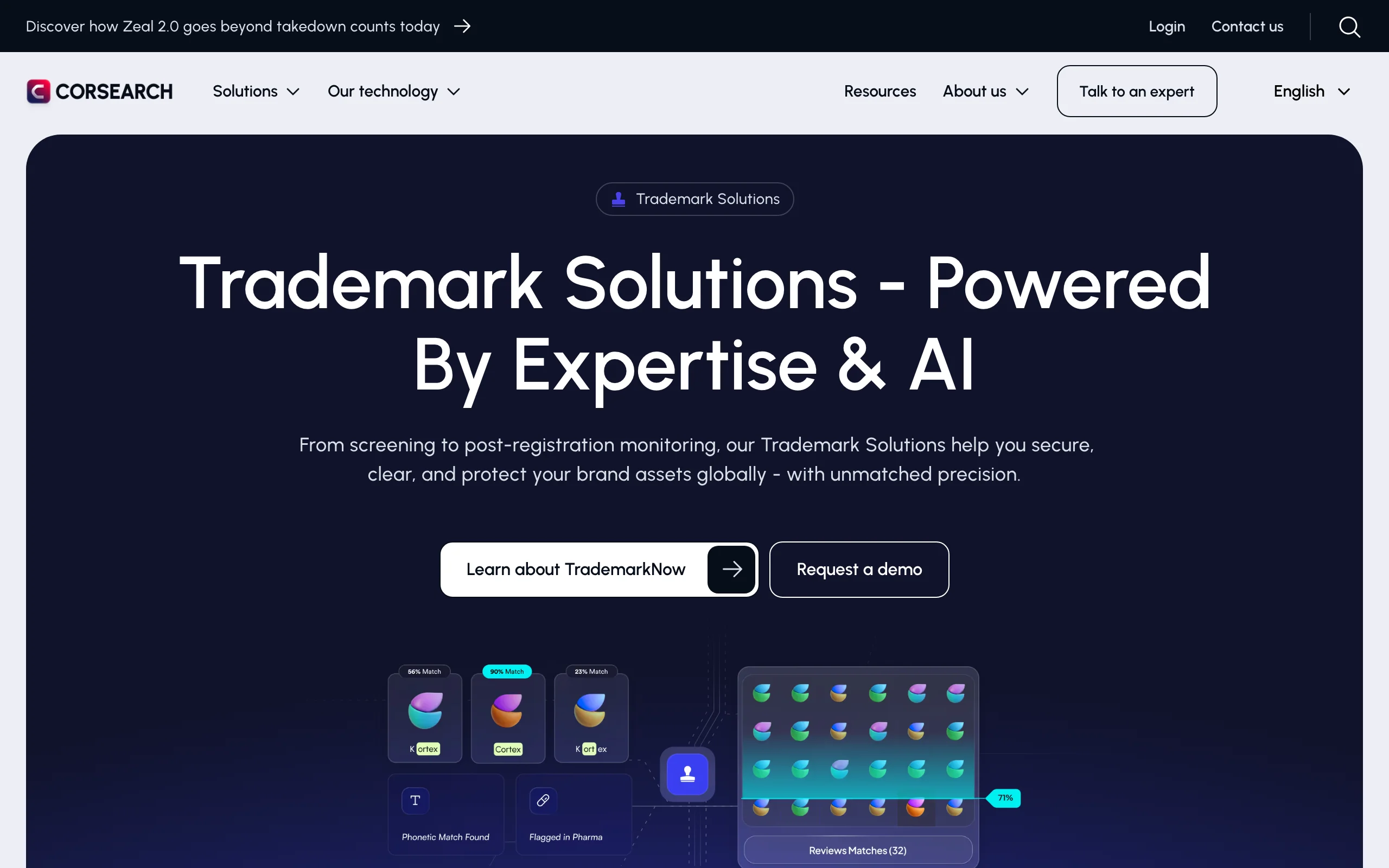
Corsearch is the established heavyweight in trademark AI. Its TrademarkNow platform screens candidate marks with AI risk scoring across phonetic, semantic, and visual similarity, so you can kill conflicted names before full clearance spend. Full clearance search runs across 190 searchable trademark databases, and its watch services monitor new filings across 240 jurisdictions. Corsearch claims clearance timelines drop by up to 40% and watch review time by 50 to 70%, though those are vendor figures.
Key features:
- AI trademark screening with instant risk scoring on candidate names
- Global clearance search across 190 trademark databases
- Watch services covering 240 jurisdictions for new conflicting filings
- Case management and enforcement tracking in one platform
- Brand protection tooling beyond trademarks (domains, marketplaces)
Best for:
- Trademark practices and brand teams clearing names at volume
- Companies with global portfolios that need continuous watching
Pricing:
- Custom pricing only; quotes through its sales team
- Demo and expert consultation, no self-serve tier
Pros:
- Coverage depth that free trademark search tools cannot approach
- Screening AI filters out doomed candidates before paid full searches
Cons:
- Enterprise pricing and contracts; overkill for occasional clearance work
- Trademark and brand protection only, with no patent or contract capabilities
6. Google Patents, best free prior art search
Google Patents remains the best zero-cost starting point for prior art. It indexes more than 120 million patent publications from over 100 patent offices, with full text from roughly 20 major offices, and folds in non-patent literature from Google Scholar, Google Books, and the Prior Art Archive. Machine classification under the Cooperative Patent Classification scheme makes technical browsing workable, and each record links the documents cited during examination.
It is not a professional search platform. Coverage is not guaranteed complete, there is no semantic ranking tuned for invalidity work, and no audit trail for opinions. But as a first pass before spending on a commercial search, nothing beats free.
Key features:
- 120M+ patent publications from 100+ patent offices
- Non-patent literature via Google Scholar, Books, and the Prior Art Archive
- CPC classification browsing and citation links from examination records
- Machine translation for foreign-language patents
- Free, no account required
Best for:
- Quick novelty sanity checks before commissioning a professional search
- Solo practitioners and startups validating ideas on a zero budget
Pricing:
- Free
Pros:
- Unbeatable price for breadth of coverage
- Fast, familiar interface with no procurement process
Cons:
- No guarantee of complete coverage, so it cannot support a formal opinion alone
- No workflow features: no alerts, charting, or export tooling for litigation use
7. Spellbook, best for contract redlining in Word
Spellbook is a contract drafting and review assistant that lives in Microsoft Word as an add-in. For IP lawyers on the transactional side, that means redlining licensing agreements, technology transfer deals, and commercial contracts in the same document your counterparty sent, with AI suggestions for clause language and issue spotting. Spellbook reports more than 4,500 legal teams as customers.
It is a strong fit if Word-native redlining is the priority. If you also need legal research or dispute support, it stops at the contract.
Key features:
- Contract review and redline suggestions inside Microsoft Word
- AI drafting of clauses and full agreements from precedent language
- Issue spotting against your playbook positions
- Multi-model AI under the hood (GPT and Claude class models)
Best for:
- Transactional IP teams that negotiate licenses in tracked changes all day
- Firms standardizing contract playbooks across associates
Pricing:
- Custom per-user pricing; no published tiers
- 7-day free trial
Pros:
- Redlines where the negotiation actually happens: in the Word document
- Trial available without a demo call, unusual for Word-based legal AI
Cons:
- Pricing requires a quote, and per-seat costs add up for small firms
- Contracts only: no case law research, citation verification, or patent tooling
How to choose the best AI tool for your IP practice
Four questions sort out the field quickly.
1) Is patent prosecution the core of your practice?
- If you draft and prosecute patents daily: pick a dedicated drafting copilot. Solve Intelligence if you prefer a browser platform with strong life sciences support, DeepIP if your workflow lives in Word, Patlytics if you also need litigation analytics and portfolio tools in the same contract.
- If prosecution is occasional or handled by outside counsel: skip the enterprise patent platforms and put budget into the agreement and research layer with LegesGPT, using Google Patents for free prior art sanity checks.
2) How much of your work is agreements rather than filings?
- If licensing deals, NDAs, and assignments dominate: LegesGPT covers review with flagged risks, drafting, and e-signature from $19.99/month, and Spellbook fits teams that insist on redlining inside Word. Pairing AI contract review software with your prosecution tool usually beats stretching one product across both jobs.
- If disputes follow those deals: weight tools with real research. LegesGPT is the only pick on this list that verifies citations for breach of contract and infringement questions.
3) Trademark volume: occasional or continuous?
- If you clear a handful of marks a year: start with free USPTO and Google searches, then buy professional clearance per matter.
- If you clear names at volume or watch a global portfolio: Corsearch is the specialist, and the screening AI pays for itself by filtering doomed candidates before full search spend.
4) What can you actually budget?
- Under $100/month: LegesGPT plus Google Patents covers agreements, research, and first-pass prior art. The enterprise platforms in this list start with sales calls, not price lists.
- Enterprise budget: run pilots before committing. Test Patlytics, Solve Intelligence, or DeepIP on three to five of your own real matters, and compare output against an associate's work product before signing per-seat contracts.
For a broader look beyond IP-specific tools, see our roundup of legal AI tools for lawyers.
All of LegesGPT for $1
Verified-citation answers, case law search, document review, AI drafting, and e-signature in one subscription. 3-day trial for $1, cancel anytime.
Start the $1 trialFrequently Asked Questions
What are the best AI tools for IP lawyers?
The best AI tools for IP lawyers depend on the workflow. LegesGPT is the best overall pick for IP agreements, licensing review, and case law research from $19.99/month. Solve Intelligence and DeepIP lead AI patent drafting, Patlytics covers patent litigation analytics and portfolio management, Corsearch dominates trademark clearance, and Google Patents is the best free prior art search.
Can AI draft a patent application?
Yes, with supervision. Tools like Solve Intelligence, DeepIP, and Patlytics draft claims, specifications, and office action responses that attorneys then revise. USPTO guidance makes the practitioner responsible for AI-assisted filings, so treat AI output as a first draft that you verify line by line, not a finished application.
Can AI review an IP licensing agreement?
Yes. Document review AI reads a licensing agreement and flags the terms that decide the deal: grant scope, royalty calculations, exclusivity, sublicensing, and termination rights. LegesGPT proposes specific changes alongside each flagged risk, which turns a first review pass from hours into minutes. A lawyer still makes the final call on negotiating position.
Is Google Patents good enough for a prior art search?
It is good enough for a first pass and idea validation, with 120M+ publications and non-patent literature for free. It is not good enough alone for an invalidity opinion or a filing decision, because coverage is not guaranteed complete and there is no professional search methodology behind it. Use it to kill weak ideas cheaply, then commission a professional search for the ones that survive.
How much do AI tools for IP lawyers cost?
LegesGPT runs $19.99 to $99.99 per month with a 3-day trial for $1. Google Patents is free. Everything else on this list uses custom quotes: Patlytics, Solve Intelligence, DeepIP, and Corsearch price through sales conversations, and Spellbook uses per-user custom pricing with a 7-day free trial. Budget real pilot time before signing any per-seat enterprise contract.
Is it confidential to use AI on unfiled inventions?
Only with the right tool. Never paste an undisclosed invention into a general consumer chatbot, since confidentiality and data-use terms vary and disclosure risk is unforgivable in patent work. The dedicated patent tools here publish security postures for exactly this reason: Solve Intelligence and DeepIP hold SOC 2 and ISO 27001 certifications and commit to not training on user data.
Do IP lawyers still need separate research tools if they use a patent drafting copilot?
Usually, yes. Drafting copilots stop at the patent office door: they do not verify case law citations or research infringement and breach of contract questions. Pairing a drafting tool with research-capable AI tools for lawyers covers both prosecution and the disputes and deals around it.
If I mainly handle licensing deals and IP disputes rather than prosecution, what should I use?
LegesGPT is the strongest fit for that mix. The Plus plan at $49.99/month covers document upload with 50 reviews per month for licensing agreements, NDAs, and assignments, plus case law research with verified citations for disputes. Test it on your own agreements with the 3-day $1 trial before committing.