
Drafting a contract from scratch, or from a dusty template, eats hours that lawyers would rather spend elsewhere. AI contract writers now produce a solid first draft in minutes: they generate clauses, adapt the language to your matter, and flag the terms worth a second look. Used well, they cut drafting time without handing control to a black box.
The catch is that "AI contract writer" covers very different tools, from general chatbots to purpose-built legal platforms, and they vary widely in price and in how much legal work they actually do. In this guide we compare the seven best AI contract writers for lawyers in 2026, with current pricing, what each one is good at, and a short framework to help you pick the right one for your practice.
Best AI contract writers for lawyers: a quick overview
Here is the fast version before the deep dive. Match the tool to how you draft, not to the longest feature list.
- LegesGPT: Best overall for solo and small firms. Drafts contracts, reviews them for risk, answers legal questions with cited sources, and lets you e-sign, all in one affordable subscription.
- ChatGPT: Best general-purpose AI for fast first drafts. Familiar and versatile, strong for boilerplate and quick edits when you supply the structure.
- Claude: Best for long or complex agreements. Handles large documents and detailed instructions carefully, useful for redrafting dense contracts.
- Google Gemini: Best for firms in Google Workspace. Drafts inside Docs and Gmail using Google's models.
- Microsoft Copilot: Best for Microsoft 365 and Word firms. Writes and revises contracts in the tools most lawyers already draft in.
- Gavel: Best for high-volume, templated contracts. Turns your own precedents into guided questionnaires that assemble finished documents.
- Genie AI: Best free option for occasional contracts. A genuine free tier for lawyers who only draft a handful of agreements a month.
| Tool | Best for | Starting price | Free option | Legal-specific |
|---|---|---|---|---|
| LegesGPT | All-in-one for solo and small firms | From $13.99/mo | 3-day AI trial | Yes |
| ChatGPT | Fast general-purpose drafts | $20/mo | Free tier | No |
| Claude | Long, complex agreements | $20/mo | Free tier | No |
| Google Gemini | Google Workspace firms | $19.99/mo | Free tier | No |
| Microsoft Copilot | Microsoft 365 and Word firms | $19.99/mo | Limited free chat | No |
| Gavel | Templated, high-volume documents | From $83/mo | Free trial | Yes (automation) |
| Genie AI | Occasional contracts on a budget | Free; $75/mo Pro | Free tier | Yes |
1. LegesGPT, best overall for solo and small firms
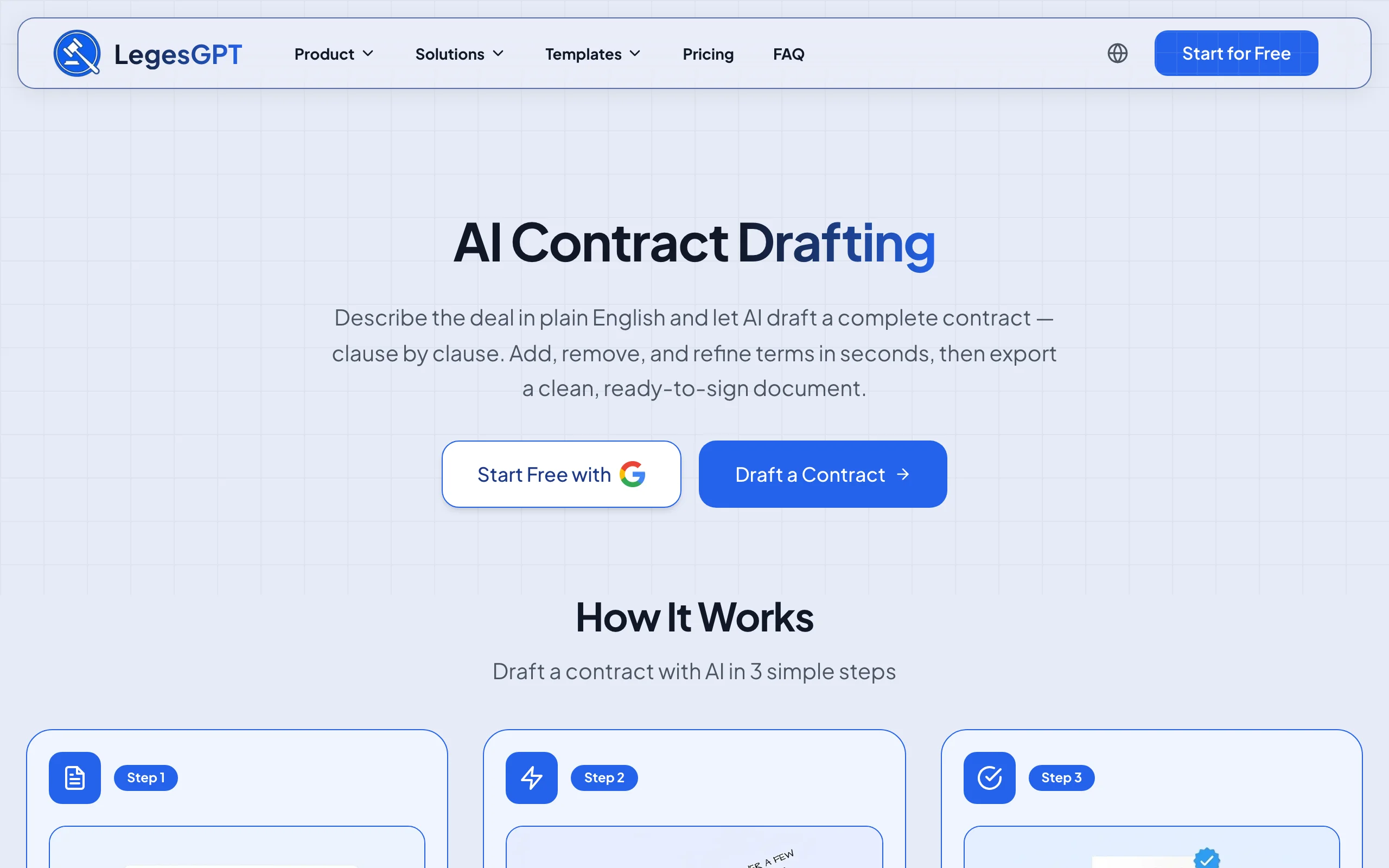
LegesGPT is an all-in-one legal AI assistant built for how solo practitioners and small firms actually work. For contract writing specifically, it drafts an agreement from a plain-English description, then does the parts a general chatbot cannot: it reviews the draft to flag risky or missing clauses and propose changes, checks its answers against cited sources, and lets you e-sign and send the finished document.
Because drafting, review, research, and signing live in one subscription, you are not stitching three tools together or paying enterprise rates for each. That combination, at a self-serve price, is what makes it the strongest overall pick for lawyers who write contracts regularly.
Key features
- Drafts contracts and legal documents from a short description, with jurisdiction in mind
- Reviews a draft to flag problematic clauses and propose fixes (Plus and Premium plans)
- Answers legal questions with verified citations and direct source links
- Case law and statute search for the authority behind a clause
- E-signature to sign and send the finished contract
- A dedicated AI contract generator for tailored contracts, plus free legal calculators
Best for
- Solo and 2-50 attorney firms that want drafting, review, and signing in one place
- Lawyers who want a first draft plus a risk check, not just raw text
- Practices that cannot justify a $99-per-user legal-AI seat
Pricing
- Basic, $13.99/mo: unlimited AI queries, case law and statute search, citation checks
- Plus, $34.99/mo: adds document upload and 50 document reviews a month
- Premium, $69.99/mo: unlimited document review, Deep Research, and web search
- 3-day AI trial ($1 to verify a payment method), with about 30% off on annual billing
Pros
- One subscription covers drafting, review, research, and e-signature
- A fraction of the price of dedicated legal-AI seats
- Cited answers make it easy to verify the law behind a clause
- Self-serve with an instant trial, no sales calls or seat minimums
Cons
- Web-only, with no native Word add-in or mobile app
- No permanently free plan (a 3-day trial rather than a free tier)
Draft a contract from a plain-English prompt
Describe the deal and LegesGPT drafts a complete, clause-by-clause contract you can refine in seconds and export ready to sign.
Draft a contract2. ChatGPT, best general-purpose AI for fast first drafts
ChatGPT, from OpenAI, is the tool most lawyers reach for first, and for good reason. It is fast, flexible, and produces clean boilerplate when you give it clear instructions and a structure to follow. It has no legal training or citations, so it works best as a drafting assistant you supervise: it will generate a starting NDA or service agreement that you then check against your own precedents.
Key features
- Drafts and rewrites contract language from prompts
- Large context for pasting an existing agreement to revise
- Custom GPTs and projects to save your drafting instructions
- Available free, with more capable models on paid tiers
- Works in the browser and on mobile
Best for
- Lawyers comfortable directing an AI and reviewing every line
- Quick boilerplate and clause rewrites
- Anyone who already pays for ChatGPT for other work
Pricing
- Free tier available
- Plus, $20/mo; Pro, $200/mo for heavy use
- Team and Enterprise plans for firms
Pros
- Fast, familiar, and widely supported
- Strong general-purpose drafting
- Inexpensive at $20 a month
Cons
- No legal citations or jurisdiction awareness
- Can invent clauses or misstate the law, so every line needs checking
3. Claude, best for long or complex agreements
Claude, from Anthropic, is a general-purpose AI known for handling long documents and detailed instructions carefully, which makes it a strong pick when you are redrafting a dense master services agreement or reconciling two markups. Like ChatGPT it has no legal-specific training, but many lawyers prefer its writing for nuanced, structured drafting.
Key features
- Large context window for full-length contracts
- Careful, instruction-following drafting
- Projects to store your playbooks and style
- Editable document output you can iterate on
- Free tier plus paid plans
Best for
- Long or heavily negotiated agreements
- Lawyers who want a more measured drafting style
- Pasting an entire contract for a clean rewrite
Pricing
- Free tier available
- Pro, $20/mo; Max plans from $100/mo for high usage
- Team and Enterprise plans available
Pros
- Excellent with long, complex documents
- Strong instruction-following for detailed drafting
- $20 a month for the Pro tier
Cons
- No legal citations or built-in review
- General-purpose, so no jurisdiction logic; verify all output
4. Google Gemini, best for firms in Google Workspace
Gemini is Google's AI, and its advantage for lawyers is where it lives: inside Google Docs, Gmail, and the rest of Workspace. If your firm drafts in Docs, Gemini can generate and revise contract language in the document you are already in, without copy-pasting between apps.
Key features
- Drafts and edits inside Google Docs and Gmail
- Large context for long files
- Strong at summarizing and restructuring text
- Free tier plus a paid AI Pro plan
- Ties into your Workspace files
Best for
- Firms standardized on Google Workspace
- Drafting and revising inside Docs
- Quick clause generation alongside email
Pricing
- Free tier available
- Google AI Pro, $19.99/mo; a higher AI Ultra tier for power users
- Workspace add-ons for businesses
Pros
- Native to Docs and Gmail
- Generous free tier
- Solid general-purpose drafting
Cons
- No legal training or citations
- Most useful if you already live in Workspace
5. Microsoft Copilot, best for Microsoft 365 and Word firms
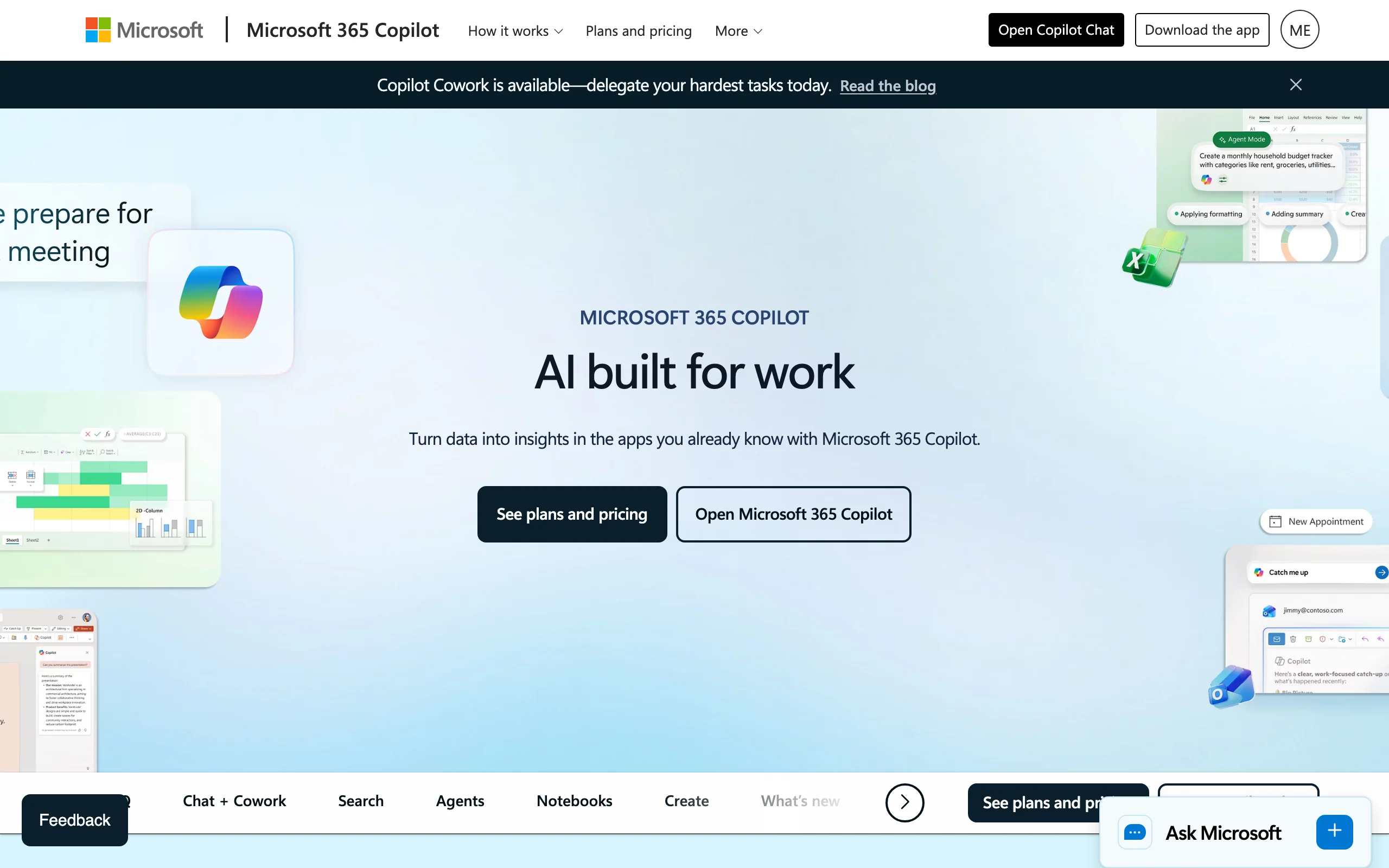
Most lawyers still draft in Microsoft Word, and Copilot puts AI directly in it. Microsoft Copilot can write, rewrite, and summarize contract language inside Word, Outlook, and the rest of Microsoft 365, which is a real workflow win if your documents already live there.
Key features
- Drafts and edits contract language inside Word
- Works across Outlook, Teams, and Excel
- Grounds answers in your Microsoft 365 files on business tiers
- Consumer and business plans
- Enterprise data protections on 365 plans
Best for
- Firms on Microsoft 365 that draft in Word
- Keeping AI inside the tools you already use
- Teams that want 365-grade data handling
Pricing
- Microsoft 365 Premium (individual Copilot), $19.99/mo
- Microsoft 365 Copilot for business, $30/user/mo
- Limited free Copilot chat
Pros
- Native to Word and Outlook
- Enterprise data protection on business tiers
- Familiar to most legal teams
Cons
- No legal-specific drafting or citations
- Best value assumes a Microsoft 365 subscription
6. Gavel, best for high-volume, templated contracts
Gavel (formerly Documate) takes a different approach. Instead of generating clauses from scratch, it turns your own vetted templates into guided questionnaires that assemble a finished, on-brand contract every time. For firms that produce the same agreements repeatedly, that means consistent documents without re-drafting, and Gavel's newer AI features can also review and draft.
Key features
- No-code document automation built from your templates
- Guided intake questionnaires that assemble documents
- Reusable client data across workflows
- Gavel Exec for AI-assisted contract review and drafting
- API and integrations on higher tiers
Best for
- Firms with high-volume, repeatable contracts
- Standardizing output across a team
- Client-facing intake that generates documents
Pricing
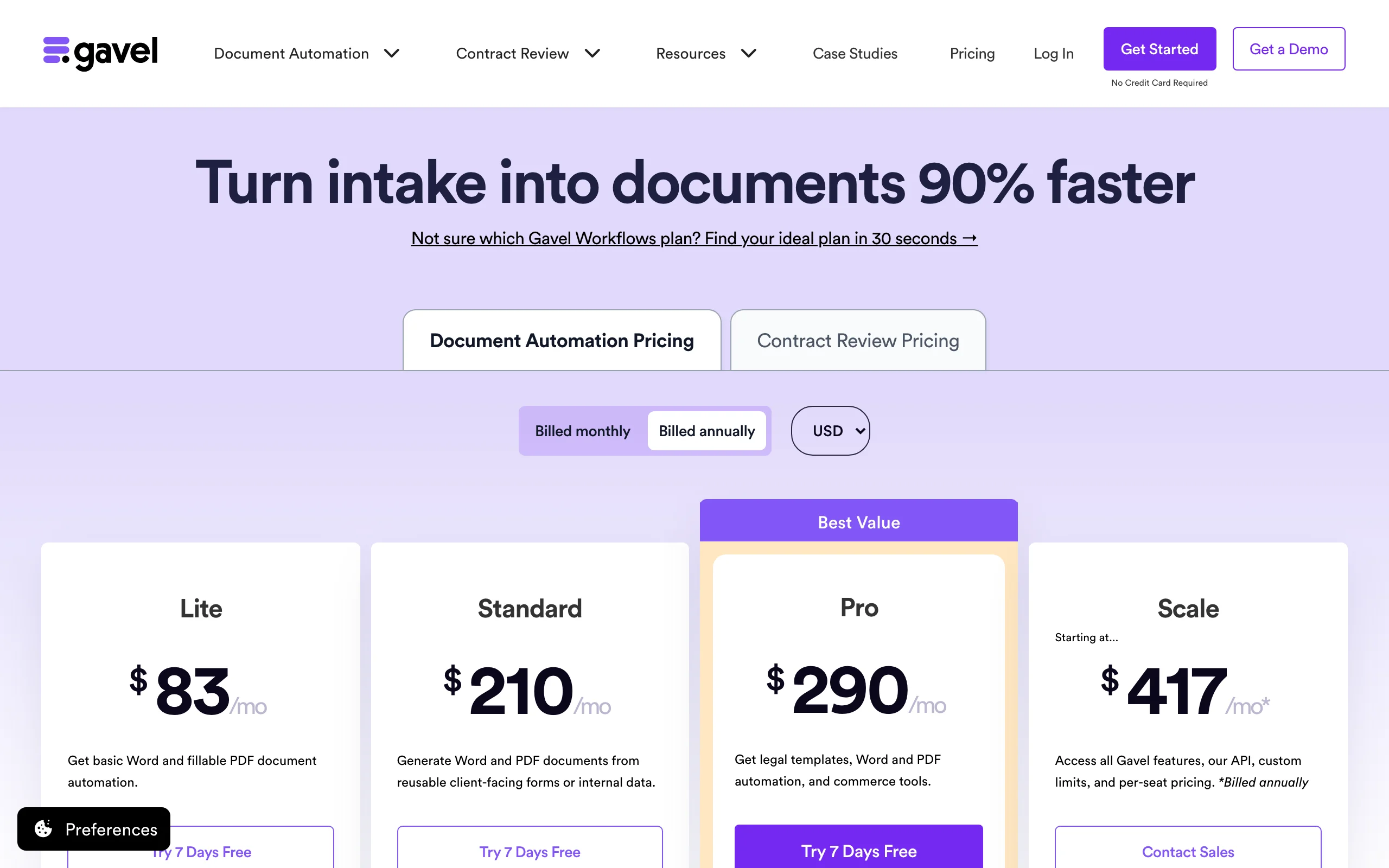
- Document automation starts at $83/mo (Lite), with higher Standard, Pro, and Scale tiers for more templates and seats
- Gavel Exec (AI contract review) is priced separately, per user
- Free 7-day trial, no credit card required
Pros
- Consistent, on-brand documents at scale
- Strong for repeatable workflows
- Genuine automation, not just a chatbot
Cons
- Upfront work to build your templates
- Pricier than general AI tools
- Automation focus means less freeform drafting
7. Genie AI, best free option for occasional contracts
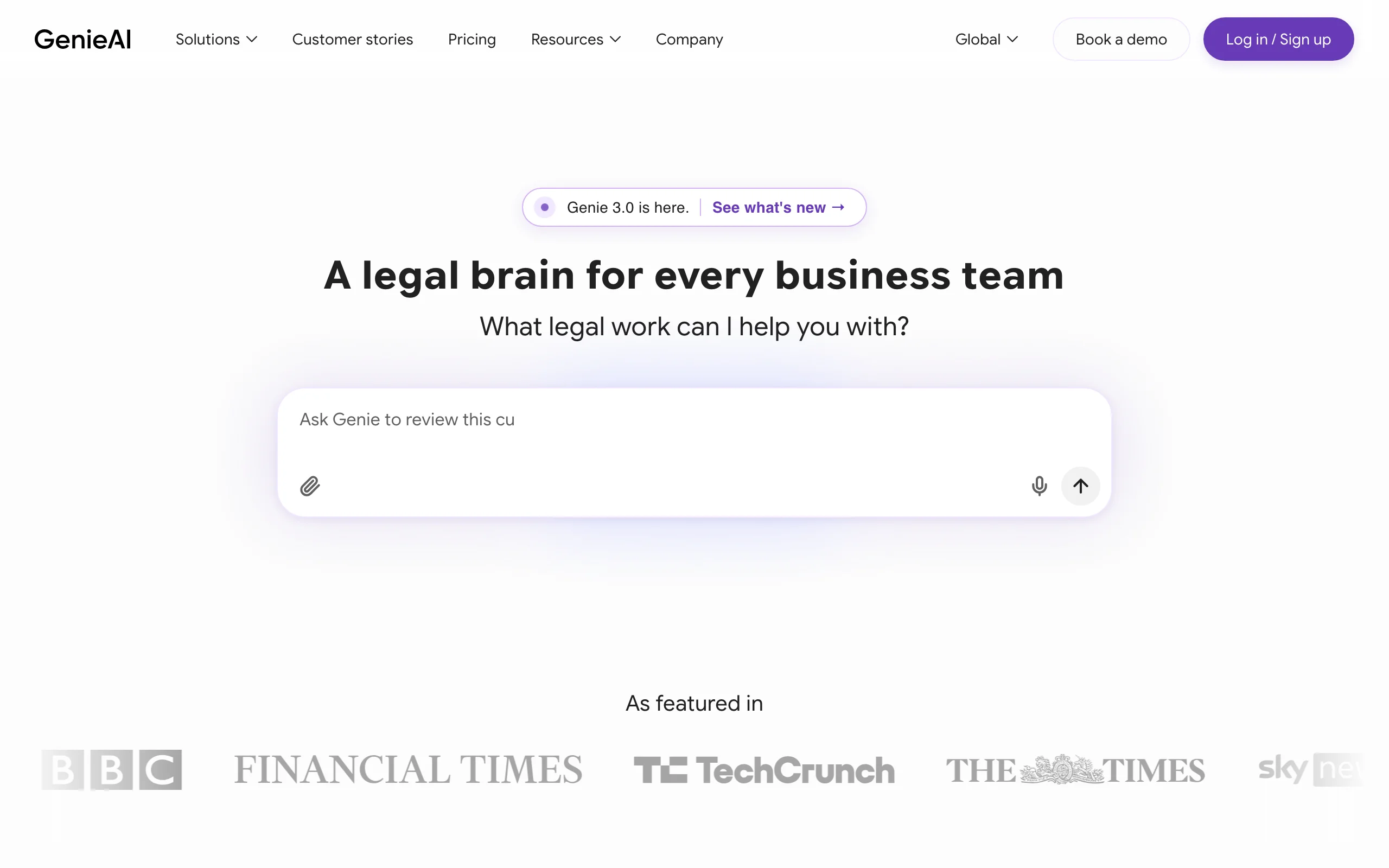
Genie AI is a contract-focused tool with something the general chatbots and legal platforms mostly lack: a real free tier. For lawyers who only draft a handful of agreements a month, Genie lets you generate and edit contracts from a large template library at no cost, and you upgrade only if your volume grows.
Key features
- Free plan for a small number of documents a month
- Large library of contract templates
- AI drafting and review on paid tiers
- Collaboration and e-signing features
- UK and US coverage
Best for
- Solos and small firms with low contract volume
- Testing AI drafting before you pay
- Occasional, one-off agreements
Pricing
- Free plan available (limited documents and features)
- Pro, $75/mo for a single user
- Business and Enterprise plans for teams
Pros
- Genuine free tier
- Template-driven, so output is structured
- Low entry price on Pro
Cons
- Document caps on the lower tiers
- Narrower than an all-in-one assistant
- Less depth than dedicated review tools
How to choose the best AI contract writer for your practice
The right tool depends on how you draft, how much you draft, and what you want the AI to handle beyond a first draft. Work through these four questions.
1) Do you need drafting only, or drafting plus review?
- If you just want faster first drafts and will review every line yourself: a general AI like ChatGPT or Claude at $20 a month does the job.
- If you want the draft plus a risk check that flags weak or missing clauses: LegesGPT drafts and then reviews in one place, so you are not pasting into a second tool. You can also review contracts with AI against your own standards.
2) How many contracts do you produce, and how repeatable are they?
- A few varied agreements a month: Genie AI's free tier or a general chatbot is plenty.
- The same contracts over and over: Gavel's automation turns your templates into consistent, on-brand documents at scale.
3) Where do you already draft?
- In Word and Microsoft 365: Copilot keeps AI in the app you use.
- In Google Docs: Gemini does the same for Workspace.
- Anywhere, browser-first: LegesGPT needs no add-in and adds citations and e-signature. You can draft directly with the AI contract maker, or ask the AI legal assistant to draft a clause and explain it.
4) What is your budget, and what does it buy?
Note the price gaps. General AI and LegesGPT sit around $14 to $35 a month, while document automation like Gavel starts near $83 to $99 a month, and enterprise legal-AI seats run far higher. Test three to five of your real contracts in a couple of tools before committing. The right pick is the one that drafts your actual documents cleanly, not the one with the longest feature list. If you are new to the workflow, our guide on how to draft a contract walks through the steps an AI should follow.
All of LegesGPT for $1
Verified-citation answers, case law search, document review, AI drafting, and e-signature in one subscription. 3-day trial for $1, cancel anytime.
Start the $1 trialFrequently Asked Questions
What is an AI contract writer?
An AI contract writer is a tool that drafts contract language from a plain description of your deal, instead of making you start from a blank page or a static template. General options like ChatGPT and Claude generate text from your prompt, while legal-focused tools like LegesGPT also adapt the language to your matter and can review the result. In every case a lawyer should still read and approve the draft.
Can AI write a legally binding contract?
AI can write the document, but it does not make it binding on its own. A contract becomes binding when the parties agree to its terms and execute it, usually by signing. Treat the AI's output as a first draft: review it, confirm it fits your jurisdiction and the deal, then sign. Tools like LegesGPT add e-signature so you can draft and sign in one place, but the legal judgment stays with you.
Is it safe for lawyers to use AI to write contracts?
It can be, with two precautions. First, review everything, because general AI has no legal training and can produce inaccurate or non-standard clauses. Second, mind confidentiality: public chatbots may use inputs to train models and offer no privilege, so check each tool's data terms before pasting client information. Legal-specific tools built for professionals typically offer stronger data handling.
What is the best free AI contract writer?
For genuinely free drafting, Genie AI offers a free tier for a small number of documents a month, and ChatGPT, Claude, and Gemini all have free tiers for general drafting you supervise. LegesGPT does not have a permanently free plan, but it offers a free AI contract generator tool and a 3-day trial of its AI features, which is worth testing if you want drafting plus a built-in risk review.
Do AI contract writers know my state's or country's laws?
General chatbots like ChatGPT and Gemini do not apply jurisdiction rules and will not warn you when a clause is unenforceable where you practice. Legal-focused tools do better: LegesGPT answers with verified citations and drafts with jurisdiction in mind. Even then, confirm the governing law and local requirements yourself before you rely on any AI-drafted contract.
What is the difference between an AI contract writer and a contract template?
A template is a fixed document with blanks to fill in; you adapt it manually. An AI contract writer generates and adjusts the language to your specific situation, so it can add or remove clauses rather than just swap names and dates. Automation tools like Gavel and Genie AI sit in between, turning your own templates into guided, AI-assisted documents.
How much does an AI contract writer cost?
It ranges from free to enterprise. Free tiers exist (Genie AI, and the free plans of ChatGPT, Claude, and Gemini). General AI paid plans are about $20 a month. LegesGPT starts at $13.99 a month and adds legal review and e-signature. Document-automation platforms like Gavel start near $83 a month, and dedicated enterprise legal-AI seats run far higher.
If I mainly want to draft and review contracts without juggling tools, what should I use?
Start with LegesGPT. It drafts a contract from a short description, reviews the draft to flag risky or missing clauses and propose fixes, backs its answers with cited sources, and lets you e-sign, all in one subscription from $13.99 a month. For a solo or small firm that wants drafting plus a real risk check without paying for several separate tools, it is the most complete option on this list.